
Print Profile(1)
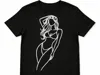
Description
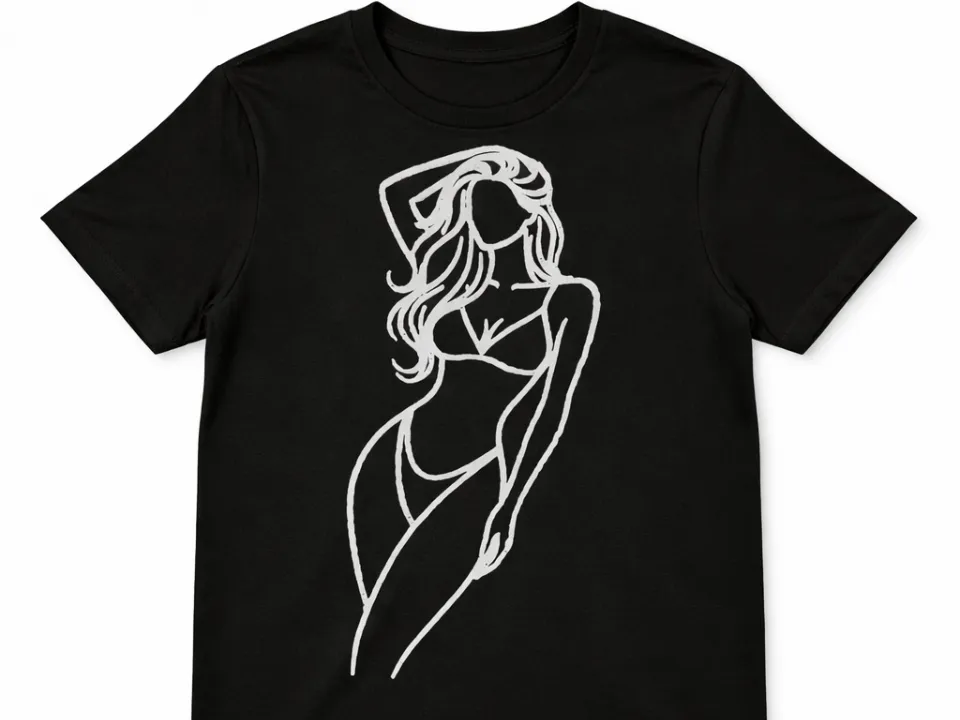
👕 Iron-On 3D Printed T-Shirt Design
Create a unique heat-transfer design for your T-shirt using a 3D printed model.
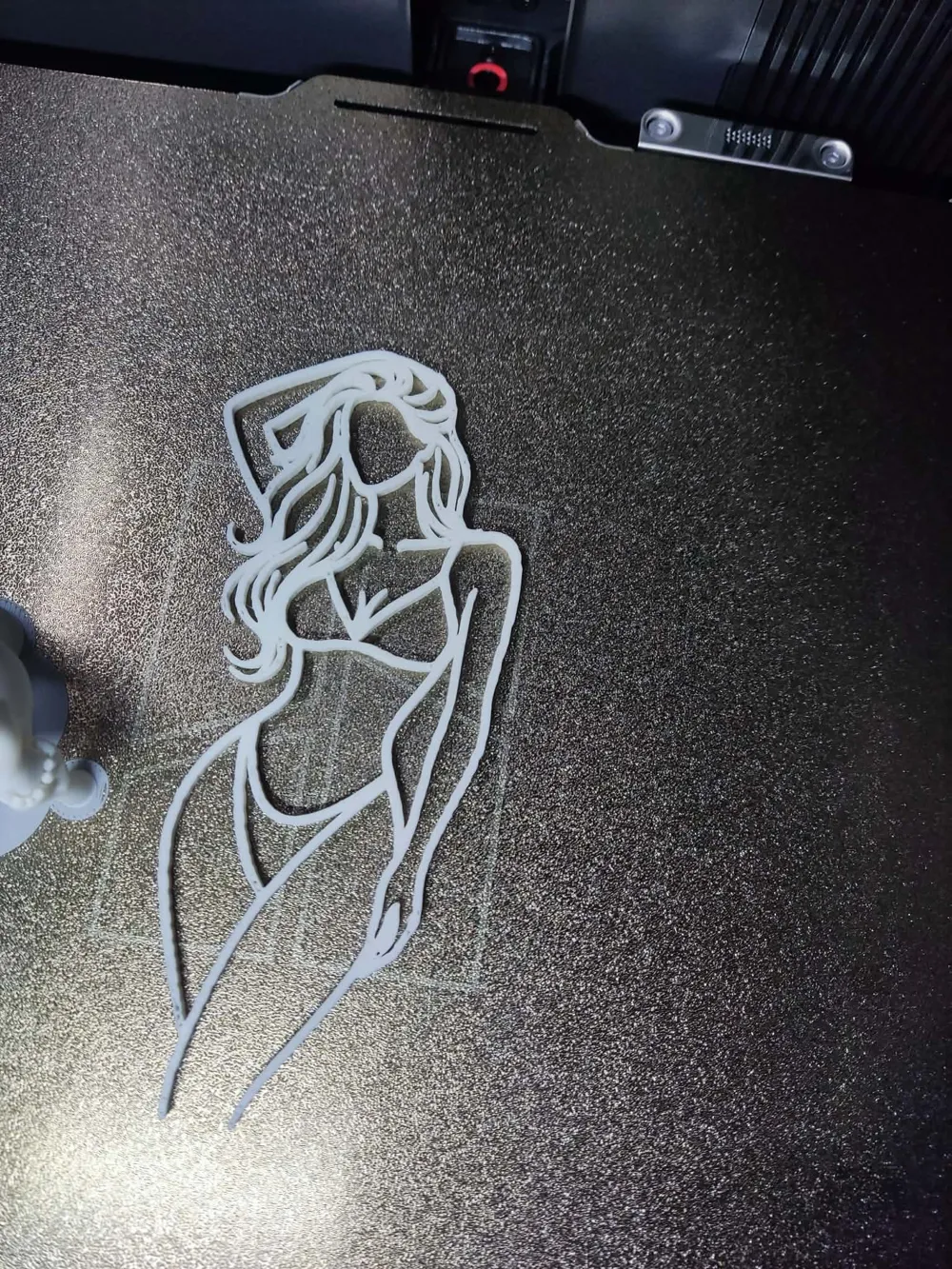
The print is very thin and can be easily transferred onto fabric using a regular household iron.
This is a simple way to personalize clothing with your 3D printer.
🛠️ How to Apply the Print to a T-Shirt
1️⃣ Download the model and open it in Bambu Studio 💻
2️⃣ Print the model and carefully remove it from the build plate.
⚠️ The model is only 0.3 mm thick, so remove it slowly to avoid tearing.
3️⃣ Prepare your ironing setup
Place the T-shirt on an ironing board
Preheat your iron 🔥
4️⃣ Position the print on the desired spot on the T-shirt.
Cover it with baking/parchment paper to protect the model 📄
5️⃣ Press the hot iron onto the model for 15–20 seconds.
For larger designs, move the iron slowly and evenly across the surface ⏱️
6️⃣ Let it cool slightly, then remove the paper.
The print should stay attached to the fabric ✅
7️⃣ (Optional but recommended)
Turn the T-shirt inside out and iron the back side of the design for 5–10 seconds to improve durability 👕
⚙️ Print Settings
Printer: Bambu Lab printers (tested)
Slicer: Bambu Studio
Layer height: 0.2 mm
Walls: 1–2
Infill: 100%
Supports: No
Brim: Optional (recommended for very small models)
Material: PLA
Recommended colors: Any color depending on the design
⚠️ The model is very thin (0.3 mm), so handle it carefully when removing it from the build plate.
💡 Tips
Works best on cotton or cotton-blend fabrics
Use parchment/baking paper to protect the print while ironing
Apply even pressure with the iron for best results
!! If model is too thic - change 0,3mm to 0,4mm !!
⭐ If you like this model, consider leaving a Boost or Like — it really helps!
Boost Me (for free)
License

You shall not share, sub-license, sell, rent, host, transfer, or distribute in any way the digital or 3D printed versions of this object, nor any other derivative work of this object in its digital or physical format (including - but not limited to - remixes of this object, and hosting on other digital platforms). The objects may not be used without permission in any way whatsoever in which you charge money, or collect fees.


Comment & Rating (1)