
Print Profile(1)
Description
Boost Me (for free)
.🚀 Support the Project / Support this Project
If you find these tags useful for your business or events, please consider leaving a Boost! 🚀 Your support helps me create new logos and accessories dedicated to the world of catering and professional organization
Buffet & Self-Service Food Markers (Customizable)
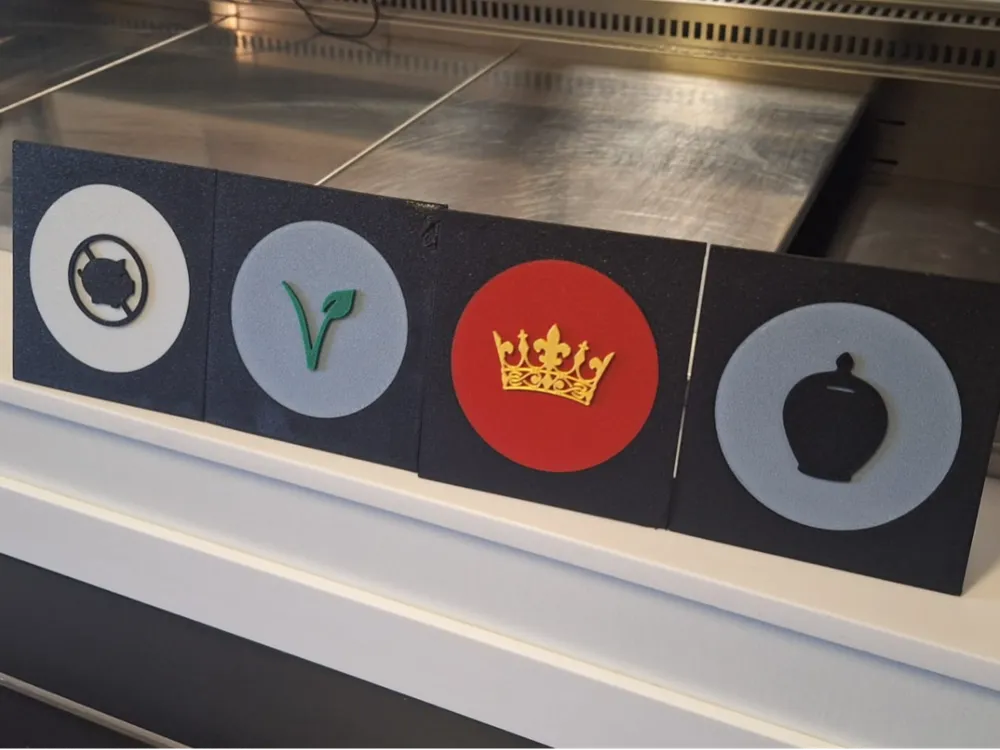
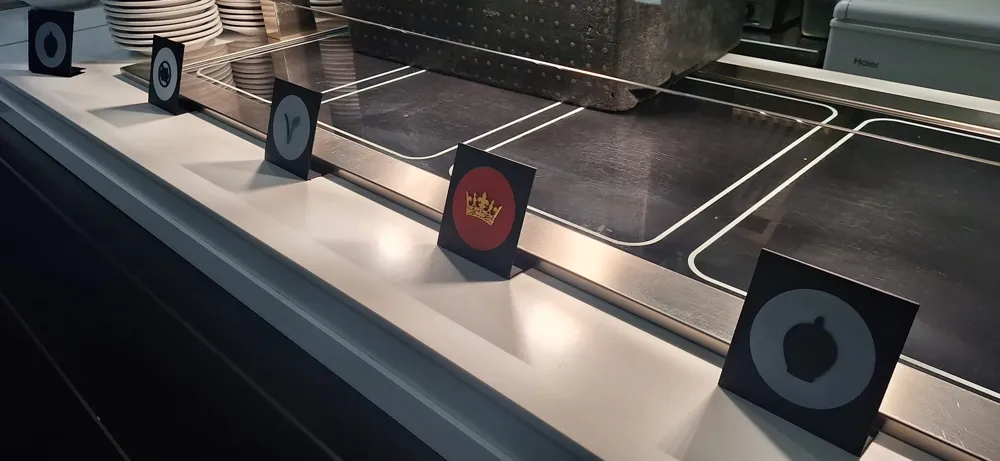
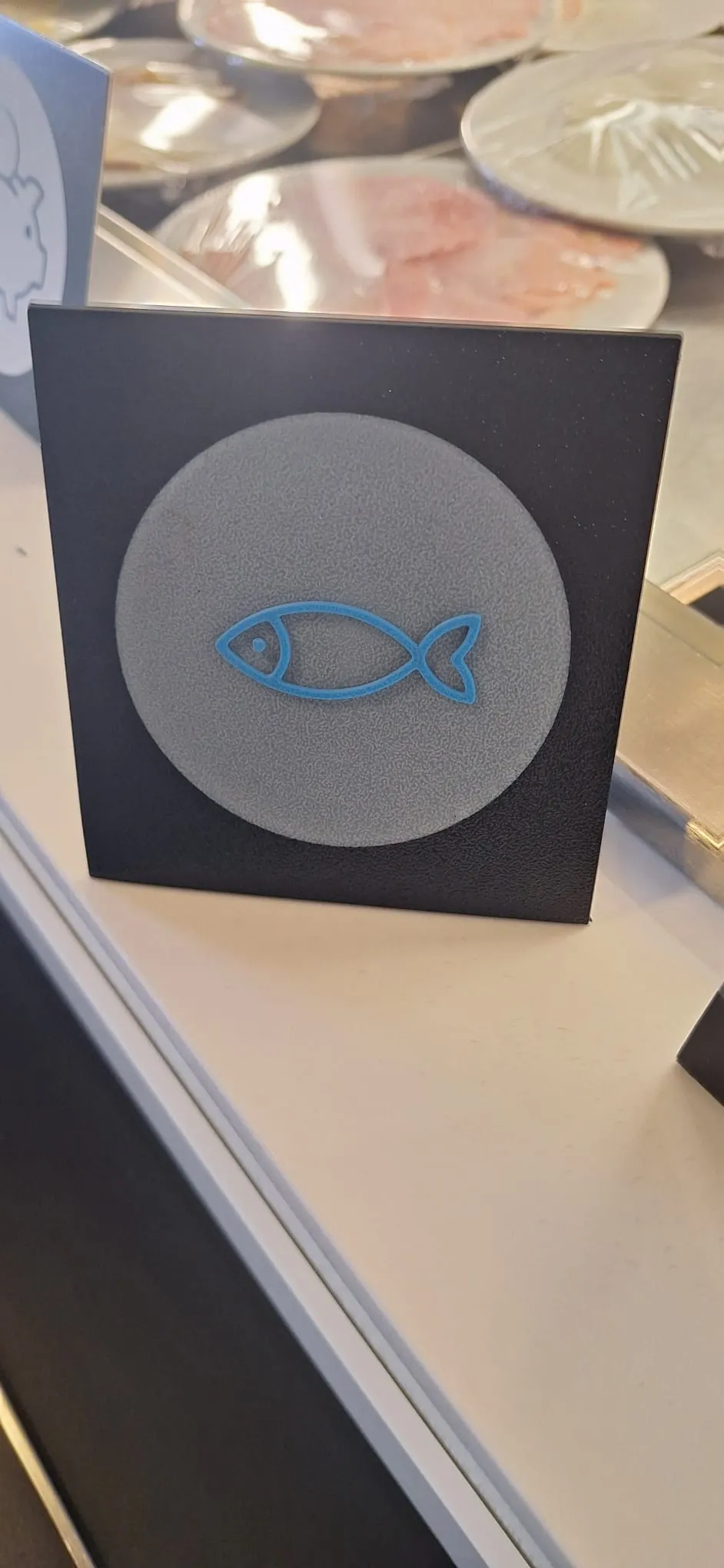
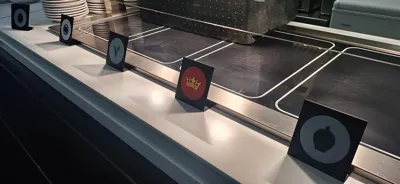
Enhance the organization of your venue or party with these elegant and functional food markers. Designed specifically for buffets and self-service areas, these markers guide customers in choosing dishes (fish, vegetarian, pork-free, premium, and specials) clearly and professionally
Main Features:
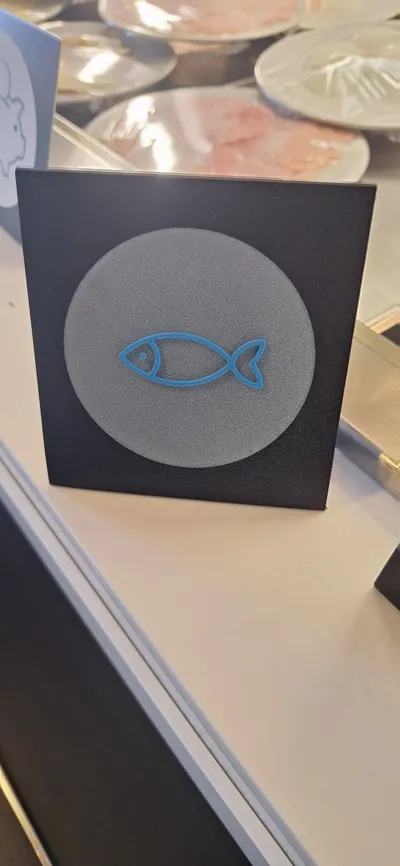
Complete Set of Logos: Includes dedicated icons for fish dishes, vegetarian options, pork-free dishes, premium products, and special offers
Modular & Customizable Design: The bases are separate from the logos, allowing you to glue included symbols or create new custom ones
Aesthetic Adaptability: You can easily change colors and filaments to match the markers to your venue's decor or your party's theme
Optimized Printing: The print profile positions the bases in contact with the build plate, ensuring excellent surface finish and significant filament savings
Plate and Filament Management:
To maximize efficiency, the project has been organized following these principles:
Efficiency in Color Changes: Objects are grouped on the various print plates to minimize necessary filament changes
Printing Flexibility: If you prioritize convenience over speed, you can group all logos onto a single plate to complete the set in one session
Note: In this case, a small amount of material will need to be sacrificed for purging and the prime tower
Assembly Instructions:
Print the base and desired logos
Apply a small amount of glue in the dedicated slot on the base
Attach the logo and let it dry
License



Comment & Rating (0)