
Battery box (battery lift feature)
Print Profile(2)




Description
Boost Me (for free)
Thanks for your support!
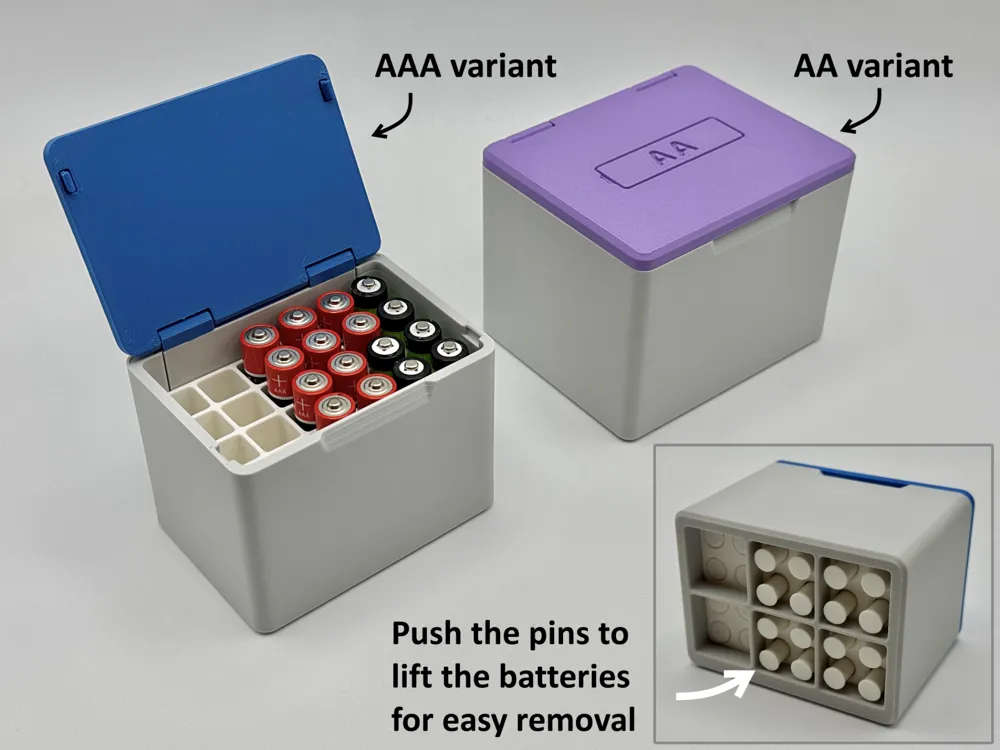

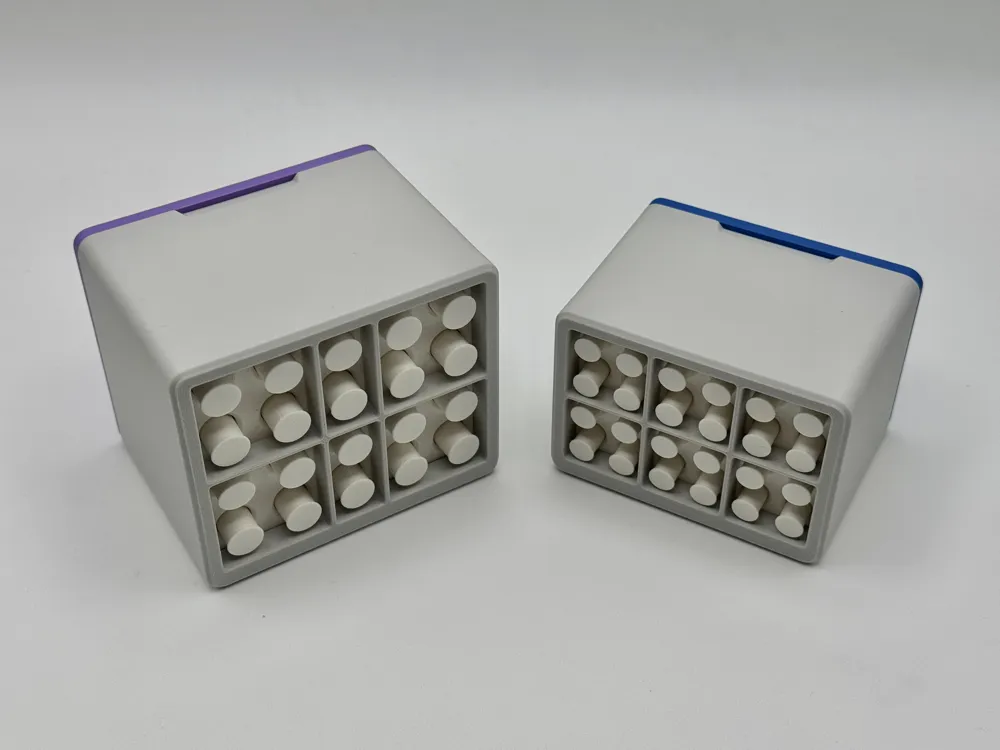
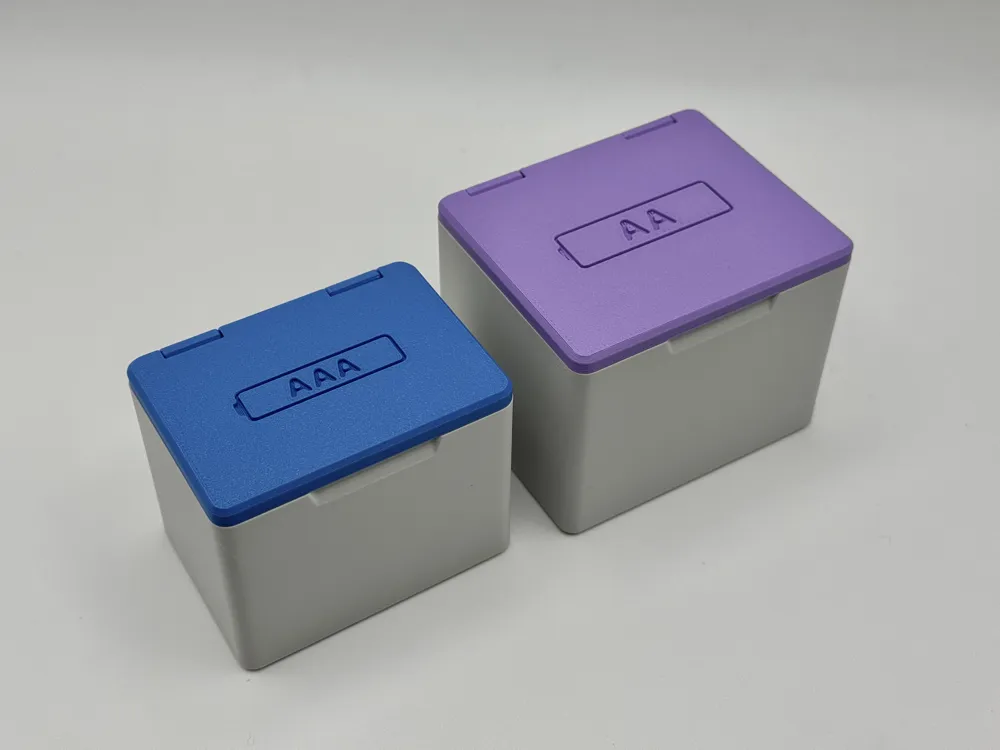
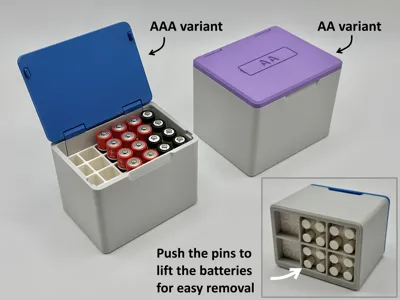
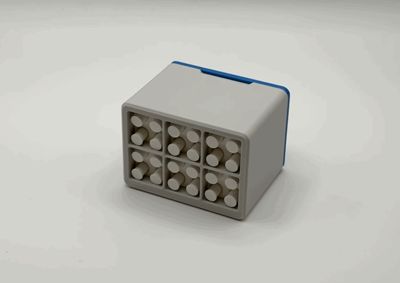
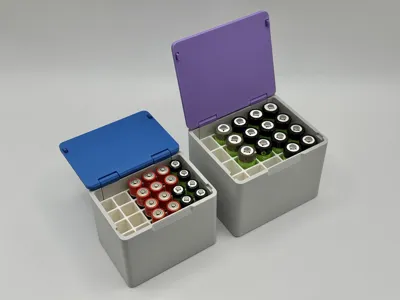
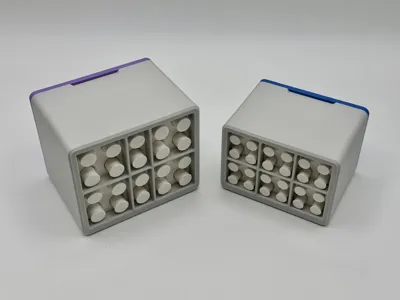
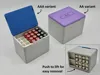
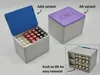
Are you also frustrated because it’s hard to remove batteries from traditional battery boxes? With this model, it’s much easier because you can lift the batteries using a pin on the bottom for easy removal. See the GIF in the gallery for a demonstration.
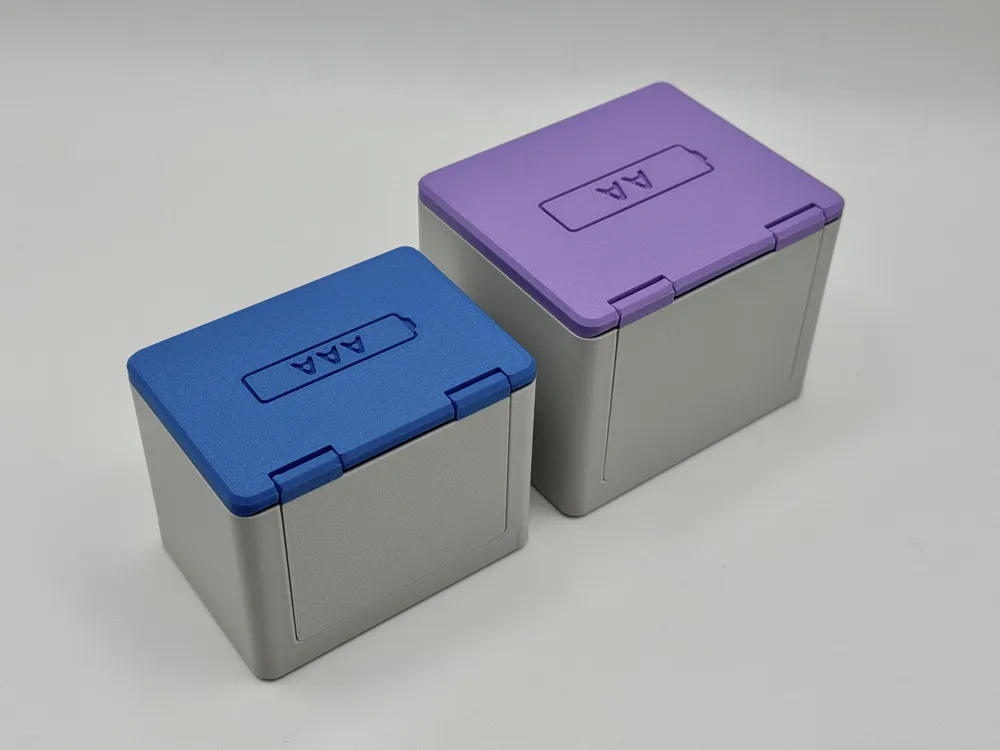
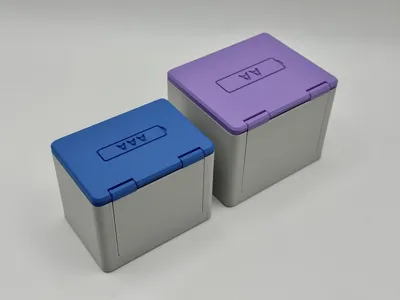
The hinge is completely flush, and the lid snaps into place when closed.
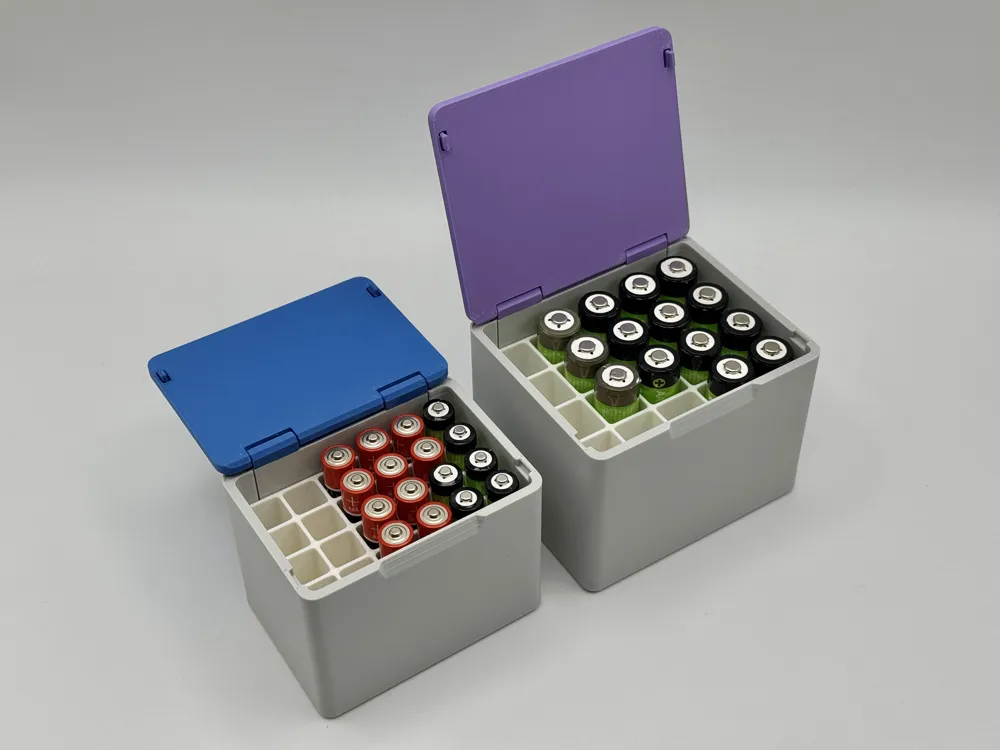
2 versions:
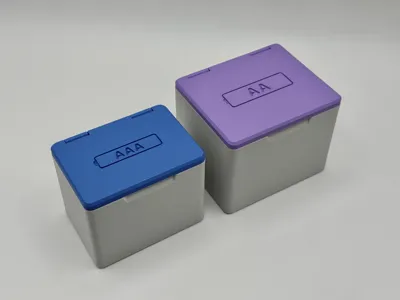
- AAA version for 24 AAA batteries
- AA version for 20 AA batteries
Assembly:
Remove the supports from the lid and the brim from the box.
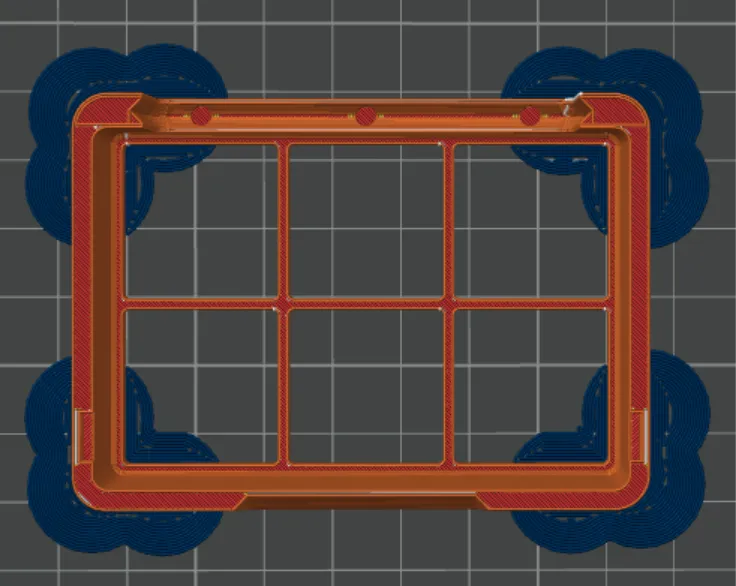
- Move the hinge of the lid slightly to make it move smoothly.
- Slide the lid into the box with a little pressure. Usually, no glue is needed.
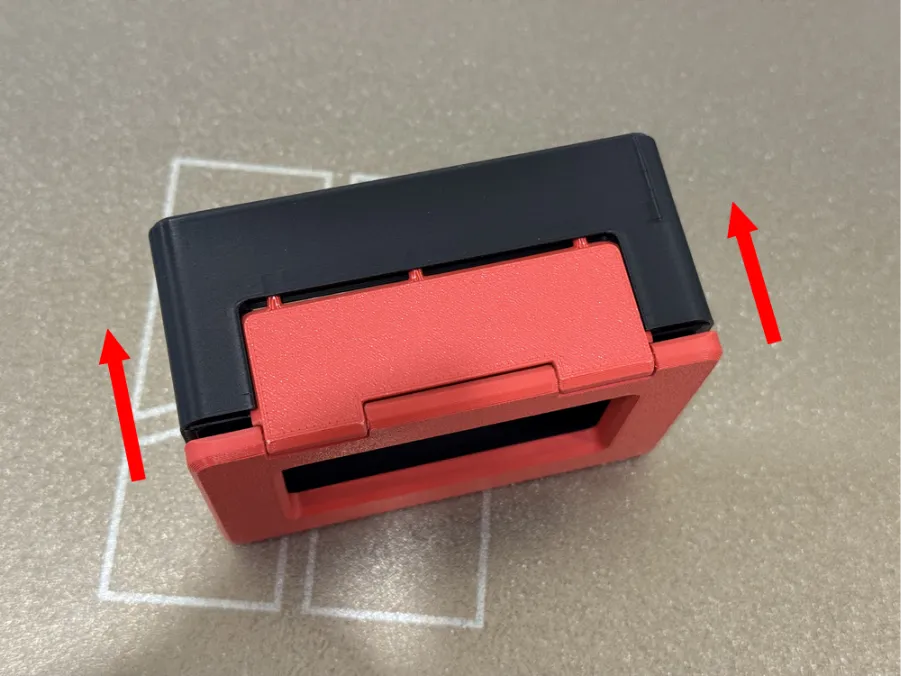
This photo shows the similar parametric variant.
- Add the battery insert.
Print settings:
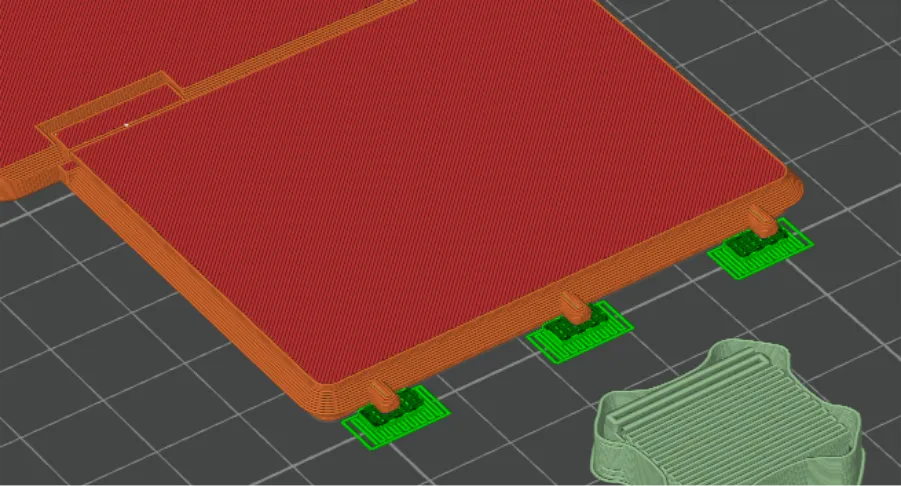
- Box: Add discs to the edges to avoid warping. An outer brim will also work.
- Insert: 0,28mm layer height and wall generator: Arachne.
- Lid: Activate support for the 3 little pins.
Standard is a dual color print to get a clean look. You need an AMS for this print. If you want to print it in single color, you must edit both marked elements to filament 1: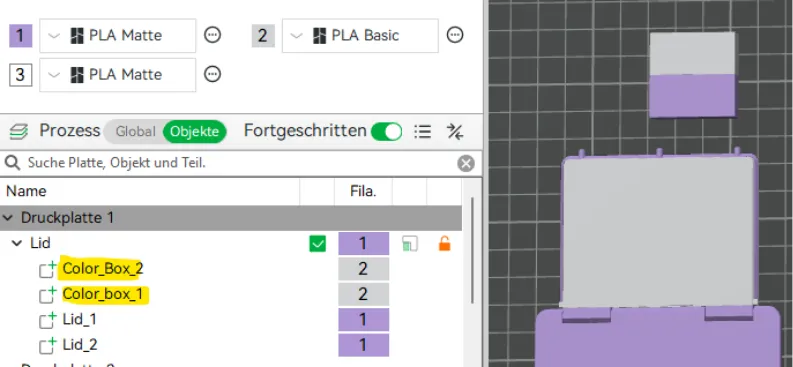
Otherwise standard settings
Filament:
I tested the lid using Bambulab PLA Matte and Bambulab PLA Basic.
Both work well. The PLA Basic lid closes a bit harder. If it's too stiff at first, just open and close it a few times.
Be careful with the small pins of the snap mechanism when using PLA Matte!

License

You shall not share, sub-license, sell, rent, host, transfer, or distribute in any way the digital or 3D printed versions of this object, nor any other derivative work of this object in its digital or physical format (including - but not limited to - remixes of this object, and hosting on other digital platforms). The objects may not be used without permission in any way whatsoever in which you charge money, or collect fees.


Comment & Rating (57)