
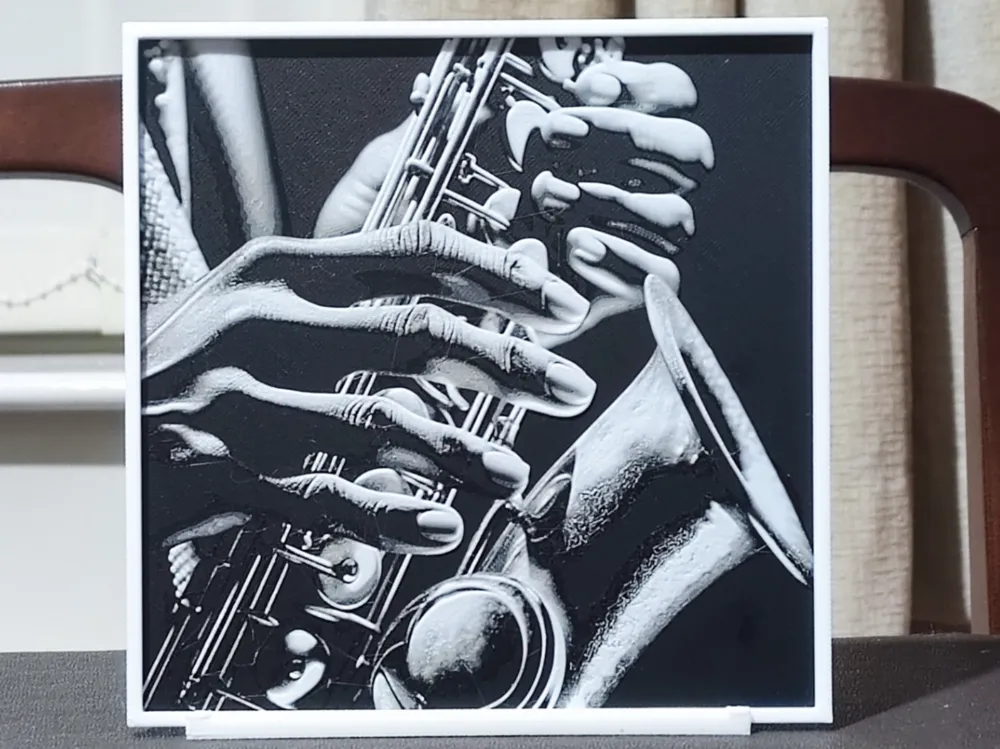
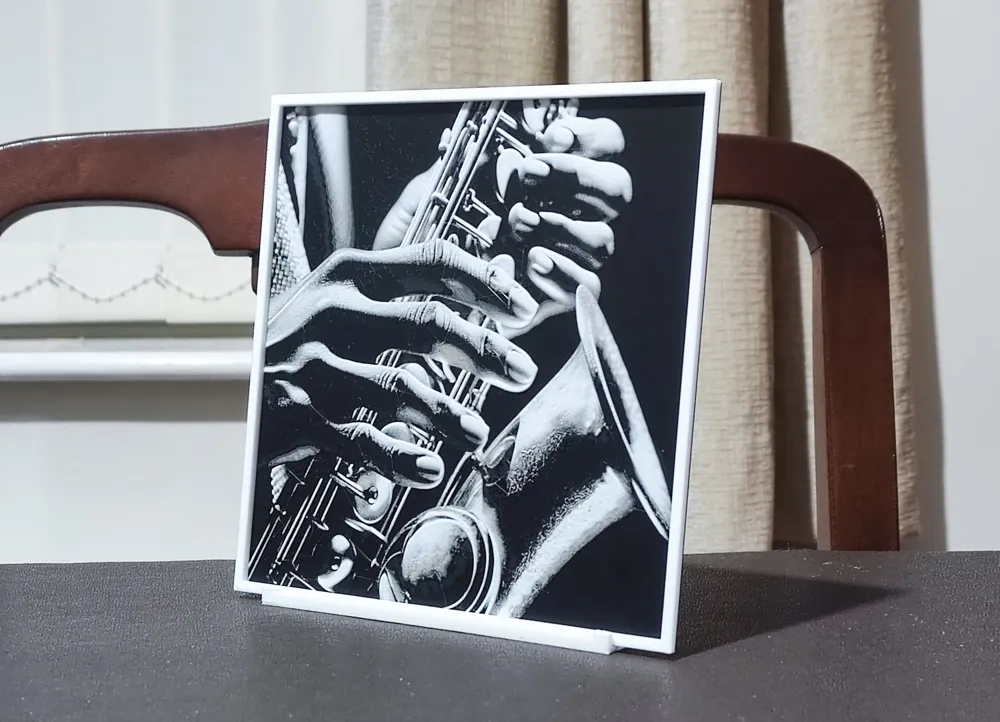
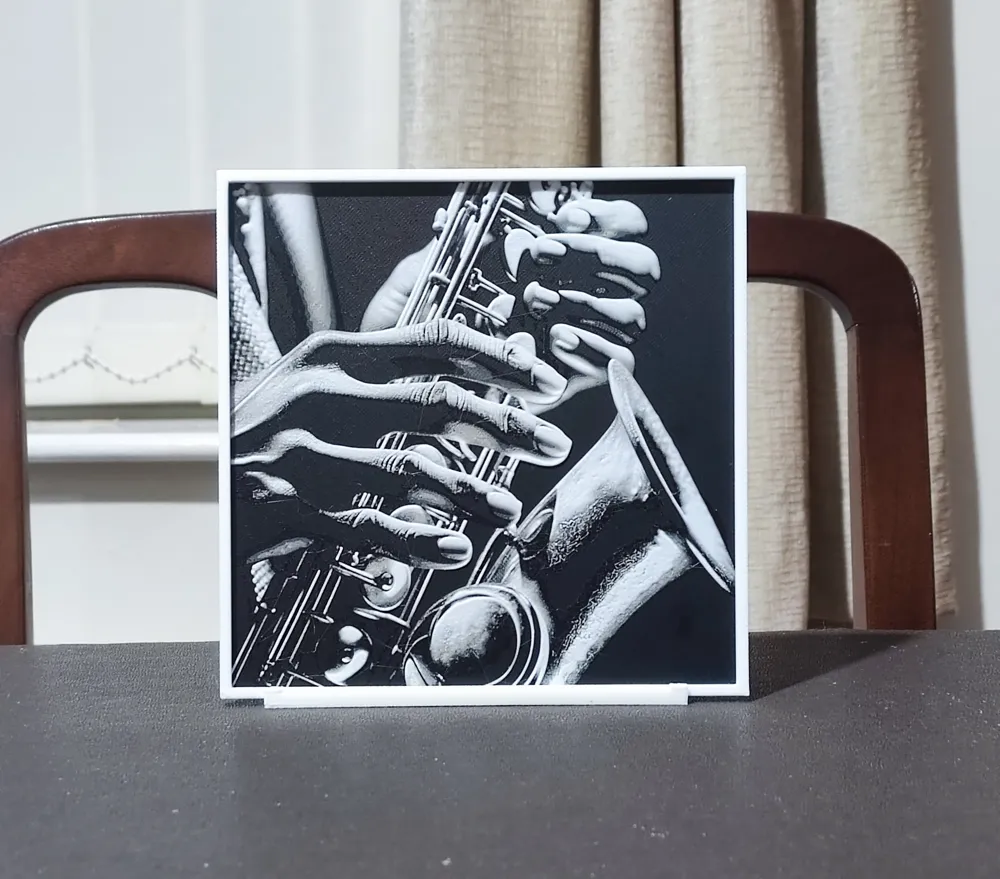
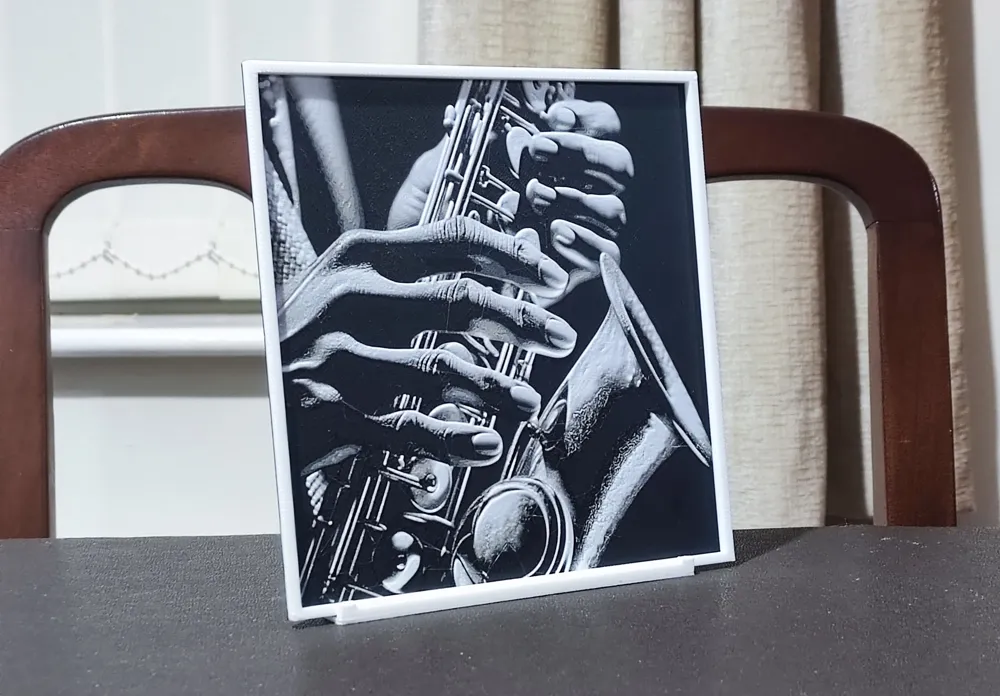
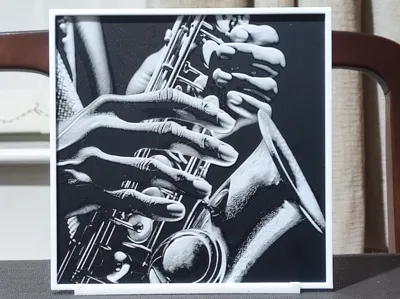
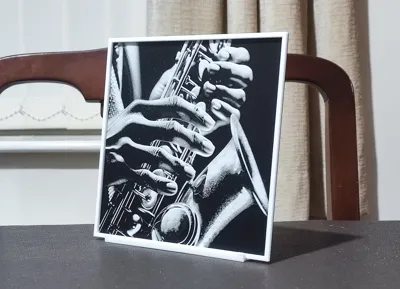
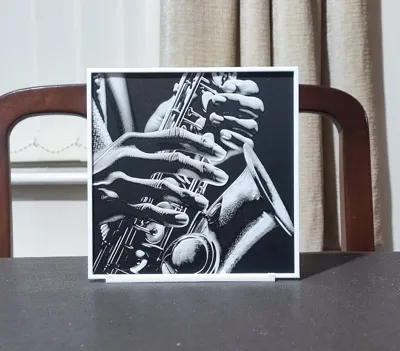
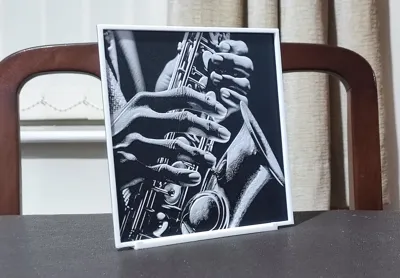
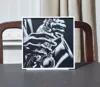
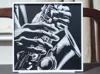
Digital Jazz Man - HueForge 3 Color
Print Profile(2)
Description

Did you know that by joining my Patreon, as a paid access member not only will you be granted commercial rights to print and sell my designs, but you will also get early access to every design I produce?
To save you looking through hundreds of designs to find what you're interested in, I categorise all of my uploads in collections. All of my three colour designs (for example) are easy to find in the following collection:
https://makerworld.com/en/collections/6337781-3-colour
One thing that really annoys me when I'm looking for models to print are people who use a source or AI generated image to promote their design - it never looks anything like the end result. I always provide only photographs of the actual printed design so you know what to expect.
Boost Me (for free)
If you like any of my designs, please consider boosting them. It's free for you to do, but any designer will tell you that creating these designs takes many hours, a great deal of effort, and multiple prints to get things just right. It's a good way of showing your appreciation at no cost to yourself.
All the settings and colour changes are in the print profile, but should you not have an AMS, after slicing, replace the colour changes with pauses and make manual colour swaps as detailed below. I'd strongly suggest not changing any other settings in the slicer, as my printing profiles are highly customised to produce the best quality HueForge.
If you decide to resize any of my designs, you can only resize on the X & Y axes. DO NOT RESIZE THE Z AXIS! If you choose to ignore this instruction, it will change the layer heights that the colours change at and destroy the end result.
I have implemented a double layer height modifier. This will only work if you use my print profile (3MF) and not the included STL! This one change knocks a considerable amount off the printing time by changing the layer height of the base and border layers only. It has no detrimental result to the finish of the design whatsoever.
A couple of final things - please don't turn ironing on for the top surface. This shouldn't need to be said, but HueForges rely on texture and interplay with light. Ironing will reduce the quality of the image. It's turned off in my print profile for this exact reason. Also, please DO NOT simplify the design - you will lose a massive amount of detail.
Print at 100% infill with a layer height of 0.04mm with a base layer of 0.2mm
The Model is 150x150mm in size
You may print at higher layer heights below the Min Depth of 0.52mm
The Max Depth is 2.3mm and the Actual Depth is 1.3mm
Filaments Used:
PLA BambuLab Basic Black Transmission Distance: 0.6
PLA+ Sunlu Oak Transmission Distance: 4
PLA Bambu Basic Jade White Transmission Distance: 5.6
This print uses 3 unique filaments
Swap Instructions:
Start with Black
At layer #12 (0.64mm) swap to Oak
At layer #16 (0.8mm) swap to Jade White for the rest.

License

You shall not share, sub-license, sell, rent, host, transfer, or distribute in any way the digital or 3D printed versions of this object, nor any other derivative work of this object in its digital or physical format (including - but not limited to - remixes of this object, and hosting on other digital platforms). The objects may not be used without permission in any way whatsoever in which you charge money, or collect fees.


Comment & Rating (13)