
Print Profile(3)
Bill of Materials




Description
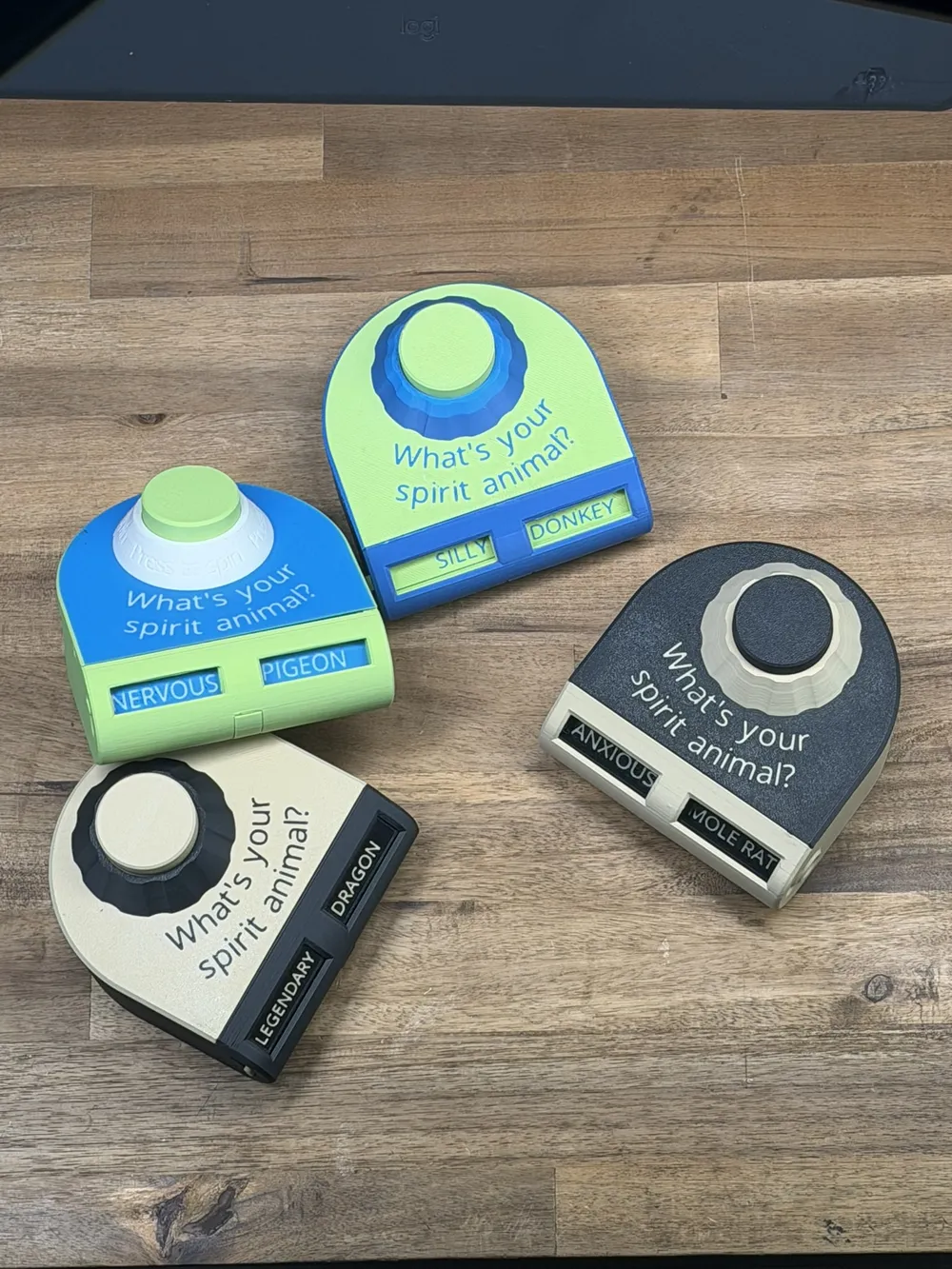
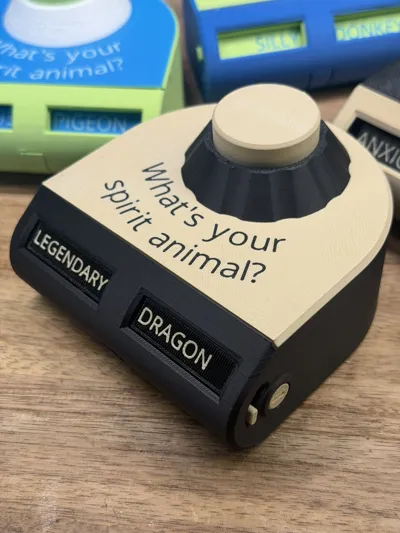
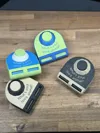
Spirit Roulette

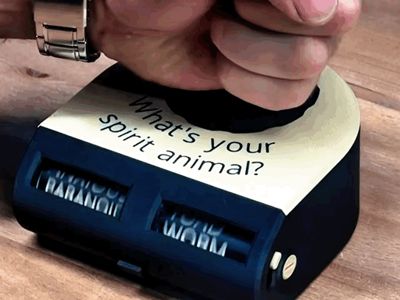
Press the button and discover your spirit animal.
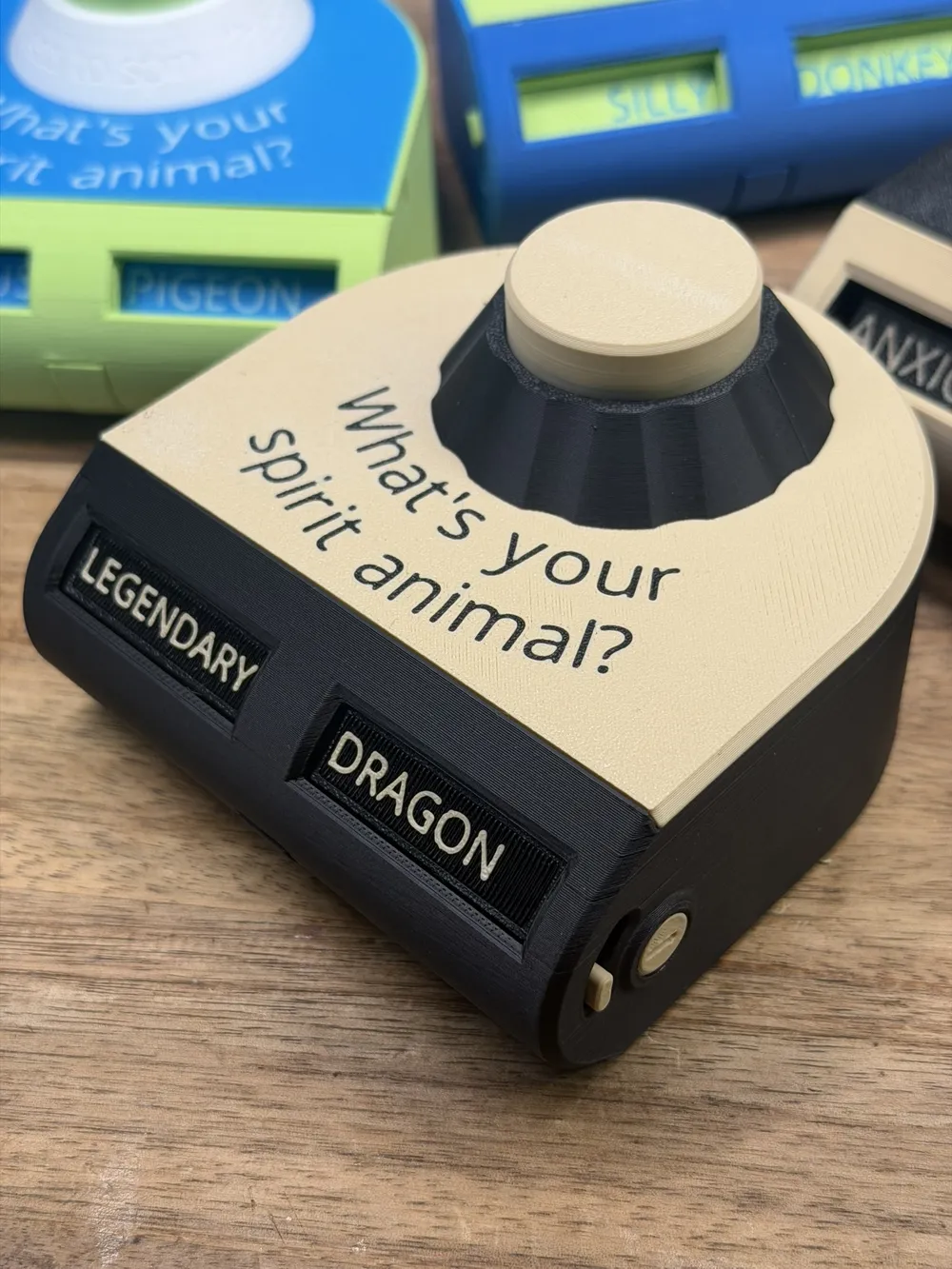
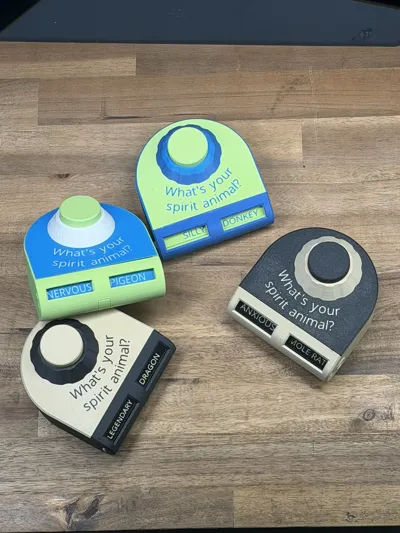
Everyone hopes for something impressive like a
Legendary Dragon or Mighty Wolf.
Instead the mechanism always reveals something far less majestic.
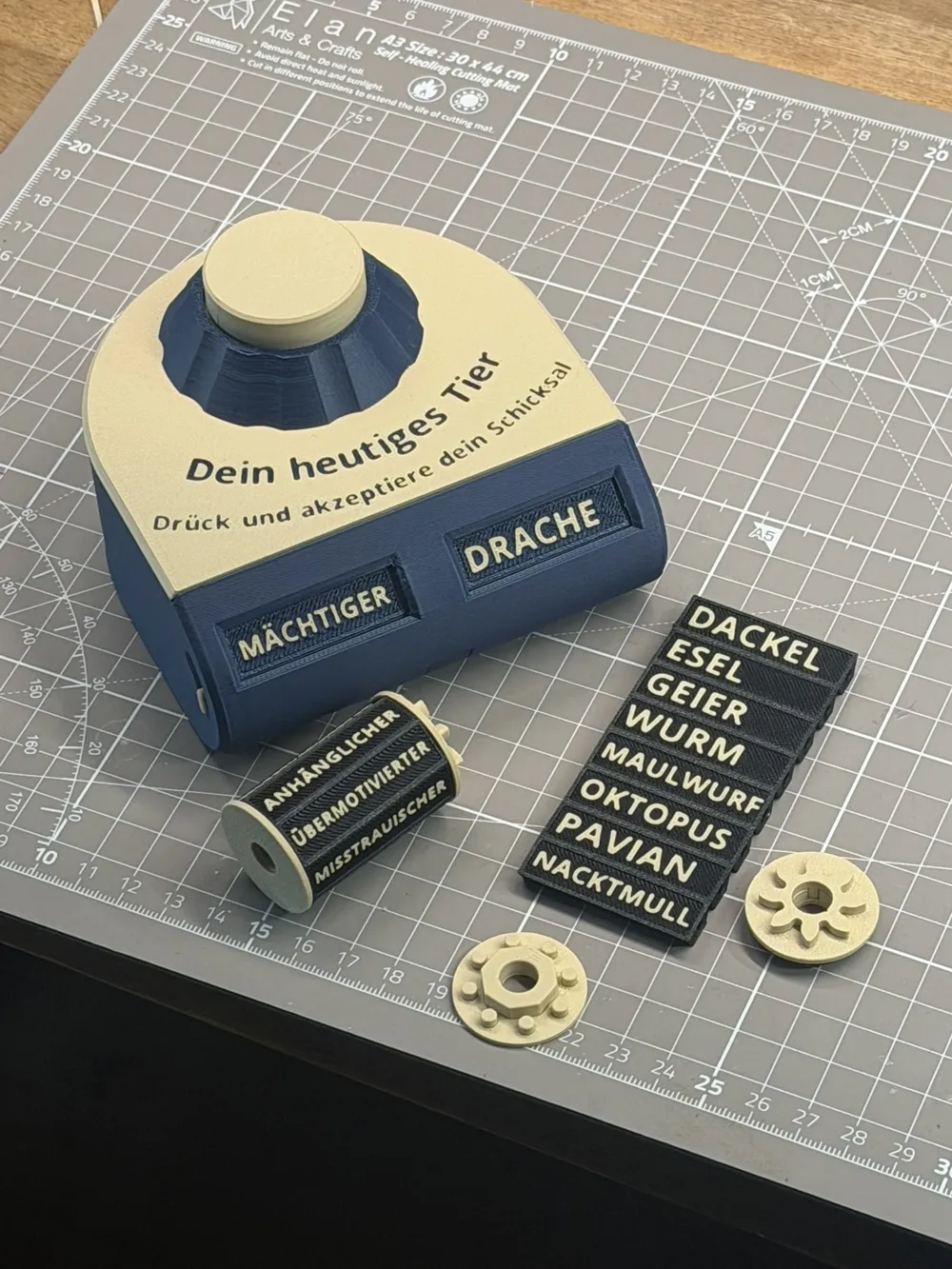
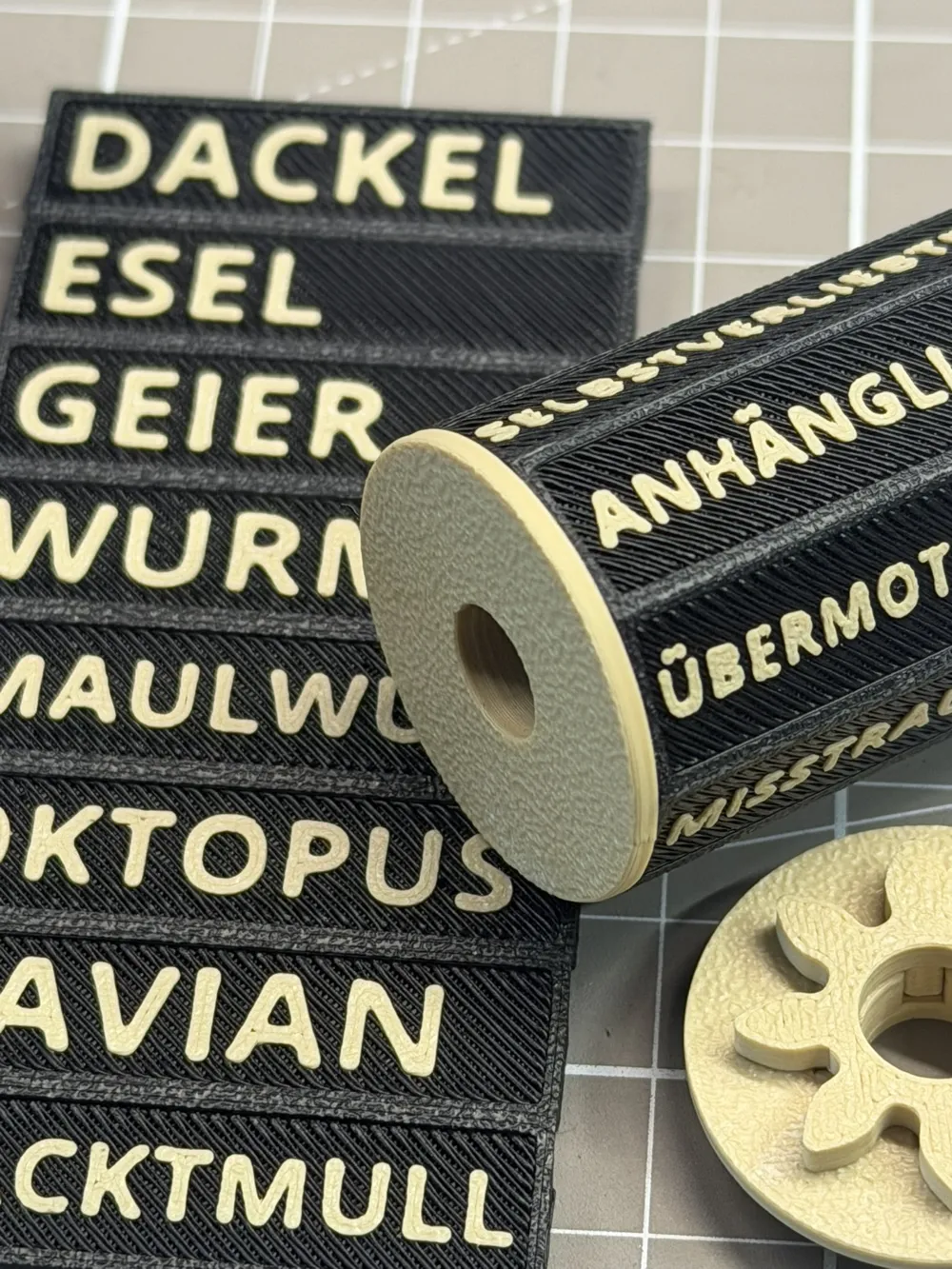
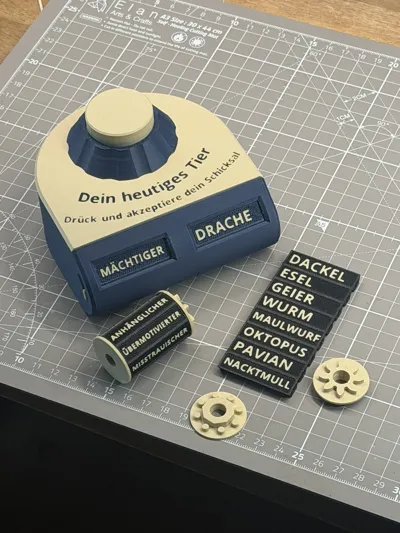
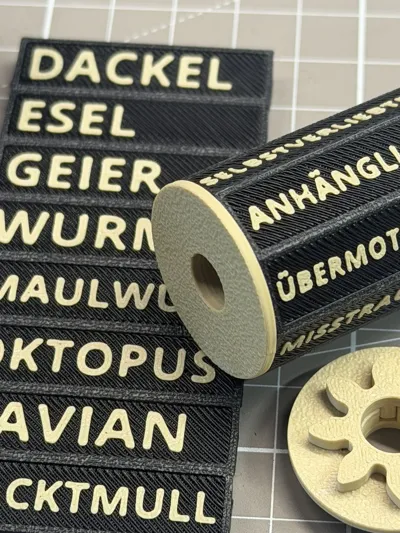
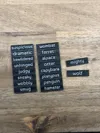
Spirit Roulette combines 8 adjectives with 8 animals to create 64 funny combinations. It is a small mechanical toy designed to surprise friends, coworkers, or classmates.
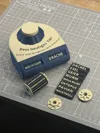
The mechanism is fully mechanical and designed for easy printing and assembly. Most parts snap together and only a few small supports must be removed.
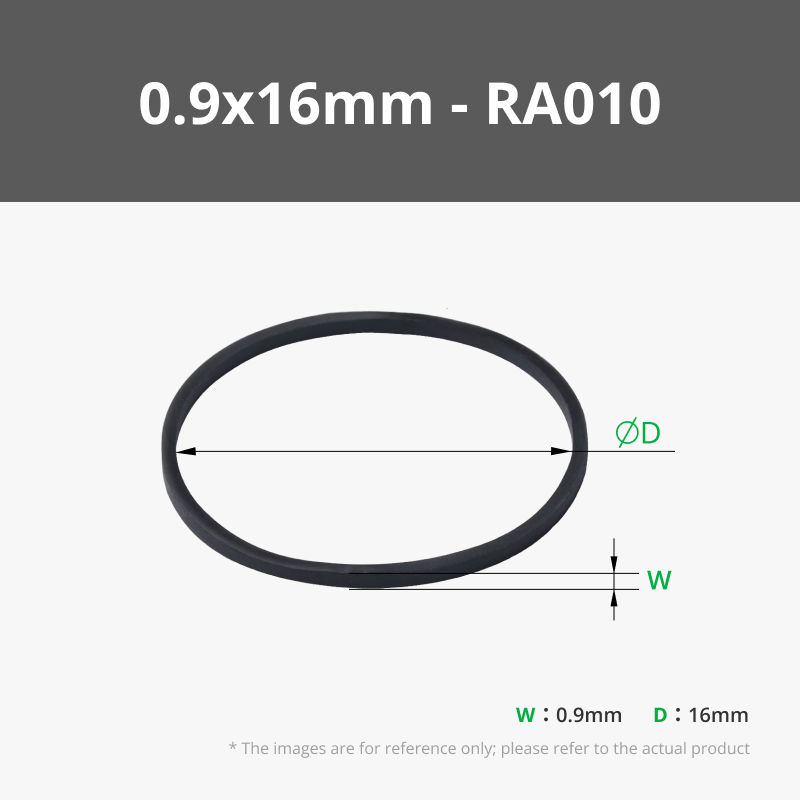
Required rubber bands:
2Pcs. 0.9 x 16 mm
1Pc. 4 x 25 mm
A detailed assembly video shows the complete build process.
Press the button and see what spirit animal fate has chosen today.

How to personalize Text
Open the 3mf file (customizable text.3mf) in Bambu Studio on a personal computer or a laptop.
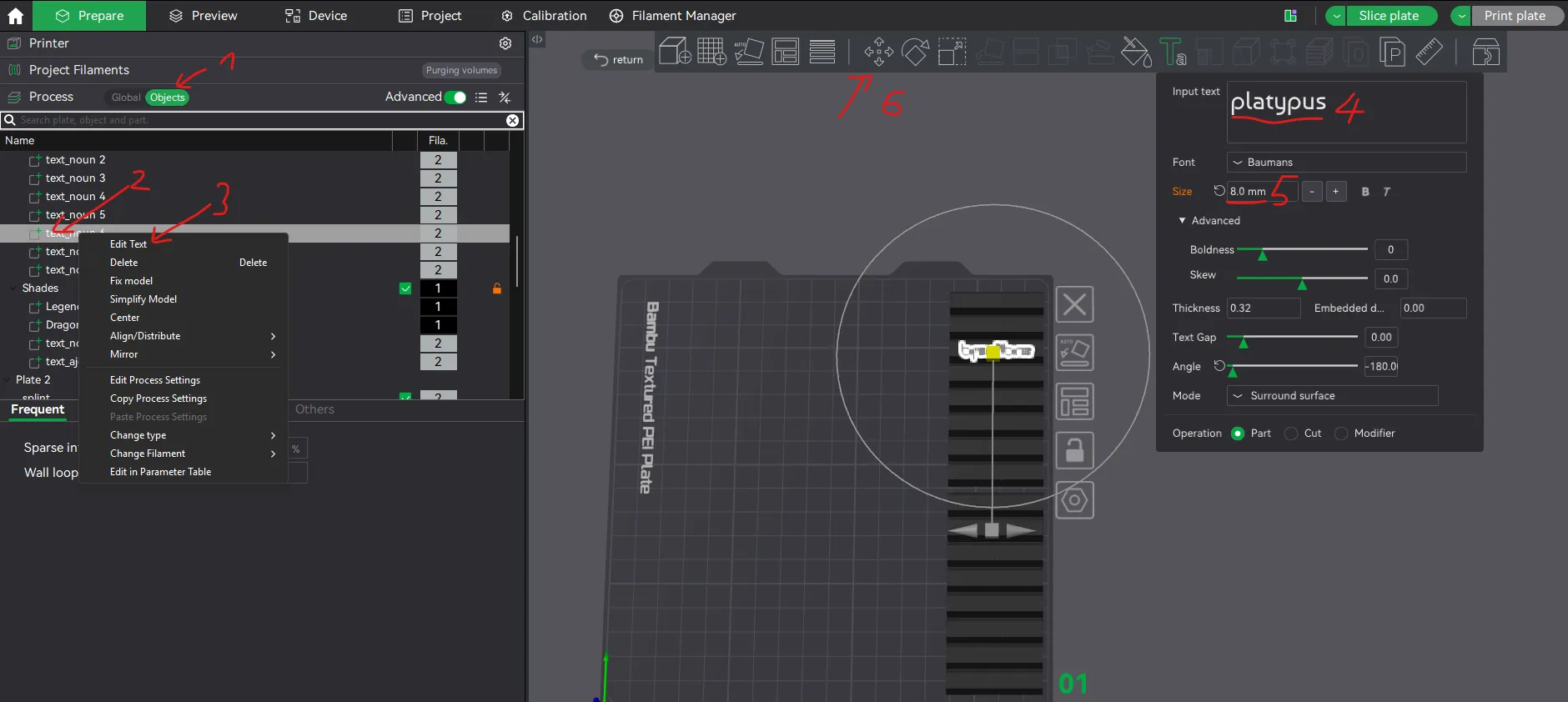
On the left side you open the tab that says „Objects“
Scroll down and find the Objects contain “text_adj” and “text_noun”
- Right click to open context menu
- Left click on “Edit Text”.
- A popup opens where you can change the Text.
- Adjust the Text size depending on the word size
- Adjust the position of the word by using the Move Tool
With the Text Tool Pop-up open, simply click on the next object/text in the objects side bar to directly change the next word.
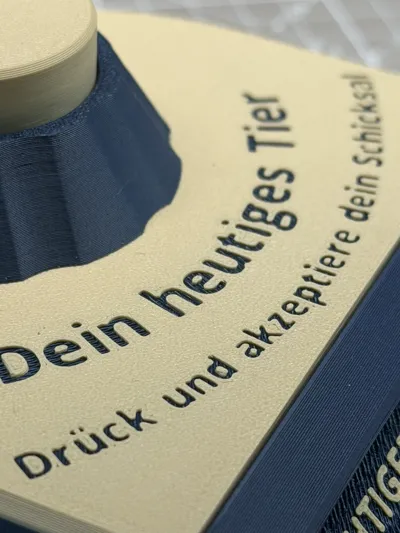
The Text on the front of the case is also editable.
Changelog Update 22.03.2026
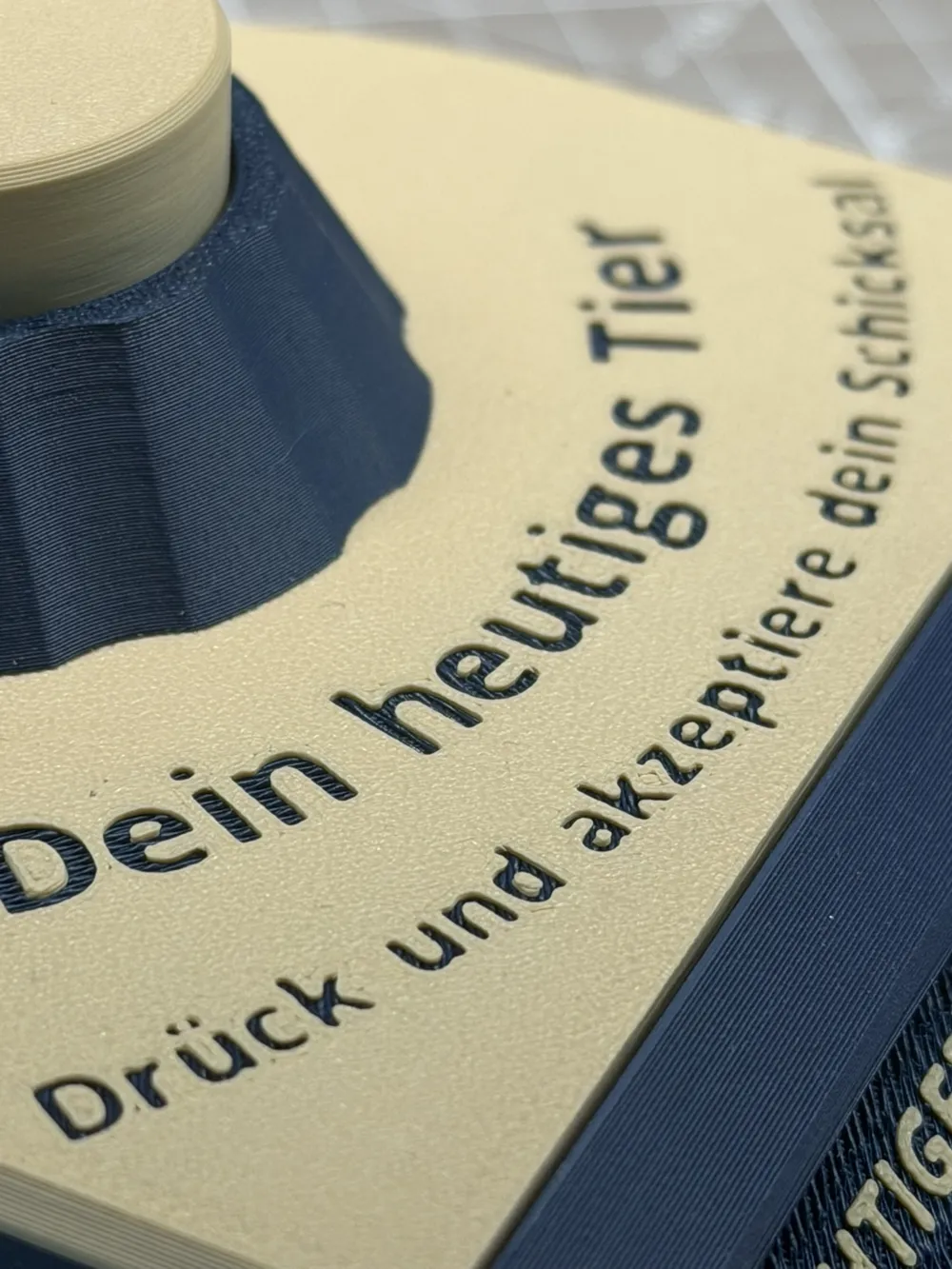
• Added German version
• Slight tolerance adjustments for smoother movement
• Minor gear geometry tweaks to reduce button sticking
• Slider pins now include grooves for optional glue-free assembly
• Cover text is now embossed for better visibility in single-color prints
• Rack and gear updated to prevent incorrect assembly
• Shade retainer redesigned as a separate part
- Printed in stronger orientation
- Easier to replace if needed
• Simplified cover mounting
- Fewer clips
- Improved disassembly
Boost Me (for free)
Enjoyed this model? Give it a little BOOST boost! Your support helps more makers find my designs—and keeps the ideas flowing (and the filament melting)! Thanks for helping this project shine.
Membership
If you plan to sell prints made from this model, please make sure you have an active Commercial Membership.
License

You shall not share, sub-license, sell, rent, host, transfer, or distribute in any way the digital or 3D printed versions of this object, nor any other derivative work of this object in its digital or physical format (including - but not limited to - remixes of this object, and hosting on other digital platforms). The objects may not be used without permission in any way whatsoever in which you charge money, or collect fees.


Comment & Rating (91)