
PrintSphere Bambu Status Display (standalone 1.75)
Print Profile(2)
Bill of Materials
- M2.5x25mm screw + M2.5 nut x 1:
- Lithium Polymer Akku 3,7 V 2000mAh 103454 x 1: 10mm x 34mm x 54mm
- Qi Standard Wireless Charging Coil x 1: got one from AliExpress (for example: aliexpress.com/item/1005006741966938.html)
- JST MX1.25mm Soft Silicon Cable x 2: one for the battery, one to replace the cable of the wireless charger
- Mini slide switch SS12D00G x 1: knob length 3mm
- ESP32-S3 1.75inch AMOLED Round Display x 1: https://www.waveshare.com/esp32-s3-touch-amoled-1.75.htm?sku=31261
- Magnetic Circle Ring Plate Sheet x 1: got one from AliExpress (aliexpress.com/item/1005006966440001.html)
Description
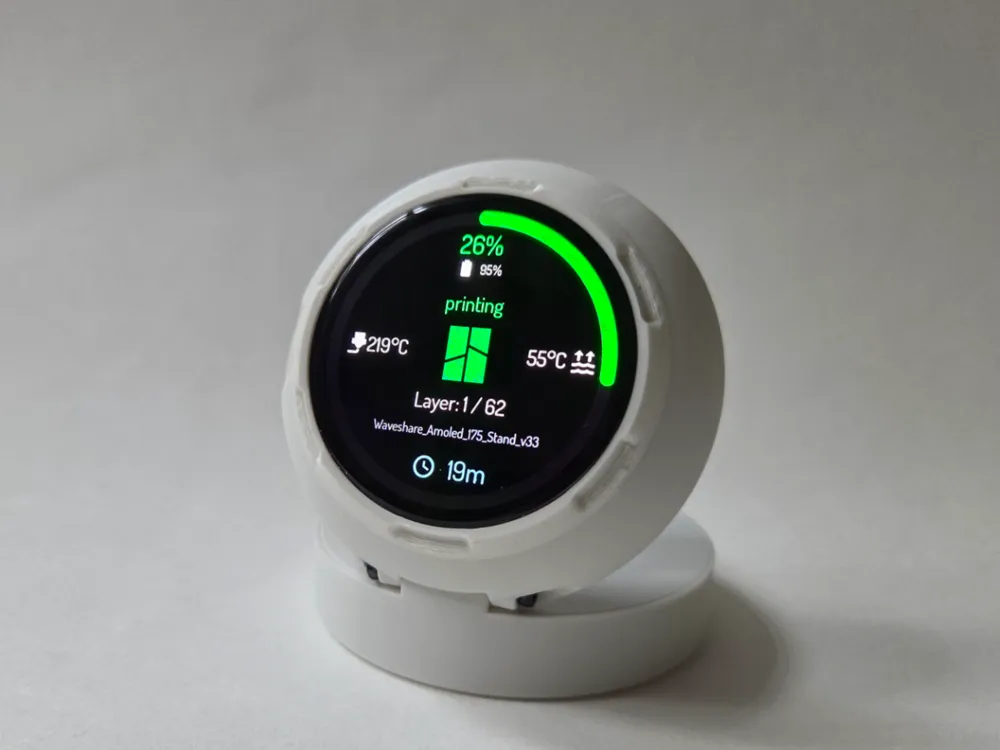
PrintSphere
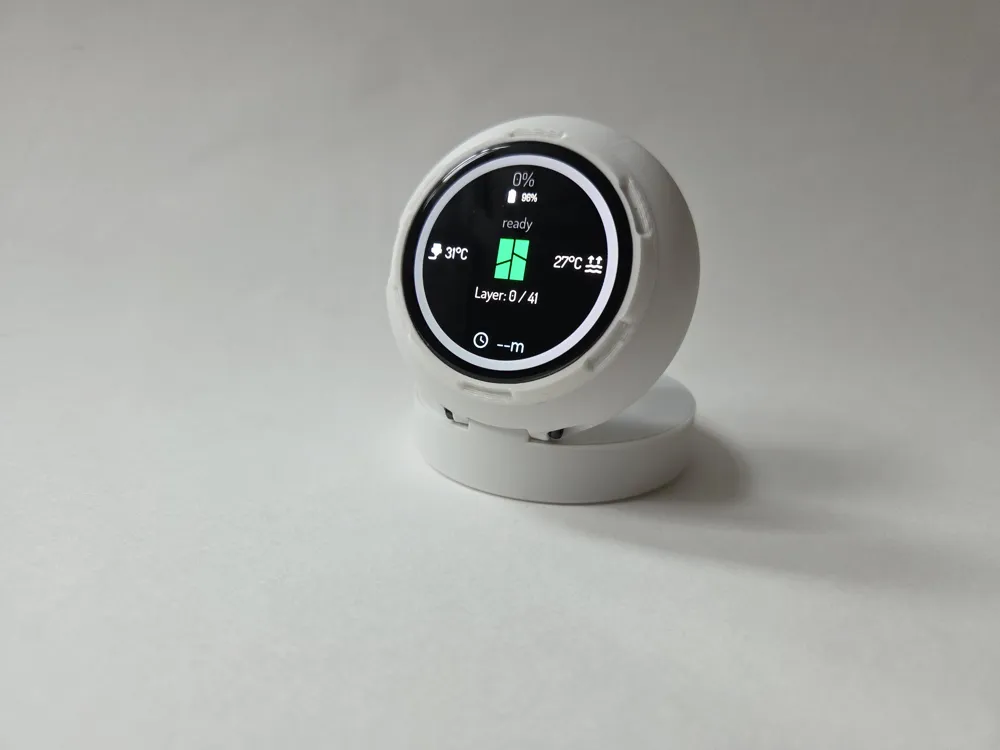
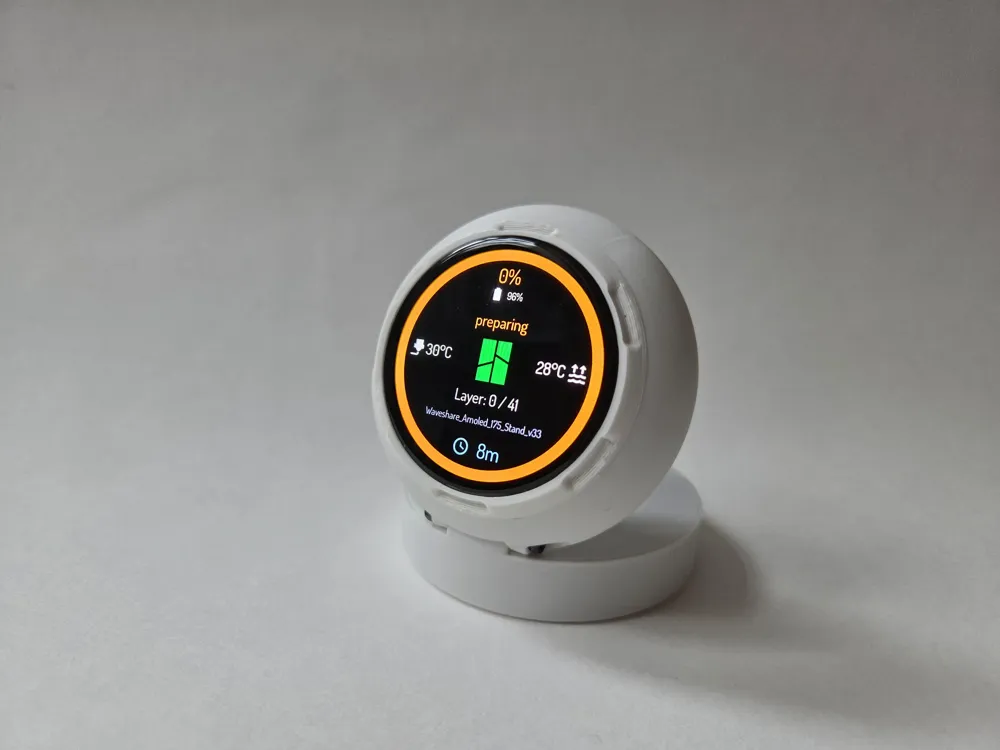
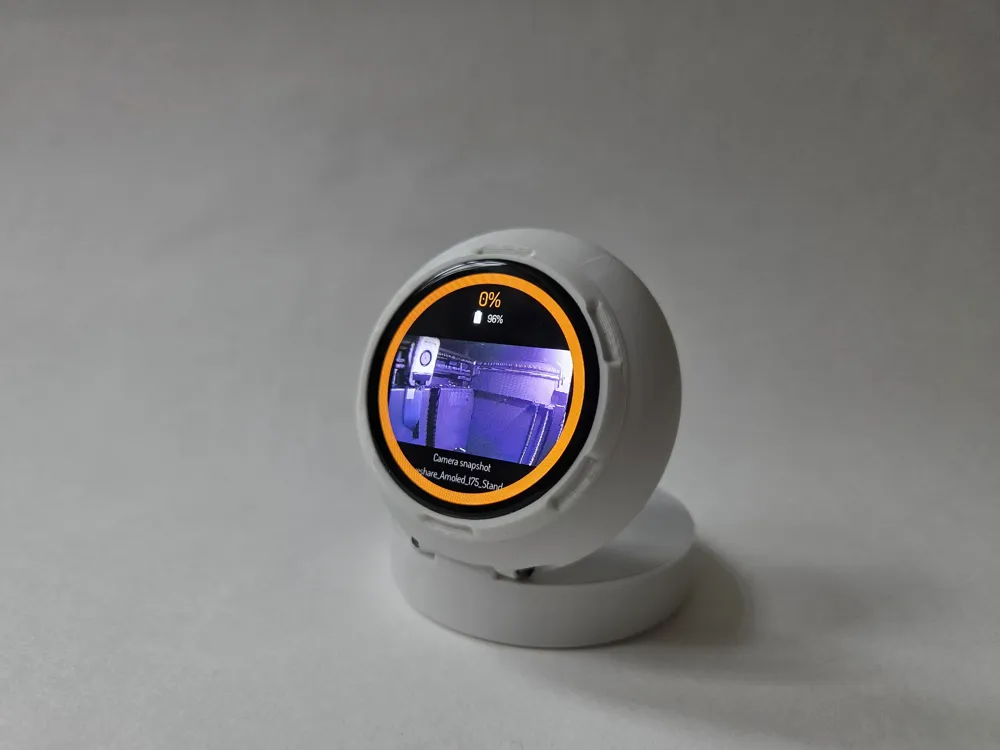
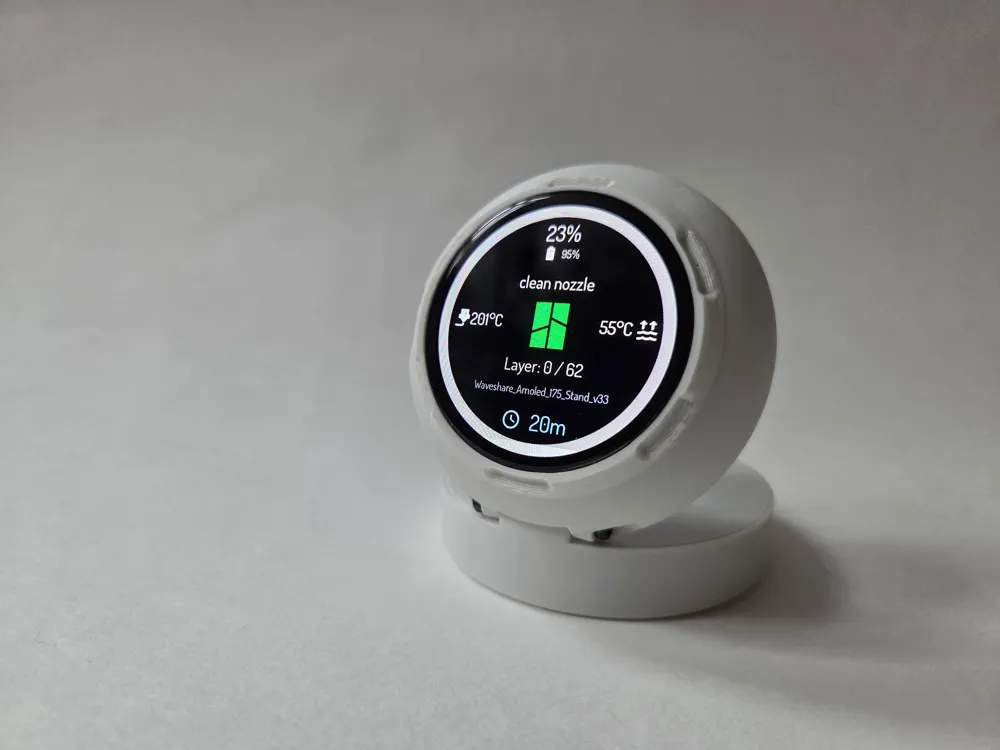
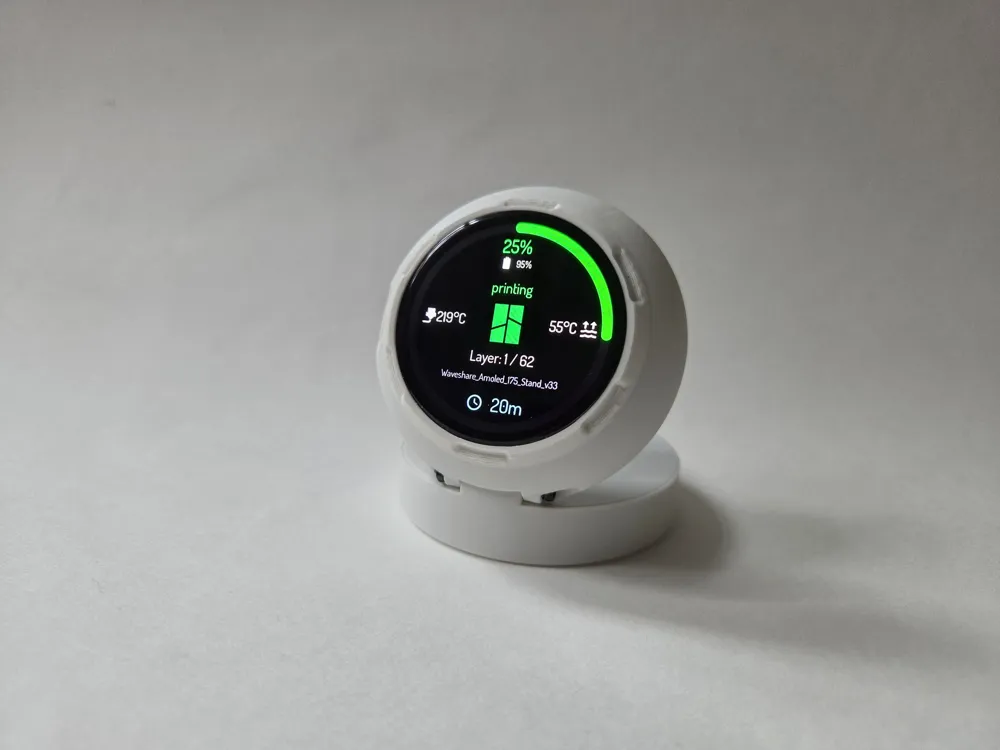
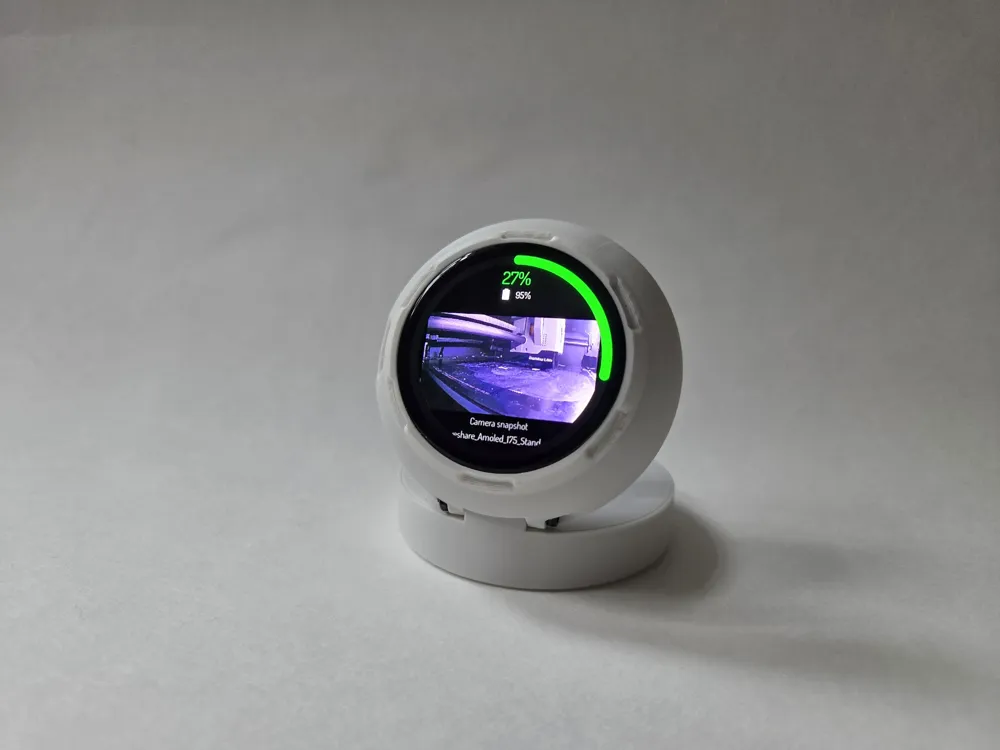
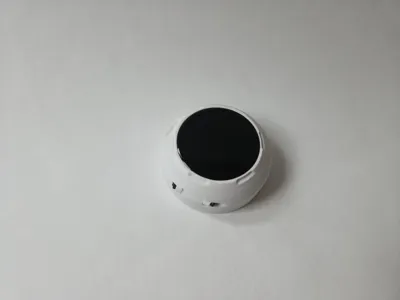
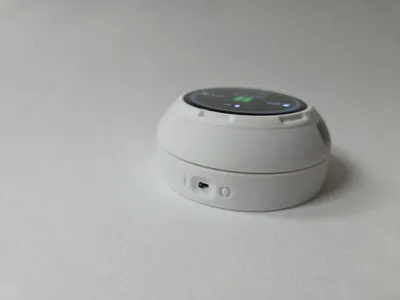
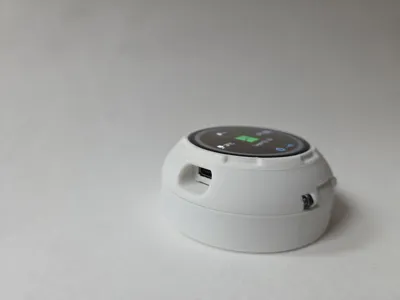
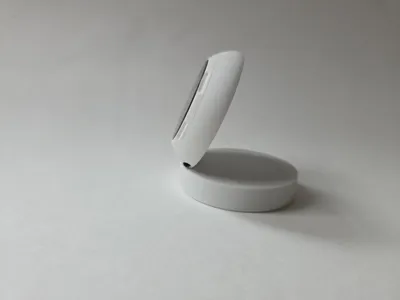
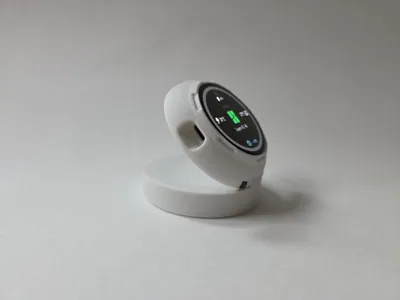
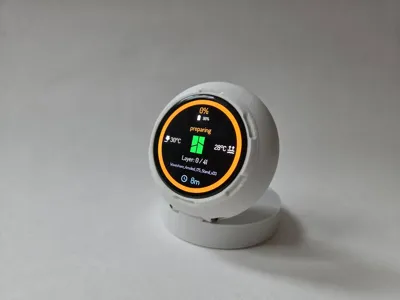
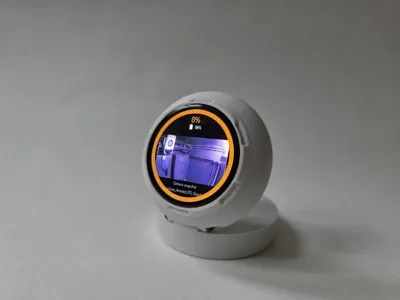
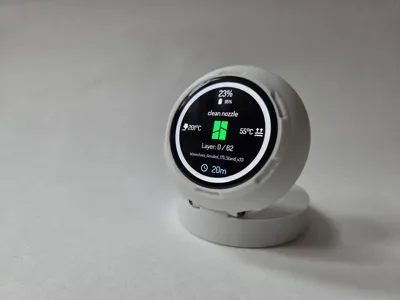
PrintSphere is a standalone companion display for Bambu Lab printers. It can use Bambu Cloud, local printer access, or a hybrid setup.
Originally built around the Waveshare ESP32-S3 AMOLED 1.75" touch display, PrintSphere v1.6 now also supports a second firmware variant for the ESP32-S3-Touch-LCD-2.8C.
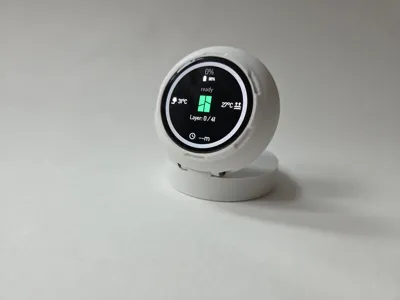
What it can show
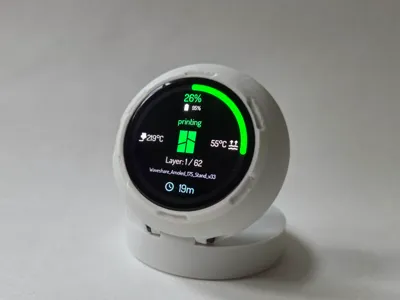
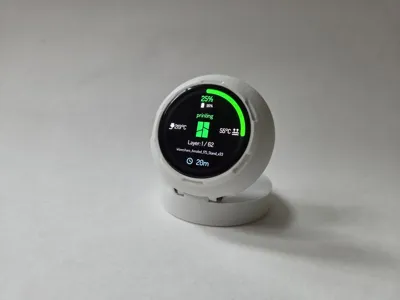
- print progress
- current printer state
- job name
- remaining time
- nozzle, bed, and chamber temperatures where available
- layer information
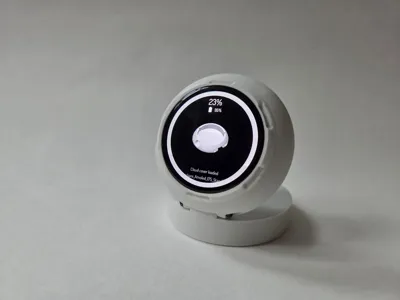
- Wi-Fi, USB, and battery status
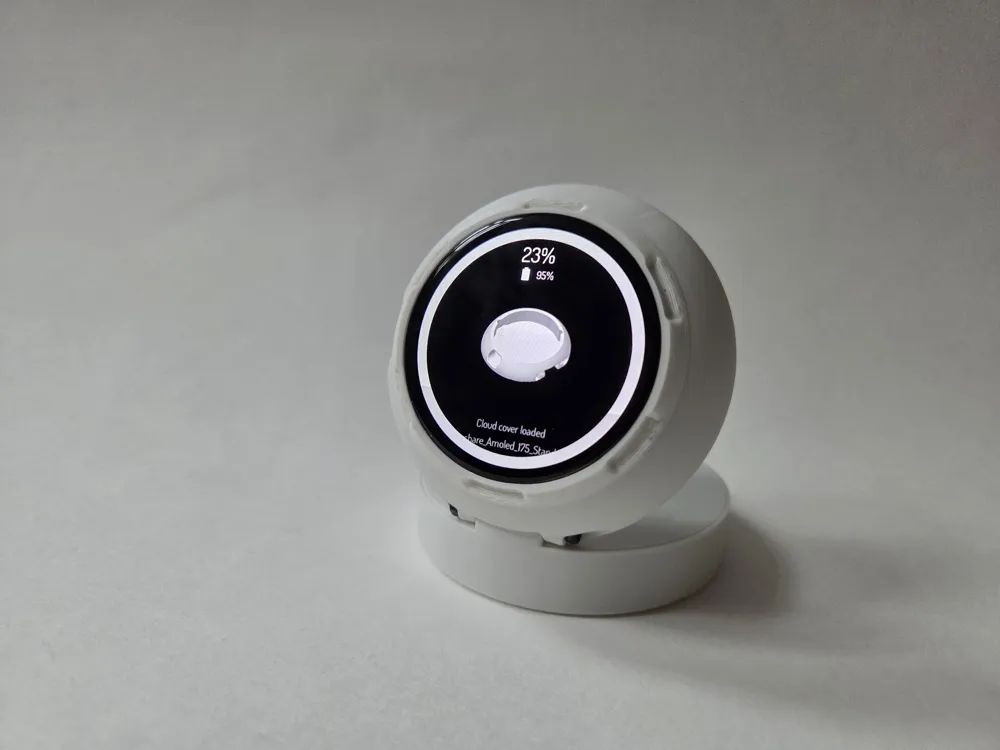
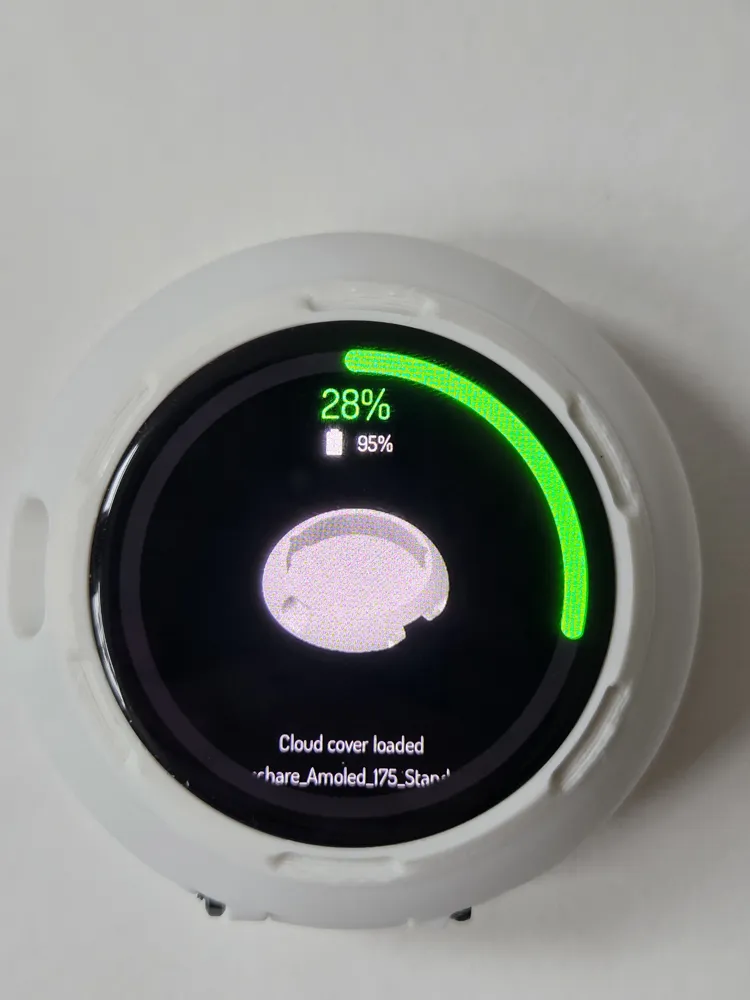
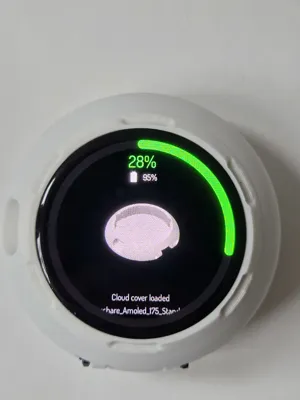
- cover preview and project title
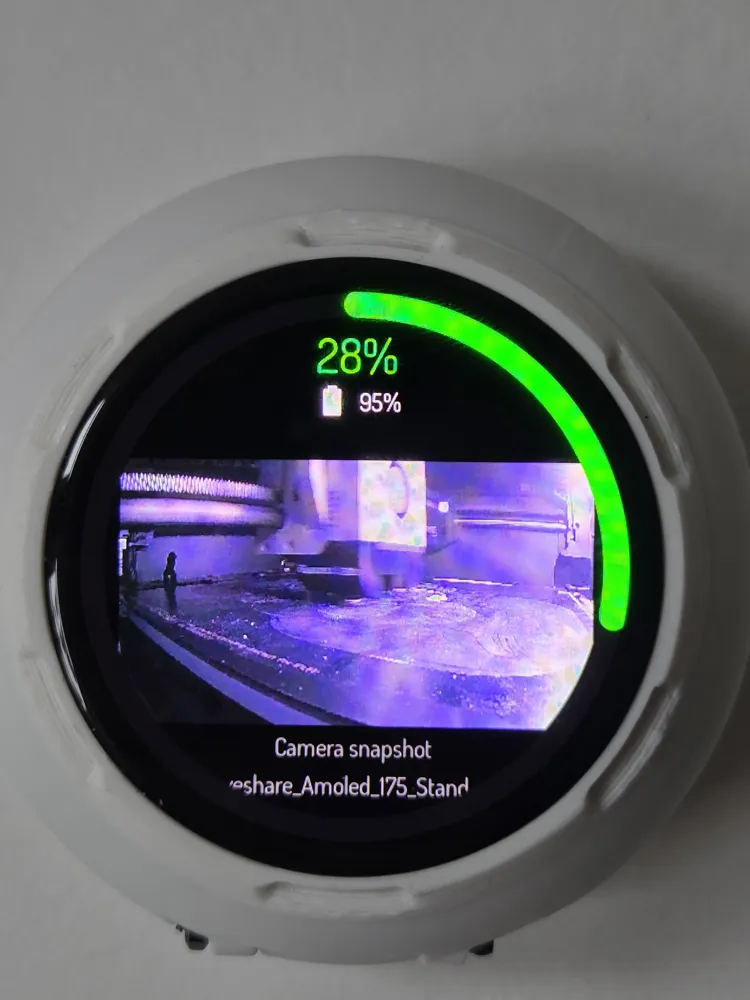
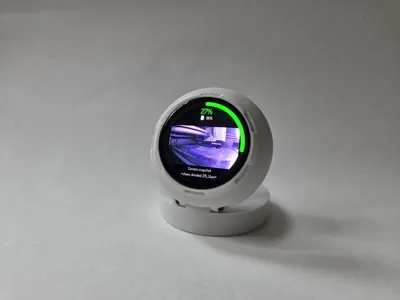
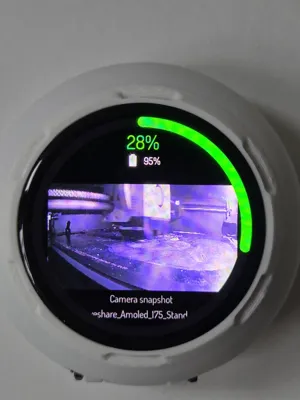
- local camera snapshots on supported models
- AMS information for up to 4 AMS units
- HMS and printer error details
What v1.6 adds
- sound notifications for important printer events
- custom WAV upload via Web Config
- improved multi-AMS pages
- better HMS tray-slot highlighting
- support for multiple printers on one Bambu account
- Cloud, Local, and Hybrid connection modes
- OTA firmware updates
- touch PIN protection for Web Config
Portable by design
Once configured for Bambu Cloud, PrintSphere can be used anywhere in your home and can even run through a phone hotspot as long as the printer remains reachable through the cloud.
Hardware overview
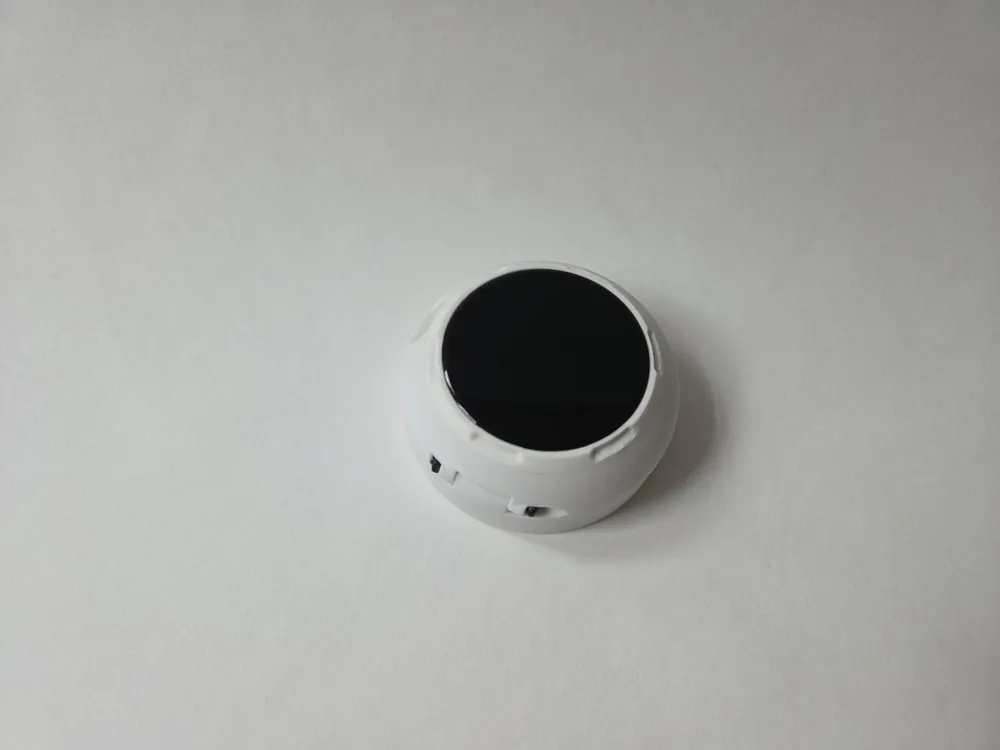
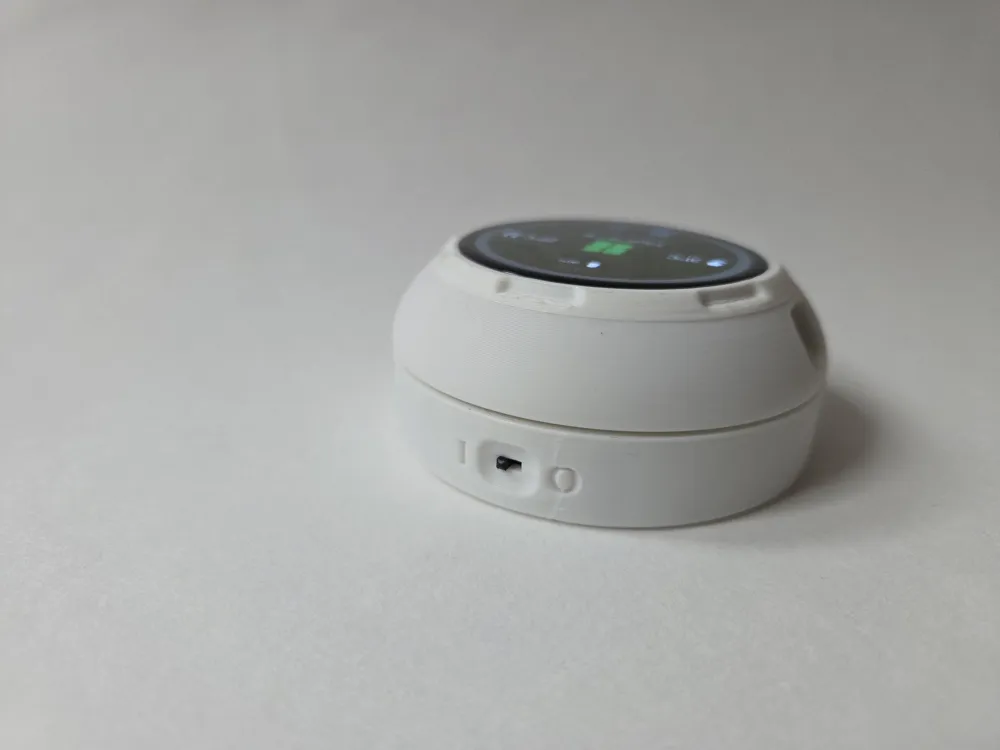
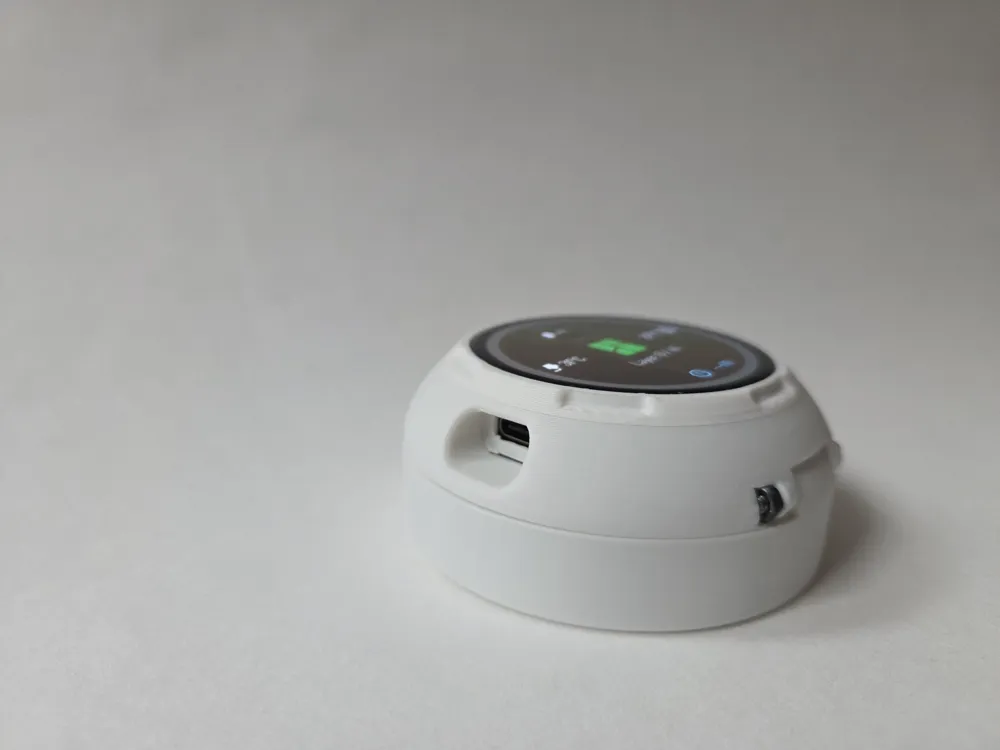
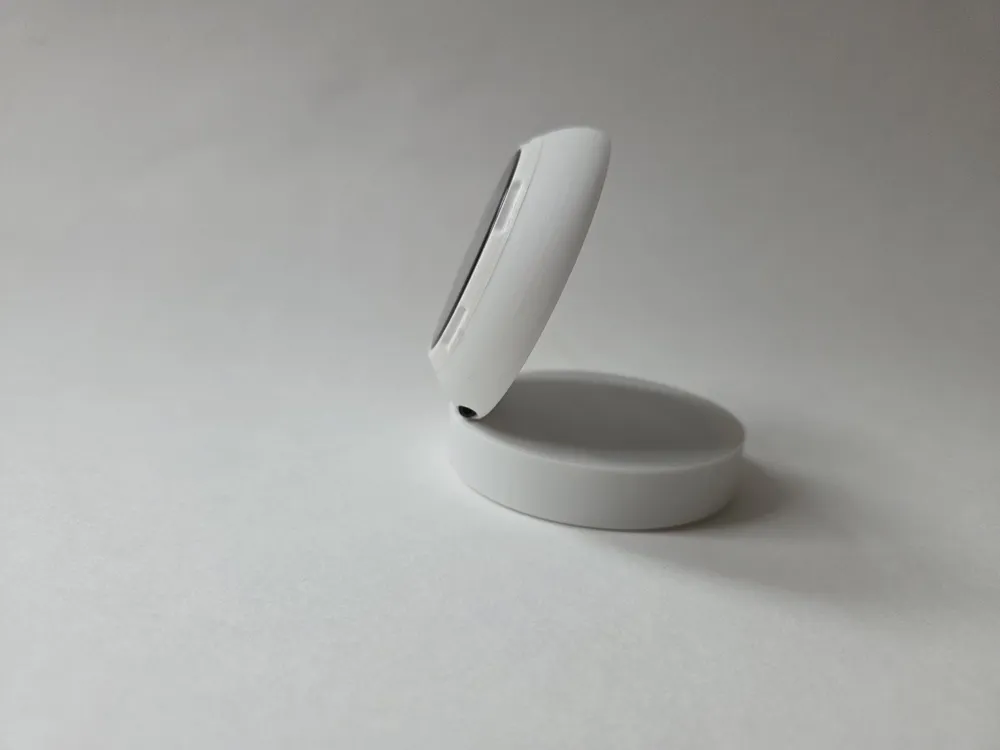
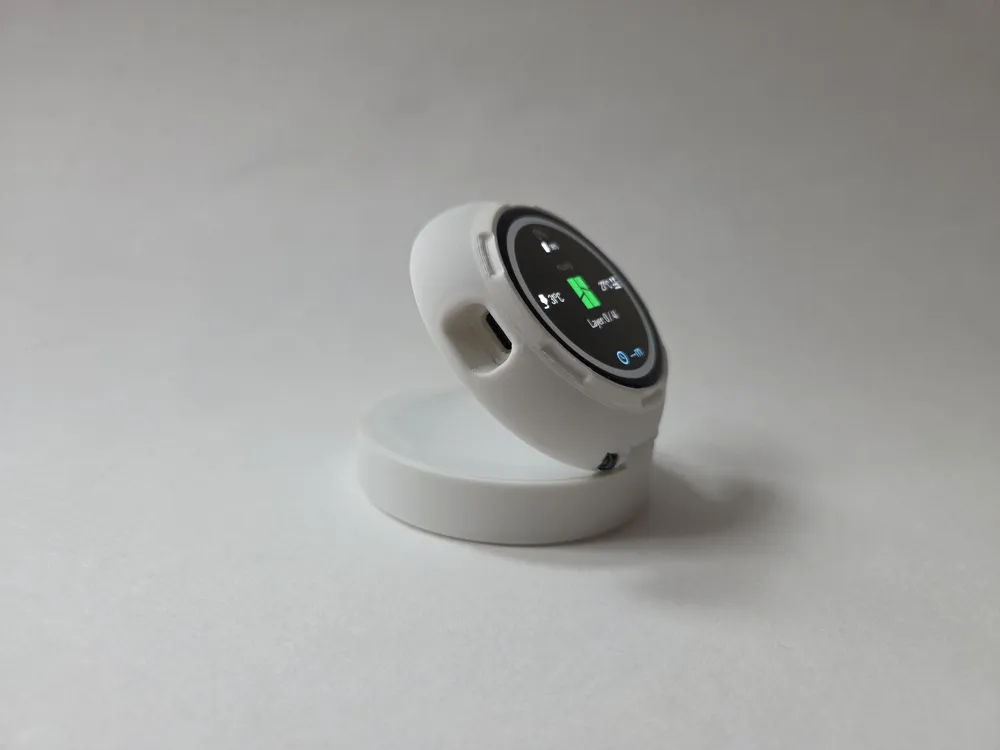
The original printed enclosure is designed for the Waveshare ESP32-S3 AMOLED 1.75" board and combines:
- the display board
- a LiPo battery
- a Qi charging coil
- a small slide switch
- a magnetic base or ring element
Parts List
- ESP32-S3 1.75inch AMOLED Round Display x 1
https://www.waveshare.com/esp32-s3-touch-amoled-1.75.htm?sku=31261 - Lithium Polymer battery 3.7 V 2000 mAh 103454 x 1
size: 10 mm x 34 mm x 54 mm Qi standard wireless charging coil x 1
example source: aliexpress.com/item/1005006741966938.html- JST MX1.25 mm soft silicone cable x 2
one for the battery
one to replace the cable on the wireless charger Mini slide switch SS12D00G x 1
knob length: 3 mm- M2.5x25 mm screw x 1
- M2.5 nut x 1
Magnetic circle ring plate sheet x 1
example source: aliexpress.com/item/1005006966440001.html
Flashing:
Software and Assembly instructions
Quick Setup Summary
- After flashing, PrintSphere starts a setup AP:
- SSID: PrintSphere-Setup
- password: printsphere
- Connect to that Wi-Fi and open http://192.168.4.1.
- Save your home Wi-Fi credentials.
- After reboot, open the new device IP in your home network.
- In Web Config, connect Bambu Cloud:
- password
- region
- If Bambu requests an email code or 2FA code, enter it there.
- Optionally add the local printer path:
- printer IP / hostname
- printer serial number
- access code
Recommended Setup Notes
- For most users, start with Hybrid.
- A working Bambu Cloud login is currently the main real-world setup path.
- On some printers, cloud data may already be enough for progress, temperatures, remaining time, and layer information.
- If cloud data looks incomplete on your model, adding the local MQTT path may still improve the result.
- The printer serial number may be resolved automatically from the cloud path, but entering it manually can still help while testing.
Model Notes
- P1, A1, and often X1 family: best current candidates for Hybrid
- P2 and H2 family: often best to start cloud-first
- P2 & H2 series Printer - local status may require Developer Mode & Lan Mode
Camera notes:
- local JPEG camera support only for A1, A1 Mini, P1P, and P1S
- X1, X2, P2, and H2 families use an RTSP-style path in code, which is not working with this hardware
License

You may create derivative works based on this object, provided that all such derivative works are published exclusively on the MakerWorld platform and include proper attribution to the original creator. You may not share, upload, host, distribute, or publish this object—or any derivative work of this object—on any other digital platform, marketplace, or distribution channel. Commercial use of this object and any derivative works is strictly prohibited. This includes, but is not limited to, selling, renting, sublicensing, or using the object in any context in which you receive monetary compensation or other financial benefits.


Comment & Rating (326)