
Print Profile(2)


Description
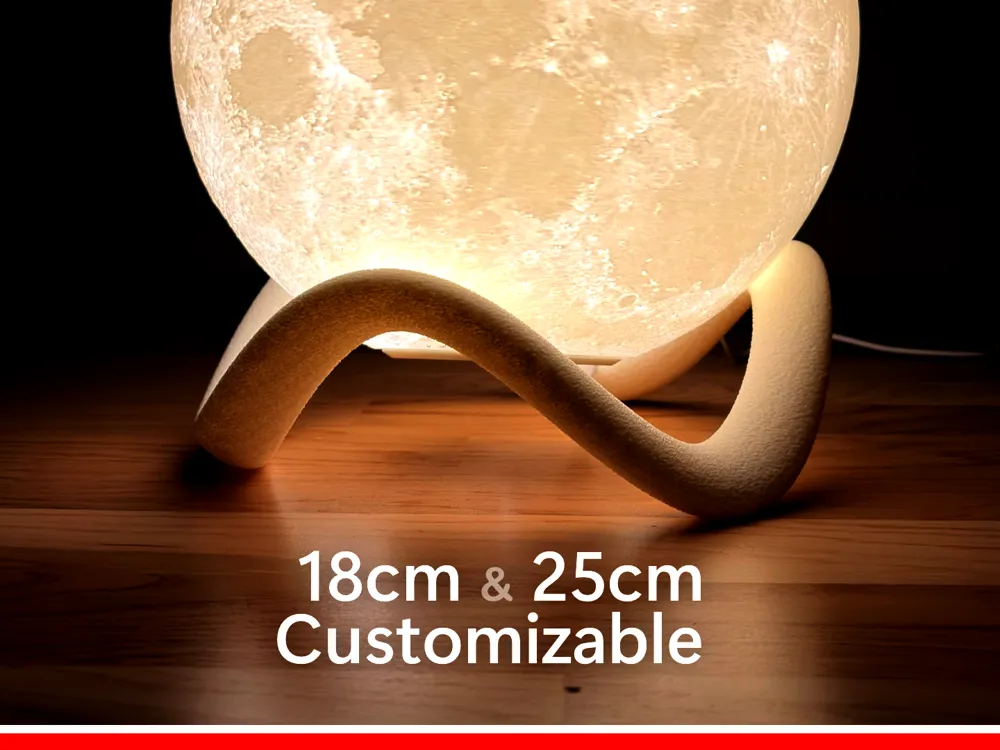
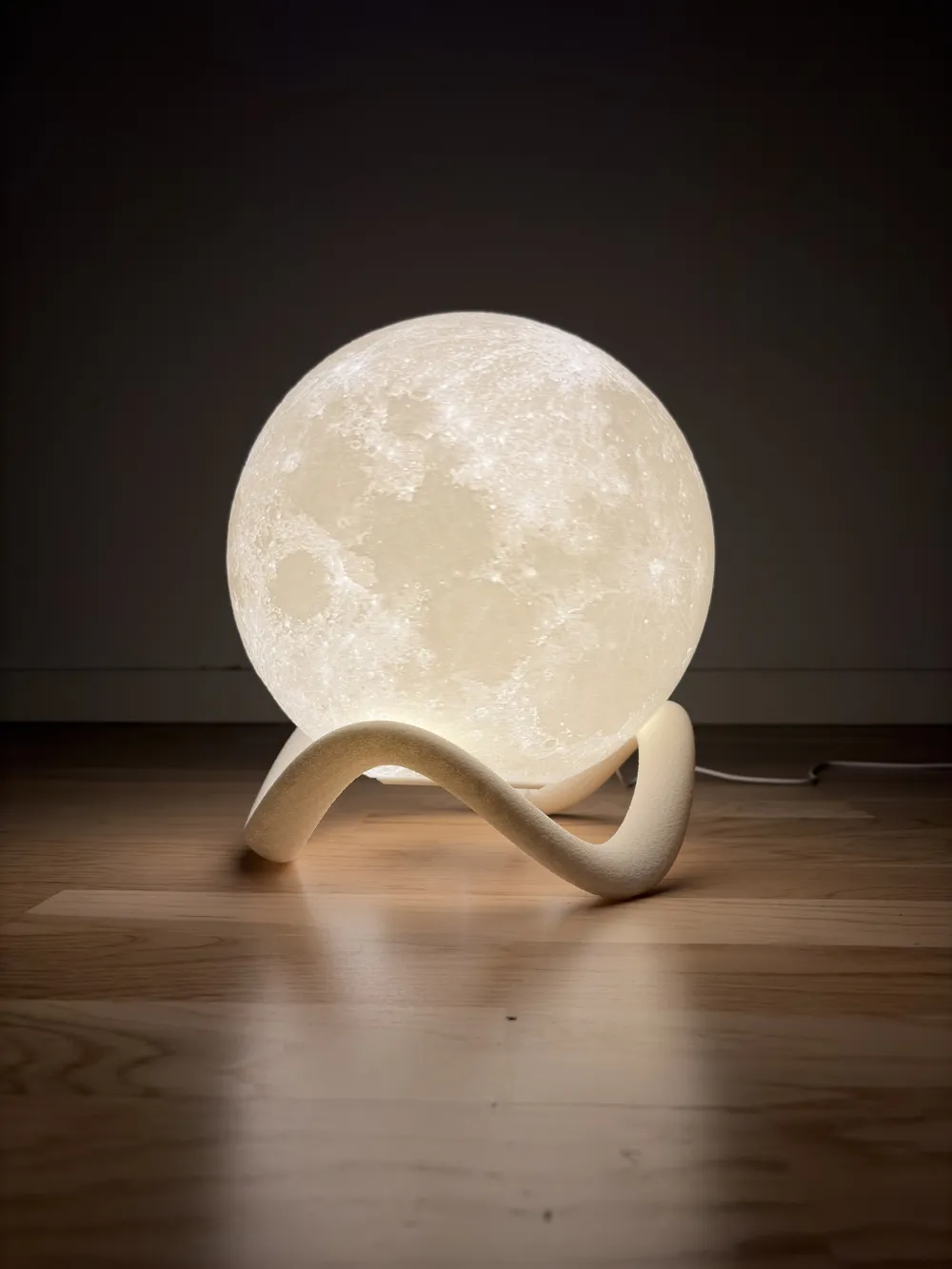
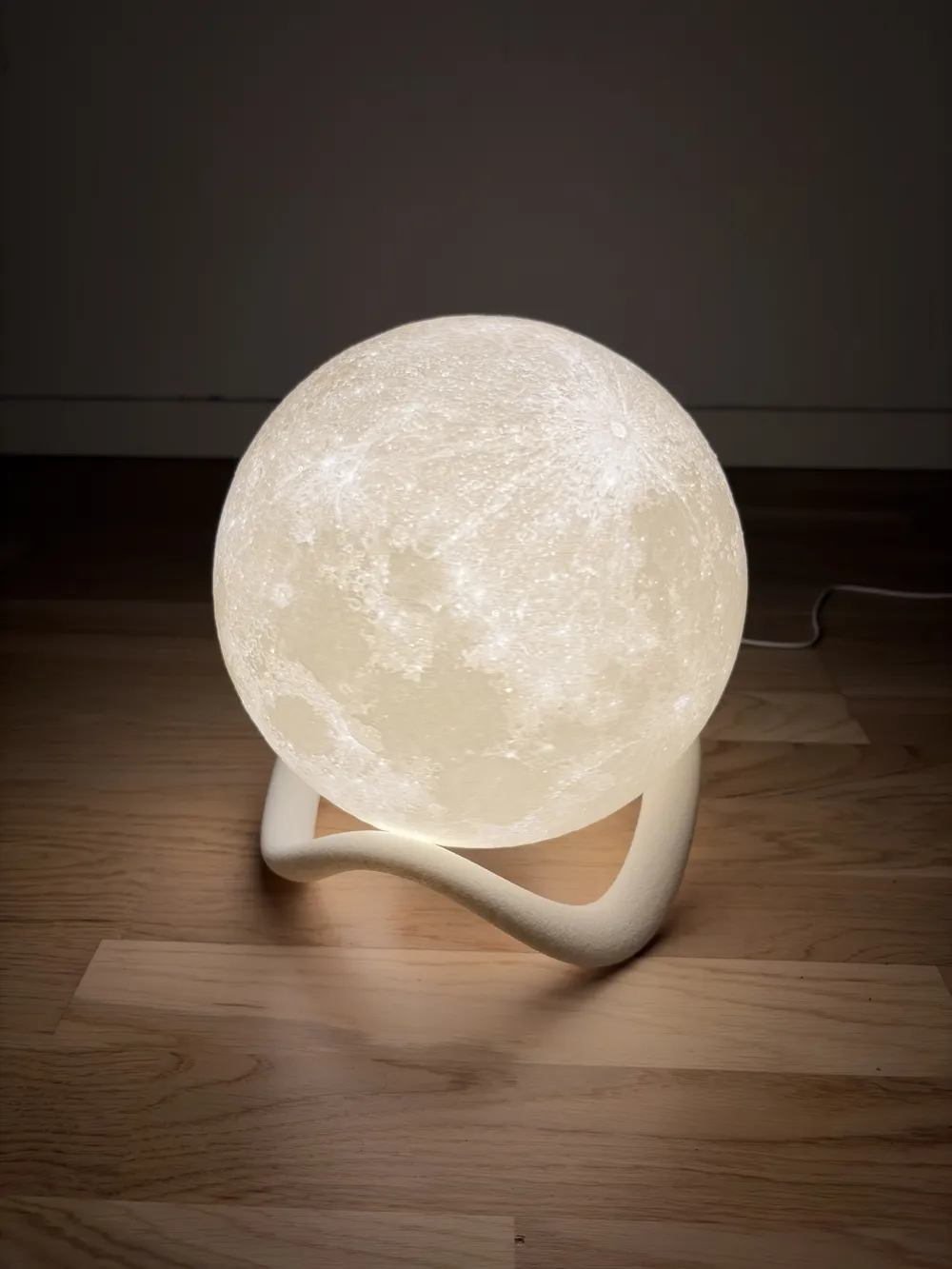
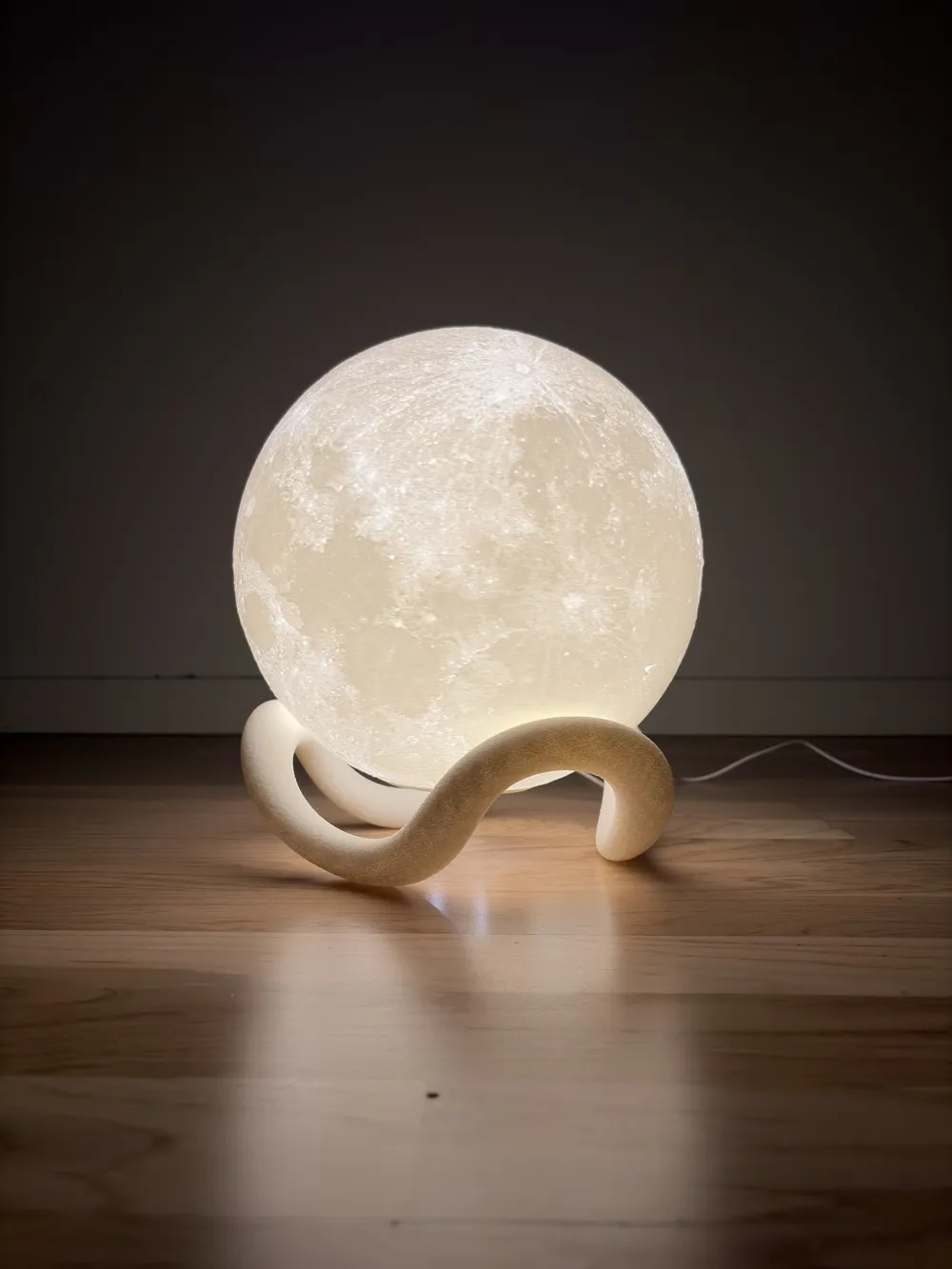
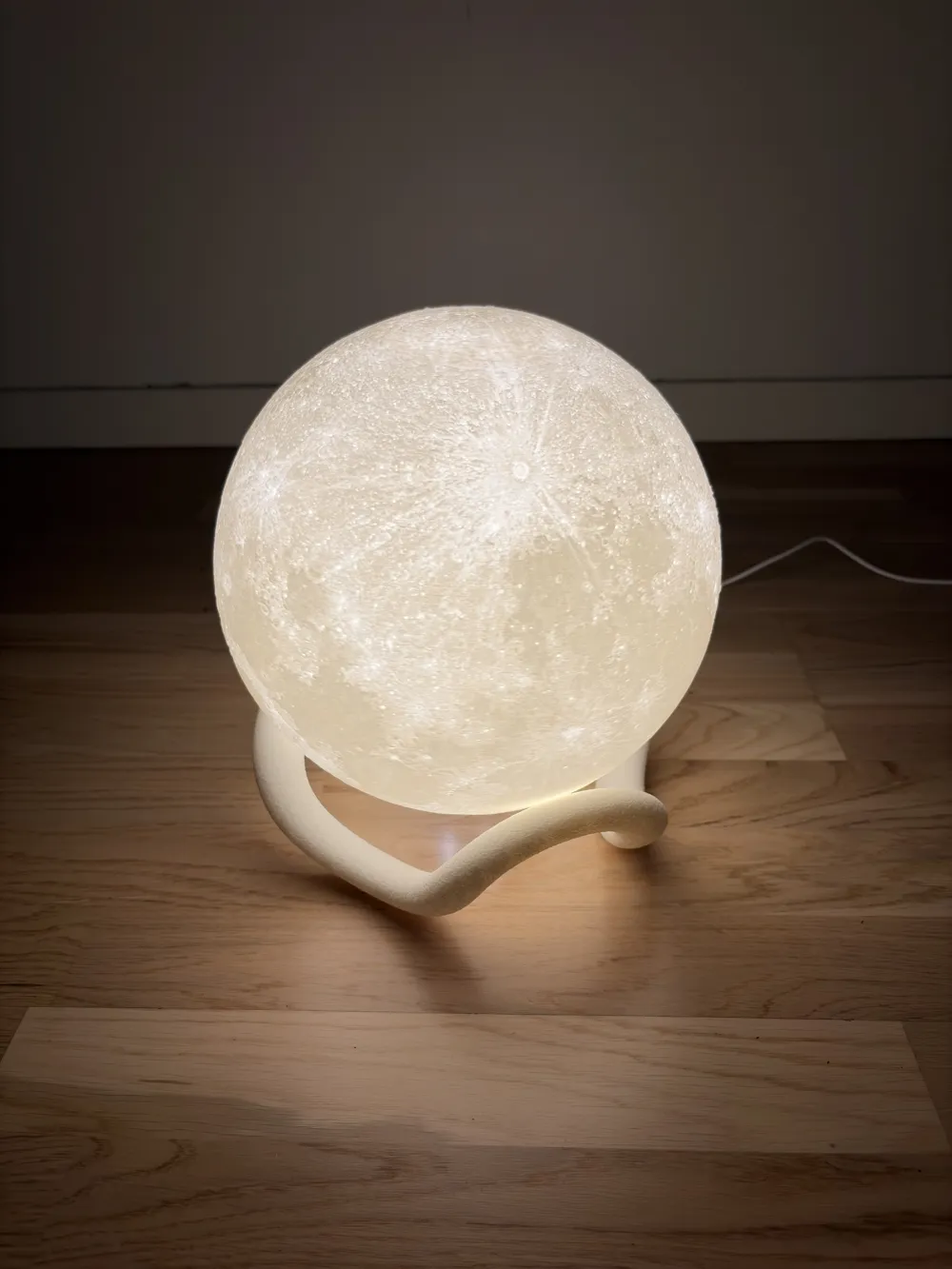
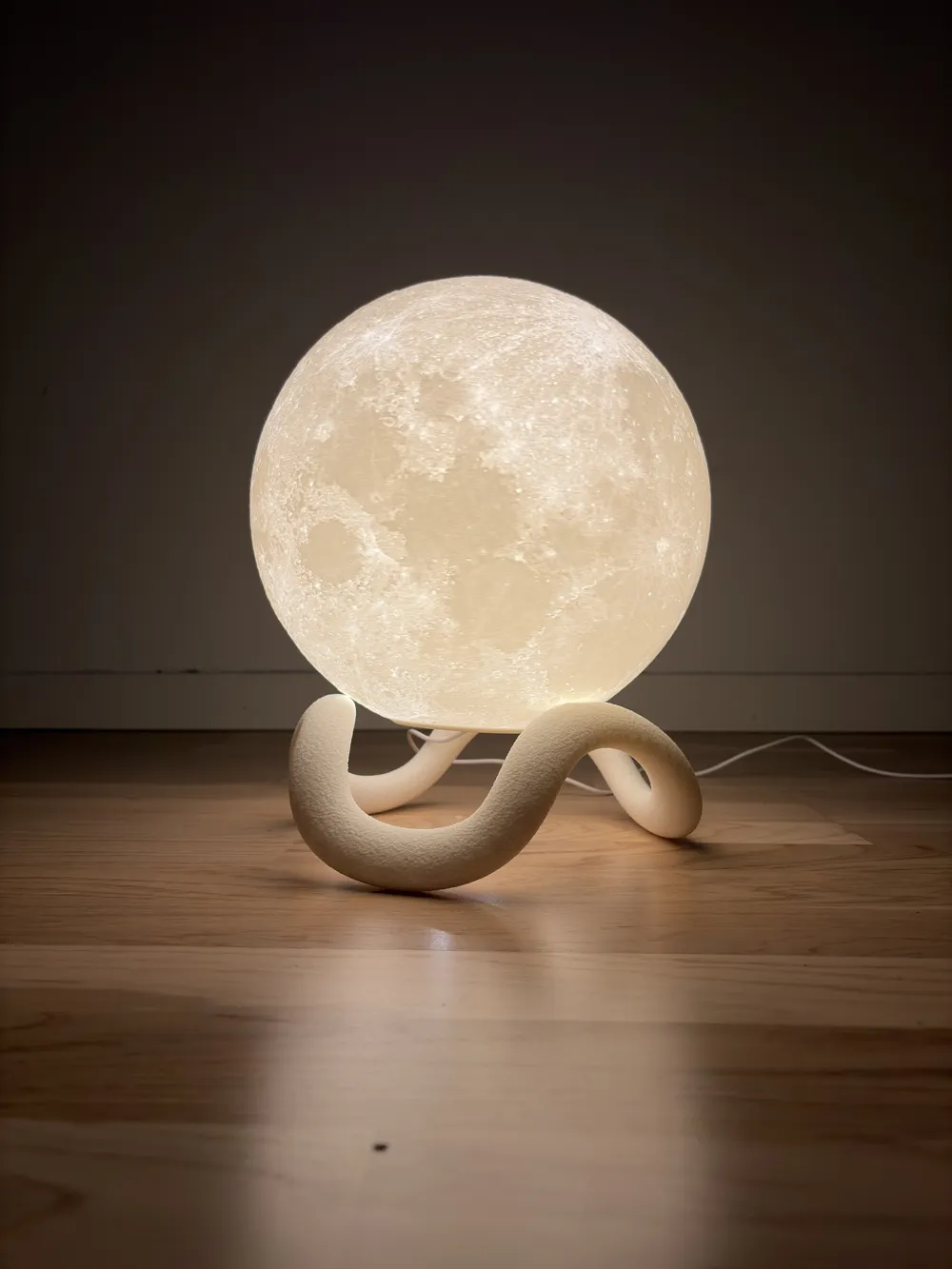
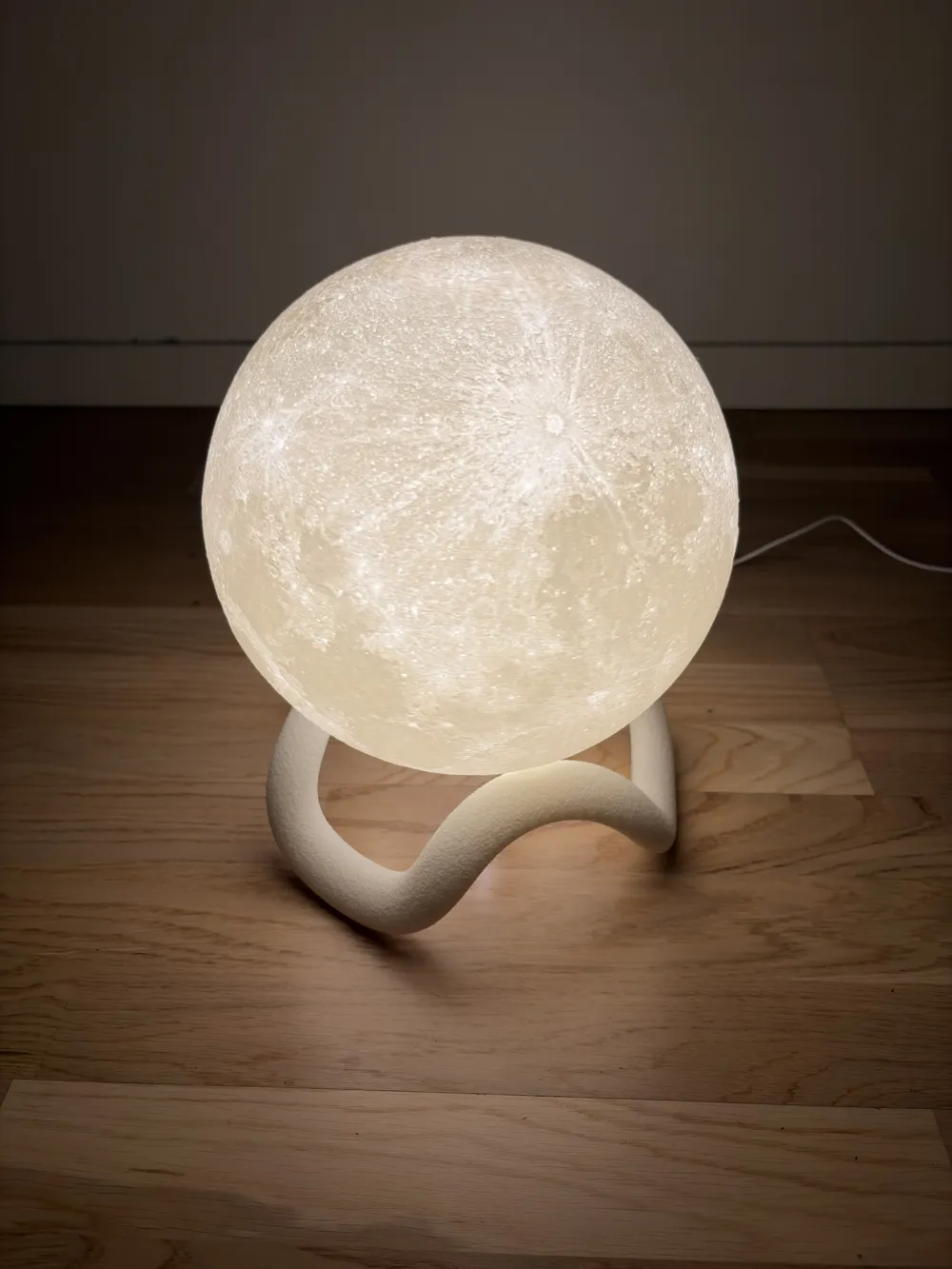
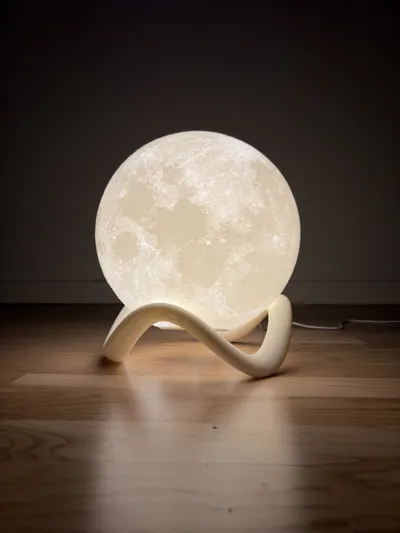
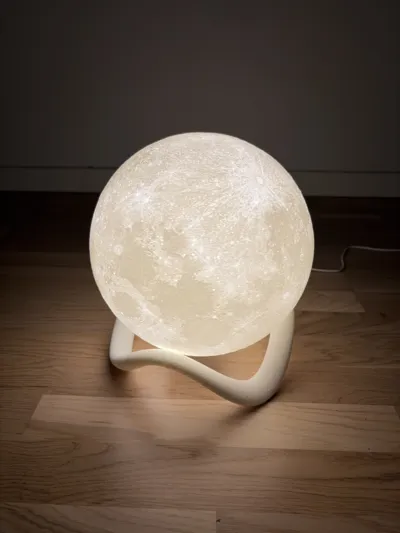
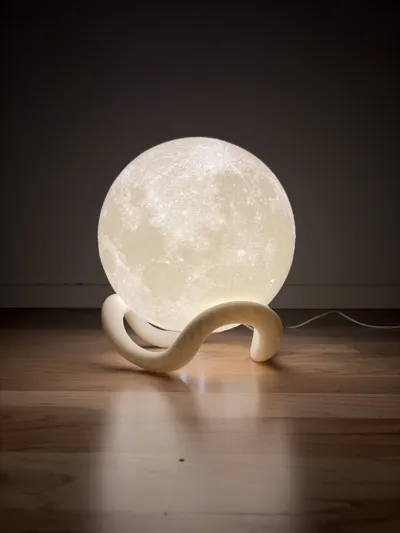
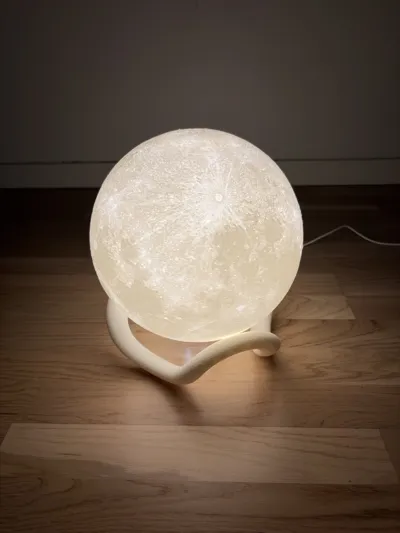
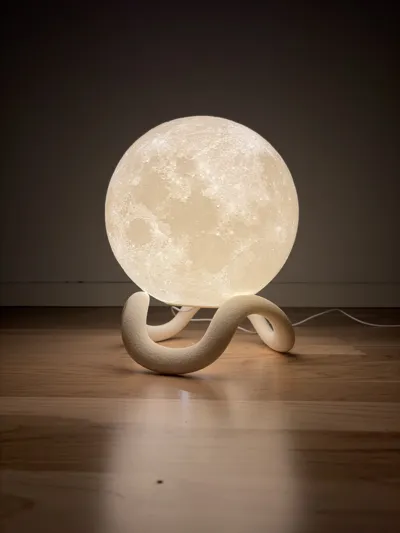
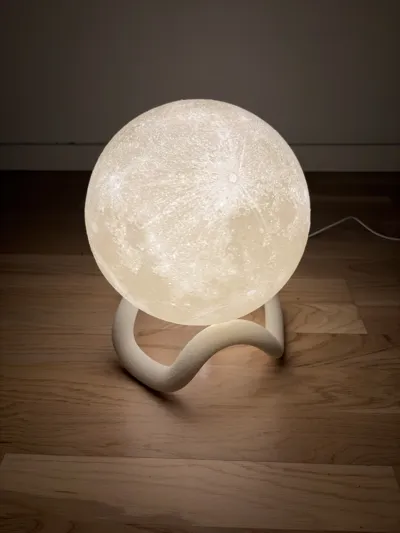
Wavy Stand for Moon Lamp 2.0
Fuzzy skin. Customizable.
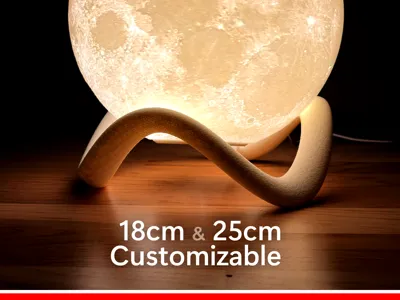
For 18cm and 25cm globe sizes.
Suitable for E13, E14, E26, E27 and Bambulab LED Lamp Kit 001.
Compatible with any globe lamp of compatible size.
⭐ Click here for Moon Lamp 2.0
🔗 Click here for official mounts for Moon Lamp 2.0
Instructions
Do not change any Bambu Studio settings unless you're an expert. They have been carefully tuned for quality and success.
Simply choose your favorite wavy stand variation and print. If you instead want to customize your own wavy stand, then scroll down to the “Customize” section. The support structures should come off quite easily and cleanly. You will likely need a plier or gripping tool.
🔗 Find and print your preferred Moon Lamp. Follow the instructions there.
When using the wavy stand you should print a “Floating” mount for your light source. These mounts are usually the same or very similar to the “Hanging” mounts, and have been optimized for floating the globe above the surface on stand.
🔗 Find and print your preferred “Floating” mount. Follow the instructions there.
Boost Me (for free)
If you like my models and would like to support me in making more free projects like this, consider giving me a free boost 😊
Customize
With "Customize" you can design the wavy stand just the way you want it. The customization model includes a simulated globe resting on the "hands" as visual reference. If you encounter any bugs related to incorrect geometry, write a comment with the settings used and I will investigate.
Parameter descriptions
For simple or traditional wavy stands the foot and hand values of each parameter should have the same value. The separation between foot and hand is available to support more advanced customization possibilities. Values are smoothly transitioned between the foot and hand positions.
- height (mm). Height of the stand, measured to the center of the foot and hand ovals.
- diameter foot/hand (mm). Diameter of the stand, measured to the center of the foot/hand ovals.
- oval width foot/hand (mm). Width of the oval at the foot/hand.
- oval height foot/hand (mm). Height of the oval at the foot/hand.
- oval angle foot/hand (deg). Angle of the oval at the foot/hand. Positive angle leans inwards, negative angle leans outwards. 90 degrees is a quarter turn. If the difference between the foot and hand angle is too large the model may fail to compute.
- curvature foot/hand (scale). Curvature of the foot/hand points (spline tangent handle). Positive curvature widens the foot/hand curve into a U-shape when seen from the side. Negative values tightens the foot/hand shape into a V-shape when seen from the side. When the value is 1.0 the stand has the shape of a round circle when seen from above, when using negative or positive values it becomes more hexagon shaped, or even more unusually shaped than that. If the curvature is too small or large, the model may fail to compute.
- trim bottom (mm). Trim the bottom of the stand. A very small value prevents printing problems because of too narrow geometry in the initial layers.
Preparing for print
Due to limitations of the MakerWorld customization feature the downloaded Bambu Studio 3MF will not have the correct settings automatically applied. Instead, download as STL when you're done customizing. Open the published “Wavy Stand” print profile in Bambu Studio, add a new plate and then click File → Import 3MF/STEP/STL in the menu and select the downloaded STL.
Right-click on the model and click Split → To objects. Right-click on the sphere and click Delete. Now it's ready to print.
Share a picture and screenshot of the settings of your result 😊
License

You shall not share, sub-license, sell, rent, host, transfer, or distribute in any way the digital or 3D printed versions of this object, nor any other derivative work of this object in its digital or physical format (including - but not limited to - remixes of this object, and hosting on other digital platforms). The objects may not be used without permission in any way whatsoever in which you charge money, or collect fees.


Comment & Rating (7)