
Coffee Cup Fidget Clicker Keychain NO AMS REQUIRED
Print Profile(2)
Bill of Materials






- MX Key Switch x 1:
Description
For a commercial license, please subscribe to my patreon!
NOTE: You will need to purchase a MX key switch (Typically used in mechanical keyboards). Just search on Amazon for “MX Key Switch” :)
Boost Me (for free)
Why not, its free and helps me keep posting fun designs :)
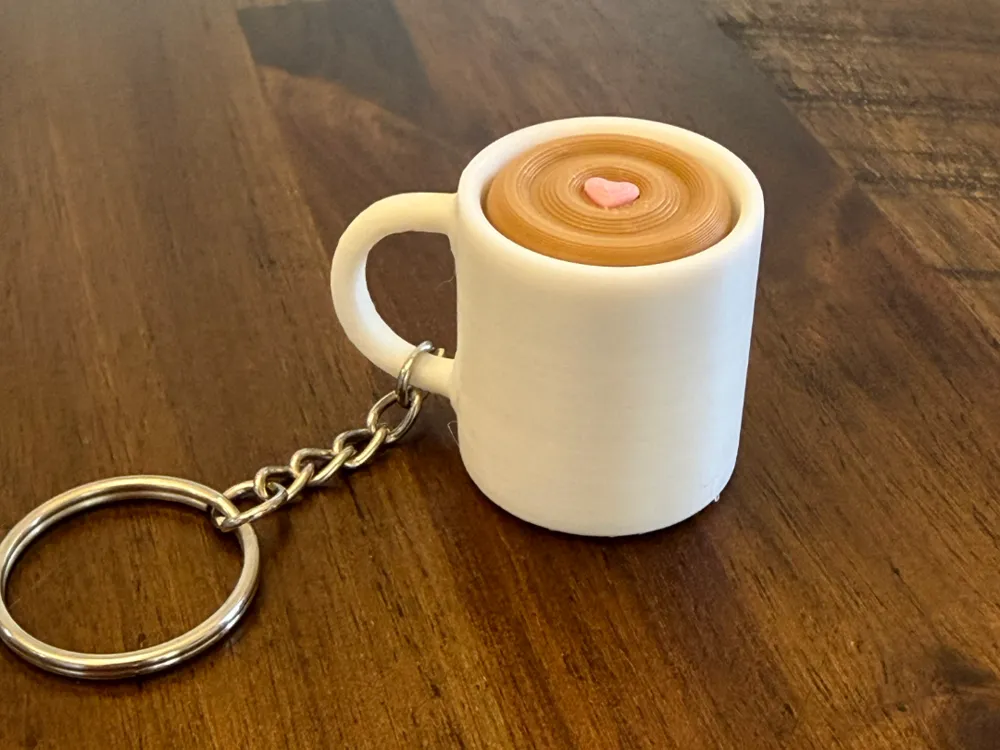
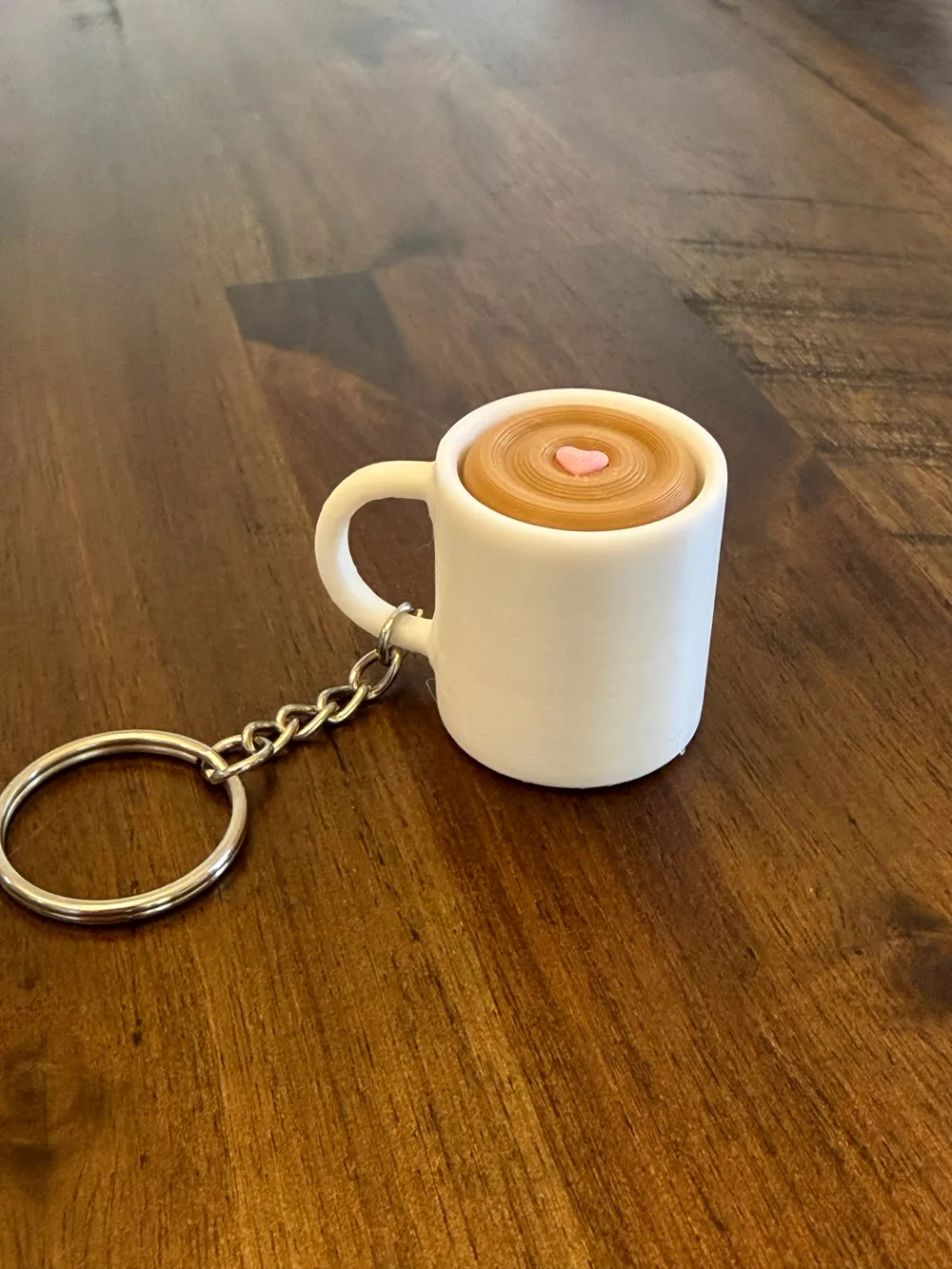
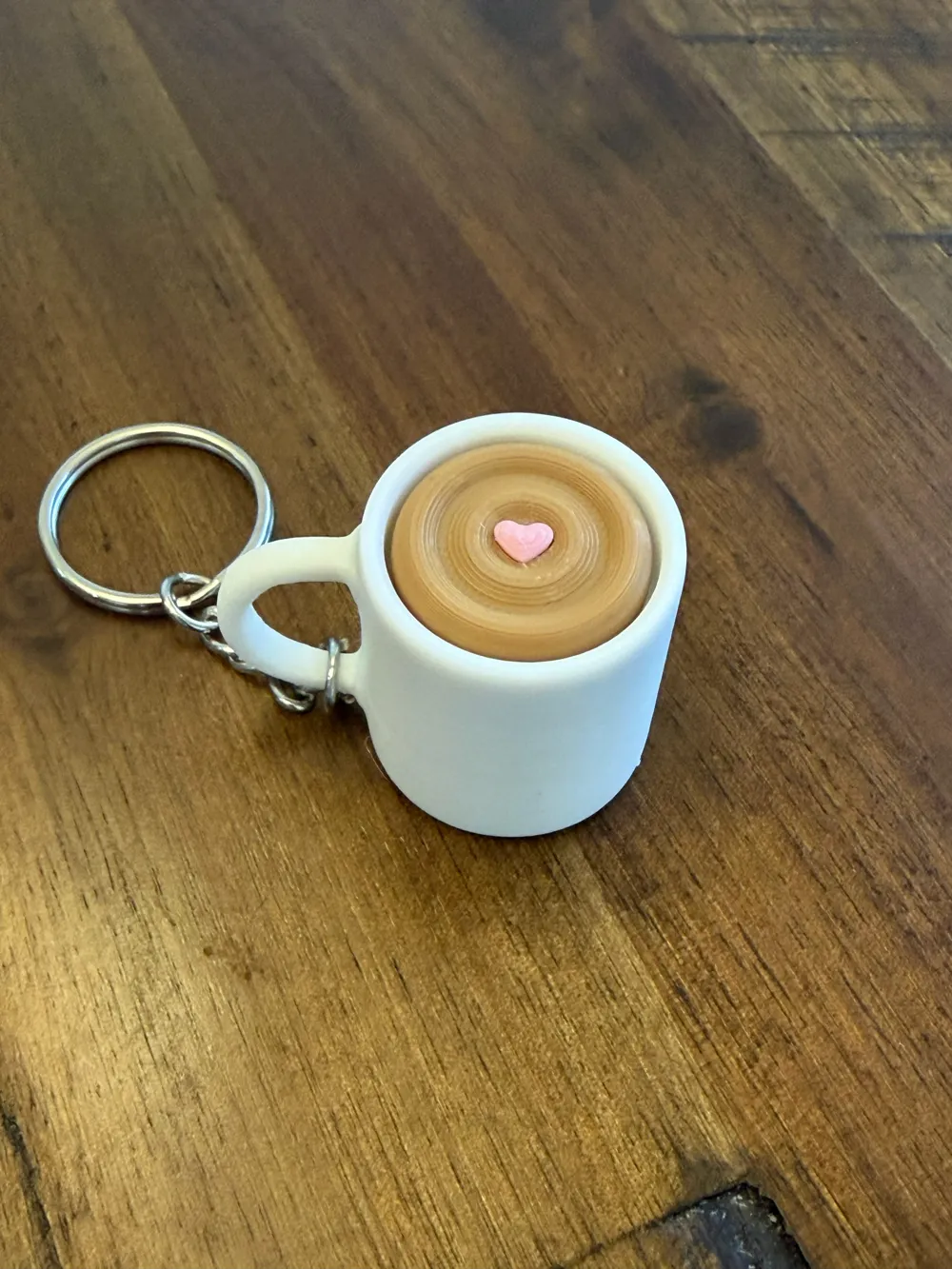
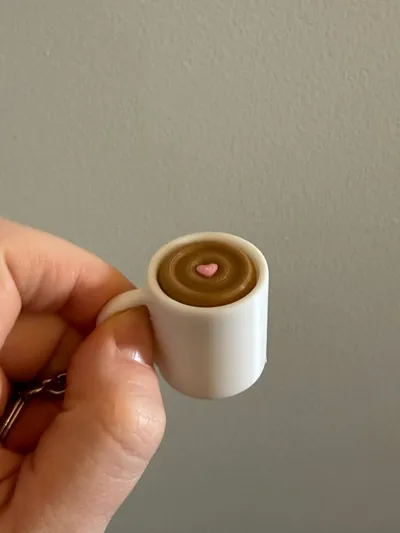
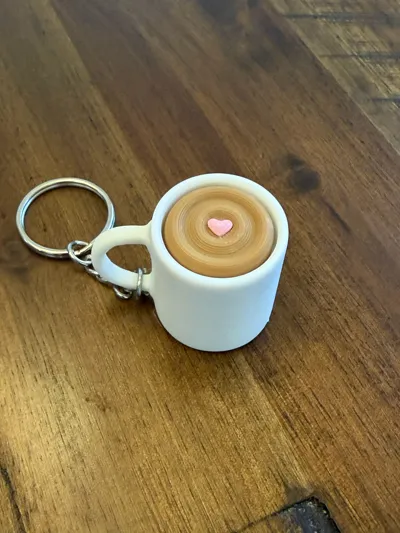
Need something to keep your hands busy during long meetings, classes, or while waiting for your next 3D print to finish? The Coffee Cup Fidget Clicker Keychain is a small, satisfying tactile toy designed to clip right onto your keys.
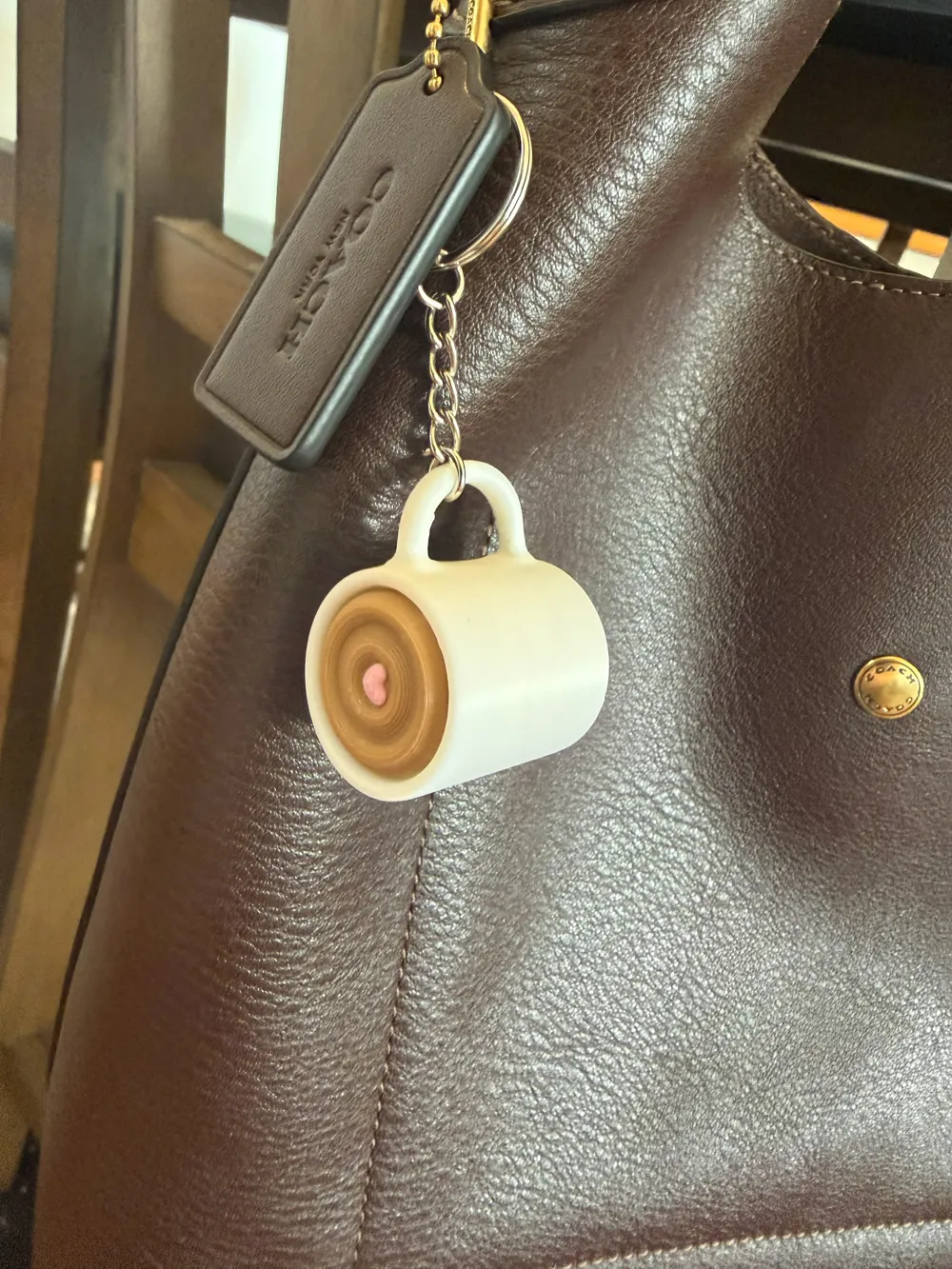
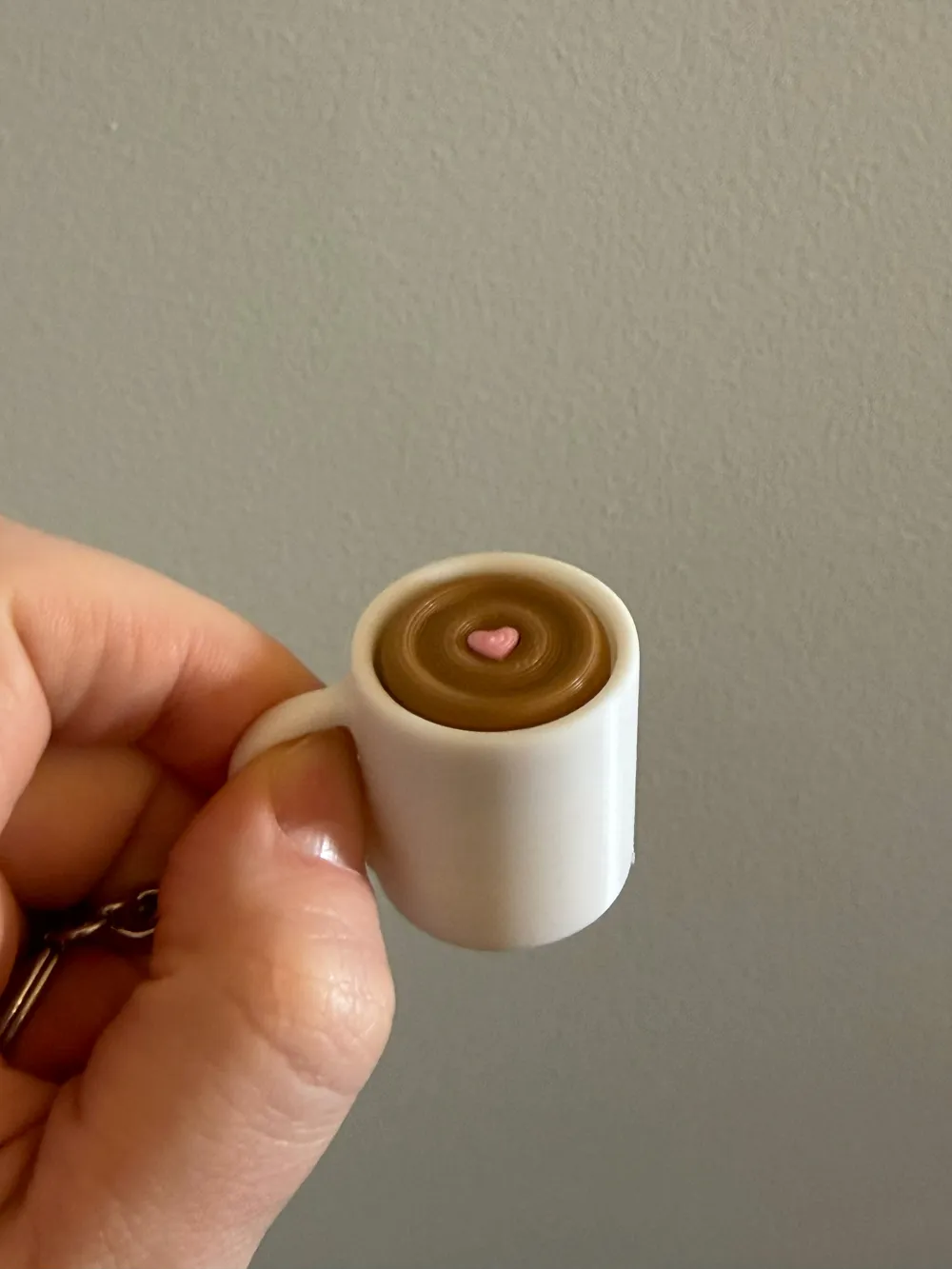
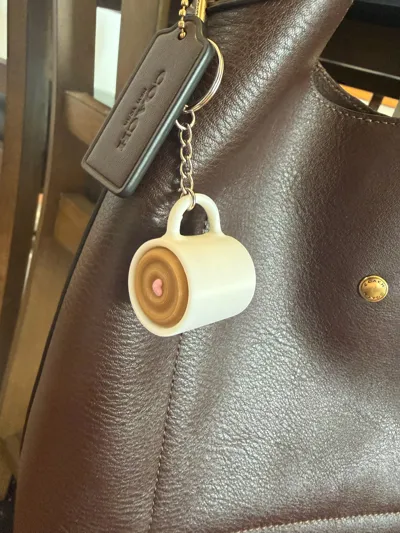
The lid presses down with a crisp click and springs back, giving you a simple but addictive fidget action. It’s shaped like a tiny take-away coffee cup and sized perfectly for pockets, backpacks, or keyrings.
Compact, quick to print, and great for giveaways or craft fairs.
Perfect for:
- Stress relief
- Focus during work or school
- Waiting for prints
- Keychain accessories
- Desk toys
Features
- ☕ Coffee cup themed design
- 👆 Satisfying click action
- 🔑 Built-in keychain loop
- ⚡ Fast print
- 🧩 Minimal parts
- 🖨️ No supports required
Print Settings
Recommended settings:
- Layer height: 0.2 mm
- Walls: 3
- Infill: 15–20%
- Supports: None
- Brim: Optional
Material:
- PLA recommended
- PETG also works well
Assembly
- Print all parts.
- Insert the clicker piece into the cup body.
- Snap or press the lid into place.
- Attach to a keyring.
The click mechanism is designed with built-in flex to create the tactile feedback.
Tips
- Printing the lid in a different color gives it a realistic coffee-cup look.
- Slightly tighter tolerances improve the click feel depending on your printer calibration.
- Works well as a multi-color AMS print.
License

You shall not share, sub-license, sell, rent, host, transfer, or distribute in any way the digital or 3D printed versions of this object, nor any other derivative work of this object in its digital or physical format (including - but not limited to - remixes of this object, and hosting on other digital platforms). The objects may not be used without permission in any way whatsoever in which you charge money, or collect fees.


Comment & Rating (5)