
ESP32 Interactive Display Digital Pet - TapTapPaw
Print Profile(1)
Description
ESP32 interactive display with touchscreen UI, animated digital pet and desktop companion.

TapTapPaw is a smart ESP32 display project using a 2.8" TFT touchscreen (ILI9341 / CYD ESP32), designed as an interactive animated desk gadget with sound effect. Inspired by the Bongo Cat meme. Built from scratch
🤖 About the Project
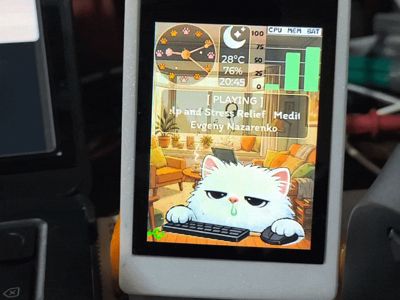
When you type on your keyboard, animated paws tap in real time with sound effects. Mouse movement triggers playful reactions, creating a responsive and immersive UI experience.
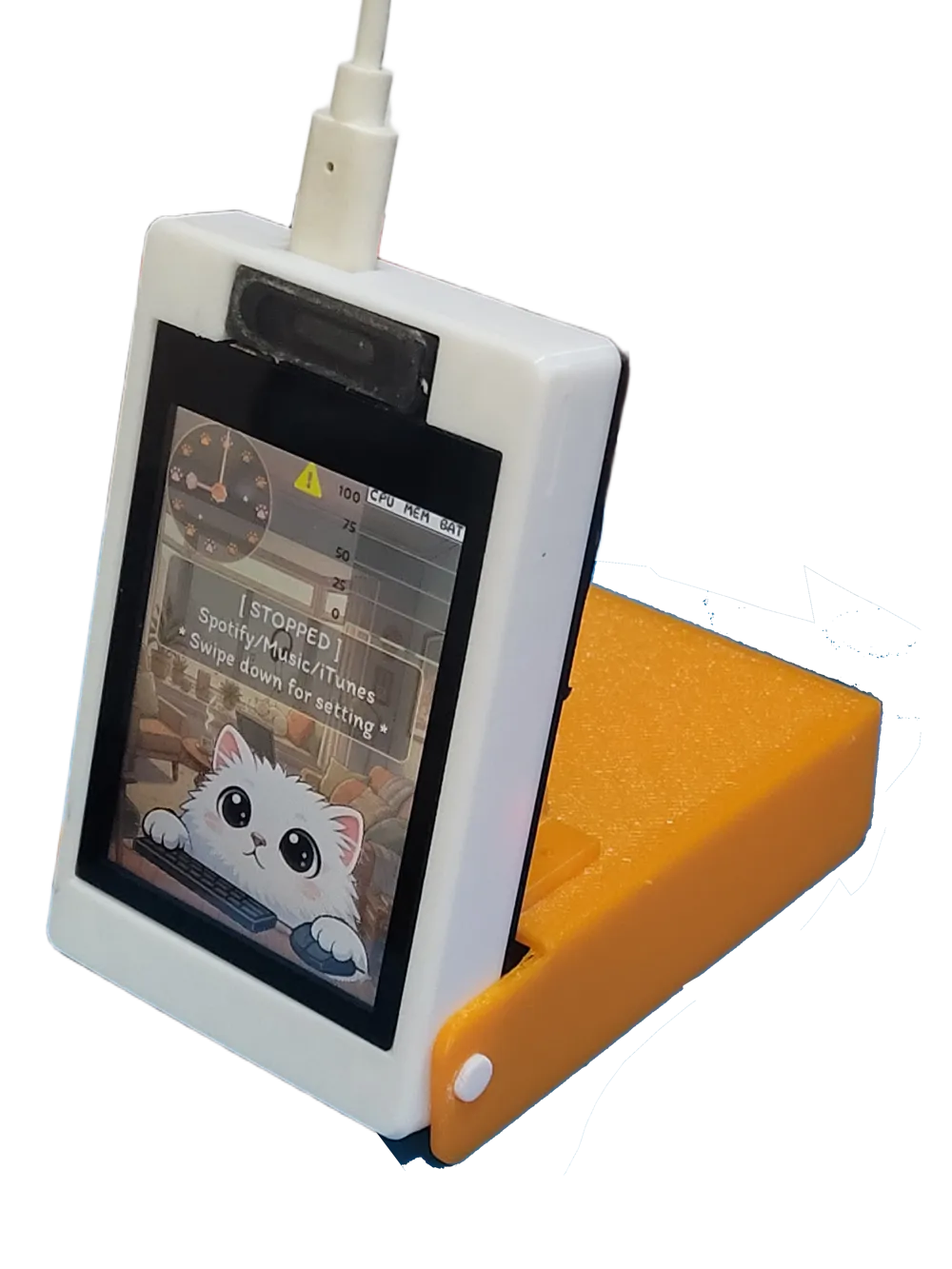
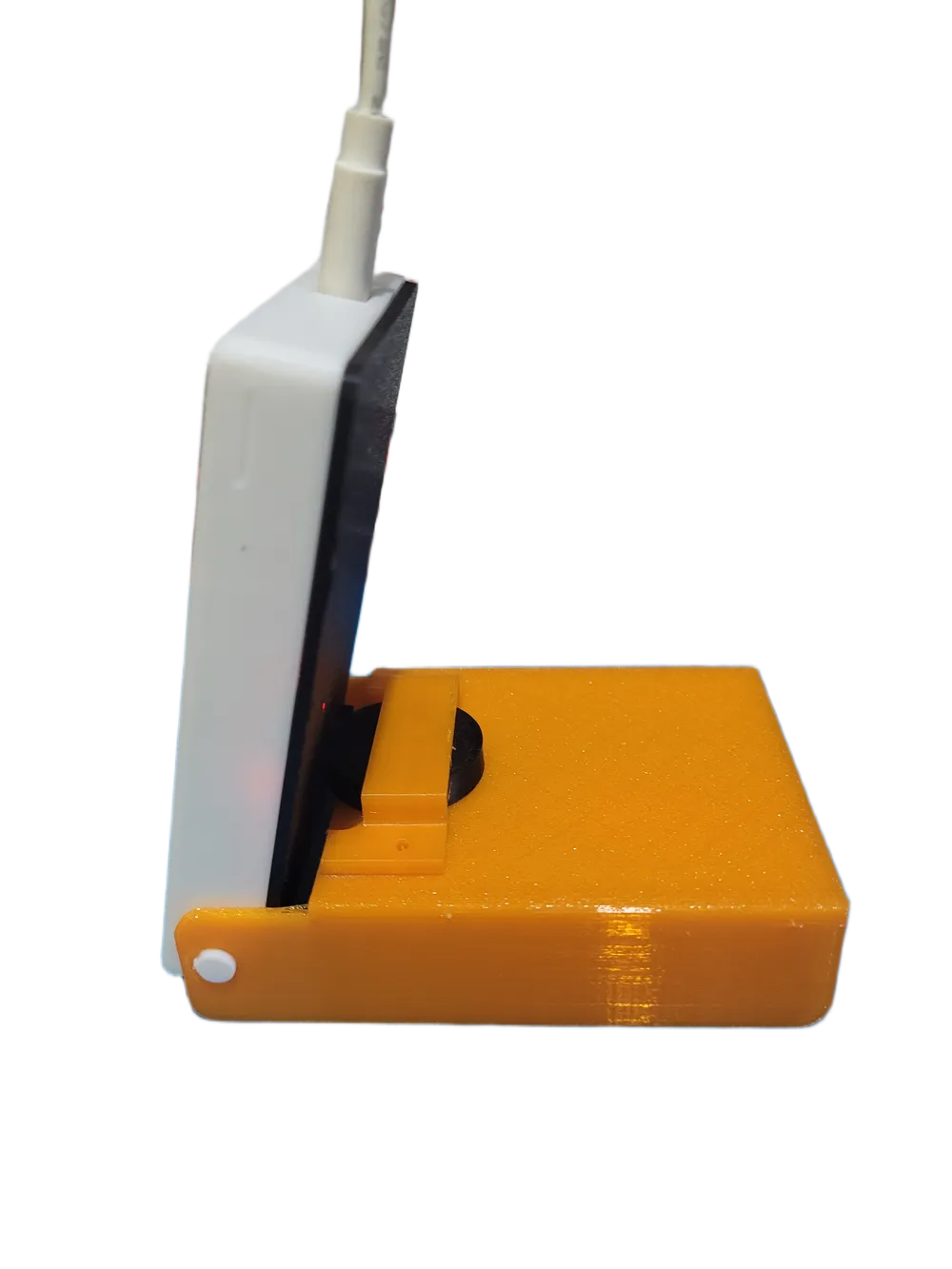
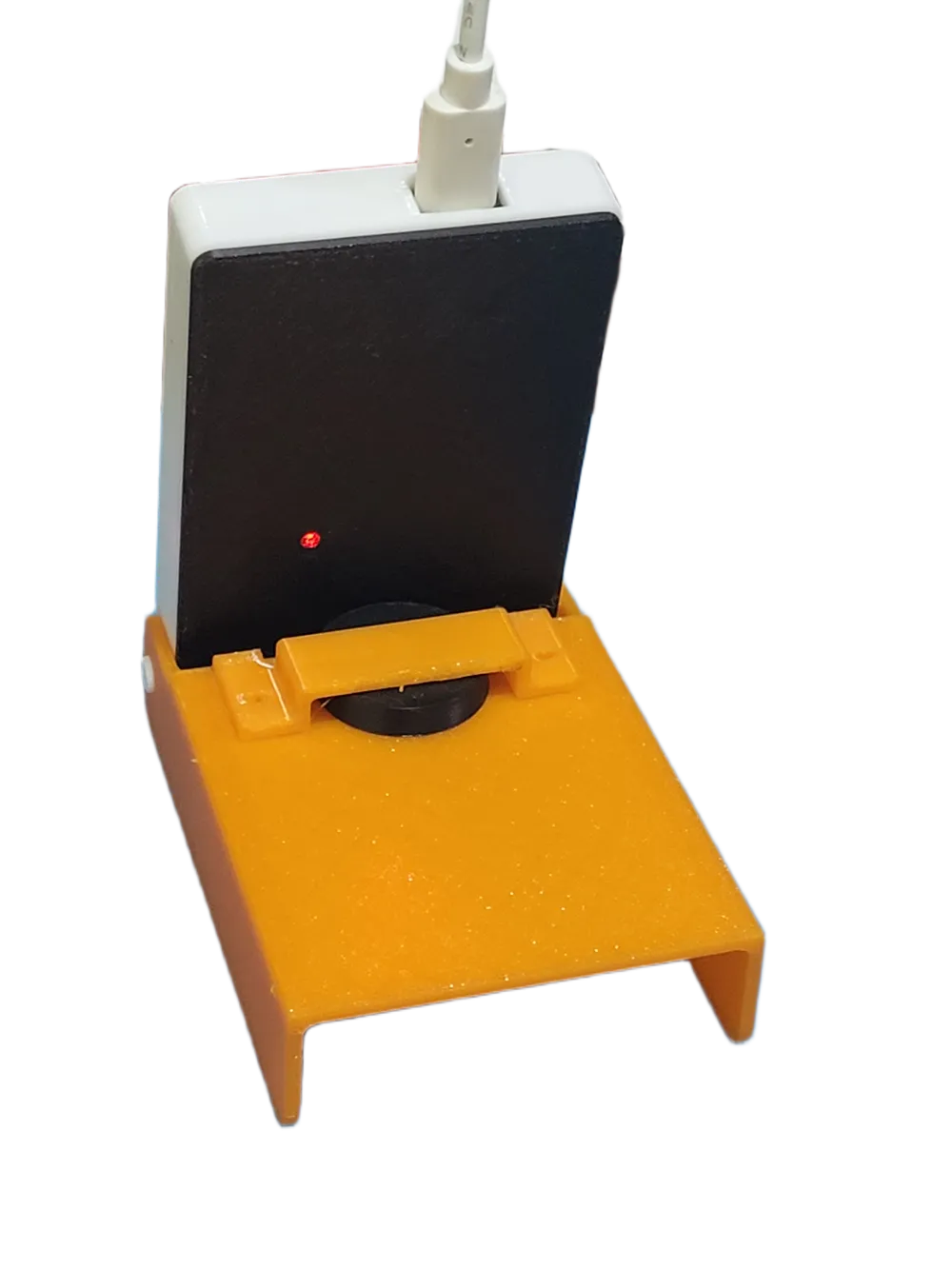
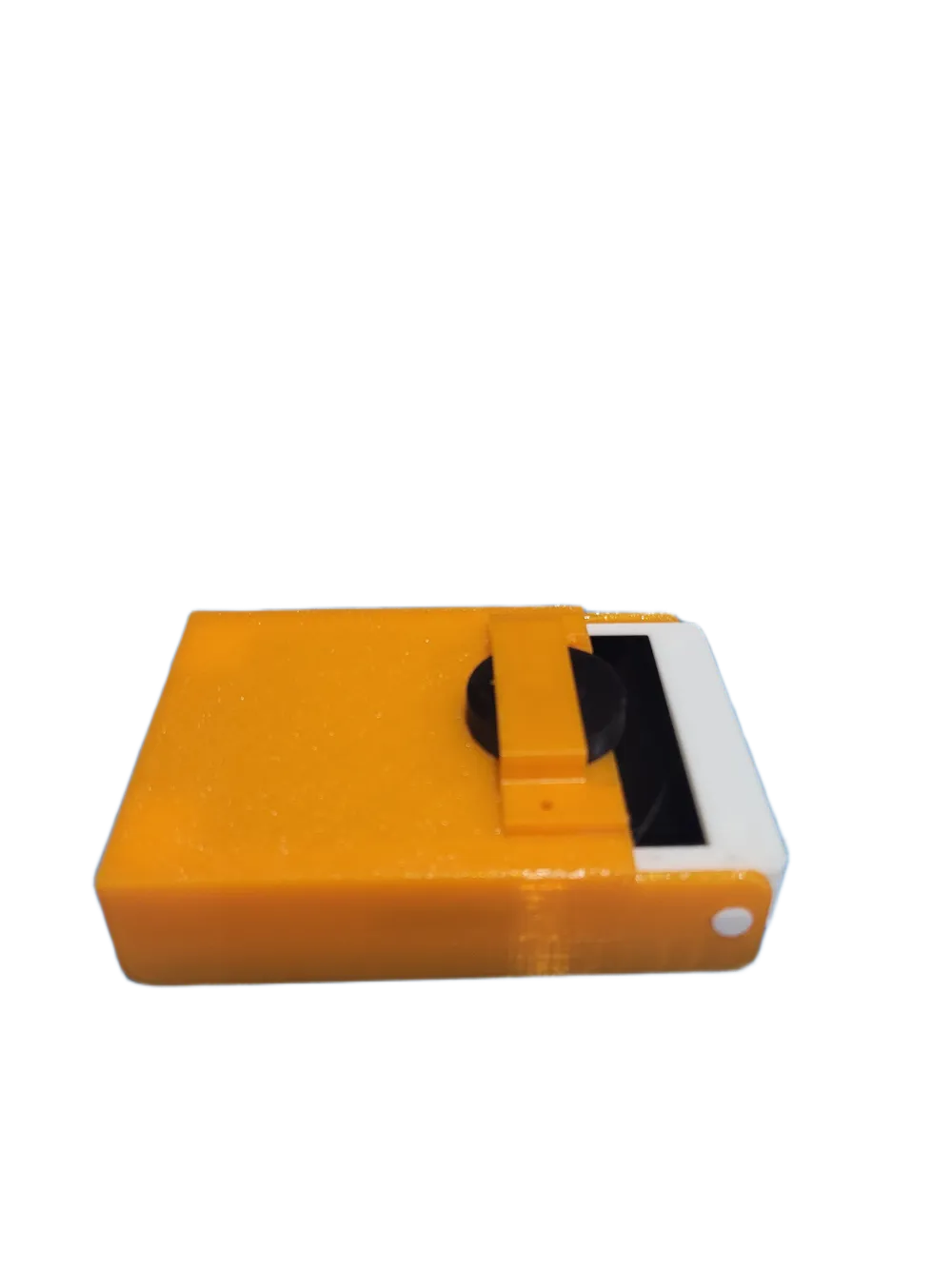
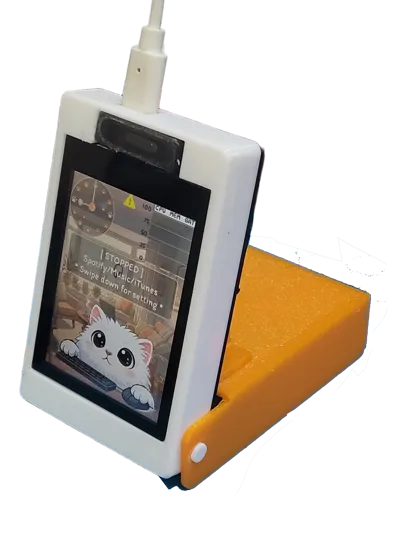
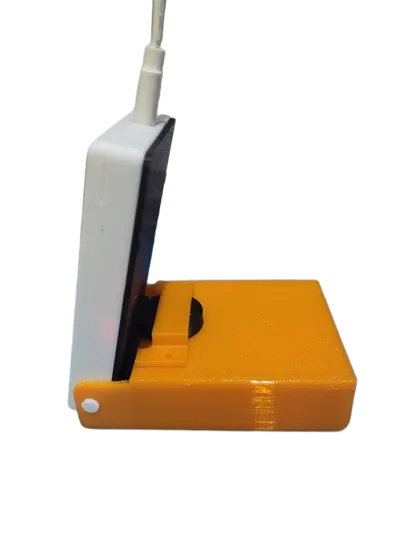
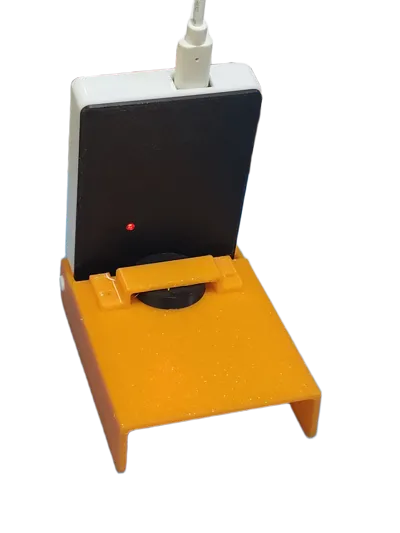
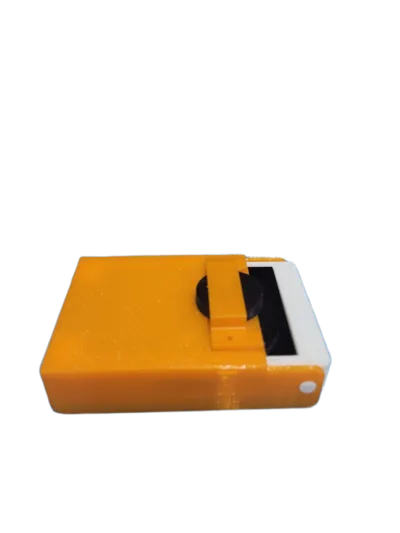
Built with ESP32 and touchscreen interface, this project combines embedded systems, UI animation, and interactive design into a compact 3D printed enclosure with foldable stand.
Boost Me (for free)
Thank for boosting!. appreciated
✨ Features
- Foldable Design — Compact and easy to pack.
- Adjustable Angle — Set the perfect viewing angle for your setup.
- Perfect Fit — Designed specifically for the ESP32 2.8" capacitive touch display.
- 🕒 Live Clock — Analog or digital clock with animated hands
- 🖱️ Input Awareness — Reacts to keyboard and mouse activity with sound effect
- 📊 System Telemetry — CPU, RAM, battery level, charging status
- 🎵 Music Status — Displays current playback state and track info (Youtube, Spotify, Music)
- ☀️ Weather Condition — Shows the current weather for your location and updates the background + sound effect accordingly
- 🧸 Cute UI — Designed with playful animations using LVGL
- 🔌 Low-Latency Serial Link — Efficient binary protocol over USB
- 🌗 Auto backlight— Shifts brightness based on ambient light levels.
- 🔄 Screen Rotation — Swtichable screen rotation 180 degree
🔌 Auto sleep — Display will be automatically turned off after disconnected for 5 minutes
📦 Bill of Materials (BOM) To build the full TapTapPaw, you need:
- 3D Printed Parts: The files provided here.
- Highly Recommended → ESP32 2.8" purple capacitive touch screen
- Also work with general ESP32 CYD2.8" Resistive Touch Screen but might need to calibrate touch by Push RESET button then release and Push BOOT (GPIO0) button within 1-2 second to enter touch calibration mode. - Speaker 1 Watt 9x22 mm. → https://s.click.aliexpress.com/e/_c3fTkgxl
- Screw M2.3 x 4 = 4 pcs
- USB Cable: To connect to your PC/Mac.
🚀 Setup Guide
This isn't just a static model! To bring it to life, you need the firmware and desktop app.
- Flash the Firmware - No coding needed! Connect the board to your PC via USB and flash the firmware
- Install the Desktop App - The device communicates with a companion app running on your computer
Flash Firmware + Desktop App for macOS and Windows
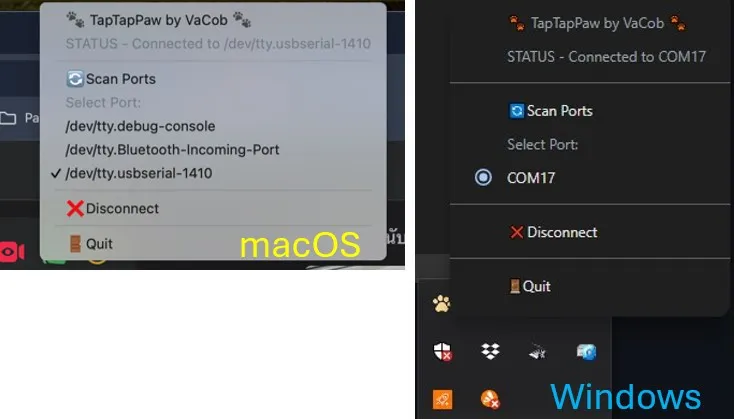
3. Run it
Launch the app, select the serial port, and watch your desk buddy come to life!
Download part list & assembly guide below
Documentation (1)
License

You may create derivative works based on this object, provided that all such derivative works are published exclusively on the MakerWorld platform and include proper attribution to the original creator. You may not share, upload, host, distribute, or publish this object—or any derivative work of this object—on any other digital platform, marketplace, or distribution channel. Commercial use of this object and any derivative works is strictly prohibited. This includes, but is not limited to, selling, renting, sublicensing, or using the object in any context in which you receive monetary compensation or other financial benefits.


Comment & Rating (12)