
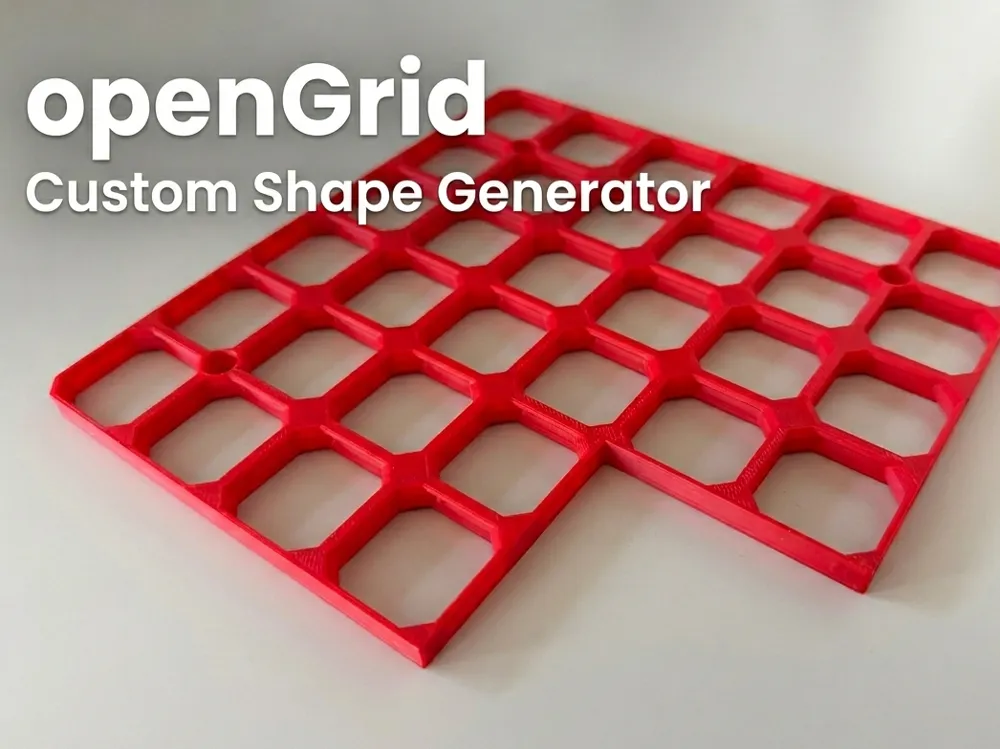
openGrid - Custom Shape Generator with any cutout
Print Profile(1)
Bill of Materials
.jpg)

Description
openGrid - Custom Shape Remix
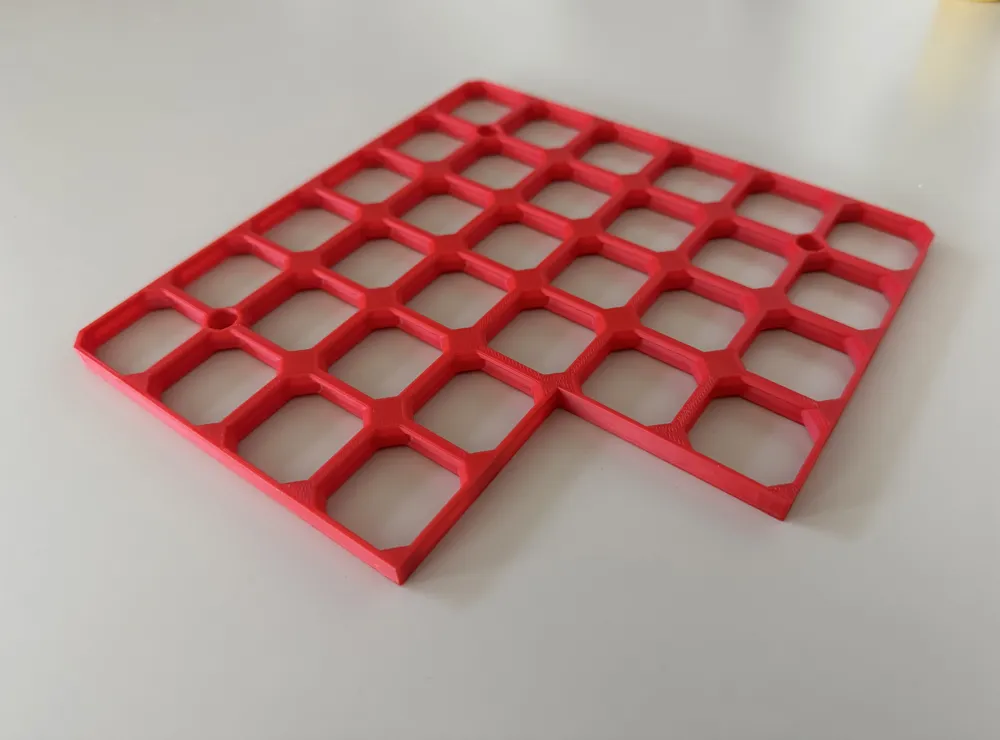
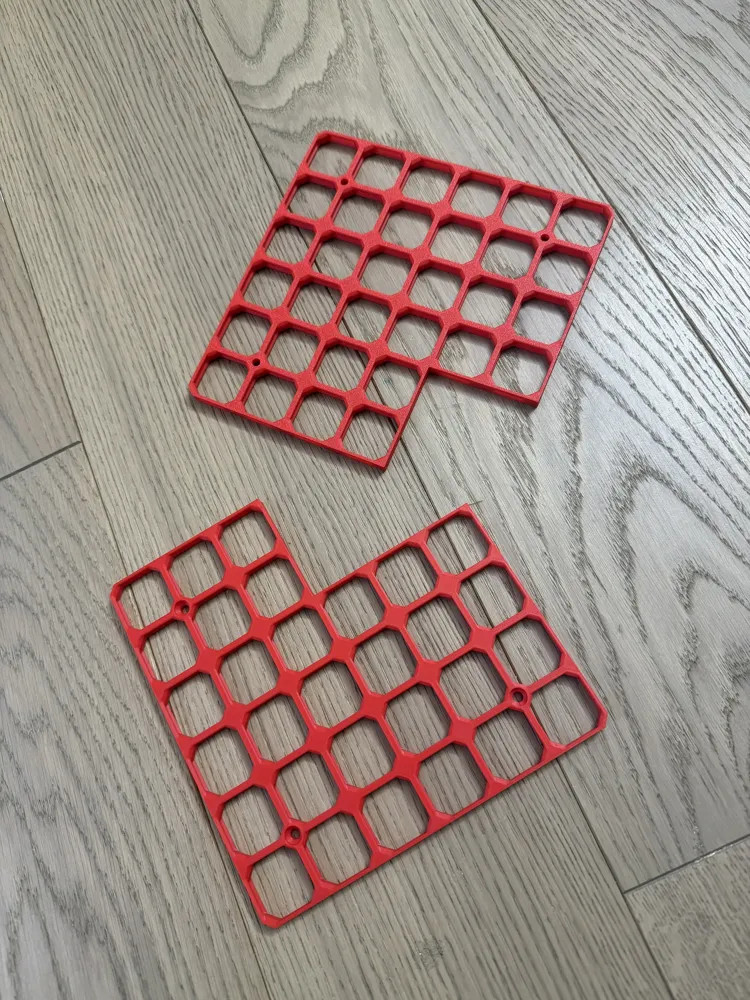
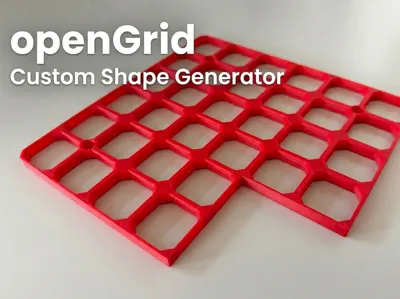
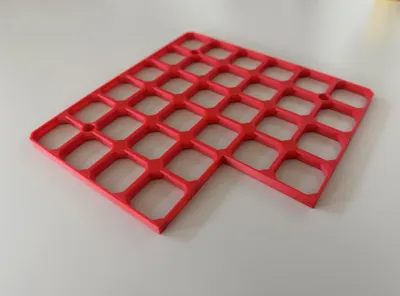
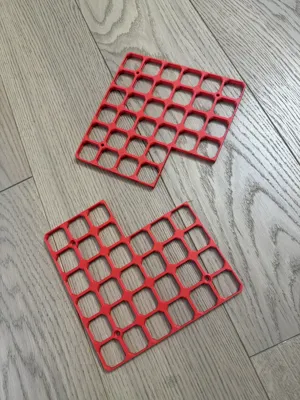
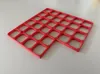
A remix of the excellent openGrid by BlackjackDuck (Andy) that adds the ability to create non-rectangular boards— L-shapes, U-shapes, T-shapes, or any arbitrary custom shape, with optional 45° inner corner chamfers.
What's New in This Remix
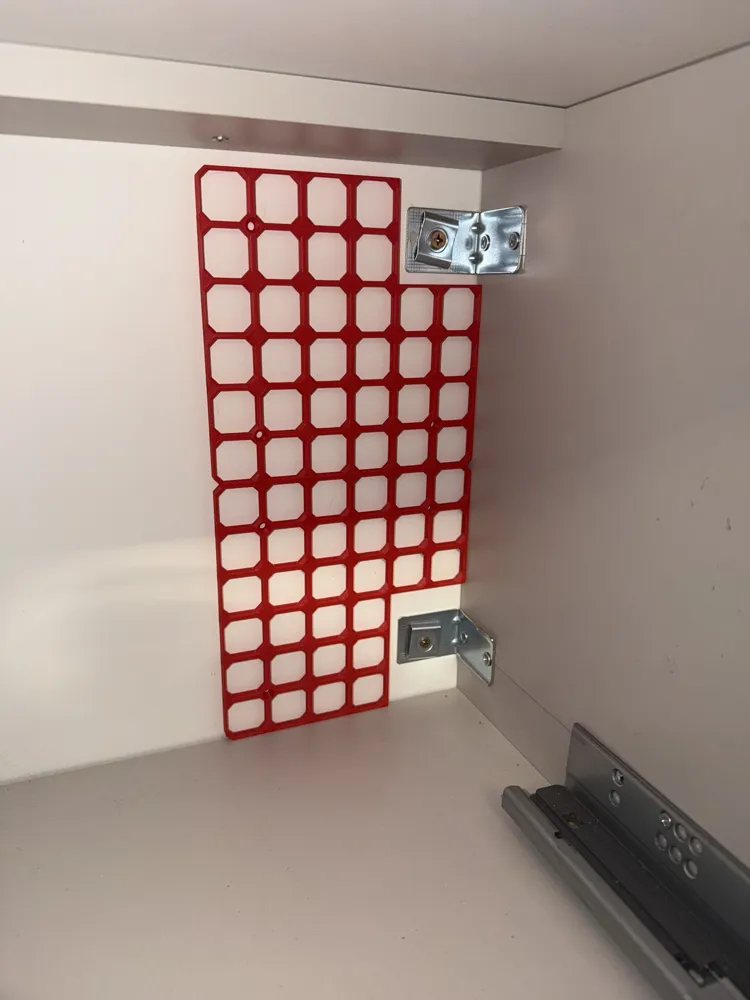
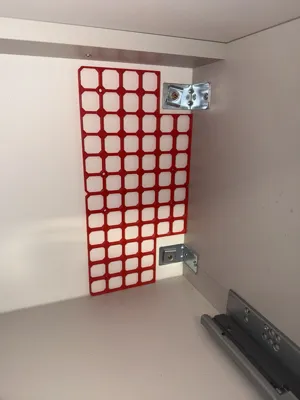
Standard openGrid only generates rectangular boards. But real-world mounting surfaces aren't always rectangles — you might need to fit around a pipe, work with an L-shaped desk, or fill an odd corner.
This remix adds a Cutout / Custom Shape section to the Customizer with three modes:
None
No cutouts — standard rectangular board, identical to the original openGrid.
Corner Mode
Quickly cut a rectangle from any corner of the board. Perfect for creating L-shaped boards. Just set:
- How many tiles wide and tall to remove
- Which corner to cut from (Top-Left, Top-Right, Bottom-Left, Bottom-Right)
Custom Mode
Define any shape you want using a simple tile map string. Each character represents one tile position: 1 = keep, 0 = remove. The string is read left-to-right, top-to-bottom.
Example: For a 4×3 board, the string "111100110011" creates an L-shape:
1 1 1 1 ← top row: all kept 0 0 1 1 ← middle: left 2 removed 0 0 1 1 ← bottom: left 2 removed
Positions not specified in the string default to 1 (keep), so you don't need to pad short inputs.
More examples:
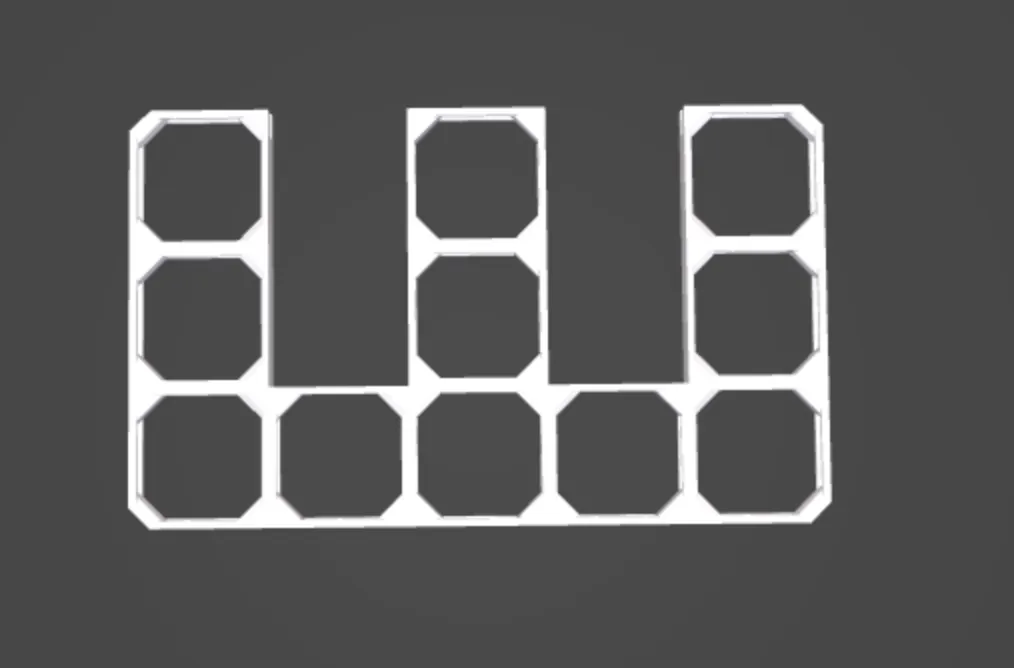
W-shape (5×3): "101011010111111" — removes 2nd and 4th columns from the top two rows
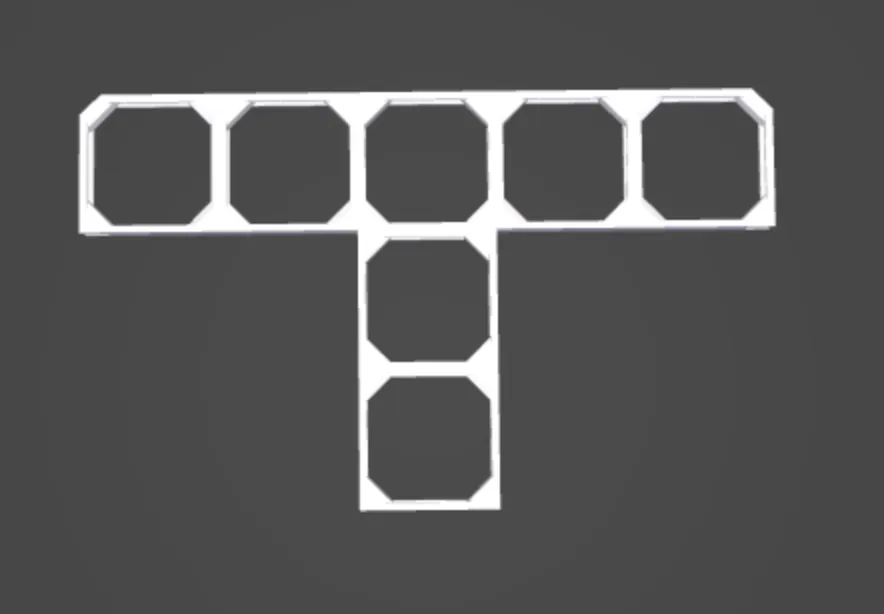
T-shape (5×3): "111110010000100" — top row full, center column only below
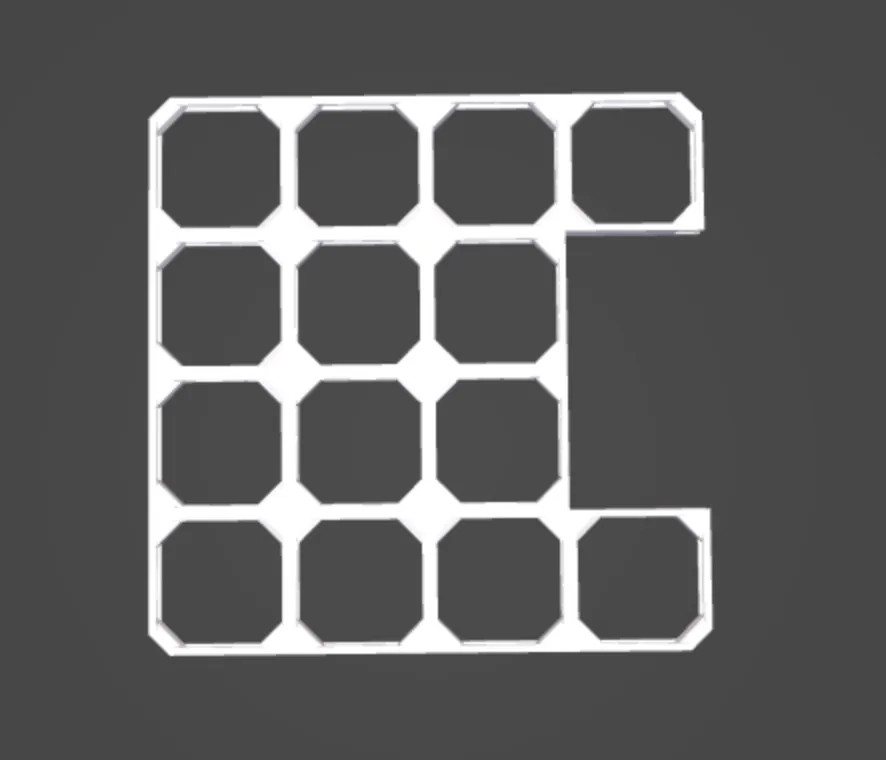
Notch (4×4): "1111111011101111" — two tiles removed from the middle of right edge
Empty inside (4×4): "1111100110011111" — 2×2 square removed from the center
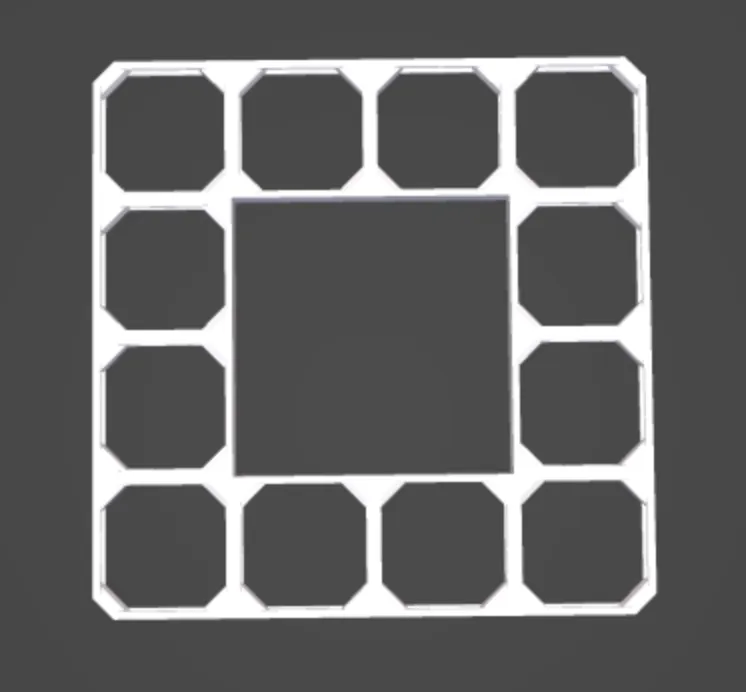
(Spaces shown for readability only — enter without spaces in the Customizer)
Inner Corner Chamfers
When cutting tiles, concave (inner) corners would normally be sharp 90° angles. Enable Cutout Inner Chamfer to automatically preserve a 45° chamfer at every inner corner. Instead of adding extra material, the cut is made shorter — the original grid intersection geometry is kept intact at concave corners. This means:
- The chamfer matches the board's outer corner style perfectly (same material, same geometry)
- Screw holes at those intersections are preserved and usable
- Automatically detected at every concave corner — works with any shape in both Corner and Custom modes
All Original Features Included
This remix preserves all functionality from the original openGrid:
- Full and Lite tile types
- Customizable chamfers per corner
- Connector holes per side
- Screw mounting (Everywhere, Corners, By Row/Column, Custom positions)
- Tile stacking with interface layers
- Fill Space mode (beta)
- All advanced tile parameters
Credits
This is a remix of openGrid. All credit for the original design and implementation goes to:
- DavidD — openGrid design (Printables)
- BlackjackDuck (Andy) — OpenSCAD implementation (MakerWorld)
- Katie and community at Hands on Katie
- Pedro Leite — performance improvements (MakerWorld)
- mitufy — screw position options
License
Code: CC-BY-NC-SA 4.0 (same as original) Generated models (STL/3MF): CC-BY 4.0 (same as original)
This remix is based on

License



Comment & Rating (6)