
openGrid - Tile Generator
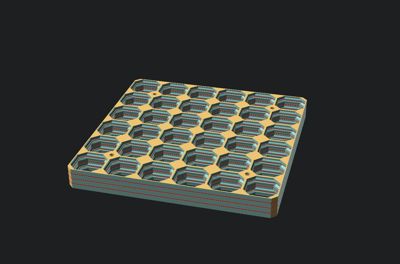
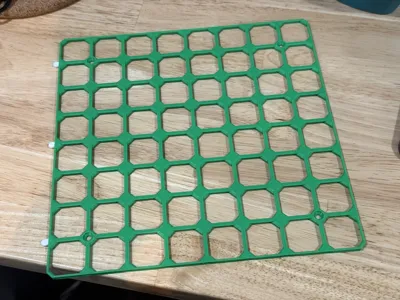
Print Profile(2)


Description
BETA - Please report feedback!


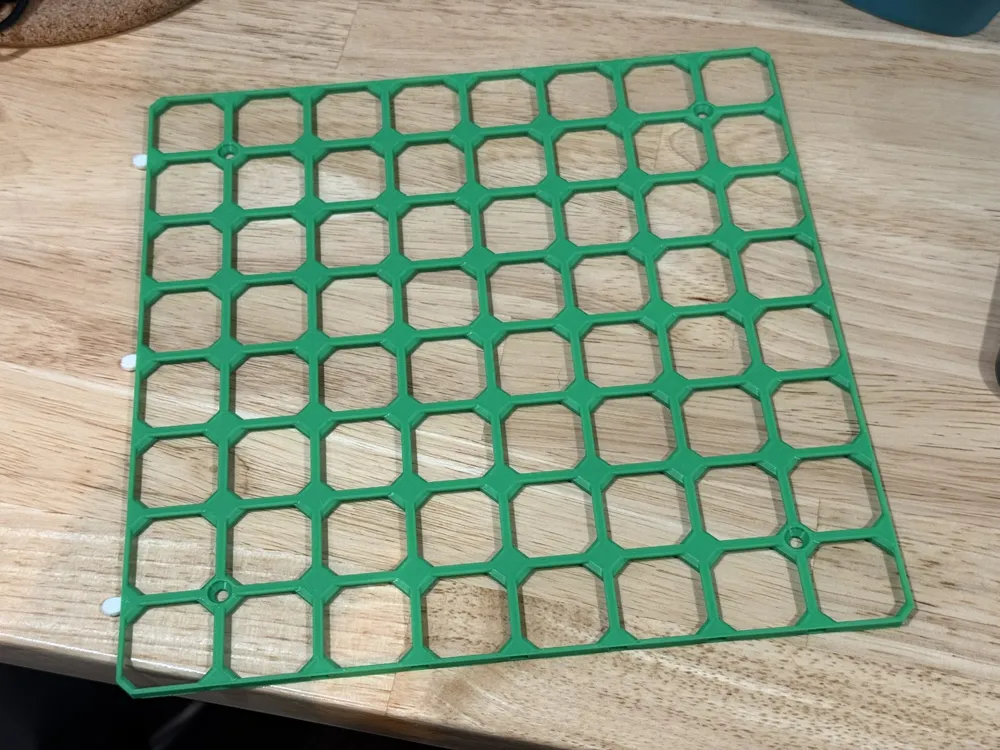
Welcome to the tile customizer for openGrid, David D's new open source organization system. You might know David D as the creator of Multiconnect, the most versatile 3D-printable mounting interface available. This system is a rapidly-developing solution for wall-mounted organization, cable organization, and even desktop organization.
Learn about openGrid
To learn about openGrid, I highly recommend starting from David D's openGrid MakerWorld page https://makerworld.com/en/models/1179191-opengrid-wall-desk-mounting-framework-ecosystem
Open Source
openGrid tiles, included those generated by this customizer, are licensed under CC-BY.
Using the Customizer
Option 1 (Recommended): Web Version
Most all tiles and stacks can be generated in the web version. To access the web version, click the green ‘Customize’ button up top.

Option 2: Running OpenSCAD locally on your desktop
Install OpenSCAD Developer Snapshot
- Navigate to https://openscad.org/downloads.html#:~:text=on%20Docker%20Hub.-,Development%20Snapshots,-macOS
- Download the latest developer snapshot for your OS
- Install
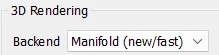
Open and Verify you have ‘Manifold’ enabled by going to Edit > Preferences > Advanced > 3D Rendering > Backend > Manifold
Install BOSL2
1. Download BOSL2 by going here, then 'Code' and 'Download ZIP' https://github.com/BelfrySCAD/BOSL2
2. Extract the zip
3. In OpenSCAD, go to File > Show Library Folder
4. Paste the unzipped folder there and rename the folder to just 'BOSL2'
Where to find accessories
Accessories, including multiconnects, can be found on the main openGrid page, David D's openGrid collection, and by searching “openGrid” on MakerWorld and other popular 3D model sites.
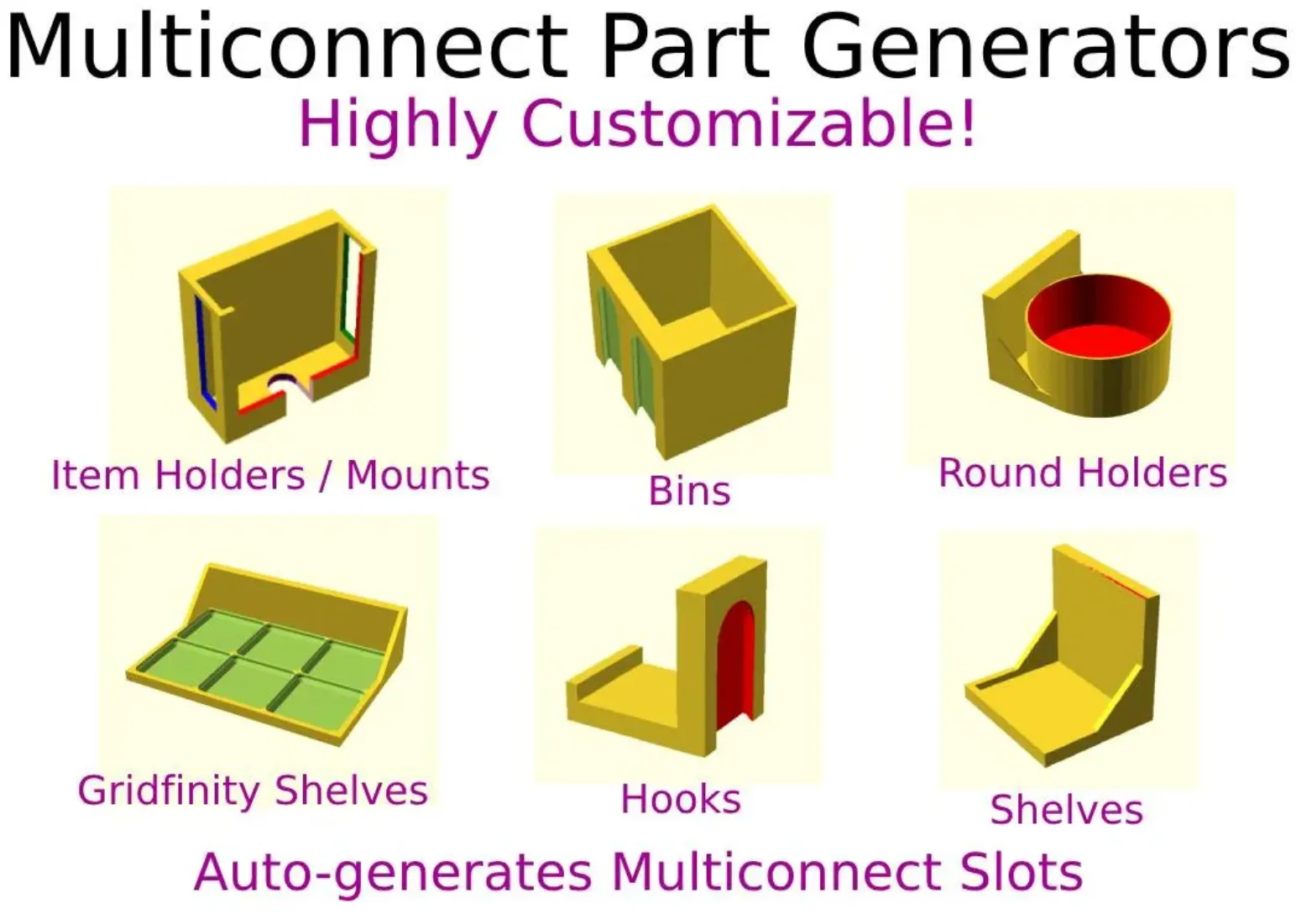
I've updated my popular and versatile multiconnect series to easily select ‘openGrid’ as a connection option. This allows you to generate the following parts:
- Bins
- Hooks
- Shelves
- Gridfinity Shelves
- Item Holders
- Round Item Holders
- Rows of round item holders
This is in Beta!
This generator is in beta. Documentation and updates will follow. Please report feedback, including successful prints.
Support Us!
Boosts help support these open source efforts. Please first boost David D as he is the original creator! If after boosting David D you want to continue providing support, I appreciate support for this model.
Contribute to the code!
This OpenSCAD code is open sourced under the CC-BY-NC-SA license. It is available on GitHub with the rest of my models and models by others here. We are a community dedicated to shared, open, functional OpenSCAD models designe for 3D printing. Pull requests are welcome!
Release Notes
- 2025-04-08
- Initial Release
- 2025-04-10
- Tile stacking for lite tiles
- Huge performance improvements thanks to @PedroLeite
- 2025-04-11
- Fixed connector holes on stacked tiles
- Fixed stack tiles 3MF export
- 2025-04-15
- Tile stacking for ironing mode
- 2025-04-25
- Chamfer customization for each corner
- Connector hole customization for each side
- Fix to allow screw head inset of zero and screw head chamfer matching screw diameter
- 2025-04-27
- Fix chamfers and connector hole options to initial orientation of MW
- 2025-06-08
- Space Fill - Fill available space either using only complete tiles or mm-level accuracy with clipped tiles.
- 2025-07-12
- Screw hole custom positioning - Added several options to customize screw hole positioning (thanks @mitufy on GitHub!)
This remix is based on


License



Comment & Rating (209)