Search models, users, collections, and posts

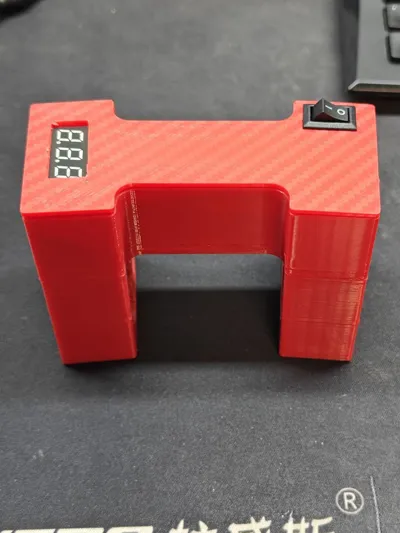
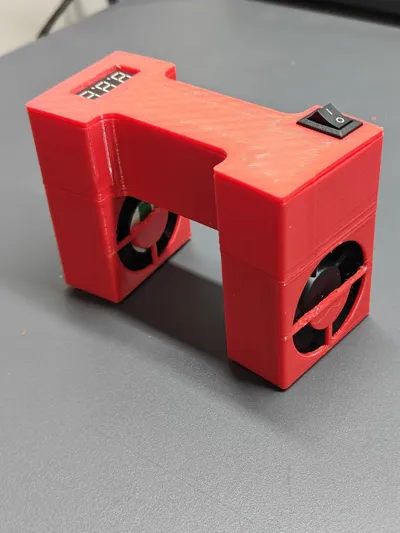
DJI O3 UNIT GROUND COOLING STATION
Print Profile(1)
All
A1
H2S
P2S
H2D Pro
P1P
X1 Carbon
A1 mini
X1
H2D
X1E
H2C
P1S
X2D
A2L

0.2mm layer, 2 walls, 15% infill
Designer
1.7 h
1 plate

Open in Bambu Studio
Boost
0
0
0
0
0
0
Released 

Description

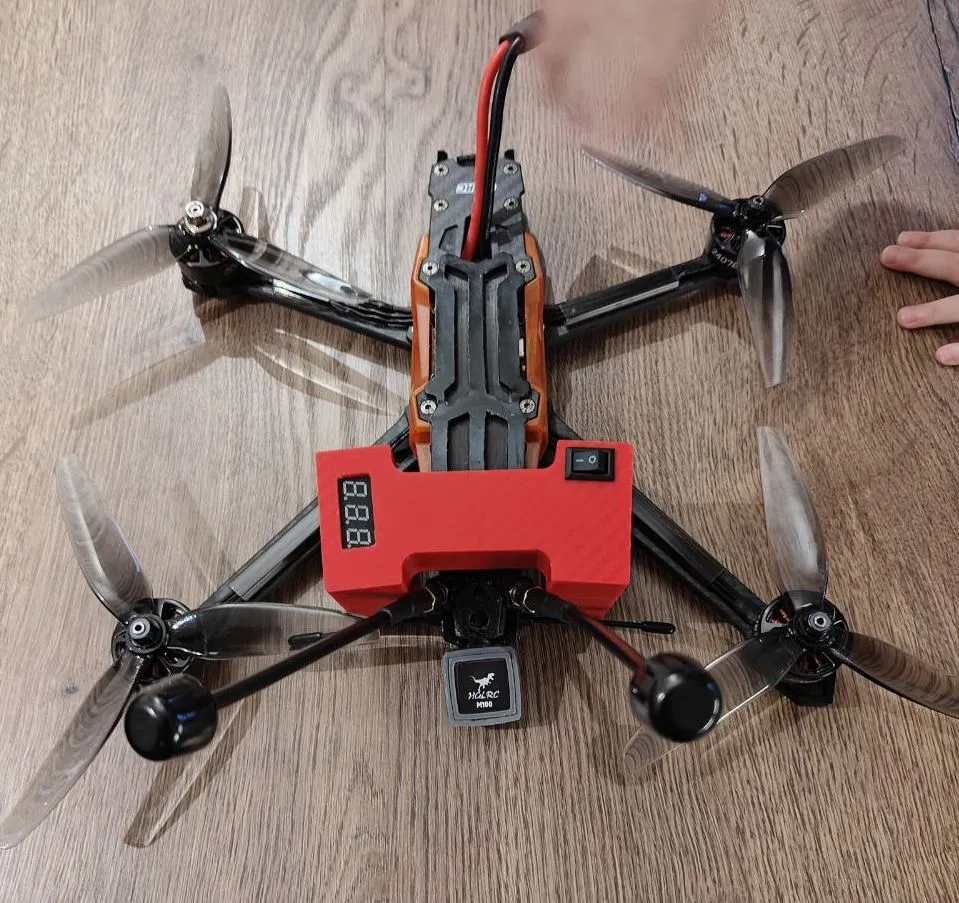
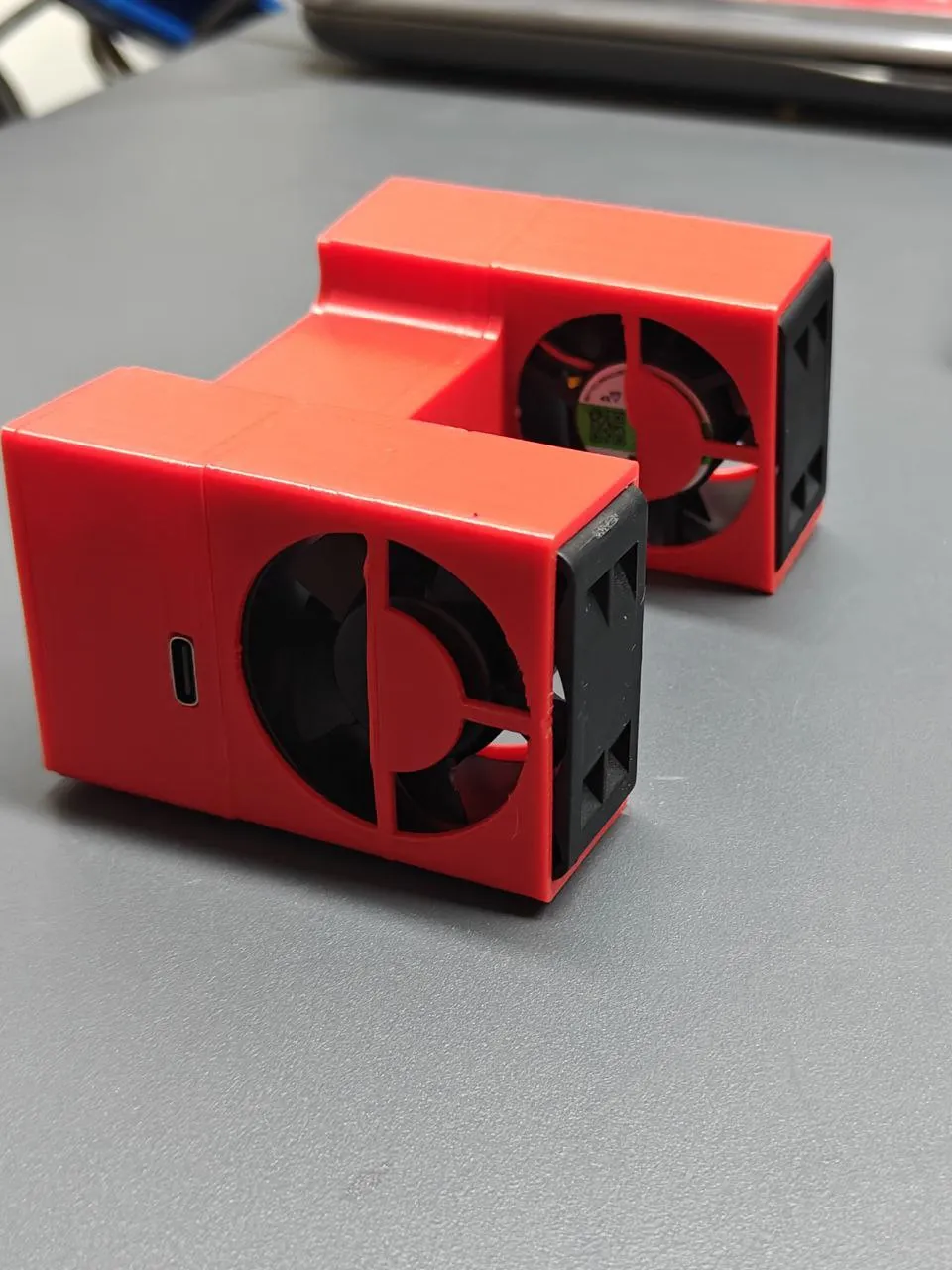
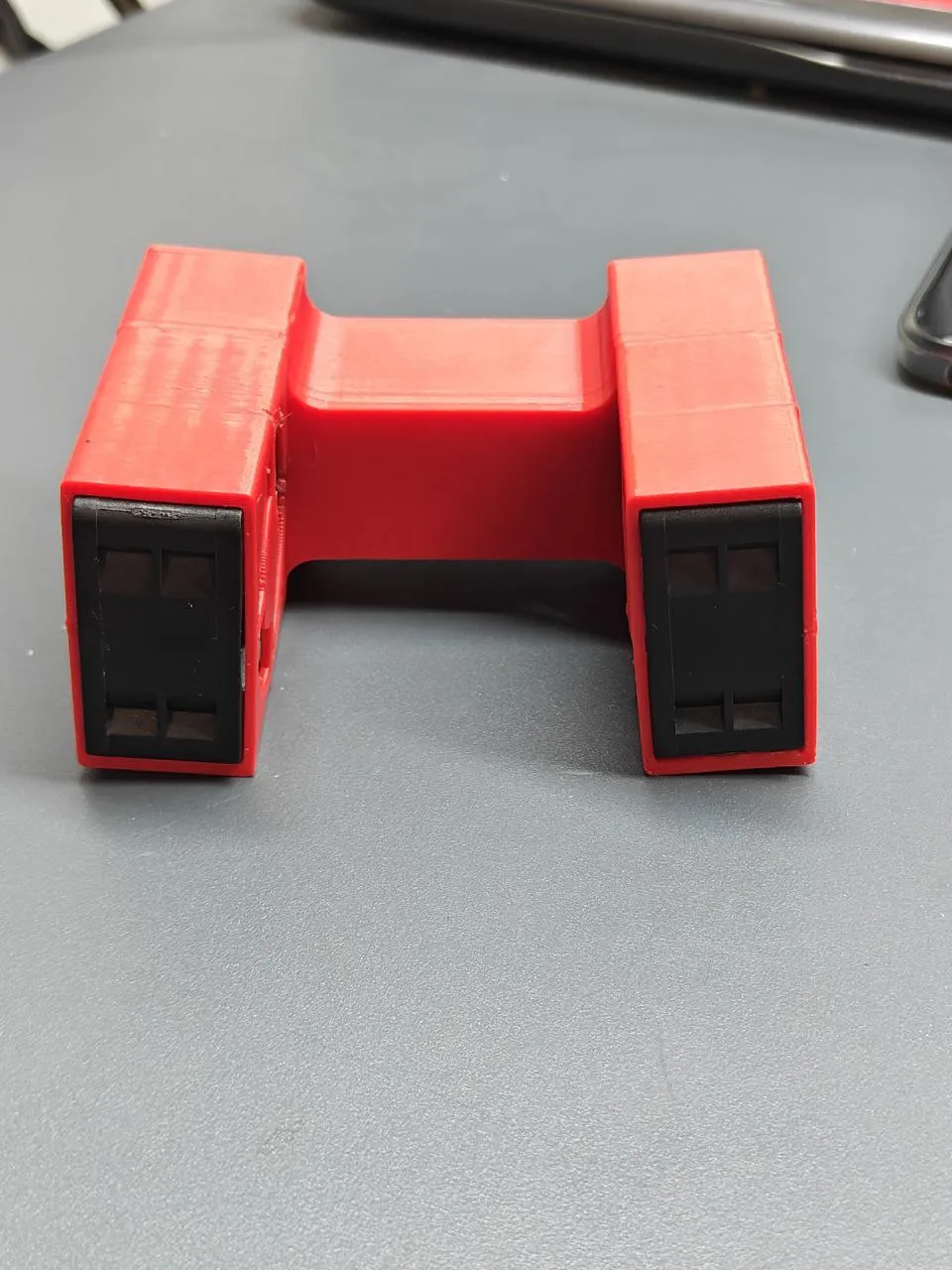
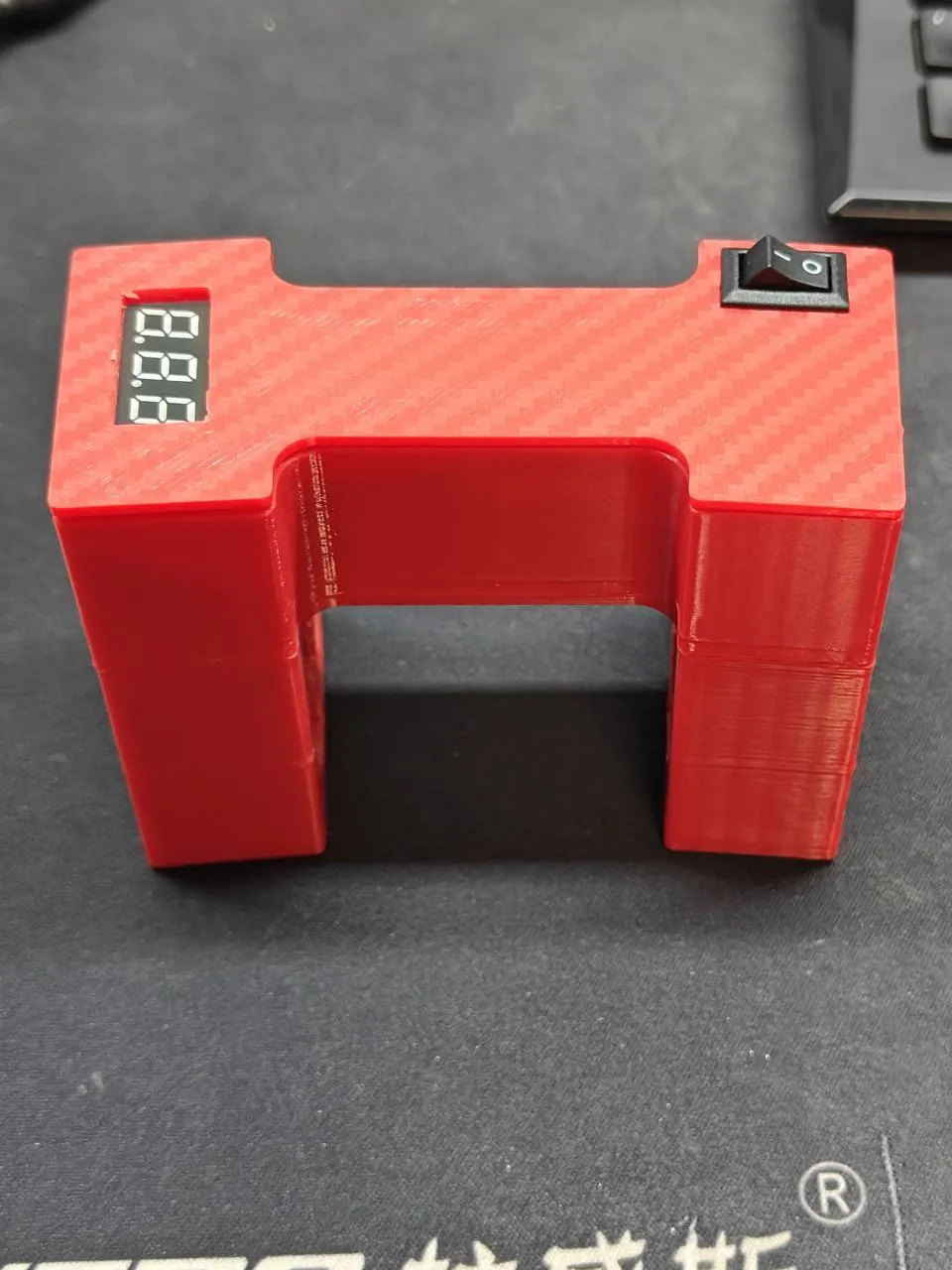
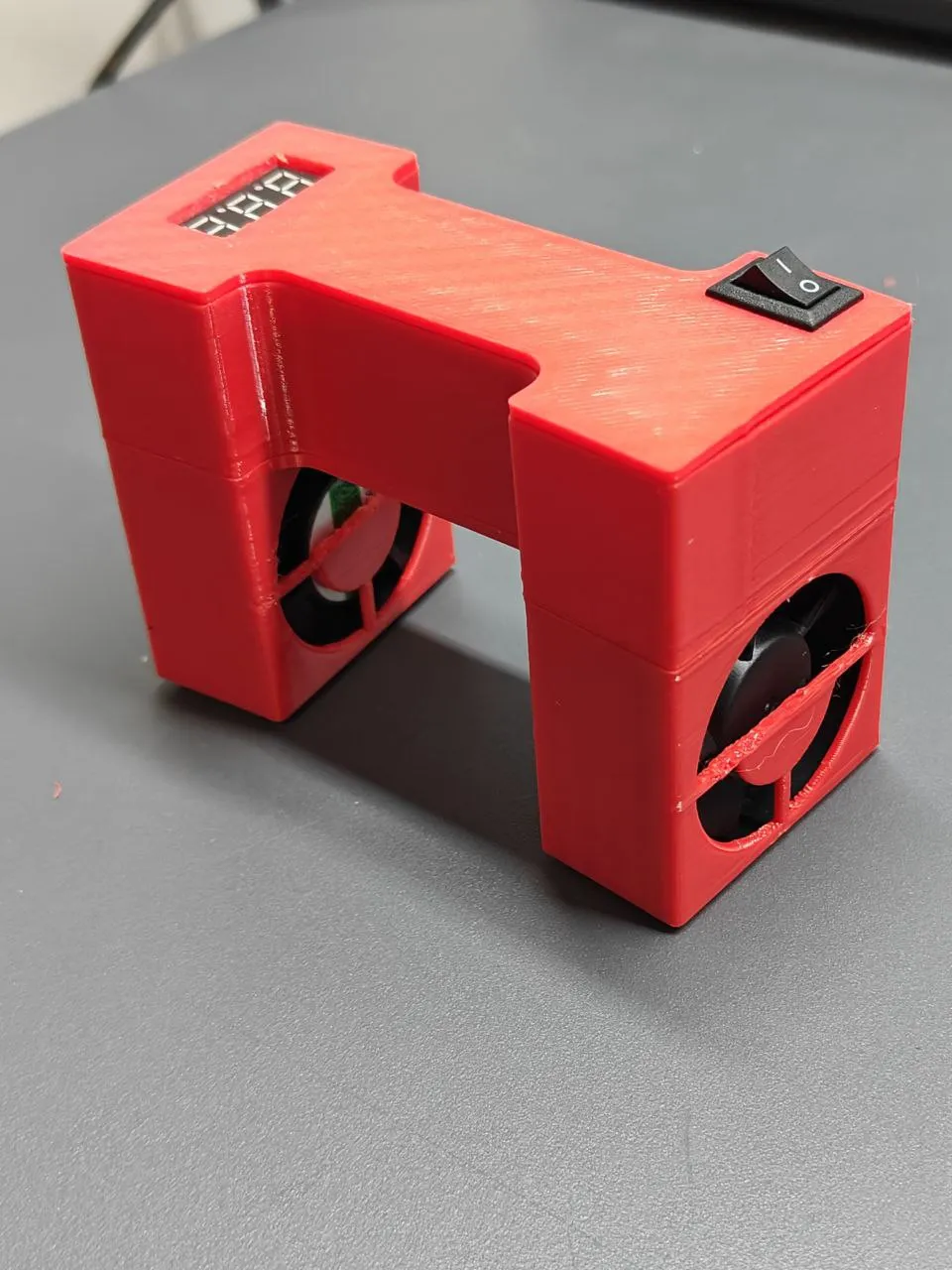
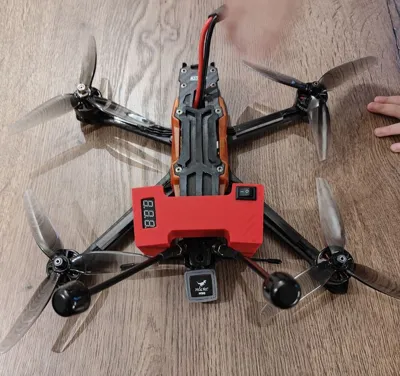
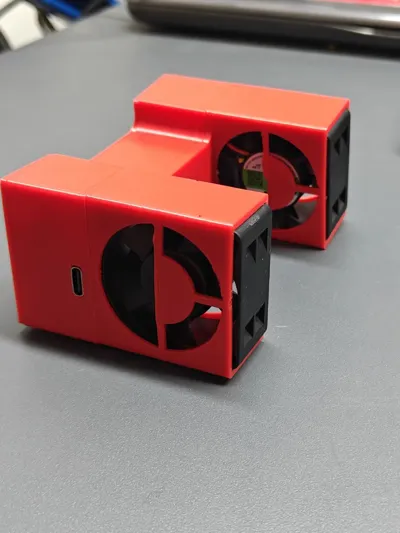
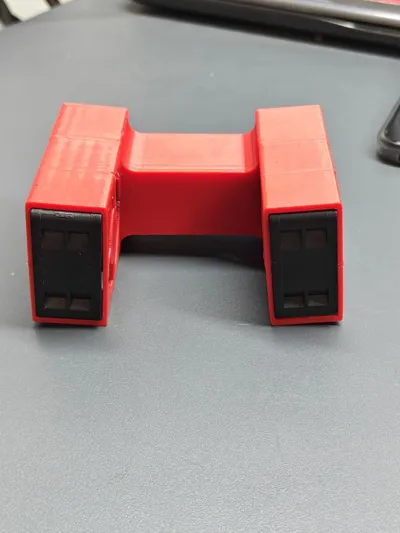
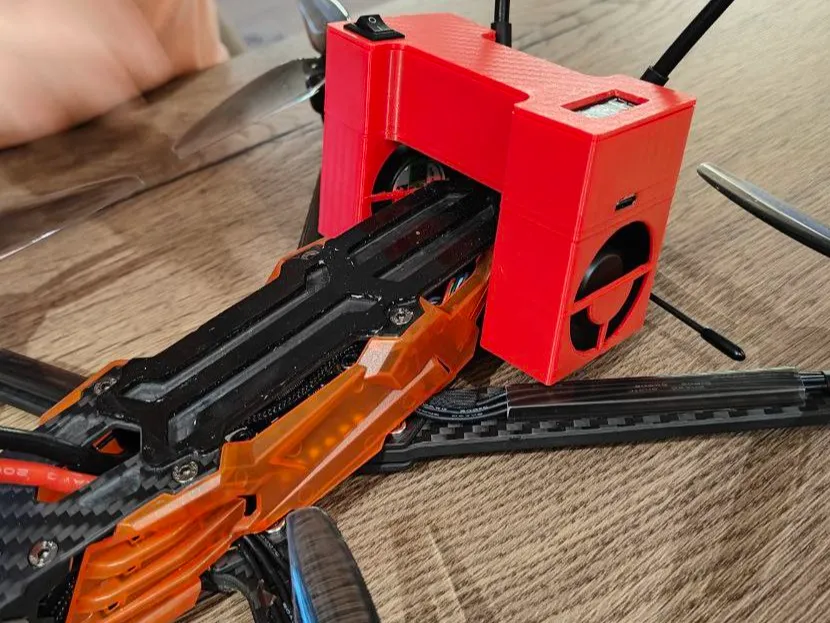
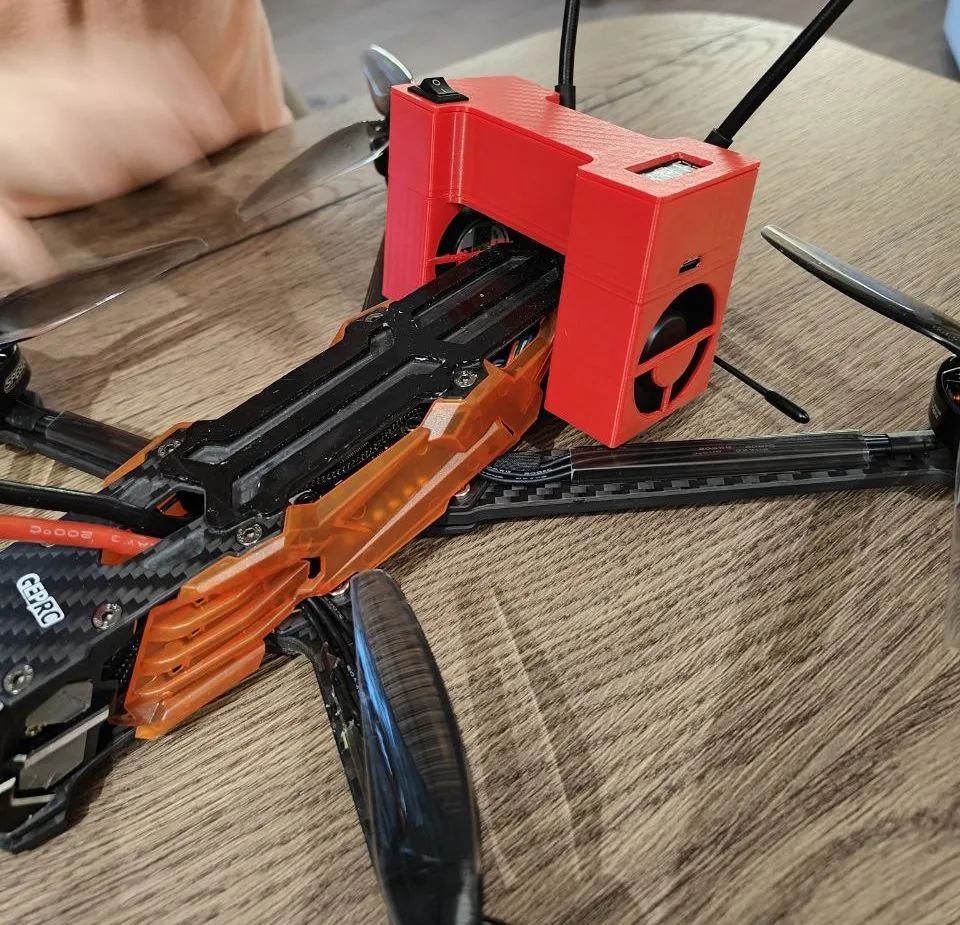
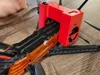
I made a ground station for cooling the O3 unit. When you set up the drone in betafly or when you expect to capture satellites in the field, this unit gets very hot. I had two computer coolers measuring 40x40x20 (12V 0.16A) lying around and I decided to try to make such a cooling station from them that you can also take with you to the field. Maybe someone will need it - I will be grateful for your feedback.
The size of the station is calculated for the VAPOR D GEPRC

There is a charge indicator in the photo, but another switch needs to be installed for it. That's why I removed it in the final version.


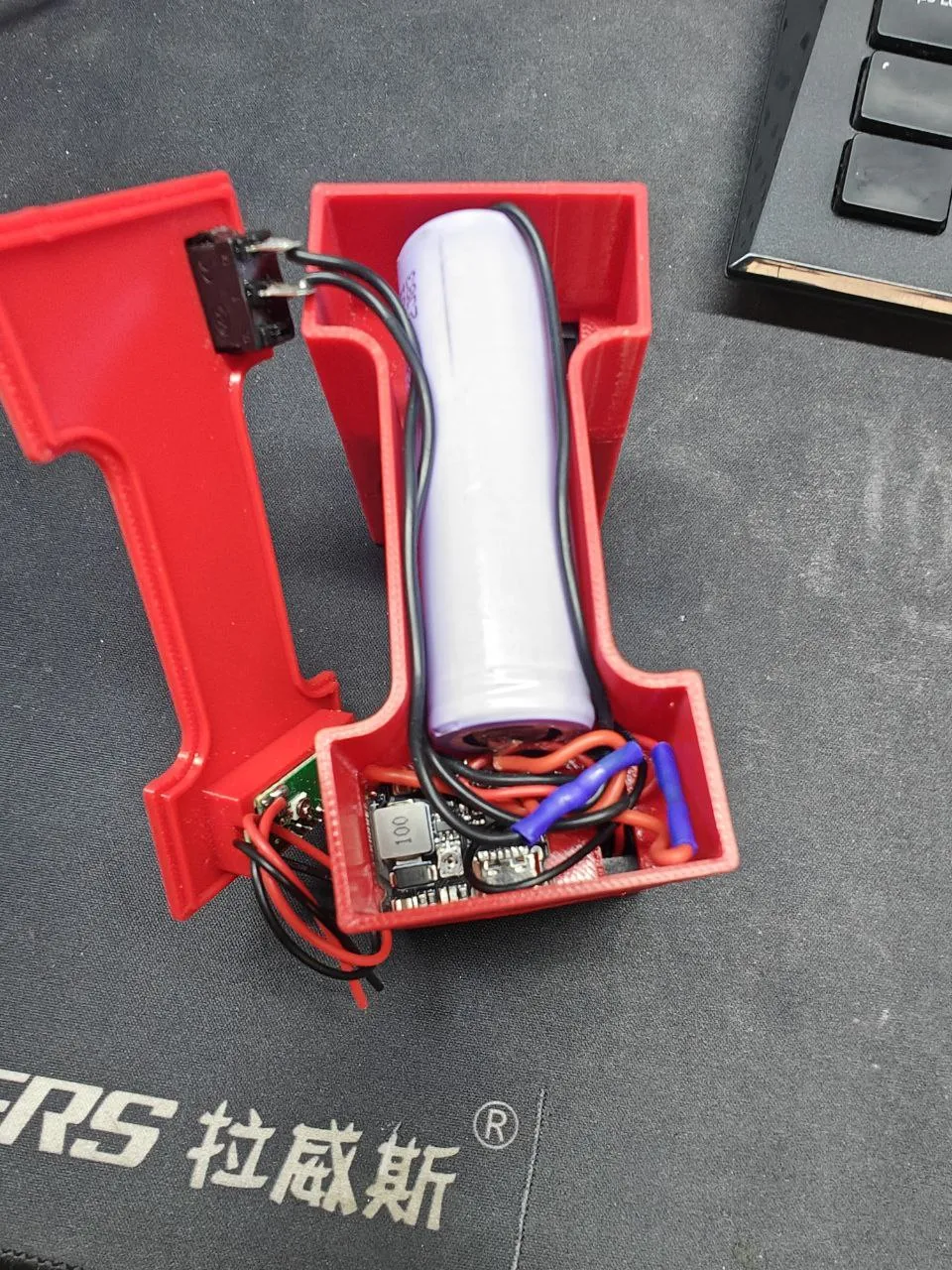
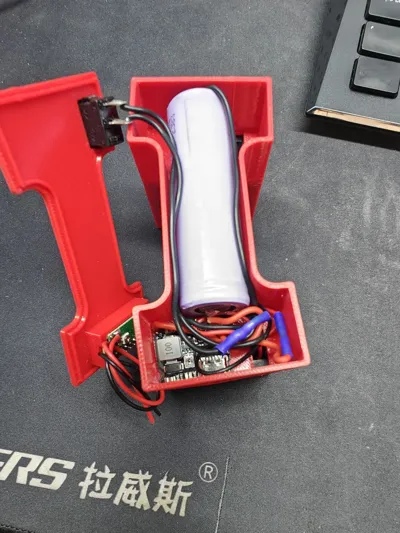
1.The board for powering the coolers and simultaneously controlling the discharge/charge can be purchased here: https://www.aliexpress.com/item/1005006273147369.html?spm=a2g0o.order_list.order_list_main.636.12a1180227mFc3
BE SURE TO FIRST ADJUST THE VOLTAGE AT THE OUTPUT OF THE BOARD WITH A MULTIMETER AND ONLY THEN CONNECT THE COOLERS.


2. Cooler   https://www.aliexpress.com/item/1005008405325522.html?spm=a2g0o.productlist.main.2.71acXHoMXHoM8I&algo_pvid=fbfc658a-4c64-416d-8025-7b21f507533f&algo_exp_id=fbfc658a-4c64-416d-8025-7b21f507533f-1&pdp_ext_f=%7B%22order%22%3A%22350%22%2C%22eval%22%3A%221%22%2C%22fromPage%22%3A%22search%22%7D&pdp_npi=6%40dis%21UAH%21569.76%21381.58%21%21%2111.99%218.03%21%402103849717724687949784953e499a%2112000044901329050%21sea%21UA%21138387907%21X%211%210%21n_tag%3A-29919%3Bd%3A5db15a6c%3Bm03_new_user%3A-29895&curPageLogUid=M9YDgJjPQitX&utparam-url=scene%3Asearch%7Cquery_from%3A%7Cx_object_id%3A1005008405325522%7C_p_origin_prod%3A


3. Button (10х15)  https://www.aliexpress.com/item/4000973563250.html?spm=a2g0o.detail.pcDetailTopMoreOtherSeller.4.7681LSYqLSYqUT&gps-id=pcDetailTopMoreOtherSeller&scm=1007.40050.354490.0&scm_id=1007.40050.354490.0&scm-url=1007.40050.354490.0&pvid=732923b4-13df-485b-9d64-ed7b1b78310f&_t=gps-id:pcDetailTopMoreOtherSeller,scm-url:1007.40050.354490.0,pvid:732923b4-13df-485b-9d64-ed7b1b78310f,tpp_buckets:668%232846%238116%232002&isseo=y&pdp_ext_f=%7B%22order%22%3A%2210141%22%2C%22spu_best_type%22%3A%22price%22%2C%22eval%22%3A%221%22%2C%22sceneId%22%3A%2230050%22%2C%22fromPage%22%3A%22recommend%22%7D&pdp_npi=6%40dis%21UAH%2151.32%2150.37%21%21%211.08%211.06%21%4021039a5b17724688928413283e5b4a%2112000036659982728%21rec%21UA%21138387907%21XZ%211%210%21n_tag%3A-29919%3Bd%3A5db15a6c%3Bm03_new_user%3A-29895&utparam-url=scene%3ApcDetailTopMoreOtherSeller%7Cquery_from%3A%7Cx_object_id%3A4000973563250%7C_p_origin_prod%3A


4. I use battery 21700 


After printing, I glued the cooler case with super glue to the case where all the electronics are located.

Comment & Rating (0)

(0/1000)

No more