
12 sided die - modular
Print Profile(3)
Bill of Materials
Description
Boost Me (for free)
If you like this one, please feel free to leave me a small boost 🙏
Create your own dice. For anything.
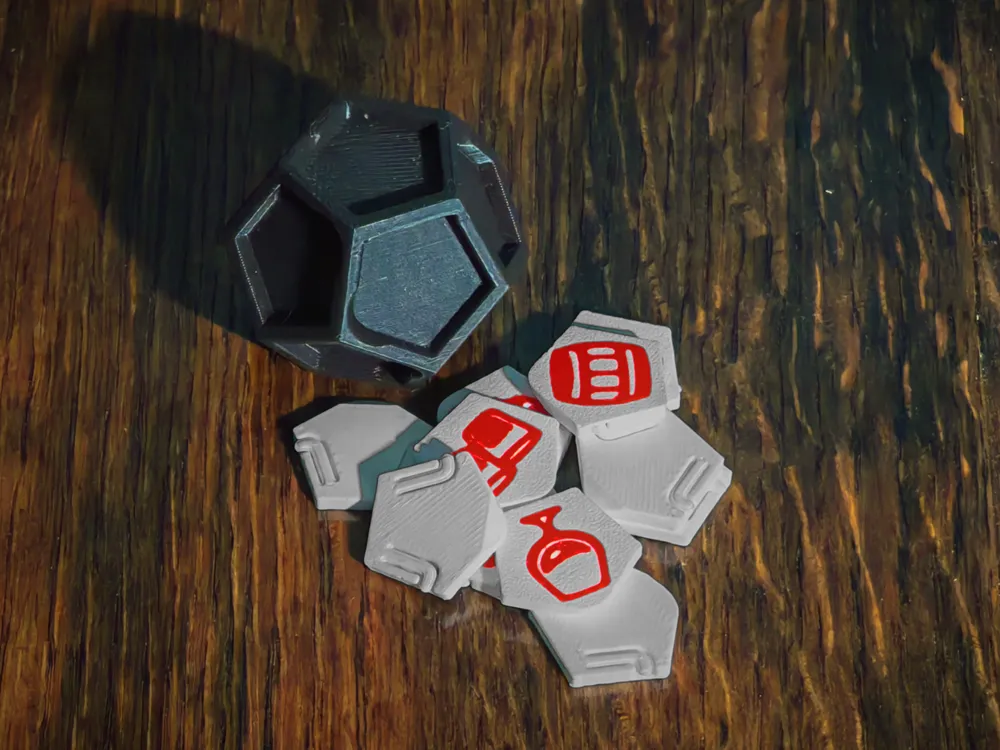
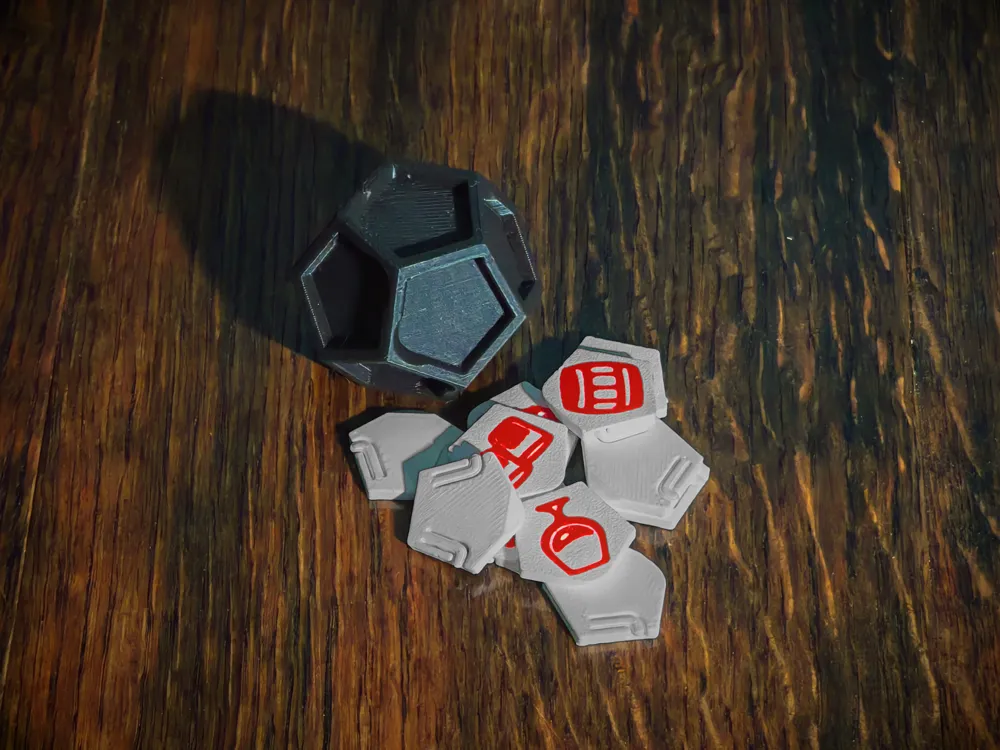
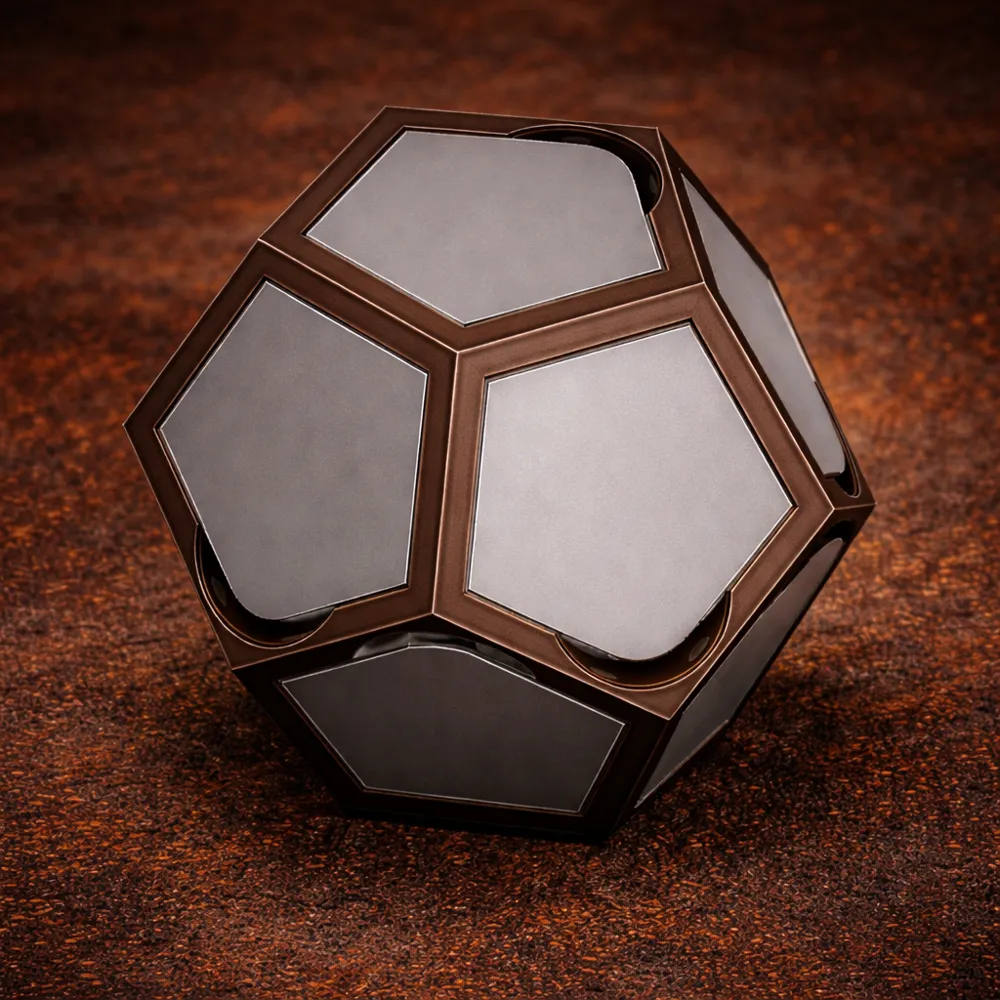
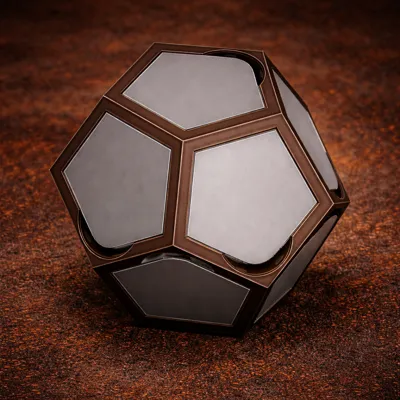
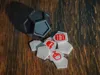
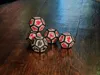
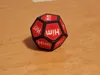
This modular D12 system lets you design fully swappable face plates — from board games and learning tools to party mechanics and completely absurd ideas. The main body stays the same. Only the inlays change.
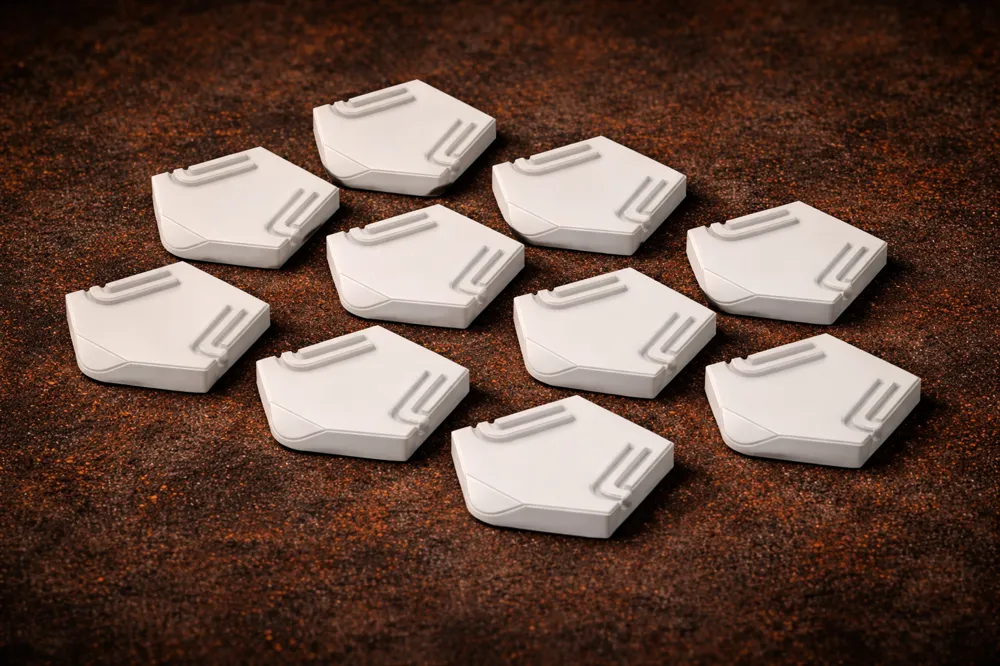
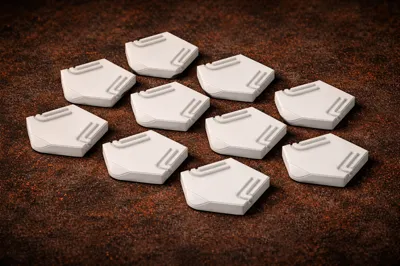
Each die uses removable pentagon inlays, allowing you to configure:
- 12 unique faces
- 6 faces duplicated twice (standard 6-face die)
- 4 faces repeated three times (4-face die)
- 3 faces repeated 4 times (3-face die)
- Or any custom probability setup you like
No magnets. No glue. Clean snap-fit design with integrated orientation feature and fingernail release.
Want inspiration?
Check out the “Dice Your Drink – Craft Series” and “House Series” uploads for a complete themed implementation of this system.
Build your own mechanics.
Reconfigure endlessly.
Upgrade without reprinting the body.
Print it in PLA on cold plate or PETG on engineering plate for a smooth visible side of the inlays…unless you are facing bed adhesion issues, then just go for the structured PEI sheet or the super tack. It still comes out nicely. The examples were printed with PEI.
If you desire a modern or fancy touch, go for a holographic or patterned build plate!
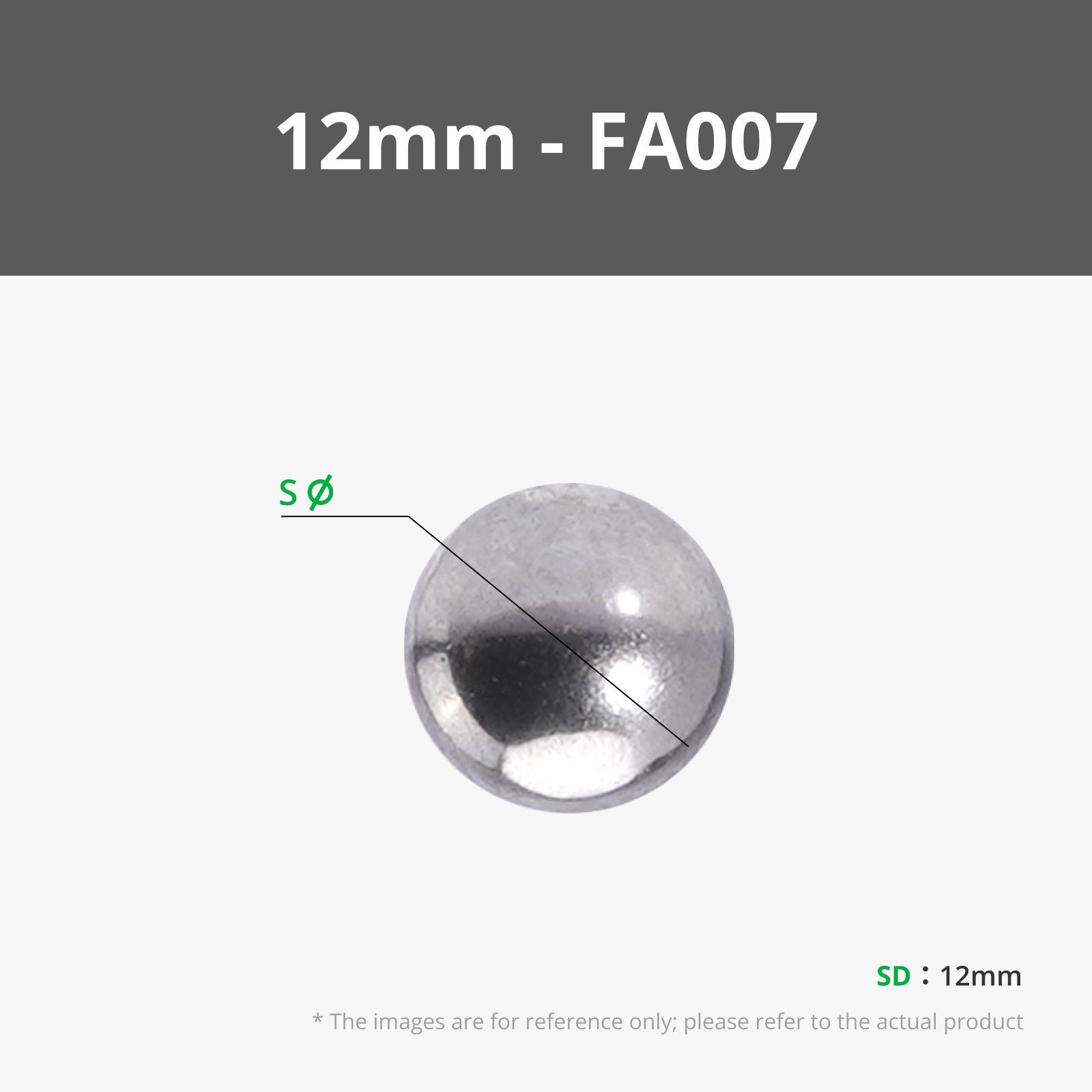
If you want a more premium feel, then i recommend to pause the print before the inner cavity is bridged and insert one of the maker supply 12mm stainless steel ball.
Overall no supports needed. (Sometimes the snap arms are stuck a little as they are floating. Don't worry! You can either pop them with your finger nail or they usually free themselves after first snap-in to the main body.)
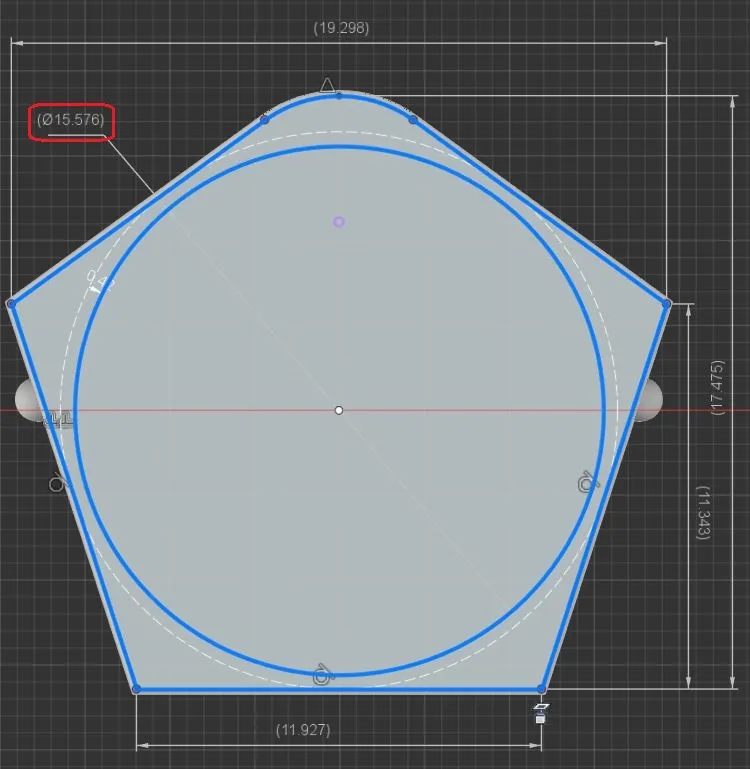
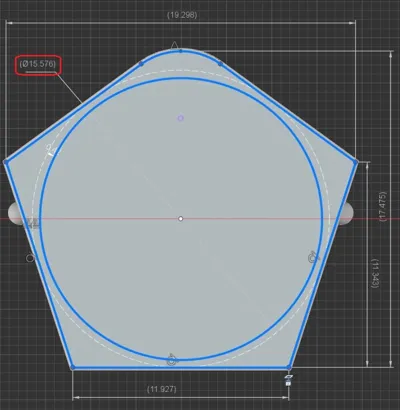
To design your own inlays, either use a vector graphics program like InkScape (freeware) to create SVG files or use one of the many online converters for image to SVG conversion. Best use a low detail icon design. The usable area on each inlay is a circle of 15.5mm diameter.
- In InkScape load your image file → Path → trace bitmap
On the workspace delete the image and only keep the path just created. Use the scale function to scale it to fit inside a 15.5mm diameter circle or simply scale in Bambu Slicer. - Inside the slicer, right click an inlay tile → add part → SVG → thickness 0.4mm and place it 0.02mm to protrude the tile (the slicer still seems to have a bug here, if it is perfectly flush!). Scale it to size, if not done yet. Place the tile with logo side on the printbed. Print and enjoy!
- …or you go the easy route, using the slicer's build in text feature or basic parts or simply print it flat and paint it or apply stickers. And, of course printing all tiles in different colors also works.
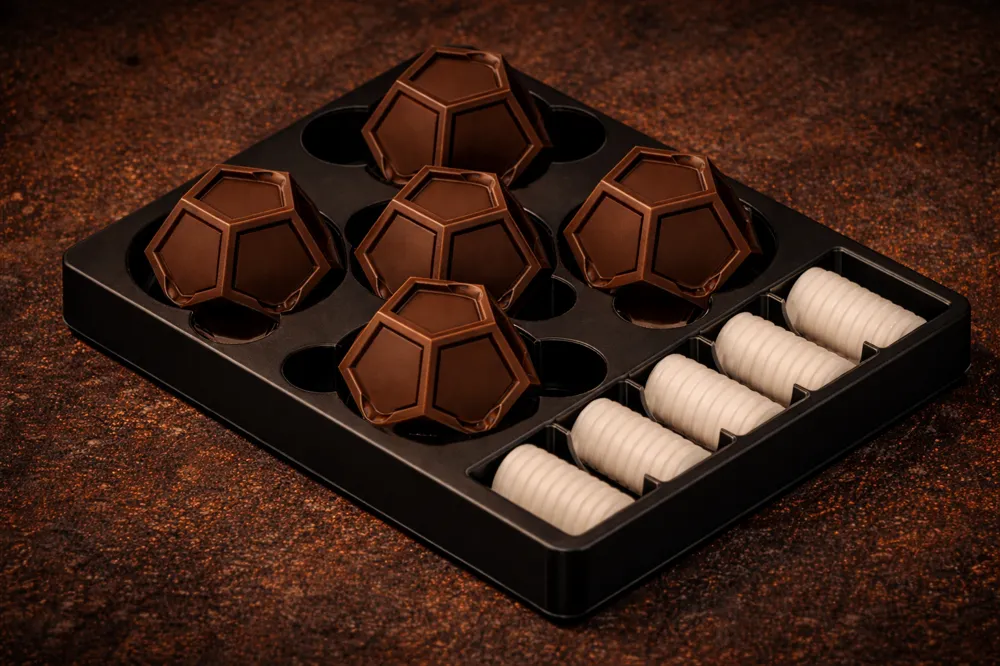
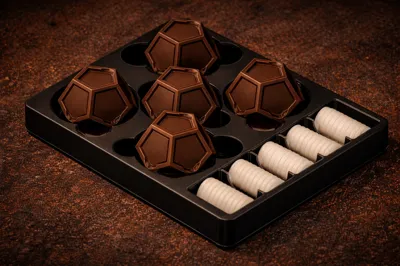
( In case you want to design any kind of storage means: A 44 mm diameter circular cutout fits the die. And a 22 x 30 mm rectangle fits a set of 12 inlays. As raw model there is a very simplistic tray attached from the Dice your Drink game under “Download STL / CAD”.)
License

You may create derivative works based on this object, provided that all such derivative works are published exclusively on the MakerWorld platform and include proper attribution to the original creator. You may not share, upload, host, distribute, or publish this object—or any derivative work of this object—on any other digital platform, marketplace, or distribution channel. Commercial use of this object and any derivative works is strictly prohibited. This includes, but is not limited to, selling, renting, sublicensing, or using the object in any context in which you receive monetary compensation or other financial benefits.


Comment & Rating (4)