
A320 DCDU Panel for MIP panels by user_1766629509
Print Profile(1)

Description
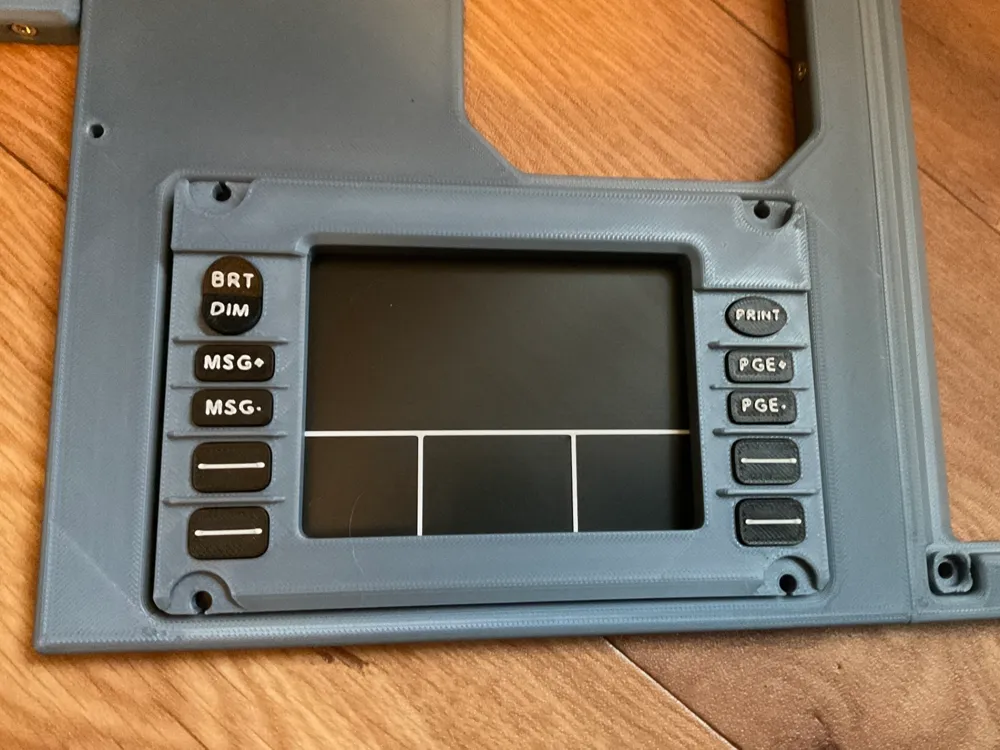
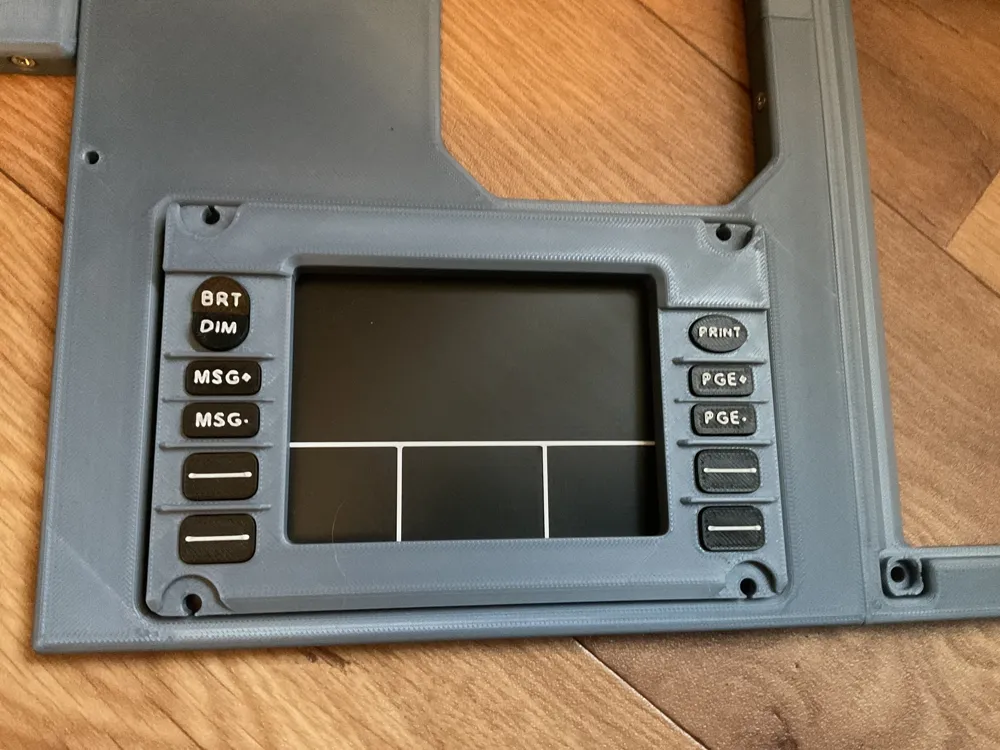
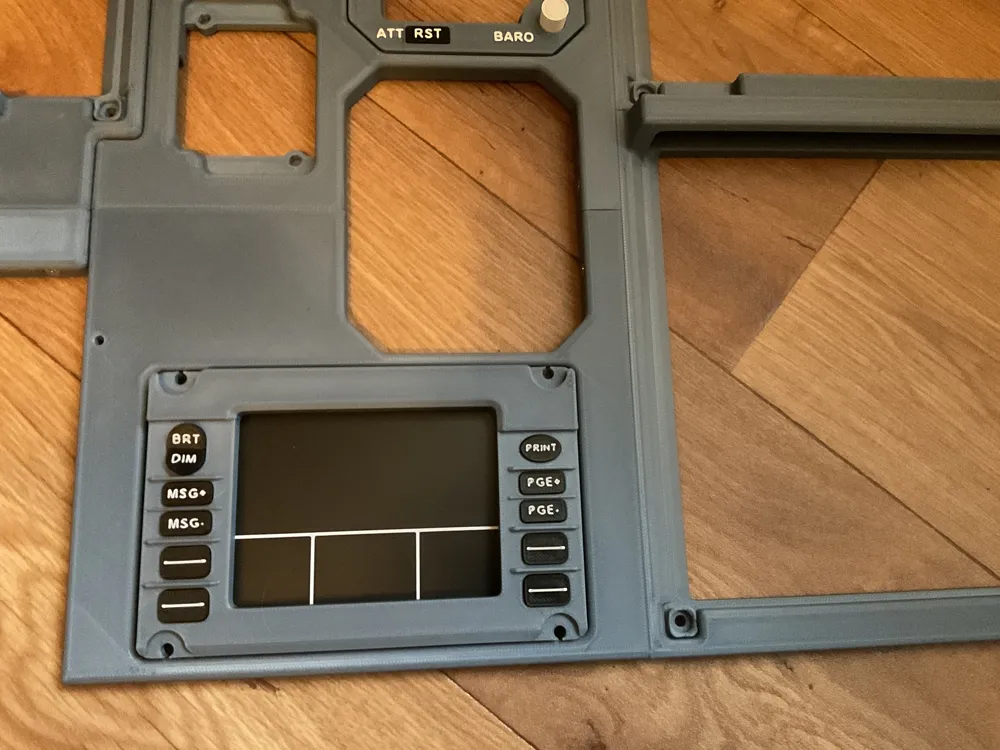
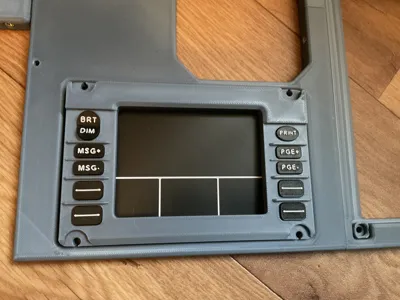
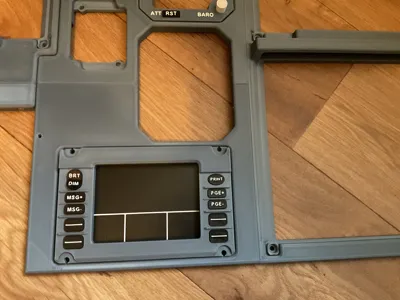
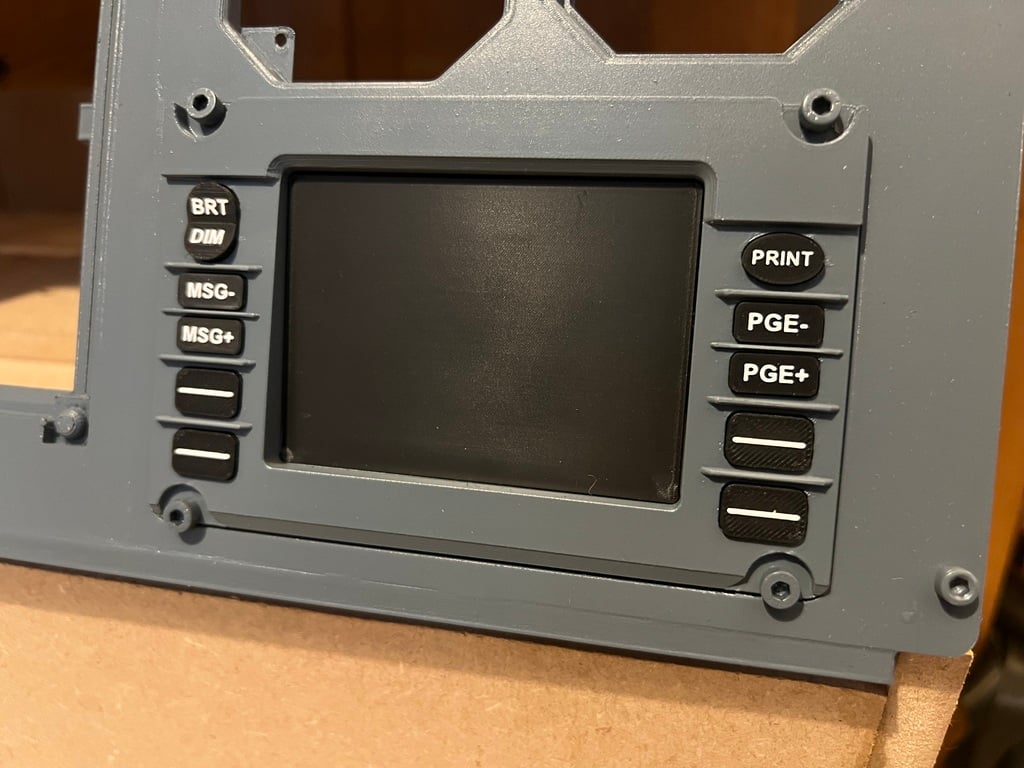
This is a remix of the Airbus A320 DCDU (Data Control and Display Unit) panel by JimmyB-UK found on Thingiverse. I have remixed the design to fit into user_1766629509 really excellent Airbus A320 MIP panels and added display lines to the screen of the DCDU. The display panel has also been extended in size to the full dimensions of the surround/frame (before being remixed it sat inside the surround and not under the surround/frame of the DCDU). The remixed version of the black screen - in my view - fits better into the MIP Panels and also has the advantage of slightly raising the DCDU beyond the surface of the MIP panels. From my research the DCDU panel/instrument does sit slightly proud (ie not flush) in an Airbus cockpit, so my feeling is that this change to the fitment of the dummy screen is now more true to life in how the overall DCDU presents within the MIP. The panels this fits into may be found here: https://makerworld.com/en/models/2372562-mip-central-a32x-250x250-part-04#profileId-2596788 (Part4 - Captains and also Part 6 - 1st Officer).
I have also provided a 3mf file containing the Bright/Dim Rocker button split in half and tilted on the build plate, so this button may be printed in 2 colours on printers that only have a single feed/spool, which necessitates manually changing filament colour for the text layers. By splitting the button I have been able to orientate it so the printed text surface is flat to the printing plane. The two halves of the button may then be assembled with a small spot of super-glue. Obviously if you have a multi-colour/multi-spool printer then this file is not required and the non-split button may be printed instead.
Print settings 10% infill, 3 walls, 0.2mm layer, PLA or PETG. To obtain the best finish on the black screen, Ironing top surfaces is recommended. These ironing settings worked well: Ironing Speed 100mm/s, Ironing Flow 35%, Ironing Line Spacing 0.15mm, Ironing Inset 0.21mm. If printing with a single feed/spool printer (ie manual filament colour change), turn on the multimaterial Prime Tower. Its not a tall print and so the prime tower doesn't use much filament, but does guarantee that there will be no over/under extrusion following a filament colour change.
This remix is based on
License



Comment & Rating (7)