
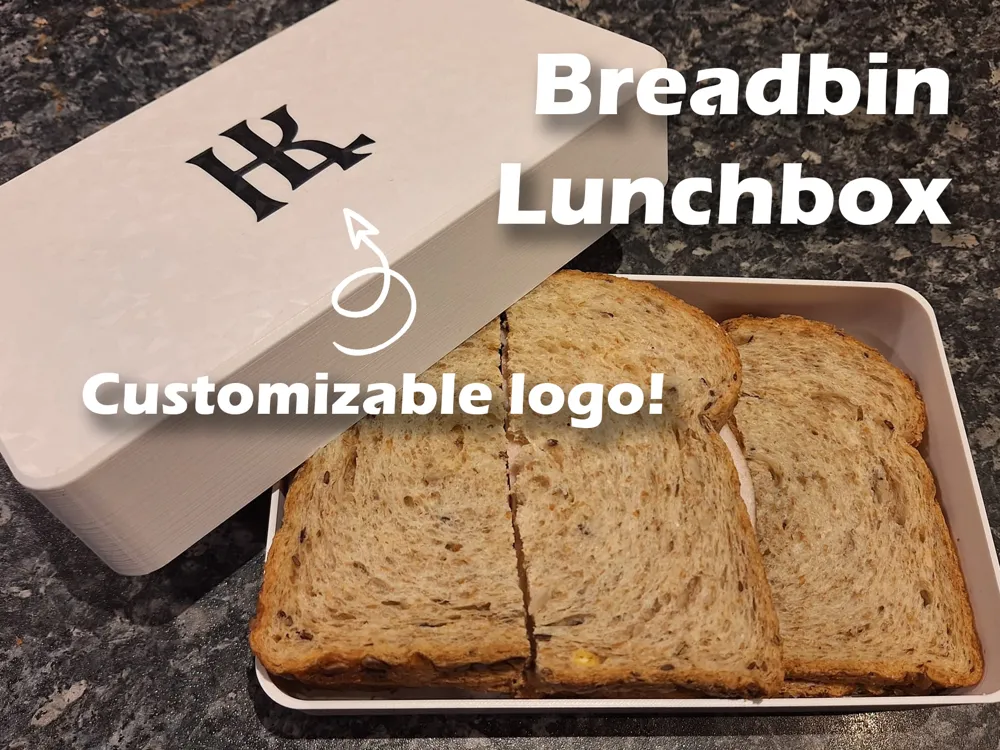
Breadbin | Lunchbox | Customizable logo
Print Profile(1)
Description
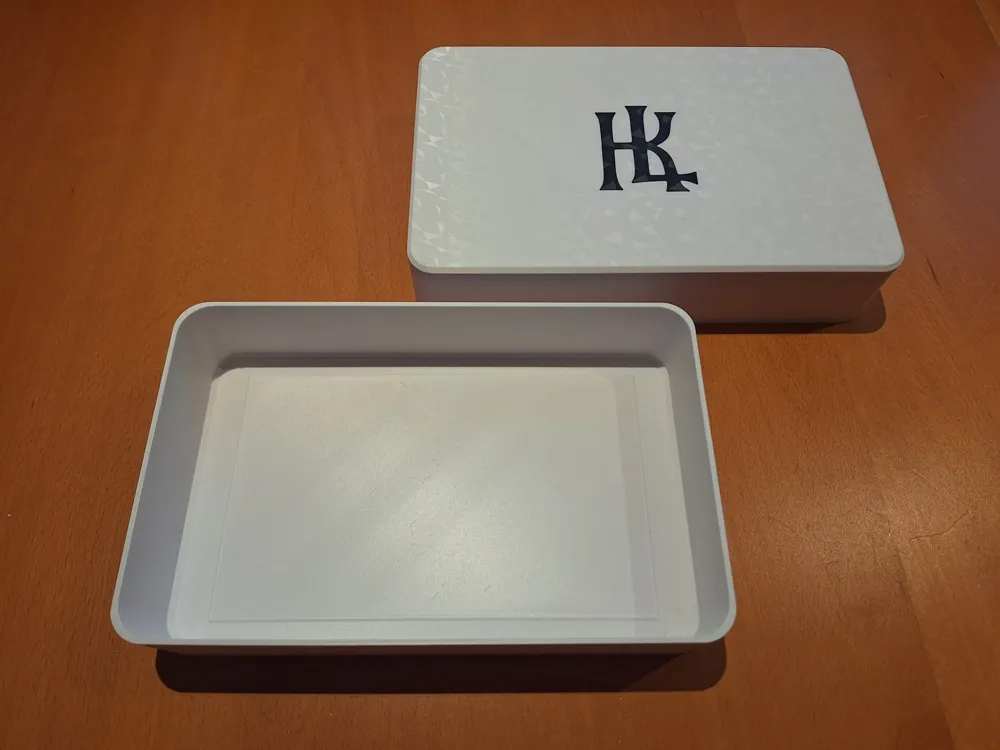
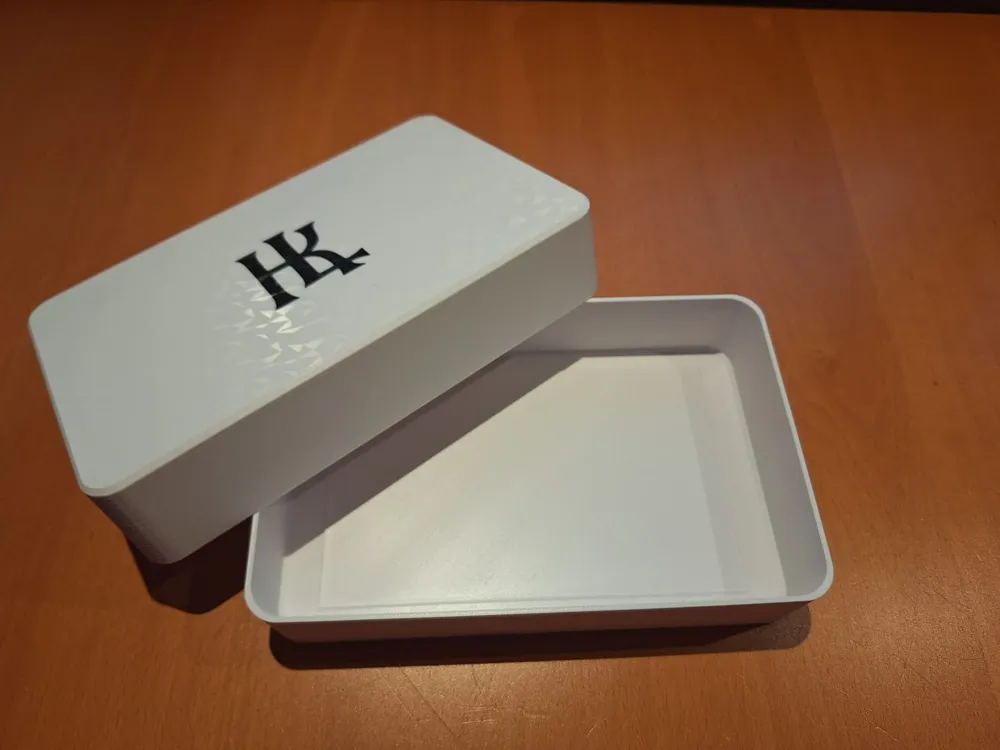
You can customize the logo on the lid easily in bamboo studio, I've added a guide below.
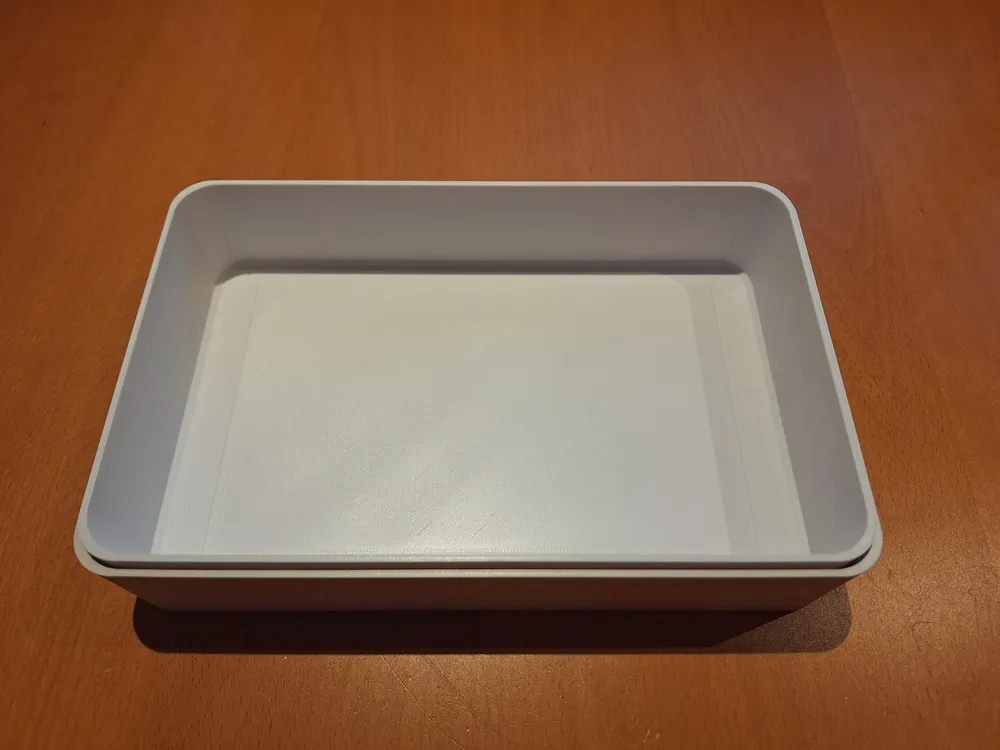
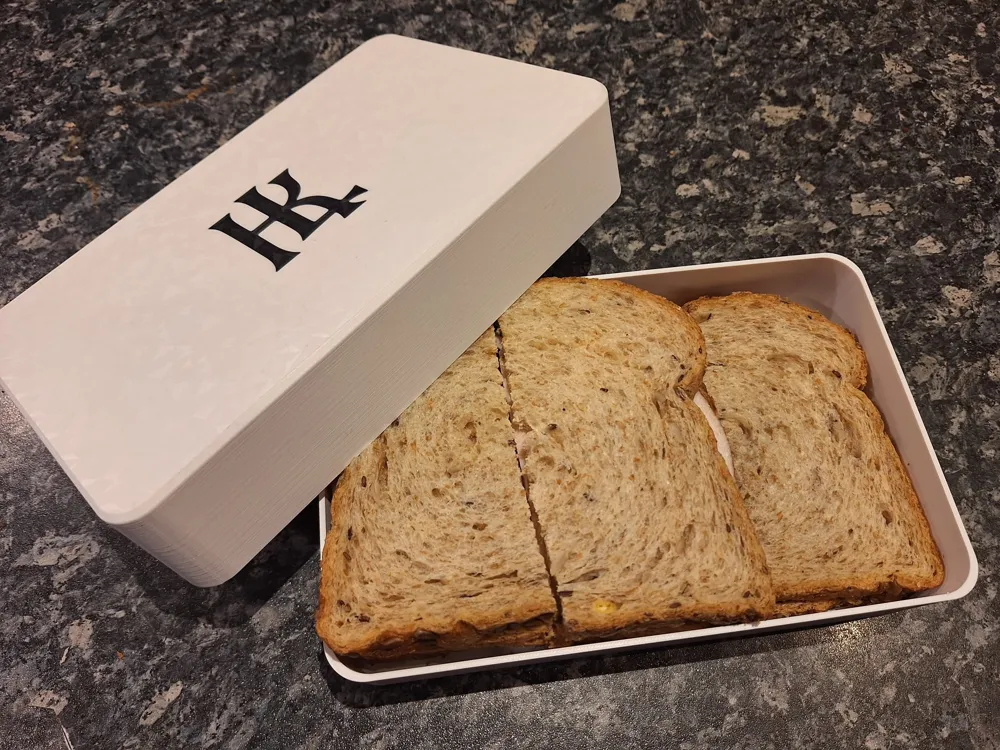
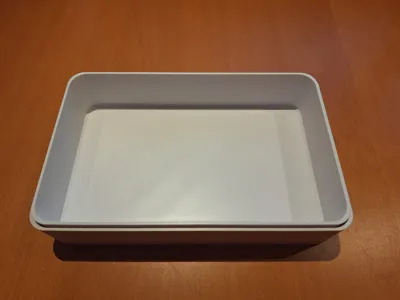
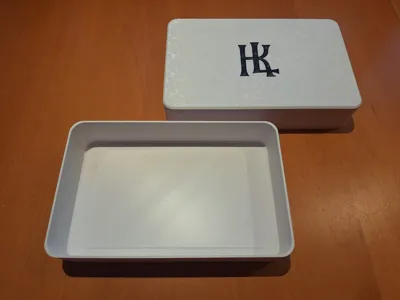
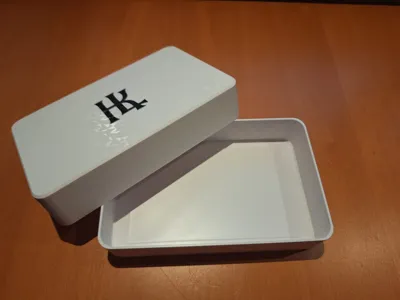
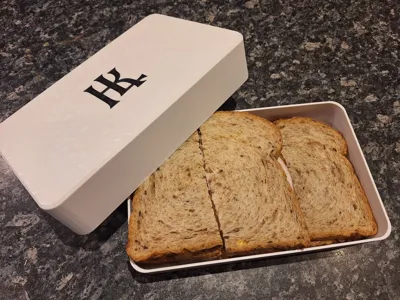
This breadbin, or lunchbox, is designed to take sandwiches with you to work or school and enjoy your lunch form you own 3D-printed box! It's environment friendly, since you don't throw a bag or wrap away each lunch, your sandwiches will stay fresh all morning. It will easily fit 6 sandwiches which won't be crushed while you're on the move.
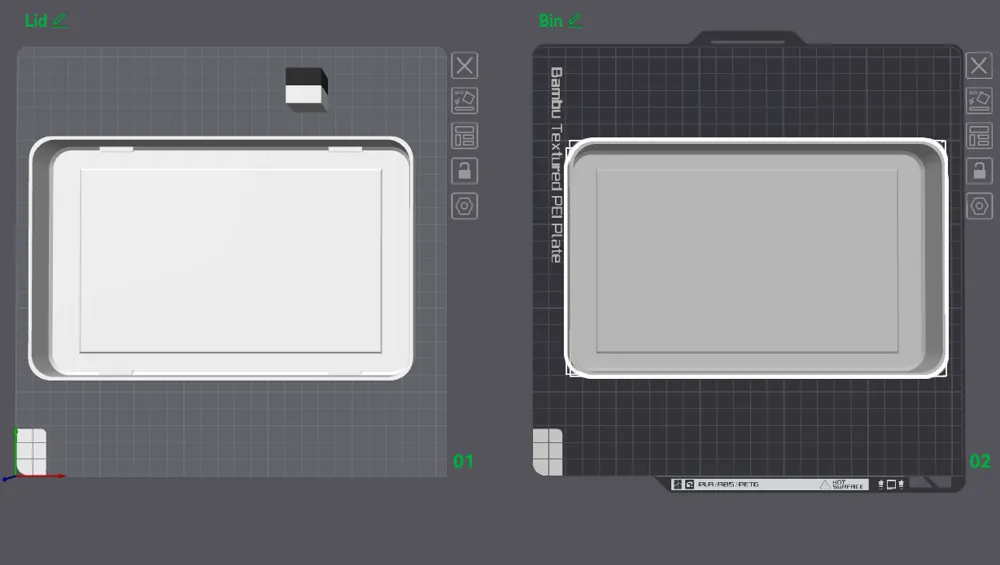
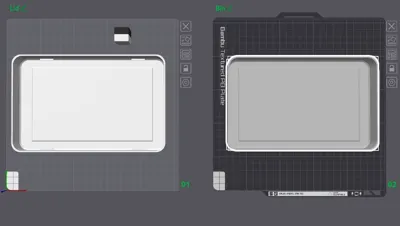
The 3mf-file contains 2 buildplates, one for the lid (with logo) and one for the bin itself, you'll have to print both plates once for one lunchbox.
I've printed this in PETG, which is generally considered food-safe, BPA-free, and FDA-compliant, making it a suitable material for food-contact applications, including 3D-printed containers.
The logo is a SVG-modifier in the 3mf-file. You will not have the logo in the STL-files! I've changed the logo from the pictures in the 3mf-file to a more generic burger image.
How to change the SVG-logo?
- You can source a SVG-file yourself or download one you like, for example see the Food And Drink Icooon Mono Vectors Collection on svgrepo. Choose a logo in a single (monotone) color, thicker lines will be easier to print.
- Download and open my print profile in Bamboo Studio
Select the lid-buildplate and rotate the whole plate and model so that you can see the logo from the underside, like this:
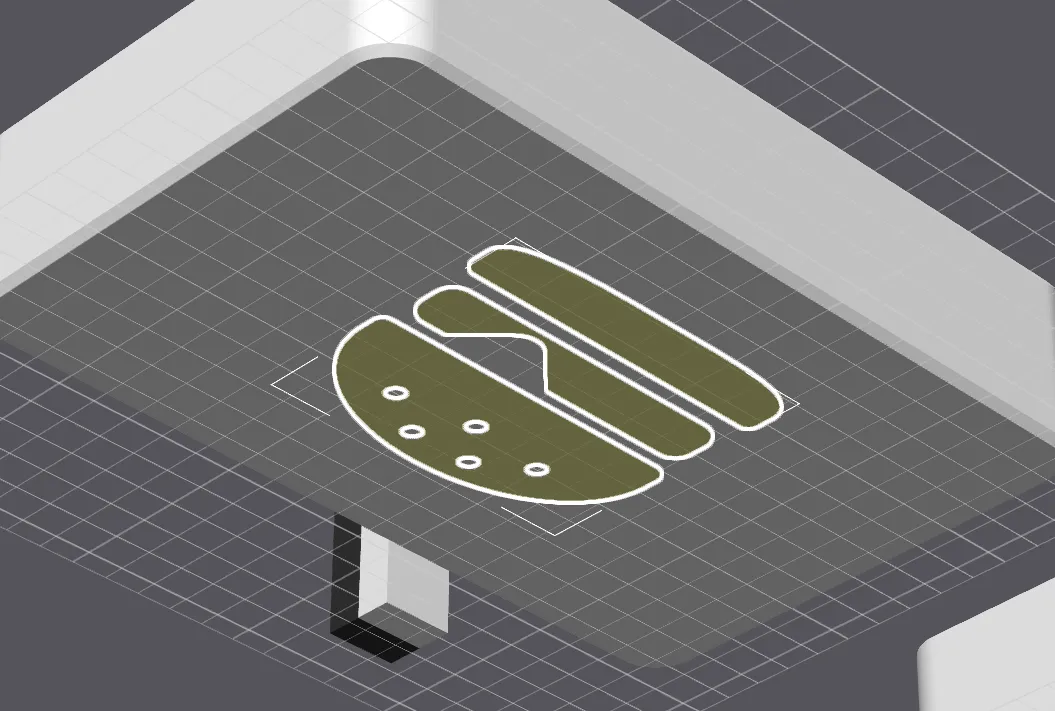
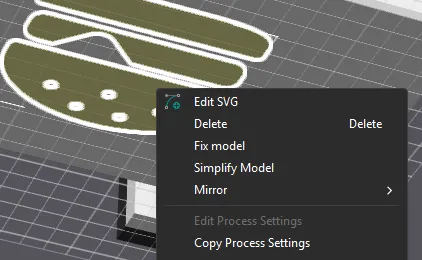
- Highlight the logo by clicking it
Rightclick the highlighted logo and choose for Edit SVG
Just below the burger logo click the triangle and choose for Change file…
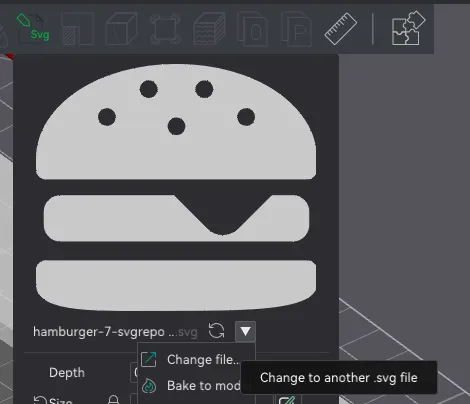
- Browse to your downloaded logo, select it and click Open.
You can change the size of your logo with the blue Size-slider
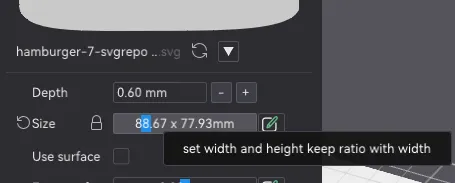
- While the logo is highlighted you can choose your filament with the number keys (1, 2, 3…)
License

You shall not share, sub-license, sell, rent, host, transfer, or distribute in any way the digital or 3D printed versions of this object, nor any other derivative work of this object in its digital or physical format (including - but not limited to - remixes of this object, and hosting on other digital platforms). The objects may not be used without permission in any way whatsoever in which you charge money, or collect fees.


Comment & Rating (0)