
Fully Customisable Logo & Text Stamp !Easy Adjust!
Print Profile(1)
Description
🖋️ Fully Customisable Logo & Text Stamp (Easy Adjust!)
✨ Description
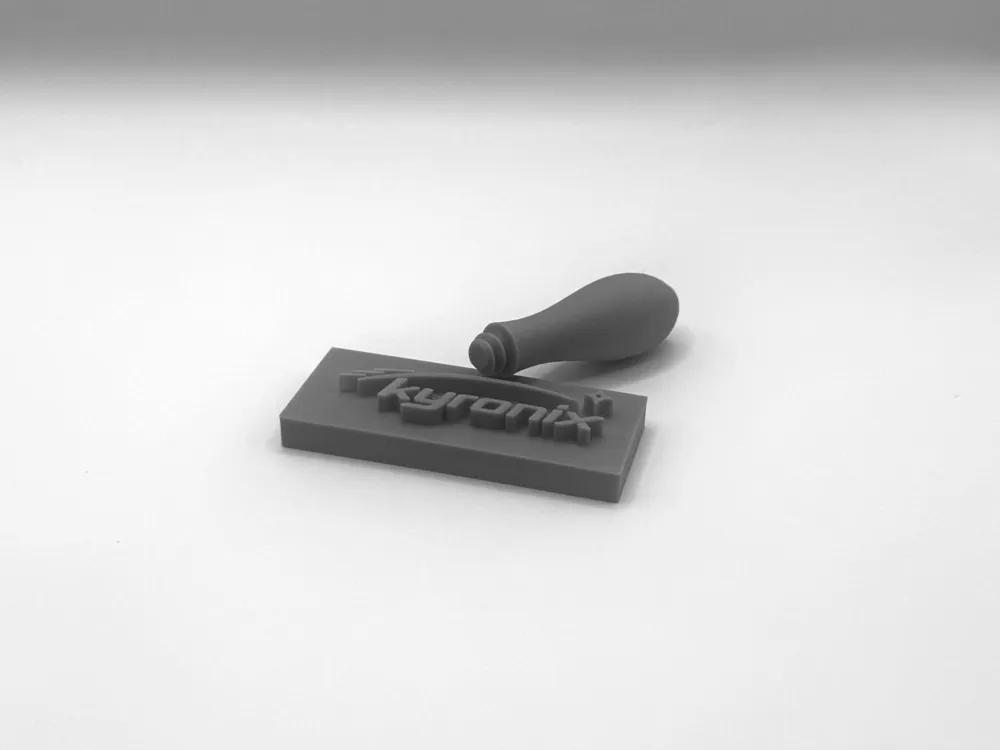
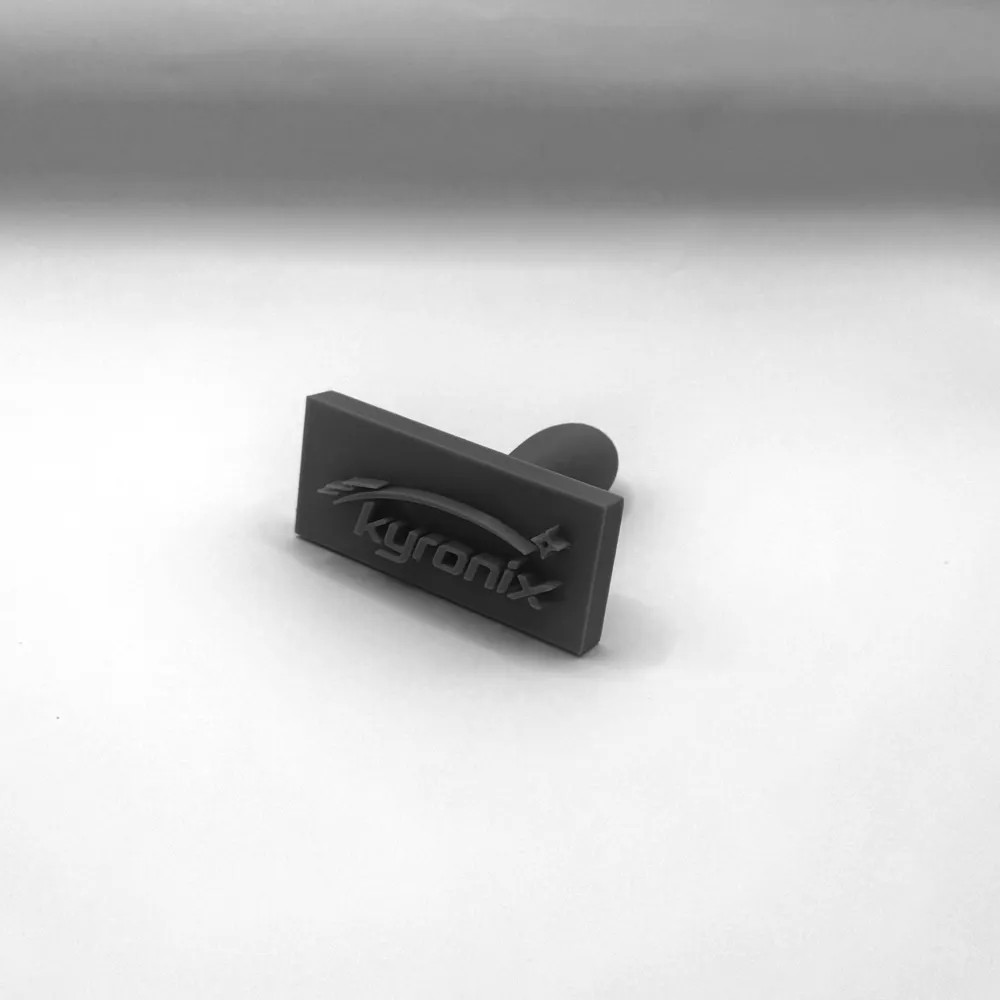
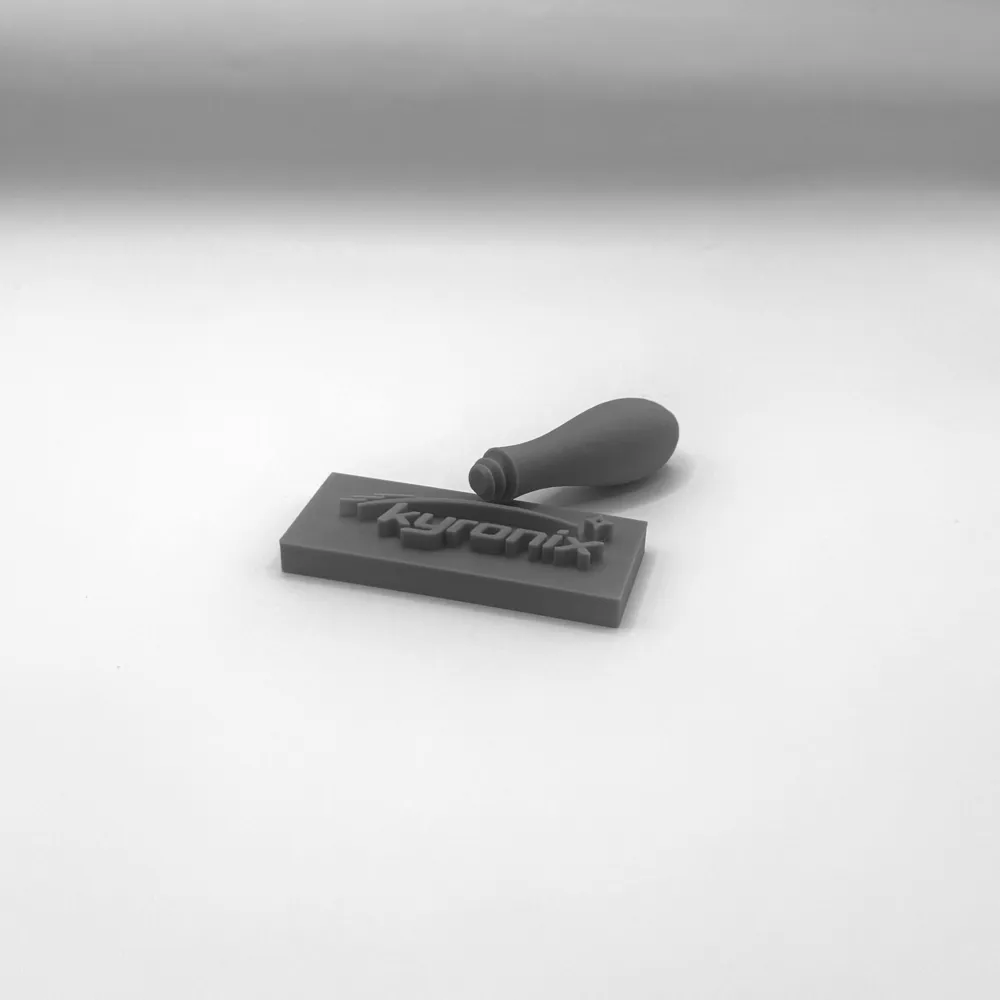
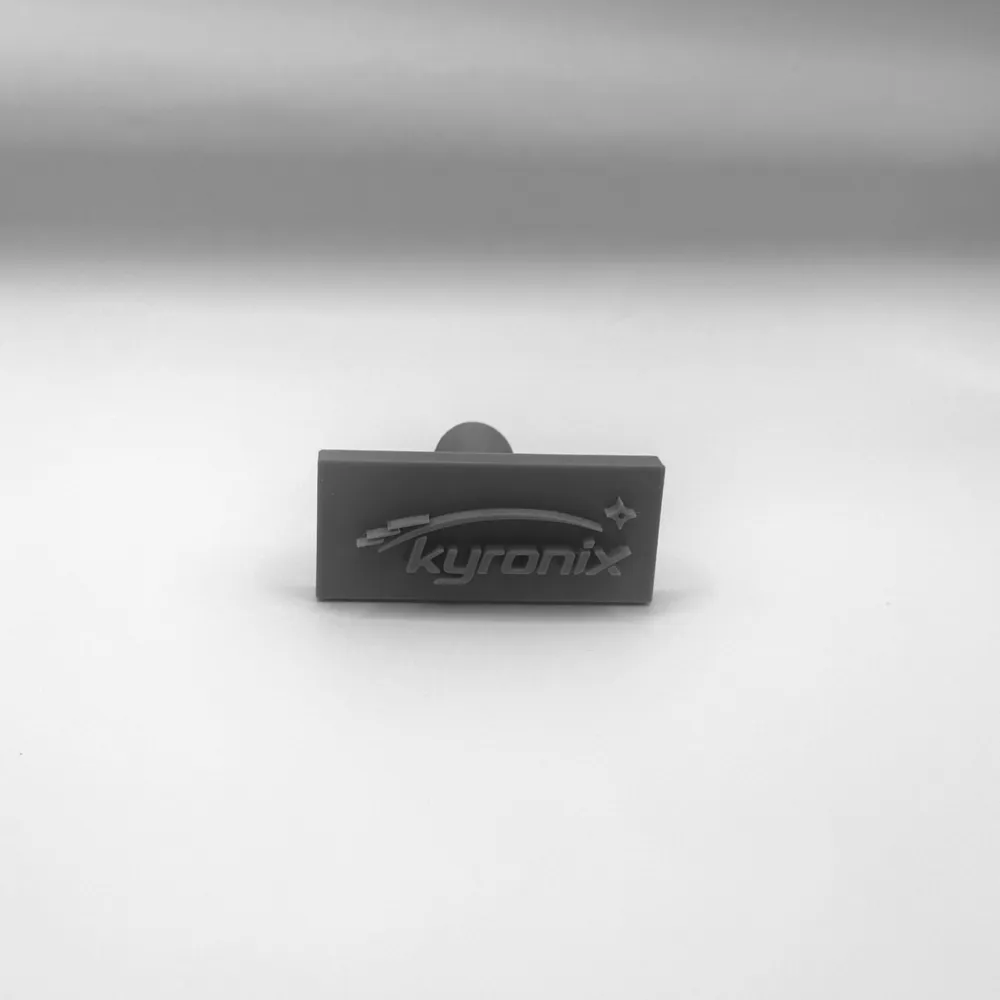
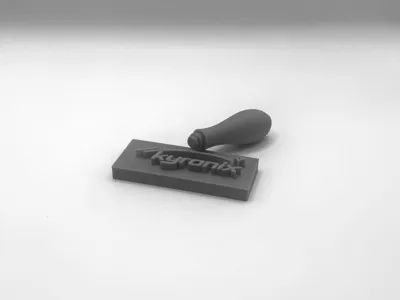
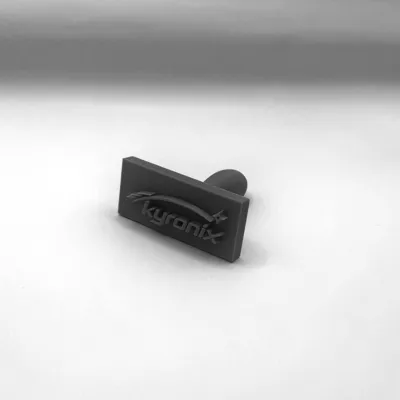
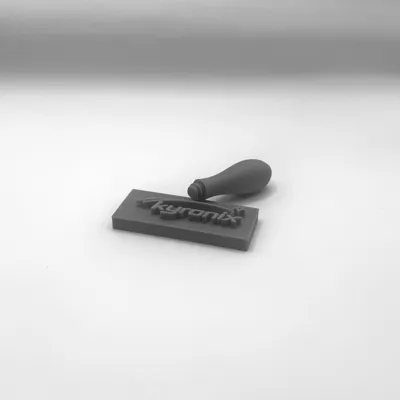
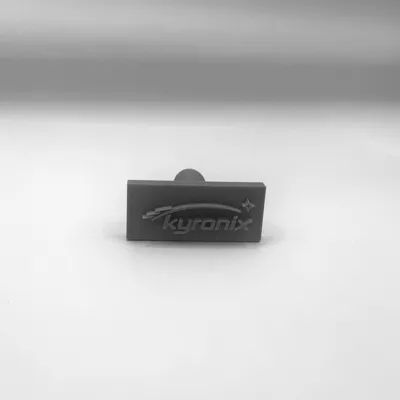
Create your own personalised stamp in minutes! This fully customisable 3D printable stamp lets you add any logo, text, or design you want — perfect for branding, packaging, crafts, clay, soap, wax, paper, and more 🧼📦📄
The model is designed to be simple to edit, even if you’re new to customising 3D models. Just adjust the text or import your logo, export, and print — no complicated steps, no headaches 😌
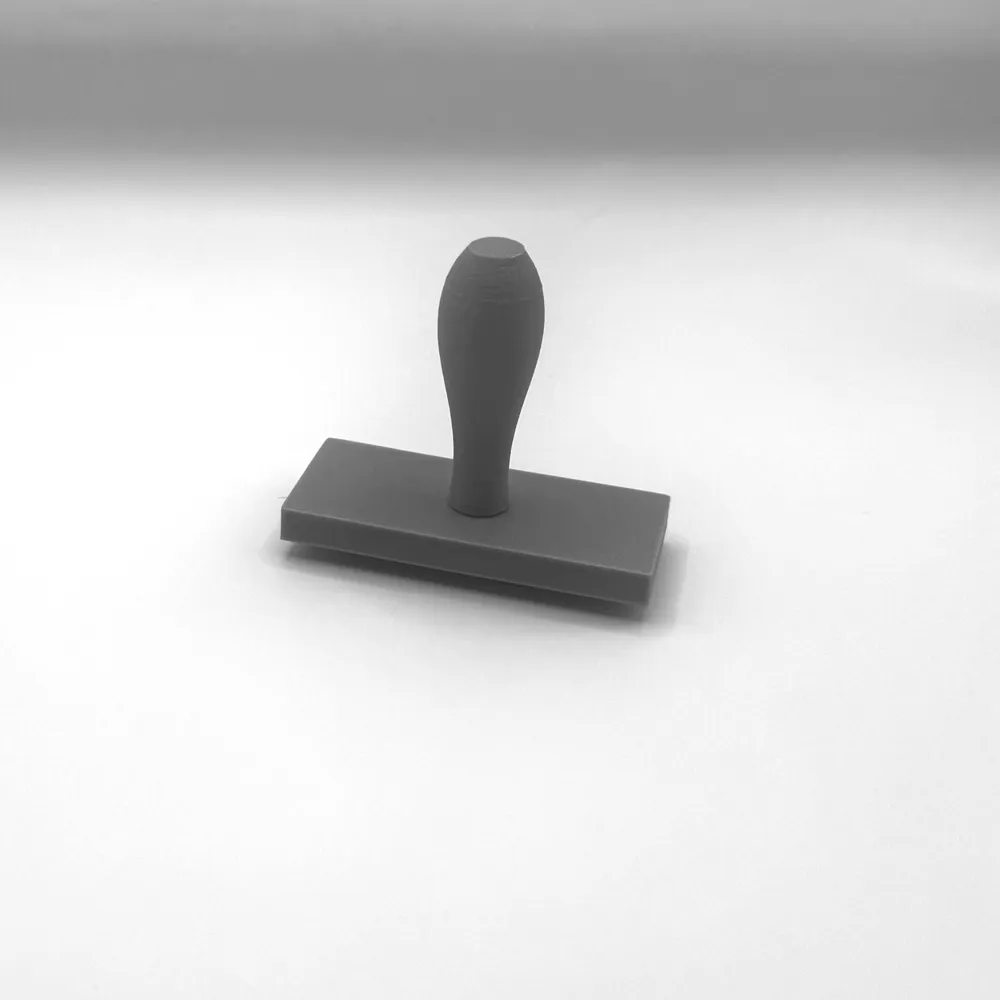
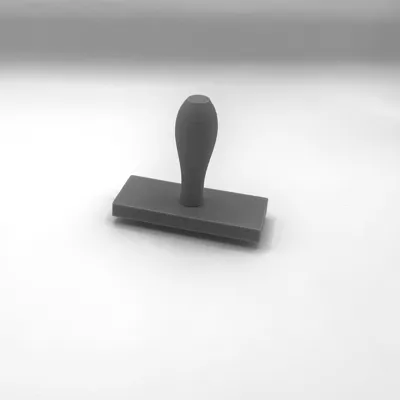
The ergonomic handle makes stamping comfortable and consistent, while the flat stamp face ensures clean, crisp impressions every time. Whether you’re a small business owner, maker, or hobbyist, this stamp is a super handy tool to have in your setup.
🔧 Features
- ✅ Fully customisable (text, logos, symbols)
- ✅ Easy to adjust & beginner-friendly
- ✅ Comfortable handle for smooth stamping
- ✅ Clean, flat stamp face for sharp results
- ✅ Ideal for branding, crafts, and DIY projects
🖨️ Printing Tips
- Print flat on the stamp base for best detail
- PLA works great, but PETG or TPU can be used depending on application
- Increase top layers for extra durability
🛠️ How to Customise (Bambu Studio) - Customising this stamp is super easy — you can change the text or add your own logo in just a few steps 😄
✍️ Option 1 — Change the Text
- Download the model files and open them in Bambu Studio.
- In the object list, select the text part (or the stamp face/text layer).
- Use the Text tool to type whatever you want — name, brand, slogan, URL, etc. 🔤
- Adjust the size, thickness/height, and position so it fits nicely on the stamp head.
- Slice and print ✅
🖼️ Option 2 — Add Your Own Logo
- Open the model in Bambu Studio.
- Import your logo as an SVG (best for clean edges) or another supported format.
- Place it on the stamp head and scale it to the size you want 📏
- Make sure it’s sitting flush on the face, then raise/lower it to set the stamp depth.
- Slice and print 🎉
🎯 Quick Tips for Best Results
- Simple, bold designs stamp the cleanest (thin lines can get lost).
- If your logo has lots of detail, try making it slightly larger and increasing the height a bit.
- Do a quick test print of just the stamp face first to check clarity before printing the full handle.
- Have fun with it — and if you upload a make, I’d love to see your custom designs! ⭐🔥
If you like this model, feel free to ⭐ it and share your makes — I’d love to see what you create! 🚀
License

You may create derivative works based on this object, provided that all such derivative works are published exclusively on the MakerWorld platform and include proper attribution to the original creator. You may not share, upload, host, distribute, or publish this object—or any derivative work of this object—on any other digital platform, marketplace, or distribution channel. Commercial use of this object and any derivative works is strictly prohibited. This includes, but is not limited to, selling, renting, sublicensing, or using the object in any context in which you receive monetary compensation or other financial benefits.


Comment & Rating (26)