
Current Nozzle Information
Print Profile(2)
Description
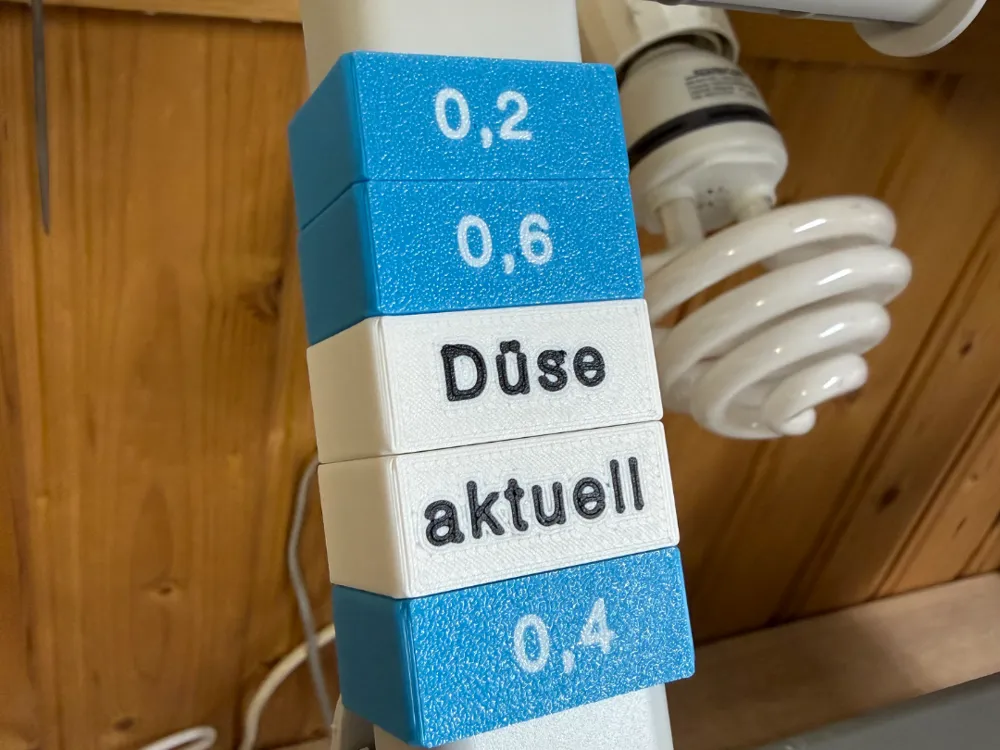
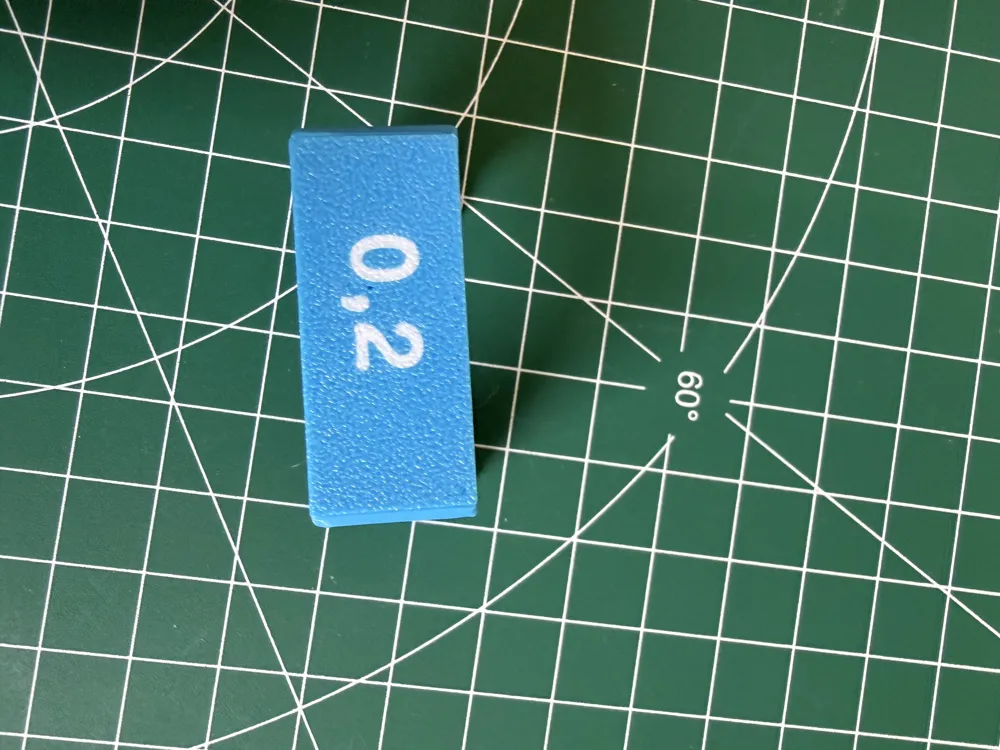
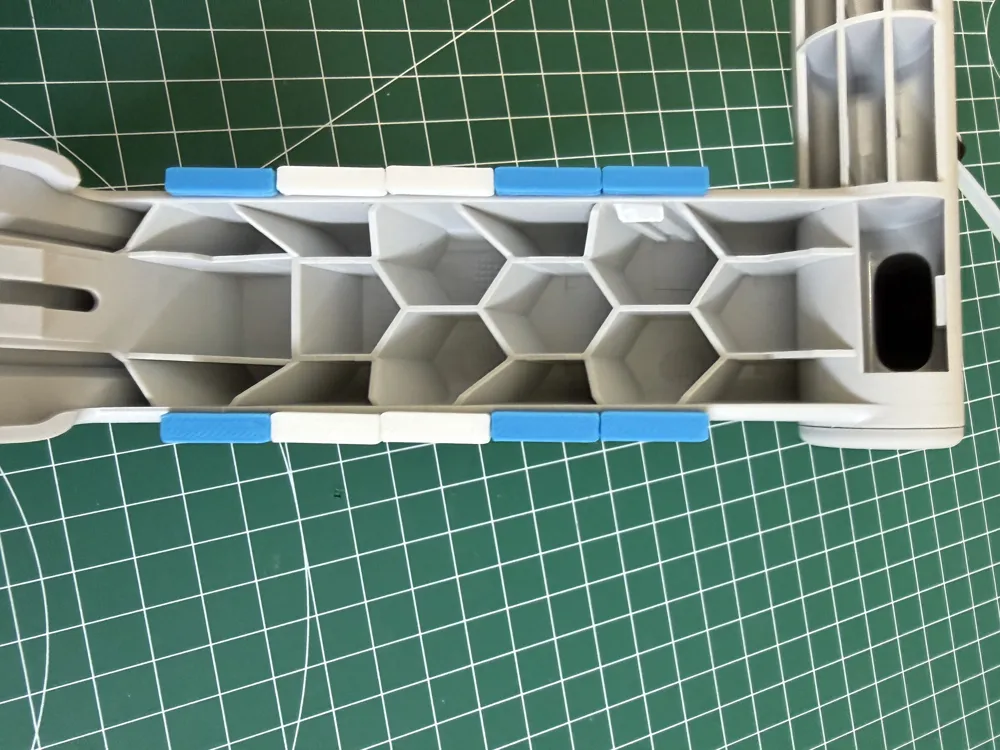
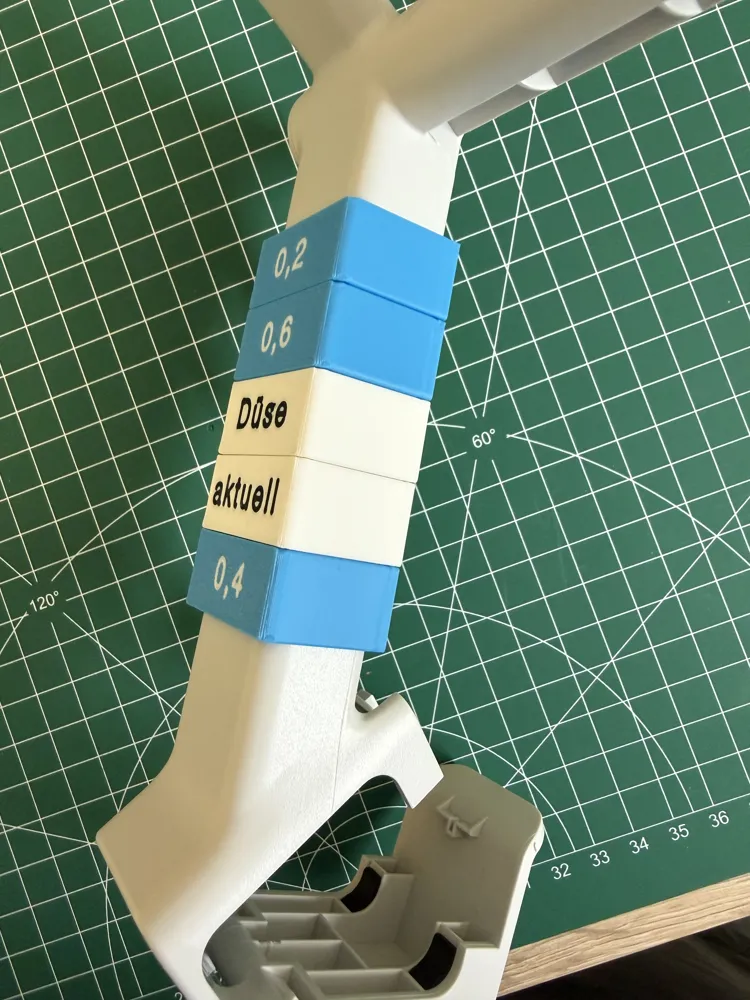
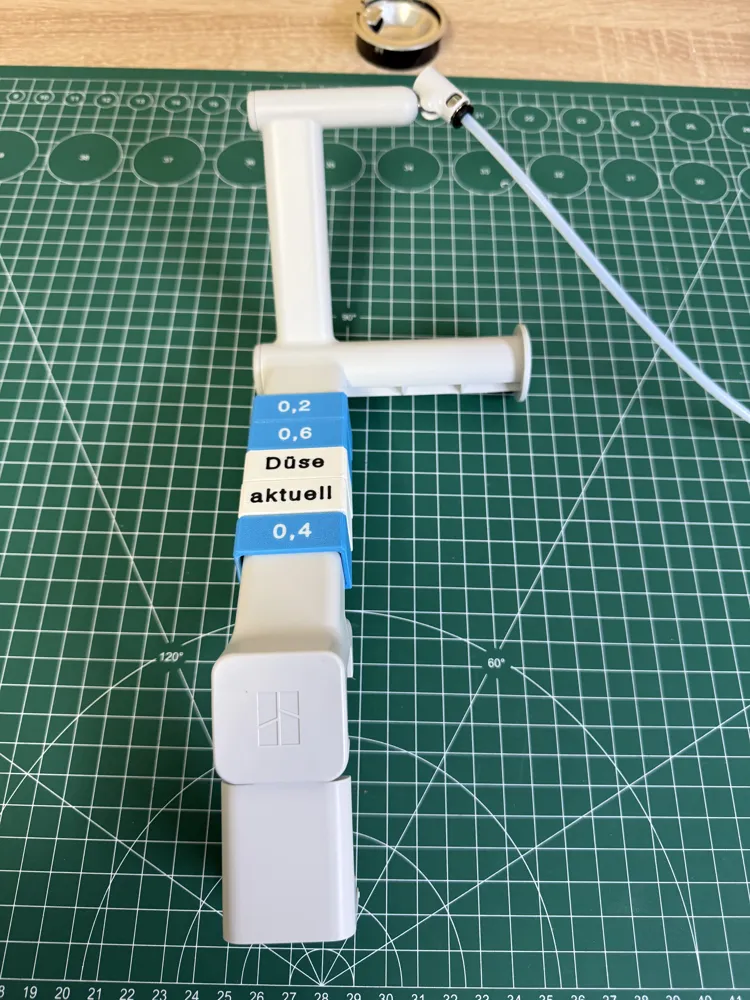
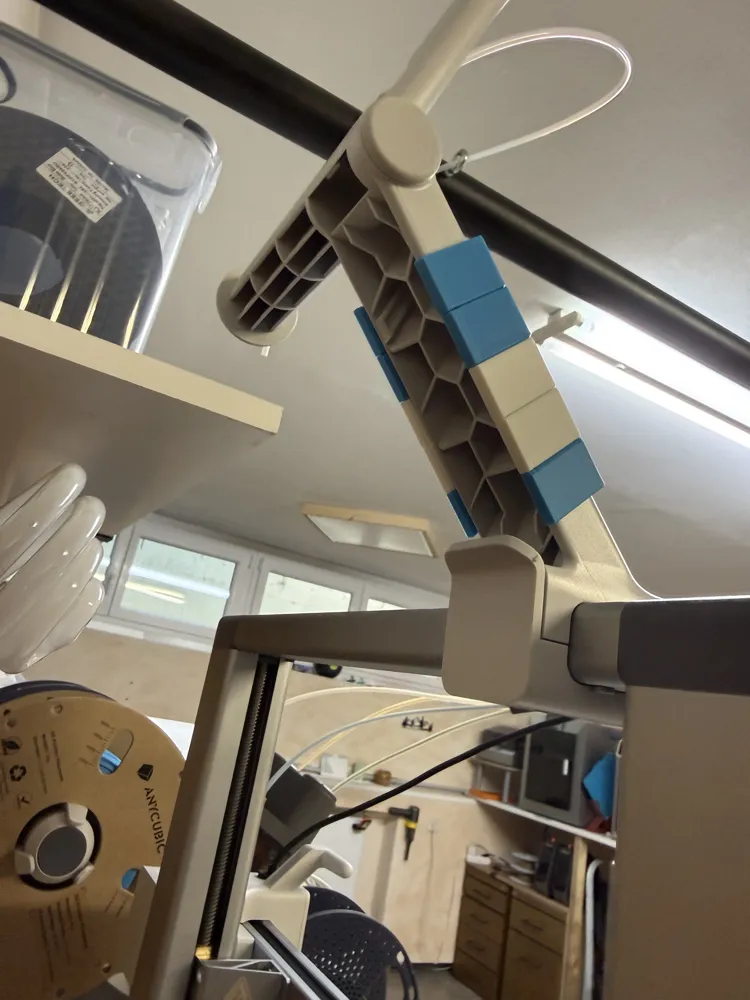
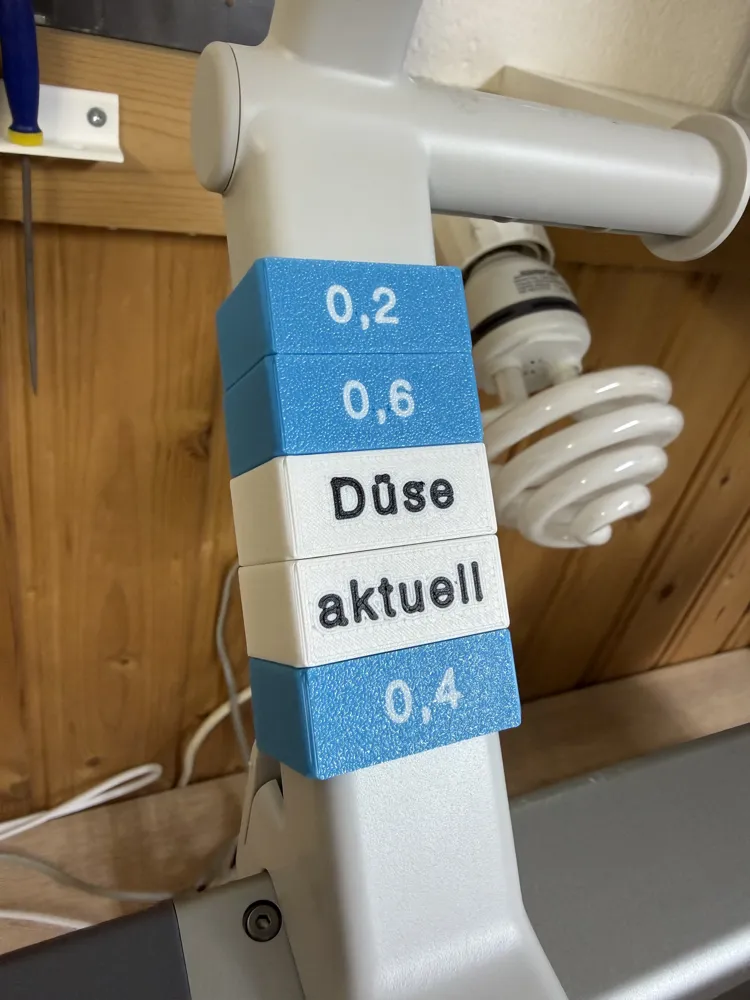
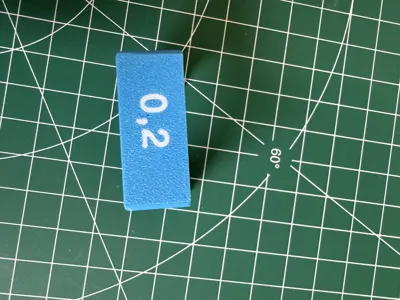
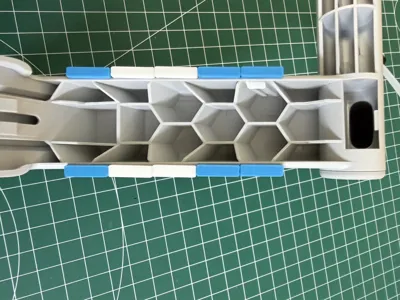
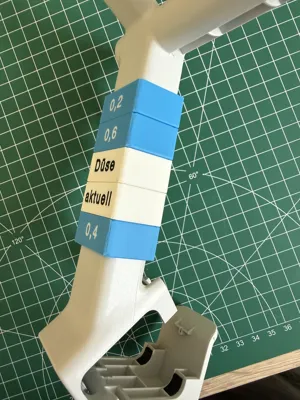
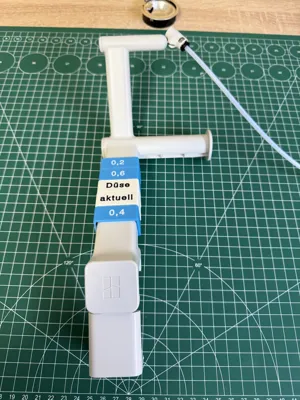
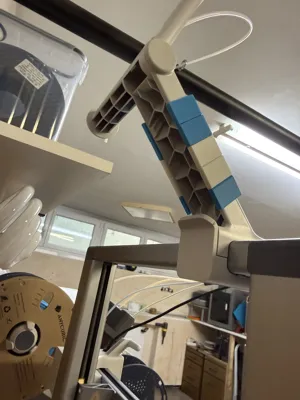
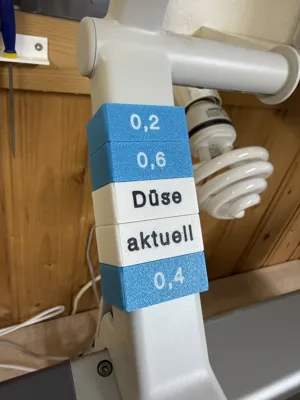
Since I occasionally change the nozzle on my A1, remembering the currently installed nozzle helps me. The signs are simply positioned on the arm of the external filament holder and moved there as needed. For printing, turn the object upside down in the slicer and add the labeling as a modifier. The .step file is without labeling. The signs are labeled with 3 nozzle sizes, but can be individually deleted in the slicer.
License

You may create derivative works based on this object, provided that all such derivative works are published exclusively on the MakerWorld platform and include proper attribution to the original creator. You may not share, upload, host, distribute, or publish this object—or any derivative work of this object—on any other digital platform, marketplace, or distribution channel. Commercial use of this object and any derivative works is strictly prohibited. This includes, but is not limited to, selling, renting, sublicensing, or using the object in any context in which you receive monetary compensation or other financial benefits.


Comment & Rating (0)