
Custom Case w/ Floating Hinge | Print-in-Place
Print Profile(7)
Description

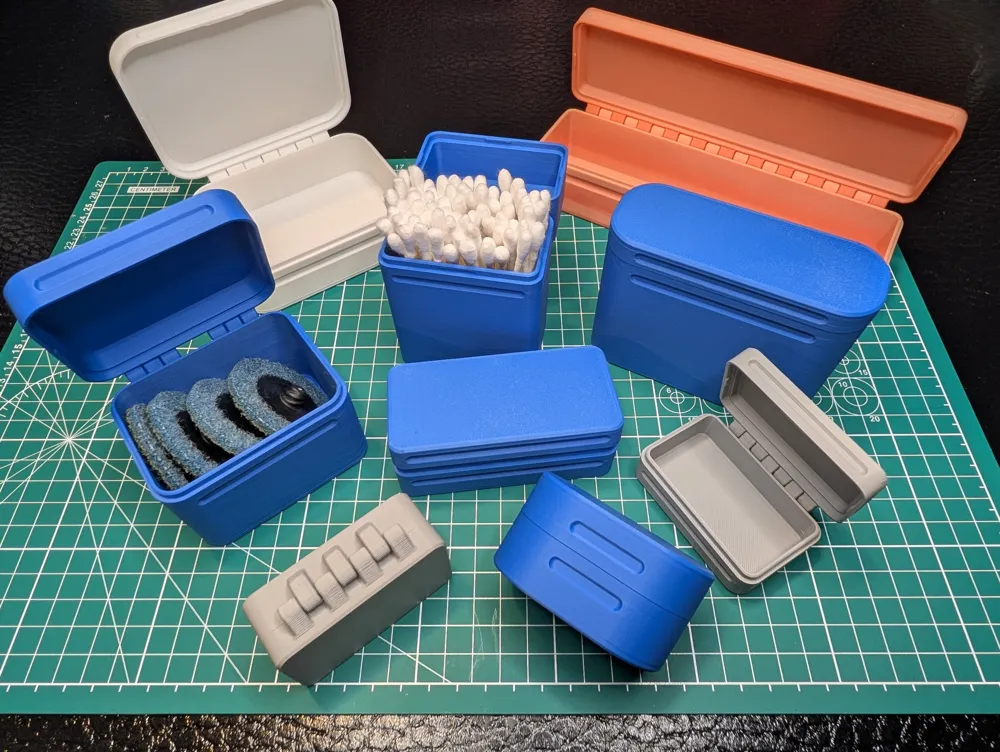
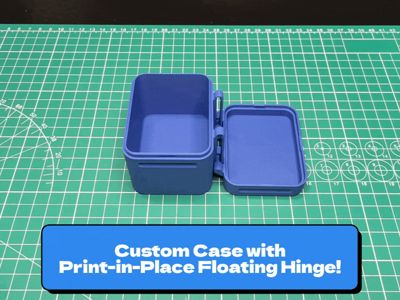
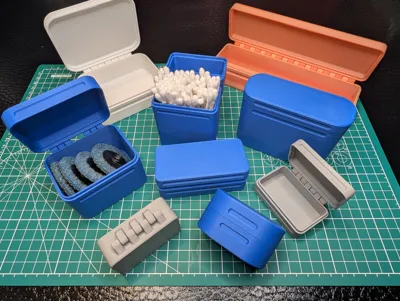
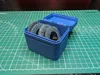
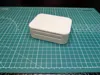
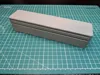
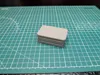
This is a model to create custom, print-in-place, cases with a floating hinge. Most, if not all, print-in-place designs limit the size of the case and the lid to be roughly equal, or use some weird geometry workarounds to try and avoid that.


This model incorporates a floating hinge so you can print it in place and when it's done, slide the lid up and snap it into place (where it'll stay put near the top) and it'll function like a normal case. No extra parts or assembly required. It's got grips on the case and lid to help with opening and latches closed with some tabs on the lid.

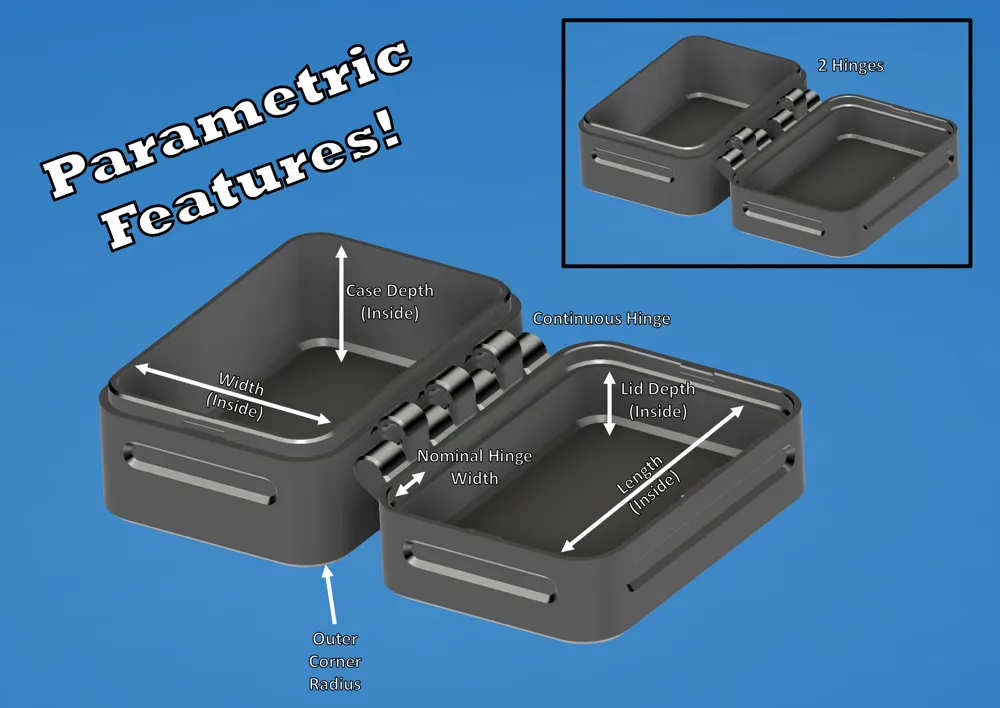
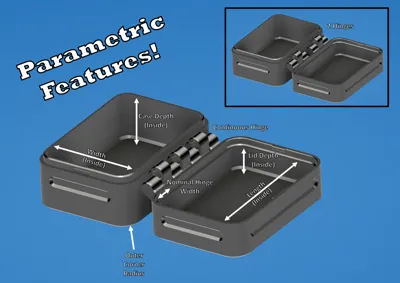
Here's what you can customize on the model:
- Case/Lid Width (Measurement is Inner Width)
- Case/Lid Length (Measurement is Inner Length)
- Outer Corner Radius
- Case Depth (Measurement is Inner Depth)
- Lid Depth (Measurement is Inner Depth)
- Number of Hinges (1 = continuous hinge; 2 = two separate hinges)
- Hinge Width
- Hinge Lock Adjustment (Adjust this value if you're having trouble snapping the lid into place at the top of the case hinge, or lower it significantly if you don't want the lid to snap into place at all)
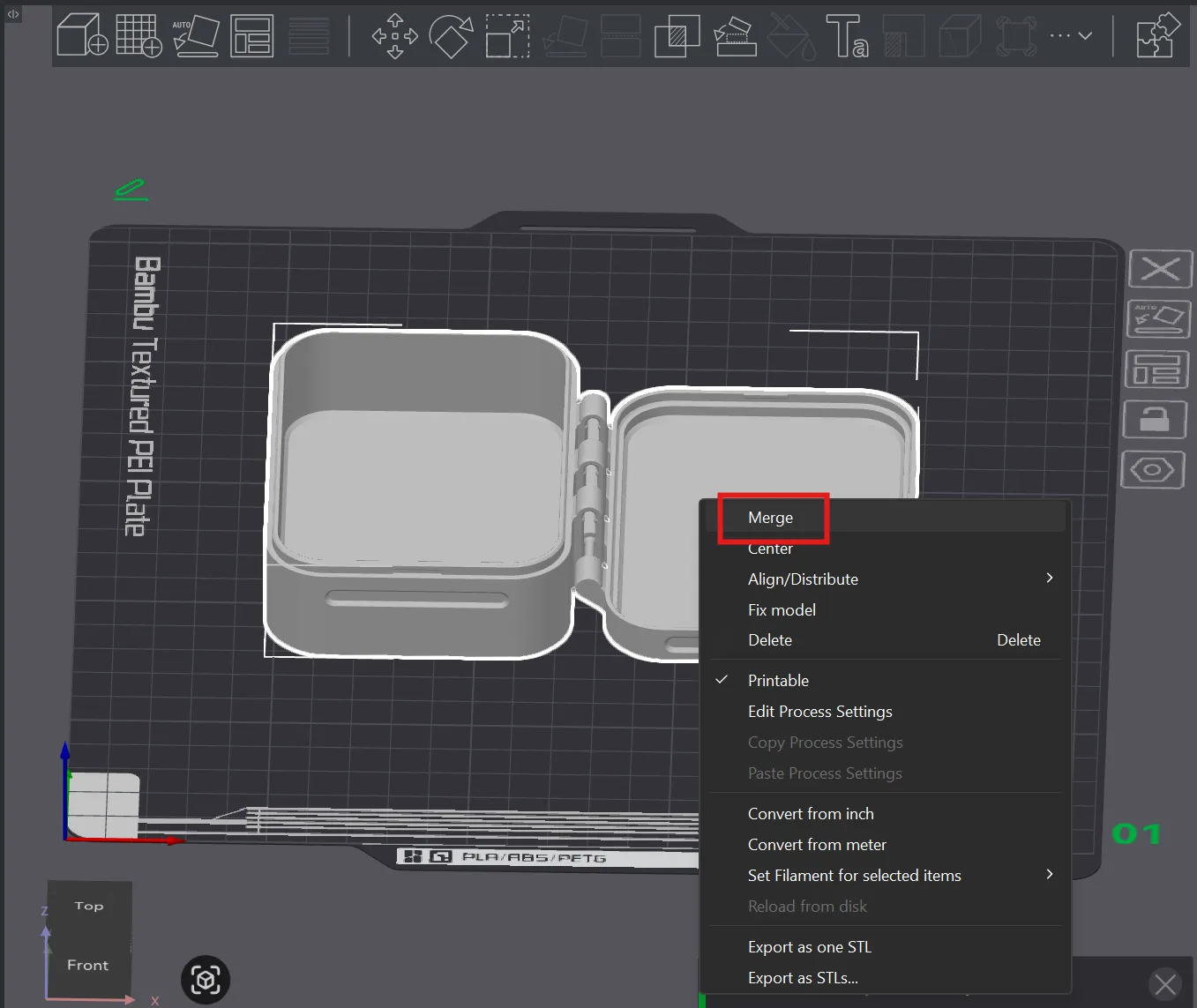
I've built in some guardrails behind the scenes so it should reliably regenerate based on your inputs. Oh, and in case the model doesn't import into your slicer as an assembly, be sure to merge the parts (if you want to move them around or anything) to make sure they stay aligned. To merge the parts, select them both, right click and select “Merge” as shown below:
Thanks for checking it out!
If you found this design interesting or useful, check out some of my other models.
Boost Me (for free)
I appreciate any and all constructive feedback to improve my designs. Thanks!
Membership
Click here if you're interested in a commercial license for my models. Thanks!
License

You shall not share, sub-license, sell, rent, host, transfer, or distribute in any way the digital or 3D printed versions of this object, nor any other derivative work of this object in its digital or physical format (including - but not limited to - remixes of this object, and hosting on other digital platforms). The objects may not be used without permission in any way whatsoever in which you charge money, or collect fees.


Comment & Rating (101)