
P2S CENTER BELT AXIS TOOL ALIGNMENT
Print Profile(1)
Description
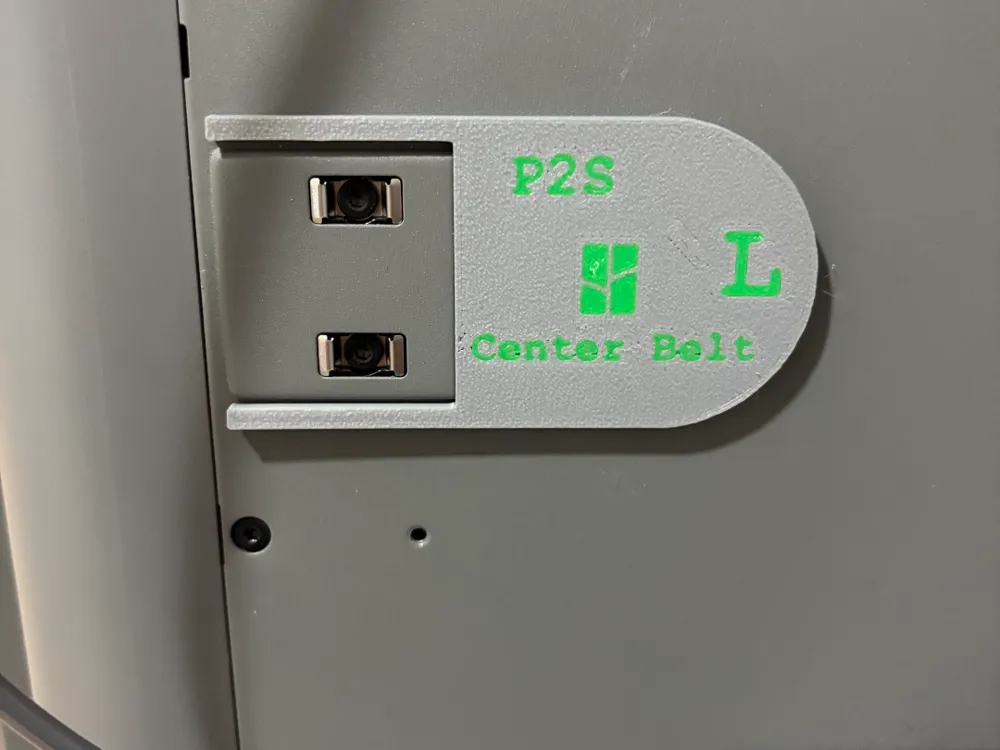
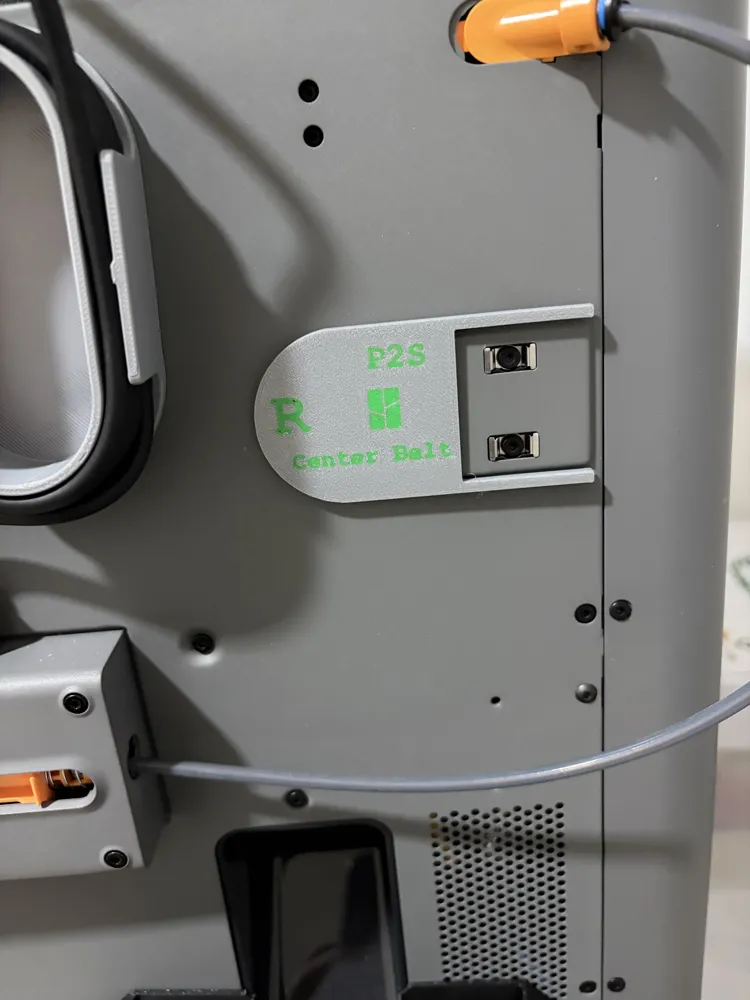
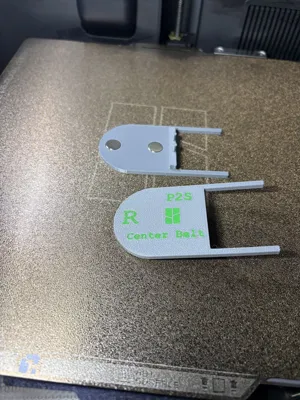
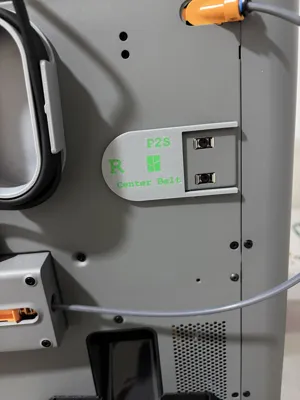
I was having problems with the rear belts. They wouldn't stay aligned correctly on the pulley during the belt tension check. This tool ensured that the belt was centered correctly during the tensioning procedure described in the Bambulab instructions. It simply solved my problem.
Keep in mind that printers, even if identical, may have slight structural differences.
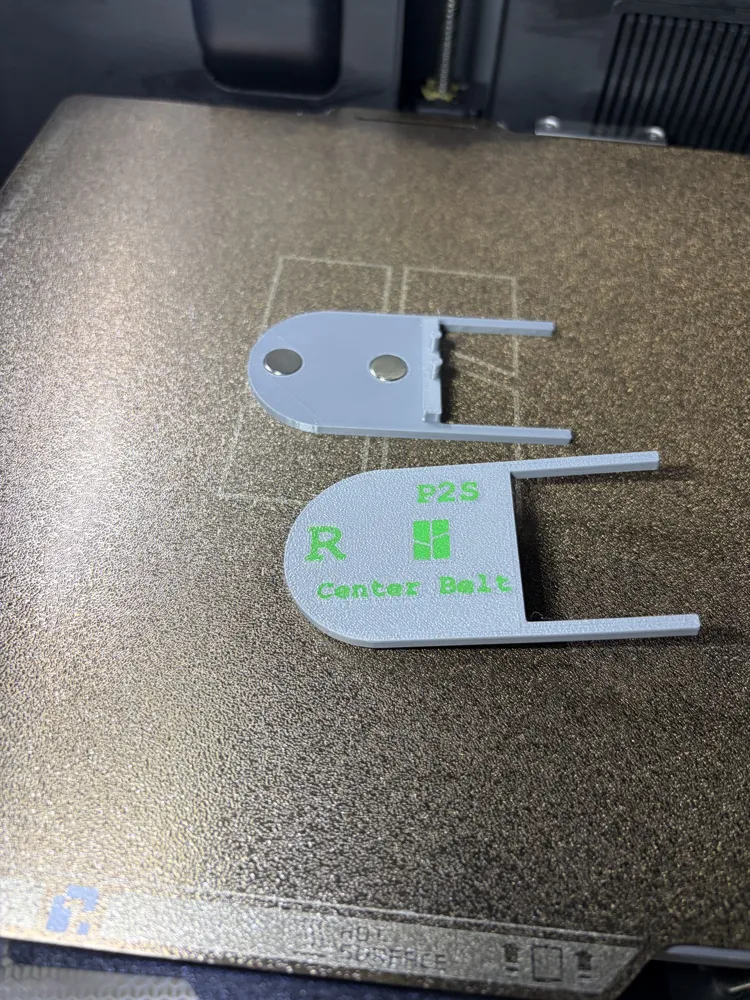
You can attach two 10x2 magnets with a little glue.
1. Apply the R and L tools.
2. Follow the Bambulab instructions in the link.
3. Remove the tools.
https://wiki.bambulab.com/en/p2s/maintenance/belt-tension
Boost Me (for free)
thank you for your contribution
License

You shall not share, sub-license, sell, rent, host, transfer, or distribute in any way the digital or 3D printed versions of this object, nor any other derivative work of this object in its digital or physical format (including - but not limited to - remixes of this object, and hosting on other digital platforms). The objects may not be used without permission in any way whatsoever in which you charge money, or collect fees.


Comment & Rating (1)