Search models, users, collections, and posts

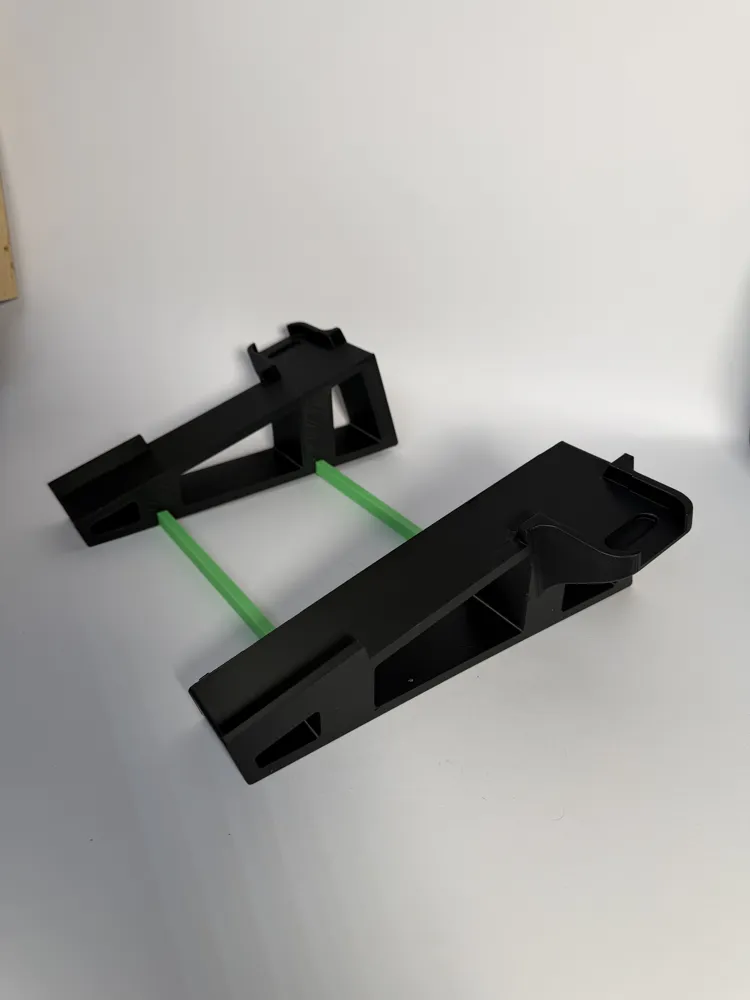
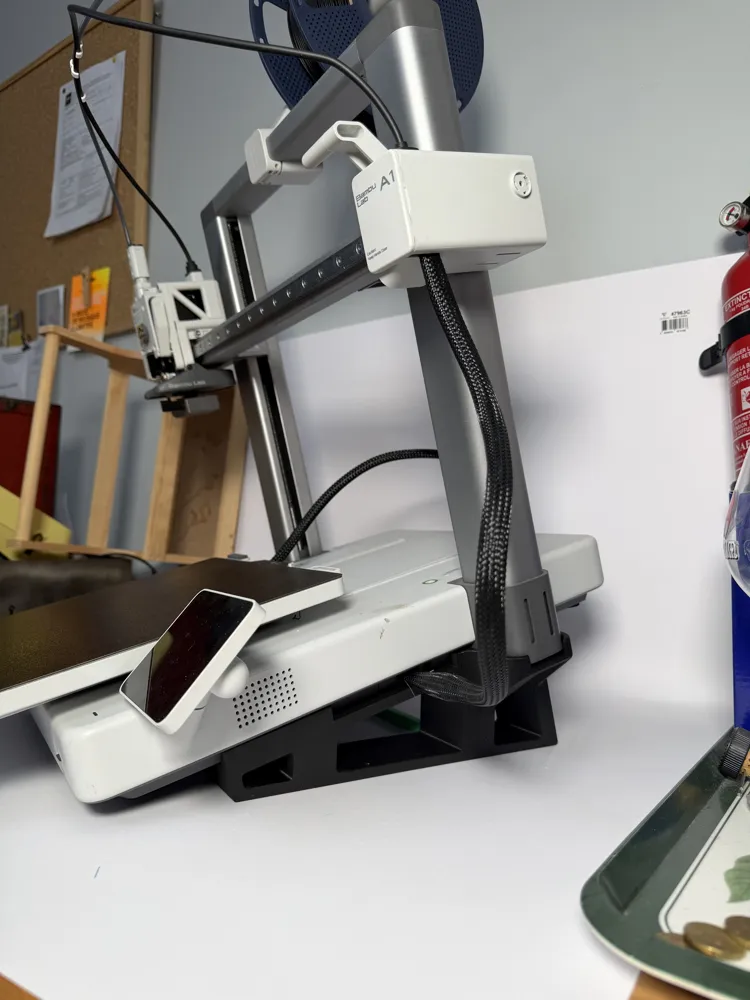
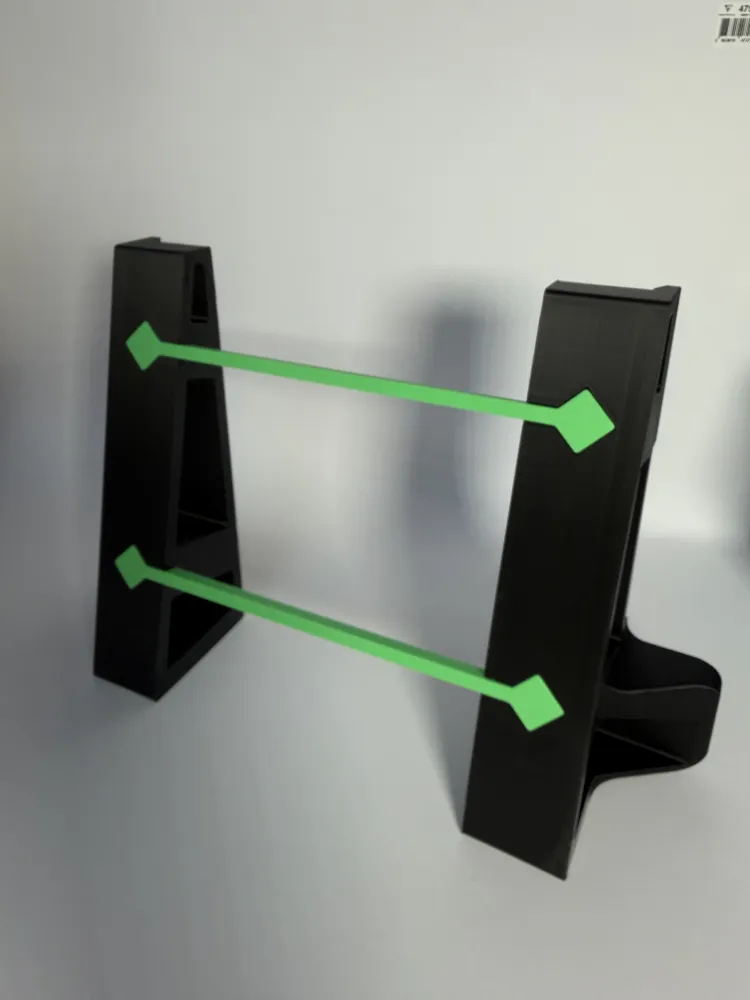
Slanted Base A1 / Slanted Support A1
Print Profile(2)
All
A1
P2S
H2D Pro
H2D
H2C
H2S
X2D
A2L
P1S
X1 Carbon
X1E
X1
P1P

0.2mm layer, 2 walls, 15% infill
Designer
8.5 h
1 plate
5.0(2)

0.2mm layer, 2 walls, 15% infill
Designer
48 min
1 plate
5.0(1)

Open in Bambu Studio
Boost
38
102
9
4
60
41
Released 

Description

Content has been automatically translated.
Show original

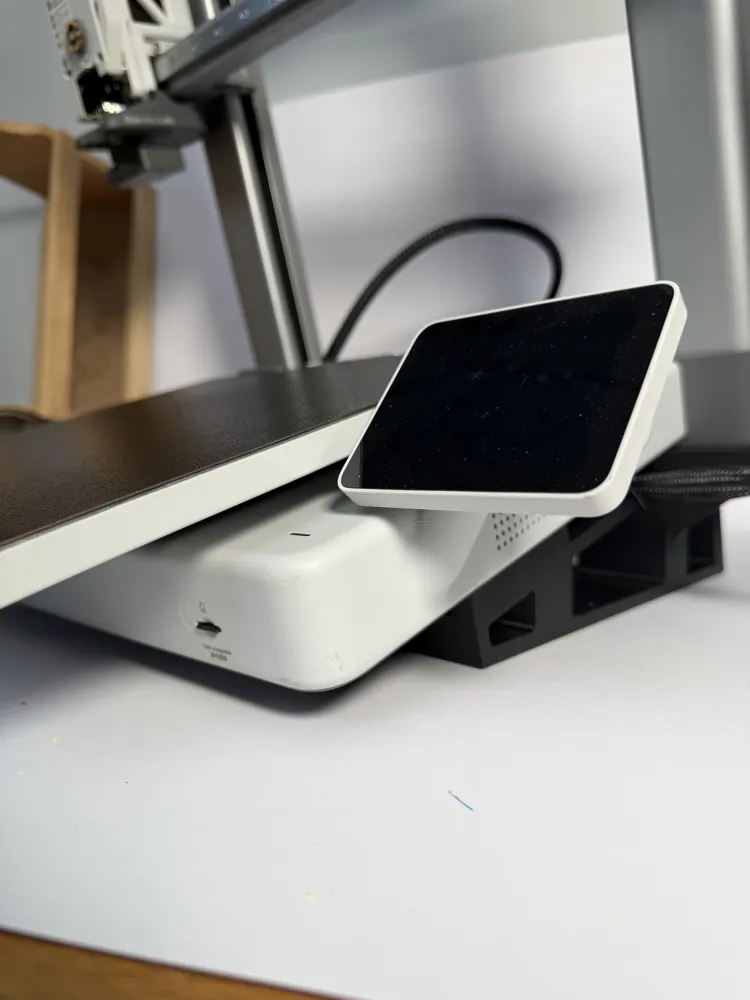
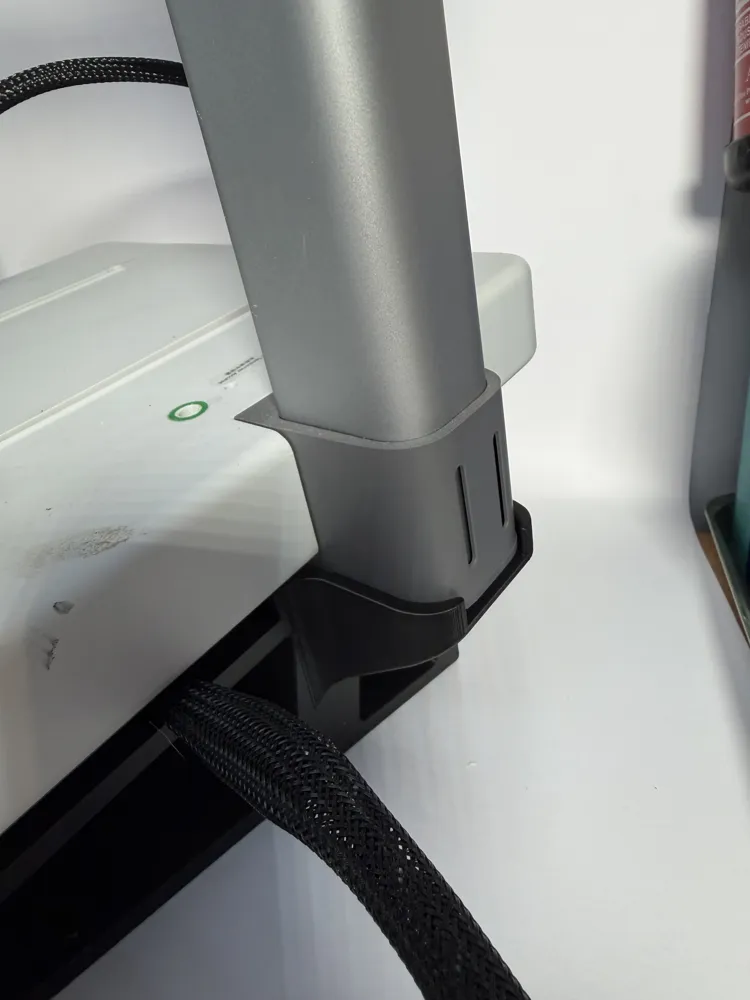
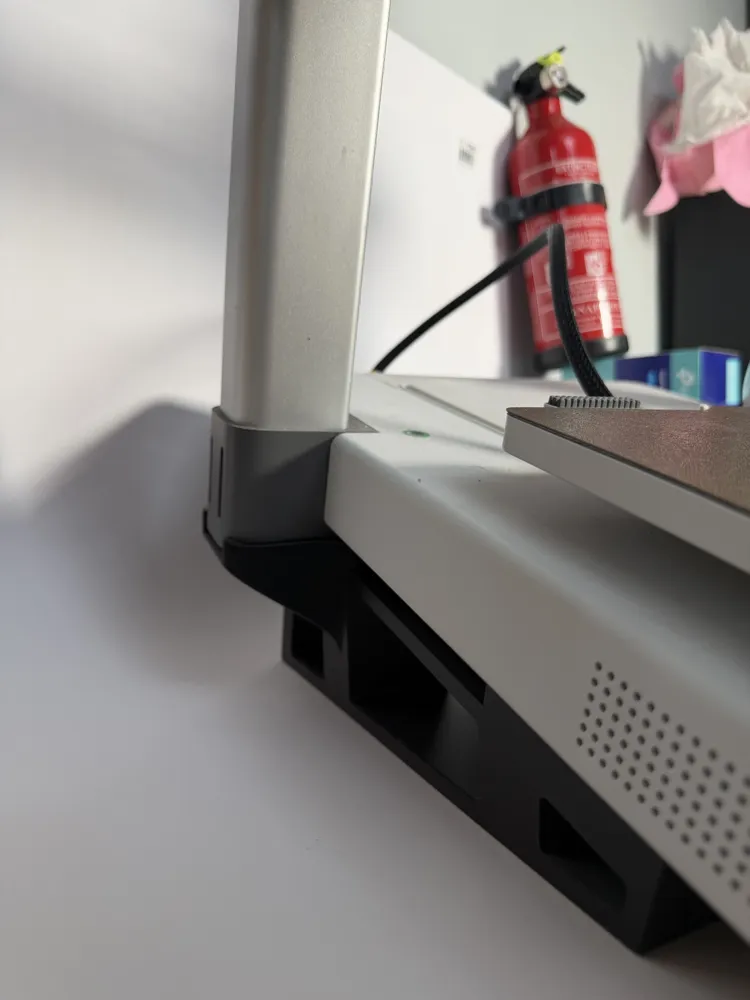
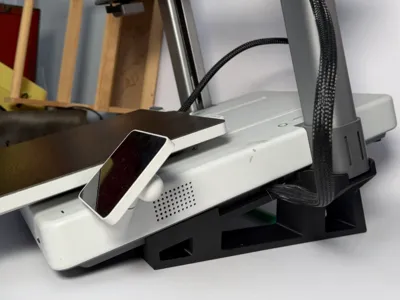
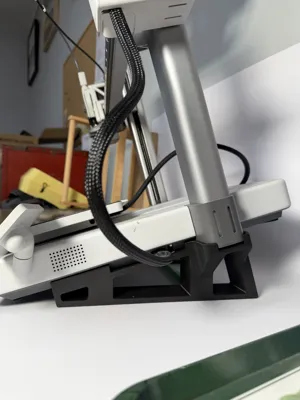
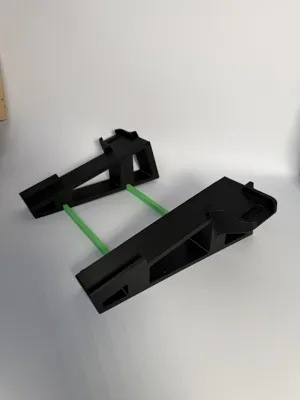
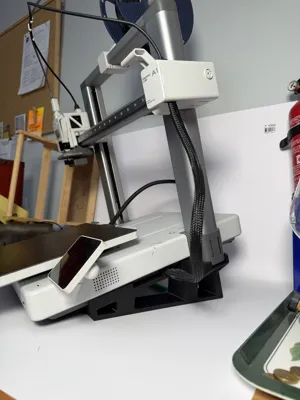
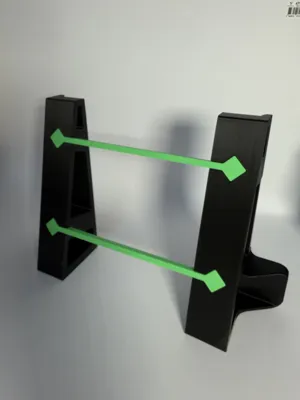
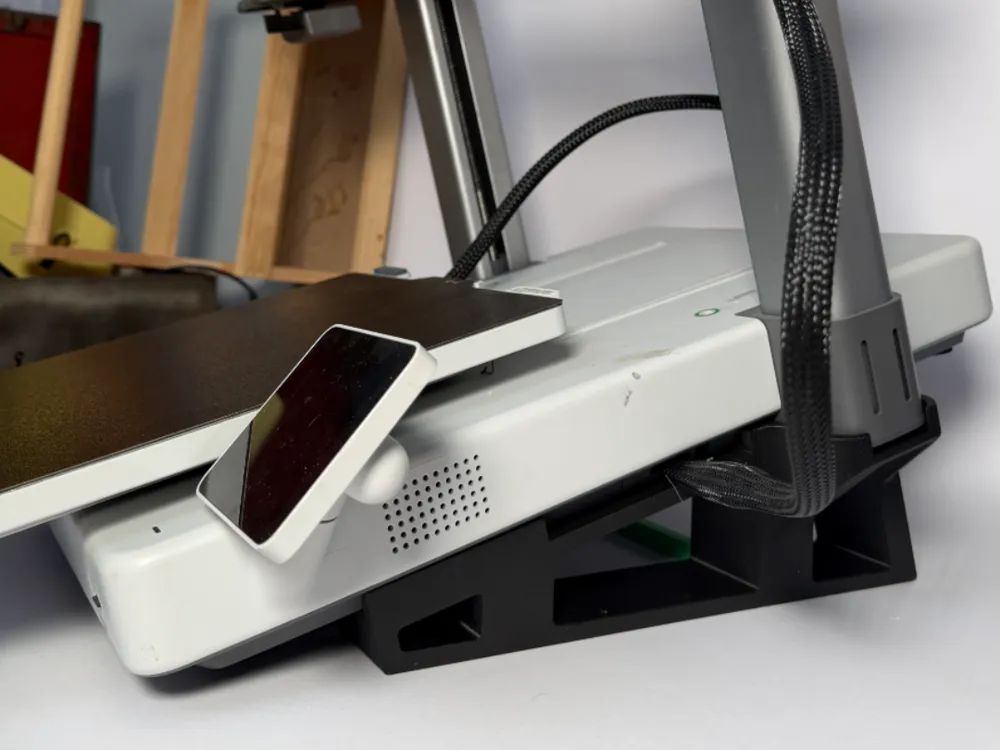
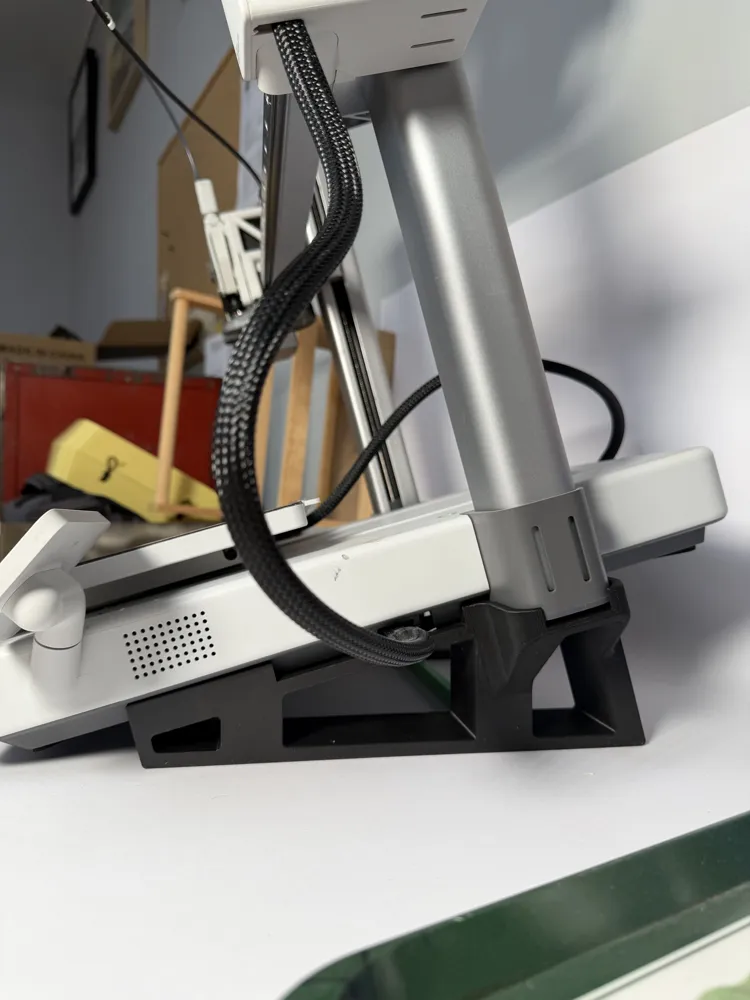
This slanted support

Boost Me (for free)

⭐ If this model is useful to you, consider boosting me!
Your support greatly helps me continue designing and sharing new practical accessories for the BambuLab A1. Thank you 🙏

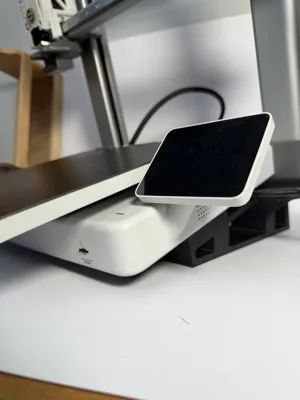
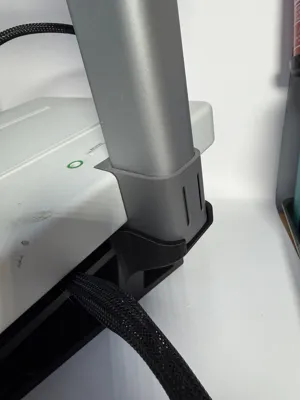
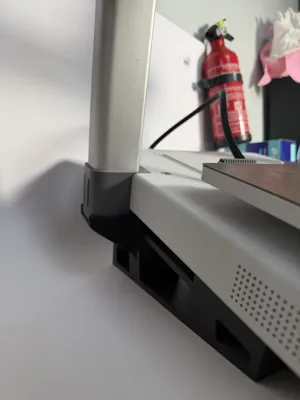
for BambuLab A1 was designed to facilitate automatic part removal and enable more efficient batch printing.

Thanks to its optimized tilt angle, printed parts detach more easily from the print bed once printing is complete, reducing manual handling and improving print continuity. It is particularly suitable for users who want to run multiple prints without constant supervision.

Designed for simple, robust, and reliable printing, this support integrates seamlessly with the BambuLab A1 without machine modification. It is an ideal solution to increase productivity, save time, and enhance user comfort, whether for personal use or small-scale production.

Comment & Rating (9)

(0/1000)

thank you for your contribution, I don't know if I have to put anything else because it doesn't release the prints, someone to support me on the topic, thank you greetings
The designer has replied
Show original
0
Reply
This is an inclined support, not a guarantee for mass printing. If you have a textured PEI plate, or an extra-textured one, this does not help given their specific design for good adhesion… on the other hand with a smooth plate it could be better, for my part with an original PEI it works very well..!
Show original
0
Reply
Furthermore, if you want to do batch prints, a G-code modification that pushes out the previous part is necessary to ensure good repeatability without process issues or overlapping prints
Show original
0
Reply
how do I modify the code so it kicks the stuff off?
0
Reply
Does this work for all filaments
The designer has replied
Show original
0
Reply
a gcode needs to be programmed that makes the object grow by the extruder head, the inclined base helps
Show original
0
Reply
Print Profile
0.2mm layer, 2 walls, 15% infill
the printing took me almost 9 hours, but it came out perfect, now I just have to put it in place and see how it works
Show original
profile
1
Reply
Print Profile
0.2mm layer, 2 walls, 15% infill
0
Reply
Print Profile
0.2mm layer, 2 walls, 15% infill
0
Reply
No more

License

This user content is licensed under a Standard Digital File License.

You shall not share, sub-license, sell, rent, host, transfer, or distribute in any way the digital or 3D printed versions of this object, nor any other derivative work of this object in its digital or physical format (including - but not limited to - remixes of this object, and hosting on other digital platforms). The objects may not be used without permission in any way whatsoever in which you charge money, or collect fees.