
Flame/Fire for kids roleplay
Print Profile(1)
Description
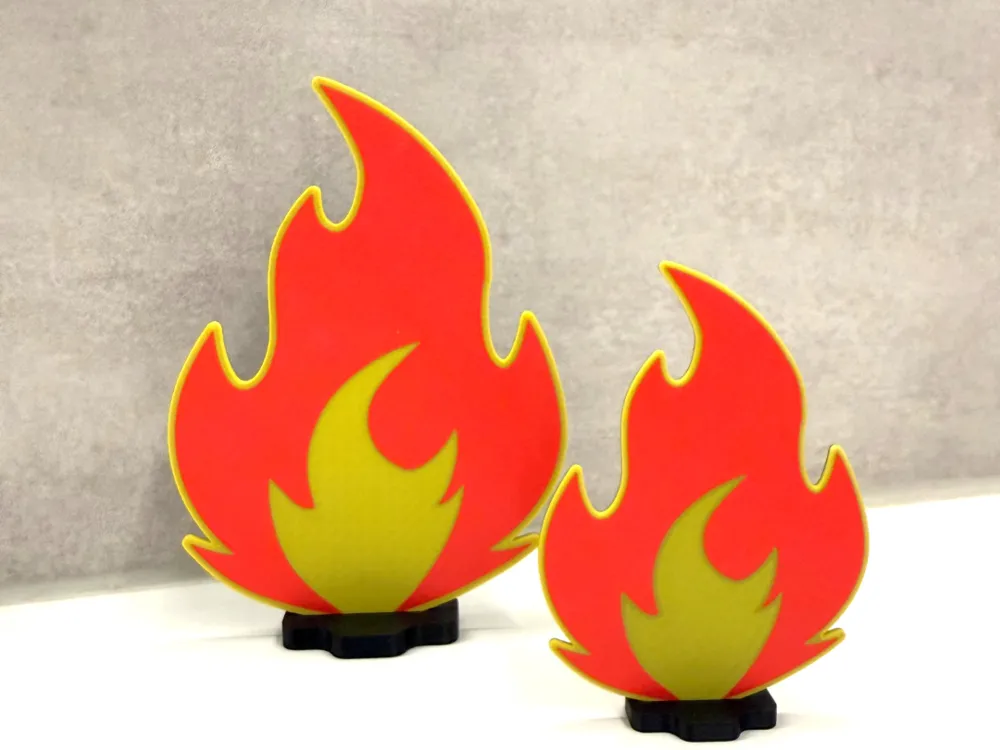
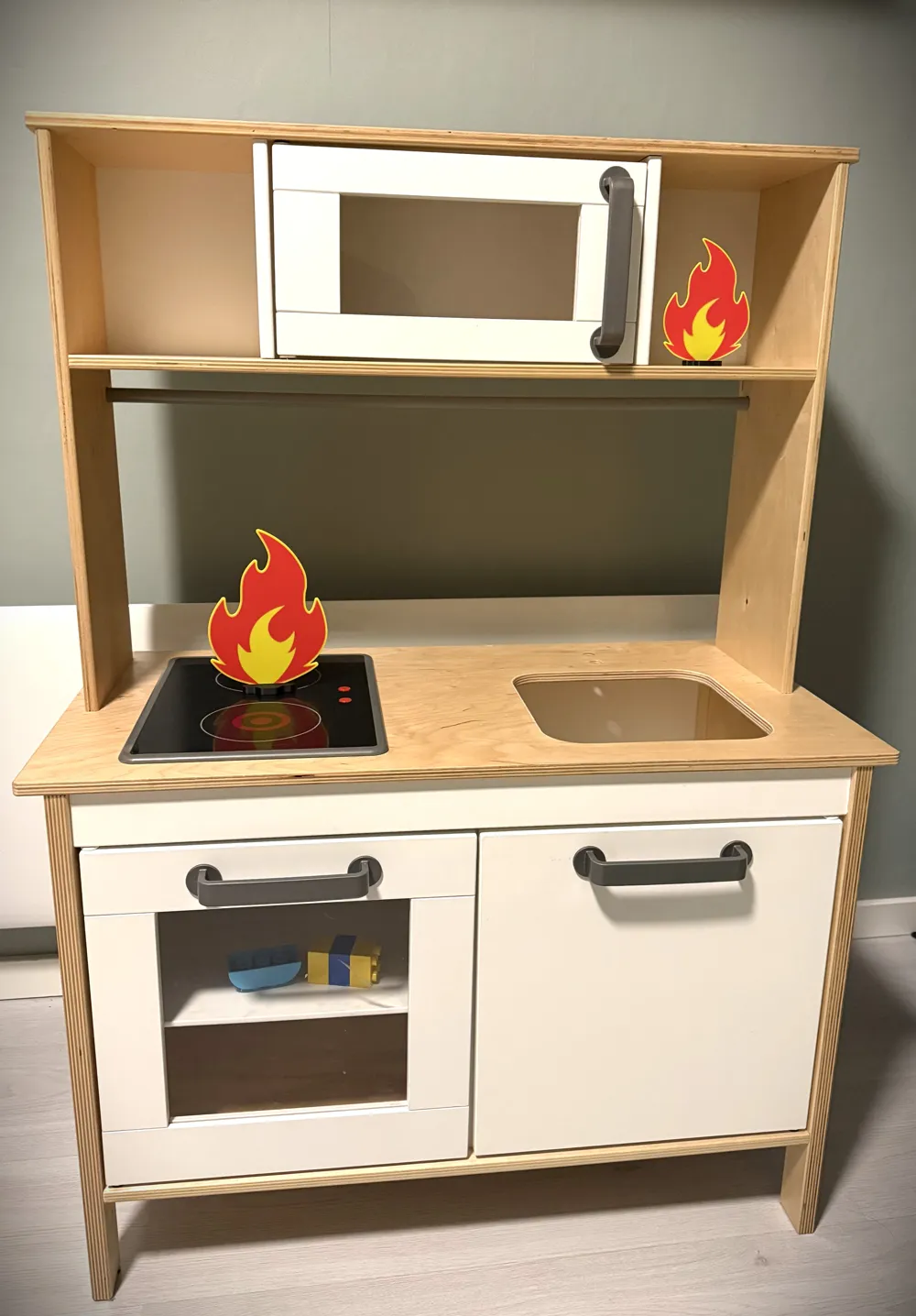
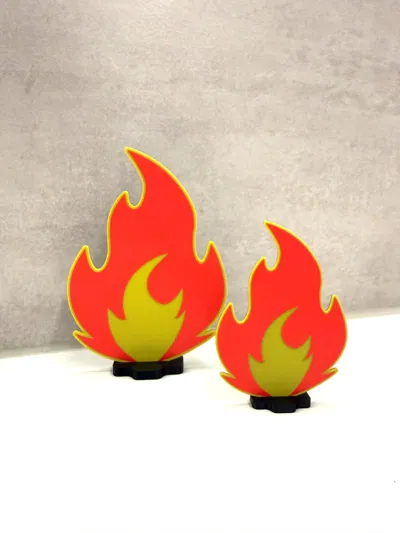
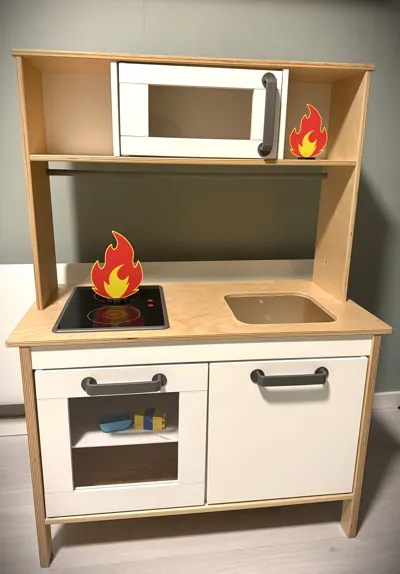
My kids love to roleplay firefighters, So I wanted to help their imagination a bit more with some visuals effect of were the fire is taking place and really help them make a scene in their heads!
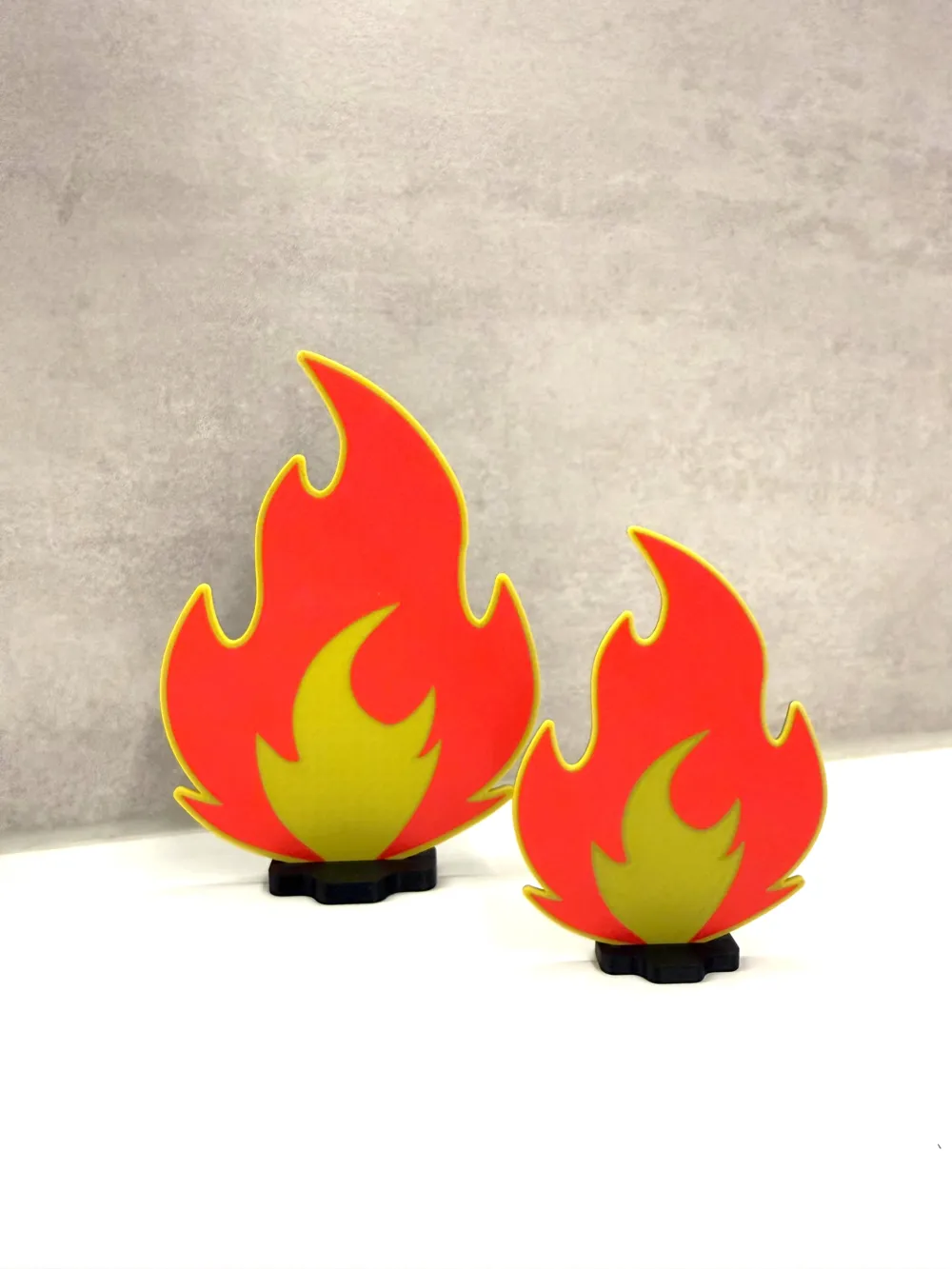
The flames in the pictures are scaled 100% and 70%.
ATTENTION: Scaleing it lower than 70% with my 3mf file will make the black shine through the yellow, making in yellow greyish tone… So if you wish to make it smaller plz change the settings or background color :)
Why is the outlines/ams part faceing the build plate?
I print my flame with the outline/ams part faceing the build plate to be sure that I get a even surface. Because if you were to place the outlines faceing up you run a RISK of uneven surface and or other visual fails due to supports being to far apart to make a even top layer for example etc etc!
(ofcourse it depends on what infill you use and % but that is one of the reasons I do it)
New to AMS or having problem changing colors?
If you are having problems changing or finding the outlines on the print (remember the side faceing down), please check that you have your smart fill angle set to 0 to be able to change the color on the inner flame :)
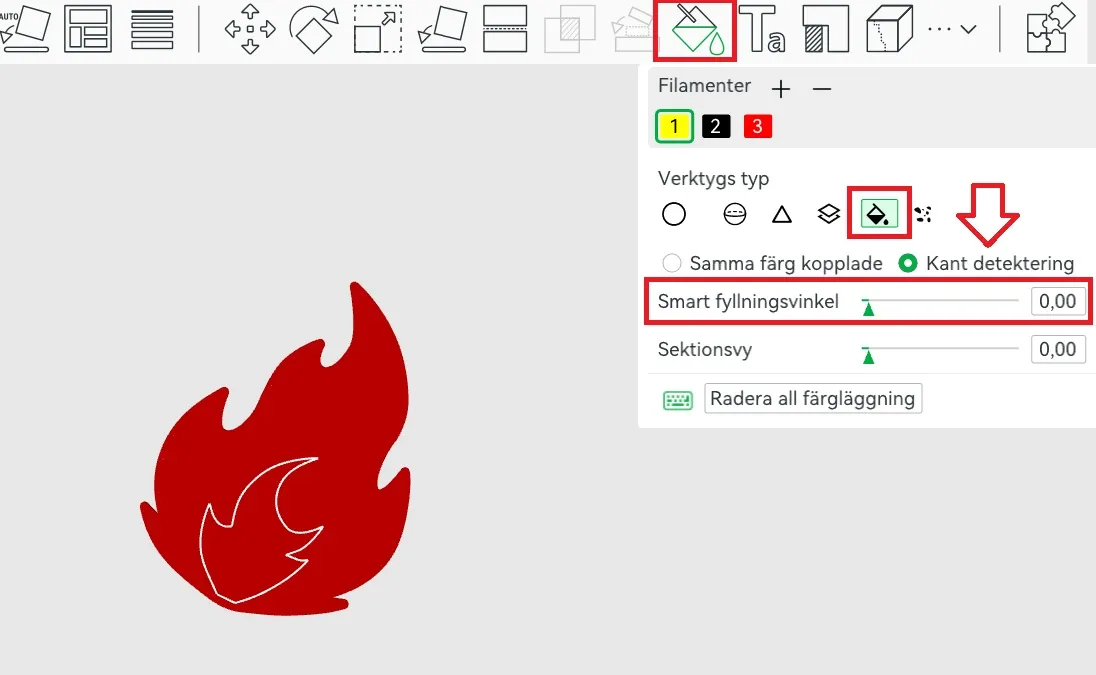
- Color painting
- Press fill
- Be sure that edge detection is active
- Then change smart infill to 0
- Hover mouse over mid area to highlight the inner flame and change to desired color :)
- Print!
License



Comment & Rating (13)