
Tesla Model 3/Y Shift Paddles S3XY Buttons & +/-

Print Profile(1)

Description
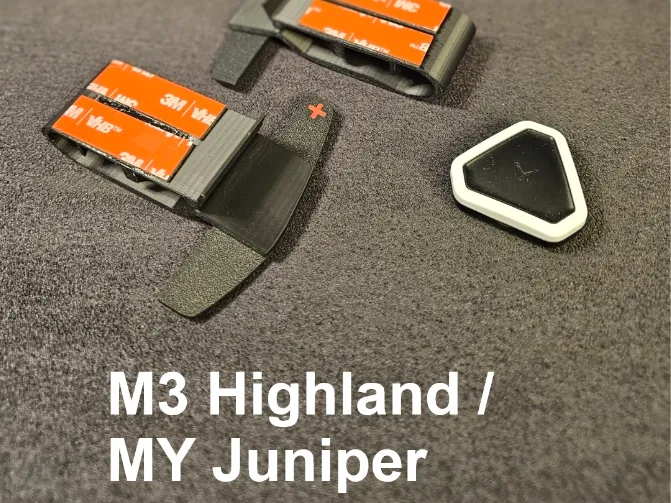
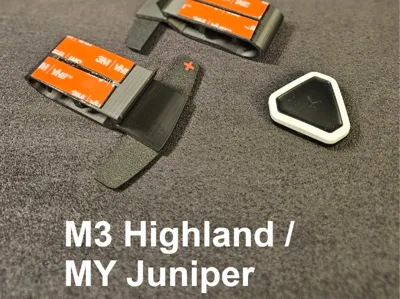
Highland & Juniper Edition!
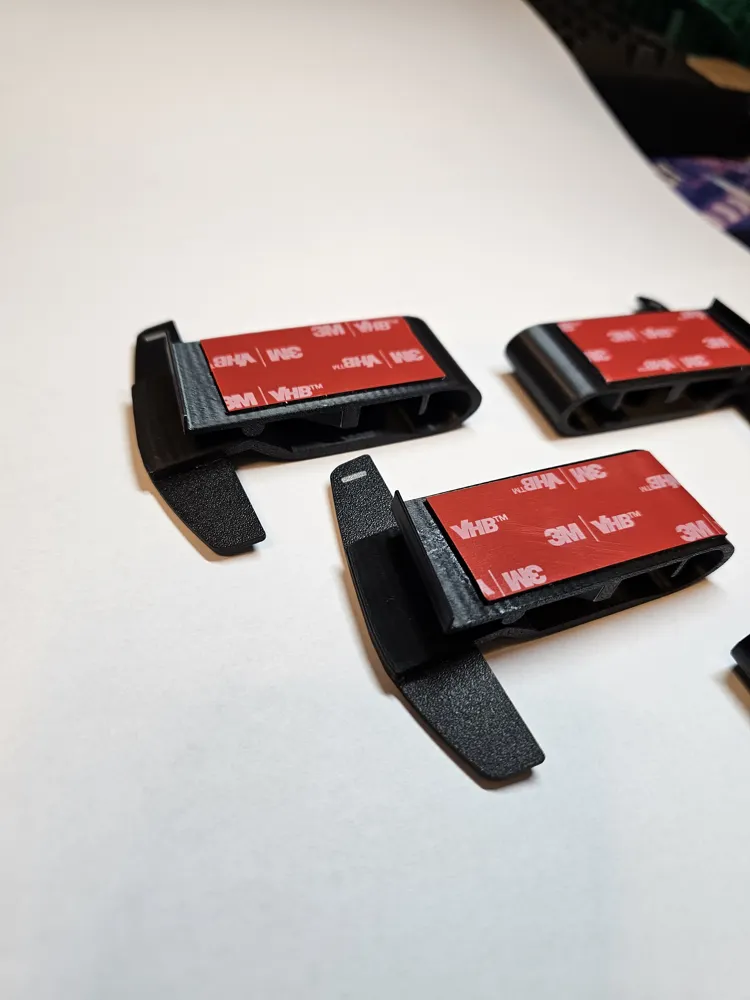
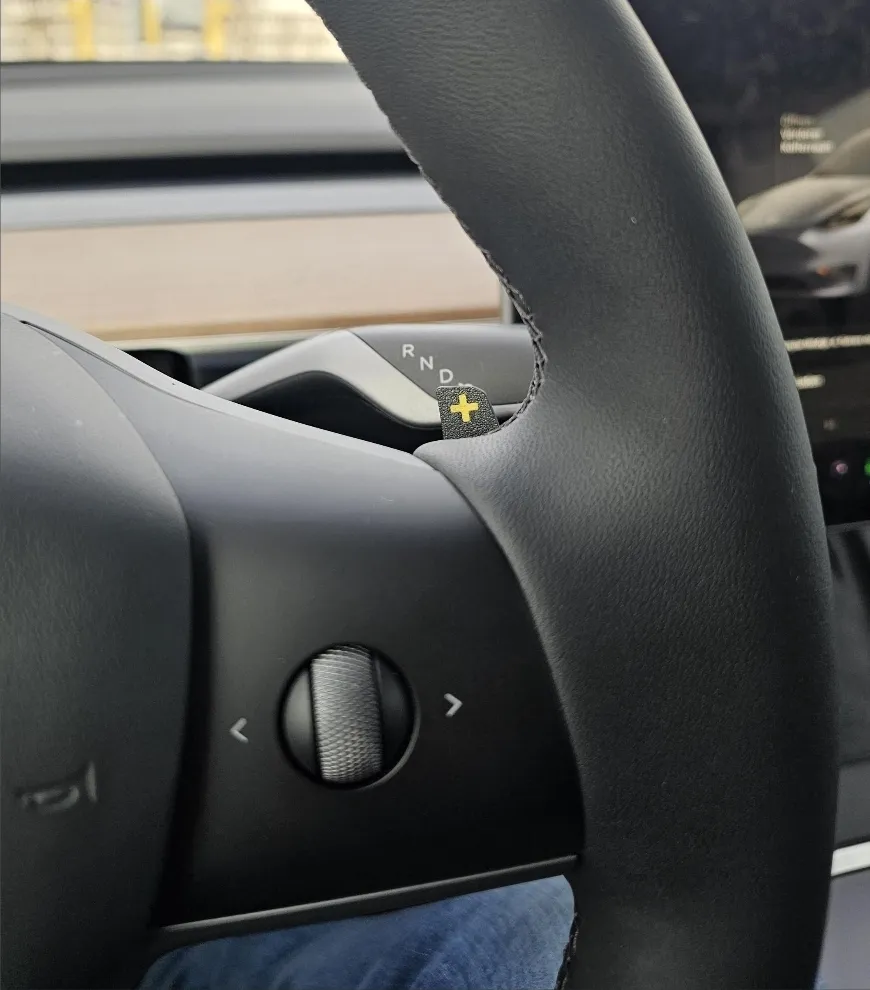
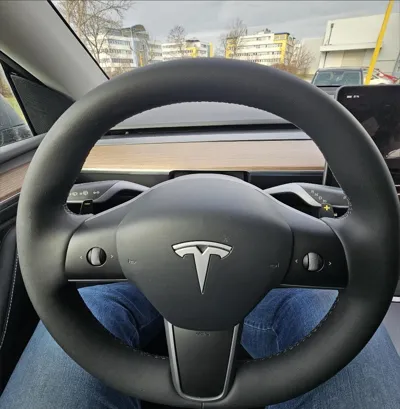
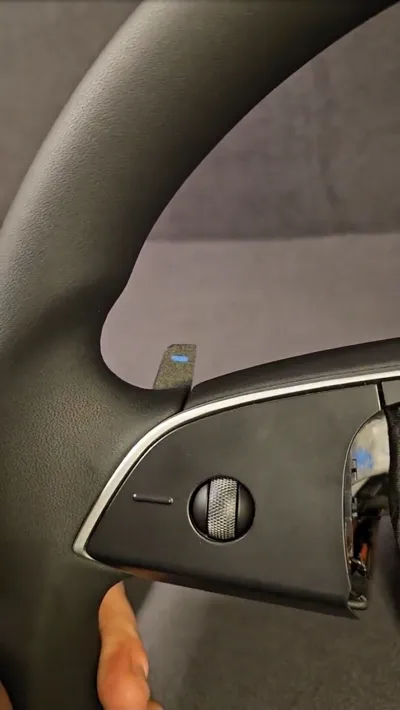
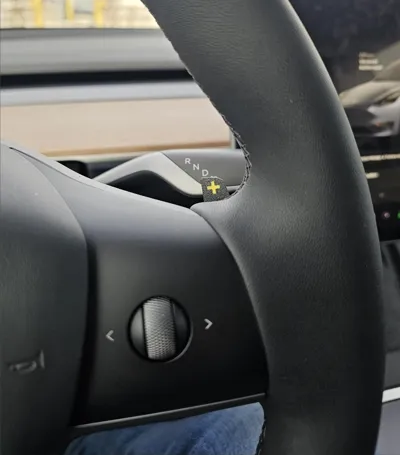
These are my decent and subtle shift paddles for Tesla Model 3 and Y Models and s3xy buttons from enhance. Suitable for Tesla Model 3 and Y Legacy AND Model 3 Highland and Model Y Juniper ( different models, look in my other models, there are just subtle differences but they are here ).
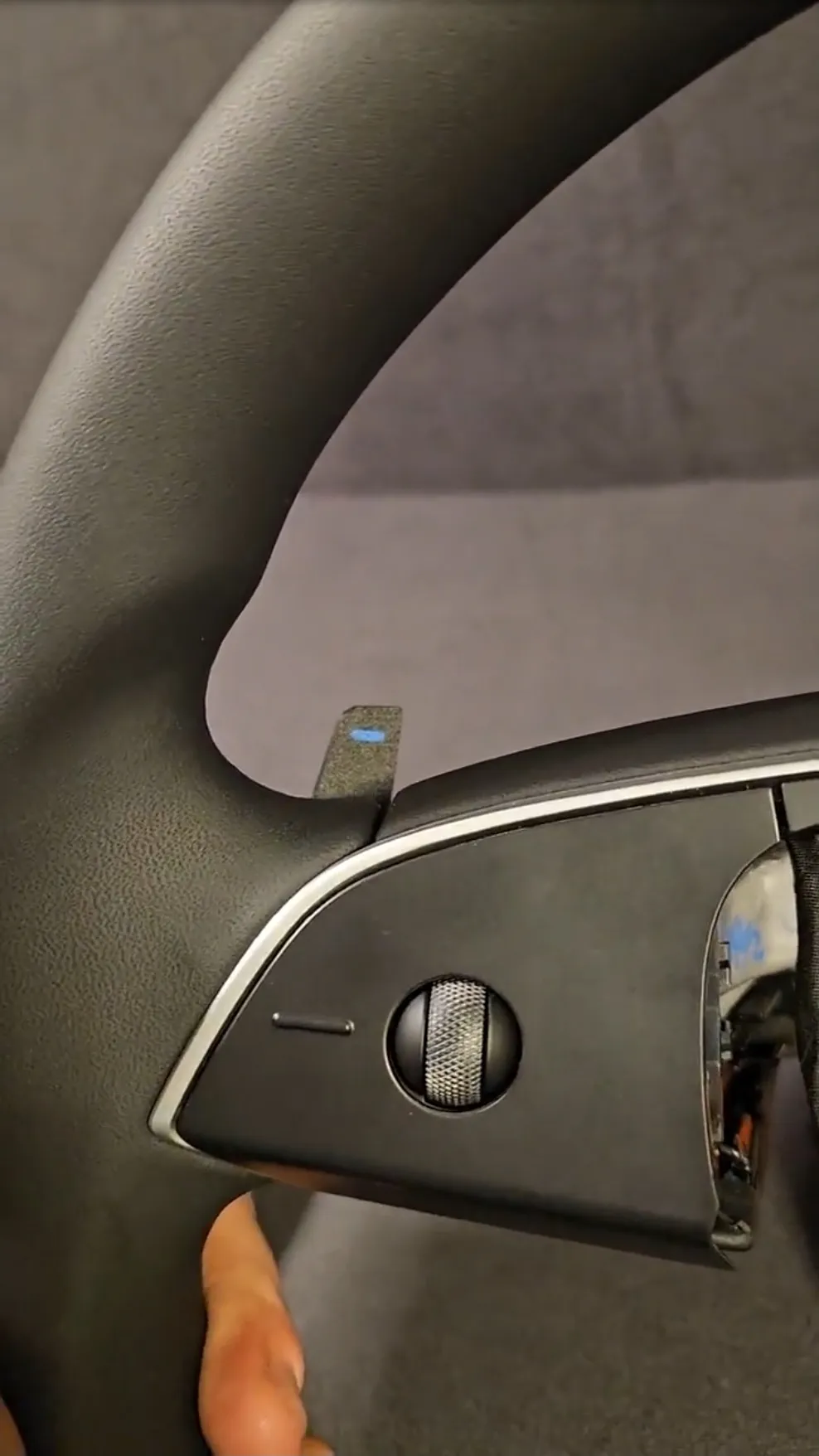
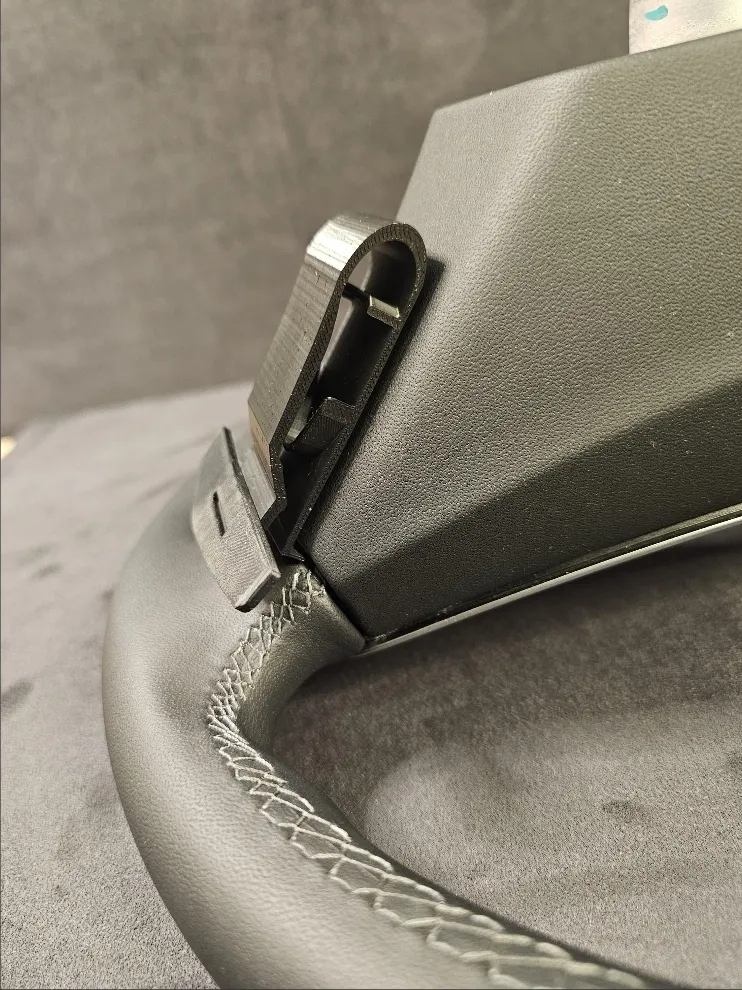
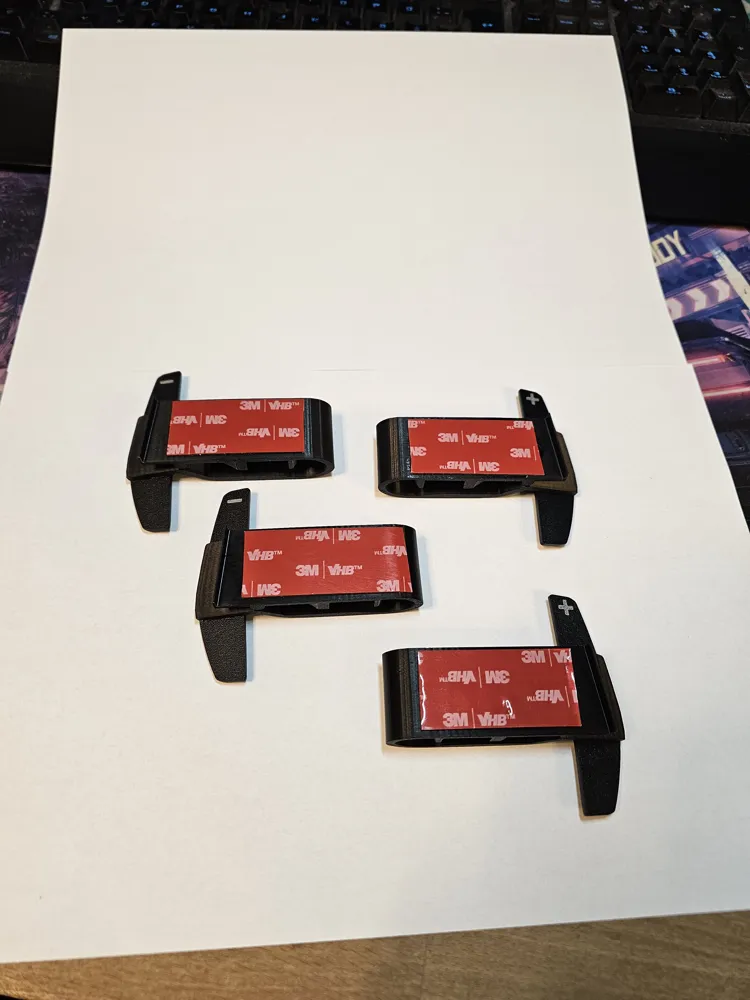
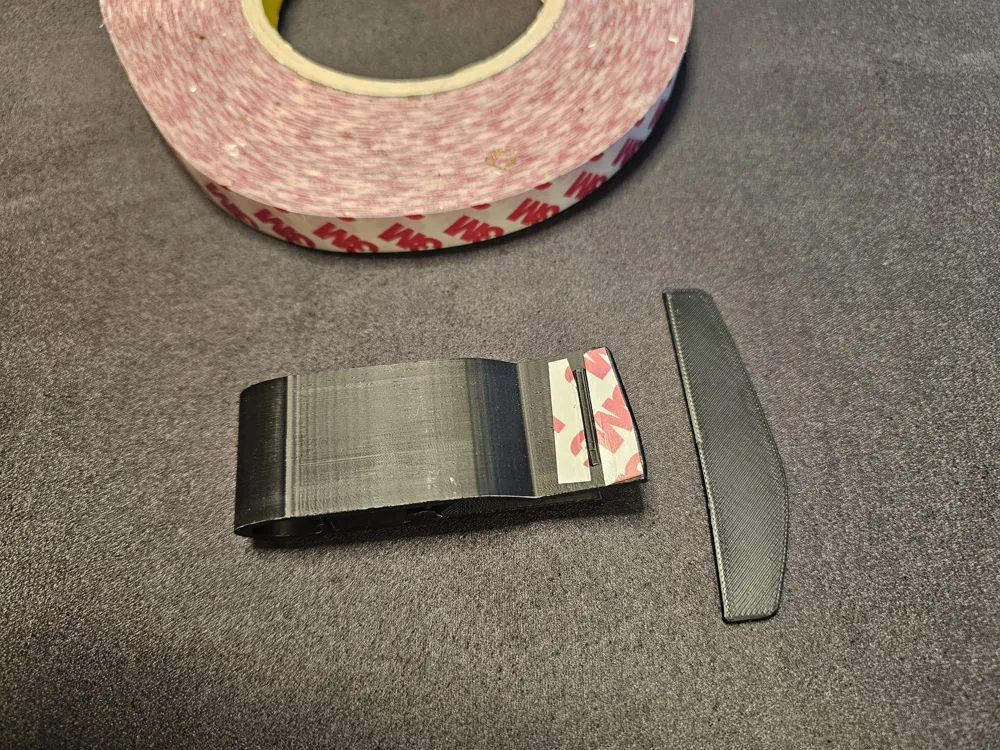
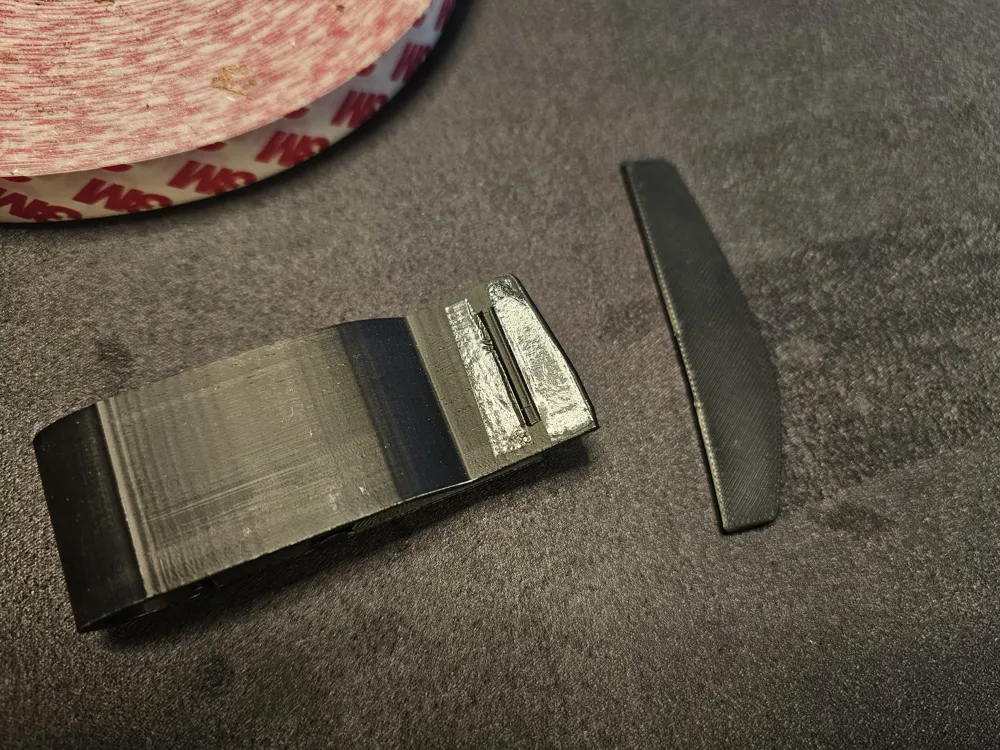
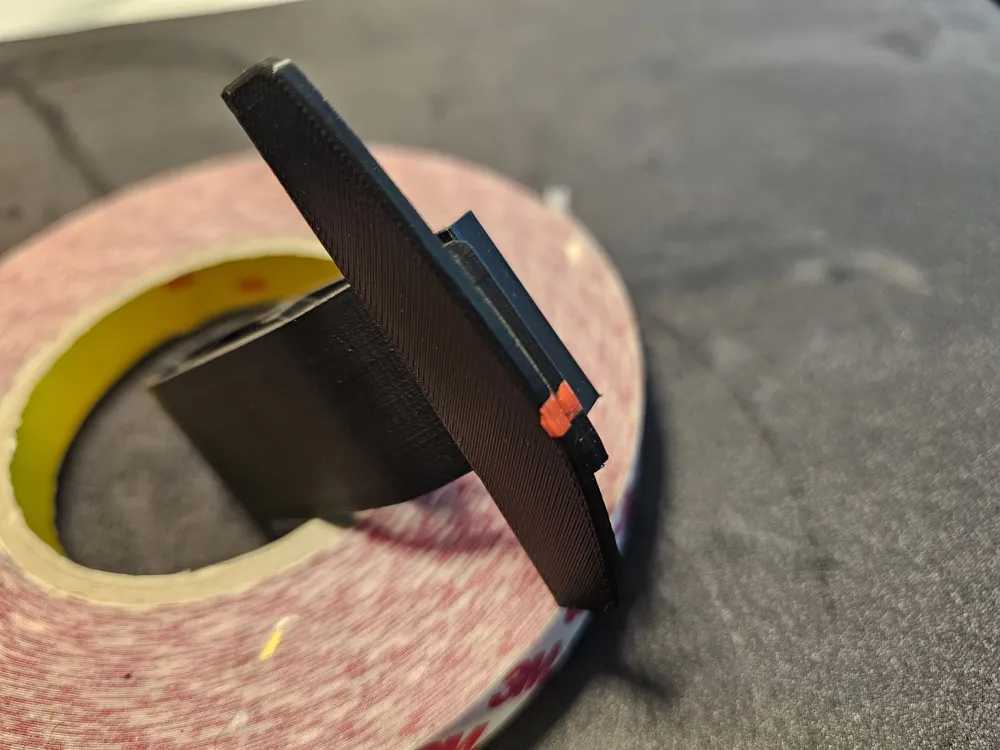
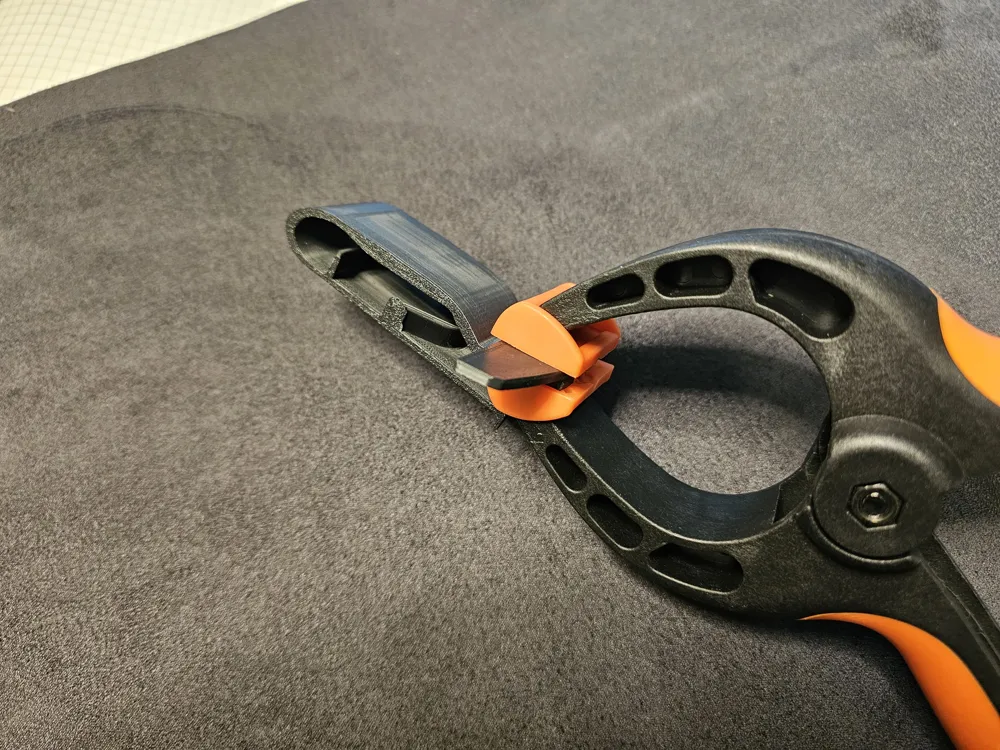
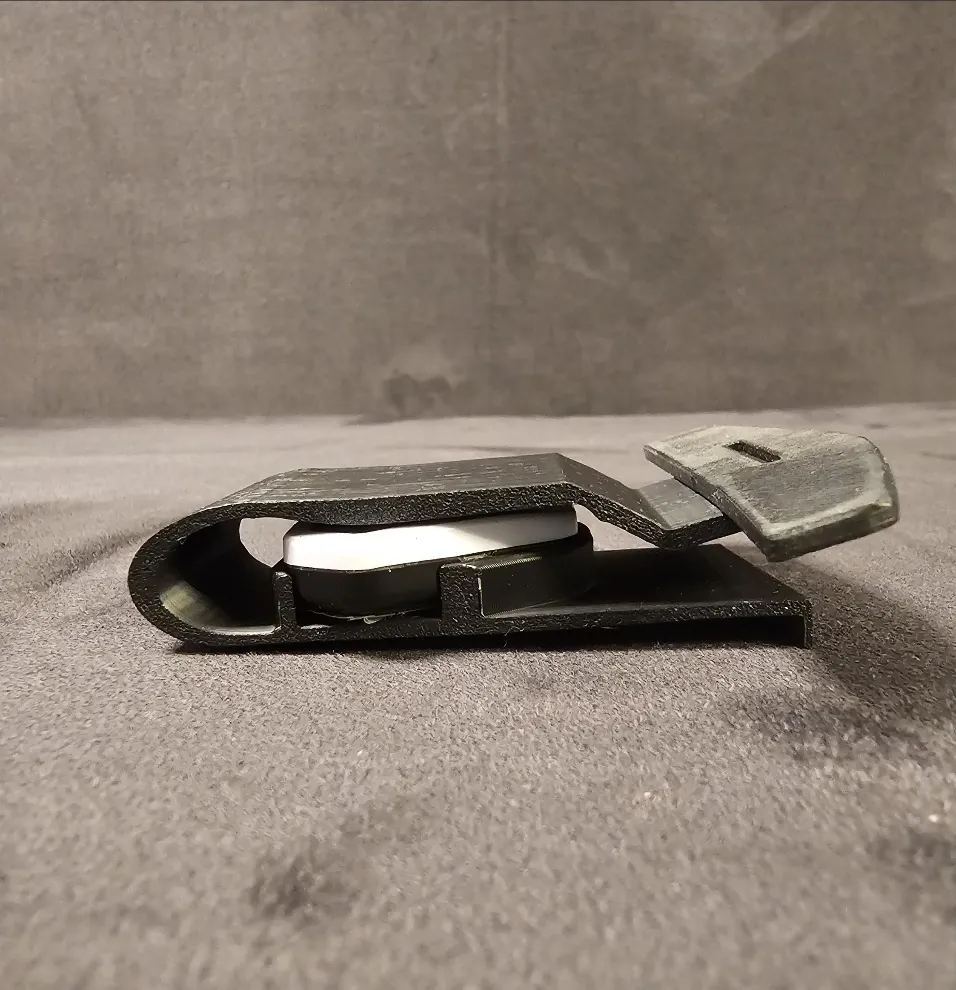
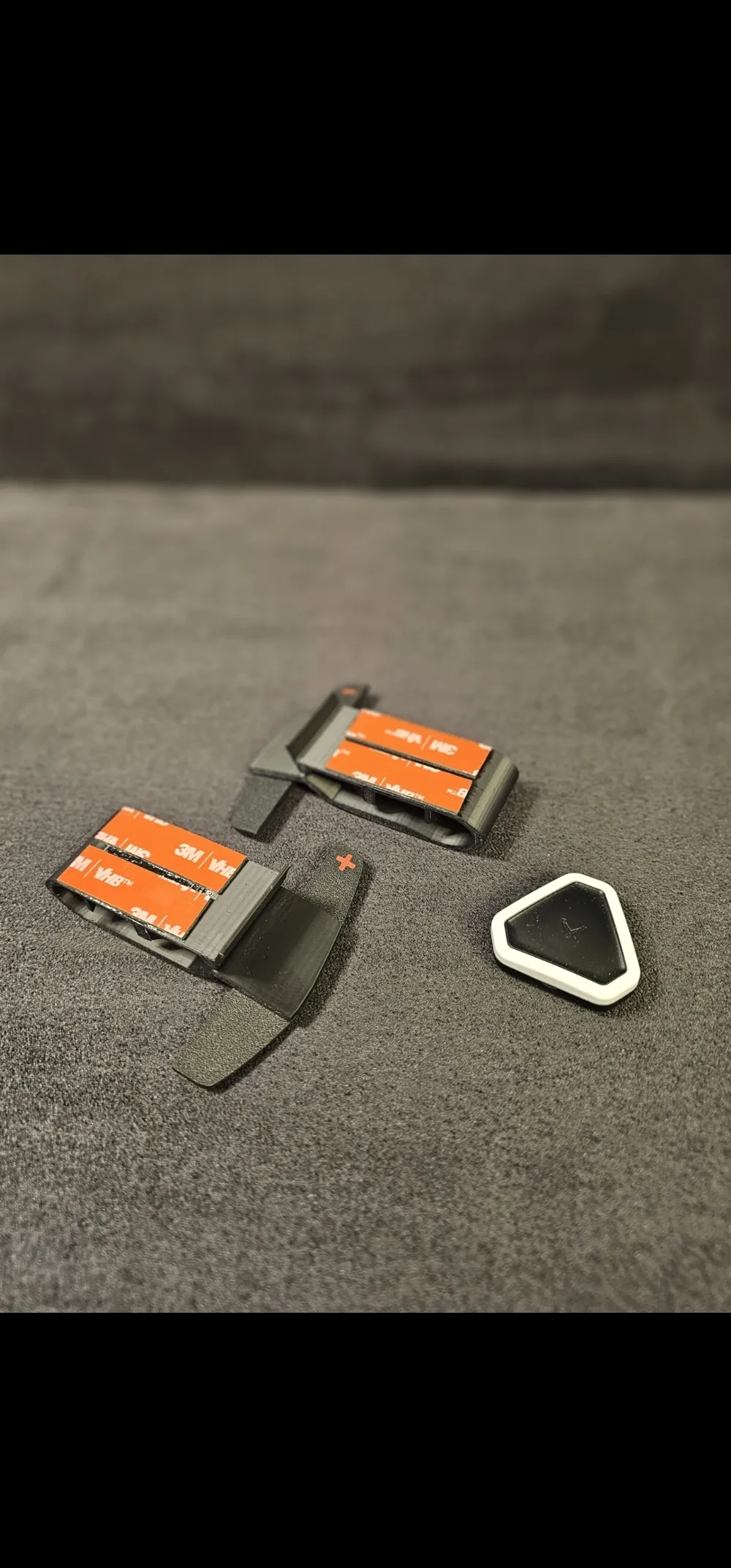
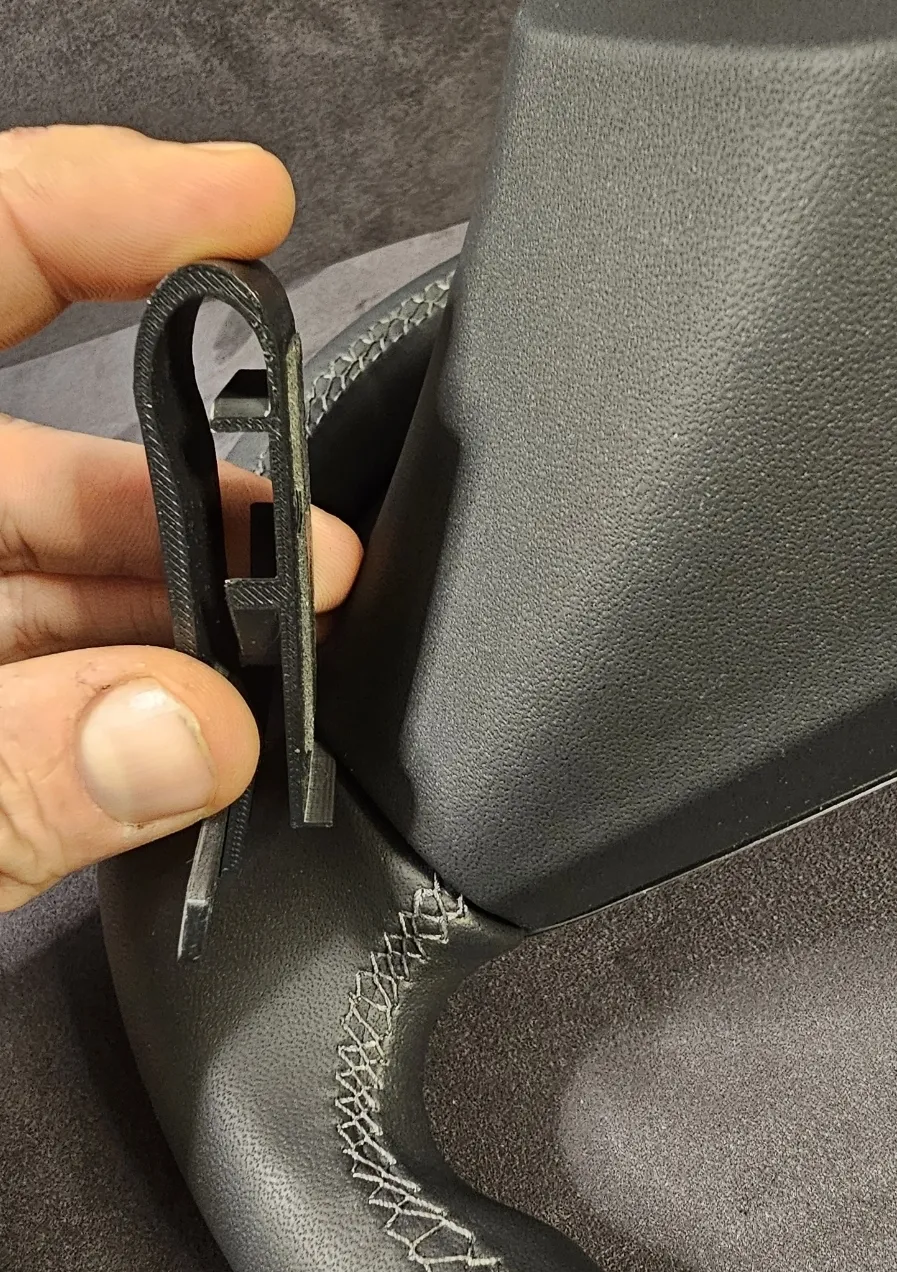
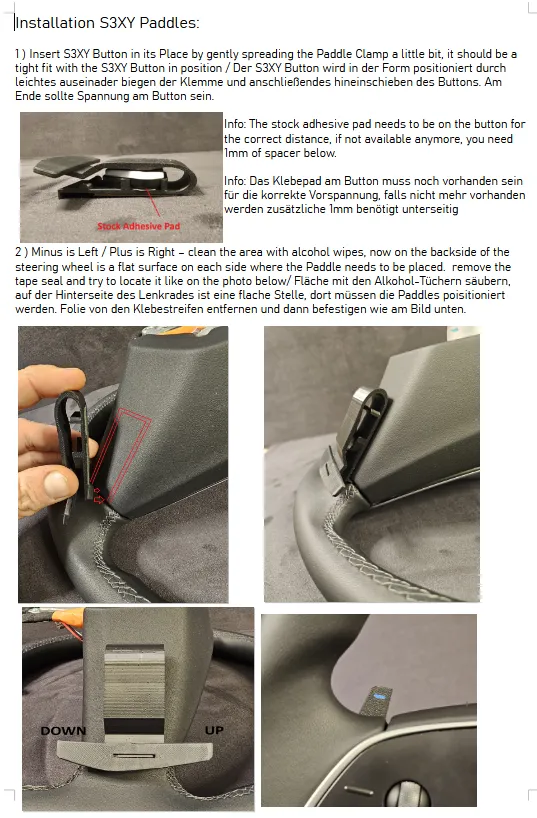
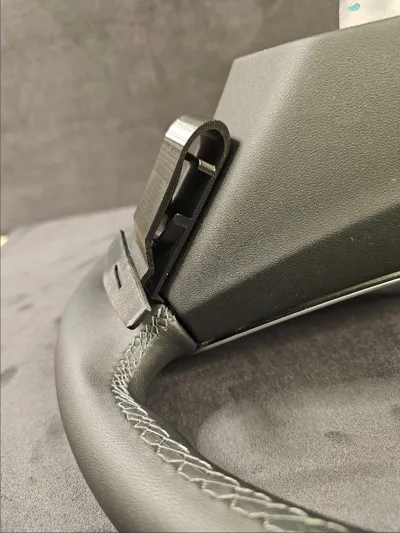
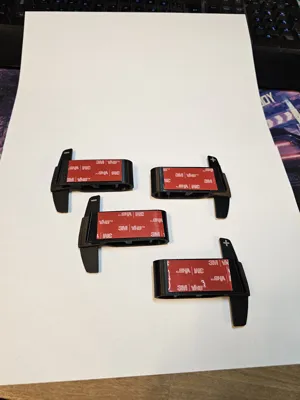
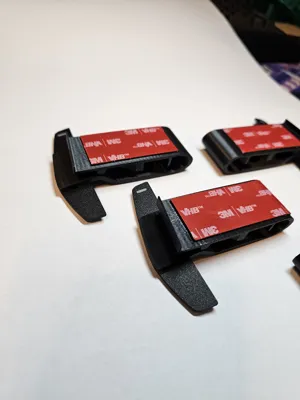
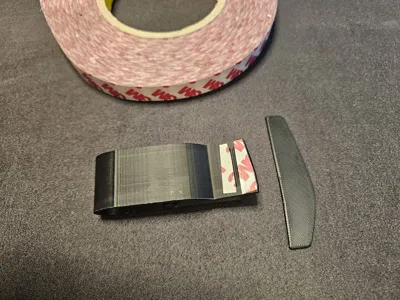
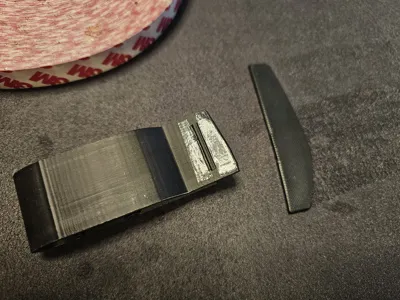
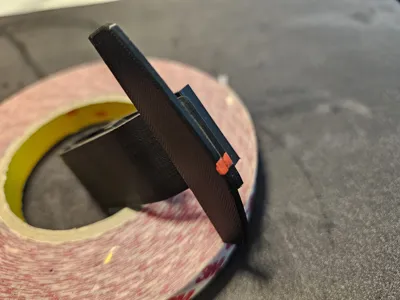
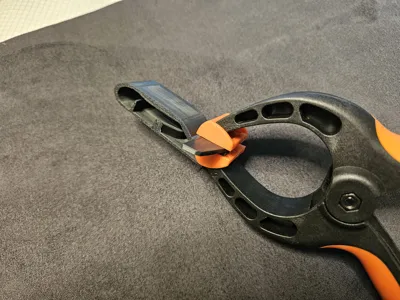
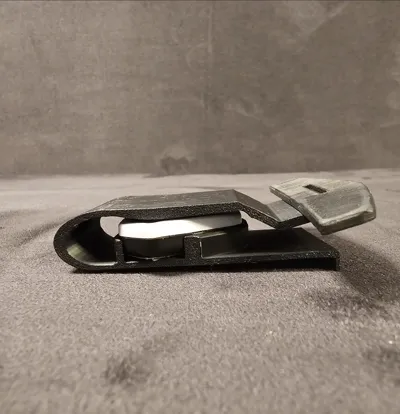
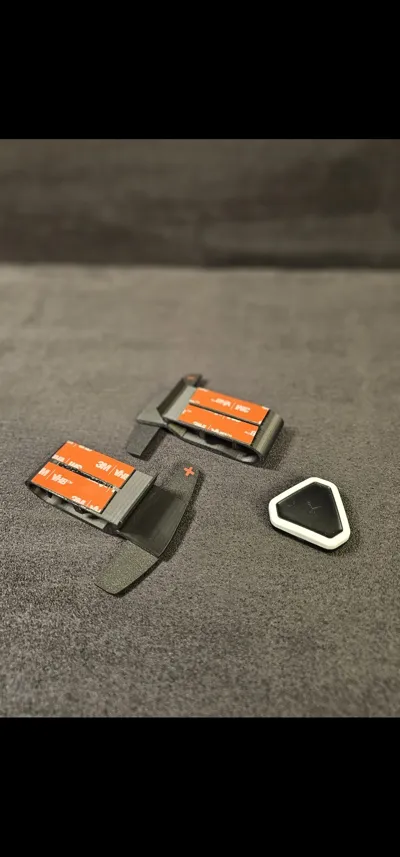
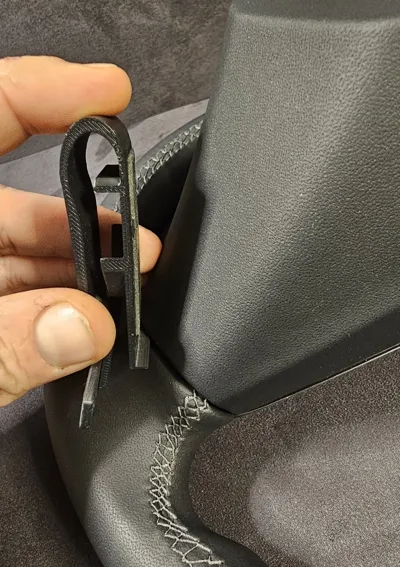
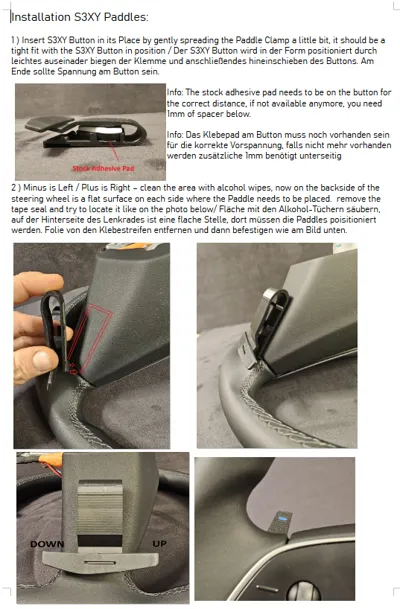
Just print it, with the plus and minus in the paddle part in a different color, glue it/tape it together and you're good to go. There is a slit inside the paddle that aligns with the ridge on the base for perfect positioning, originally intended was minus on the left, plus on the right but you can leave it just black. Slide it into the gap between leather and steering wheel backside it's done. There are several photos in the gallery for clarification.
Put one s3xy button each into its place by just clip it inside, will hold up without using the factory tape provided by enhance auto. You'll need something like 3M VHB 5952 tape to make it stick to the back of the steering wheel ( look at the gallery for further details ) and i personally used a 3M 9088 for sticking the paddle and base together. You may also use regular liquid glue, would not suggest superglue. Clean and degrease surface is necessary, but works great and holds forever when properly installed.
I normally increase the adhesive force of the tapes on my models with a drop of super glue, so the side that sticks to the model is really properly glued.
Print material should be ASA or PETG because car interior may reaches temperatures higher than the capabilities of PLA.
If there are any questions, feel free to reach out to me!
thank you for your support and your consideration
feel free to like, share and/or boost me
License

You may create derivative works based on this object, provided that all such derivative works are published exclusively on the MakerWorld platform and include proper attribution to the original creator. You may not share, upload, host, distribute, or publish this object—or any derivative work of this object—on any other digital platform, marketplace, or distribution channel. Commercial use of this object and any derivative works is strictly prohibited. This includes, but is not limited to, selling, renting, sublicensing, or using the object in any context in which you receive monetary compensation or other financial benefits.


Comment & Rating (4)