
Asus ROG B850-F chipset waterblock bracket
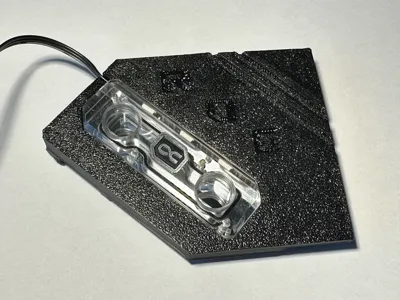
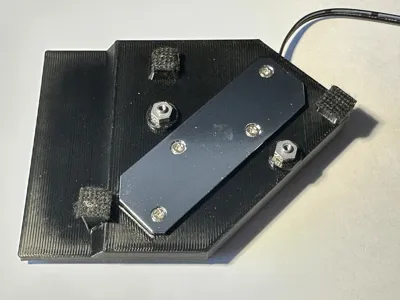
Print Profile(1)

Description
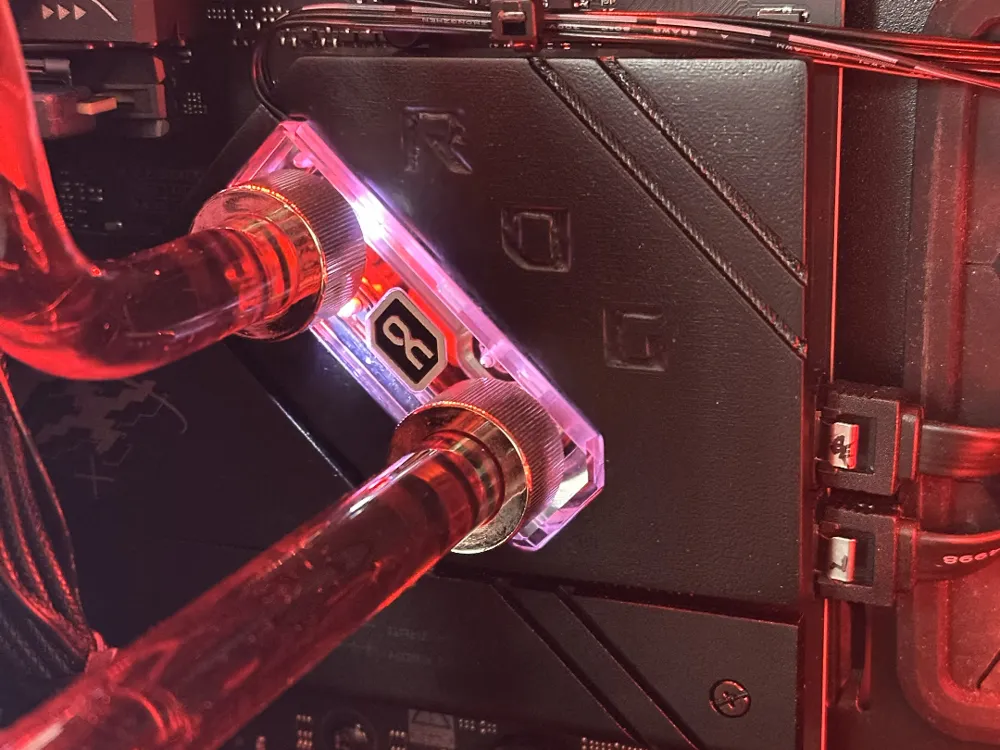
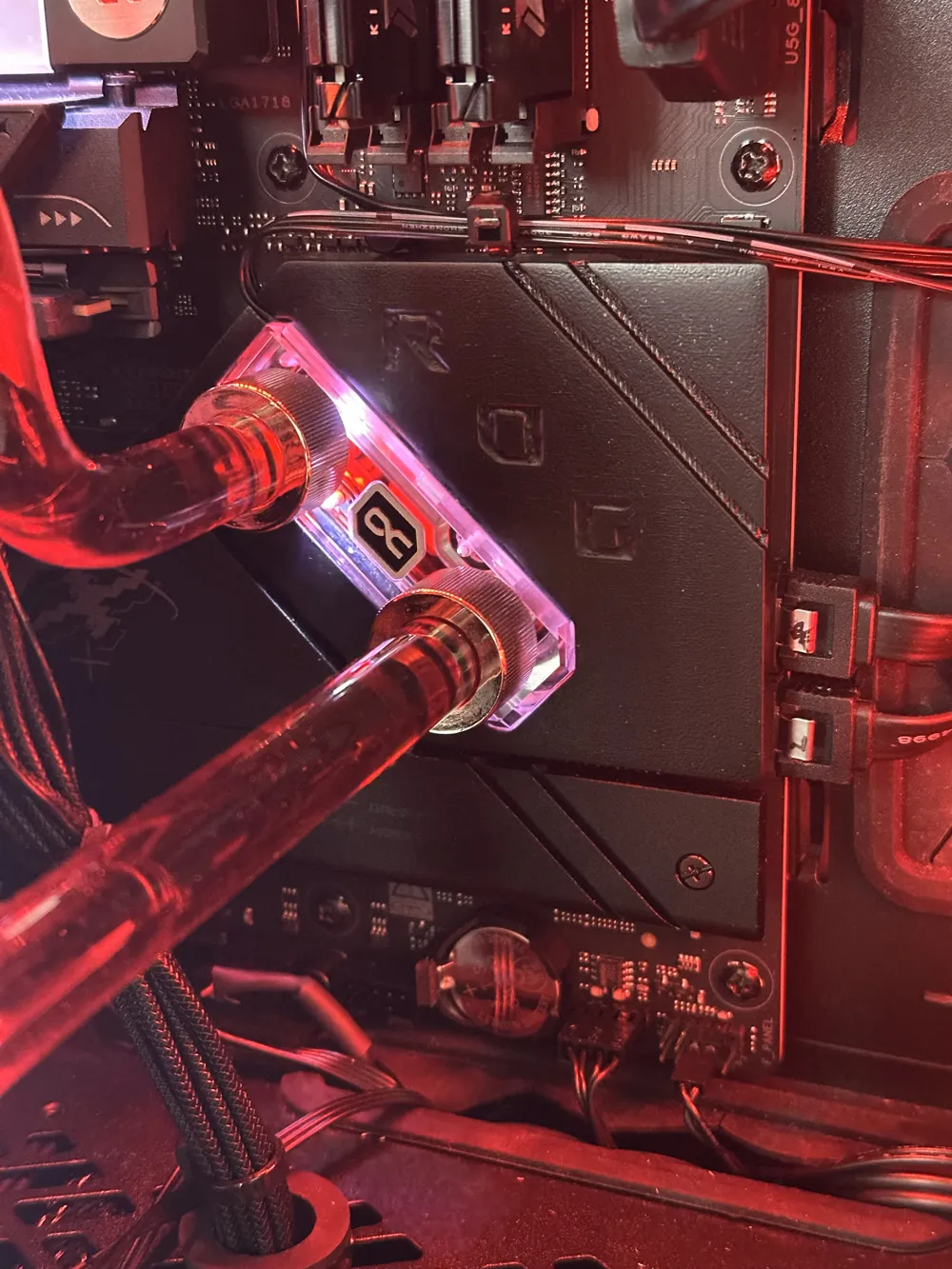
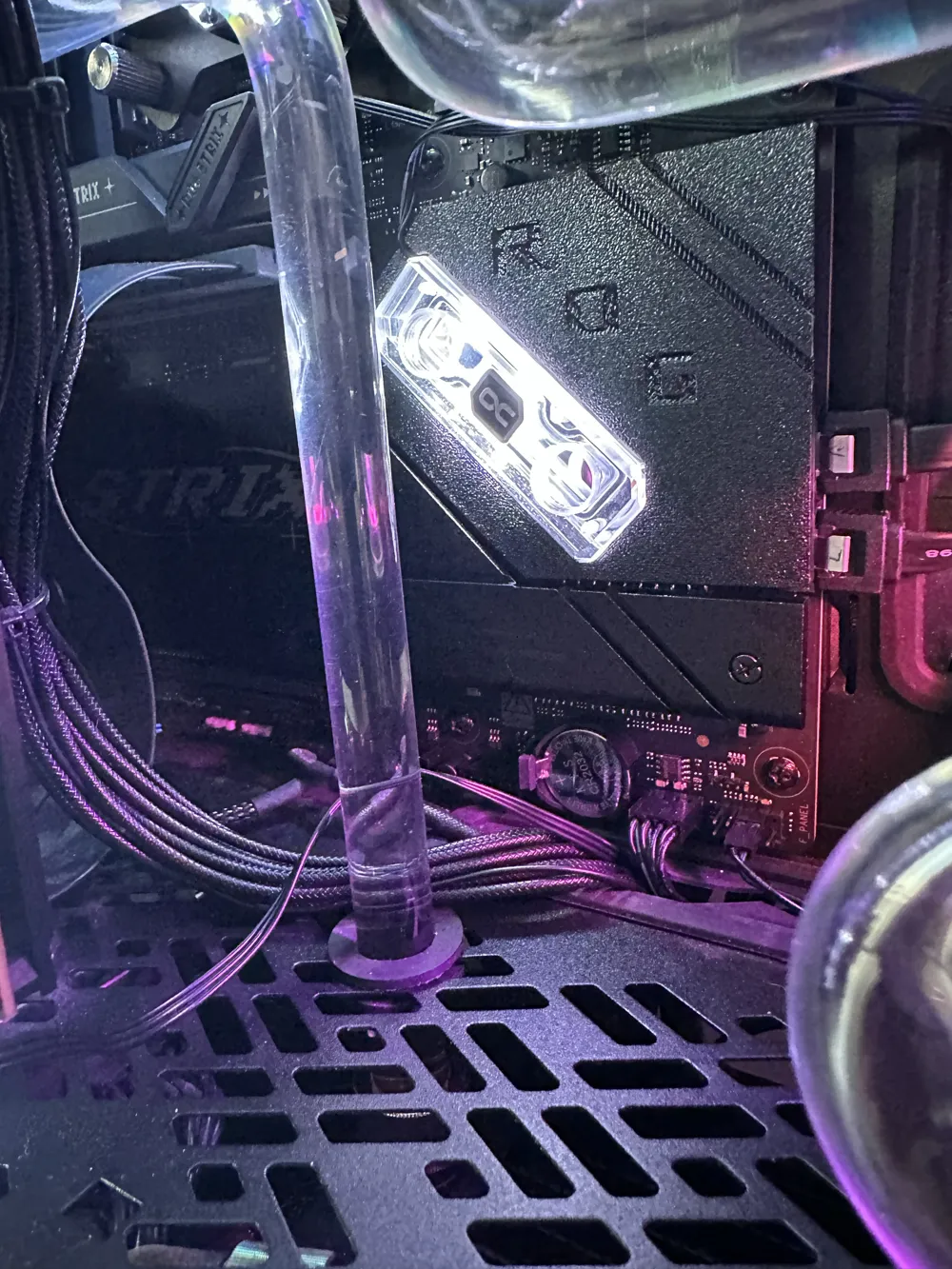
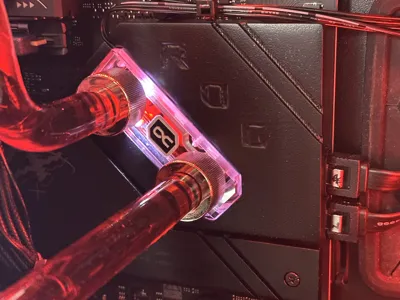
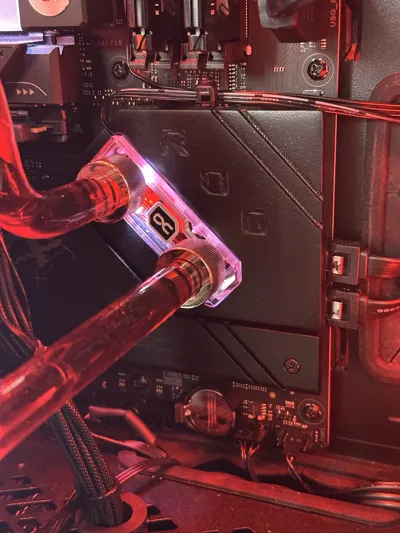
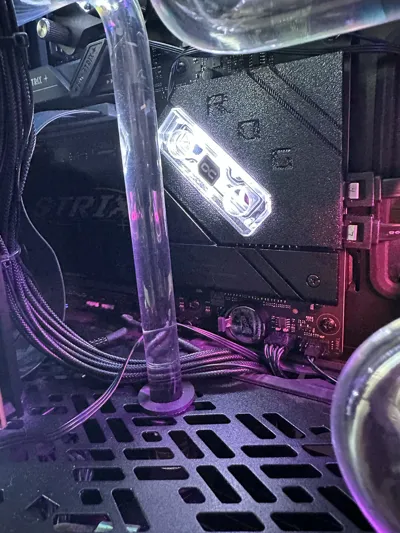
WaterCool your B850-F ROG Strix chipset!
The modern chipset gets very hot when fully loaded with nvme drives and stock cooler keeps it ~65°C and radiate heat to surrounding components and secondary SSDs. If you are building full custom watercooling loop you may want to cool this part as well. With this waterblock you will reduce chipset temps by >25°C while cancelling heat radiation. Thanks to this surrounding SSDs will have 5-10°C lower temperature as well.
As screw spacing is very narrow on this motherboard to utilise standard chipset waterblocks, I have created my own.
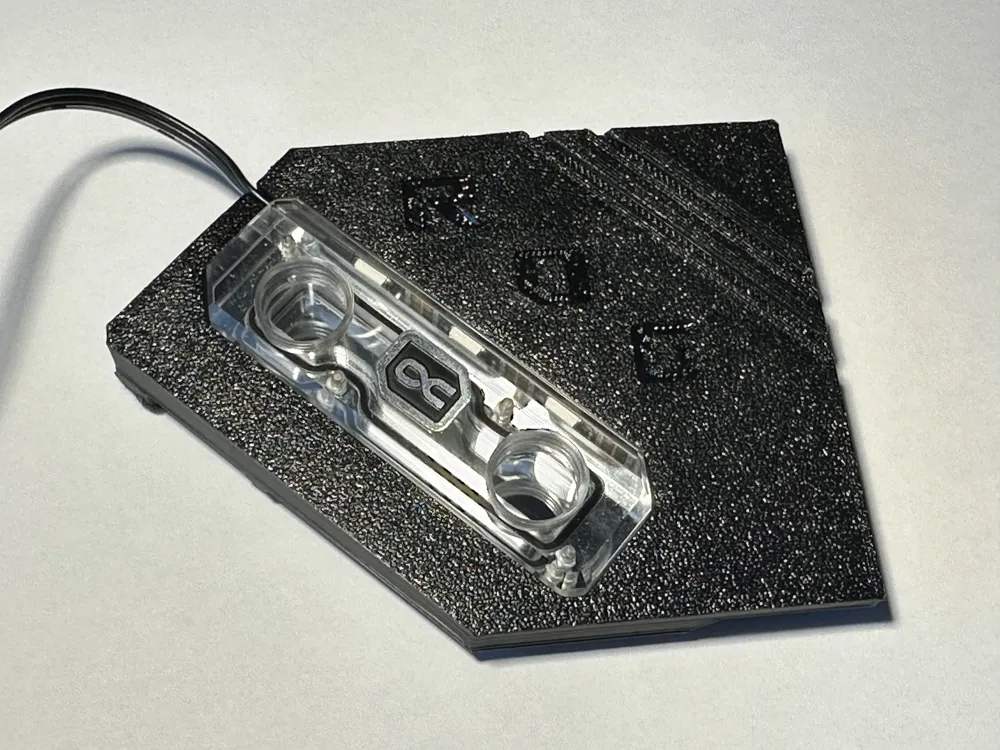
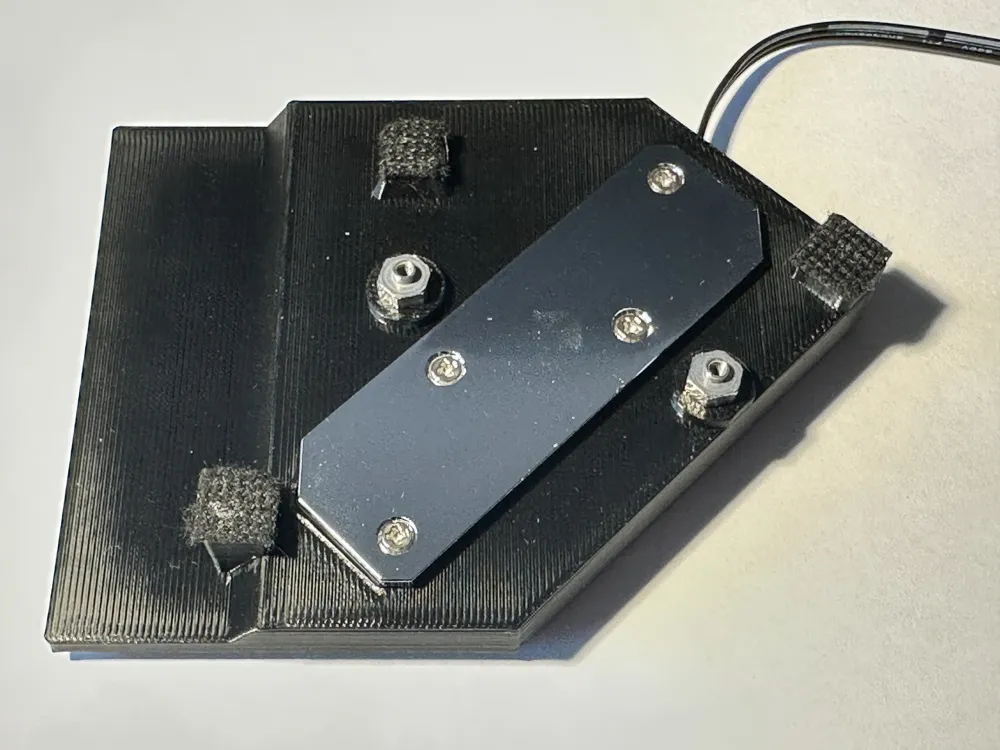
This model is a 3D printed bracket which enables you to mount Alphacool M.2 waterblock on your chipset. I strongly recommend to print this from something very strong and heat resistant to prevent over-time sag, despite the mounting pressure is very low. I have printed mine from black polycarbonate.
Assembly guide:
- Take apart Alphacool M.2 waterblock and assembly it back together thru mounting bracket so it holds in place. Make sure you align seal into groove correctly.
- When you remove stock ASUS heatsink, unscrew standoffs off the heatsink and reuse them in 3D printed mounting bracket. There are two big ("M5") holes.
- On the bottom part of mounting bracket there are 3 supporting plastic standoffs to prevent bow when mounting pipes. Apply some fabric tape or something soft and thin to make mating contact with motherboard nice and soft.
For final mount use 0,8-1mm thermal pad for heat transfer. There is designed ~0,4-0,6mm mounting gap between chipset die and waterblock, this is intentional.
As Pipes are diagonal to the chip die, it can create damaging pressure on chip's corners when inserting pipes into block. Thermal pad will compensate and protect die from any sort damage or misalignment.
I strongly recommend using thermal pad and not direct die with paste to prevent chipset damage!
The TDP of chip is not as high so pad is way overkill anyway and your temps are going to be significantly lower compared to stock setup anyway. Using thermal paste is not worth the risk of damage. There is intentional mounting gap for thermal pad + mounting of hardline watercooling creates significant pressure to components below when plugged in, especially when only 2 screw mounting system is used.Disclaimer: I take no responsibility for damage caused to your parts by using this mounting bracket.
License

You shall not share, sub-license, sell, rent, host, transfer, or distribute in any way the digital or 3D printed versions of this object, nor any other derivative work of this object in its digital or physical format (including - but not limited to - remixes of this object, and hosting on other digital platforms). The objects may not be used without permission in any way whatsoever in which you charge money, or collect fees.


Comment & Rating (0)