
Unifi G5 G6 PTZ Corner mount bracket with Cover
Print Profile(3)
Bill of Materials


Description
Boost Me (for free)
👉 If this project helped you, drop a boost - it keeps the ideas flowing! 🔥
Membership
Sell physical prints of my original MakerWorld models with an active Commercial Membership (subscription-based), and if you just want to support my work instead, you can tip me via Buy Me a ☕️
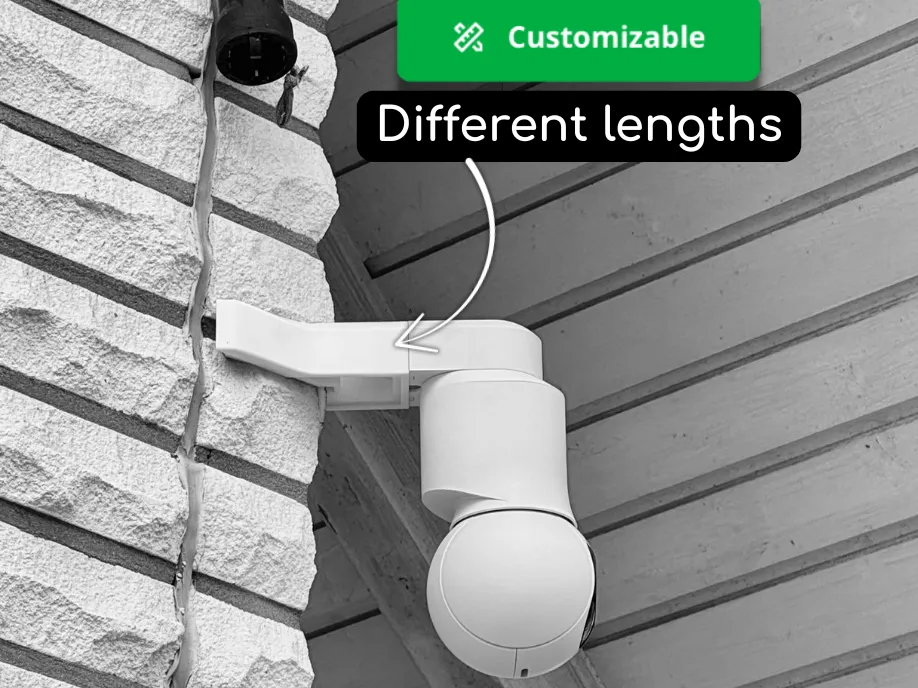
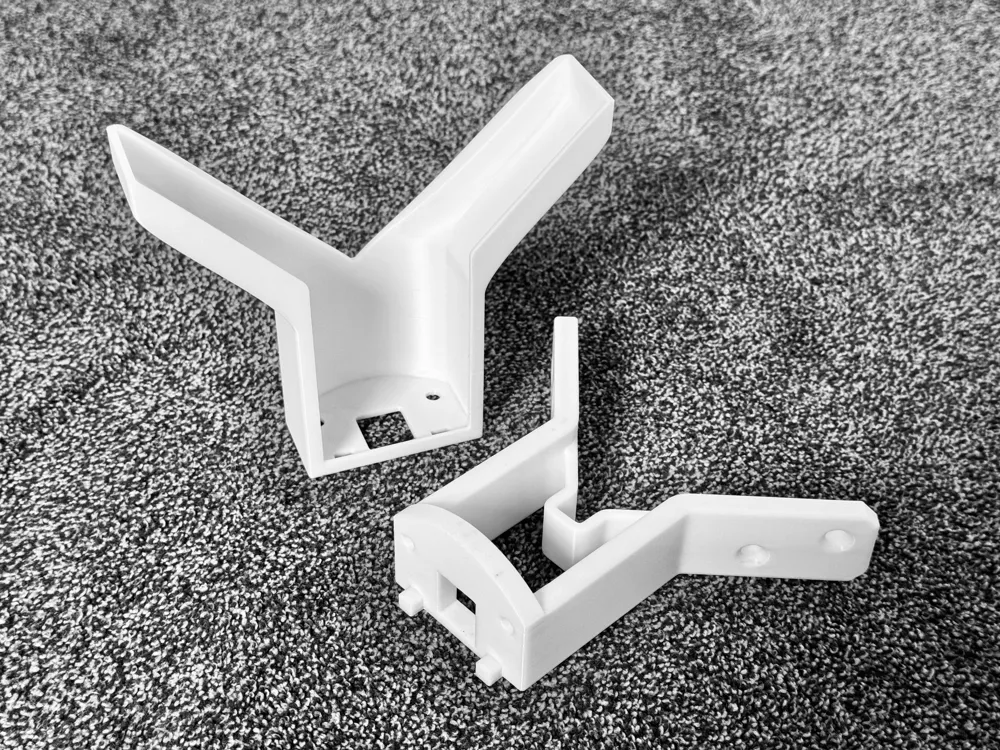
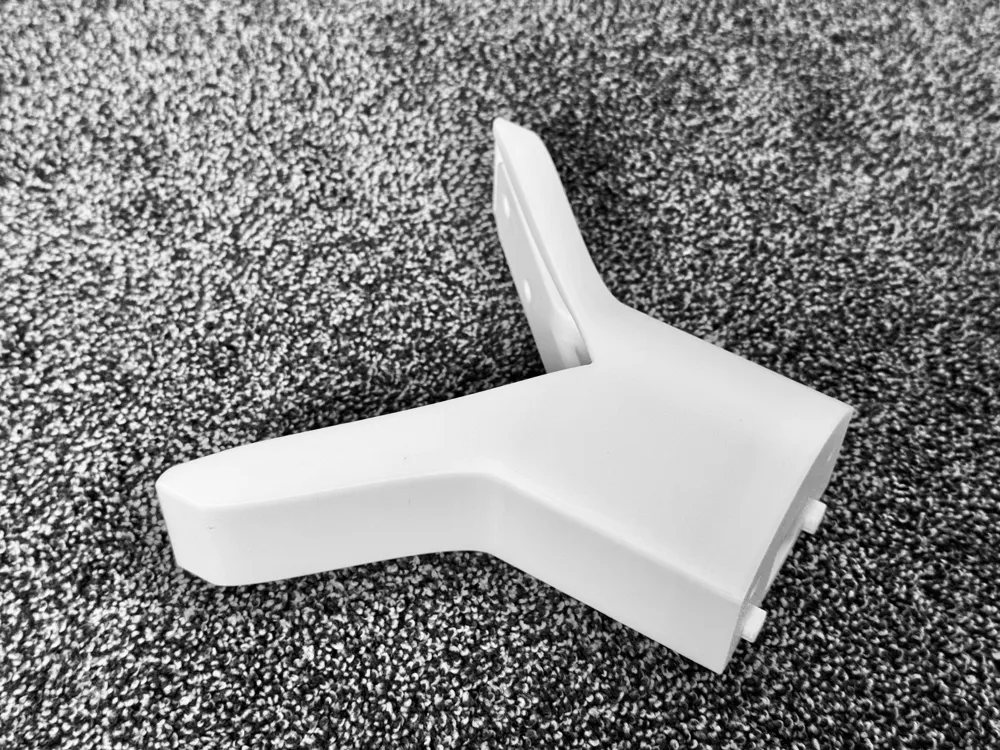
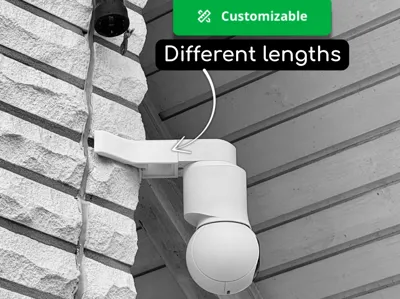
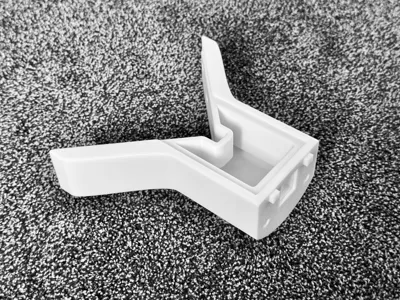
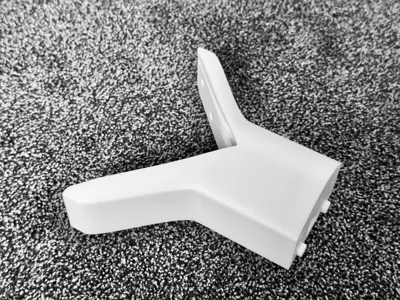
This is a 3D printed corner mount for house corners, designed so a UniFi G5 or G6 PTZ camera can cover both sides of a building.
The mount is fully customizable in length. Just click “Customize” on Makerworld to adjust the distance from the corner.
The default version adds 50 mm offset from the corner.
Installation steps
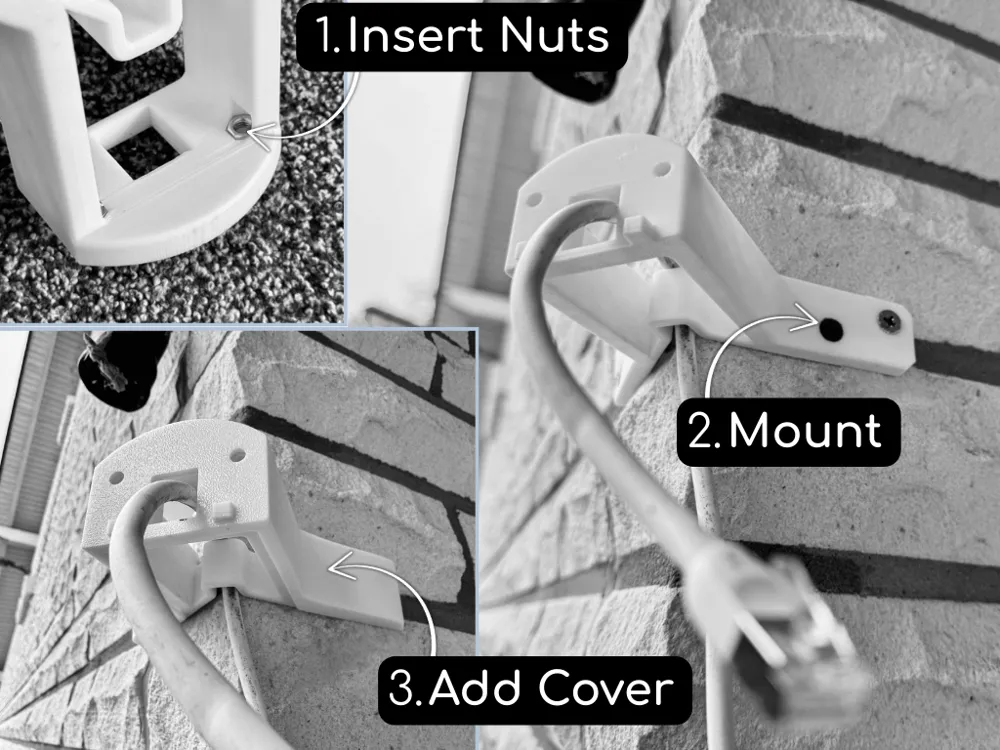
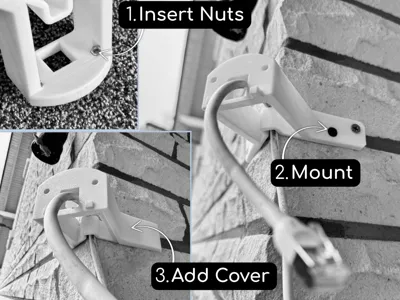
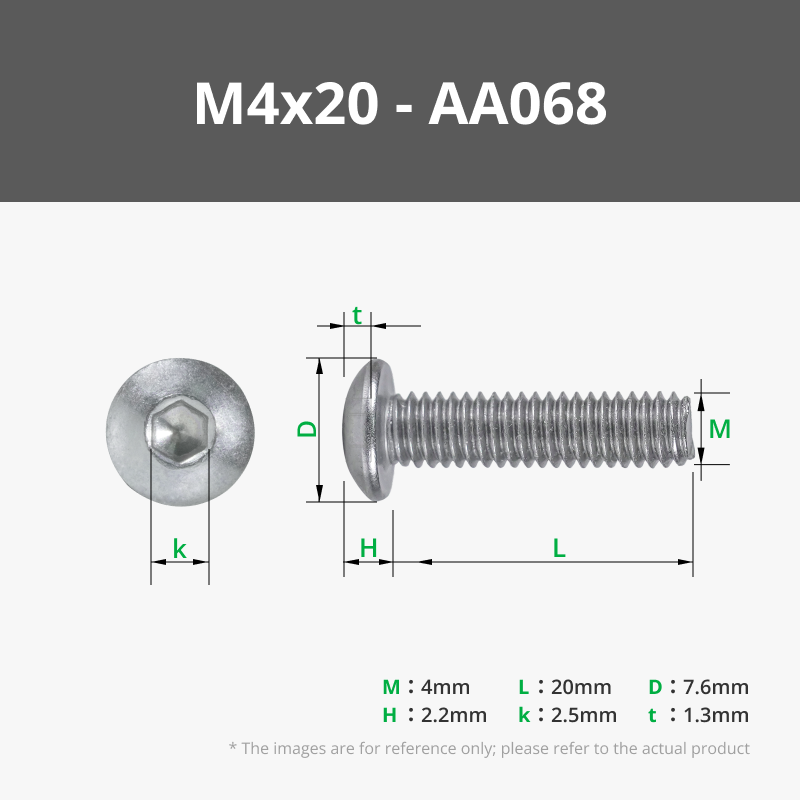
- Insert two M4 nuts into the mount (you can pre-fix them with super glue if needed).
- Hold the mount against the corner and mark the drill holes.
- Drill the holes, insert wall plugs, and use 5×50 mm screws.
- Feed the LAN cable through the mount and tighten the screws.
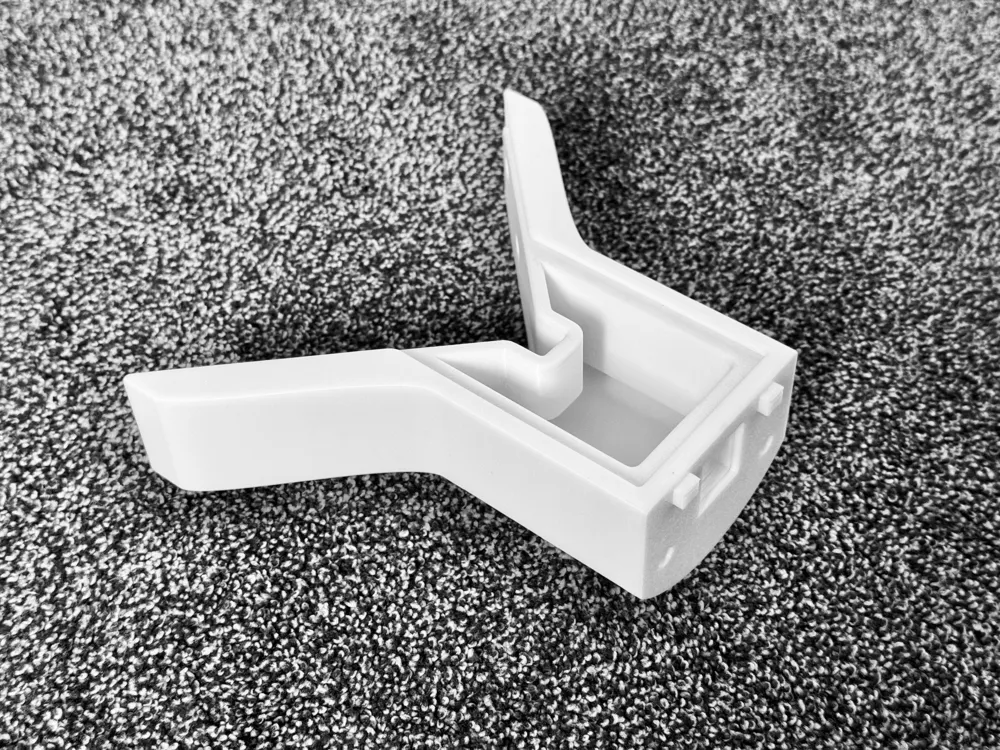
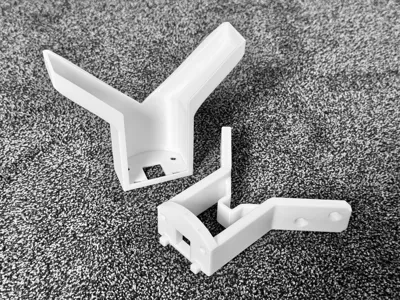
- Snap the front cover onto the mount.
- Attach the original UniFi camera mount, clip in the camera, and add the UniFi cover.
Material
I printed it in ASA for outdoor durability, but PETG, ABS, or similar materials should work as well.
License

You shall not share, sub-license, sell, rent, host, transfer, or distribute in any way the digital or 3D printed versions of this object, nor any other derivative work of this object in its digital or physical format (including - but not limited to - remixes of this object, and hosting on other digital platforms). The objects may not be used without permission in any way whatsoever in which you charge money, or collect fees.


Comment & Rating (8)