Search models, users, collections, and posts

Reolink Duo 3 PoE - Cable Hiding Box
IP Report
Print Profile(2)
0.2mm layer, 2 walls, 15% infill
Designer
3.1 h
2 plates
One plate
4.6 h
1 plate
Open in Bambu Studio
Boost
8
30
2
1
24
18
Released
Description
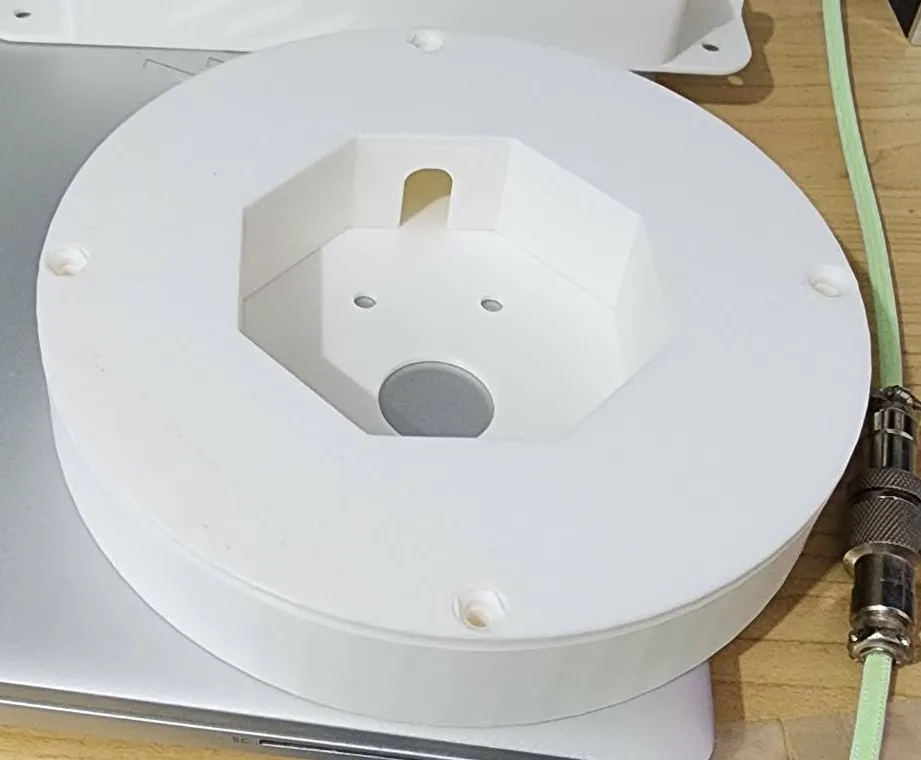
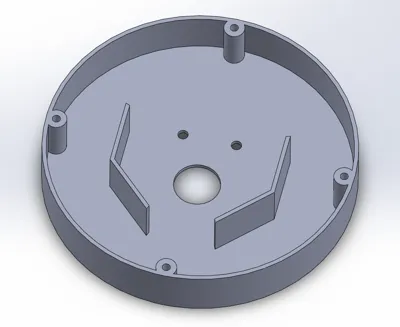
For those like me who have the issue of being unable to hide the ethernet and camera cable/s in the wall (double brick, or just installed in an awkward way), this is my solution to that!
Recommended print in ASA if you have it - I printed it in ABS as that's what I had.
Hardware:
- 4x 8 gauge countersunk screws (I used 16mm length, but anything up to 25mm works)
To use:
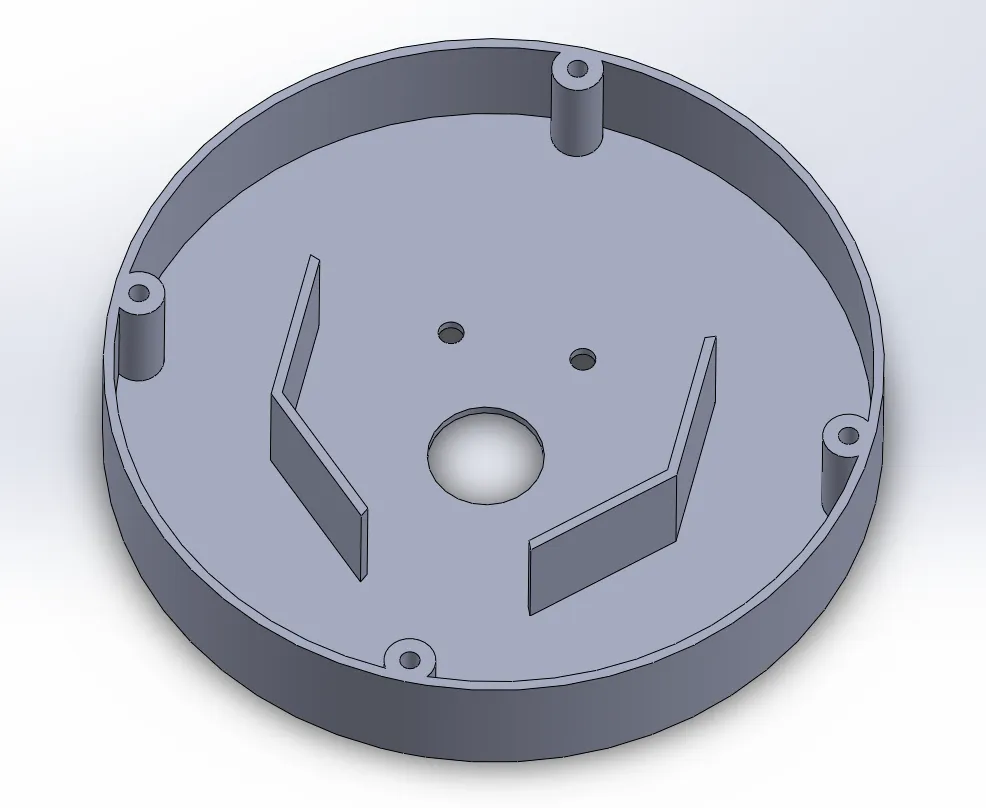
- The base uses the same mounting holes of the Duo 3 PoE, so place the base behind the mounting plate before screwing it in.
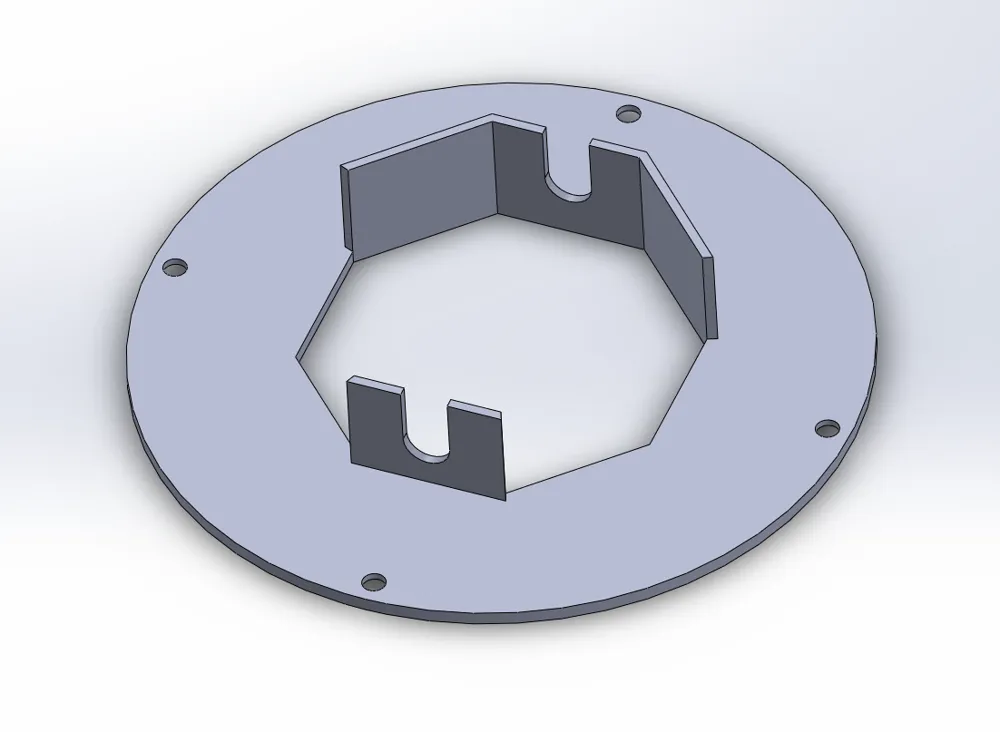
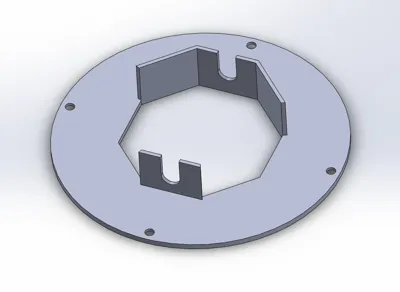
- Pull the camera cables & bracket through the centre hole of the cap/plate.
- Connect the ethernet cable to the camera ethernet port.
- Put the camera bracket onto the mounting plate as per normal instructions.
- Place/wind the cables in the cavity outside of the octagon.
- Slide the plate onto the base, taking care to allow the cables to enter via the curved recesses (as well as completing the octagon - it doesn't click or anything, but you will feel it slide nicely if it's well aligned)
- This part is the most fiddly, as you will be trying to keep the cables from falling out while aligning this.
- Once everything is in place, just screw the plate onto the base!
Hope this helps someone out!
License

This user content is licensed under a
Creative Commons Attribution-Noncommercial


Comment & Rating (2)