
AMS Hub for A1/A1 mini - Fix feeding error
Print Profile(1)
Description
❤️Support
Like my model's? You can support my work via MakerWorld Boost or Buy me a coffee. Thank you!
Membership
Join my Commercial license and profit from selling physical print of my models
AMS Hub for A1/A1 mini - Fix “Unable to Feed Filament” error
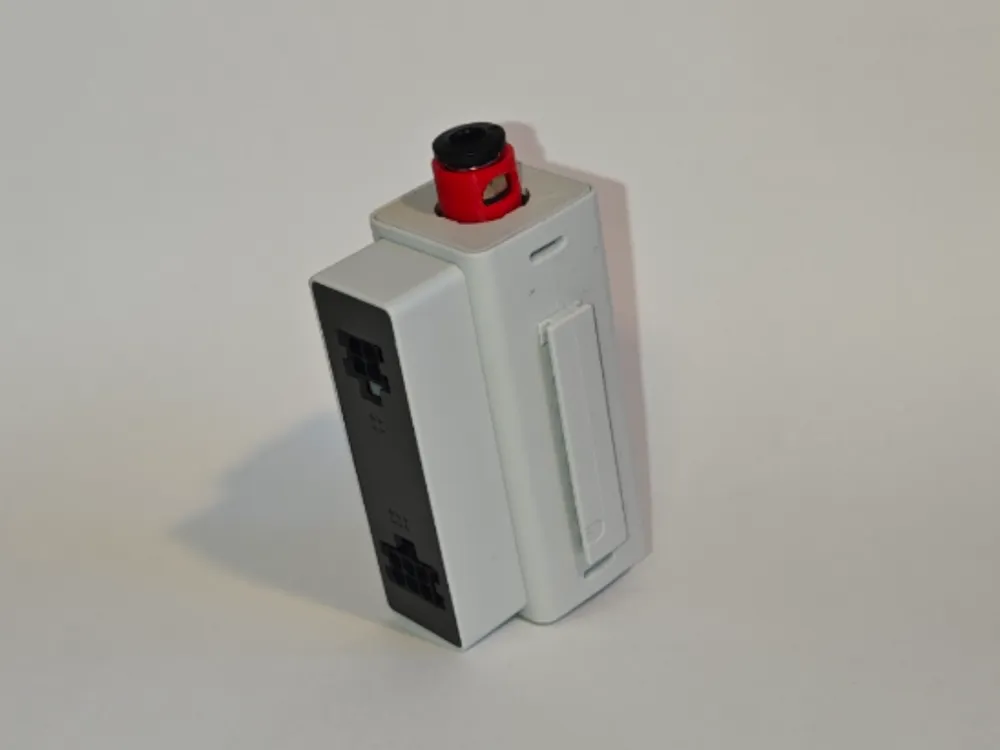
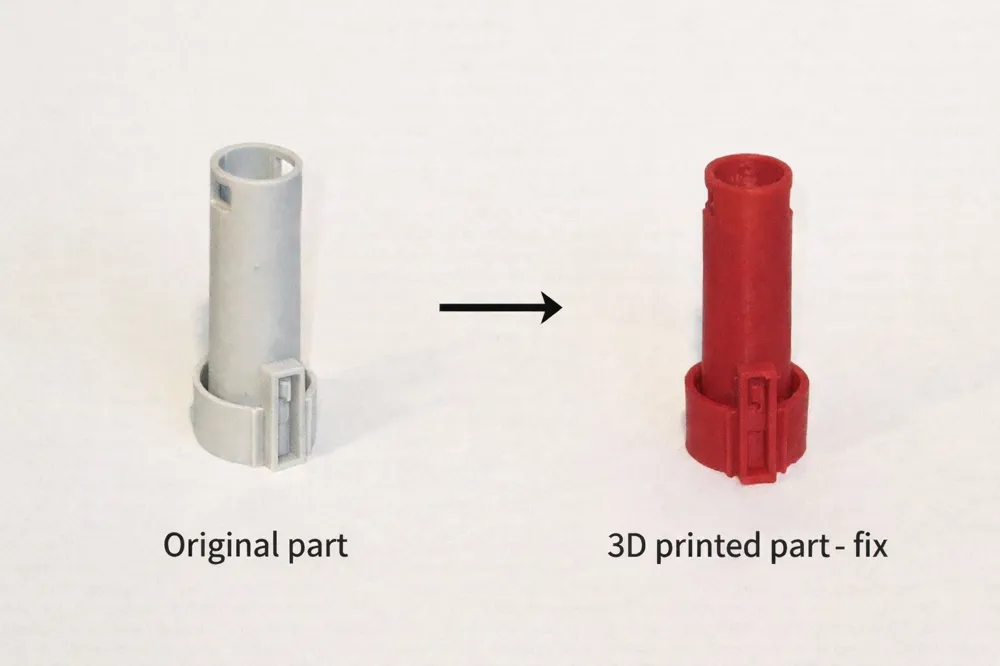
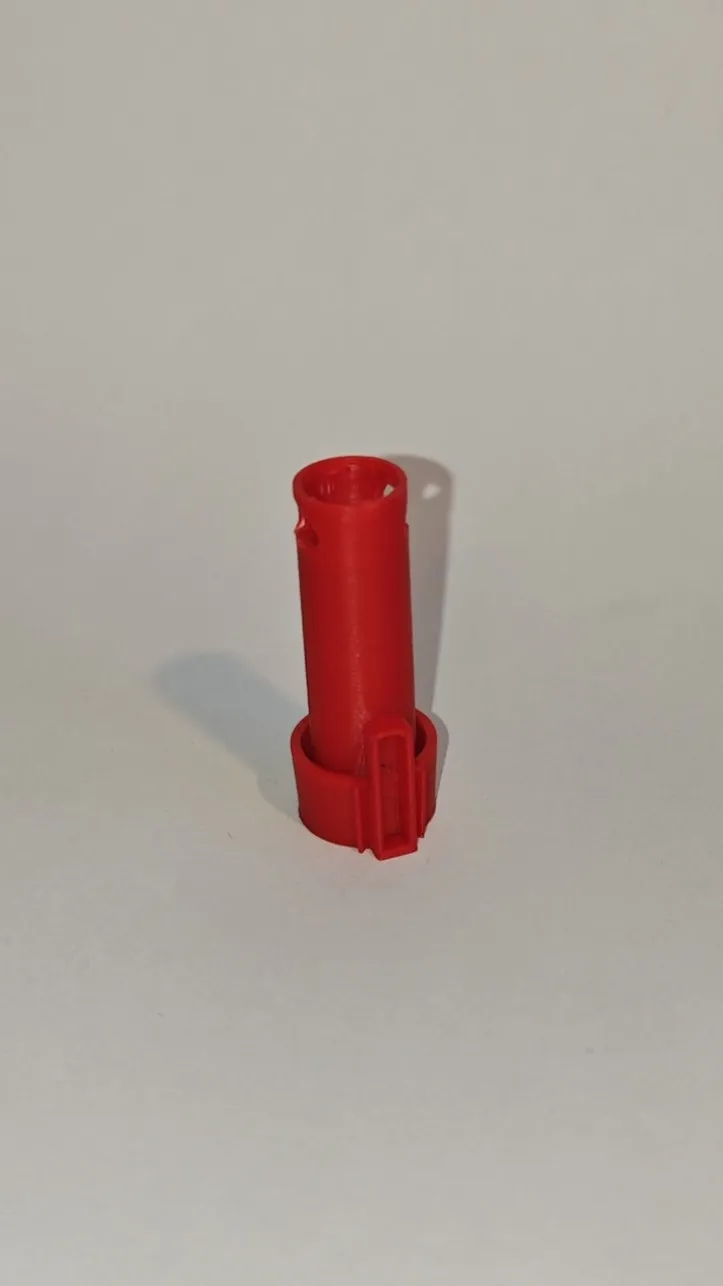
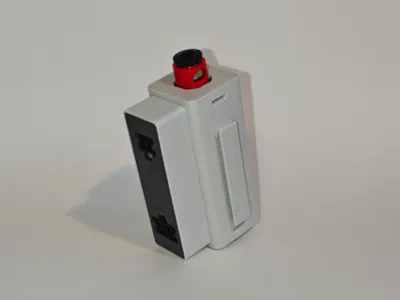
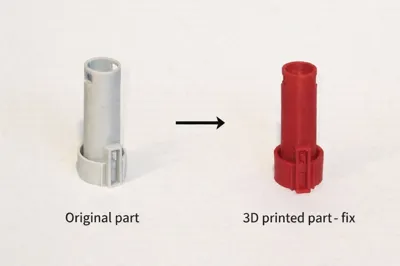
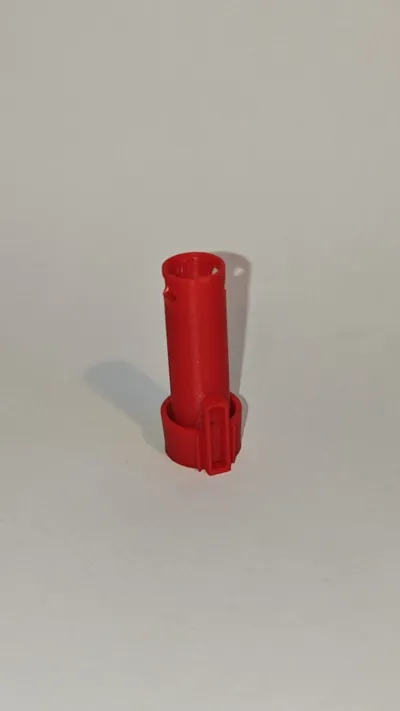
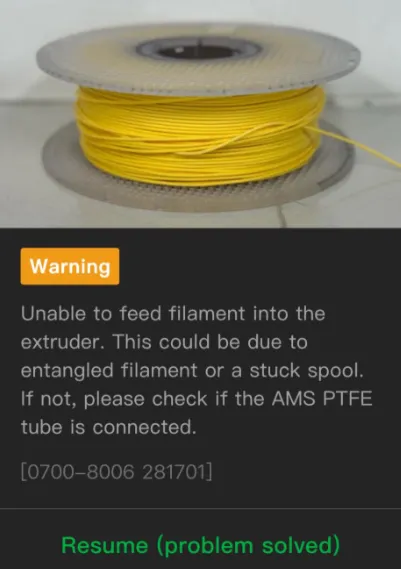
This simple 3D printed part solves the common “Unable to feed filament” error that occurs in the AMS Hub on A1 printers which is connected to AMS 2 PRO, AMS, AMS HT.
The problem usually occurs when the filament enters the AMS Hub slightly bent (which is always the case because it is wound on a spool), which causes the error.
The main symptom of this bug is:
When the filament enters the AMS Hub, the movable upper part with single PTFE connector moves to its highest position, and after a short moment the AMS module pulls the filament back to try passing through the AMS Hub again. After several attempts, the “Unable to feed filament” error appears.
What this part does
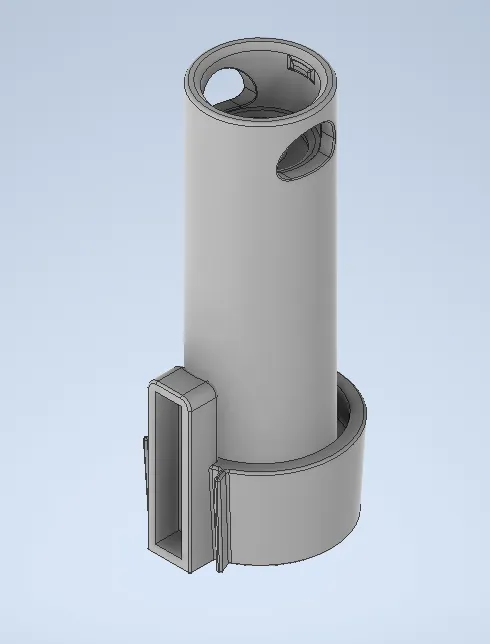
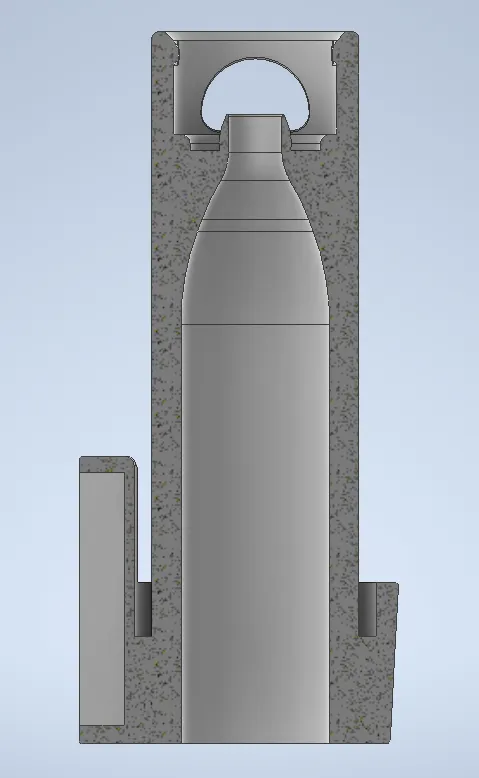
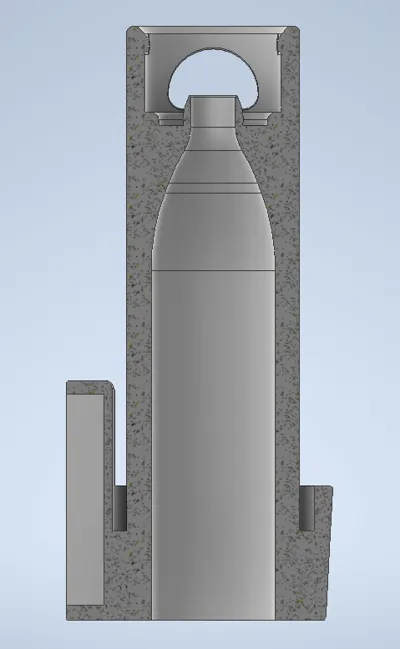
- guides the filament into the correct position
- improves reliability during filament changes
- slightly increases the spring pressure in the AMS Hub mechanism, improving filament guidance
- eliminates random feeding errors
Print recommendation
- I recommend printing this part in PETG, as it is more resistant to wear and temperature than PLA and better suited for long-term use inside the AMS Hub
- No support needed
Tested materials
This part has been tested with PETG, PLA, and TPU for AMS.
Recommendation
For best results and long-term reliable operation, I recommend combining this part with the following model, which reduces mechanical load on the 3D printed part and minimizes the risk of material fatigue and cracking.
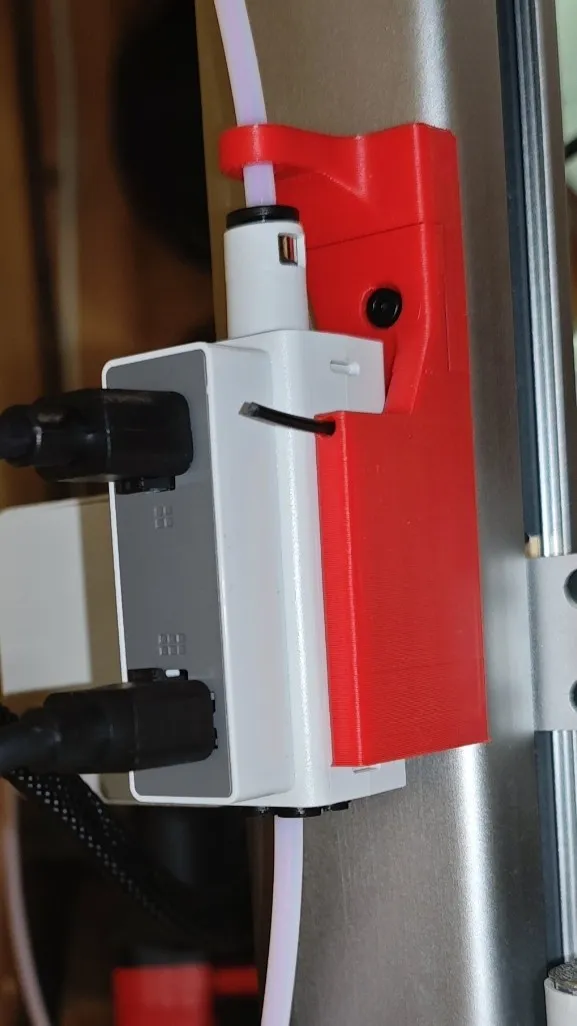
Updated model
After several user comments and feedback, I have added a modified version based on the current print profile.
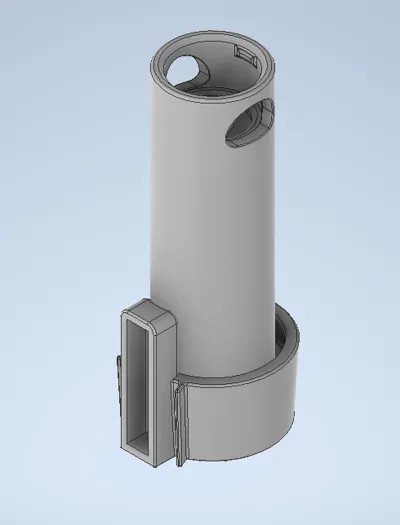
This updated model (labelad Modified in print profile) does not include the small ring that caused issues for some users. However, I still recommend printing the original model first, as it provides better and more reliable filament guidance into the PTFE connector. If you experience issues with original model, I recommend printing the modified version or carefully adjusting the original version with pliers.
Notes
- no printer modification required
- easy to install and remove
Assembly tutorial
Disclaimer
- The use of this part, any printer modifications, and all related operations are done at your own risk
- This is not an official solution or fix from Bambu Lab
License

You shall not share, sub-license, sell, rent, host, transfer, or distribute in any way the digital or 3D printed versions of this object, nor any other derivative work of this object in its digital or physical format (including - but not limited to - remixes of this object, and hosting on other digital platforms). The objects may not be used without permission in any way whatsoever in which you charge money, or collect fees.


Comment & Rating (58)