
Print Profile(1)

Description
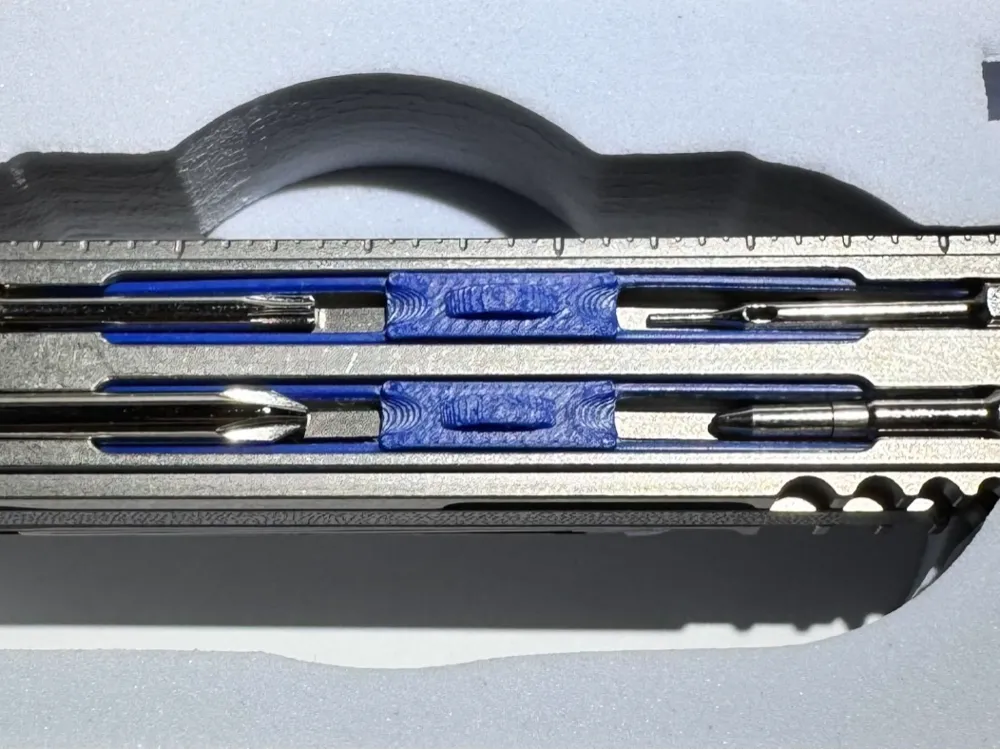
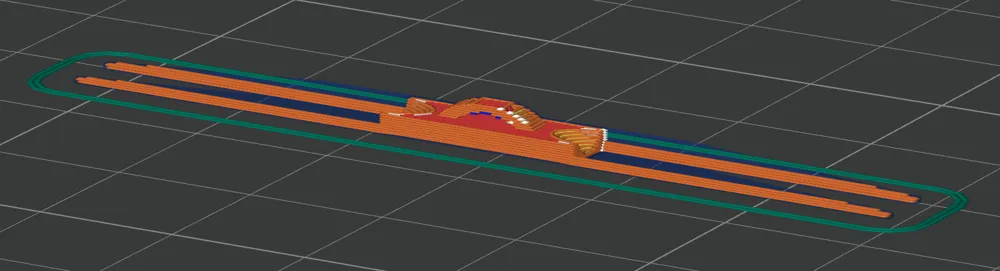
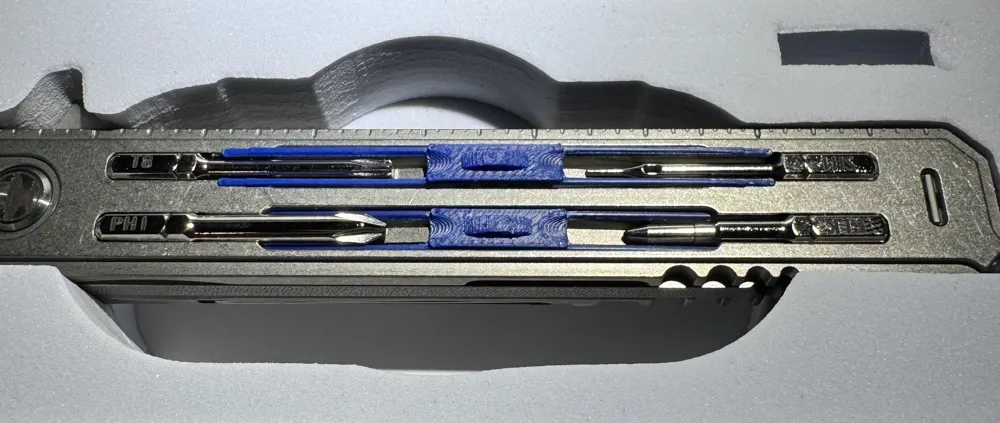
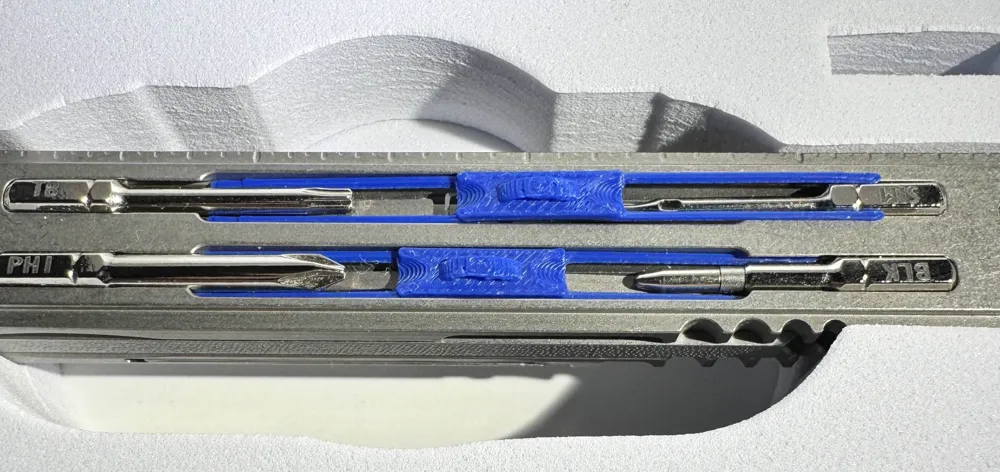
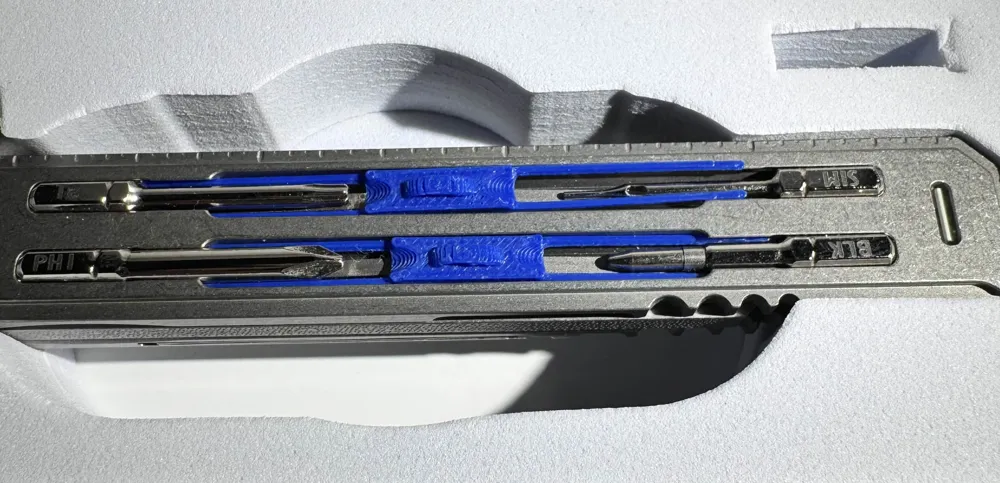
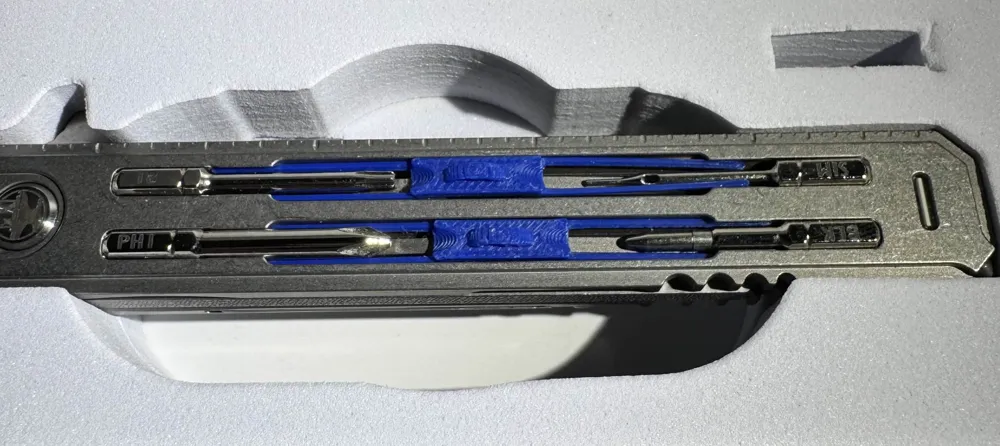
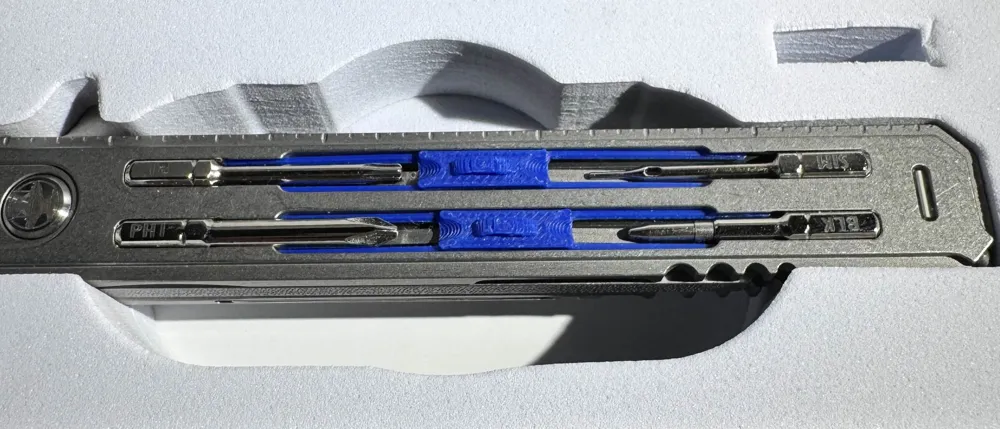
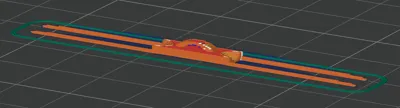
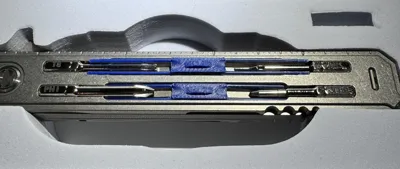
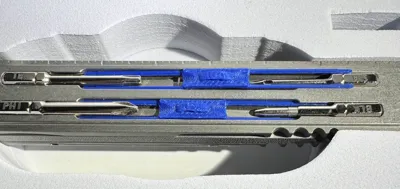
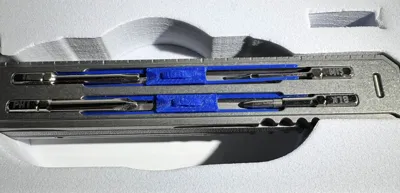
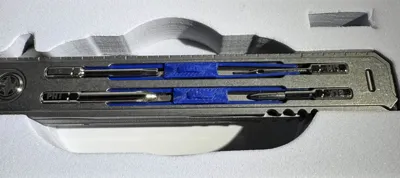
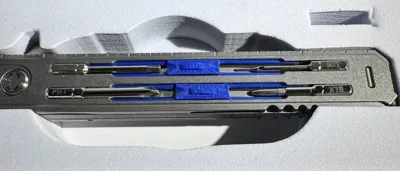
First off: I love my Smith Blade Pro made by The HackSmith, my only concern with it is due to the way I pull it out of my pocket. My thumb slides along the face with the bits and sometimes applies too much pressure, dislodging a bit or two. As a band-aid for this issue I made this “bit lock” as I am calling it. The model is designed to loosely fit around the 4mm bits, making a mild fidget toy feeling by sliding the bit lock between the bits and keeping the bits locked in the storage while you fidget with the bits themselves and the magnet keeper. The center of the bit lock features a 0.5mm gap under the tab where you can pry it up with the SL1.5 bit or with your fingernail. Personally, the tab is large enough that I can pinch it and pull up on the bit lock to rock it out of the bit storage.
Tested with the included bits: PH00, PH1, SL1.5, SL3, SIM, and pen. Is a bit tight with the PH1, SL3 and pen.
(Currently not compatible with the PH2, although I was sent one with a flag stating it would not fit the bit storage).
I used Bambu Lab PETG HF and printed multiple at once due to the risk that one of the thin arms may break, which one did.
Use at your own risk.
Placement/Installation:
Slide one end of the Bit Lock to the sides of one bit (Preferably the larger diameter bit).
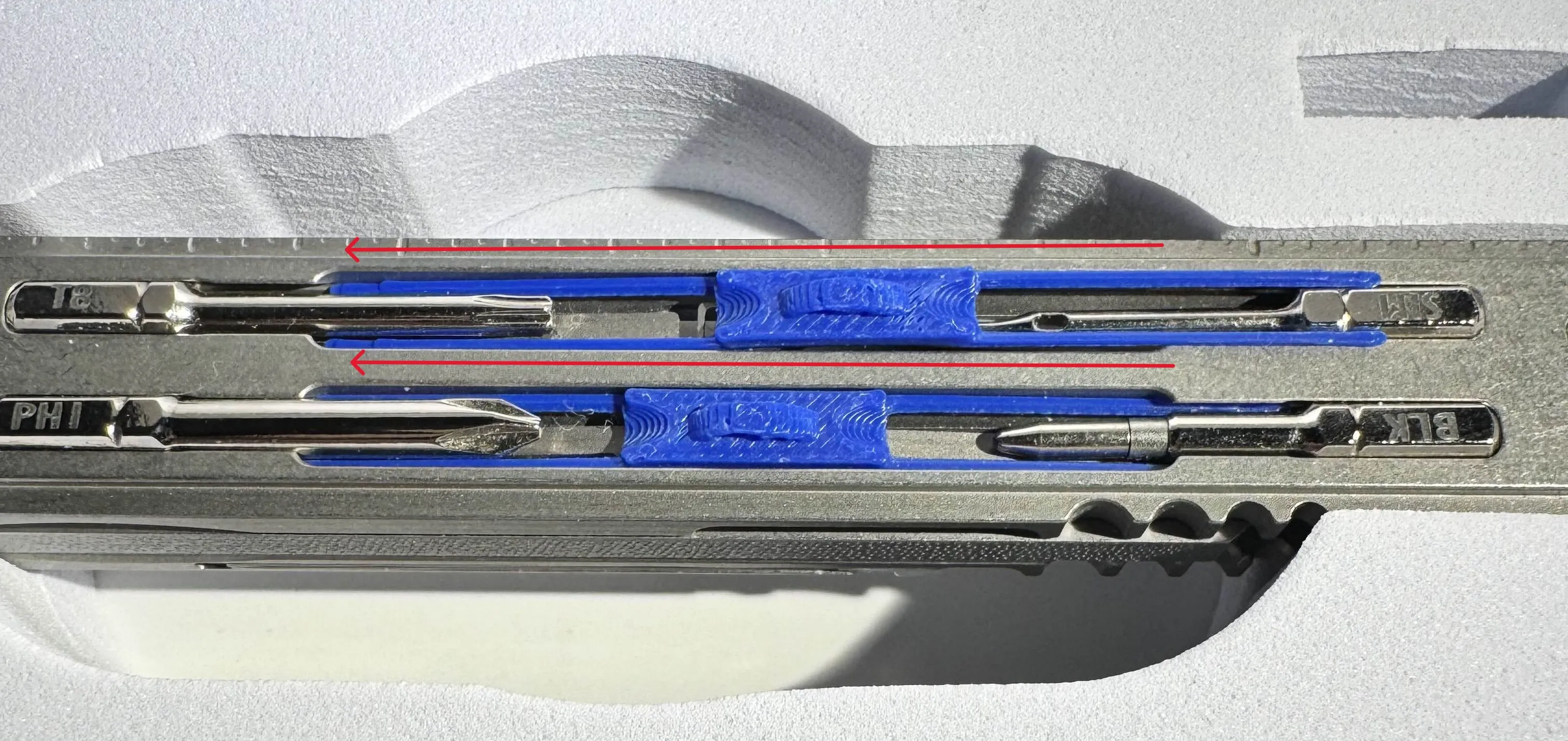
Slide the Bit Lock all the way into the first side. Then push the arms that are still sticking out into the gaps beside the other bit.
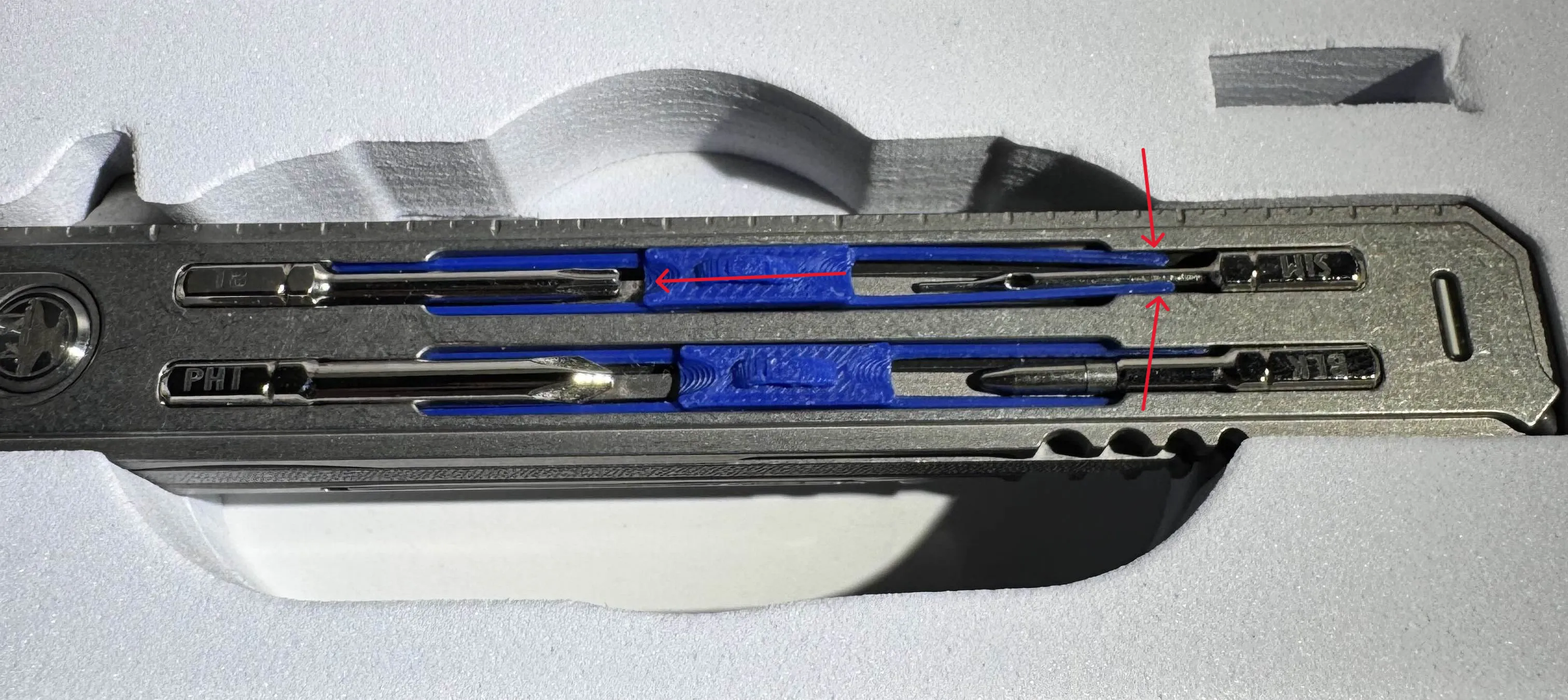
Removal
- Pinch the tab and pull the Bit Lock to one side, Bit A
- gently pull on the tab, lifting the side of the center block that is toward Bit B
- This will make an arc of the thin plastic arms upward and release them from the sides of Bit B.
- Now you can pull the arms out from beside Bit A.
License



Comment & Rating (5)