
SS RM41-H08 Chassis 5.25" DriveBay 120mm Fan Mount
Print Profile(1)

Description
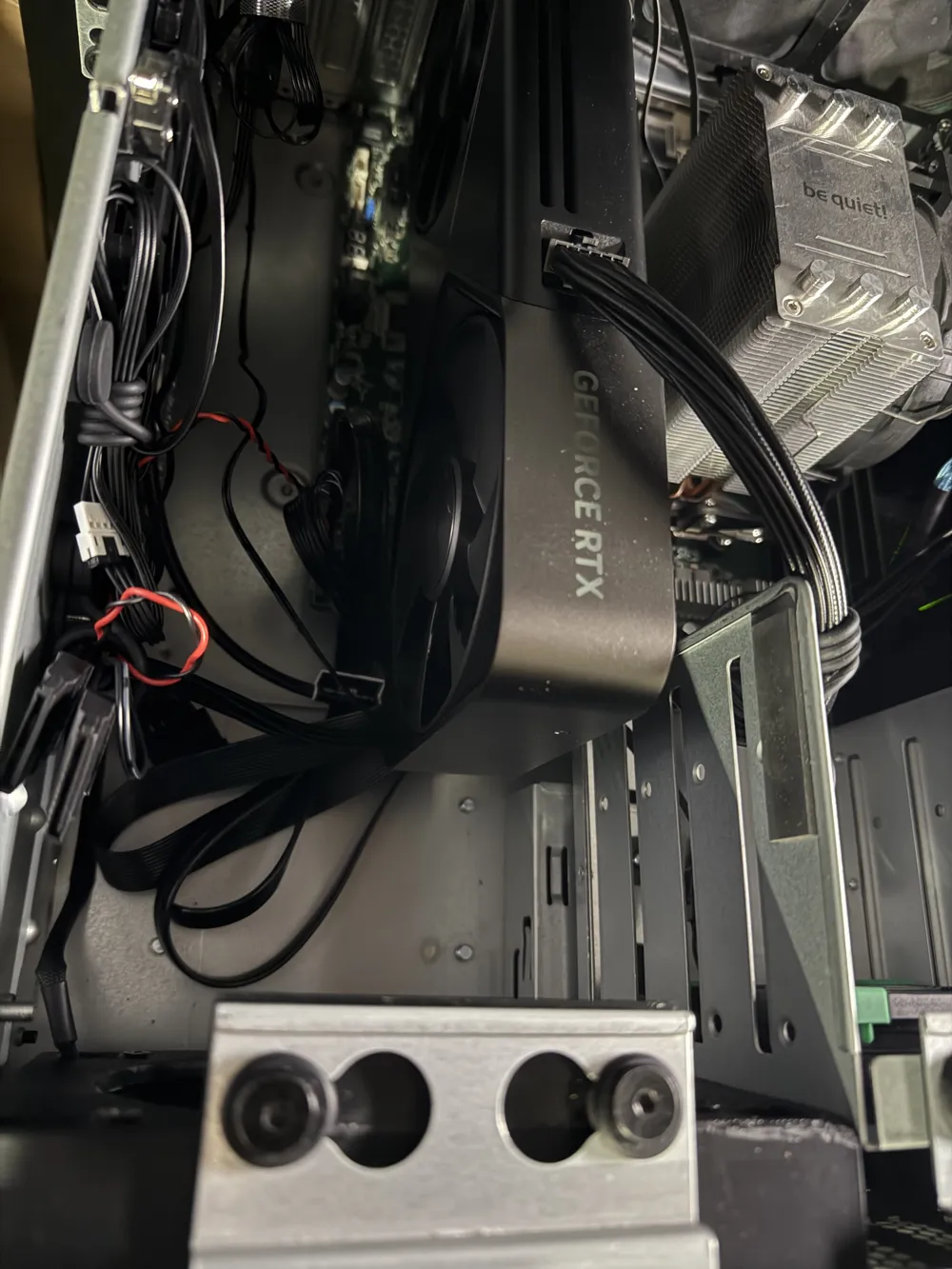
I have this server chassis: https://www.silverstonetek.com/en/product/info/server-nas/RM41-H08/. I am running an AsRockRack B650D4U, so I have LITERALLY no room to change cooling, and NEED to use this card. That's it, a very niche product, but without it I could not run the GPU and my NAS. Literal lifesaver.
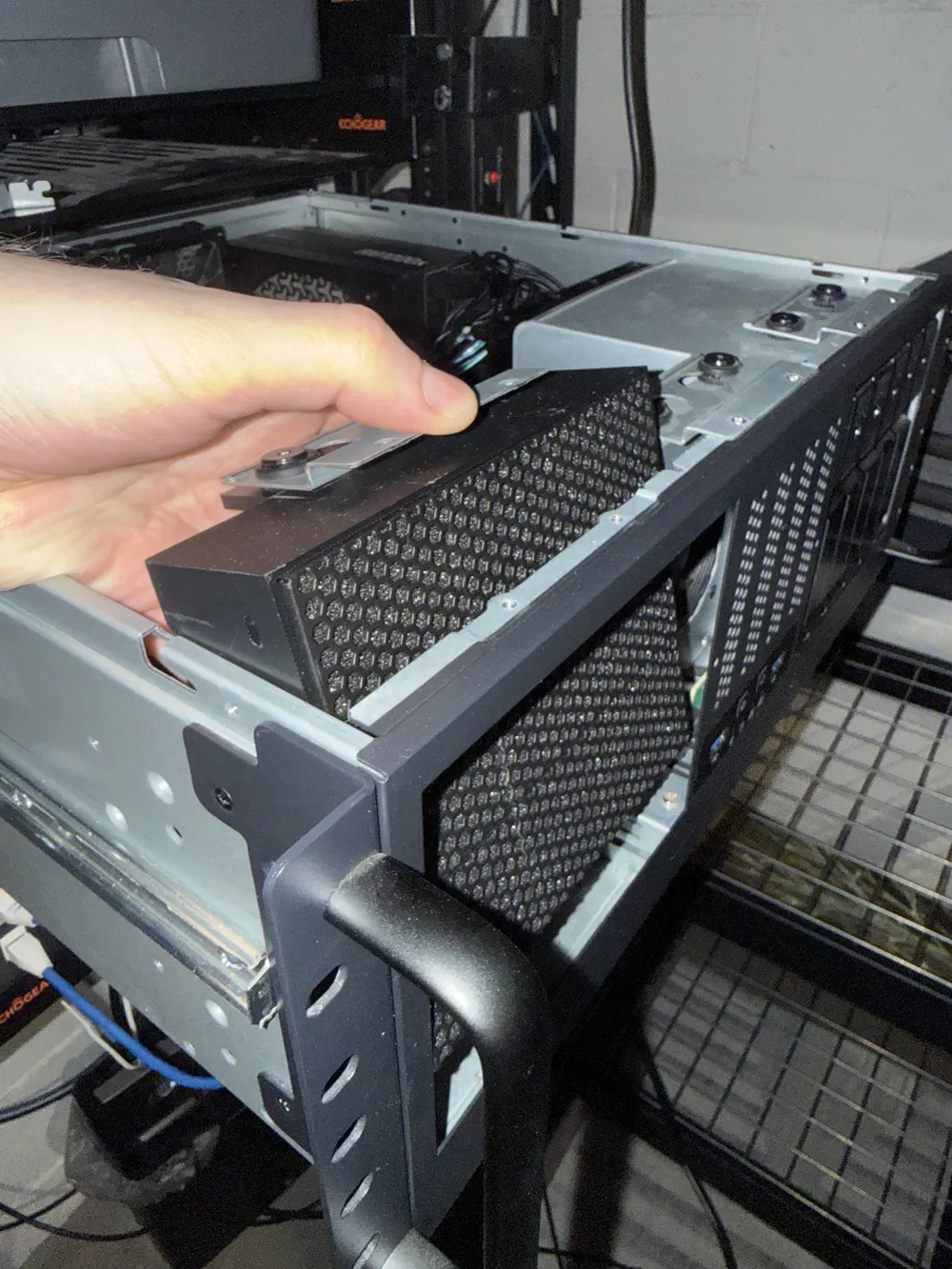
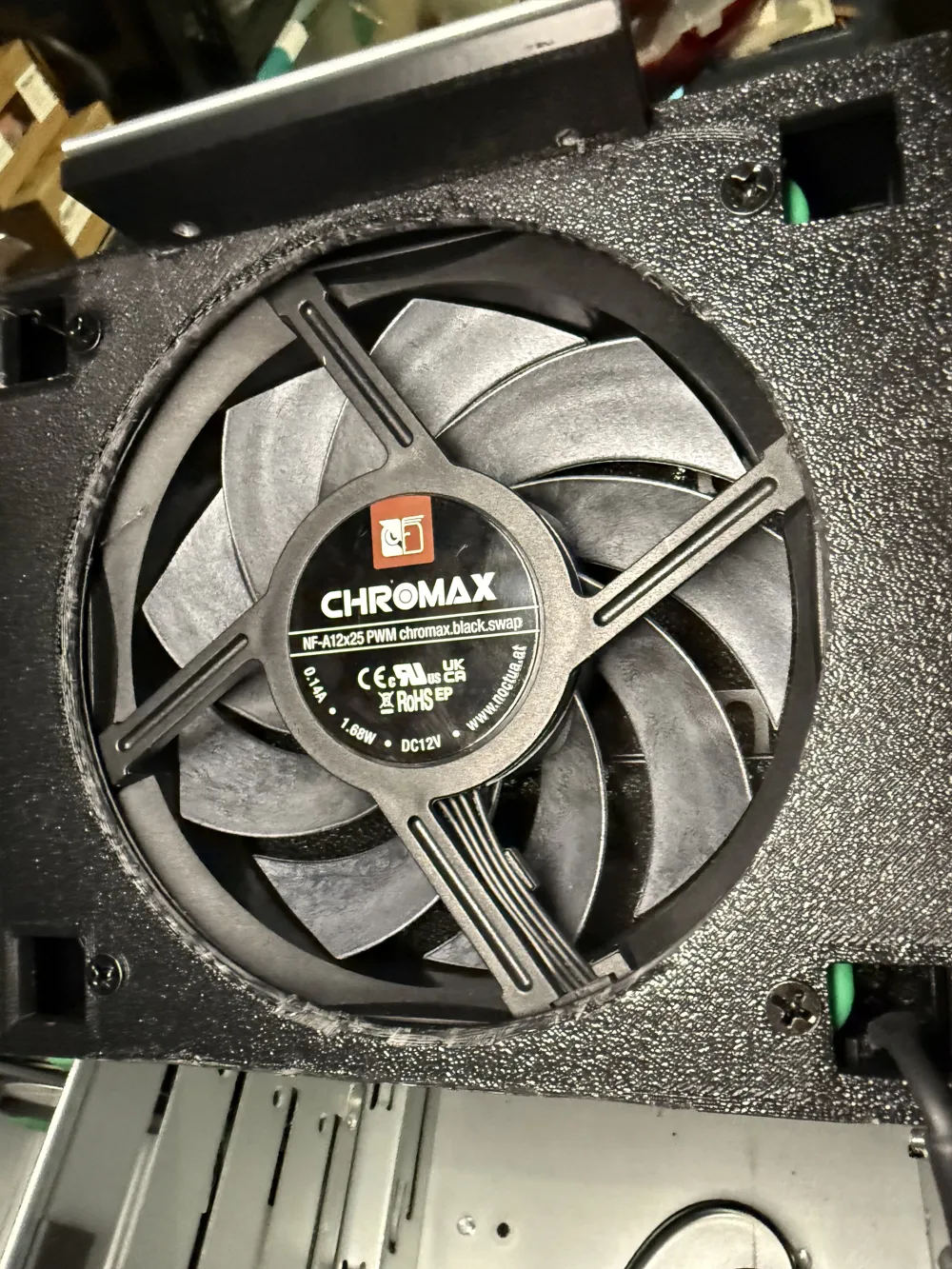
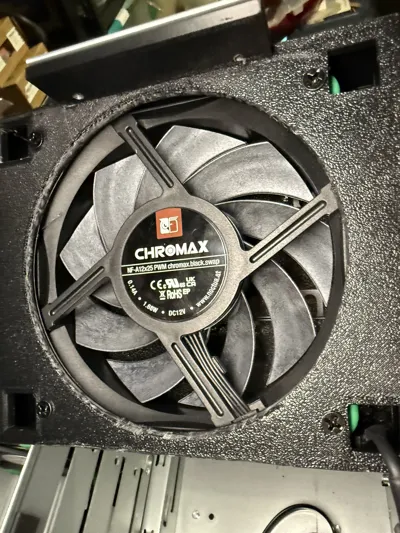
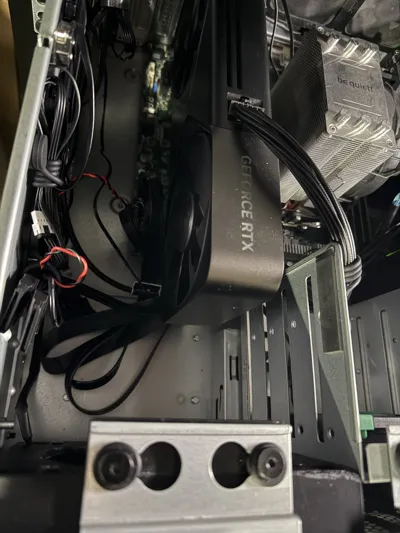
I use it for a Proxmox box, running multiple VMs, Home Assistant, TrueNAS, etc. I recently got a 5090FE, but the GPU would simply melt the LSI/HBA I have in the PCIe lane above it, and I CANNOT move it (trust me, this is the only way). I cannot watercool it. The only way I can do this is aircooling it, which means I need a 120mm fan pointed at the GPU and HBA… The metal mount that comes with it would have to be Dremeled away to fit the card, and I'd have to design a 120mm fan mount for it anyway.
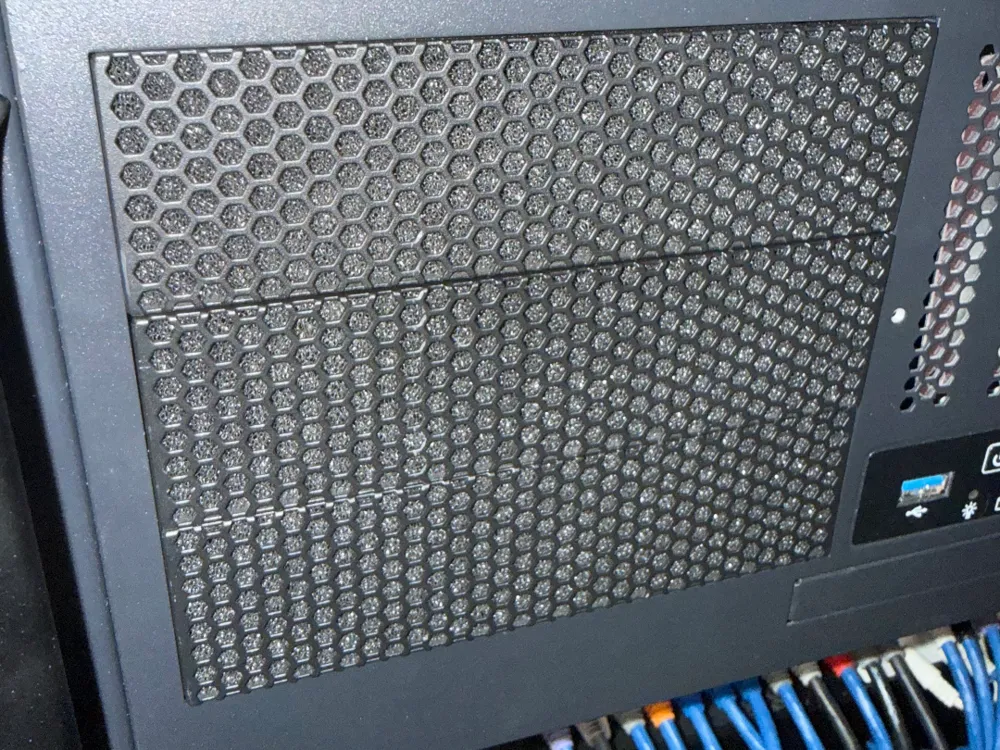
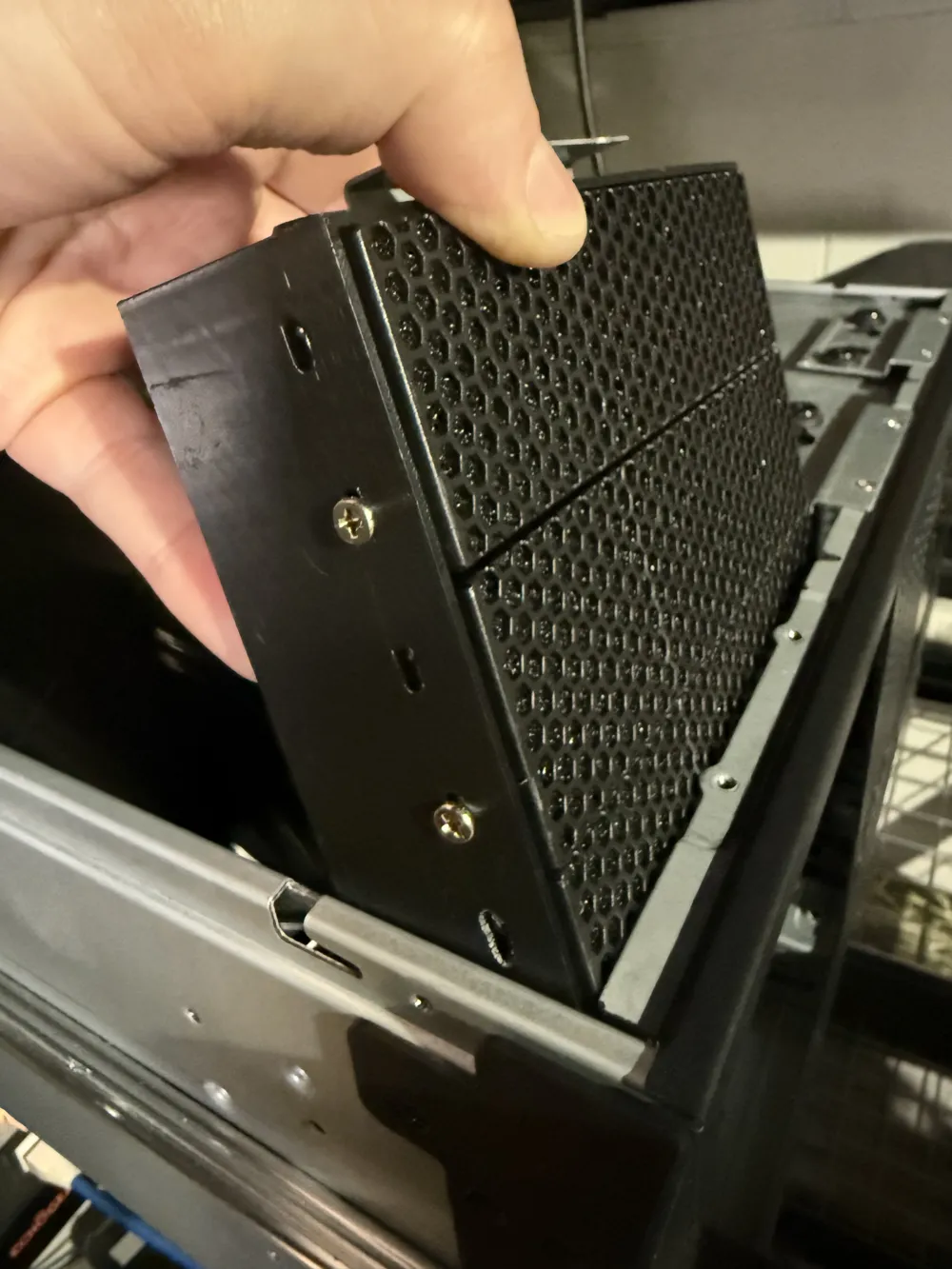
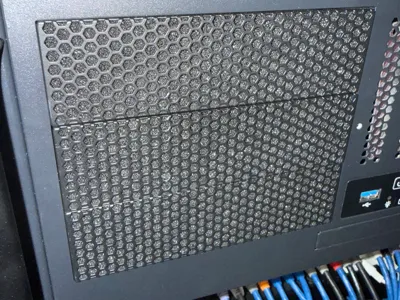
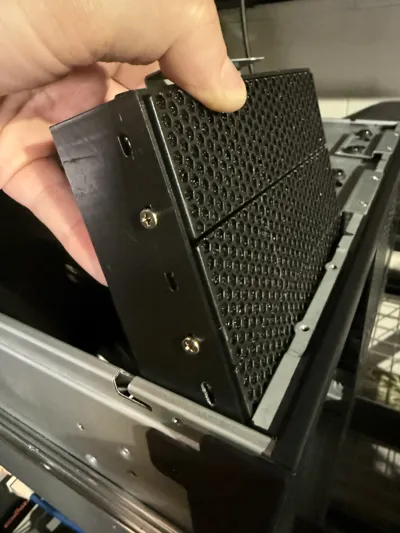
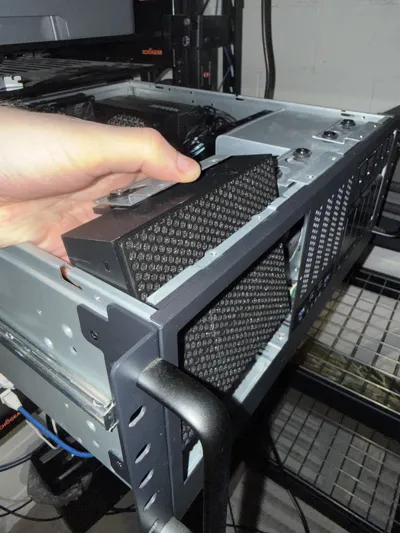
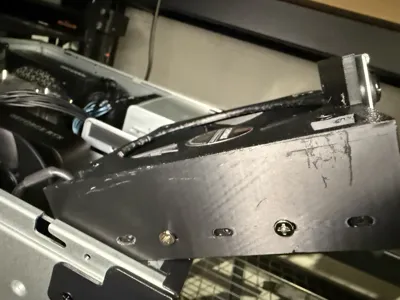
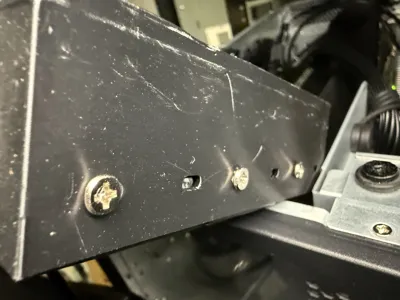
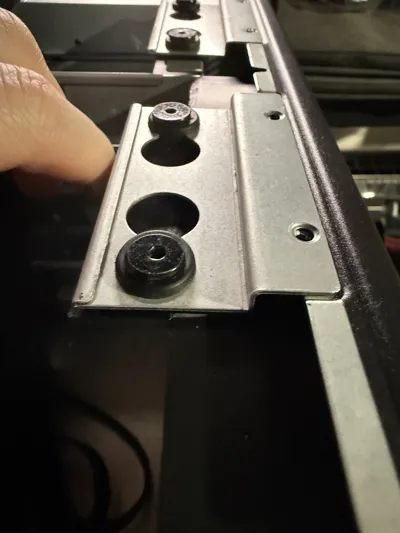
I tried many, many iterations of this until I got something functional! It works, it's great; uses the stock screws and mesh filter plates; allows for a 5090FE (or anything else longer now actually) and a 120mm fan. Custom design FTW.
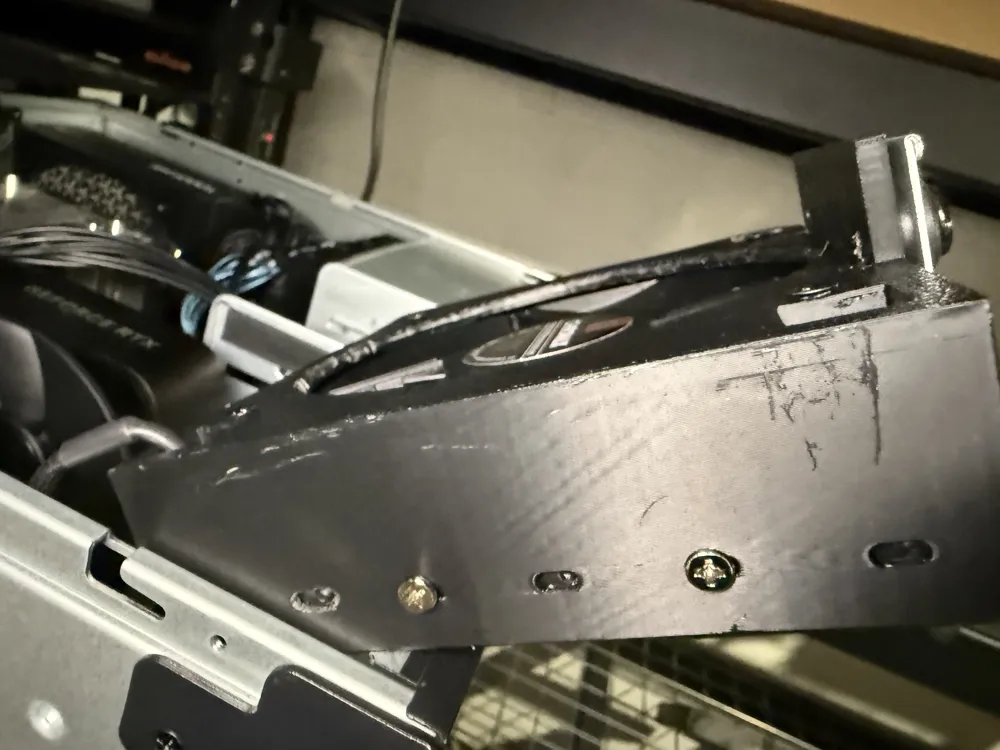
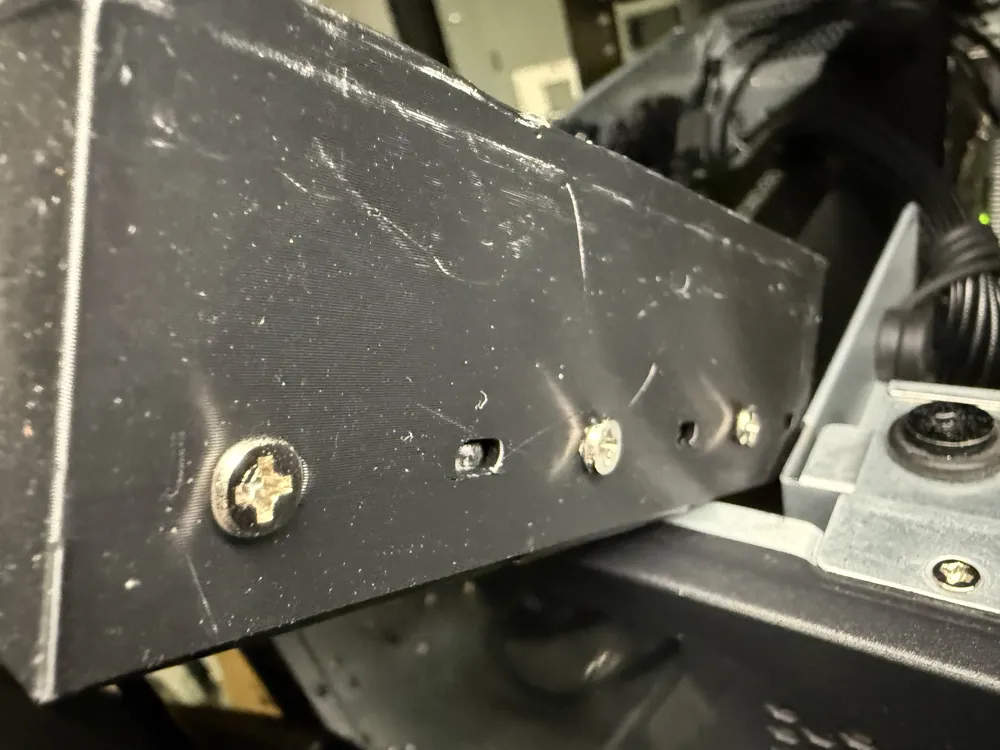
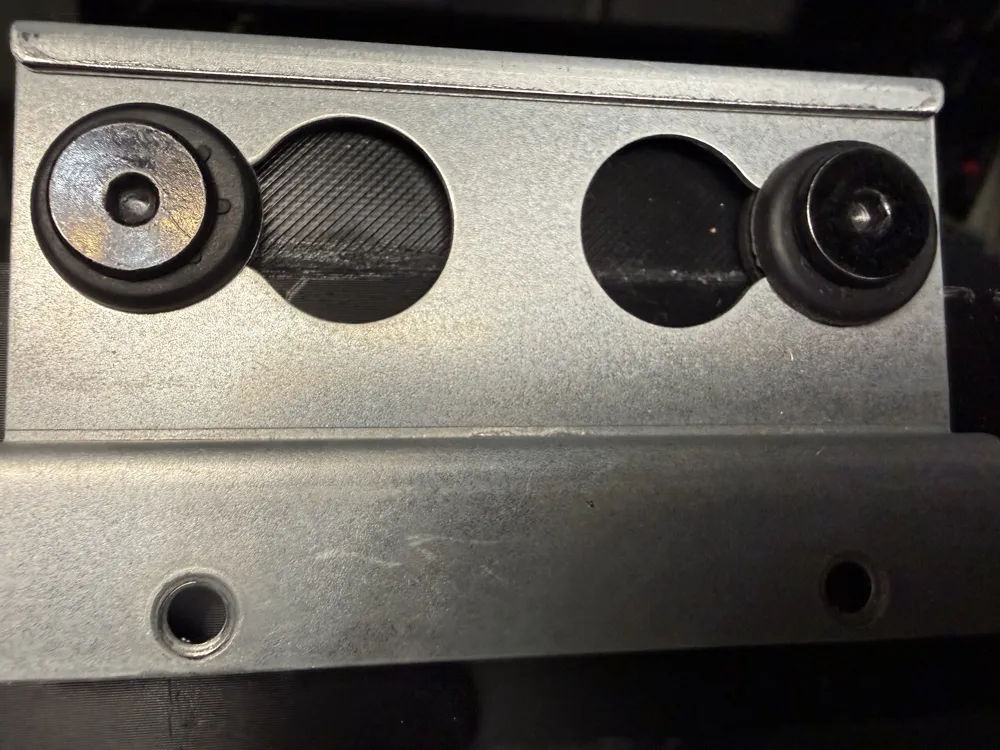
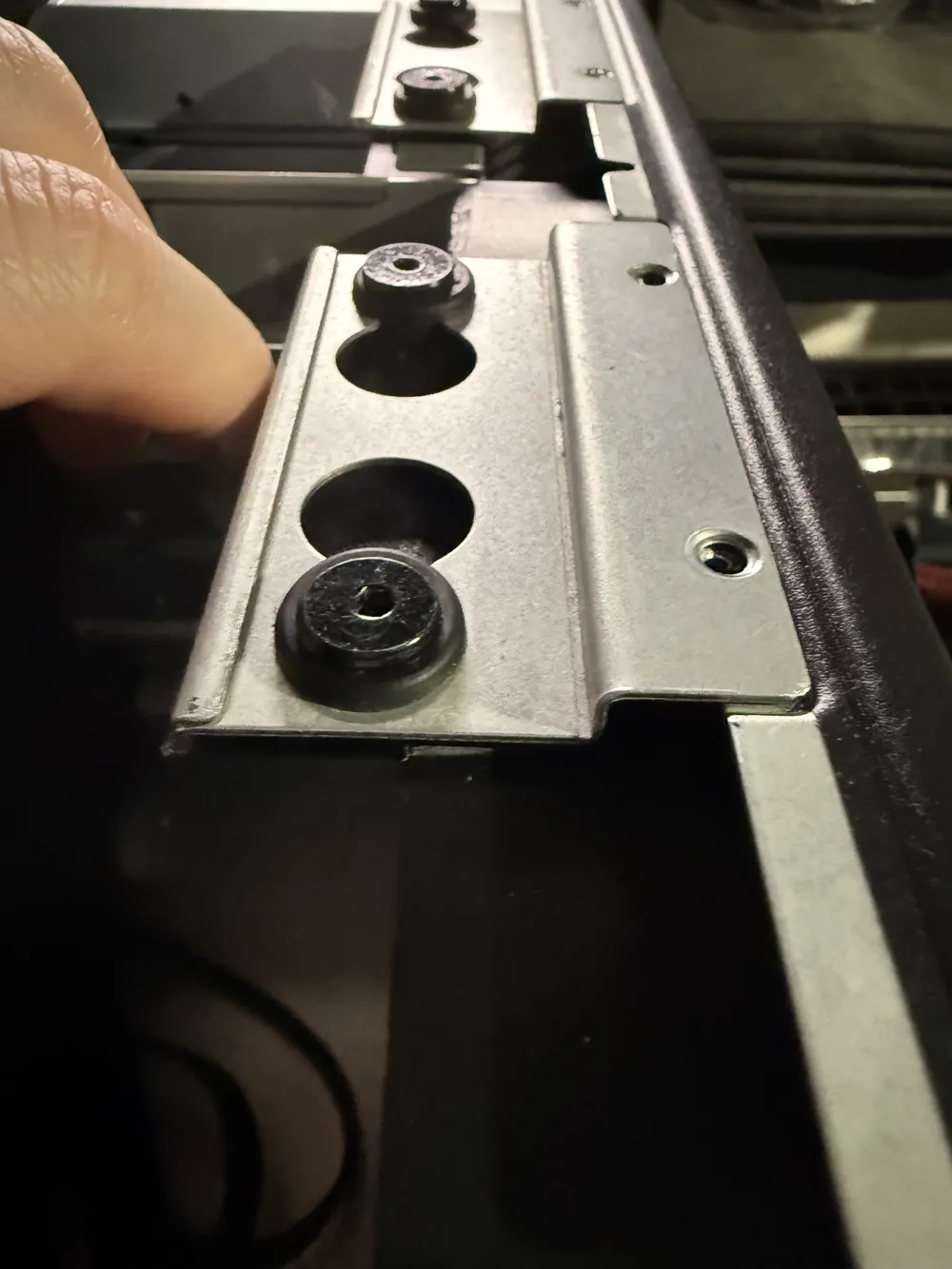
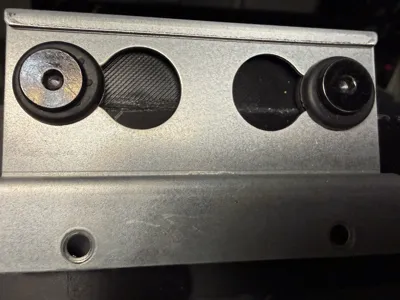
Hopefully somebody else finds this useful. The second plate is actually a section to super glue, on, and manually drill out with a small drill bit. This is because the thing kept falling out with the slightest pressure, so I needed to screw it in. So, superglue that on, slot it in, mark it up, drill your holes, and then re-screw those screws in and you'll thank me later.
Print in PETG/ASA/something that handles heat!
License



Comment & Rating (0)