
SVG Logo Round and Square Cabinet Door Knobs
Print Profile(2)

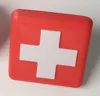
Description
Membership
Subscribe to my commercial license membership to sell prints of my models.
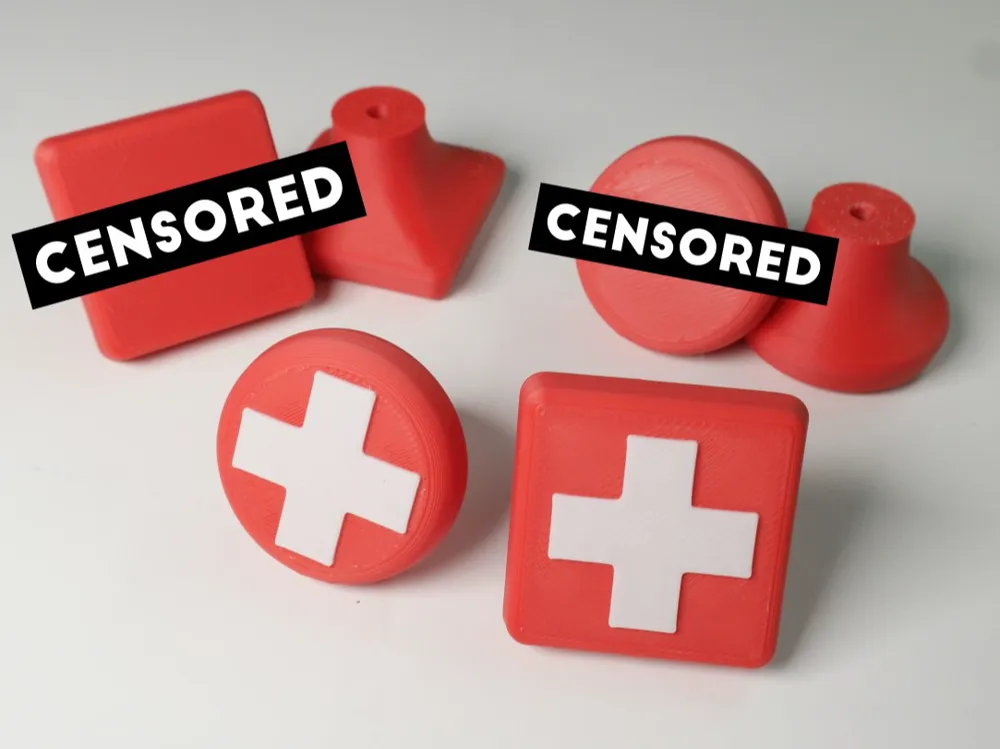
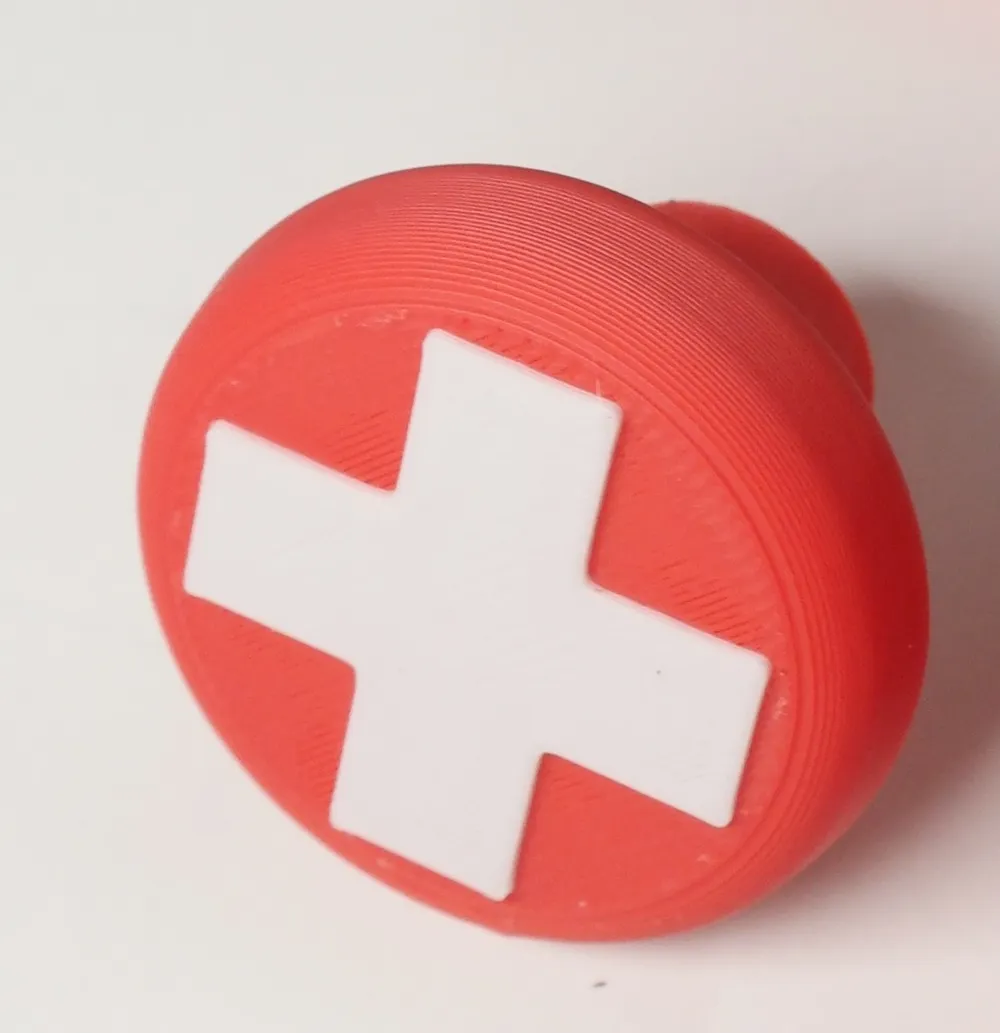
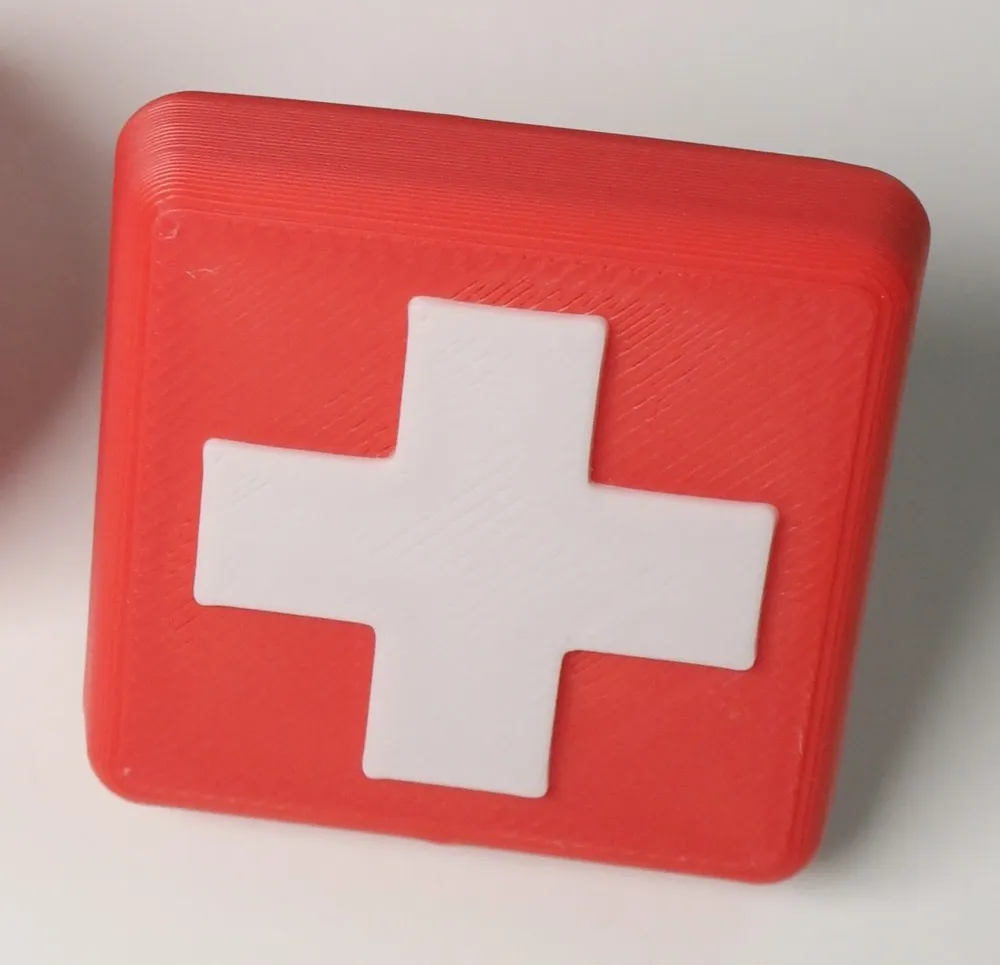
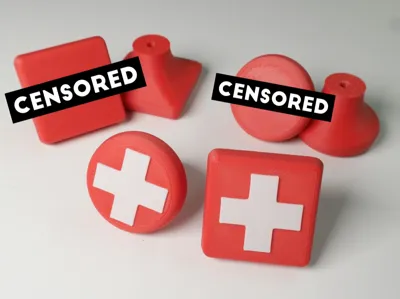
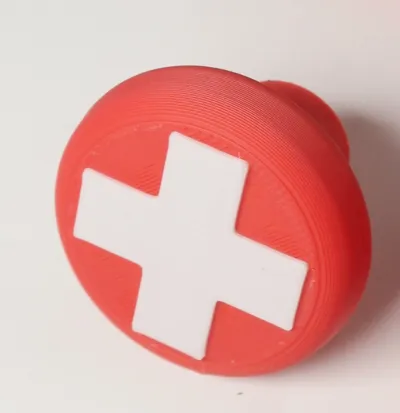
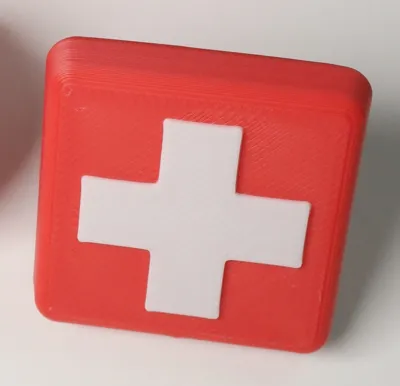
This model is intended to be customized by YOU in Bambu Studio. If you're building a first aid cabinet, you can use the default profile without modification. If you want to use some other logo or graphic image, all you need to do is replace the cross with a different SVG in Bambu Studio. The SVG needs to be a simple one. Bambu Studio will interpret the SVG as a single vector path.
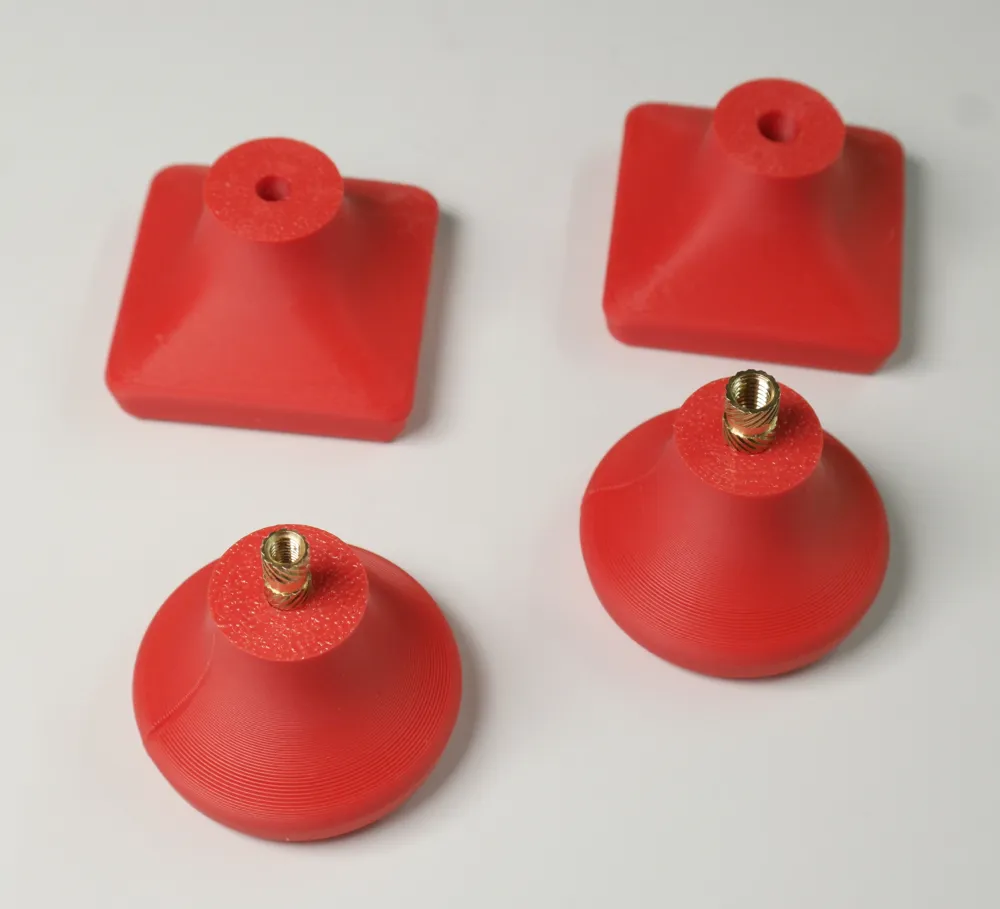
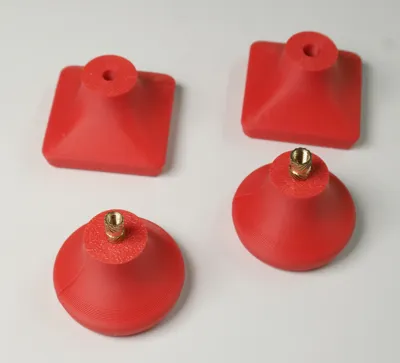
One profile includes two models. One has a negative part designed for M3 brass heat set inserts, the other for M4. Even if you're planning on driving a screw into the plastic, pick one of these to start and delete the other. The plan is to customize one knob completely, then clone as many as you need once you've done that.
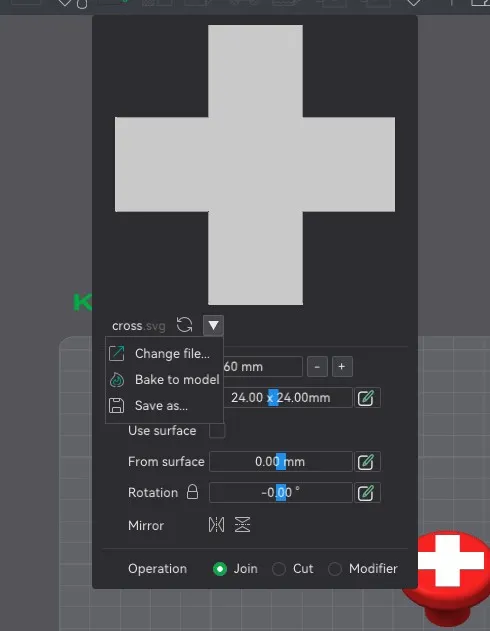
To change out the logo with a different SVG, select the model in Bambu Studio, then click over into the Objects tab. Right click on “cross”, and select Edit SVG. Then click on the down direction button in the dialog that pops up which opens a small menu. Click Change file. Select a new SVG from where you have it saved. Then you probably need to resize the SVG to fit. A width of about 24 or 25mm should work. I have the thickness set to 0.6mm, which is how much it will stick out from the face of the knob. You may also need to center the SVG onto the knob by using the Move tool. The Object coordinates should be 0 for X and Y. Some designs might look better placed off center so use your own judgement.
About those screw holes: Both versions include a negative part that cuts a hole for brass heat set inserts. One is modeled at 4.3mm diameter, made to accommodate the M3x10 inserts I have on hand. The other is modeled at 5.2mm for M4x10. The negative parts can be scaled in the X and Y axis to change the hole diameter. The hole needs to be sized about .3mm larger than the part of the brass insert that fits into it. You could also scale the negative part to accommodate a screw that will create its own threads as it's screwed in.
The Z seam! If your SVG has a definite up and down, you might want to make sure the Z seam is placed at the bottom of the knob. You can use the Seam Painting Tool to accomplish this.
Once you have your SVG placed, and you're happy with the size of the screw hole negative part, you can clone the knobs to get the number you want. Alternatively, you can print just one as a test (which isn't a bad idea) before moving on.
I used variable layer height to improve the appearance of the curved transitions.
Let me know if you have any questions.
EDIT: I had to censor my photos because of a new image rule. The Nike logo knobs I had in the photos are not included in the print profile, so I had to hide those.
License

You shall not share, sub-license, sell, rent, host, transfer, or distribute in any way the digital or 3D printed versions of this object, nor any other derivative work of this object in its digital or physical format (including - but not limited to - remixes of this object, and hosting on other digital platforms). The objects may not be used without permission in any way whatsoever in which you charge money, or collect fees.


Comment & Rating (0)