




Print Profile(2)

Description
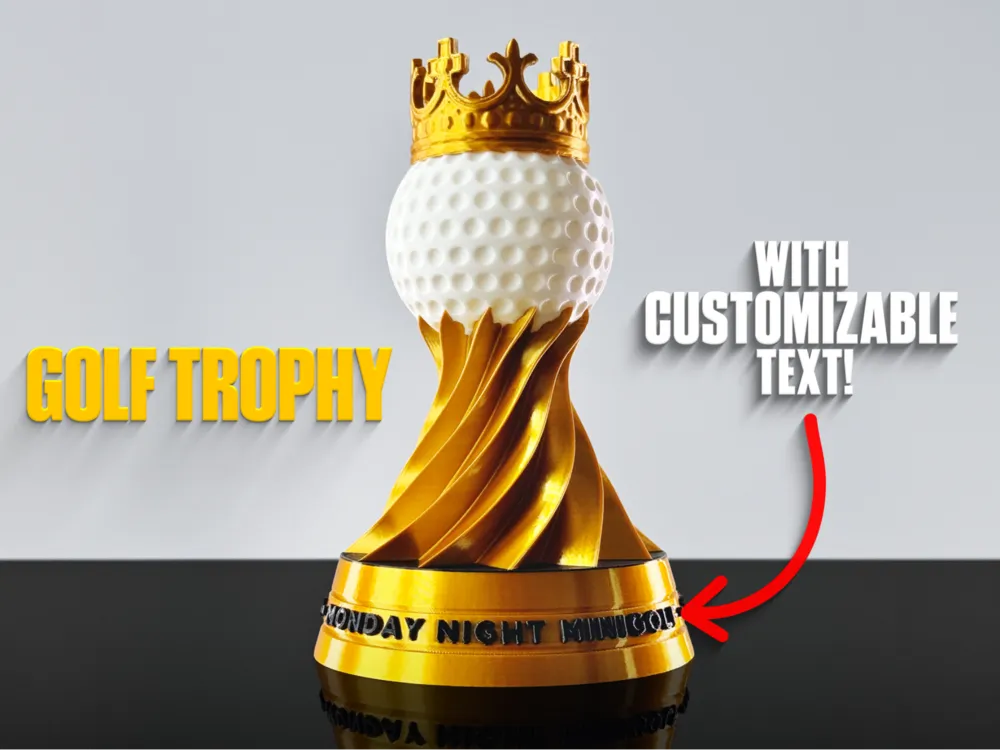
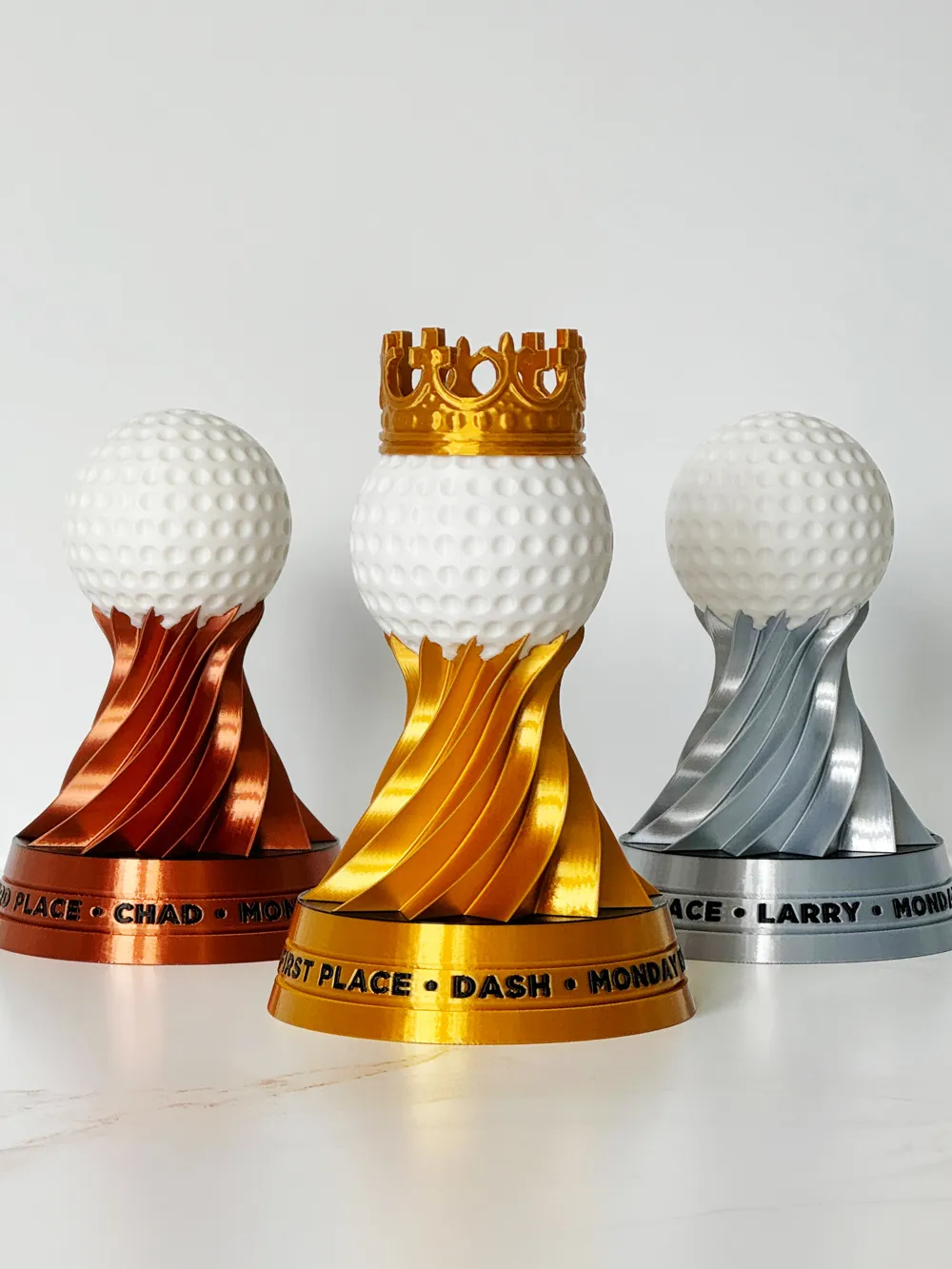
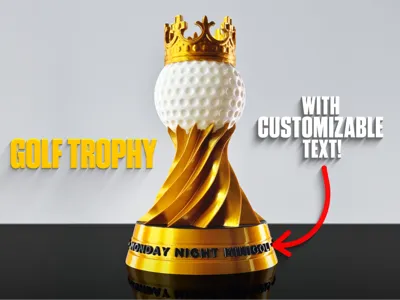
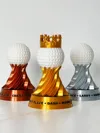
Golf trophy with crown - add your own text, updated for 2026!
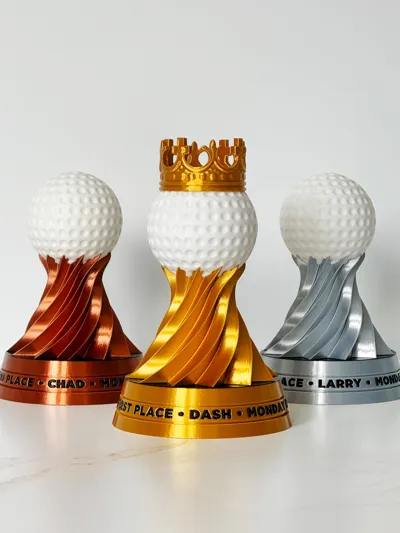
Also new for 2026: added a version without the crown for 2nd and 3rd place- just change the gold to silver or bronze and hit print!
We're hit 2000 downloads- thanks to everyone for the boosts and for sharing your prints!

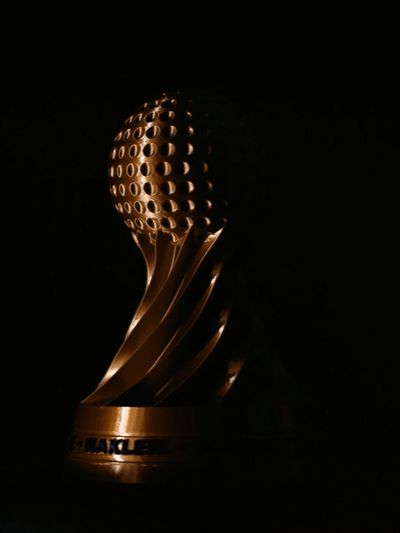
This looks STUNNING in silk PLA gold! I meticulously hand painted this in Bambu Studio. This trophy stands about 160mm high, and the base is 100mmx100mm.
I recommend printing the .3mf file with its included settings, it is optimized for best quality. I have height modifiers set to print more infill in certain places where needed to improve the top surface finishes, as well as all the painting applied for you.
Suggested Speed settings:
For silk PLA to really shine, it has to be printed slowly. I recommend 30 mm/s for all outer walls @ 230c for PLA silk.
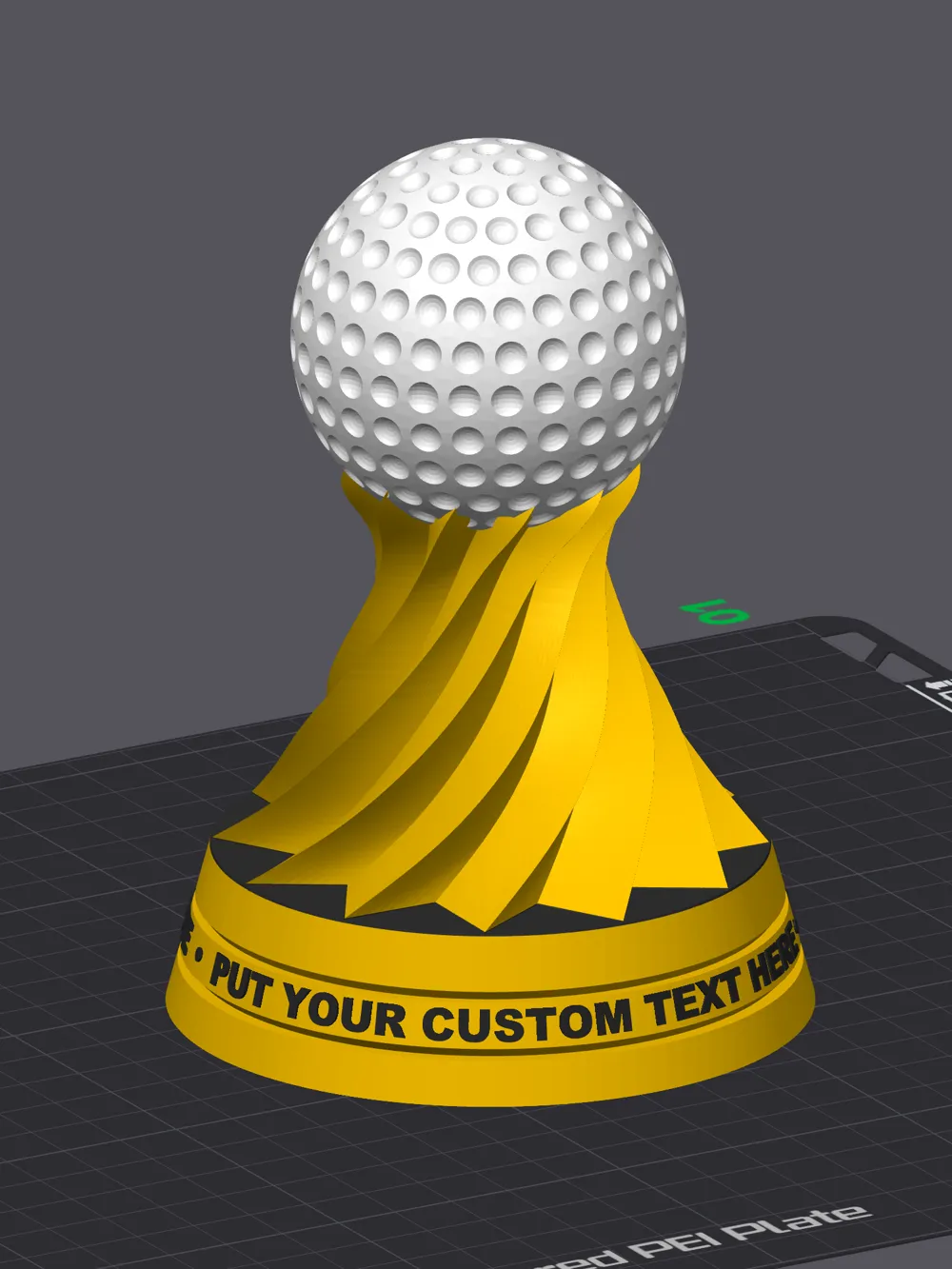
Add your own text!
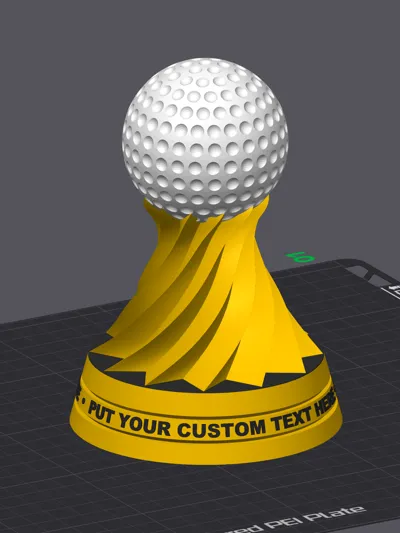
If you go into the Objects panel in Bambu Studio, you can select the text and modify it as you wish. Note, when you change it, you might have to adjust the size and spacing to fit your text. If you want to remove the text, you can delete it.
UPDATE REGARDING TEXT PLACEMENT:
Some users have reported problems replacing the text in Bambu Studio. They changed the way text behaves somewhere between Bambu Studio 1.9 and the current version. After going to the Objects panel and selecting the text layer, click on the text icon at the top of the tool bar. You may see an error message pop up “Error: Detecting an incorrect mesh id or an unknown error. Please drag text, save it then you can change it”. Simply click on the text (on the trophy) and move it a very small bit, then close the text panel. Now go back and change the text as you wish, you shouldn't see the error anymore.
SEE HERE FOR VIDEO INSTRUCTION ON TEXT ERRORS!
Or go to https://streamable.com/kfsvag
I hope you enjoy printing this as much as I did! Please give it a like if you think it's cool, and please post your makes! Happy to address any comments and concerns you have.
Please check out my photography and retouching work at https://nakleh.com
Thanks for stopping by!
Boost Me (for free)
If you like this model, please consider BOOSTING it!
This remix is based on


License



Comment & Rating (300)