
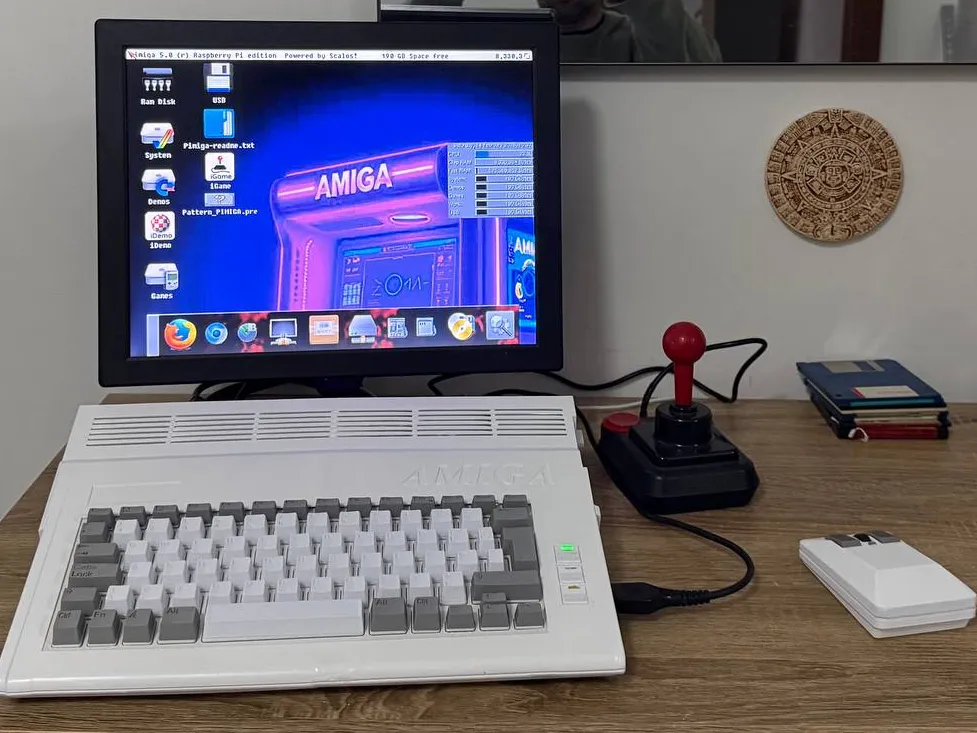
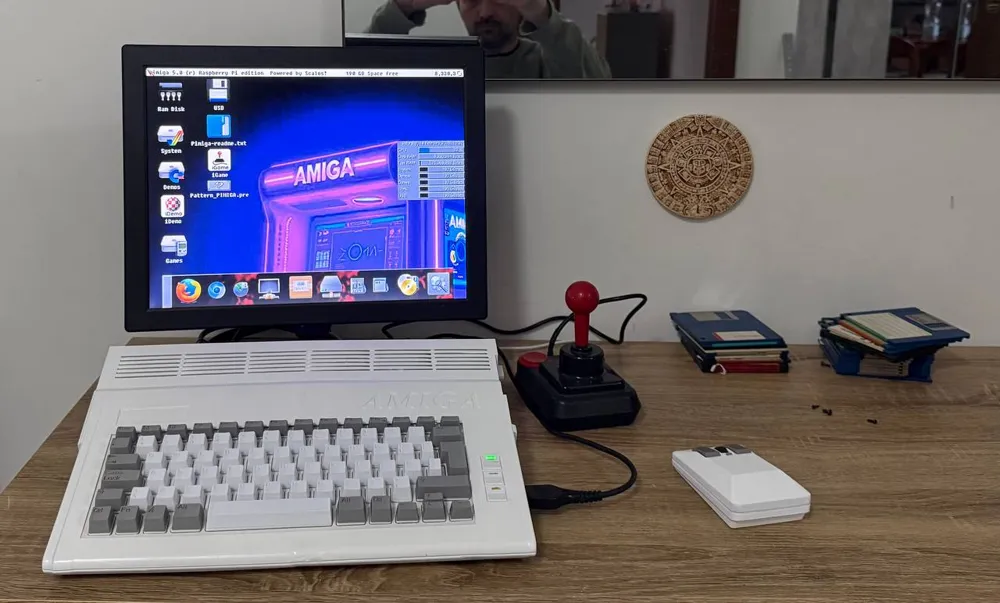
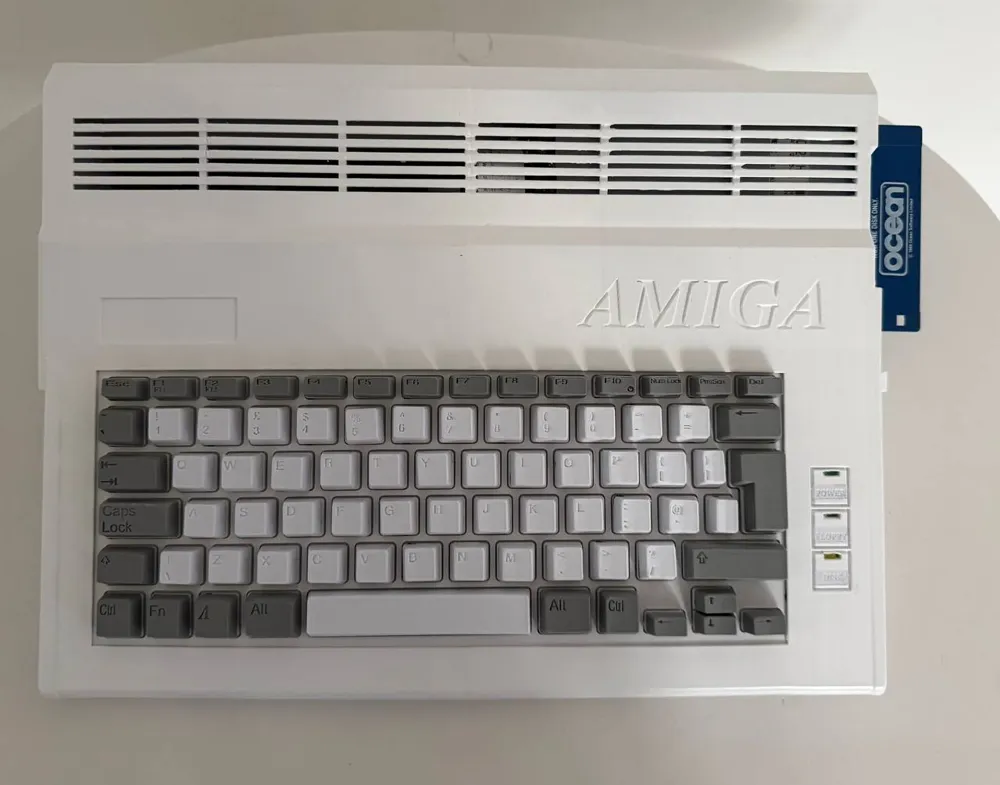
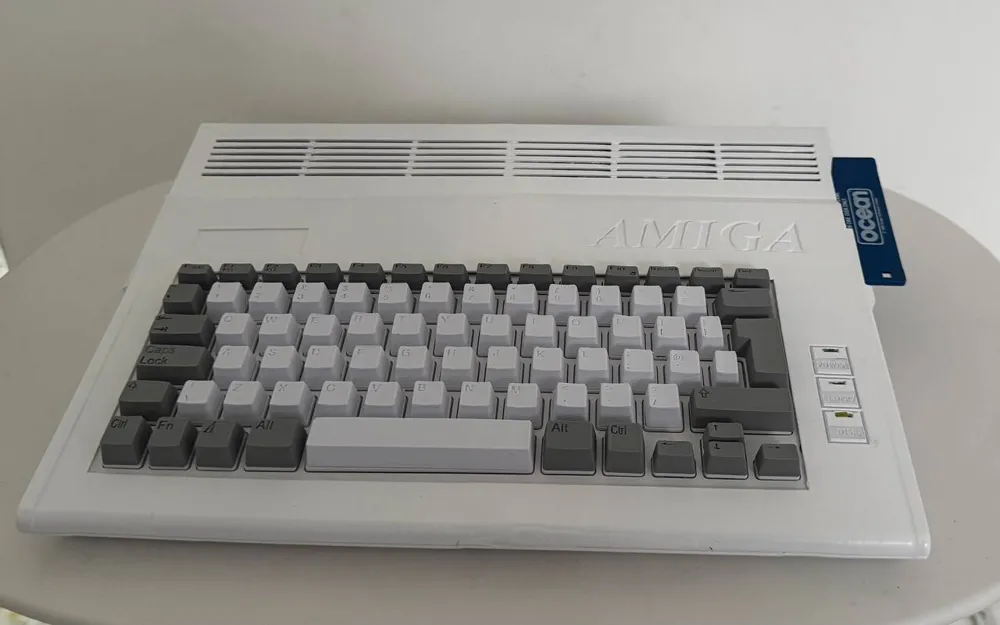
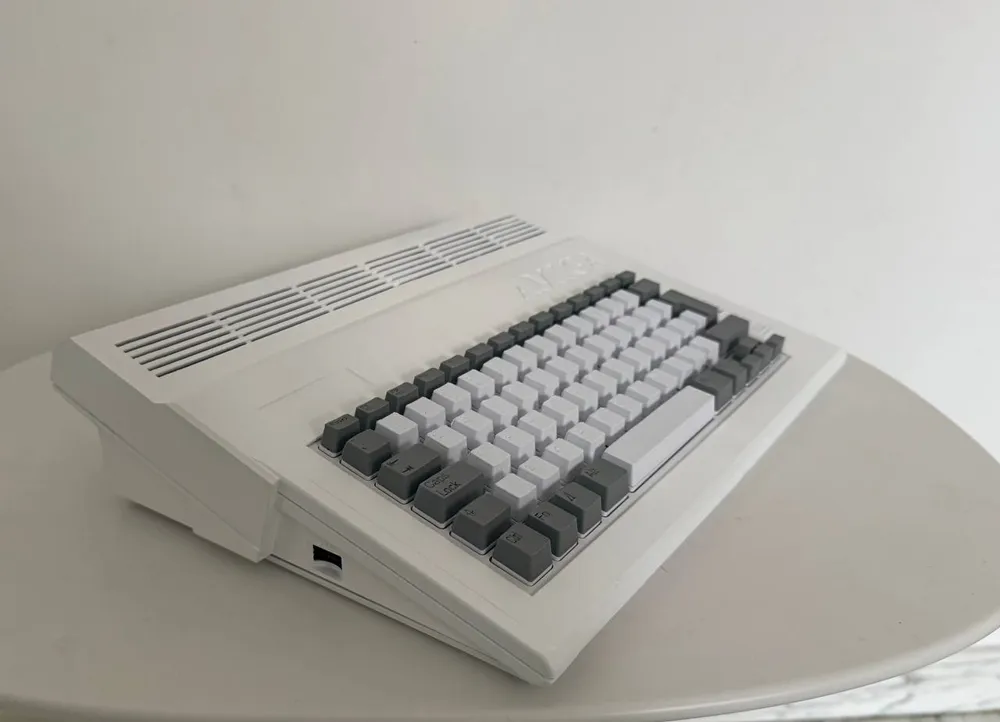
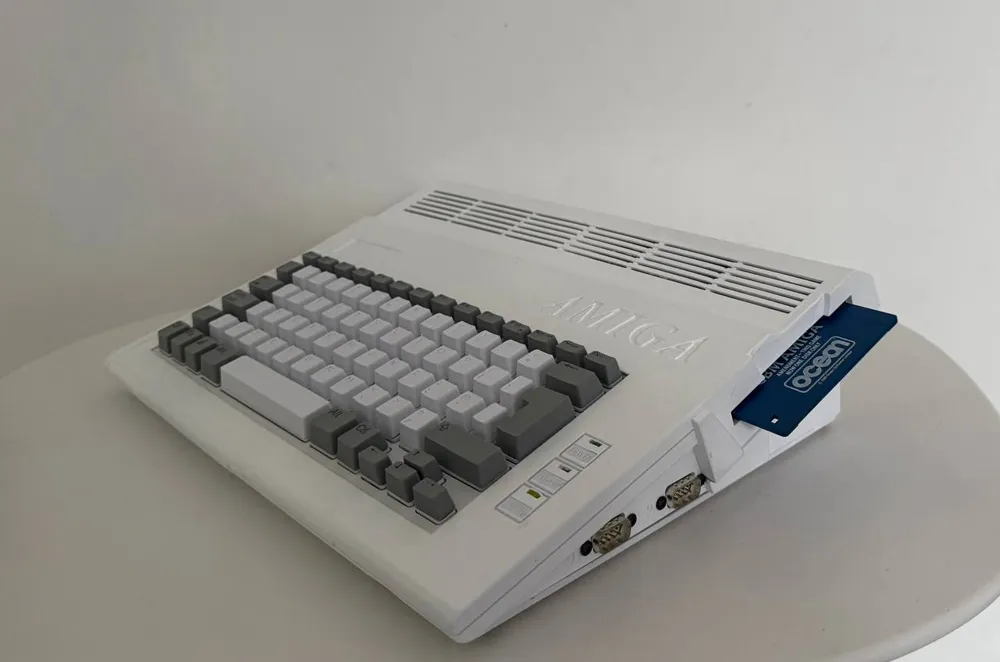
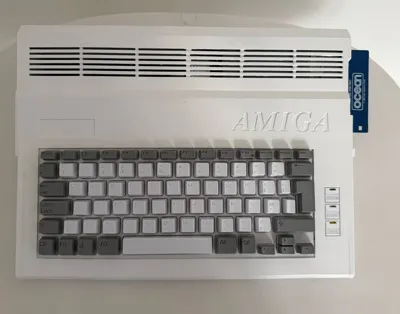
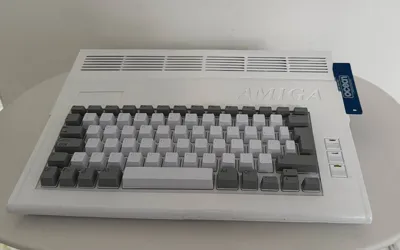
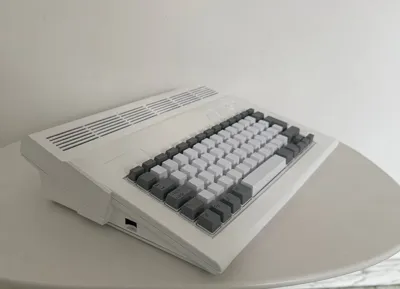
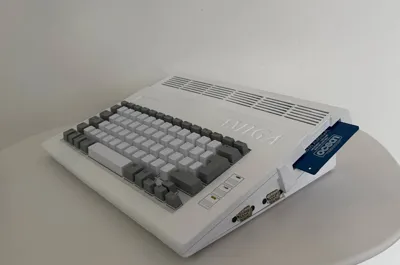
Commodore Amiga PI400 Case
Print Profile(1)

Description
Boost Me (for free)
in agreement to namicdesign i want to share Him works that include AMAZING Keycaps for pi400 (mechanical AMIGA Style):
https://cults3d.com/en/3d-model/game/amig400-amiga-raspberry-pi-235-x-235-print-bed
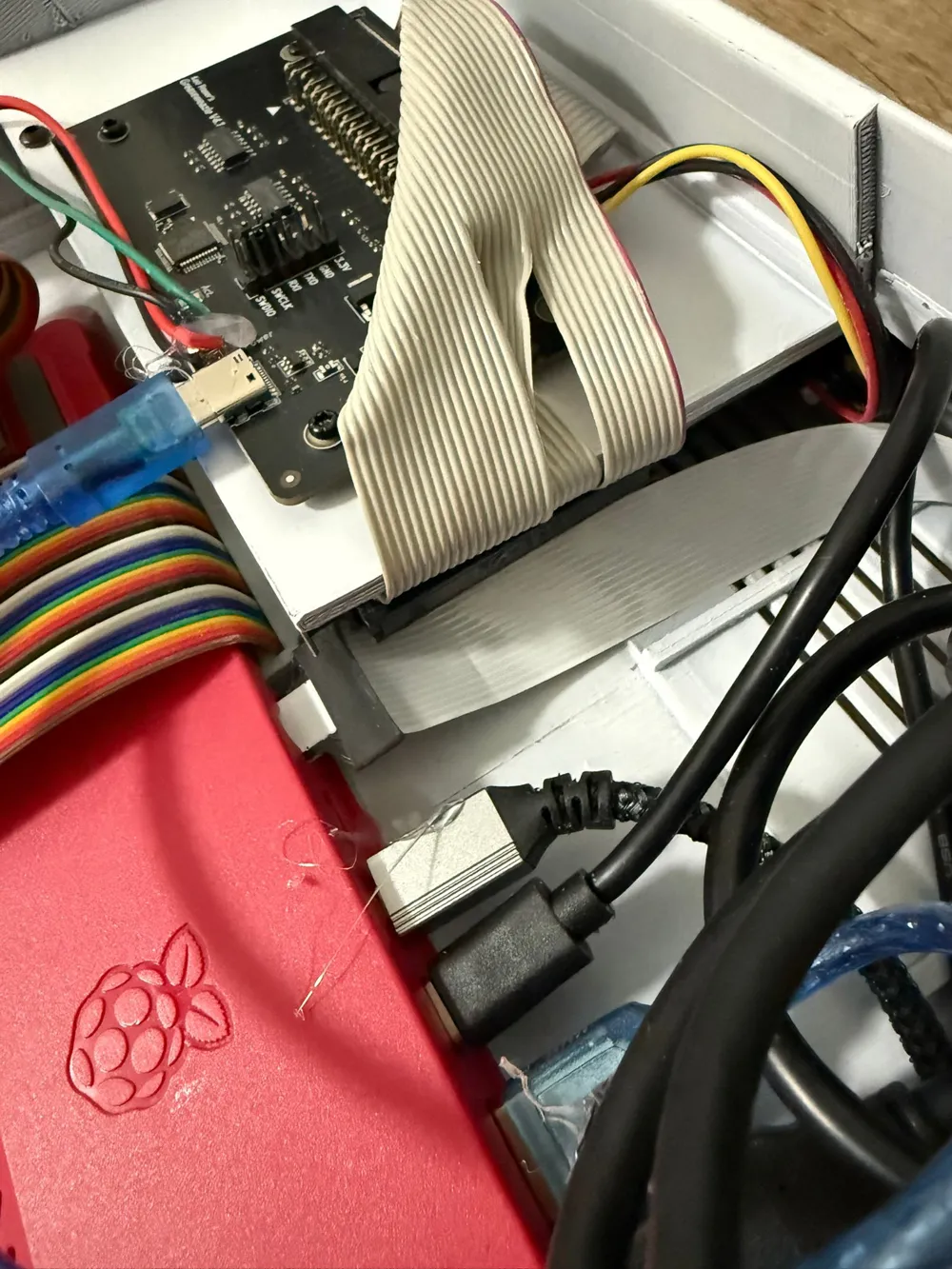
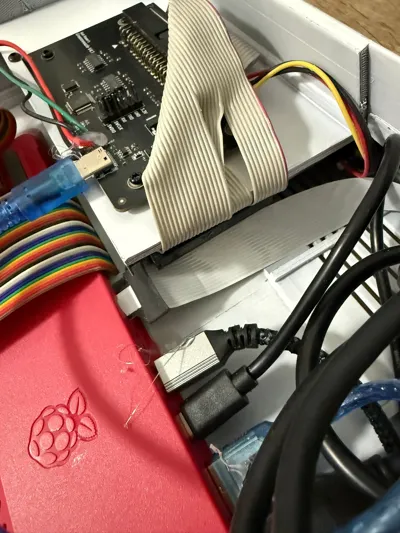
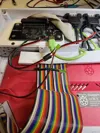
If you want to add LEDs, you can use the pins available on the Greaseweazle 4.1 board.
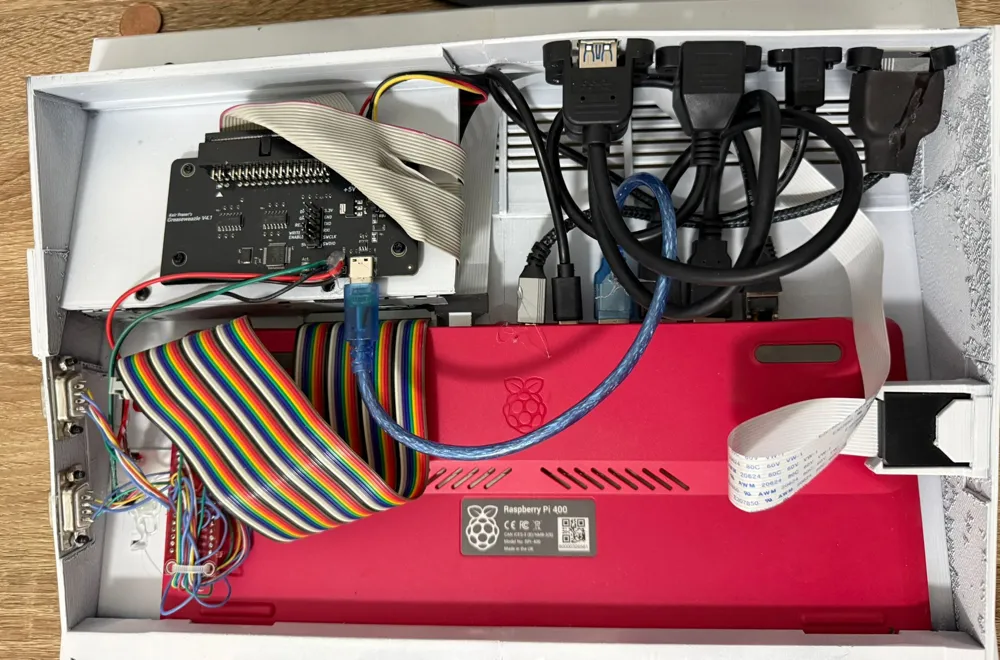
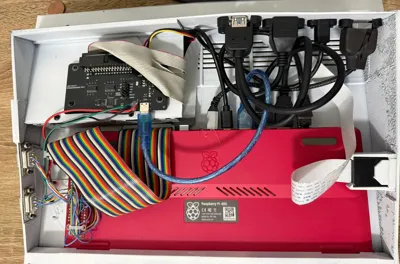
what you need :
USB 3.0 Extension Cable x2
Micro HDMI to HDMI Cable Adapter x1
USB C Male to Female Extension Cable x1
Ethernet Extension Cable, CAT6 LAN x1
micro HDMI to HDMI Panel Mount Coupler x1
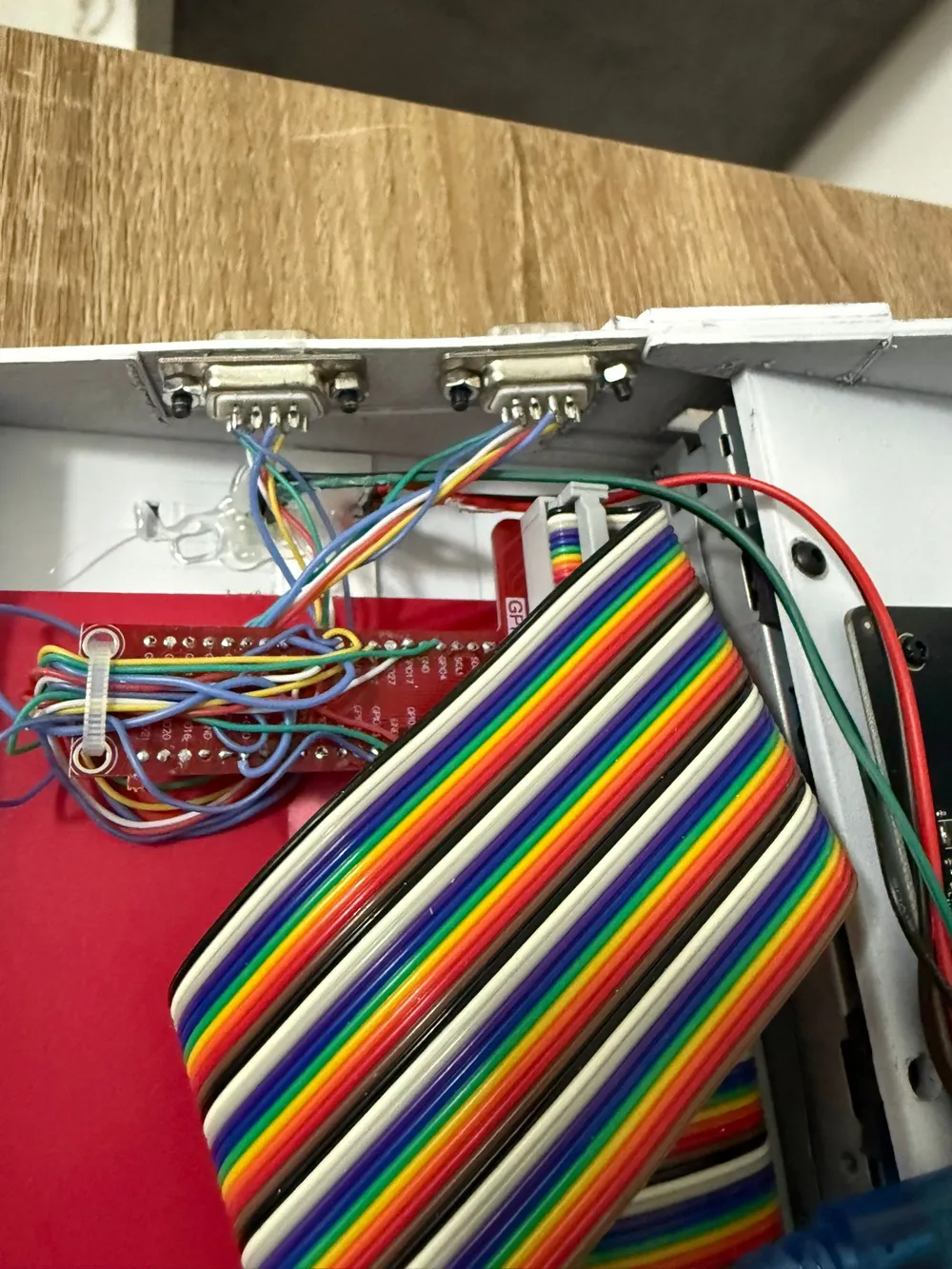
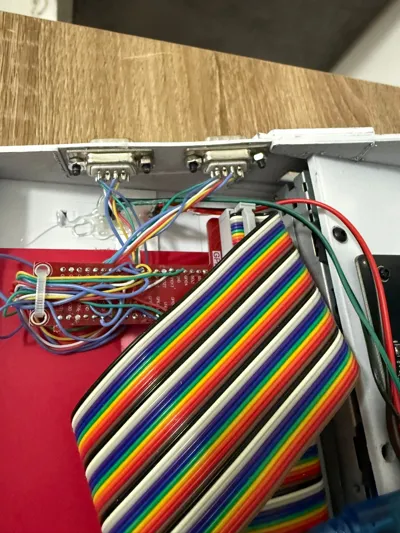
DB9 male Port x2
Arduino Micro Pro X1
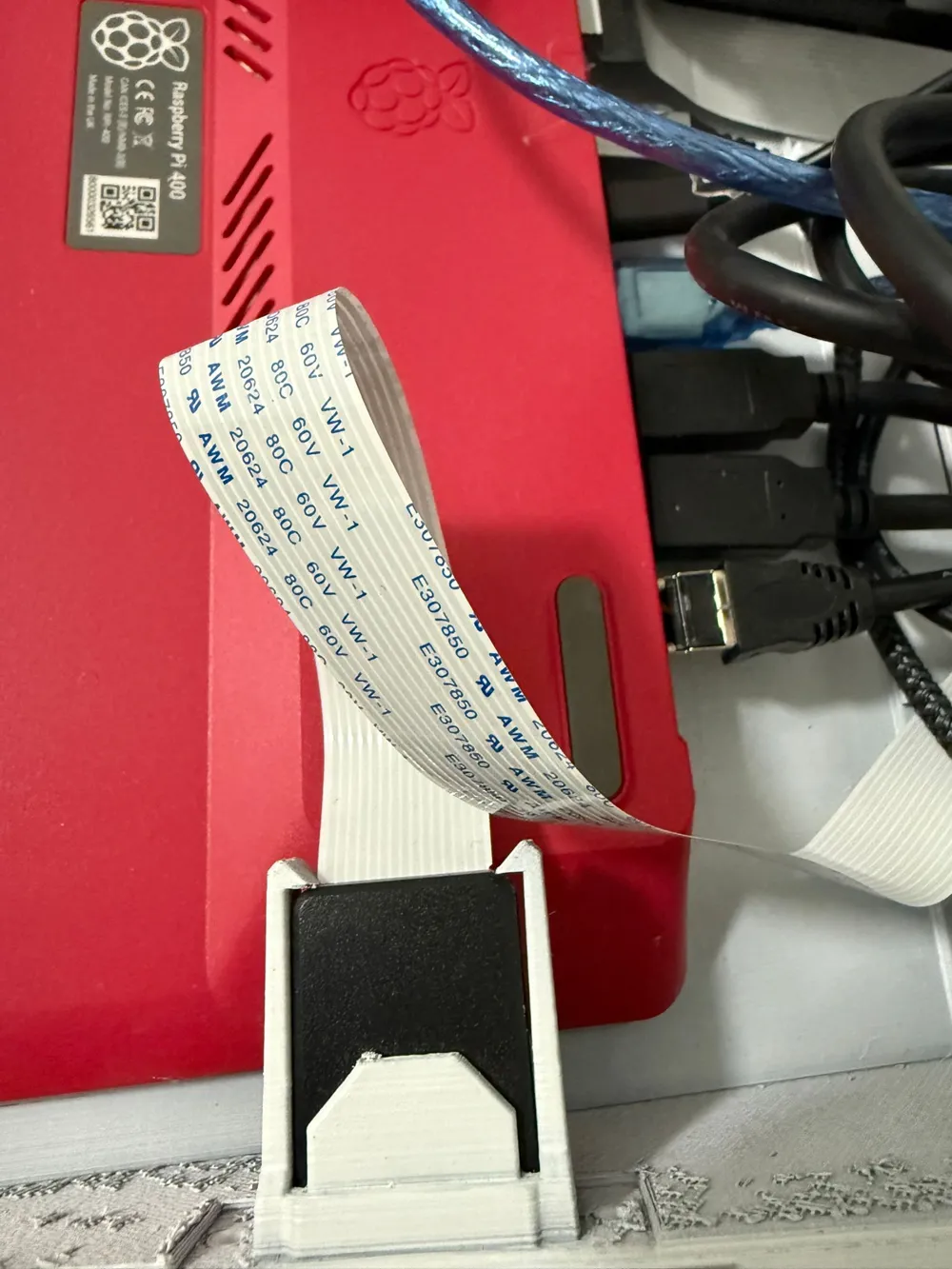
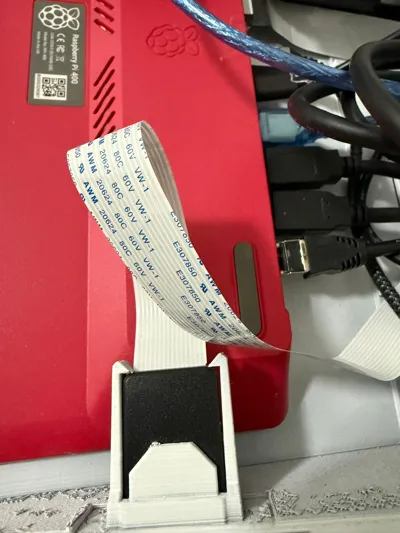
SD CARD EXTENDER x1
GREASEWEAZLE 4.1 adapter (for Floppy Disk) https://www.ebay.it/itm/187801152382 x1
Floppy Drive 3.5 ( standard not the AMIGA model ) x1
sd card 128GB or (HDD) x1
search pimiga 5.0 software (you need to but 3.1 kickstarts) https://www.youtube.com/redirect?event=video_description&redir_token=QUFFLUhqbXEwTFgxbjVHU2lrMDVVWFpfc2RSaVhSNEV0Z3xBQ3Jtc0tsazM0TnY0bnMyZklXdGFIQ0Z6WVFIa2NTZnA2UXdKdWZsUGZHVkJidG4ybEN3Y0I3ZVQ5dWlETDc4dGt4ZmRmc3dPejN6Q3hzTHhDTm5MOHI2aGE0Qm1CZ1pNMDRsd1dTaDRCNlpINlBhR0VzNjNTcw&q=http%3A%2F%2Fwww.amigaforever.com%2F&v=OFa8YWv6j98
Mouse Tank ( search on Makerworld)
info about greaseweazle:
https://github.com/keirf/greaseweazle/wiki/V4.1-Setup
how to connect db9 to ARDUINO:
https://www.pcbway.com/project/shareproject/ArduJOY_DB9_Joystick_to_USB_Adapter_21ef1f4b.html
ps: use 100% infill for PUSH BUTTON (floppy)
Documentation (5)
License

You shall not share, sub-license, sell, rent, host, transfer, or distribute in any way the digital or 3D printed versions of this object, nor any other derivative work of this object in its digital or physical format (including - but not limited to - remixes of this object, and hosting on other digital platforms). The objects may not be used without permission in any way whatsoever in which you charge money, or collect fees.


Comment & Rating (8)