
Sith and Jedi Holocron Base (uses Homeassistant)
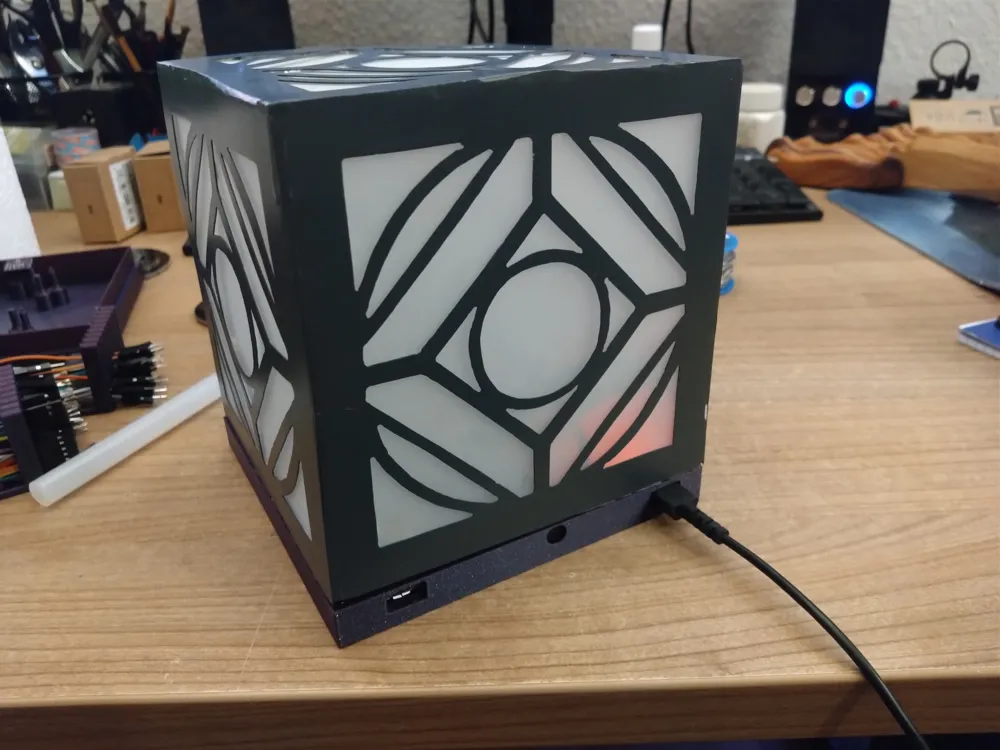
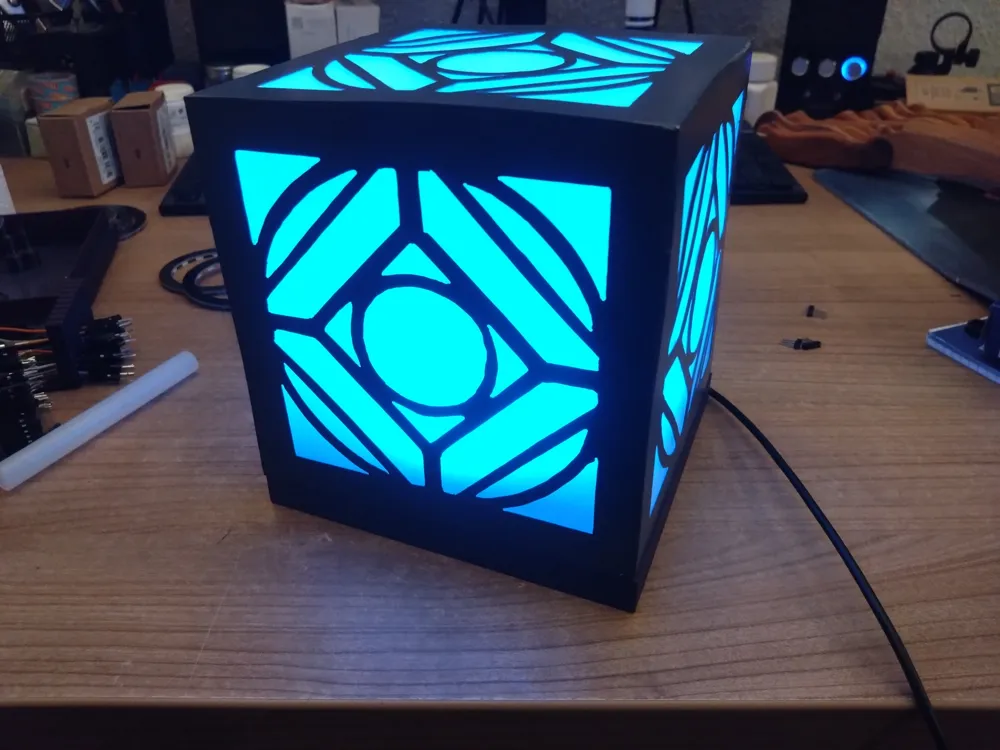
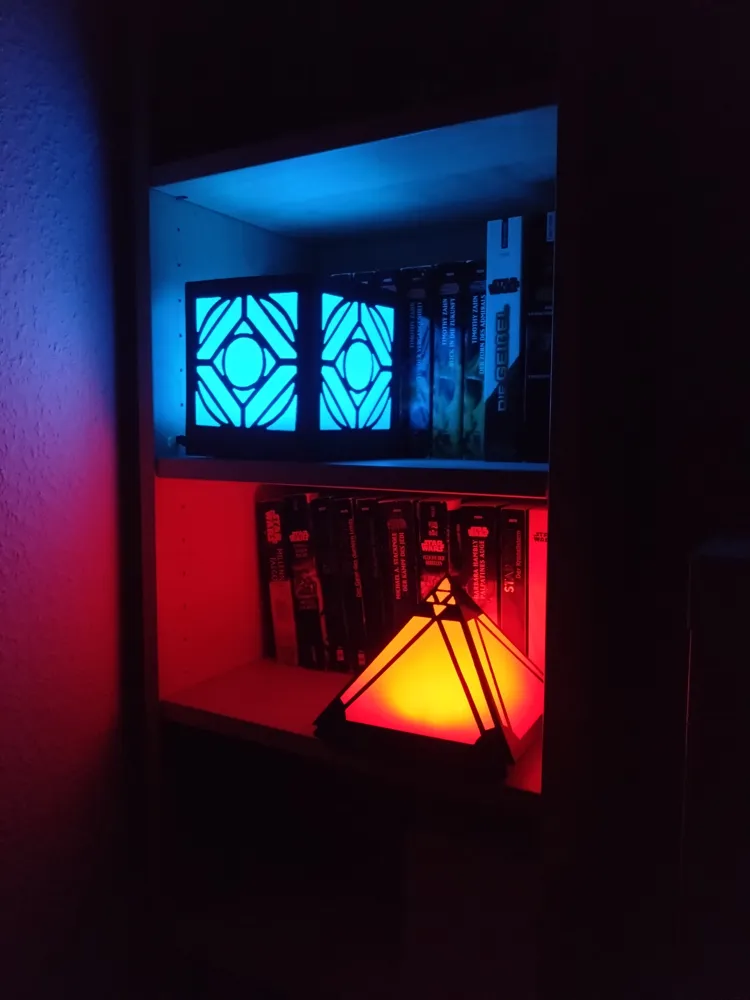
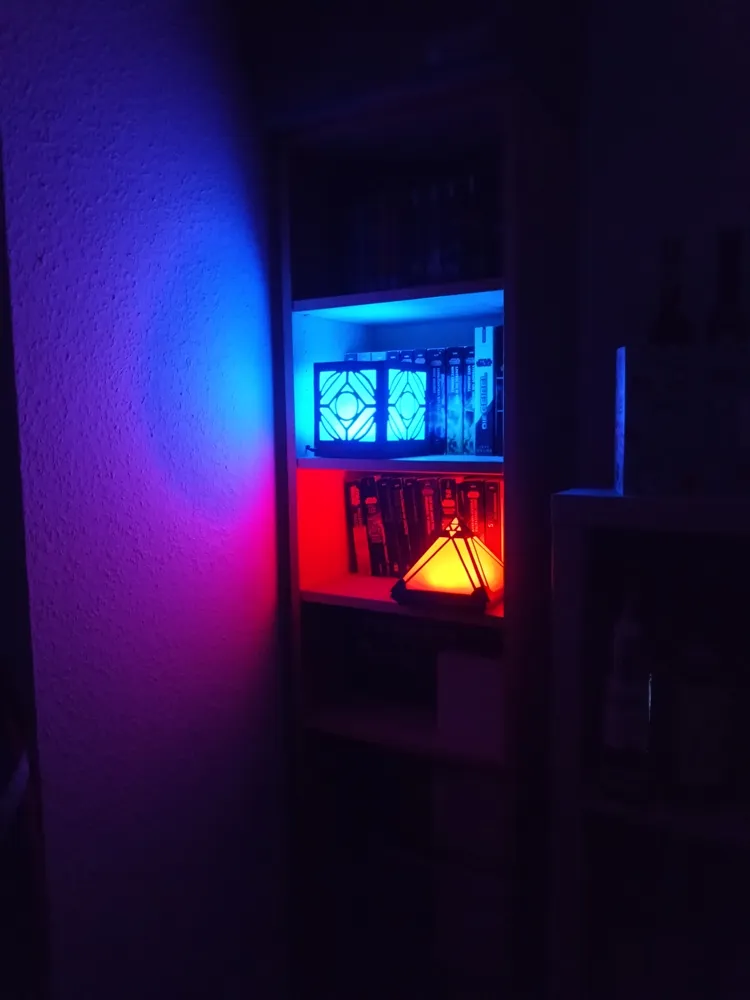
Print Profile(3)


Bill of Materials

- ESP-12E x 1:
- D1 Mini Battery Shield x 1: https://www.amazon.de/dp/B07X93M17P?th=1
- LiPo Battery x 1: https://www.amazon.de/dp/B08V11Z88Q
- 12mm Push Button x 1:
- WS2812 RGB LED Rings x 5: 1x {24, 16, 12, 8, 1}-bit
- Dupont Jumper Wires x 1:
- BMP280 x 1:
- PCB Prototyping Board x 1:
- Female Dupont Pin Headers x 2:
- Hot Glue x 1:
- Soldering Iron x 1:
Description
Boost Me (for free)
Do you like my designs? Then hit boost, please. This helps me a lot, especially as my recent designs get more complicated and thus expensive to prototype. Boosts help me to afford new prototyping filament and printer replacement parts. Thank you!
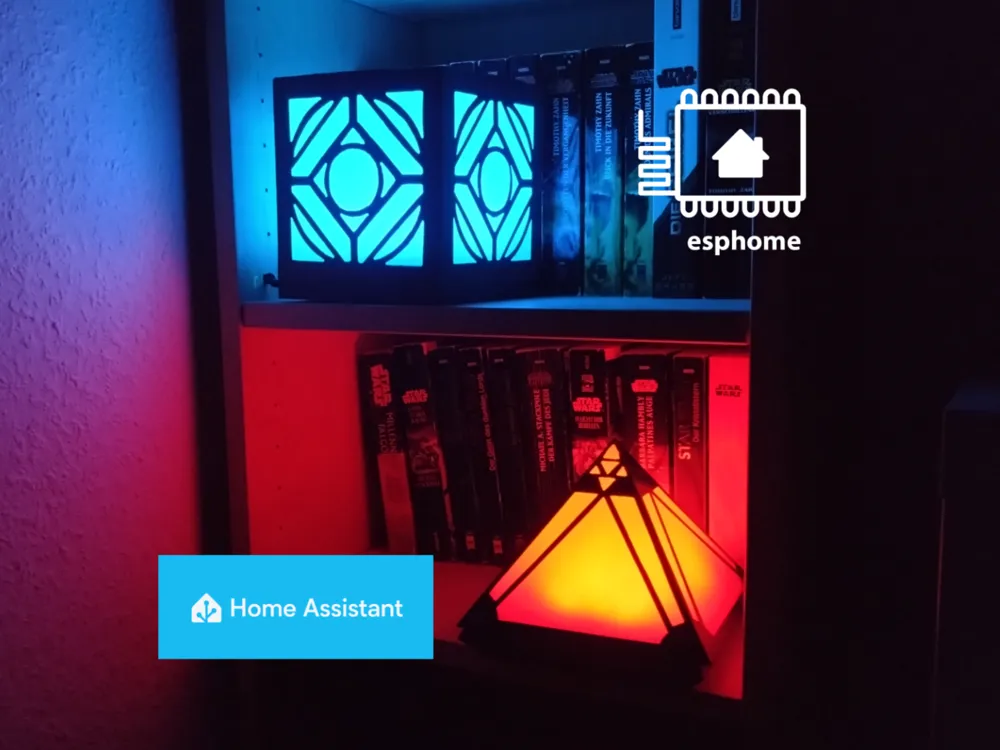

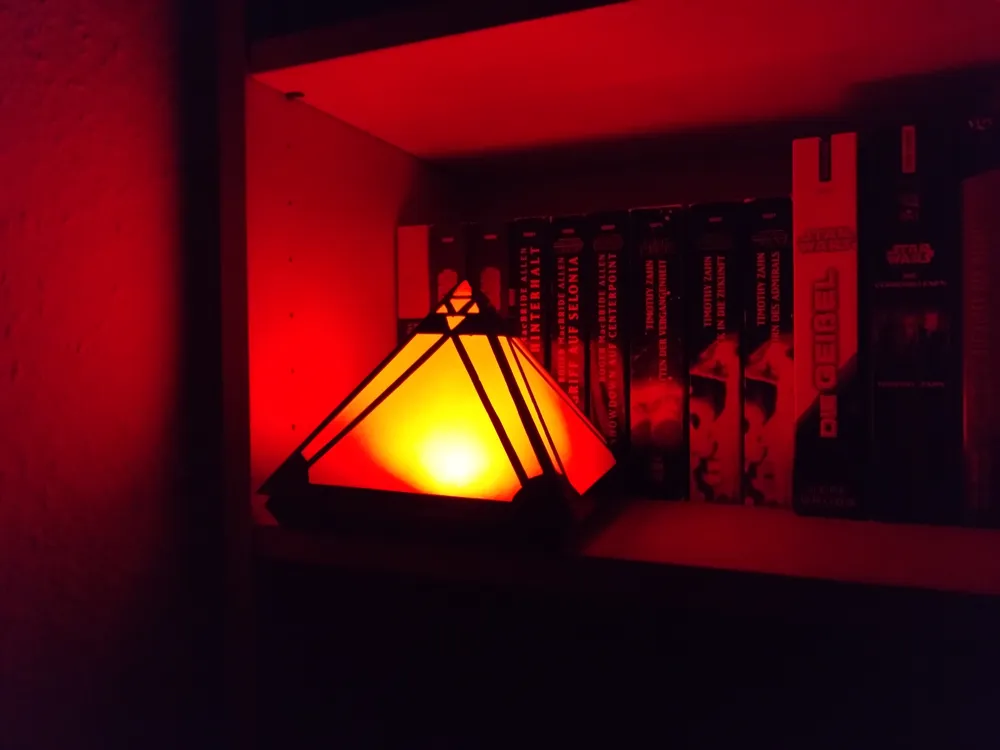
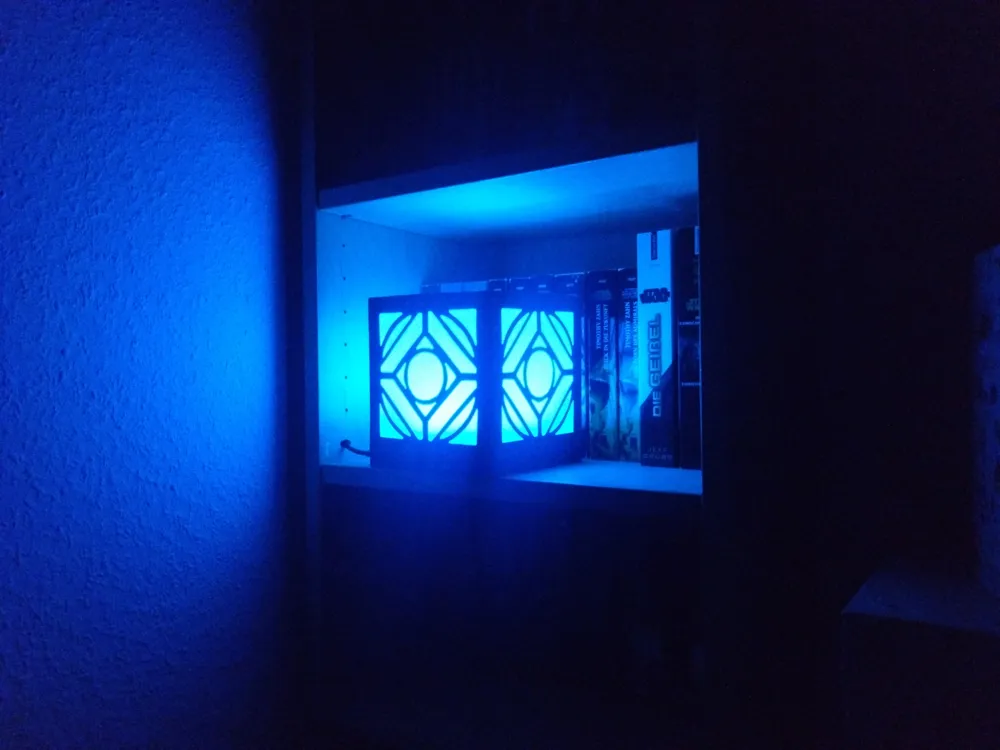
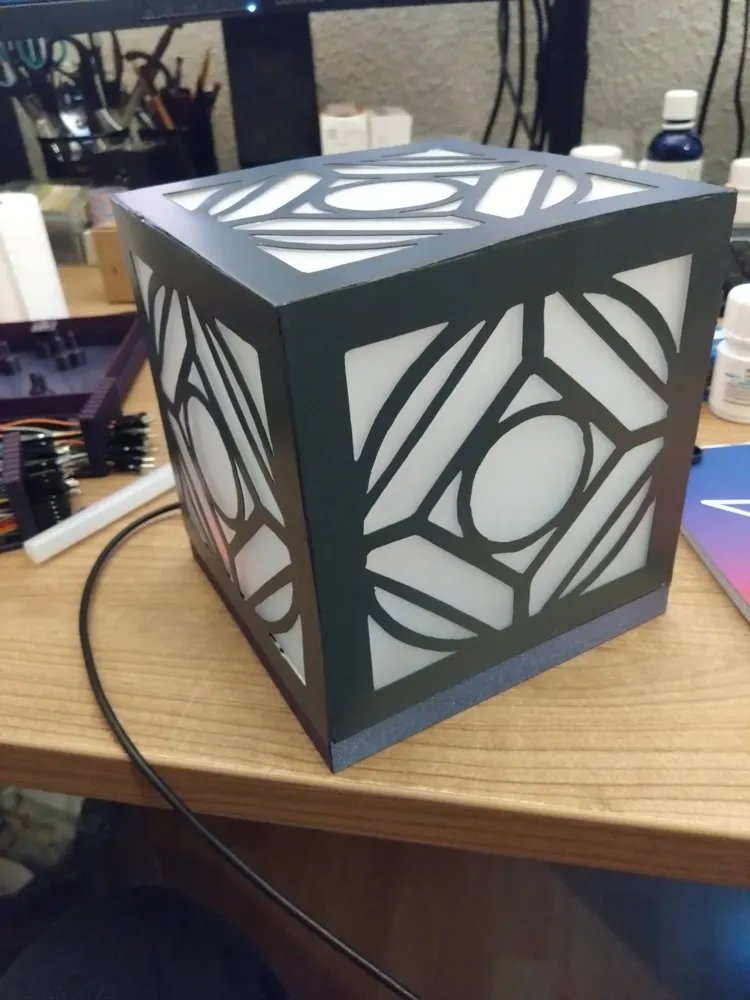
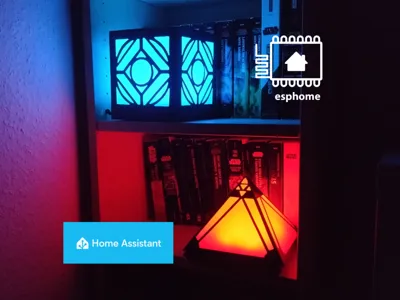
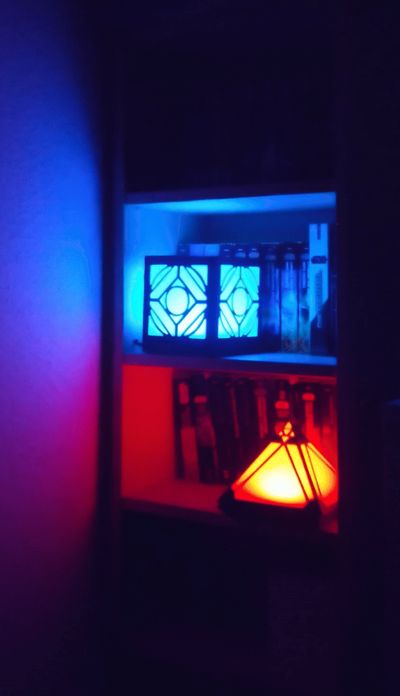
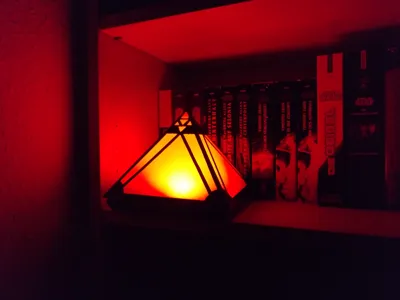
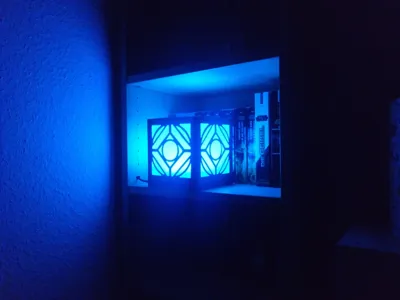
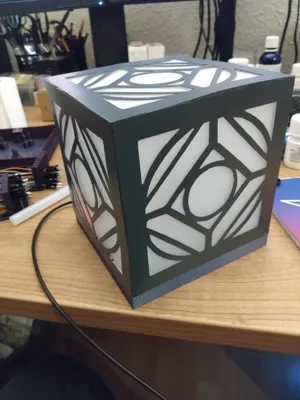
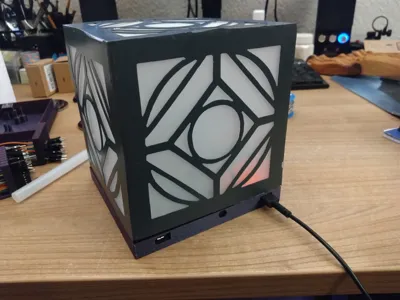
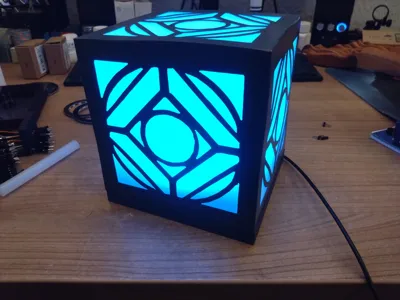
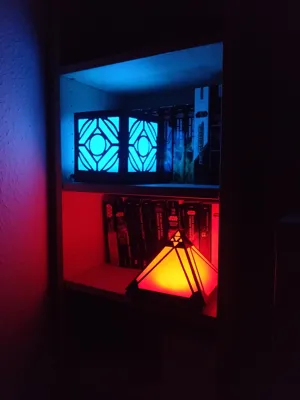
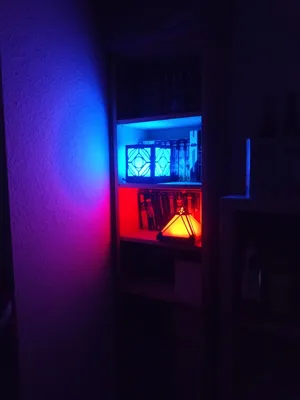
Have you ever wanted to decorate your Star Wars novel shelve with RGB holocrons that also function as temperature sensor for your Homeassistant? Well you are in luck, because now you can build yourself exactly that! Also, the holocrons can be unplugged from their power wire and be turned on/off using a secret button. So you can hold it in your hands, walk show it to your friends and demonstrate your abnormal abilities in the force by activating the holocron itself.
This is a project of mine that dates back some years. Back then, I did not own a 3D printer and I wanted my holocrons to be crafted from metal. I printed the sides of 3D modeled holocrons on paper to trace them onto sheets of thin metal. I cut the shapes with a small angle grinder and Dremel metal tools, welded them and added sanded acrylic glass pieces on the inside to diffuse the LED light. I made everything by hand. Using a lasercutter or CNC mill would yield smoother results.
Now, my 3D printers, CAD skills and Homeassistant enabled me to make a finished version! This project makes use of ESPhome, a popular Homeassistant extension that allows you to build your own electronics and control them with Homeassistant. This are the 3D models for the base of both holocrons, schematics and ESPHome code. If you 3D print your holocron sides, please make sure to scale them according to the base size!
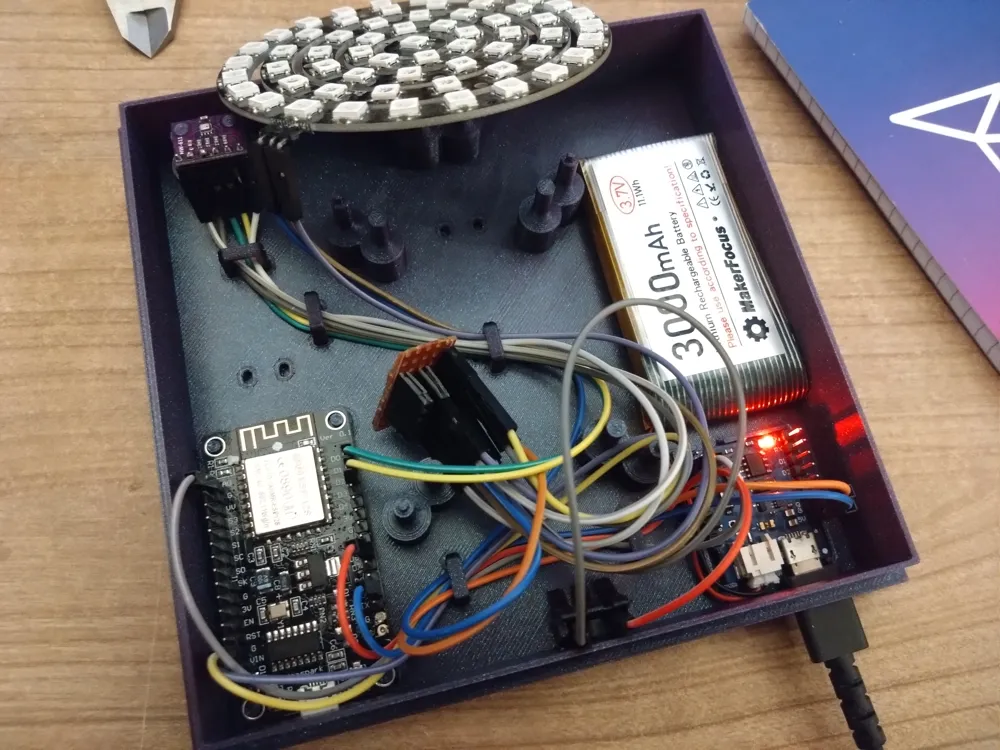
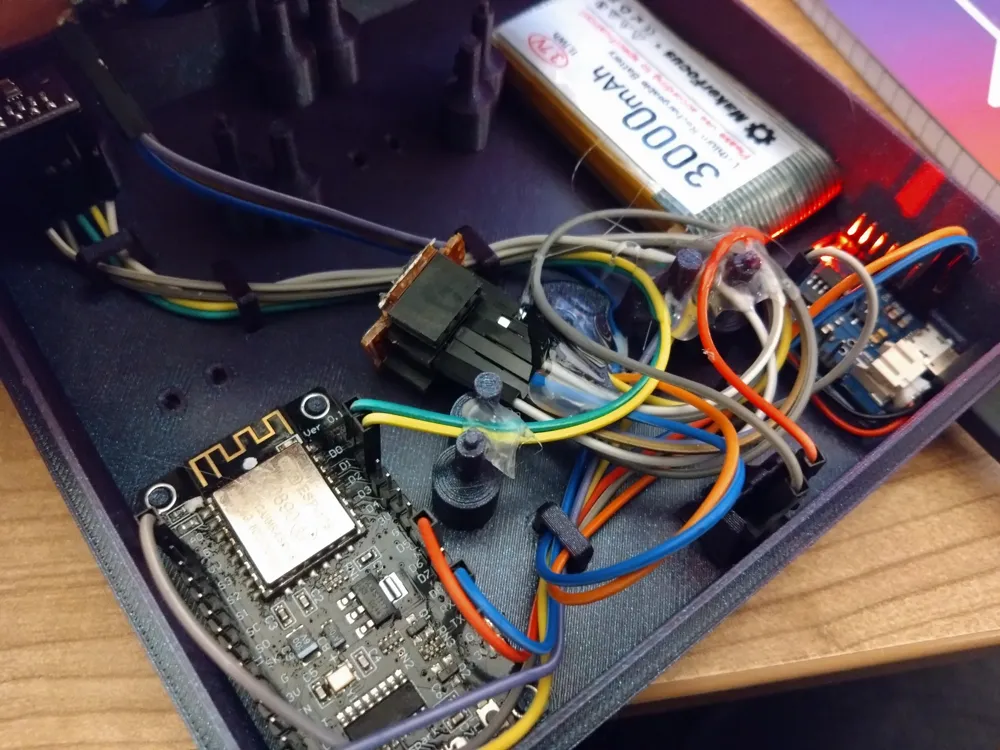
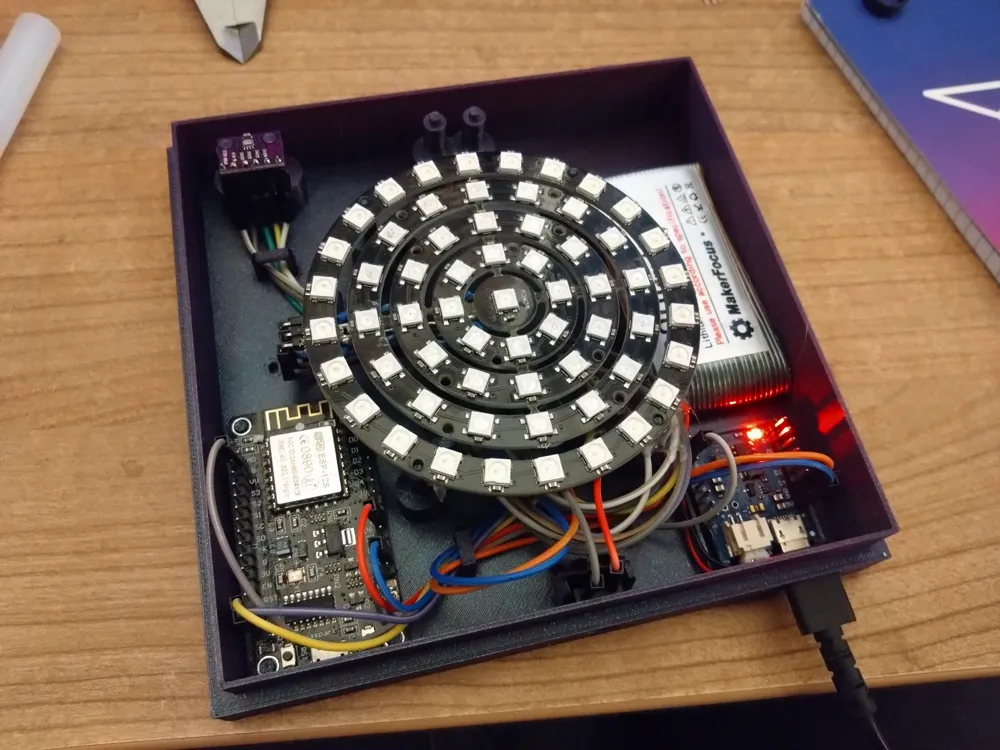
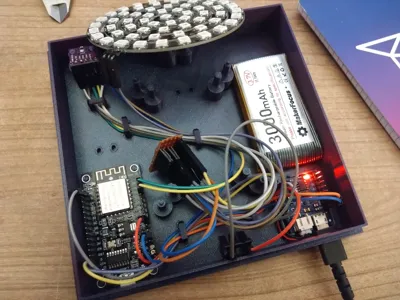
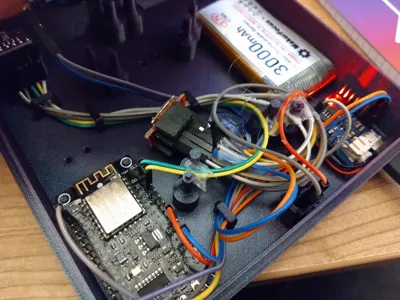
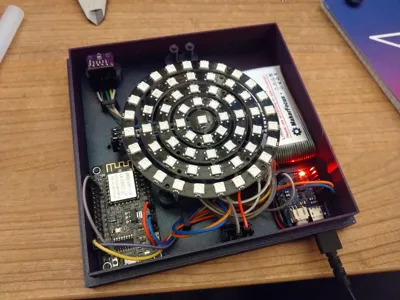
The holocron bases feature clamps for cable routing and management. Also, the support for the secret button needs a support piece, that is also fastened to the base. I also used hot glue to hold down the last pieces of wire to the ground so it would not push up the LED rings. ESP and Batttery Shield have to have their pinheaders being soldered upwards to fit into the model. That is the opposite way than usual for breadboard use!
The default light effect on startup simulates some holocron activity, the light waves randomly. You can always change the color and effect using your homeassistant dashboard as well as customizing the effects themselves.
You will need:
- ESP8266 / ESP-12E
- D1 Mini Battery Shield [link]
- LiPo Battery [link]
- Push Button
- 24-, 16-, 12-, 8- &1-bit WS2811 RGB LED Rings
- Dupont Jumper Wires
- BMP280 or BME280 Sensor
- Hot Glue
- Soldering Iron + Solder
- PCB proto boards
- Female Dupont Pin Headers
The model pictures include the wire routing, details are in the following schematic:
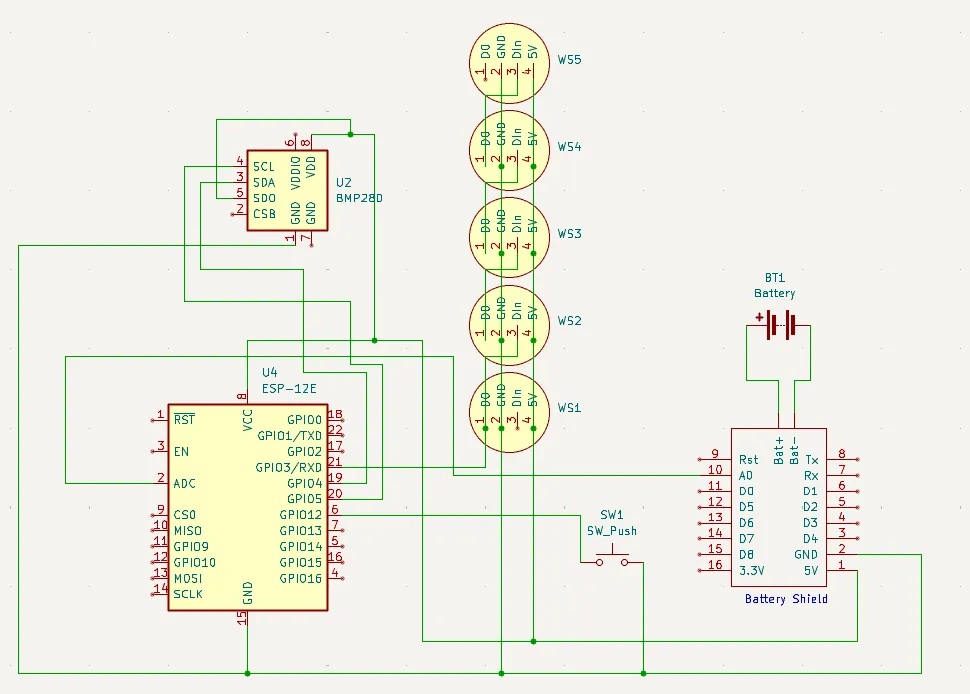
For all of my models that include supports, I highly recommend a detailing / support removal tool like the one from anish or C59. Those make use of a replacement filament cutter and have proven themselves a very valuable tool for clean and easy support removal, especially for threads.
Also, please keep in mind, that the quality of threads is highly dependent on the quality and dryness of your filament, the calibration of your printer and the print resolution. A thread printed with .2mm layer height will be way harder to thread nicely and will require more force, than a thread printed at .08mm or .12mm layer height. Also, the Arachne wall generator does contribute a lot to precise threads. If you need more part strength, increase the number of walls, make use of the alternate extra wall feature and DO NOT use PLA.
If you like my work and want to support me, please consider boosting or buying me a coffee :)

Boost Me (for free)
I you like my work, please hit boost or consider buying me a coffee - this helps this project to reach more makers and new designs coming as I am able to afford new prototyping filament. Thank you!
Documentation (2)
License



Comment & Rating (0)