
Washer and Joint Generator for screws and pins
Print Profile(1)

Description
READ THE DESCRIPTION 👇
Boost Me (for free)
❤️ If you loved it, Boost it! 🚀
This generator, created in Fusion 360, allows you to create washers as well as two-screw joints.
They are based on the millimeter system, completely parametric and customizable.
I created this project to have different types and sizes of joints for furniture repair, so I set out to create parametric files for future customizations.
The joints, in particular, can also serve as spacers for very long pins.
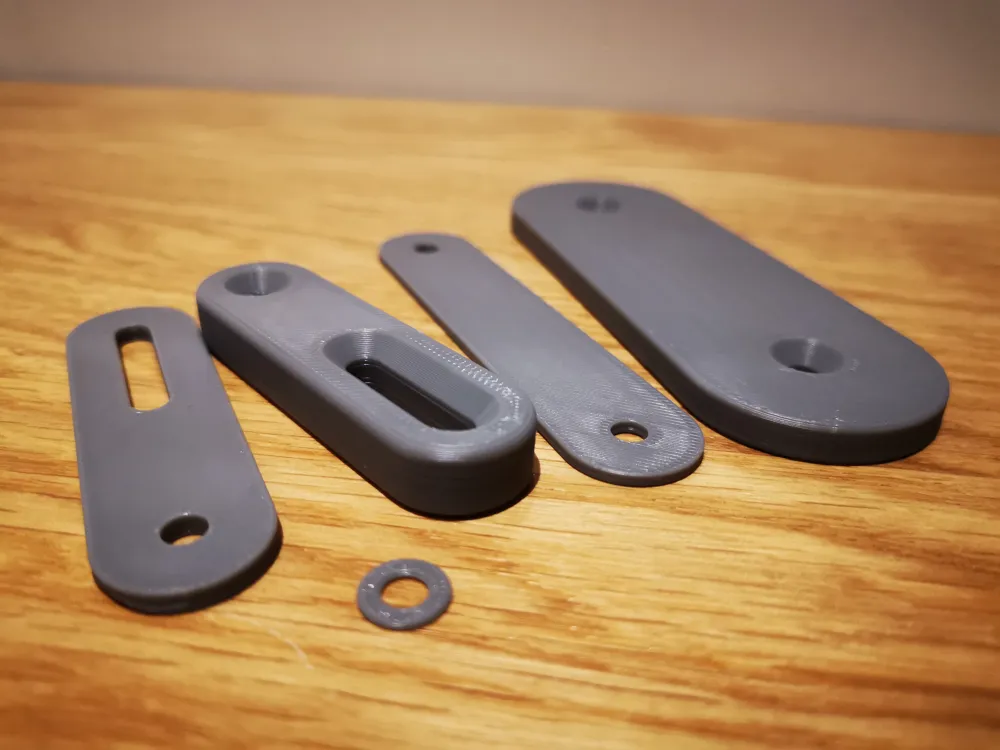
The types of generators I have created are:
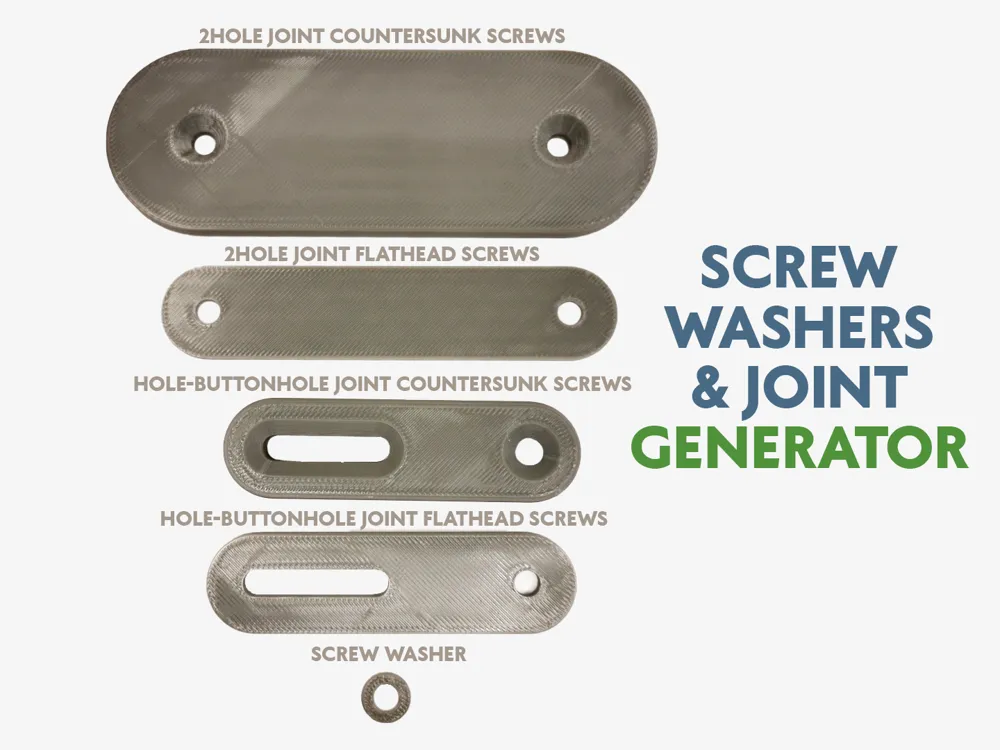
- WASHER generator for screws and pins: you can set the thickness, diameter, and hole width
- JOINT generator for flat-head screws and pins: you can set the distance between holes (center-to-center), the joint width, the hole width, the joint thickness
- JOINT generator for countersunk-head screws and pins: you can set the distance between holes (center-to-center), the joint width, the hole width, the joint thickness
- JOINT generator for flat-head screws and pins with slot: the characteristic of these is having a slot to insert a screw or pin at different distances or in a movable way. Very useful for sliding, for example. You can set the distance between hole and slot, the slot length, the joint width, the hole width, the joint thickness.
- JOINT generator for countersunk-head screws and pins with slot: the characteristic of these is having a slot to insert a screw or pin at different distances or in a movable way. Very useful for sliding, for example. You can set the distance between hole and slot, the slot length, the joint width, the hole width, the joint thickness.
▄▄▄▄▄▄▄▄▄▄▄▄▄▄▄▄▄▄▄▄▄▄▄▄▄▄▄▄▄▄▄▄▄▄▄▄▄▄▄▄▄▄▄▄▄▄▄
Useful tips for optimal printing:
ALWAYS DRY the filament and keep the bed CLEAN
check the EXTRUDER TIGHTENING
I STRIVE to create useful or fun objects If it was worth it for you, reward my time:
Boost Me (for free)
❤️Fuel my passion ✨
See my other works on my PROFILE: https://makerworld.com/en/@kaledo
▄▄▄▄▄▄▄▄▄▄▄▄▄▄▄▄▄▄▄▄▄▄▄▄▄▄▄▄▄▄▄▄▄▄▄▄▄▄▄▄▄▄▄▄▄▄▄
License

You may create derivative works based on this object, provided that all such derivative works are published exclusively on the MakerWorld platform and include proper attribution to the original creator. You may not share, upload, host, distribute, or publish this object—or any derivative work of this object—on any other digital platform, marketplace, or distribution channel. Commercial use of this object and any derivative works is strictly prohibited. This includes, but is not limited to, selling, renting, sublicensing, or using the object in any context in which you receive monetary compensation or other financial benefits.


Comment & Rating (0)