
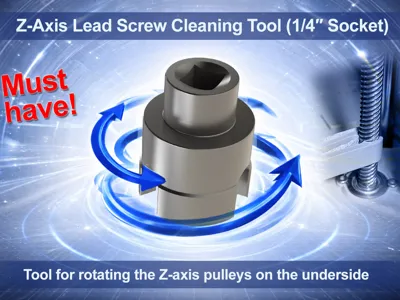
Z-axis lead screw cleaning tool (1/4" socket)
Print Profile(1)

Description
🔴 READ BEFORE USE – IMPORTANT SAFETY INSTRUCTIONS 🔴
⚠️ This tool may ONLY be used under the following conditions:
- ✅ Printer MUST be completely disconnected from power
- ✅ Z-belt MUST be installed and correctly tensioned
- ❌ Never turn individual Z-leadscrews without the belt
- ❌ Do not use high speeds
- ❌ Do not force it to the mechanical stops
👉 The Z-axis of Bambu Lab printers is moved by three leadscrews, synchronized by a common belt
Turning only a single leadscrew (e.g. without the belt) can lead to bed misalignment, tension, or mechanical damage
👉 Use cordless screwdriver exclusively at very low speed, to:
- avoid excessive induced voltage in the stepper motor
- keep mechanical stress low
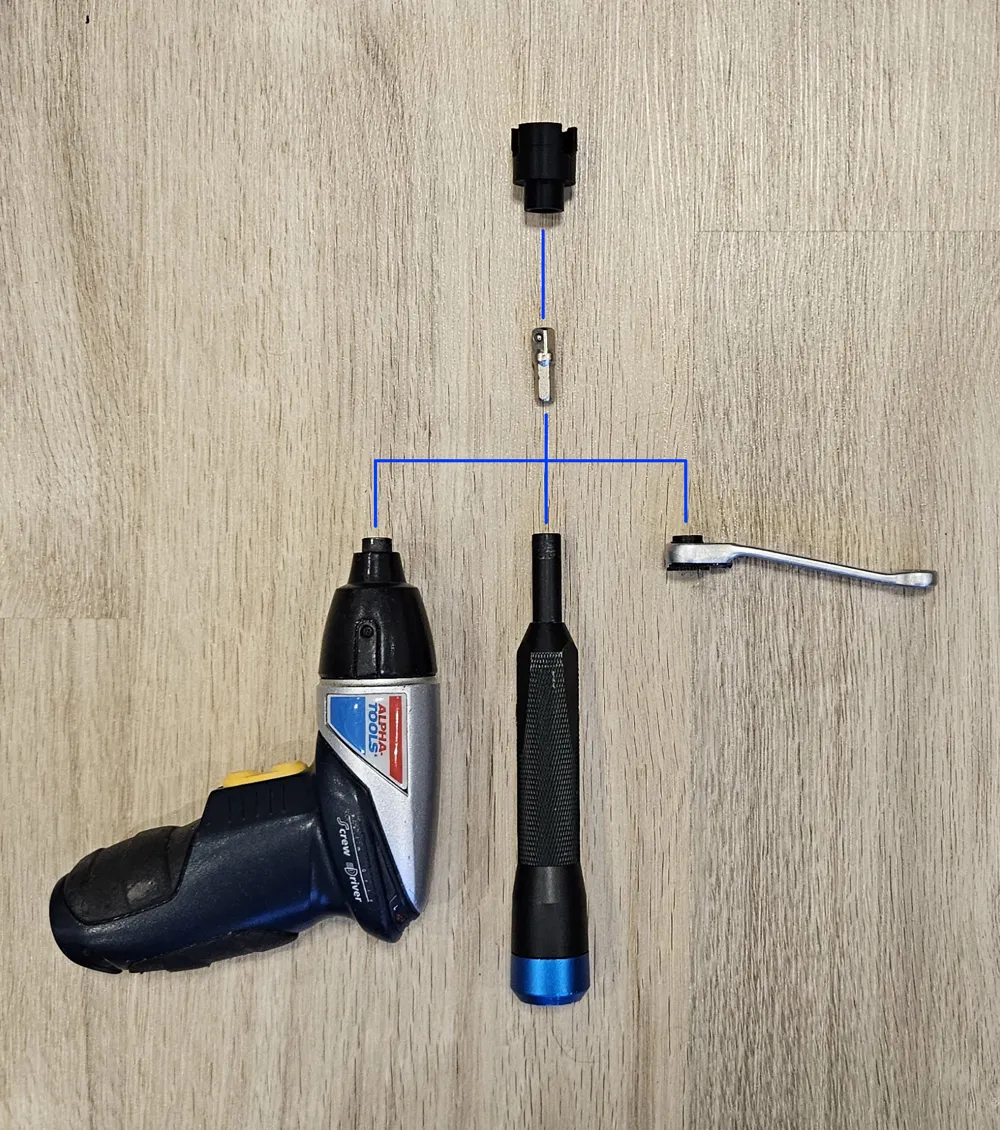
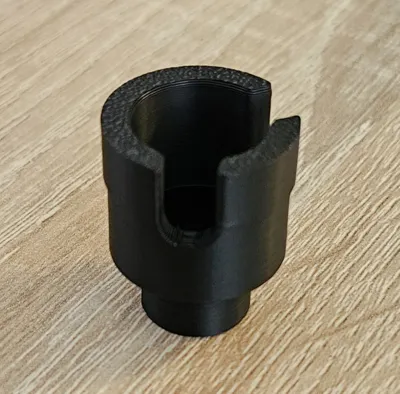
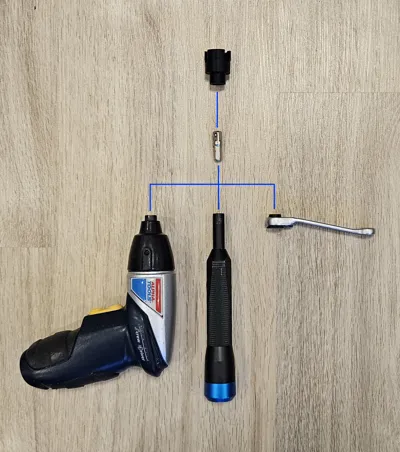
Use at your own risk. It is better to use a hand-driven tool! See last image
Boost Me (for free)
Do you like my work? Feel free to support me!
🛠️ Description
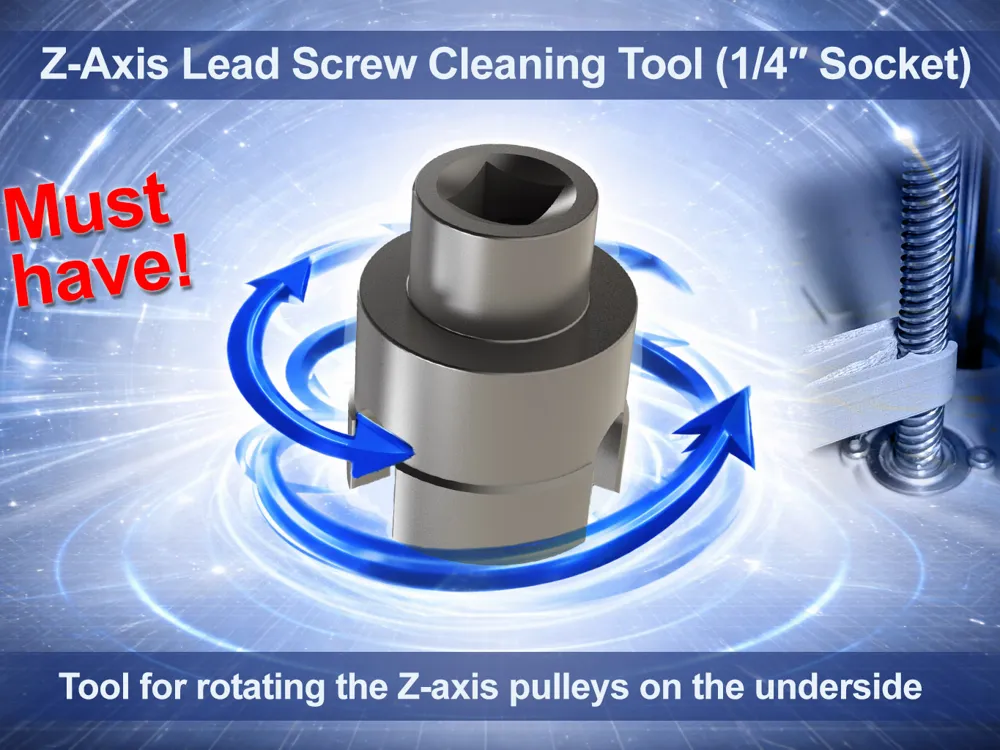
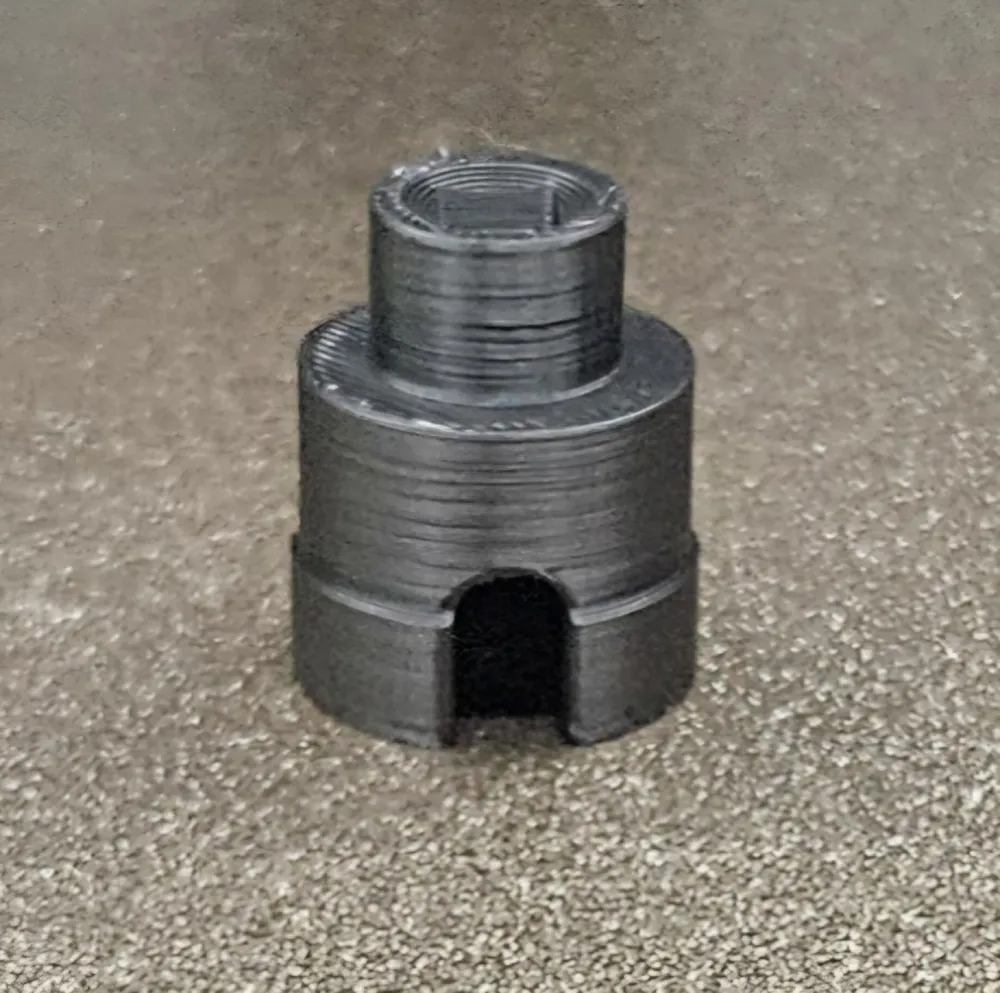
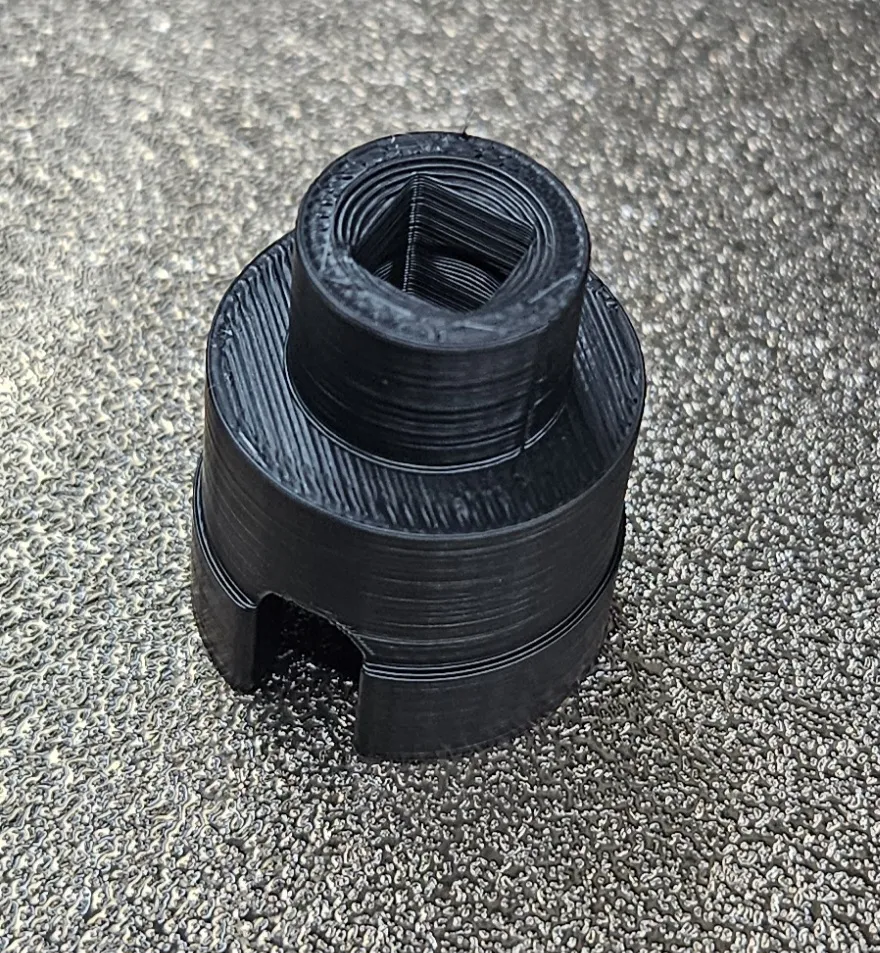
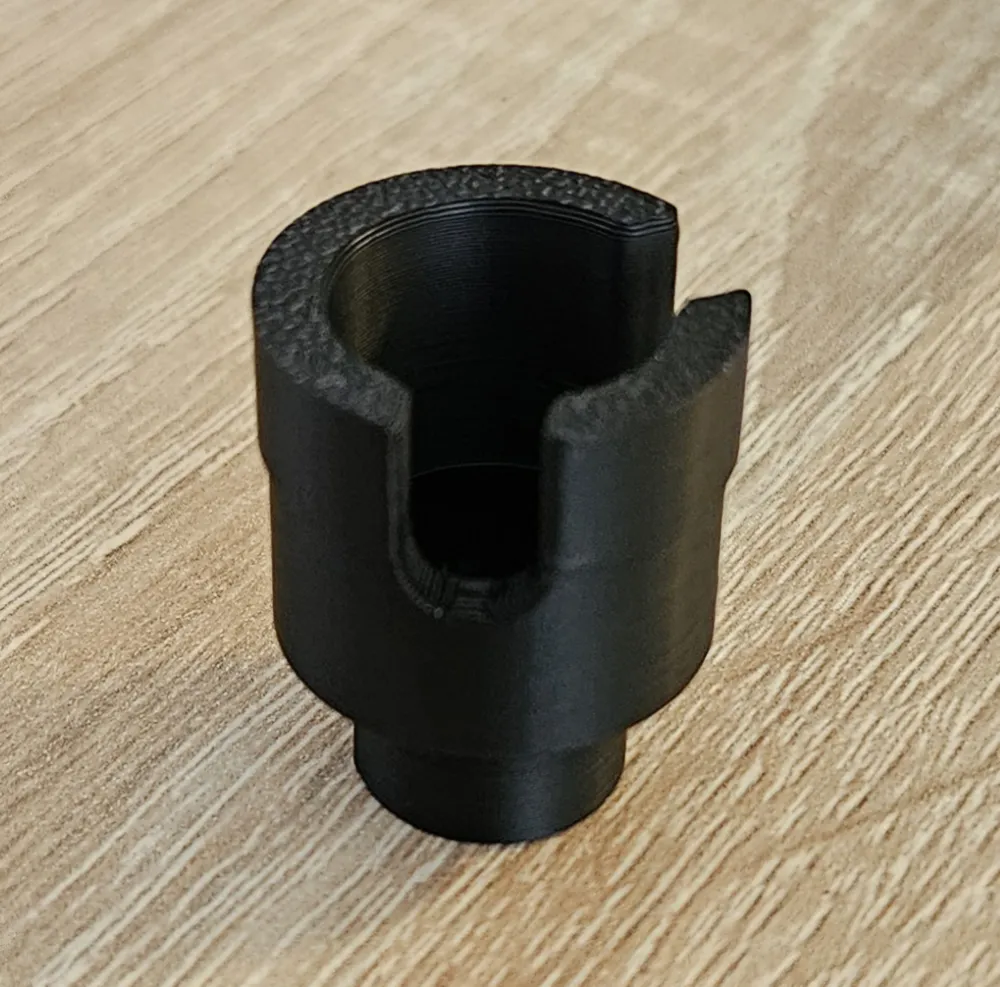
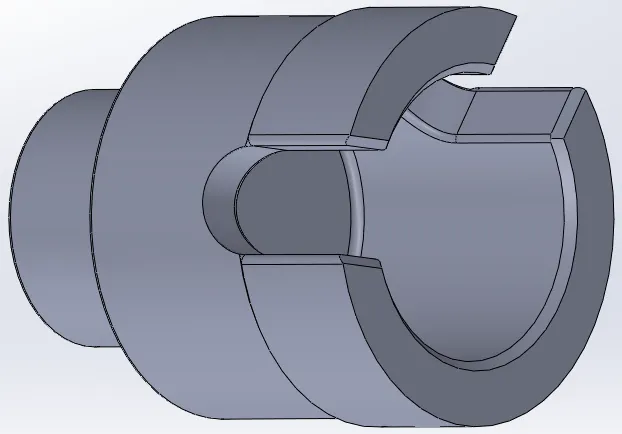
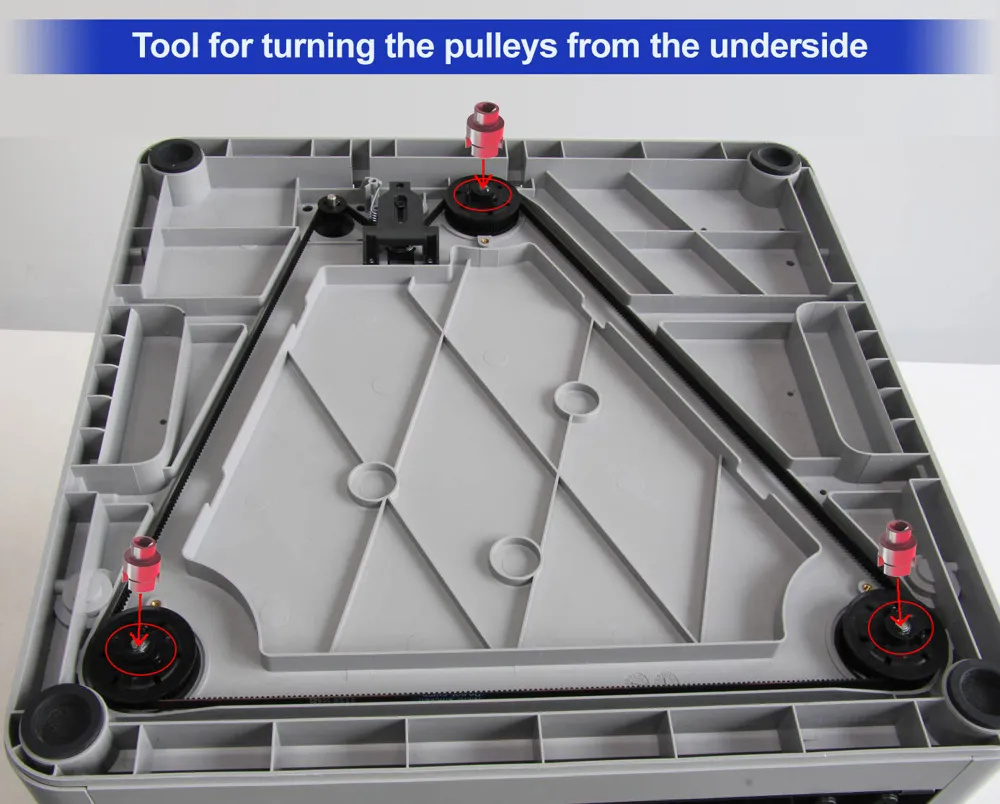
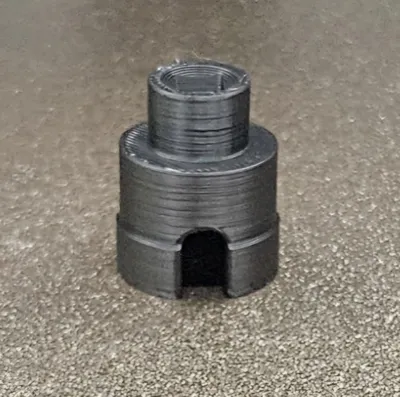
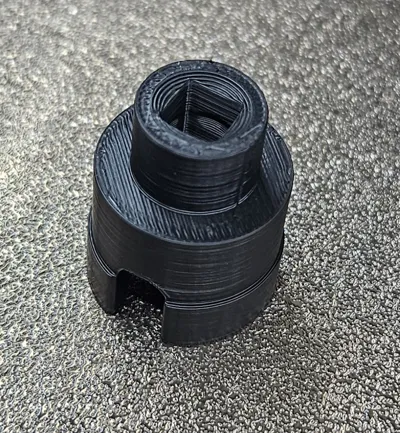
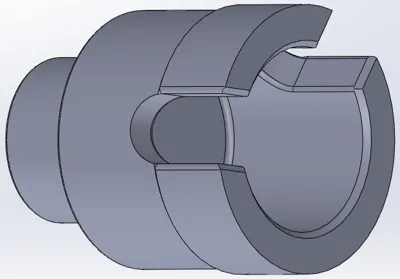
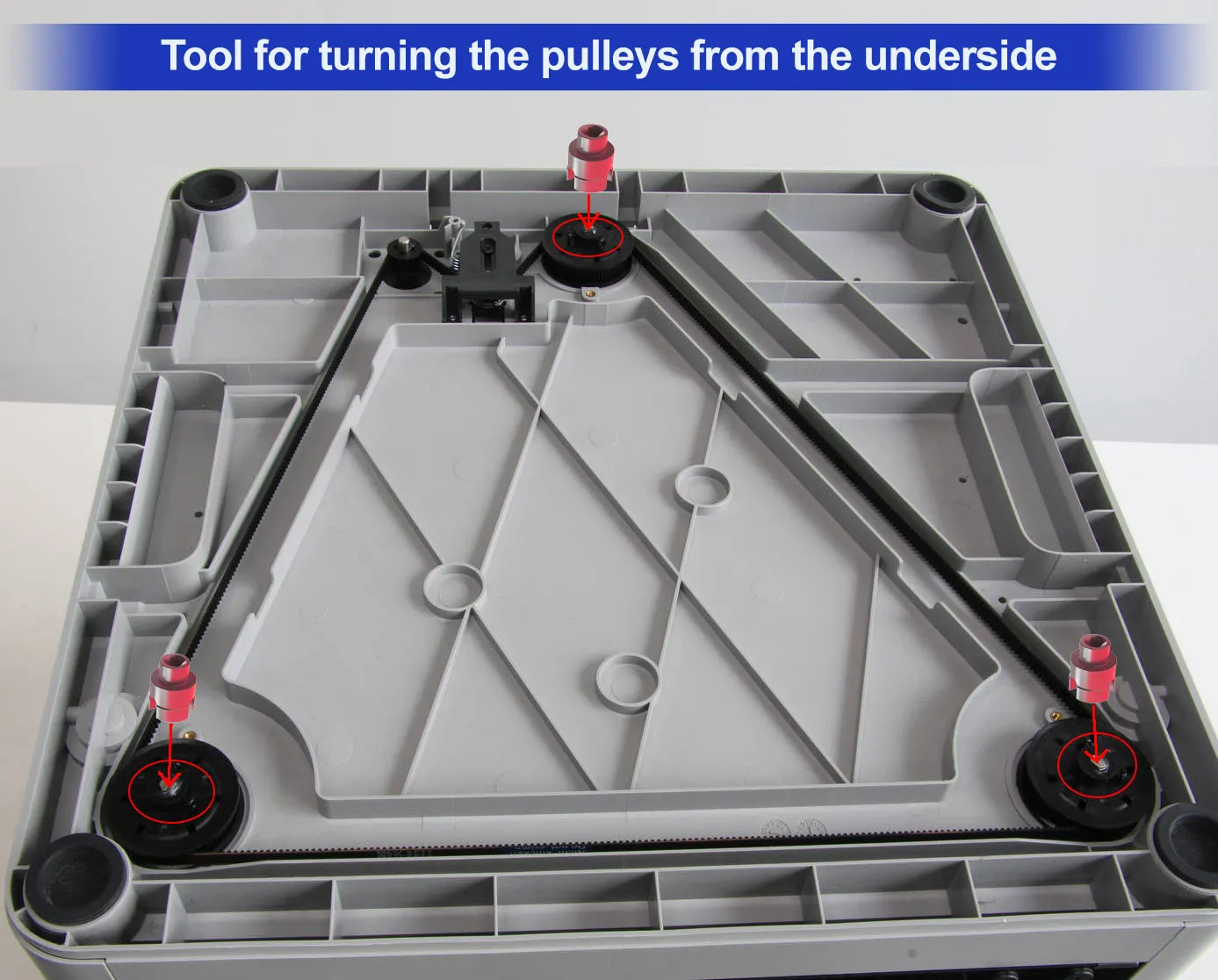
This 3D printed Z-axis leadscrew adapter with 1/4" socket connection was developed to turn the Z-leadscrews of Bambu Lab 3D printers easily, controllably, and without effort
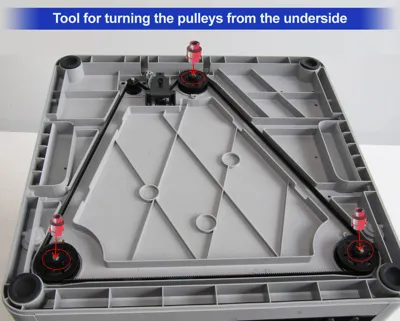
The adapter is placed onto the Z-leadscrew pulley from below and can be operated with a cordless screwdriver at a very low speed
This allows the leadscrews to be conveniently turned with the printer unplugged – ideal for cleaning, visual inspection, and lubrication of the Z-axis
✅ Compatibility
Suitable for the following models (identical or very similar Z-axis construction):
- Bambu Lab P1S
- Bambu Lab P1P
- Bambu Lab X1
- Bambu Lab X1 Carbon
💡 Note: Should also work with other Bambu Lab models like P2S, provided the Z-pulleys are identical. I look forward to your feedback on this!
🧼 Purpose
- Even turning of all Z-leadscrews for cleaning
- Removing dust, abrasion, and old lubricants
- Easy and clean application of lubricant
- Maintenance without manual cranking or effort
Perfect for regular maintenance and improving the smooth operation of the Z-axis
⚠️ Detailed Safety Instructions
❗ ALWAYS disconnect the printer from power
- Turning the leadscrews can generate electrical voltage through the stepper motors
❗ Only use with Z-belt installed and correctly tensioned
- The belt connects all three Z-leadscrews
- Only this way is it ensured that the print bed moves synchronously and without tension
❗ Use very low speed
- Ideally use hand-driven
- Cordless screwdriver only in the slowest gear
- If necessary, use torque limitation at the lowest setting!
- No impact driver!
❗ Do not use force
- Stop immediately if there is resistance
- Do not drive it to the mechanical end stops
🖨️ Print Recommendations
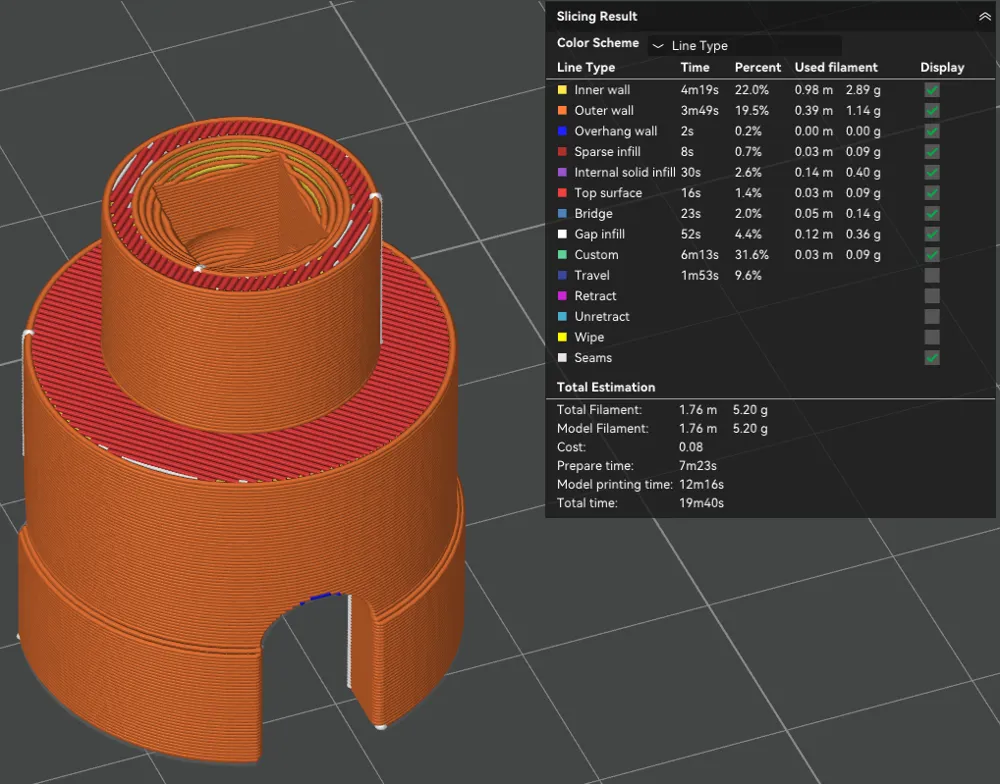
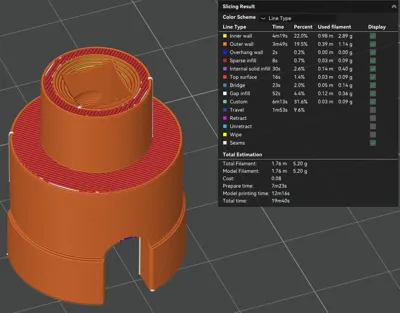
- Material: PLA+ recommended
(PETG, ABS, or ASA also possible) - Infill: ≥ 25 %
- Walls: at least 4–5 perimeter
- Print orientation: Socket side up for maximum stability
ℹ️ Legal Notice
This is not an official accessory from Bambu Lab, but a community maintenance tool, developed for private use
If the model helps you, I would appreciate a Boost, a Like, or a rating with a photo of your make!
License



Comment & Rating (0)