
Medium-Duty Dead-Blow Hammer
Print Profile(2)


Description
Medium-Duty Dead-Blow Hammer
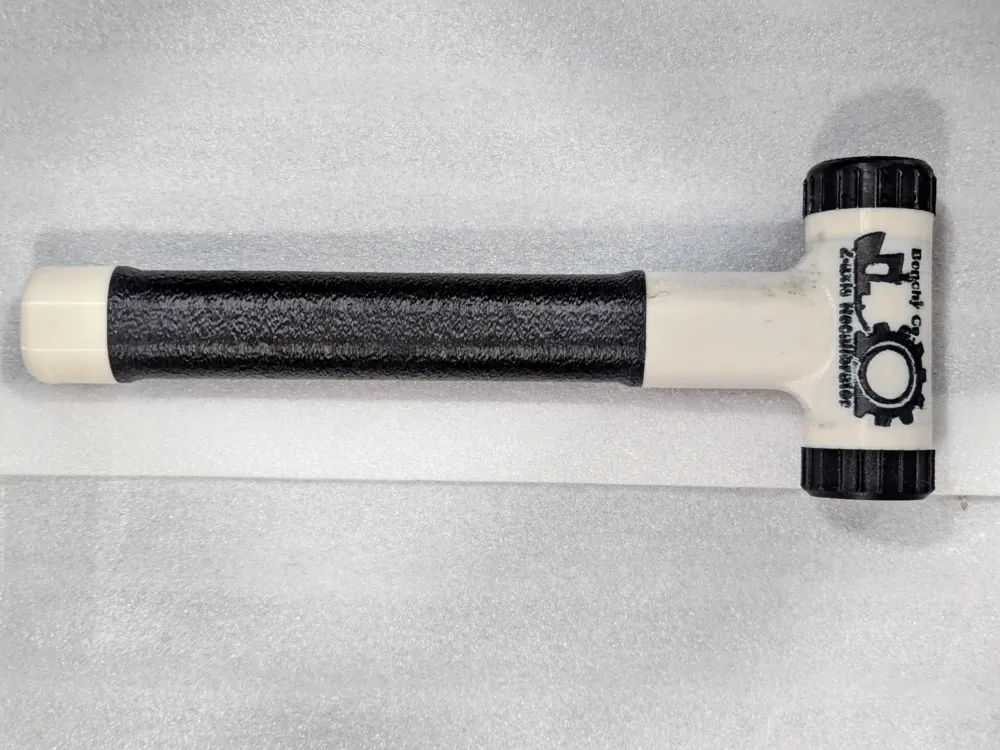
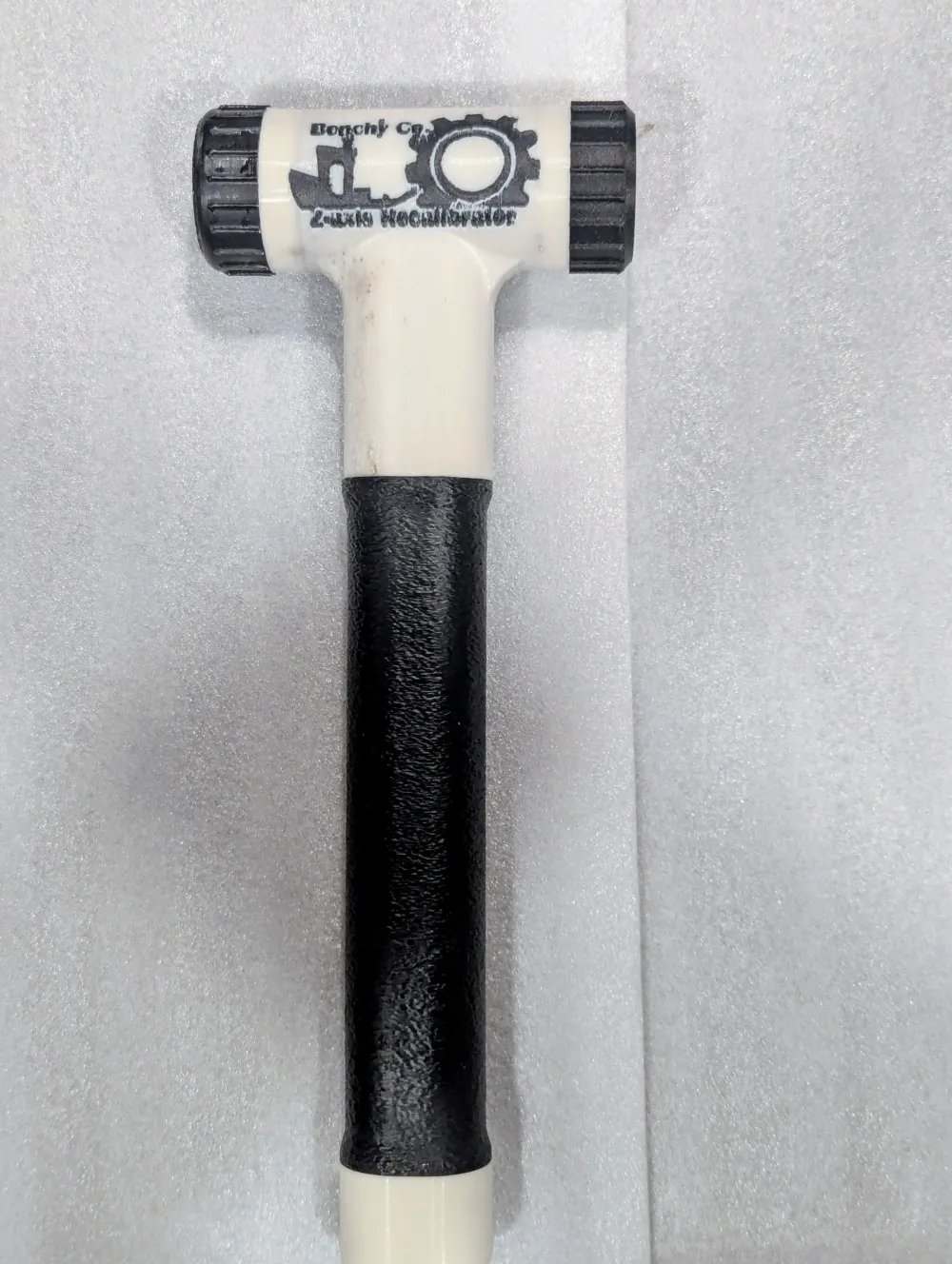
Durability, function, and comfort come together with the professional-grade Benchy Co. Z-axis Recalibrator. At 310mm (12.2") assembled length and between ~300g (ABS based) to 350g in weight (before dead-blow media is added), this hammer comfortably serves medium-duty use cases. Designed with a hollow core and all-wall (no infill) shell, it offers excellent strength and stiffness for its weight. Strike faces can be screwed into each side of the head, permitting both soft and hard sides as well as their serviceability. The handle is ergonomically shaped and coated with Benchy Co. FuzzyGrip(TM) TPU for worker satisfaction.
Recommendations and Notes:
Impact strength is highly dependent on material use, with typical PLA and PETG being brittle for these purposes. A PLA alloy designed for impact strength (such as Bambu PLA Tough+) is recommended for those without a heated chamber or means to use tough engineering filaments.
To generate a dead-blow effect, install one strike face and then fill the chamber to approximately 60% height between threads (ideally with heavy media like steel slingshot balls).
The screw, used to fasten the end cap to the bottom of the hammer, has been rendered a multi-part object in the slicer to allow scaling the hex head slot or thread width without scaling the whole screw. Under Process-->Objects-->Plate 4-->End Cap Screw.stl, select the relevant subcomponent part and adjust the scale of the X and Y axes as needed.
The "soft strike face" on Plate 2 is set up for TPU95A with 30% infill for much of the body. On Plate 5, if preferred, there is a moderate rigidity TPU strike face that has no infill and is dense throughout.
As the picture of my print unfortunately shows, the graphic's text has poor legibility when a 0.6mm nozzle is used. If decent text quality is desired, a 0.4mm nozzle and reduced layer heights is recommended. Note: the downloadable profiles didn't save my variable layer height specification, and the “Adaptive” button in “Variable layer height” for the Plate 1 object must be clicked for the intended level of detail, if desired.
License



Comment & Rating (0)