
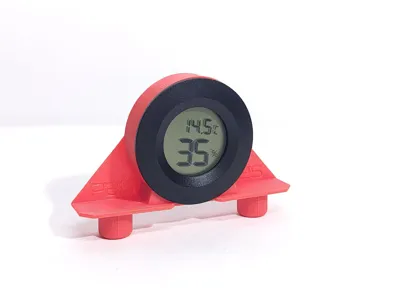
Internal Hygrometer sensor holder X Bambu printer
Print Profile(3)


Bill of Materials





Description
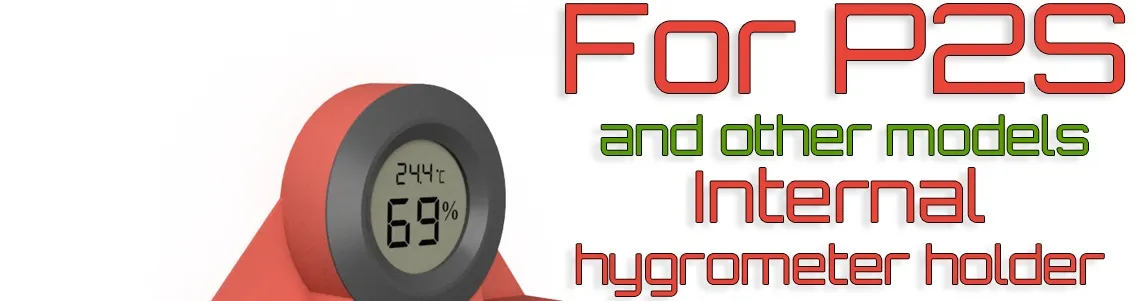
Internal Hygrometer sensor holder X Bambu printer
I had already designed another humidity-temperature sensor holder to be mounted behind the glass door handle of our printers, you can find it here:
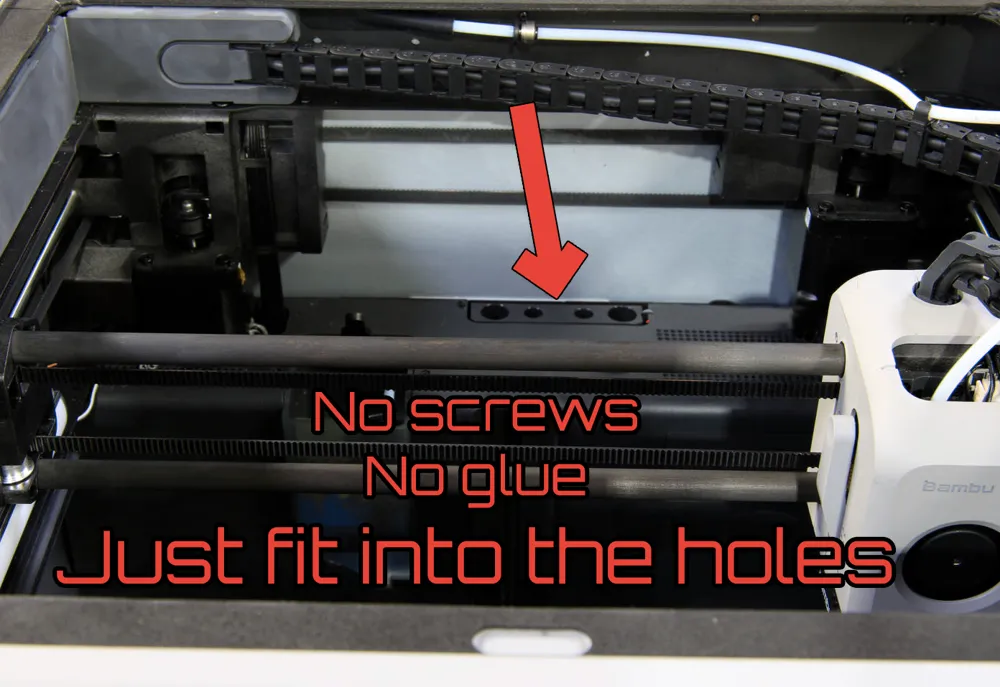
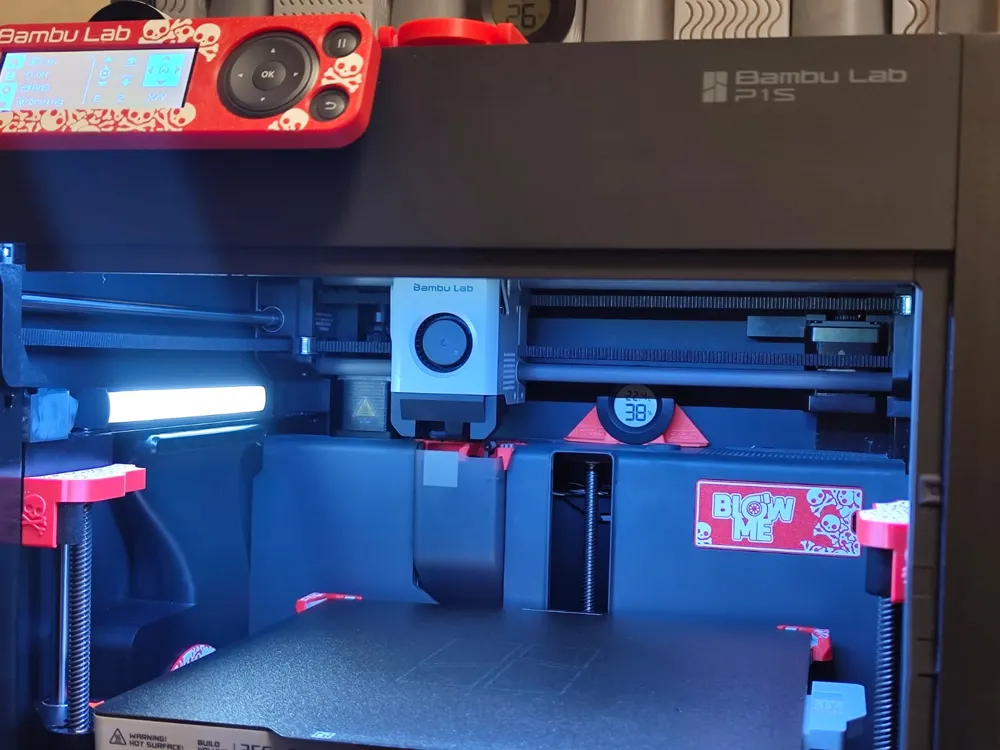
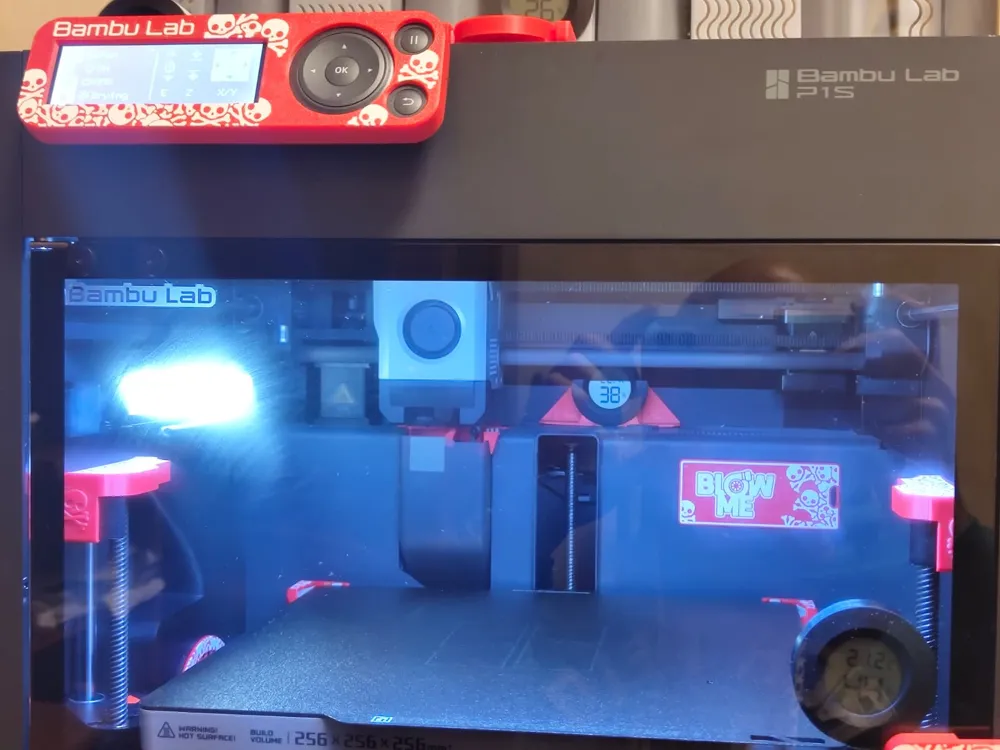
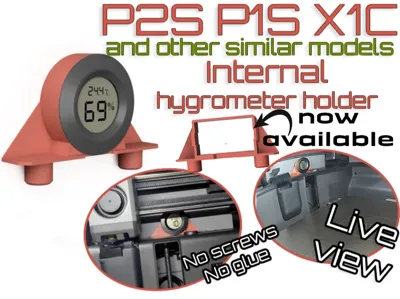
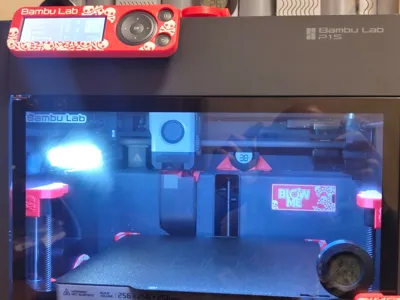
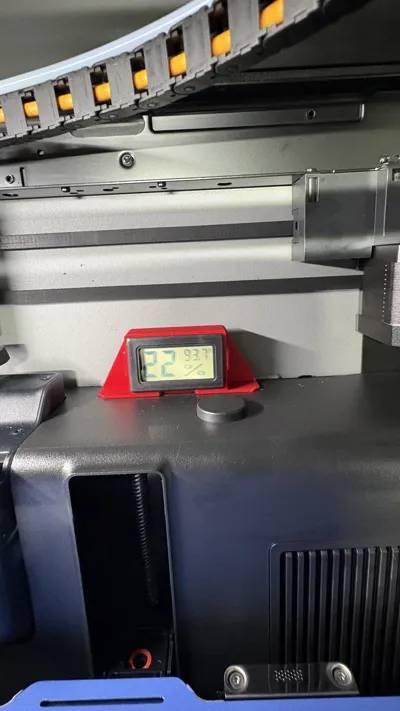
However, as several users complained, if the printer is not positioned high enough and with good external lighting, the reflection from the glass door combined with the unlit LCD display of the sensor made reading the sensor difficult. So, I designed this new sensor holder to be mounted internally at the back of the printer, utilizing the holes that everyone wants to cover to prevent filament pieces from getting inside
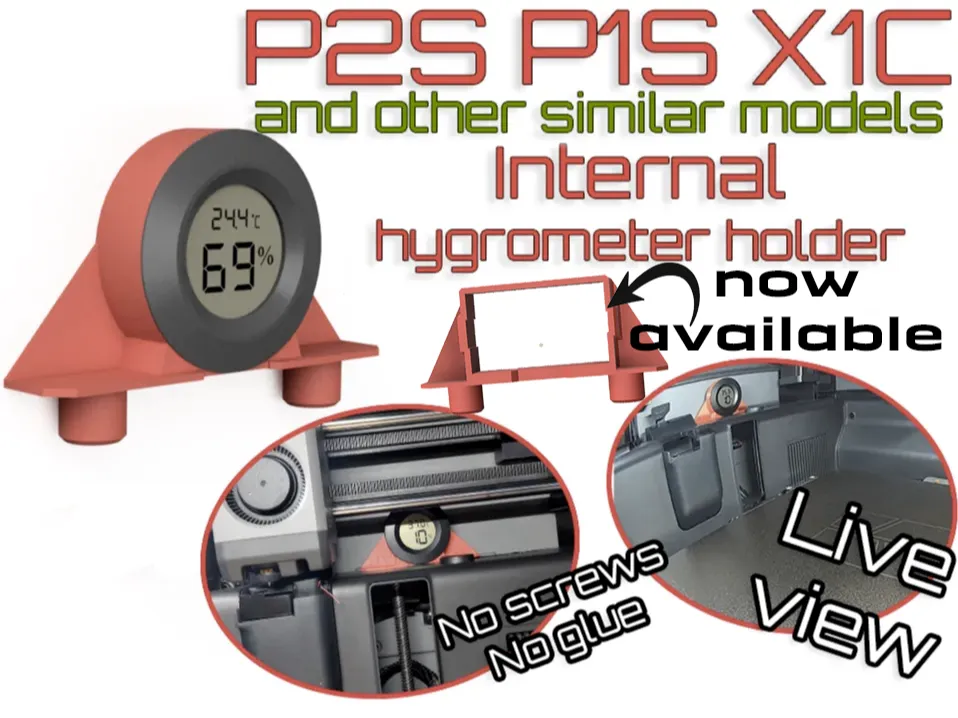
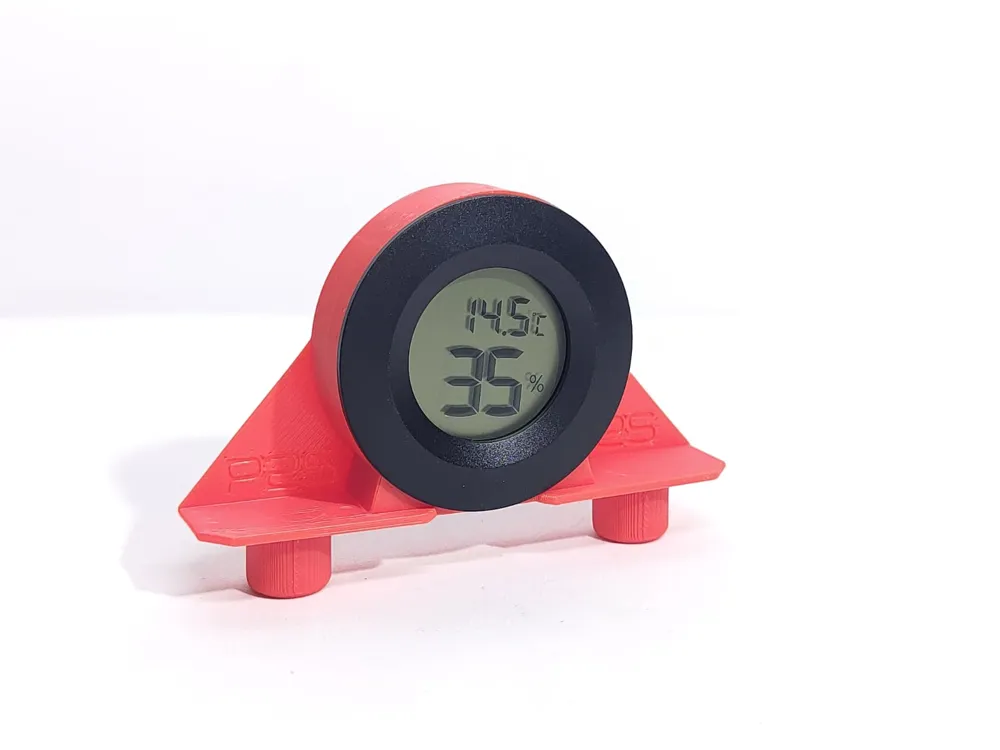
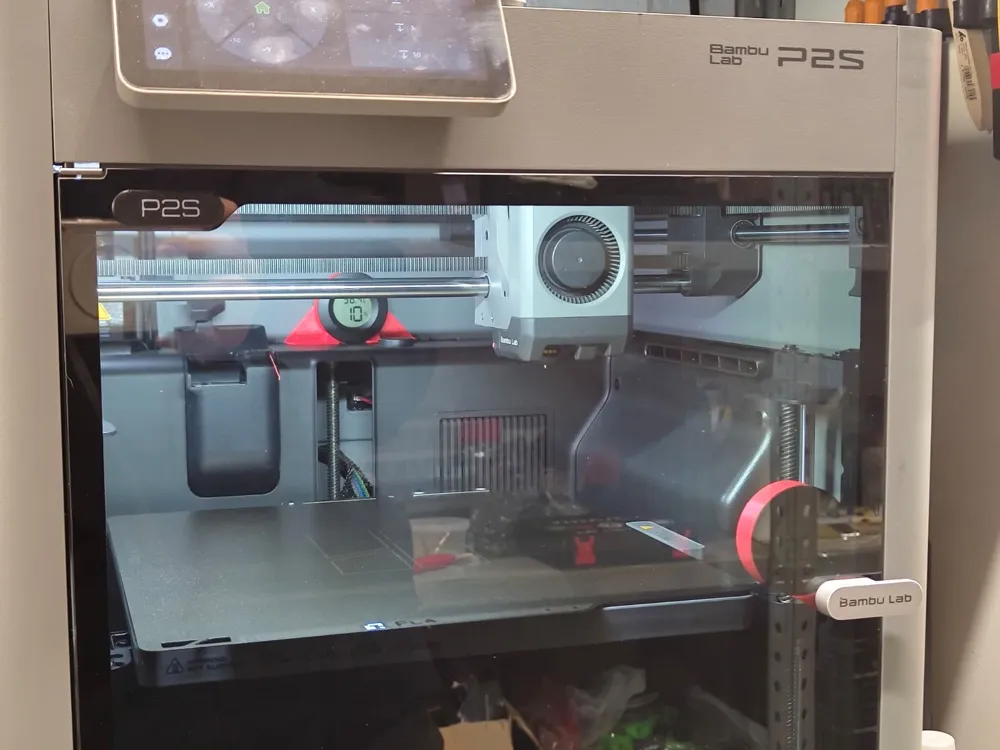
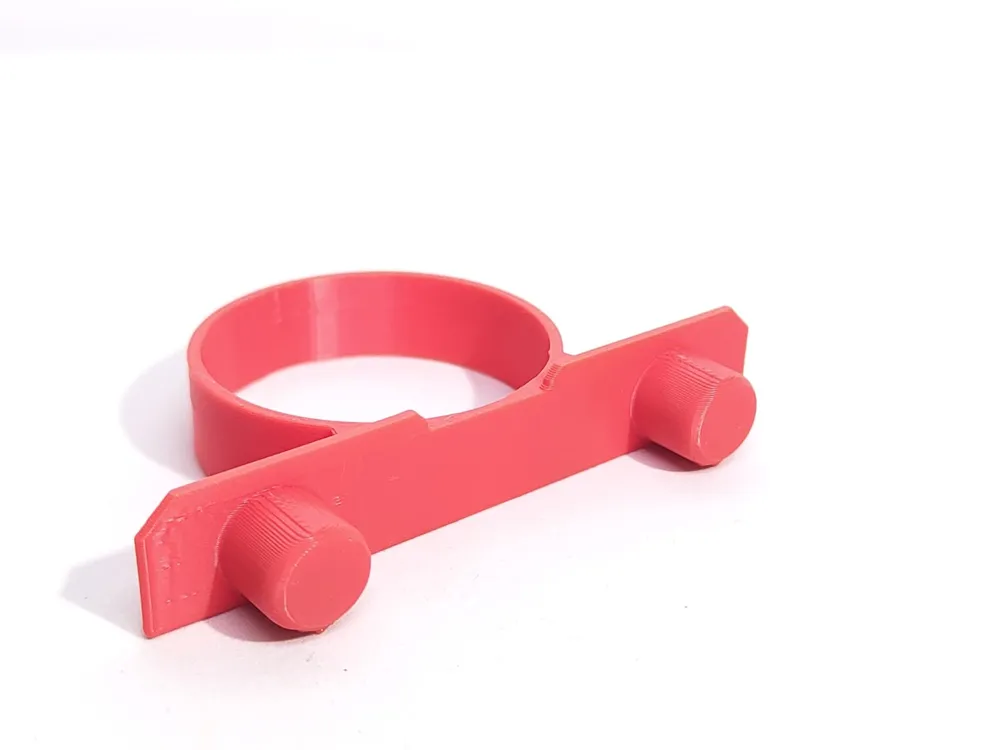
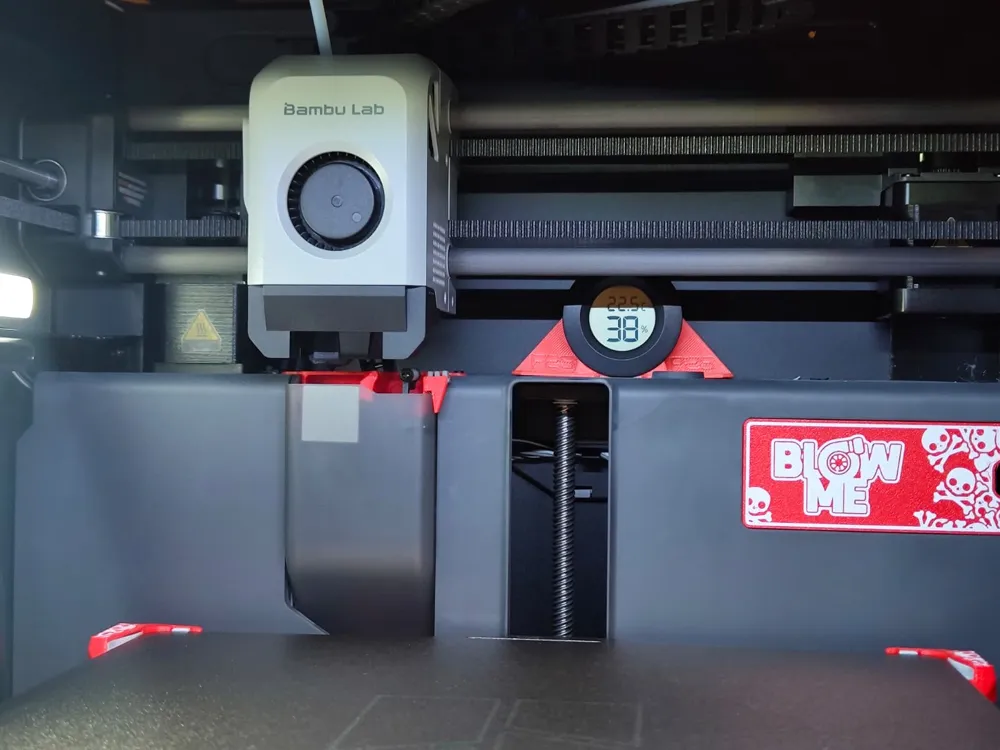
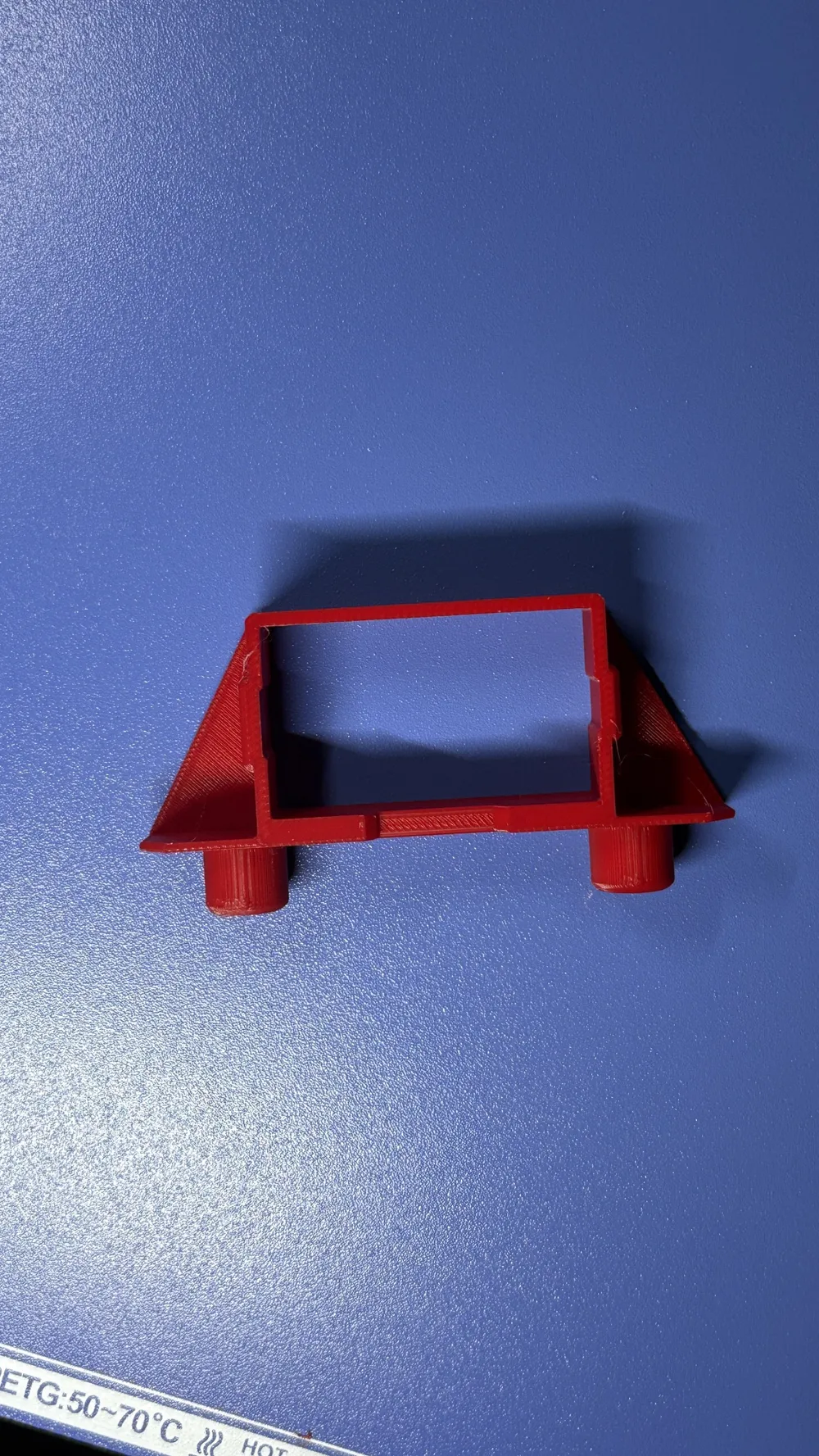
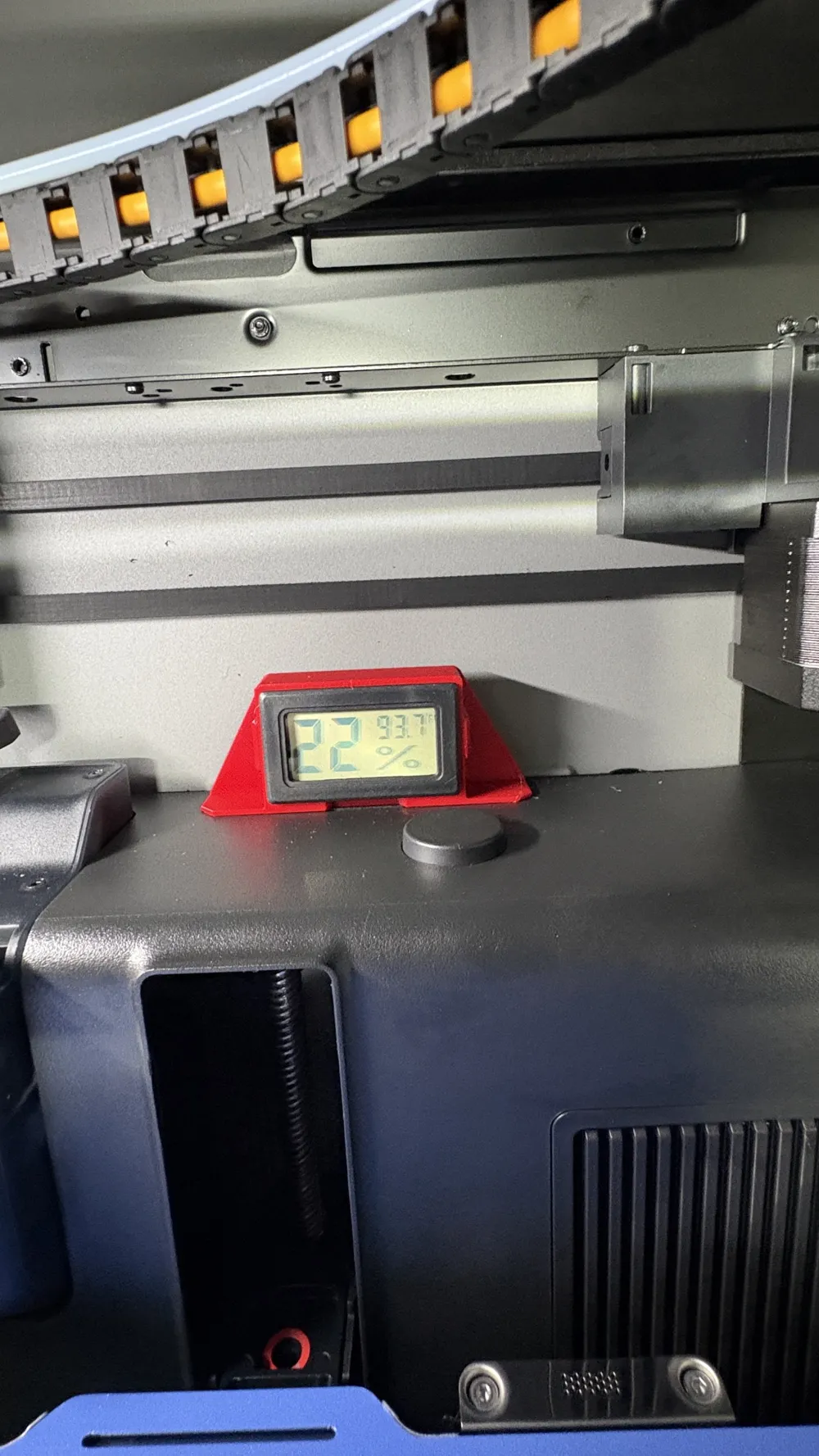
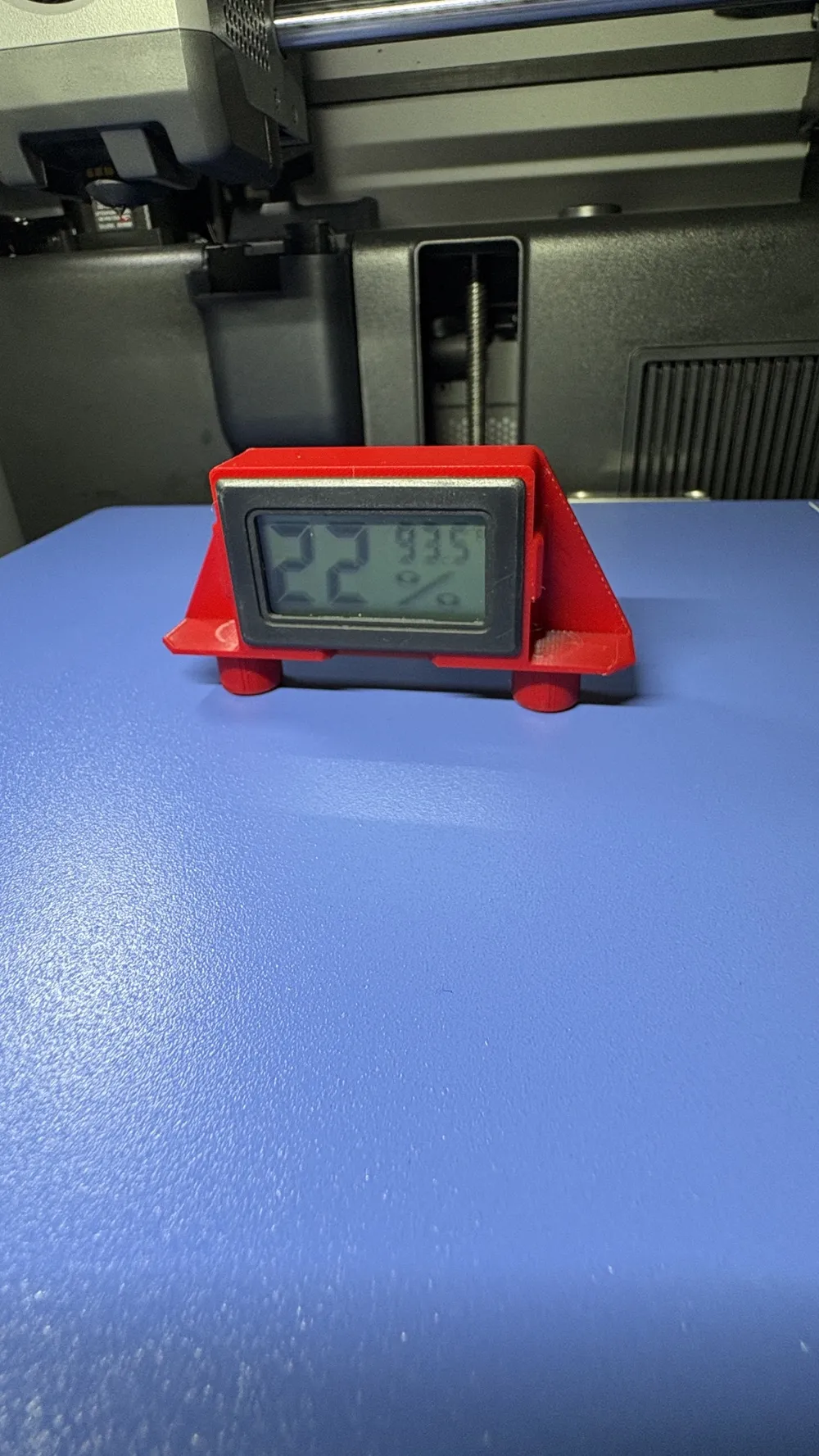
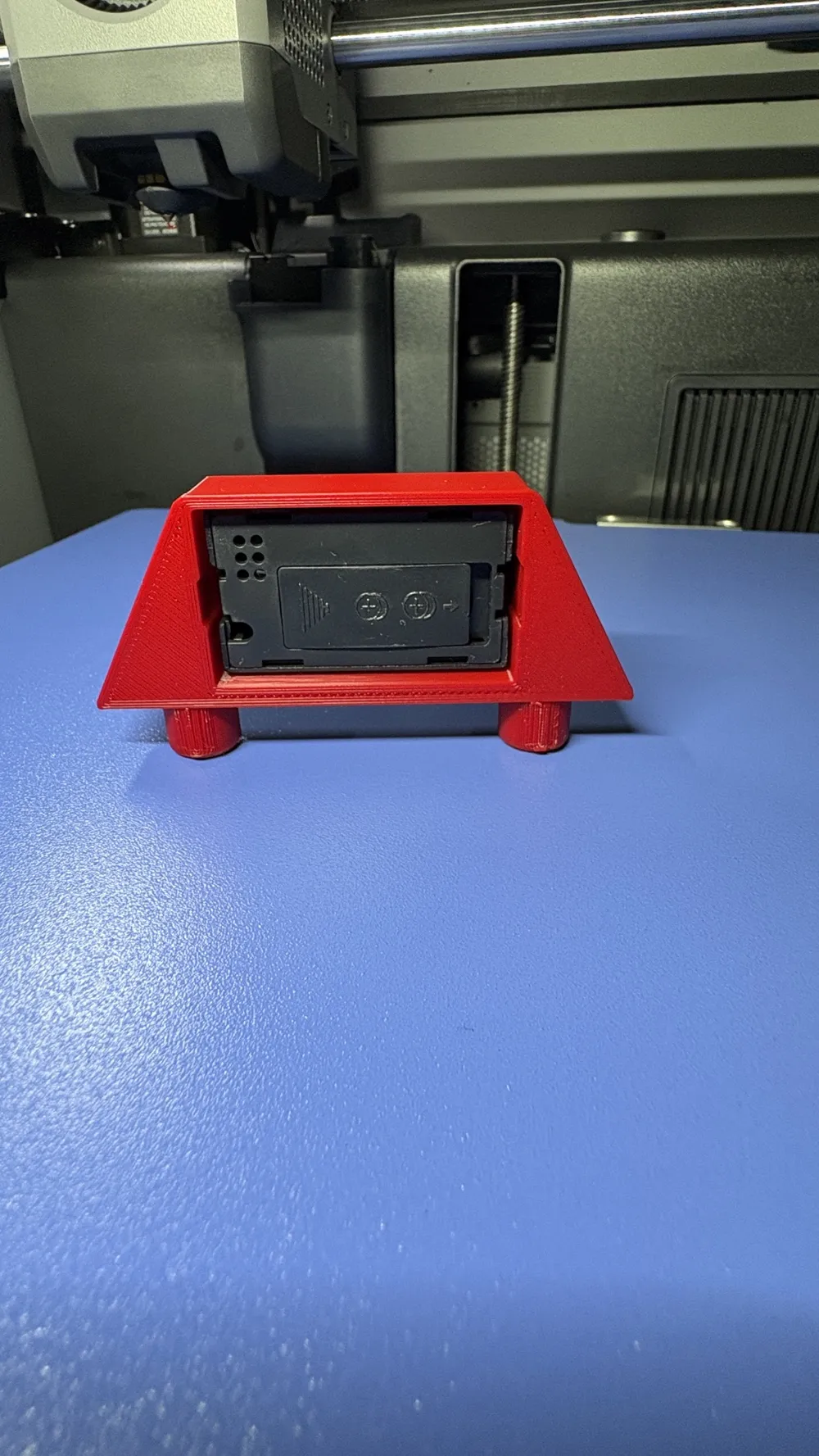
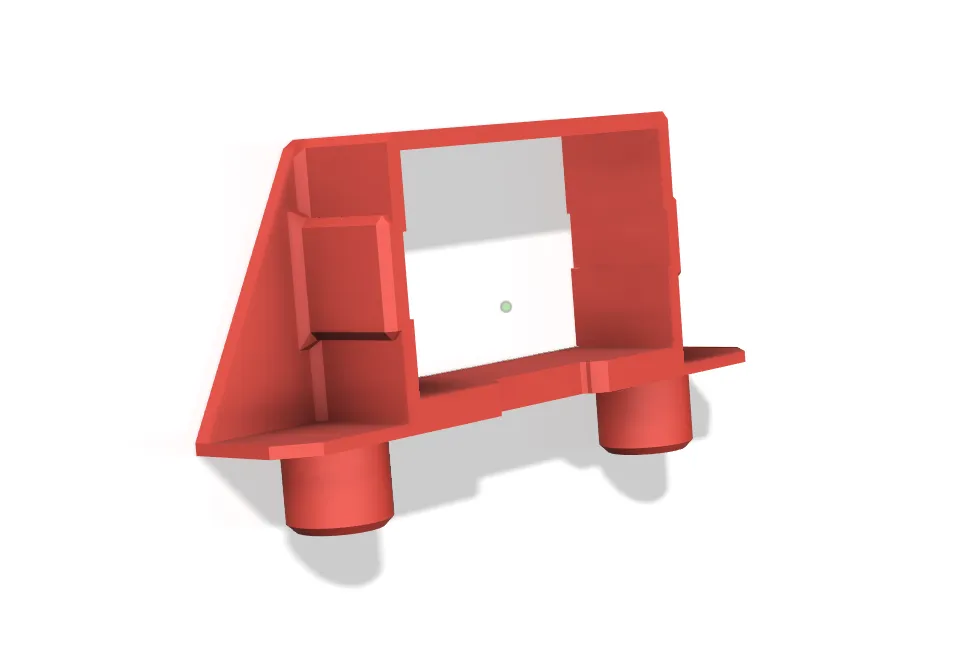
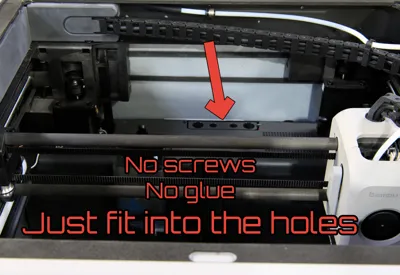
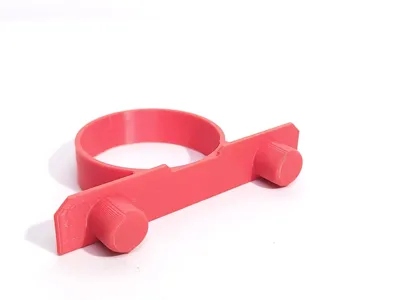
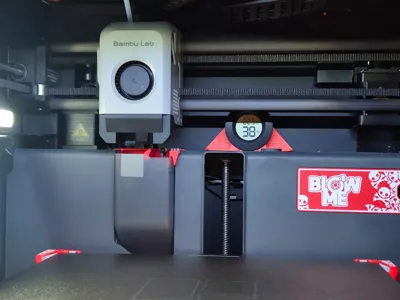
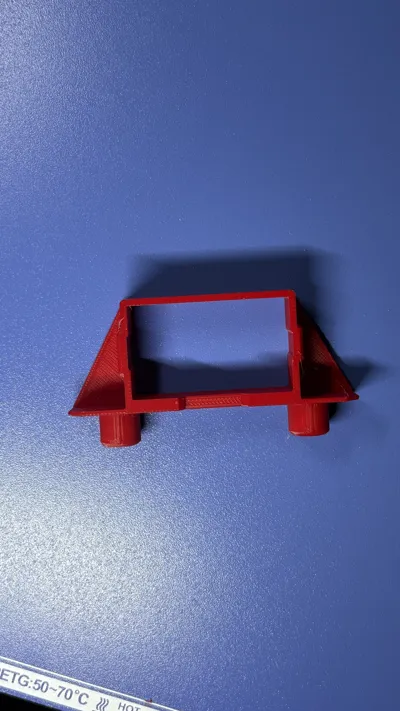
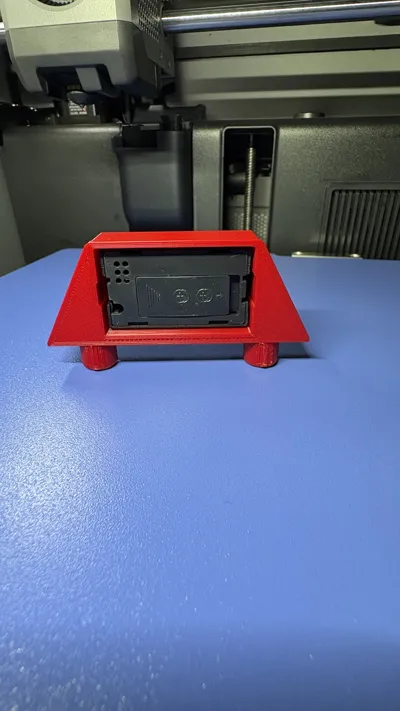
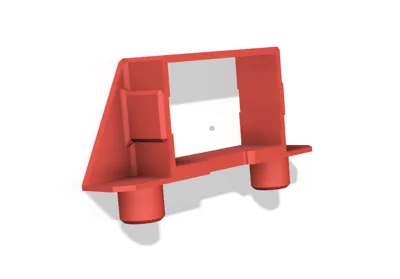
The new humidity sensor holder is very easy to install, no screws or glue are needed, just insert the two pins into the 2 holes next to the filament purge chute. There will be no interference with the print head or the belts; everything has been designed to take up as little space as possible
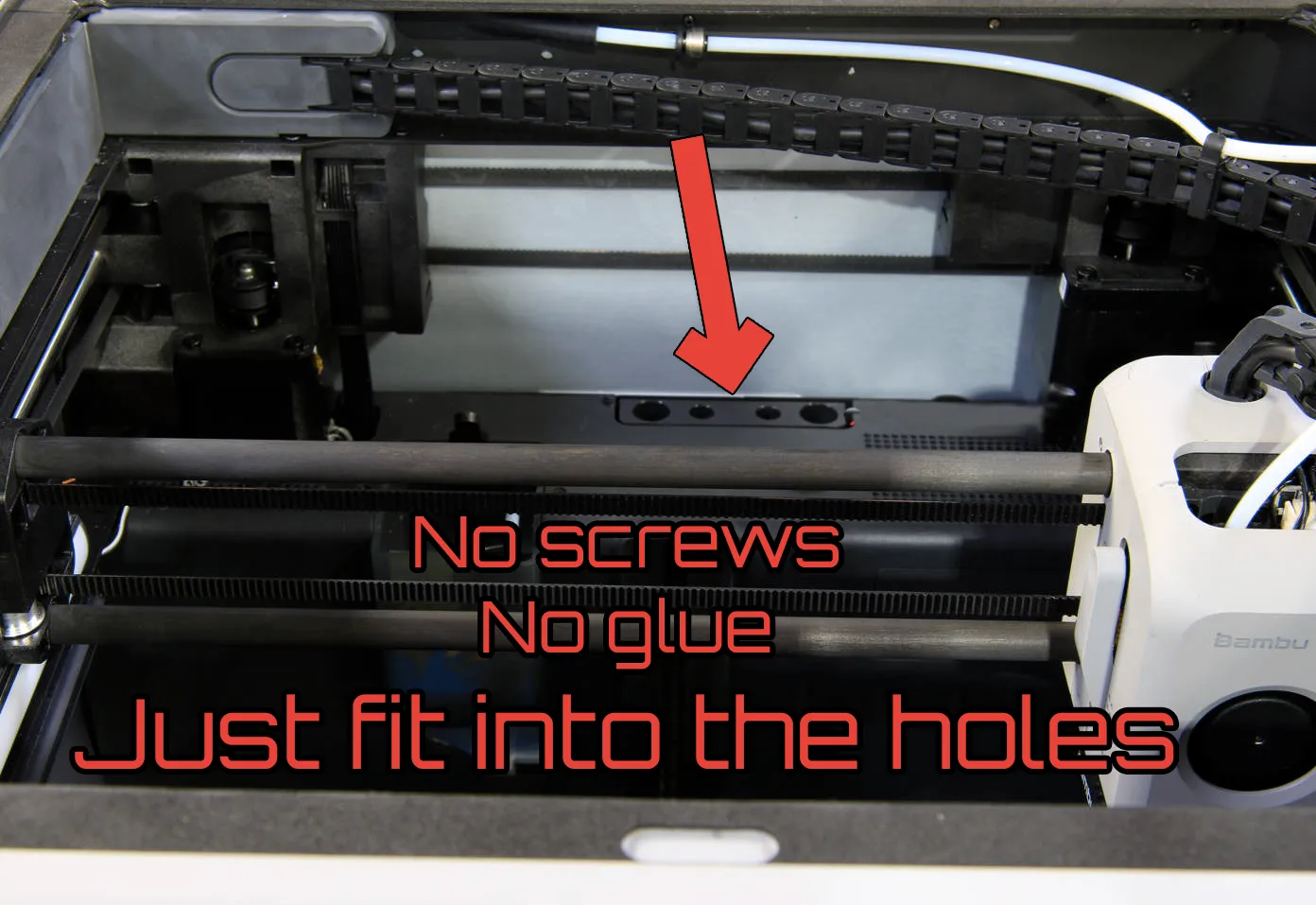
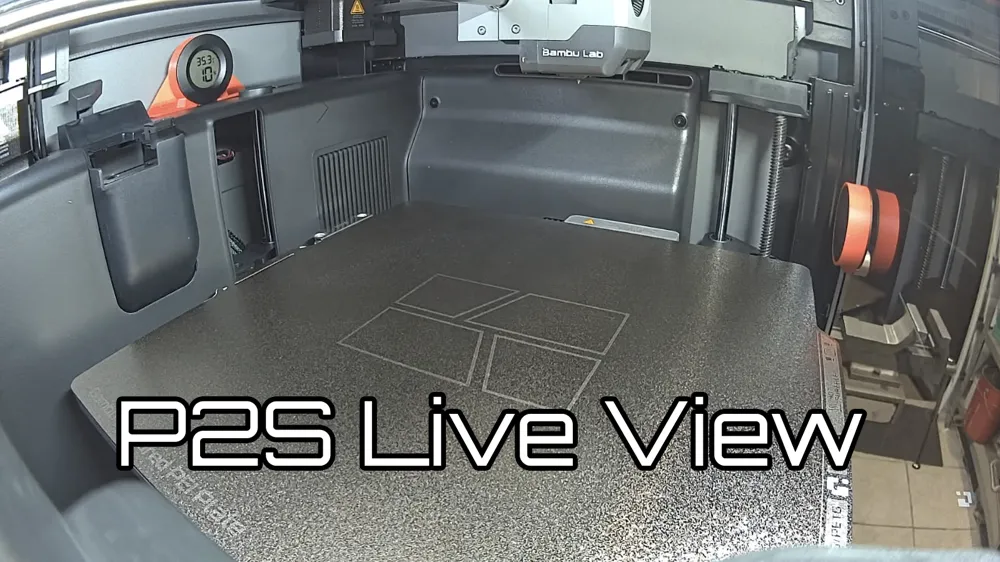
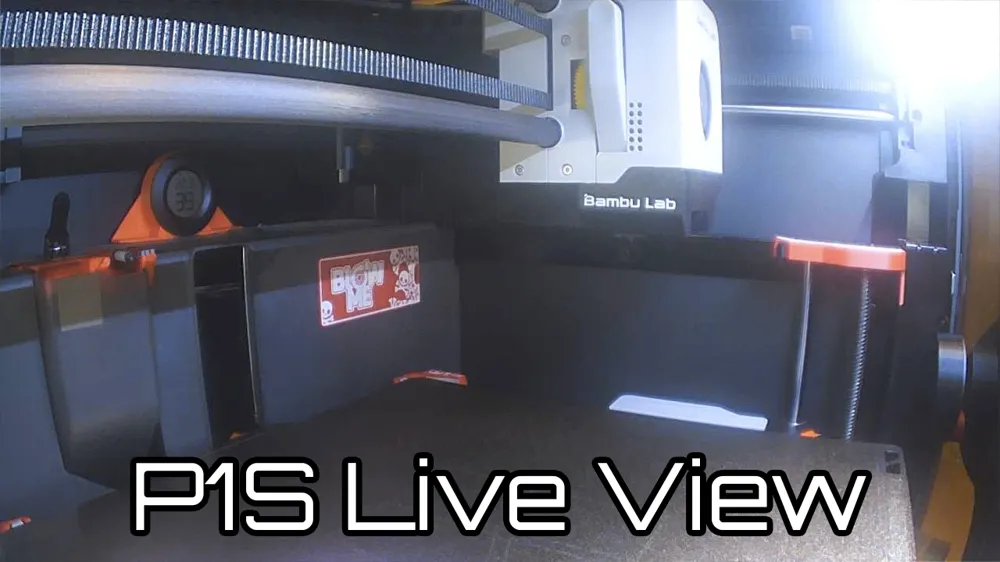
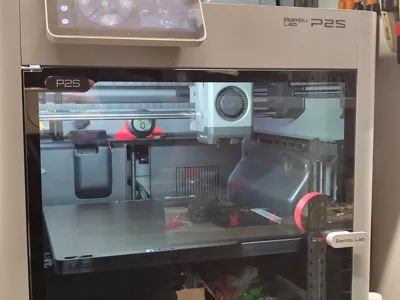
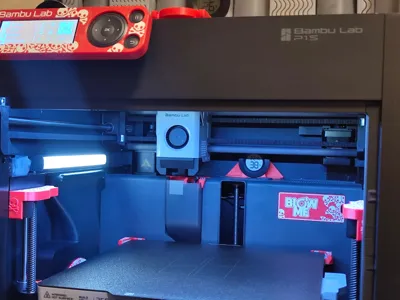
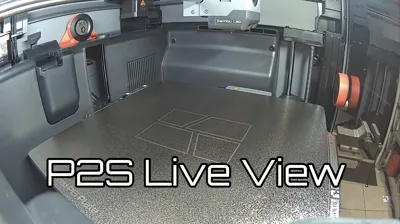
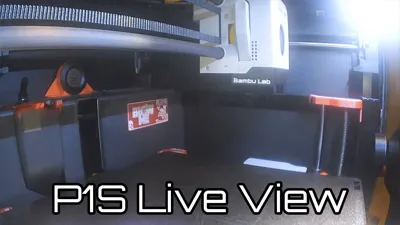
The placement allows the sensor to be illuminated by the printer's internal lighting, making it readable even from the camera during remote connection
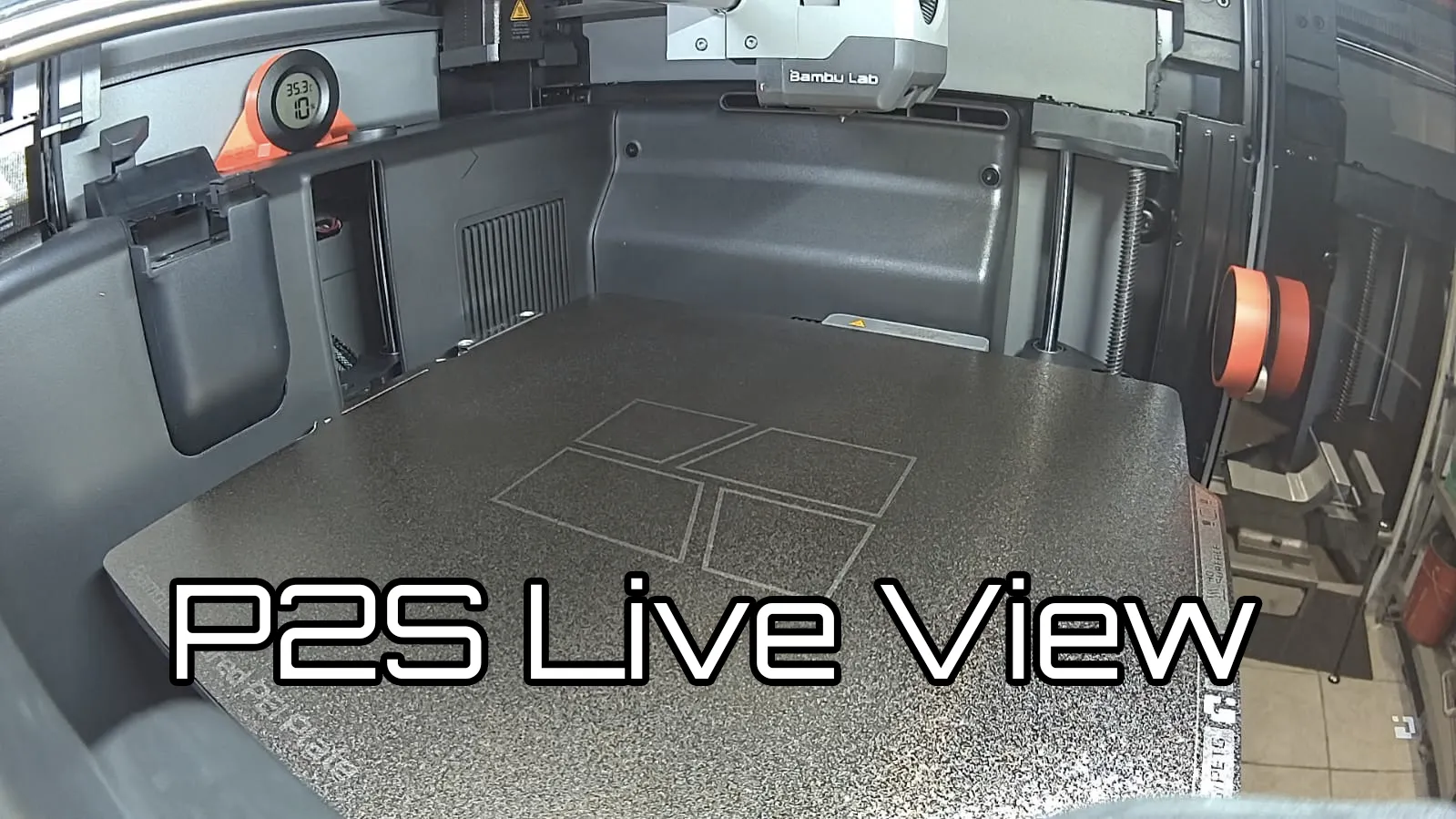
Compatible with P2S, P1S and X1C and similar printers
In Bambu Studio, I've included a negative text with 'P2S', which can be deleted or modified with your printer's model
Tips for correct printing: always clean the plate to ensure maximum adhesion, the model is thin and should be printed on its side, despite the brim present on the entire piece, the use of glue or hairspray might be necessary, especially for printing in ASA or ABS
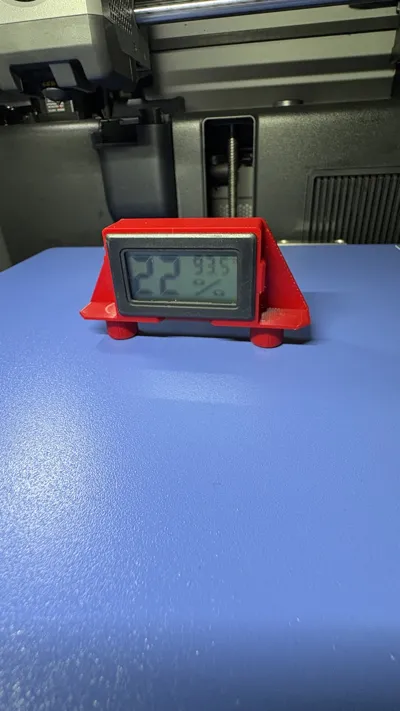
3 profiles are available: one for printing in PLA and PETG if you don't use technical materials, one for ASA or ABS if you use high-temperature technical materials, and a third profile for the rectangular version with the following dimensions: 47.5 mm width, 28.5 mm height, and 14.5 mm depth
If you want to check out other MODs I've made for P2S, here's the link to the collection:
https://makerworld.com/collections/14125139
Boost Me (for free)
License

You may create derivative works based on this object, provided that all such derivative works are published exclusively on the MakerWorld platform and include proper attribution to the original creator. You may not share, upload, host, distribute, or publish this object—or any derivative work of this object—on any other digital platform, marketplace, or distribution channel. Commercial use of this object and any derivative works is strictly prohibited. This includes, but is not limited to, selling, renting, sublicensing, or using the object in any context in which you receive monetary compensation or other financial benefits.


Comment & Rating (147)