
E-Step/Rotation Distance Ruler, Calibrate Extruder
Print Profile(1)

Description
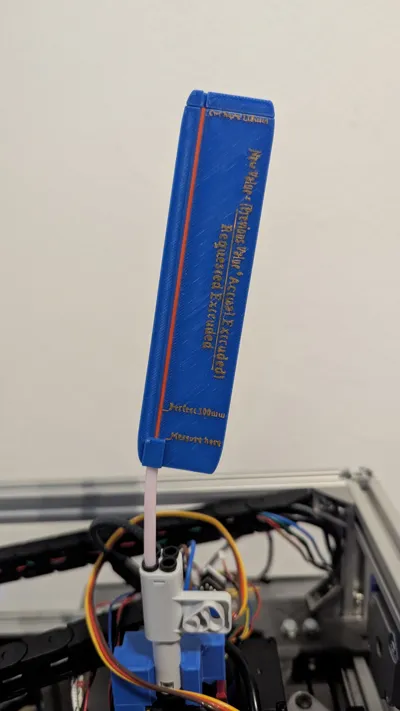
I have always wanted a simple tool for calibrating e-steps or rotation distance. Unfortunately, I haven't found what I'm looking for, so I created my own model
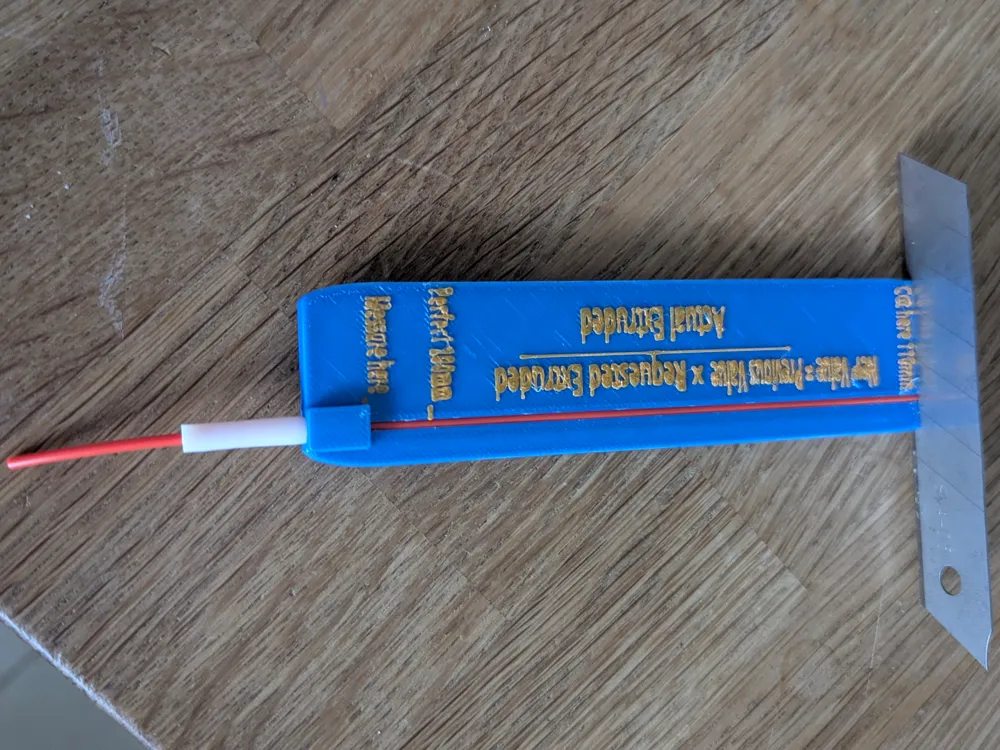
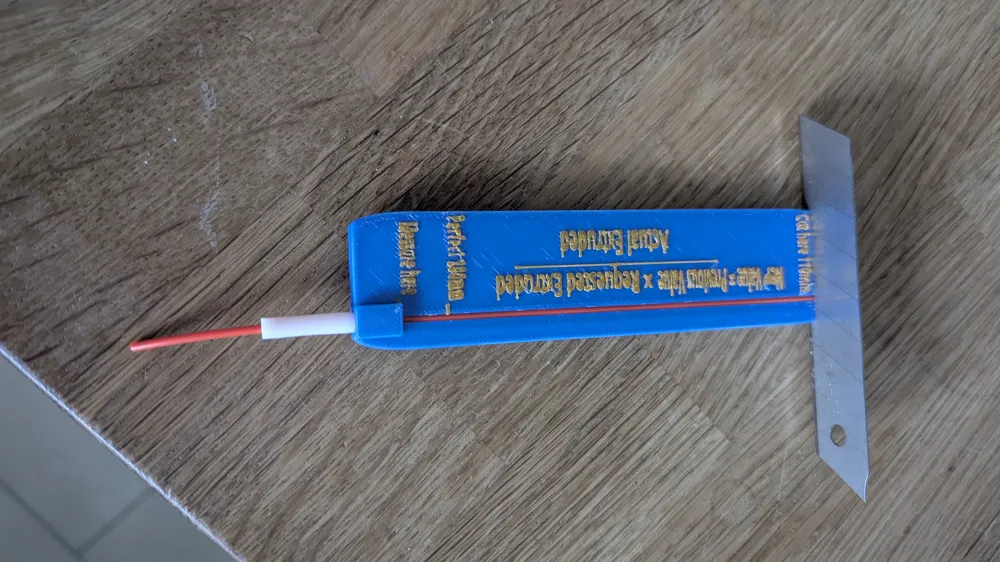
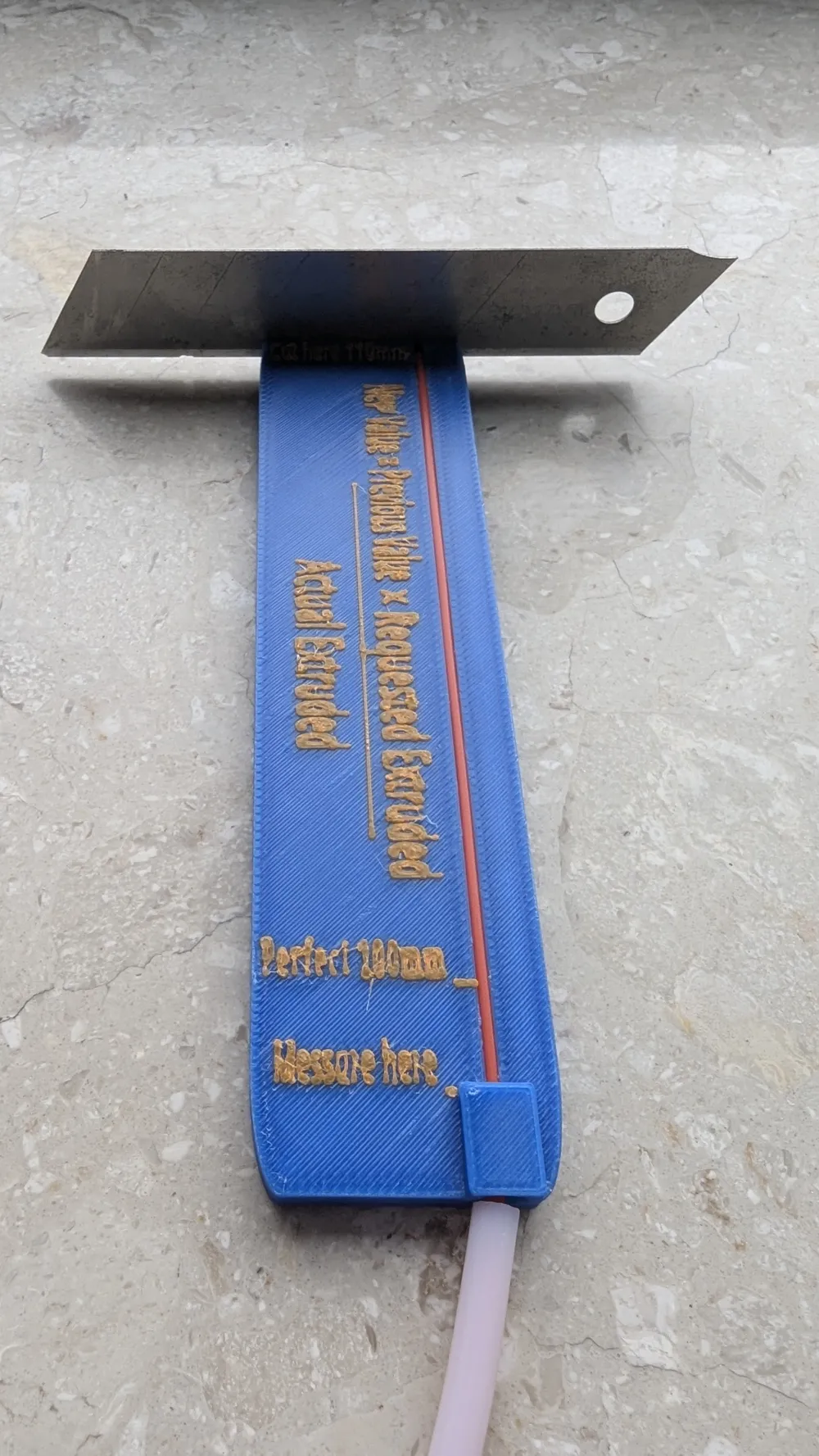
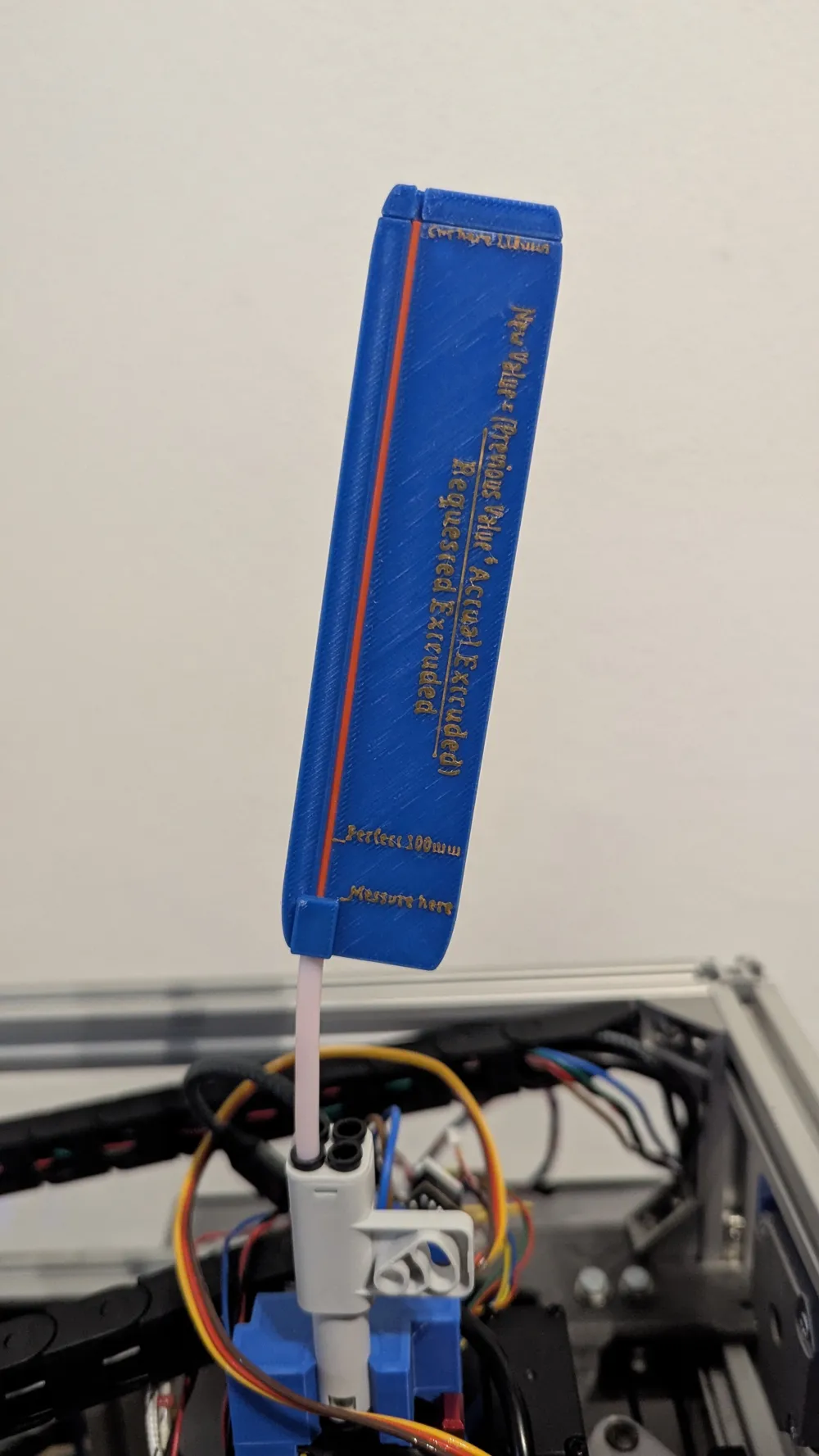
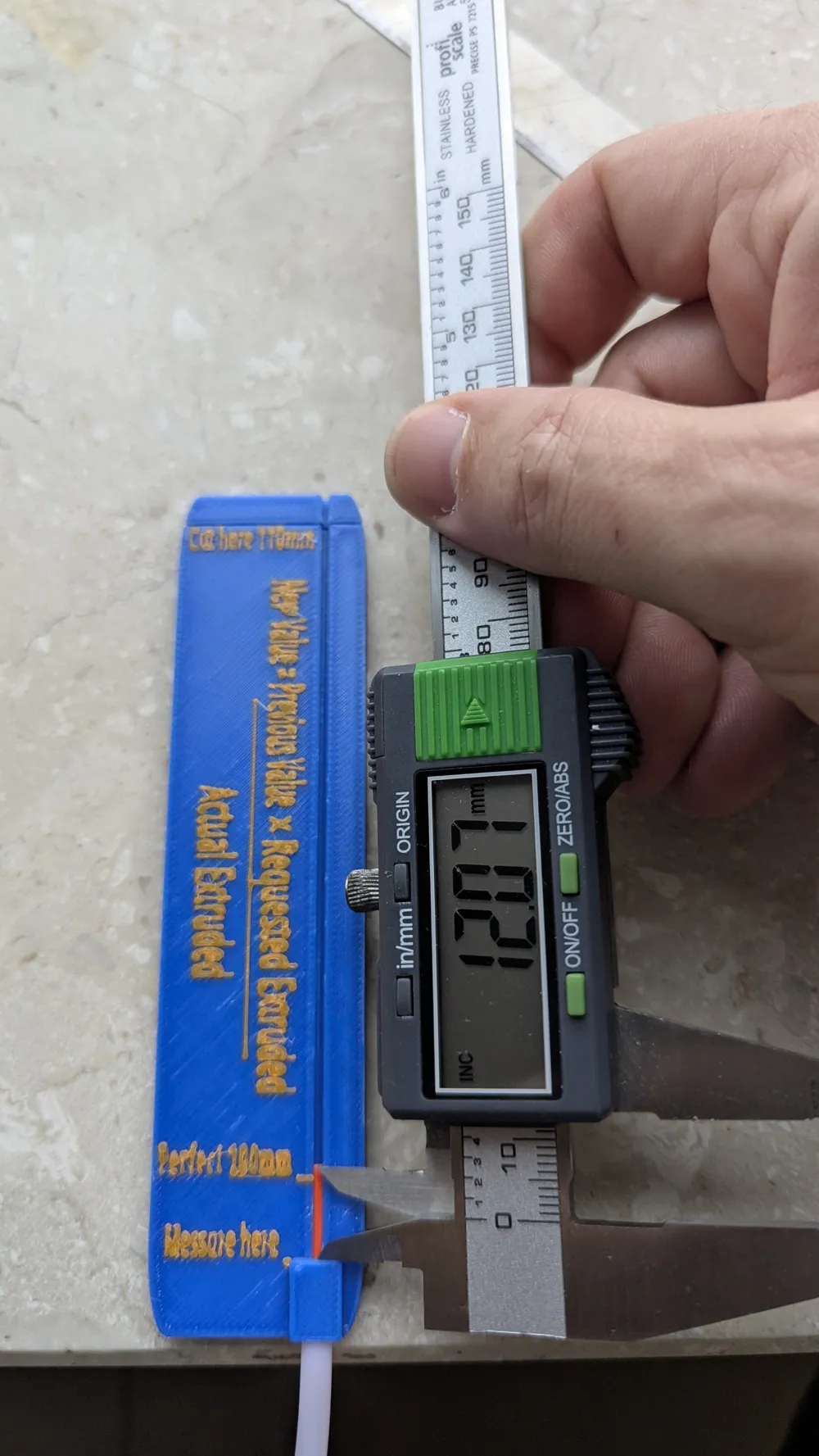
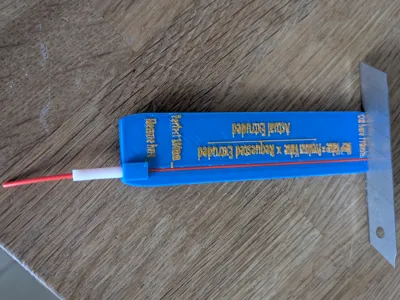
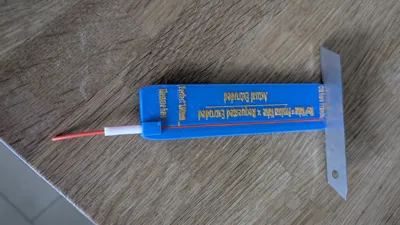
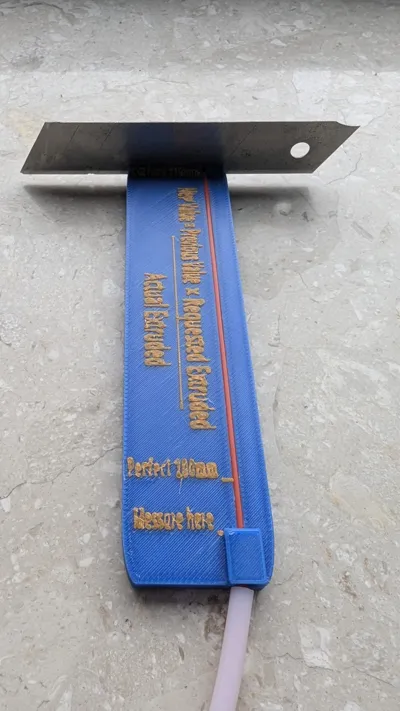
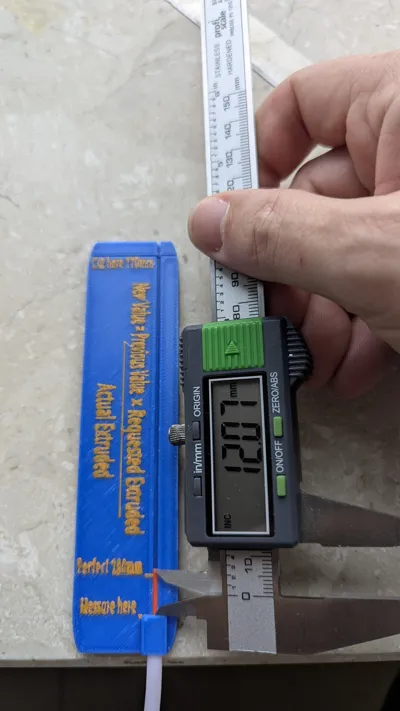
You can connect it directly to the extruder with a small piece of PTFE tube. Afterward, feed filament through the top hole into the extruder until material emerges from the nozzle. Then, cut the filament flush at the mark with a utility knife. Next, extrude 100mm of material, ideally at a very slow speed. Afterward, measure the remaining visible filament in the guide with calipers and then calculate using the formula
New Value = (Old Value * Actual Extruded Length) / Requested Extruded Length
the new value for E-steps or rotation distance and save it
Repeat this process until the correct length is consistently extruded
Instructions for use:
Before first use, push a piece of filament multiple times through the entire channel of the tool to remove any burrs from the print
Then, cut a small piece of PTFE tube to your desired length and insert it into the end of the tool
Check if the filament can be easily pushed through the channel
Insert into the extruder and load filament as usual
Boost Me (for free)
If you like my designs, you can give me a boost, to help me design more an better models
License

You may create derivative works based on this object, provided that all such derivative works are published exclusively on the MakerWorld platform and include proper attribution to the original creator. You may not share, upload, host, distribute, or publish this object—or any derivative work of this object—on any other digital platform, marketplace, or distribution channel. Commercial use of this object and any derivative works is strictly prohibited. This includes, but is not limited to, selling, renting, sublicensing, or using the object in any context in which you receive monetary compensation or other financial benefits.


Comment & Rating (0)