
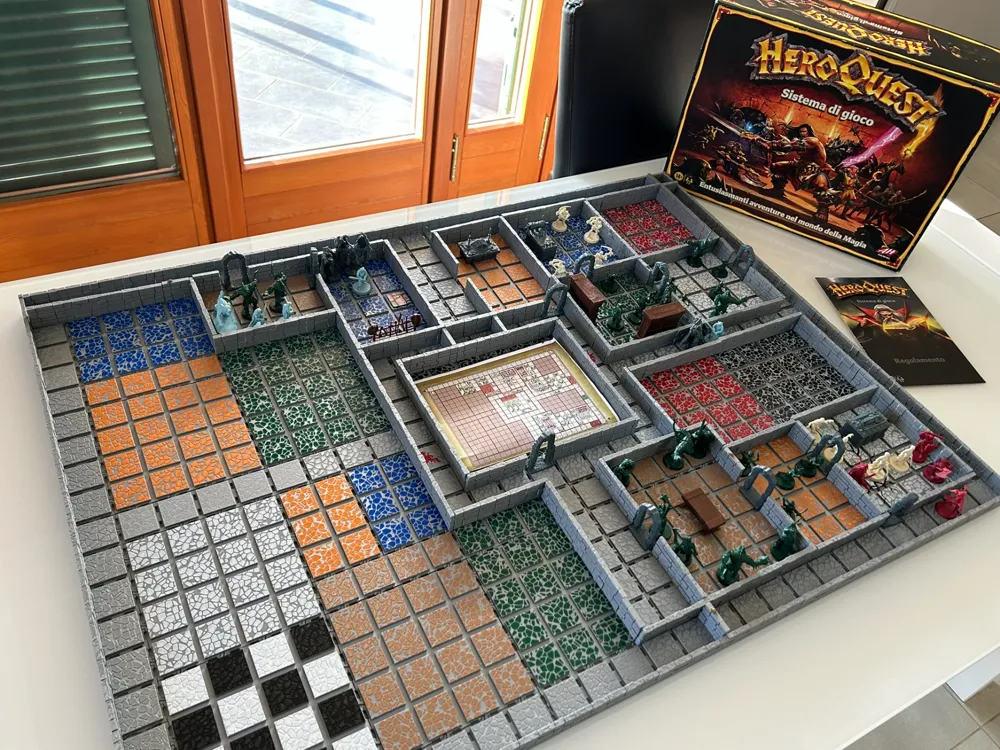
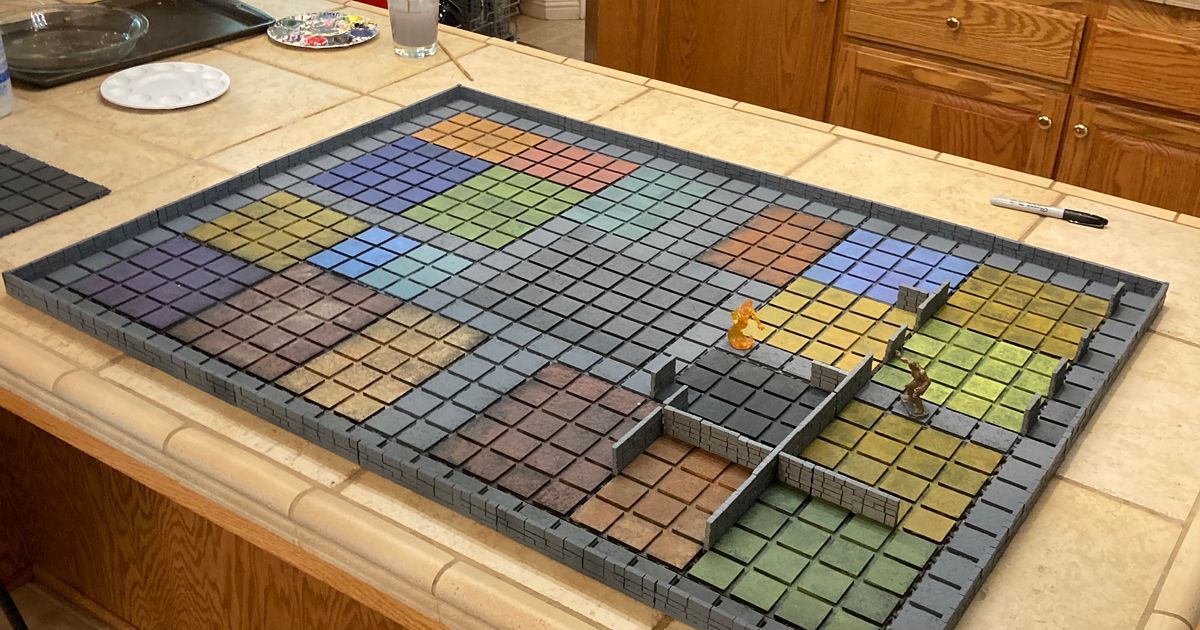
Modular 3D HeroQuest board - A1 Mini Compatible
Print Profile(20)


Description
Membership
Like my projects? Support my work by joining our Membership! Become a Community Backer for personal use, or choose from our Creative Partner and Elite Partner tiers to start selling physical prints
⚔️ Complete your set! You can find all other modules in my dedicated collection.
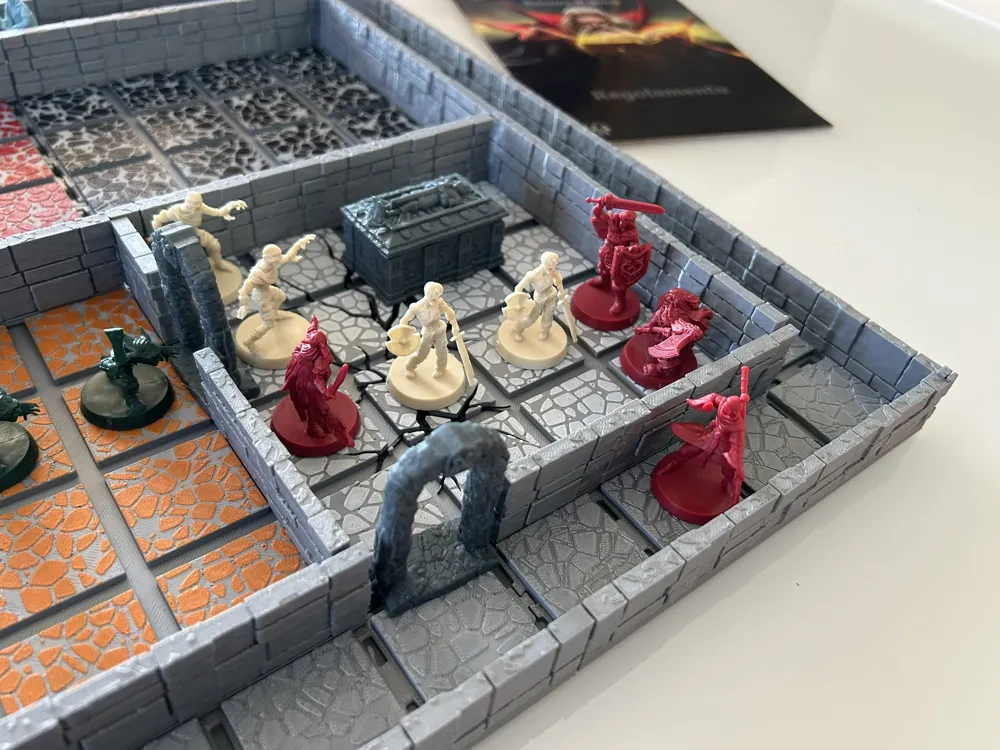
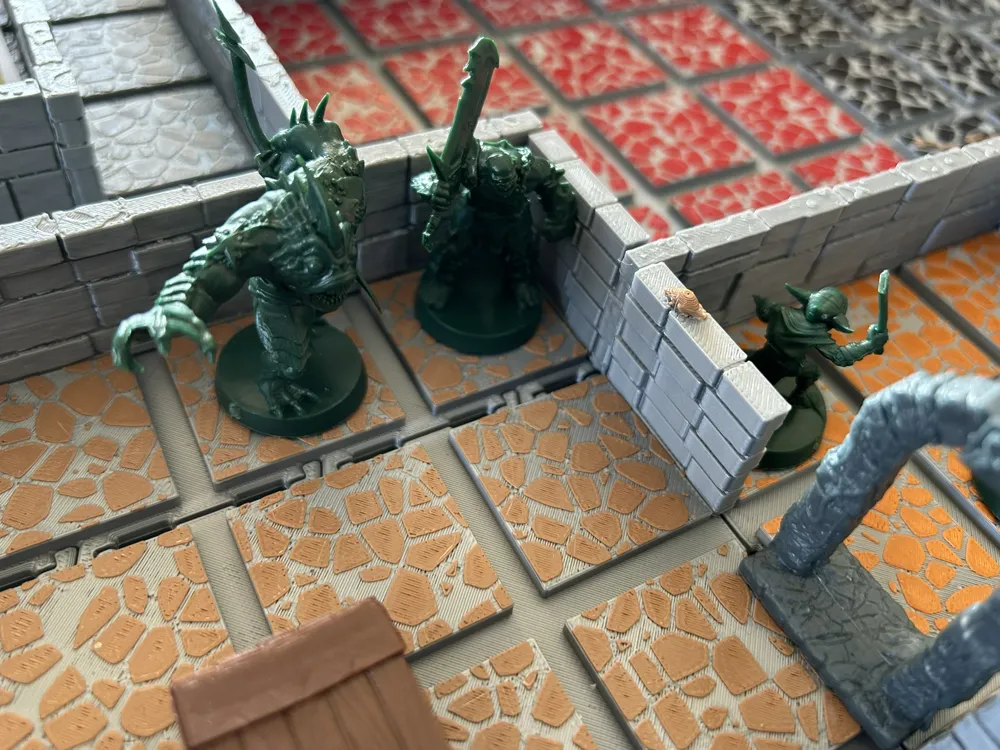
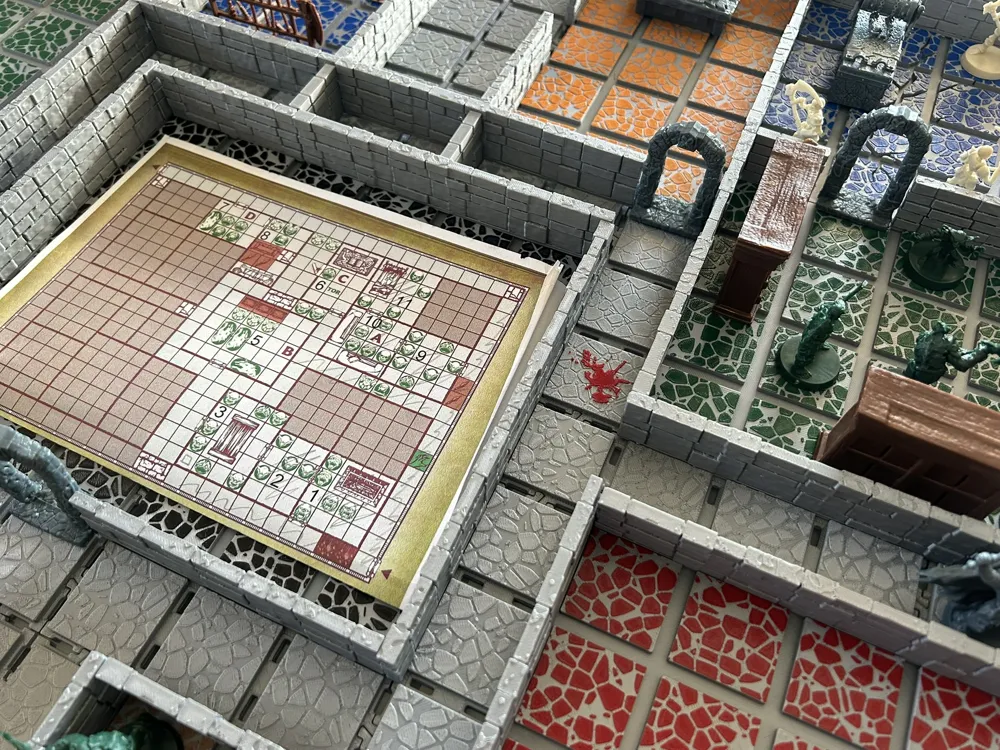
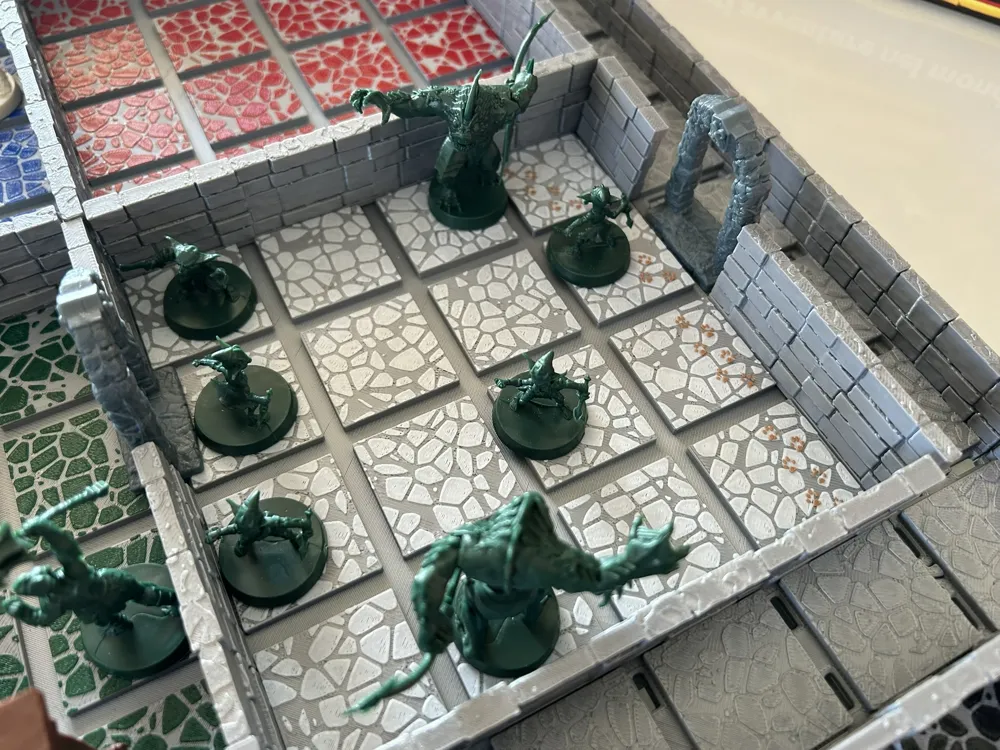
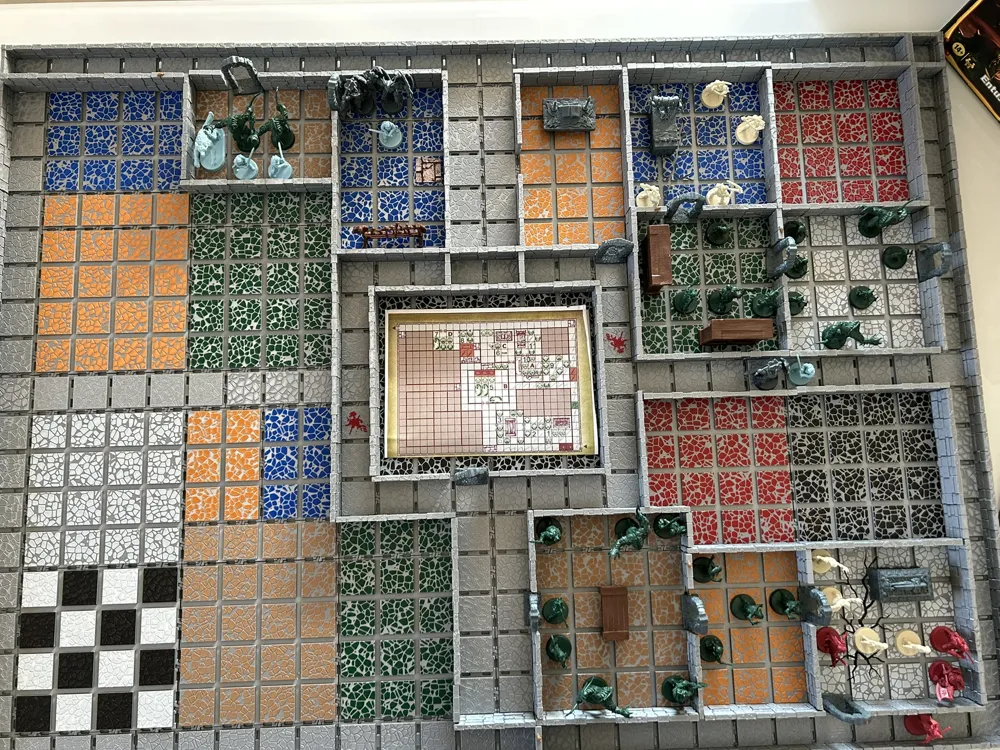
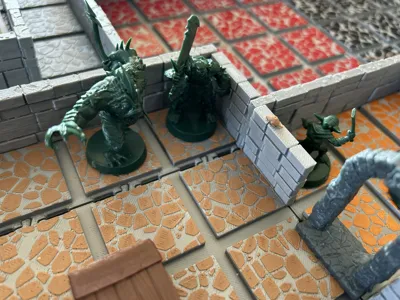
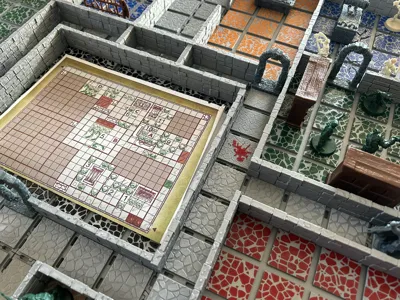
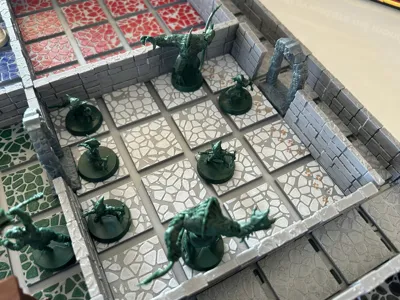
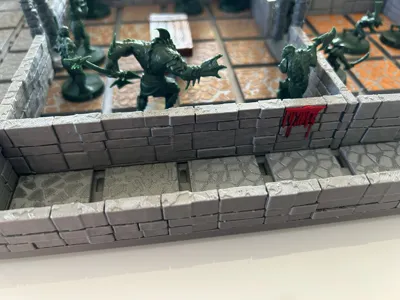
🏰 HeroQuest 3D Modular Board: Ultimate Immersive Experience
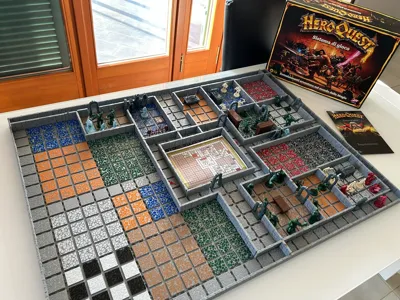
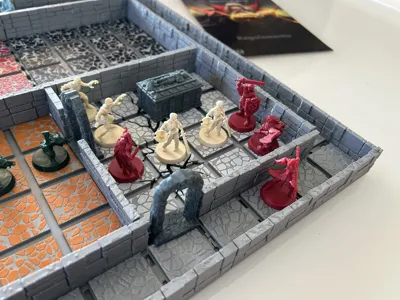
Transform your game table into the ultimate dungeon! This modular system was designed for those seeking total immersion, extra space for miniatures, and maximum compatibility with the Bambu Lab ecosystem.
📱 Optimized for Bambu Handy & One-Touch Printing
Each piece is configured for Cloud Print. No PC needed: open the Bambu Handy app, choose the module, and start printing.
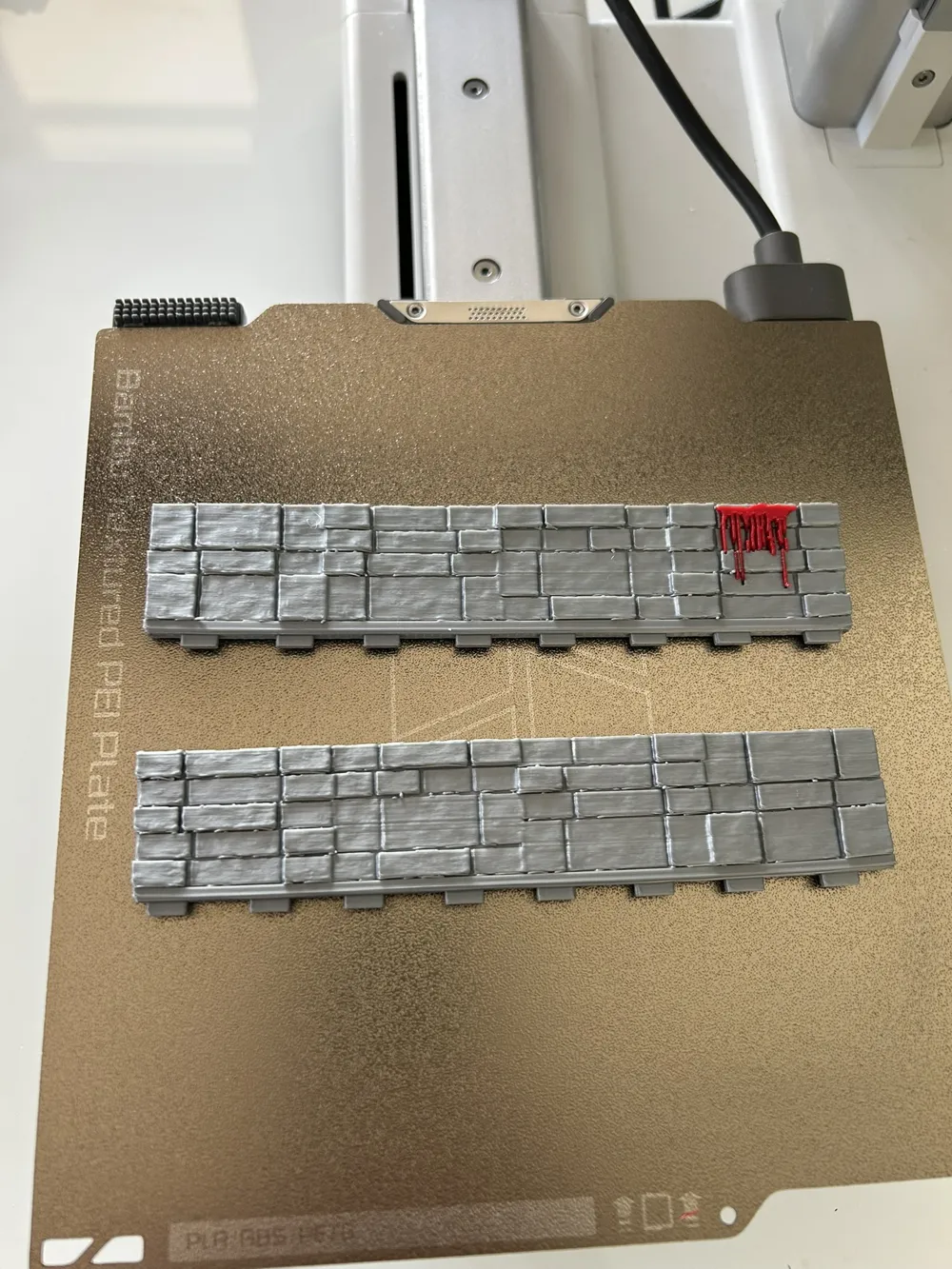
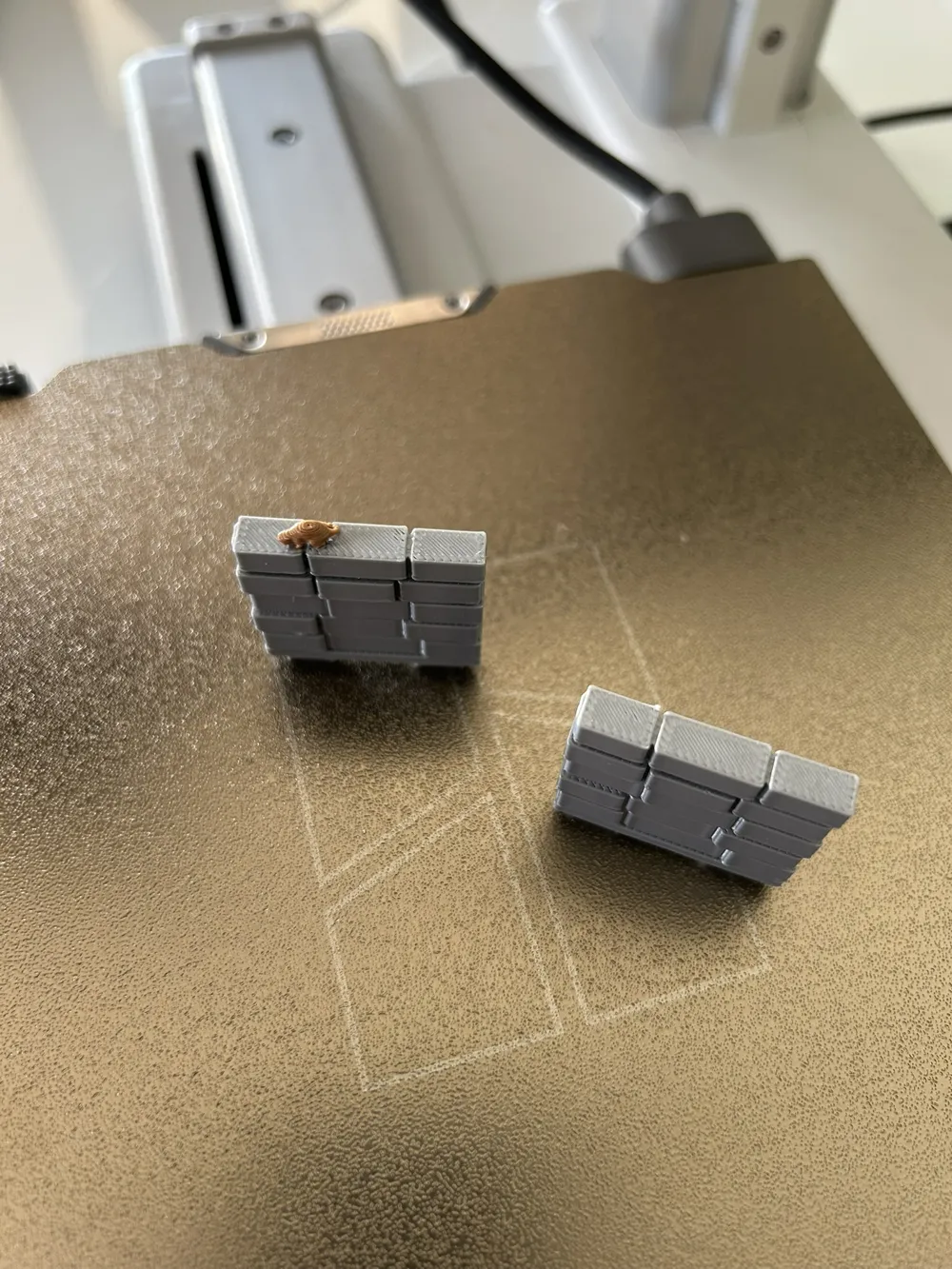
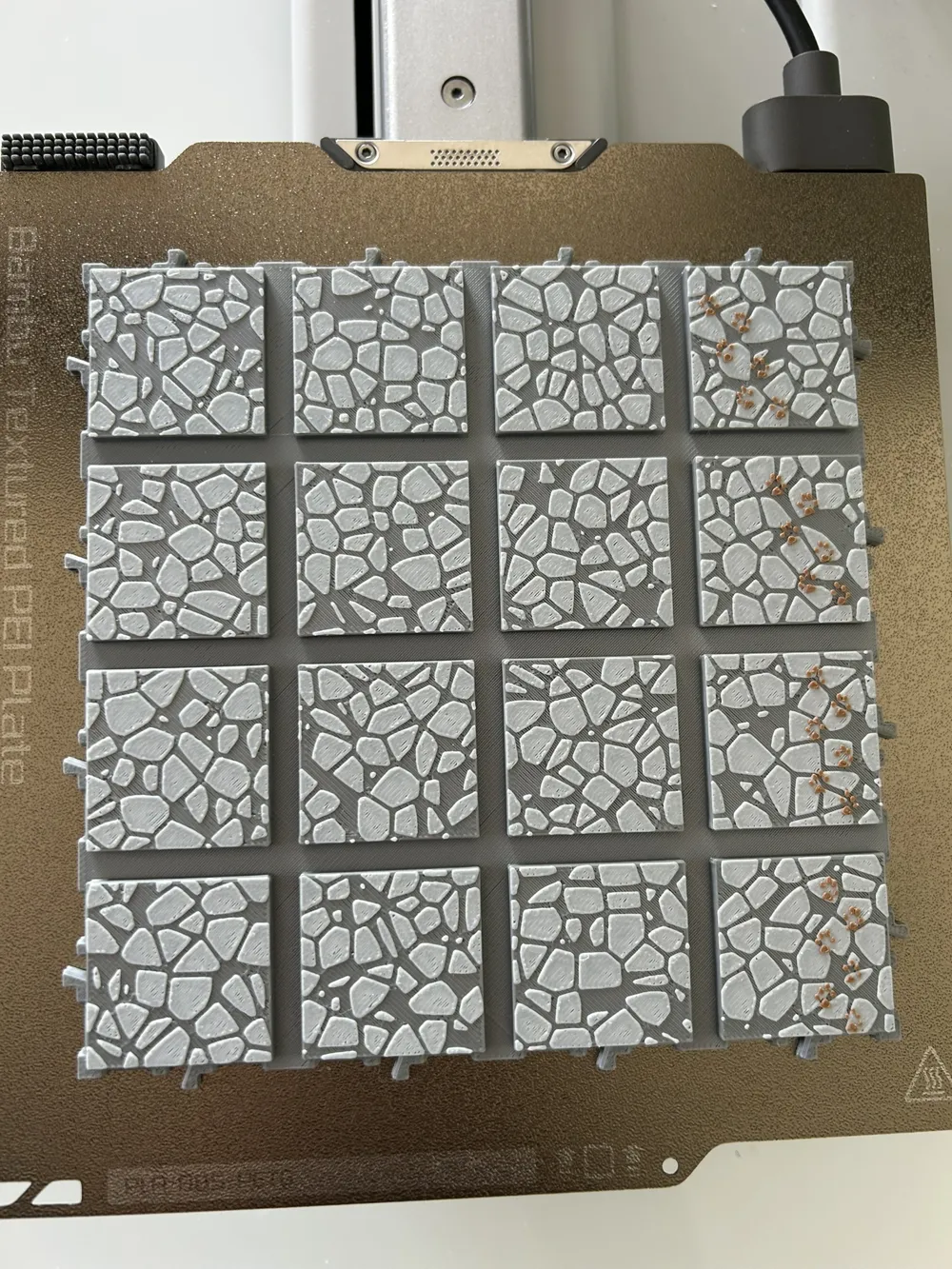
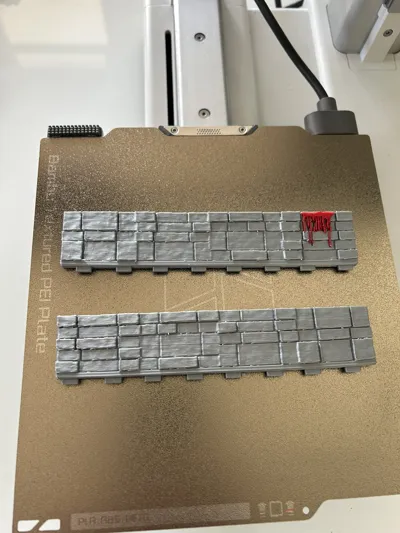
💡 PRO TIP for saving time: If you need multiple copies of the same module (e.g., walls), there's no need to start printing multiple times! Directly from Bambu Handy, you can use the "Increase number of copies" function to fill the plate and print everything in a single run.
👶 100% Compatible with A1 mini
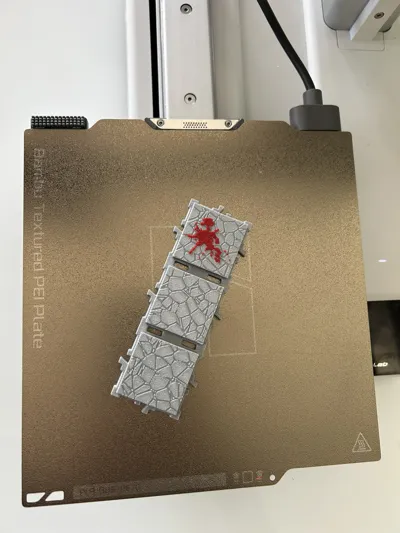
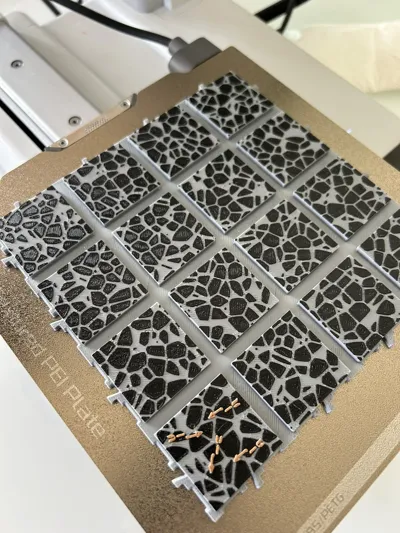
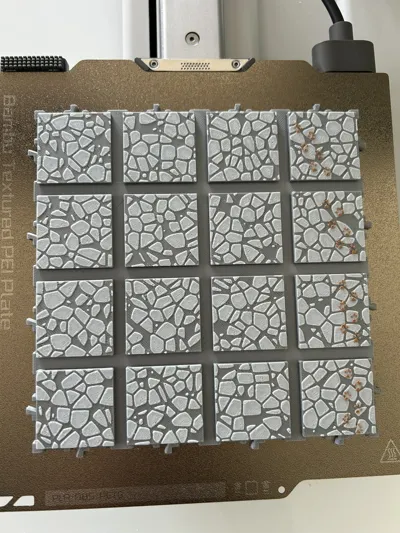
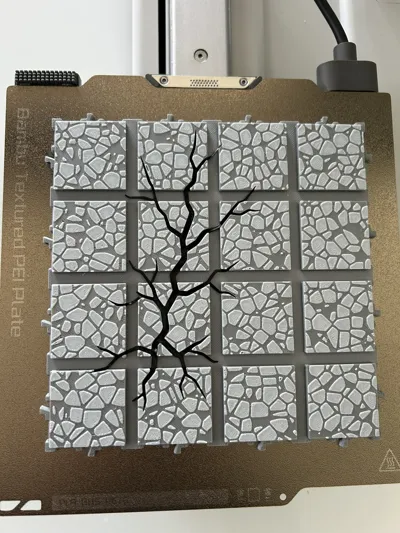
I designed every single module to be compatible with the 180mm build plate of the Bambu Lab A1 mini. Whether you have an X1-Carbon or the smallest in the family, you can print the entire board without scaling or cutting any files.
🛠️ Board Creation Guide
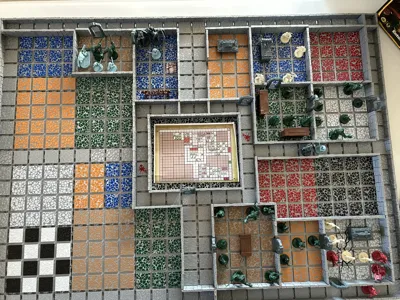
Here is the list of pieces required for the classic layout. Manage your time and filament with complete freedom:
Corridors:
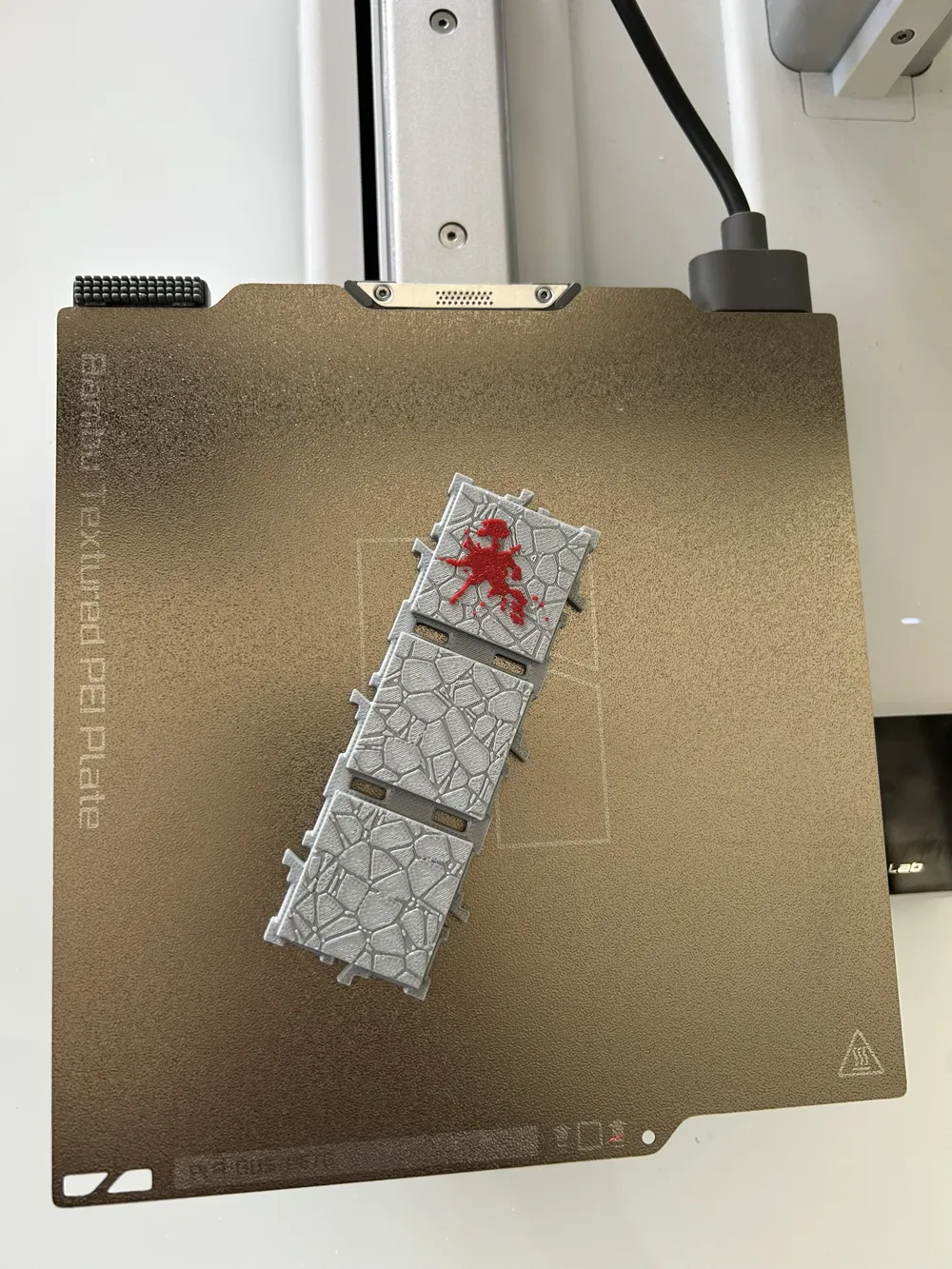
- 4x Corner Corridor | 10x 5x1 Corridor (with wall)
- 2x 3x1 Corridor (with wall) | 2x 1x1 Corridor (with wall)
- 8x 3x1 Corridor | 2x 4x1 Corridor | 6x 5x1 Corridor
Rooms:
- 2x 2x3 Rooms | 3x 3x4 Rooms | 8x 4x4 Rooms
- 3x 3x5 Rooms | 4x 4x5 Rooms | 1x 6x5 Room (Central)
- 1x Special Room
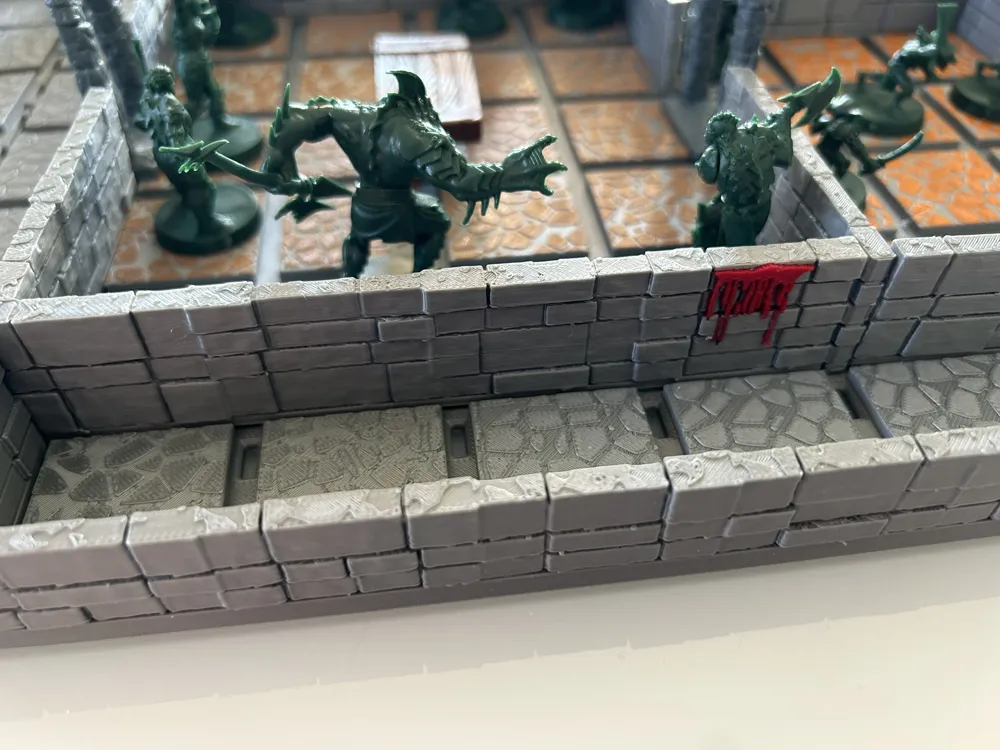
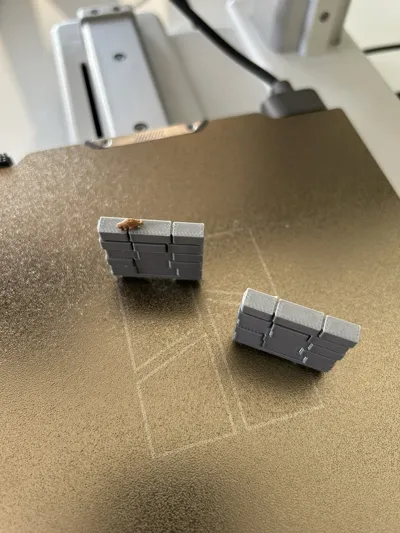
Walls: unfortunately, this cannot be determined in advance as it depends on the mission, my advice is to print at least 20 of each type, but that might not be enough.
Storage: The project includes ad-hoc containers to organize and protect the movable walls.
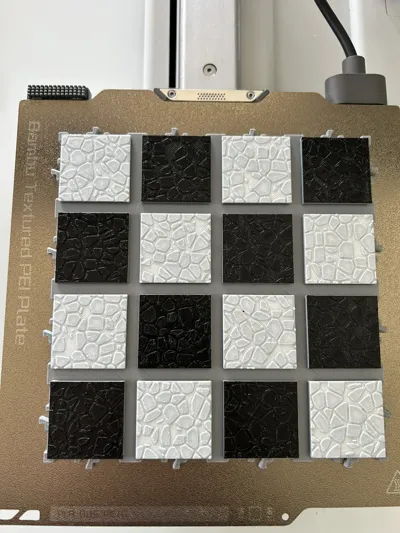
✨ Professional Coloring (Without AMS!)
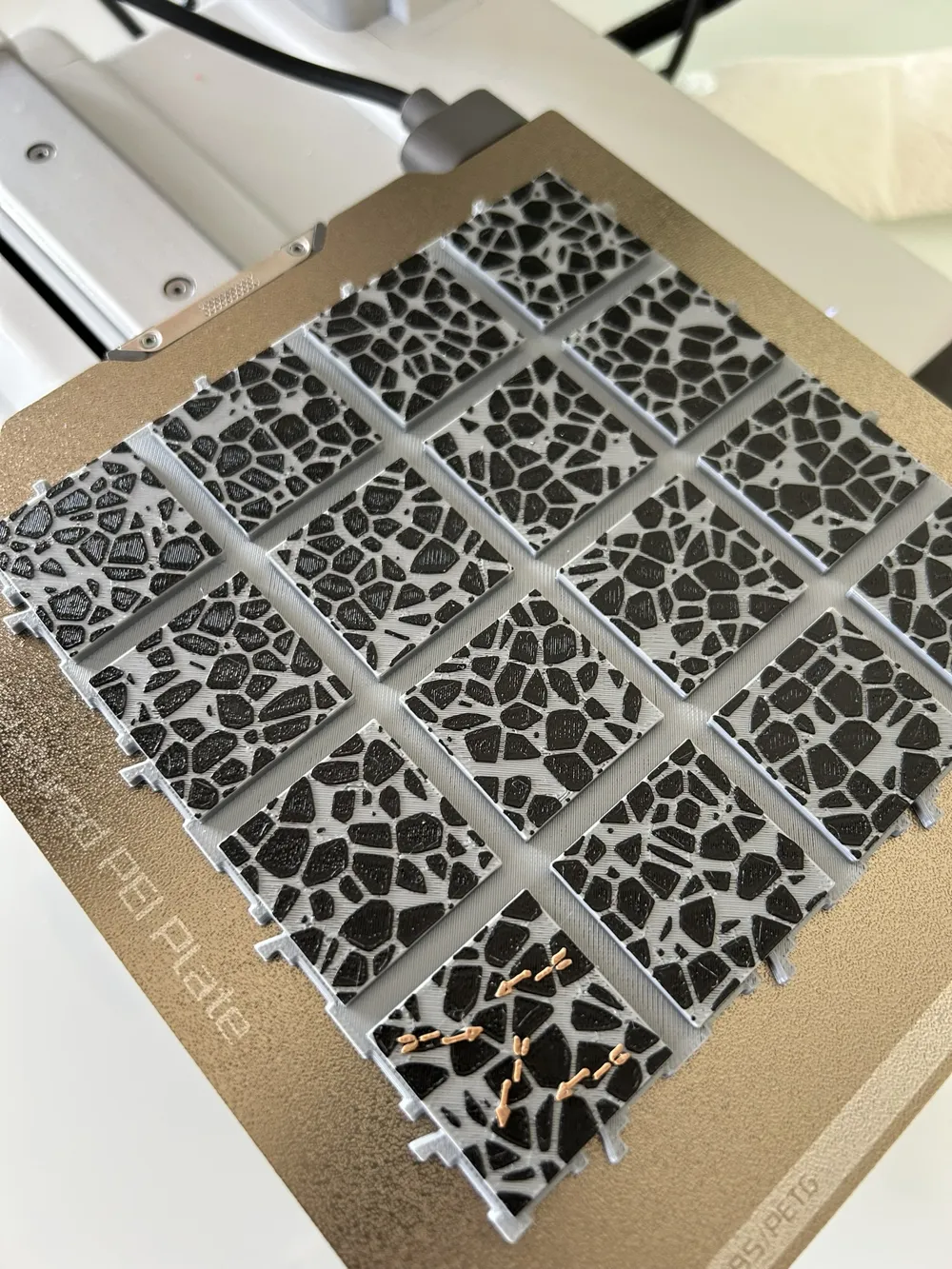
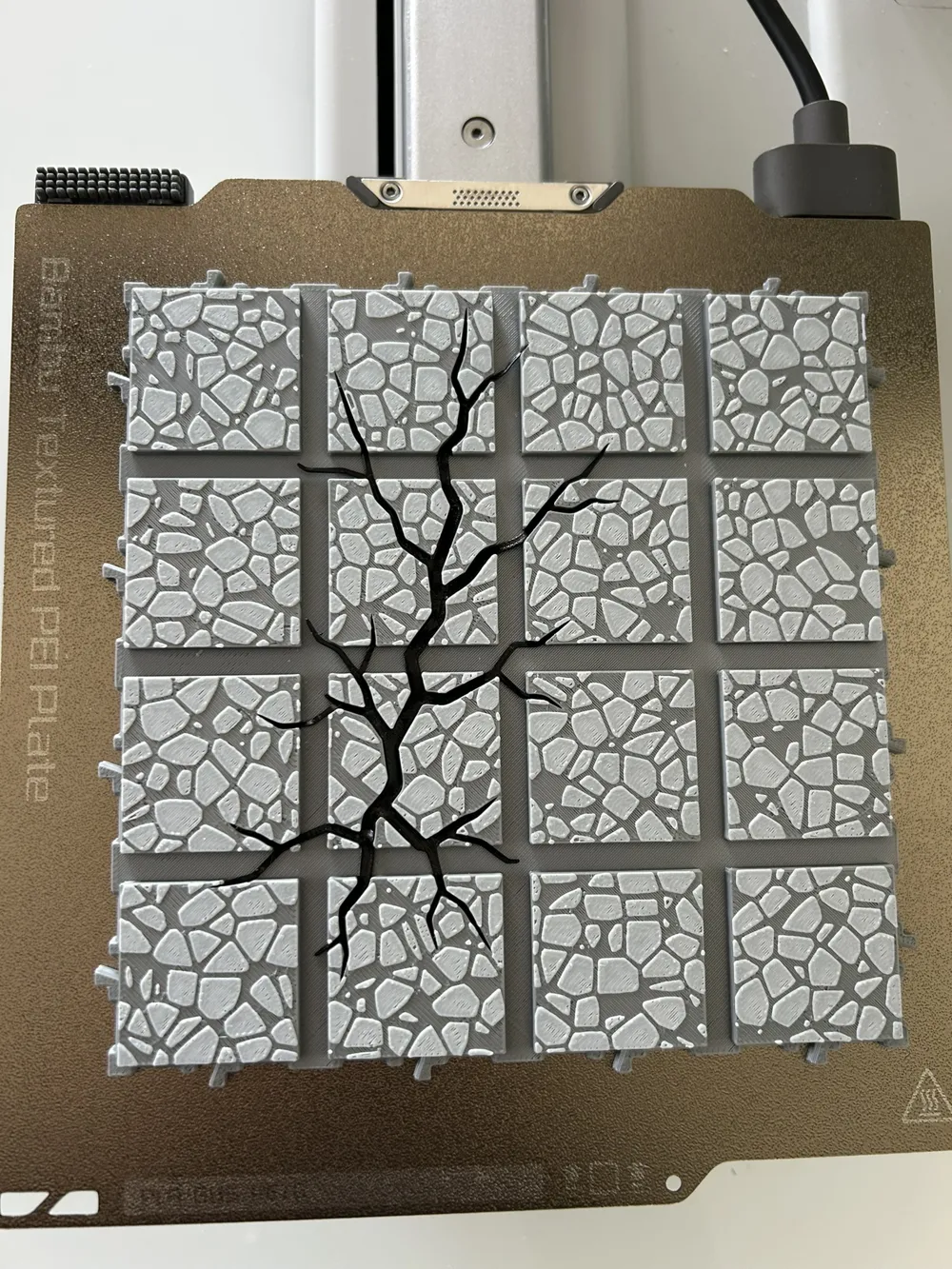
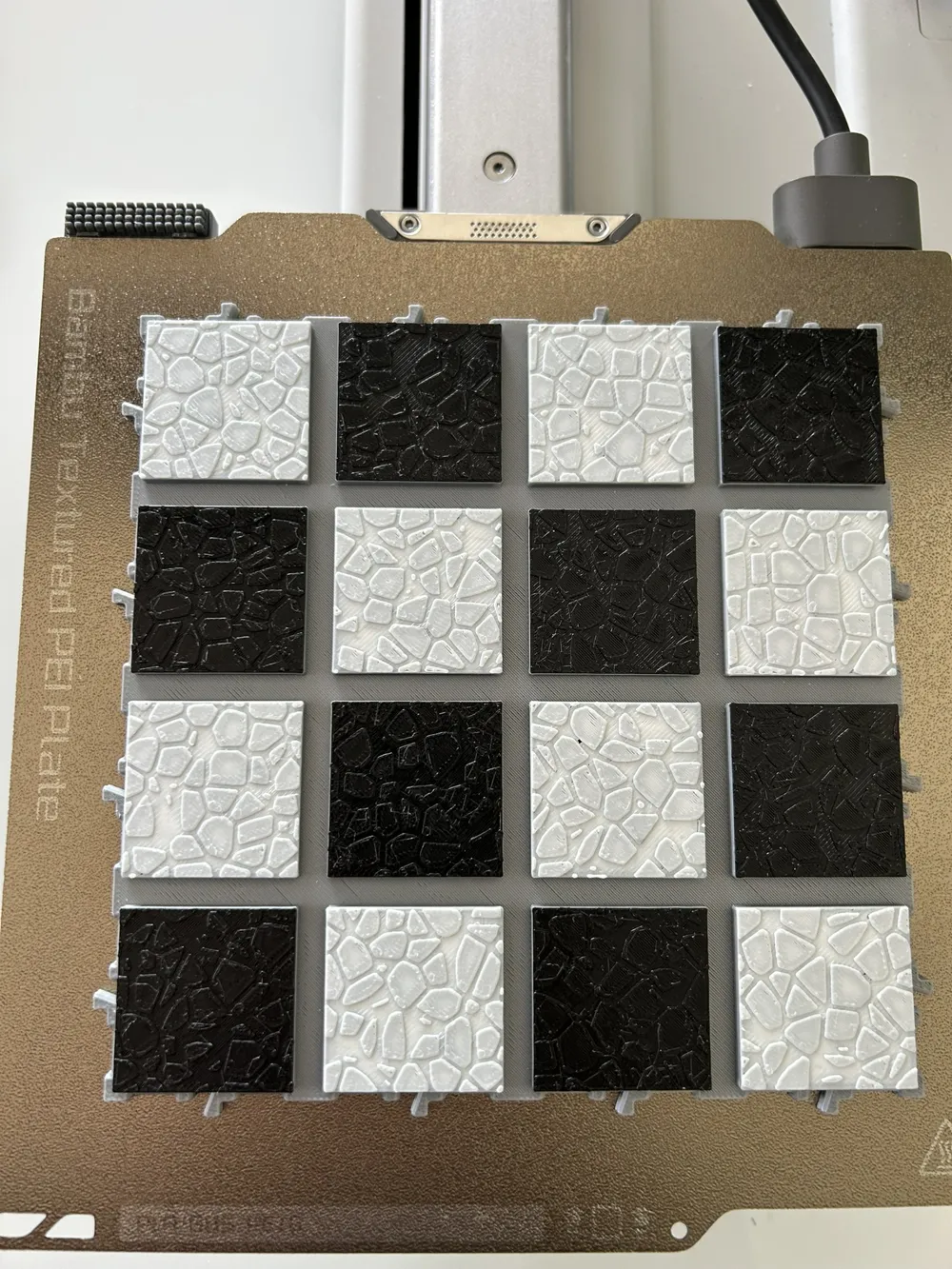
Achieve a two-color stone effect without needing an AMS. Simply set a manual pause before the last layer and manually change the filament!
Boost Me (for free)
This project required dozens of hours of modeling and testing. If you like it:
Send a BOOST: It's free for you (you get one a week), but it's essential for me to continue developing new modules.
Documentation (1)
This remix is based on
License



Comment & Rating (167)