
Power Supply Box for SK90C and SK150C
Print Profile(1)

Bill of Materials


Description
Boost Me (for free)
If you like my work, please give this model a boost to fuel my creativity and inspire more 3D creations for you.
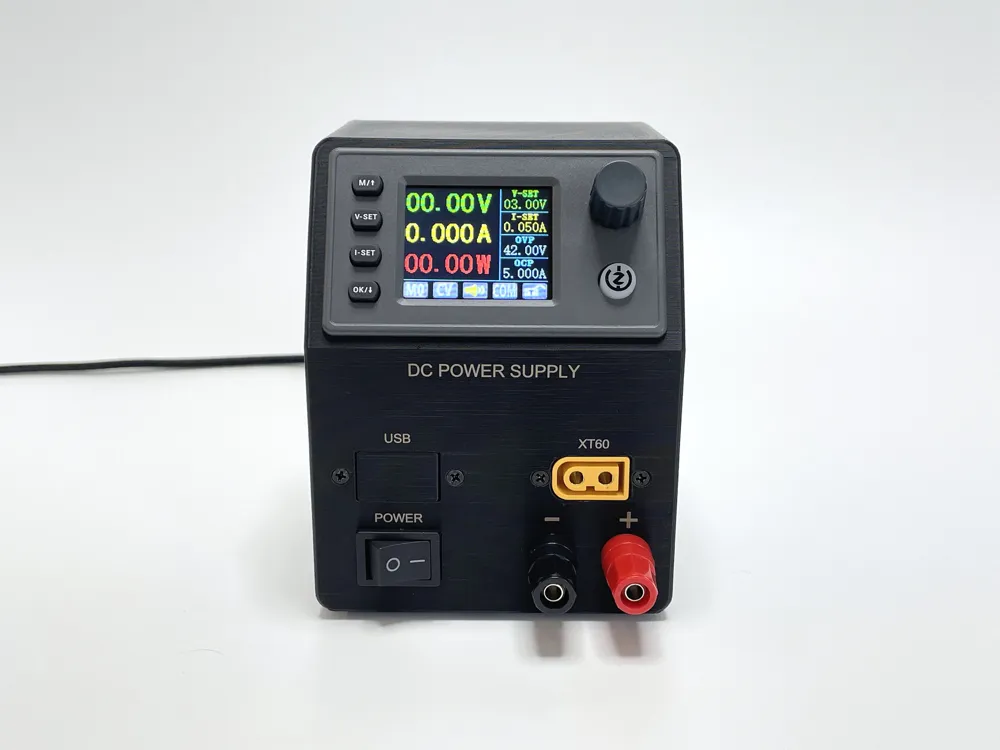
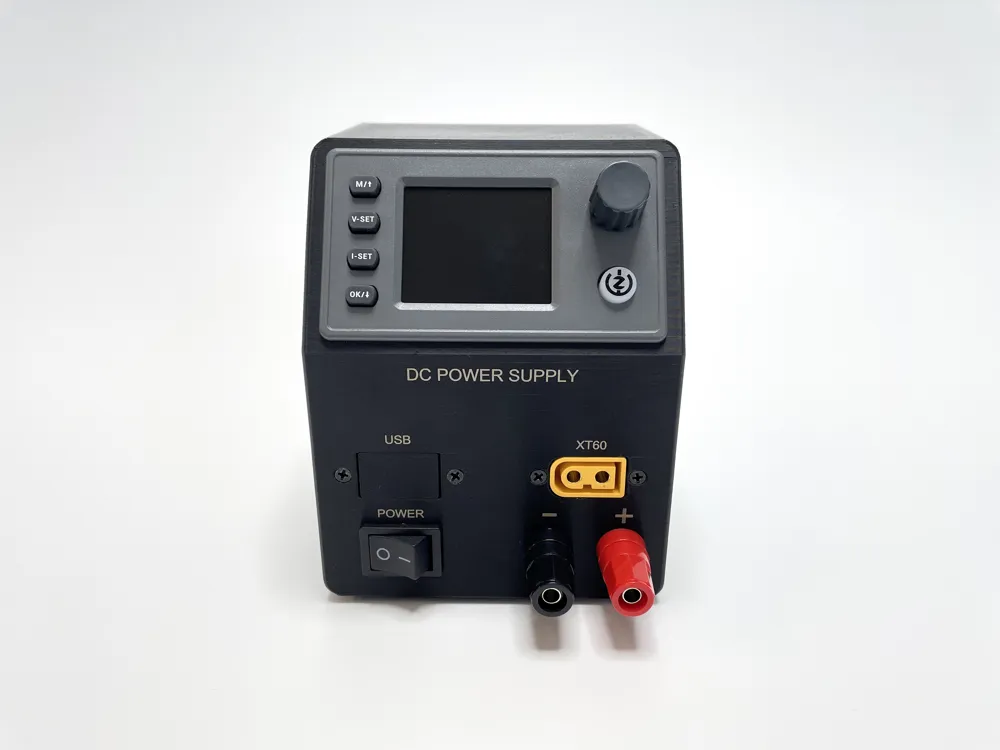
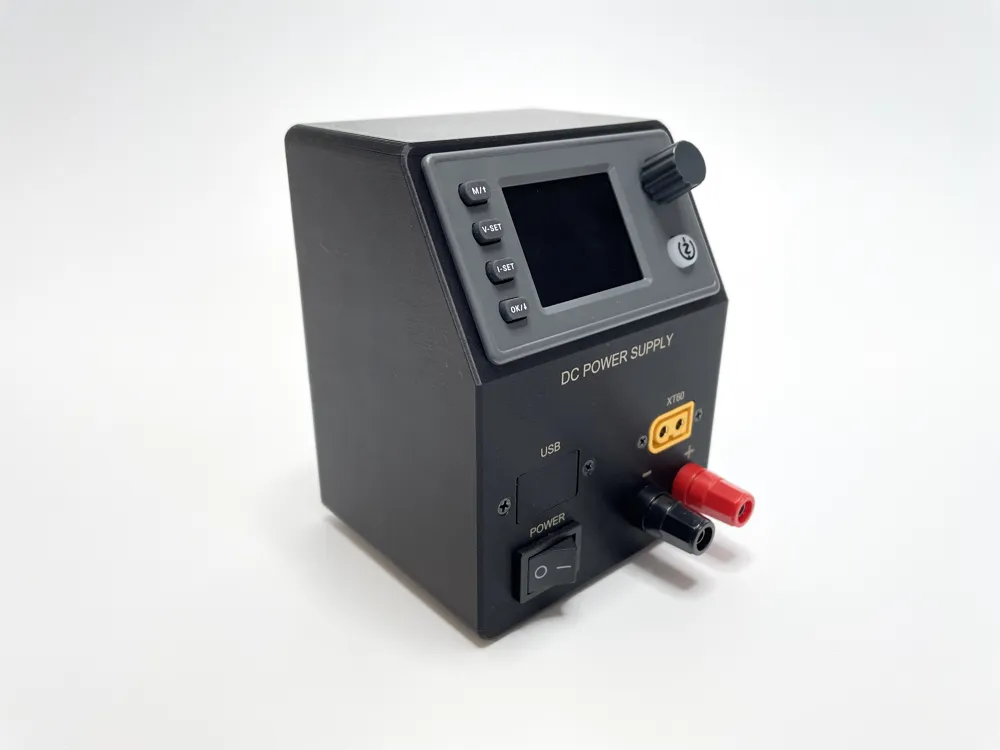
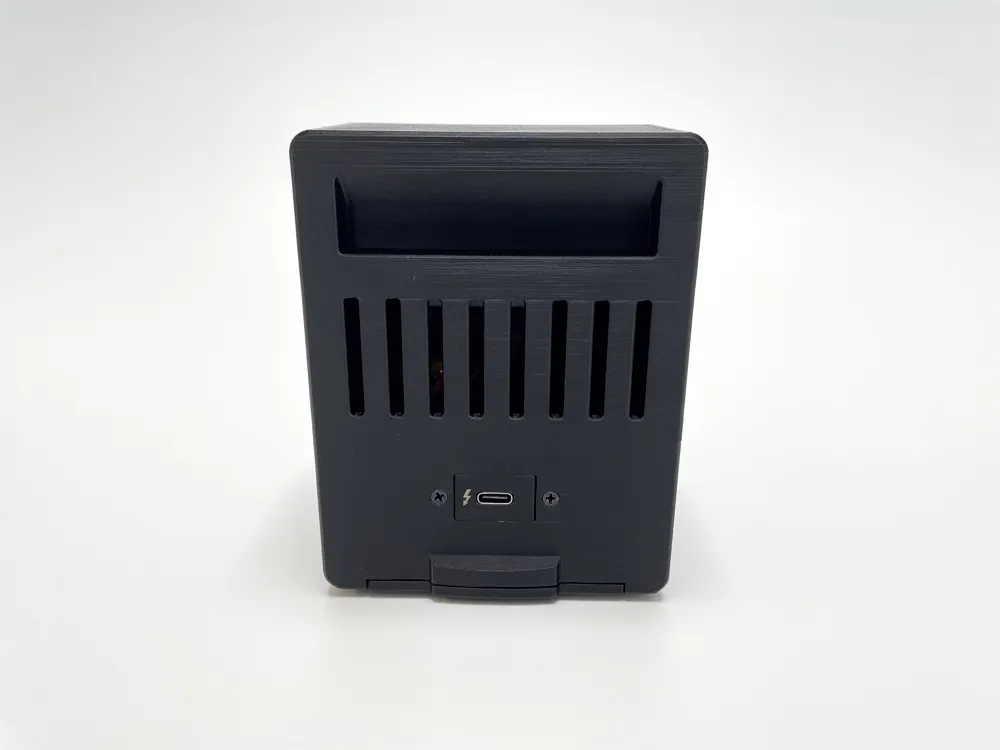
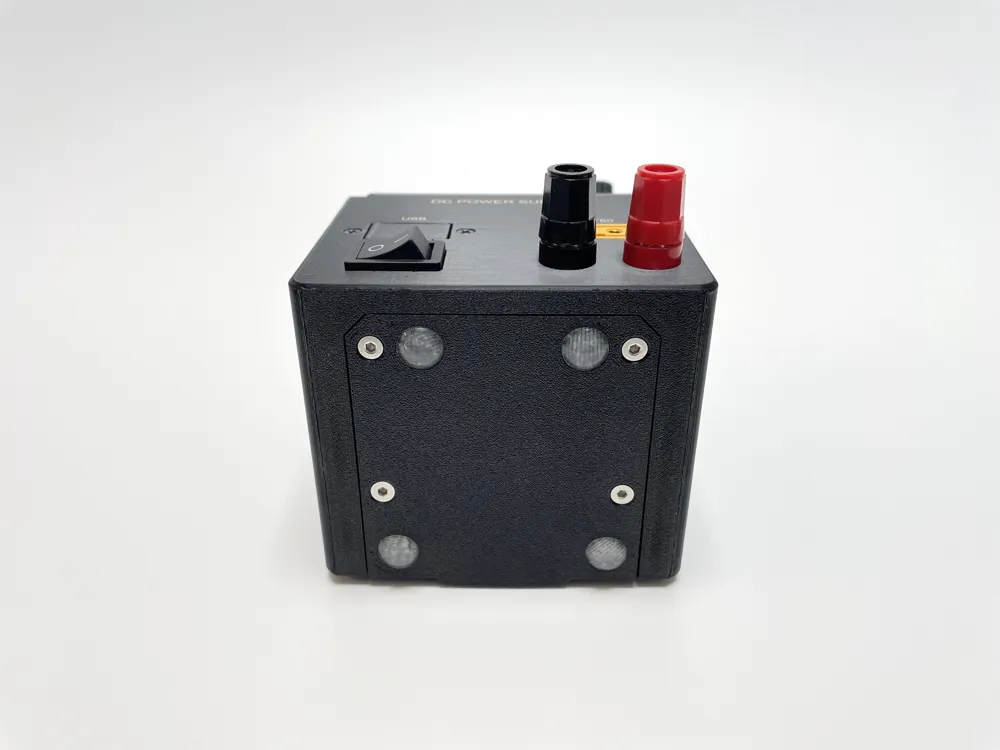
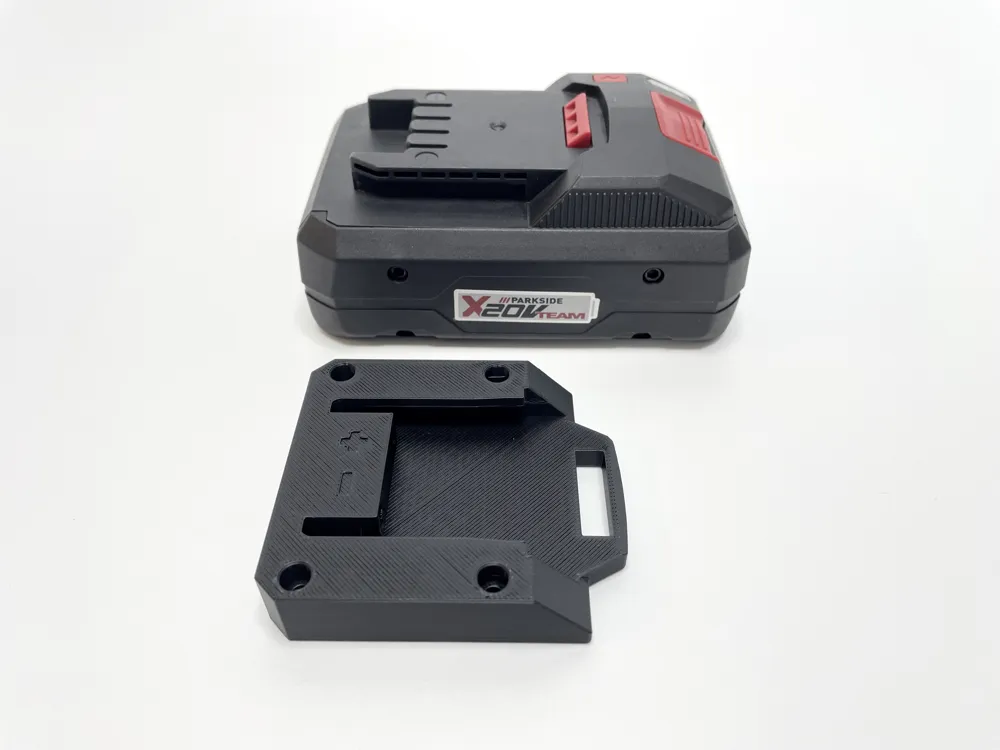
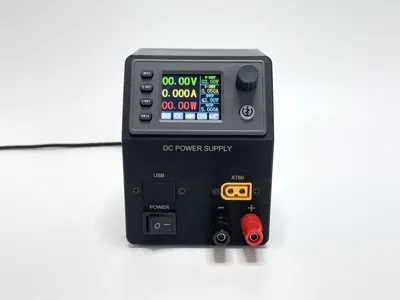
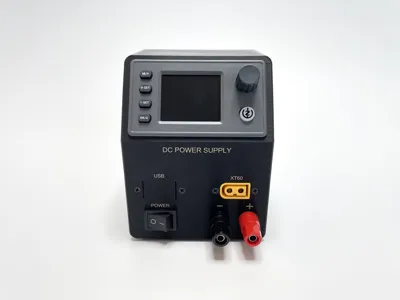
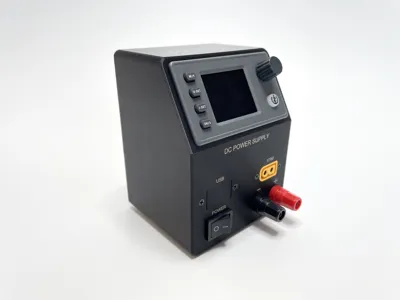
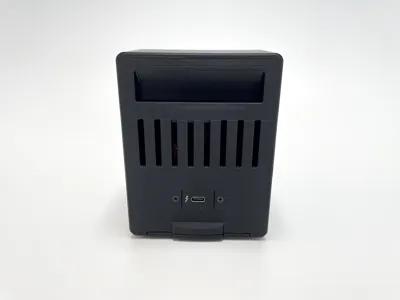
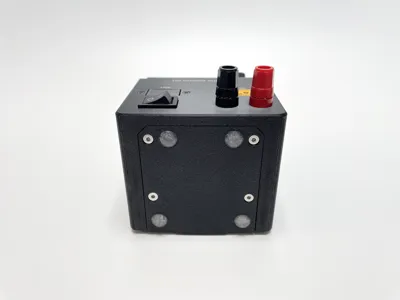
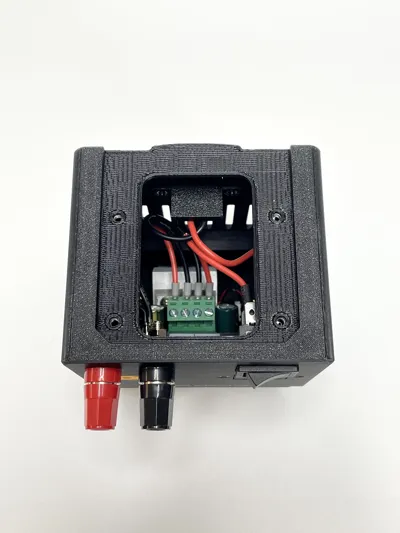
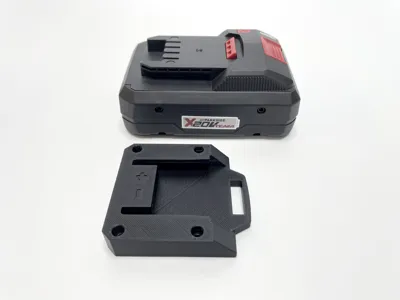
This is a model for a portable power supply built using an SK150C or SK90C module. The output can be connected to banana connectors and an XT60 connector. There is also space for a 5V USB output module. The input can come from a USB adapter with Power Delivery capability or it can be connected to a Parkside X20V Team battery. Blank covers are included in case you don't need the USB charging port, USB PD trigger module or XT60 connector.
Please be aware that the X20V battery does not have undervoltage protection. The SK150C/SK90C displays the input voltage, so you should monitor this value closely.
Bill of material:
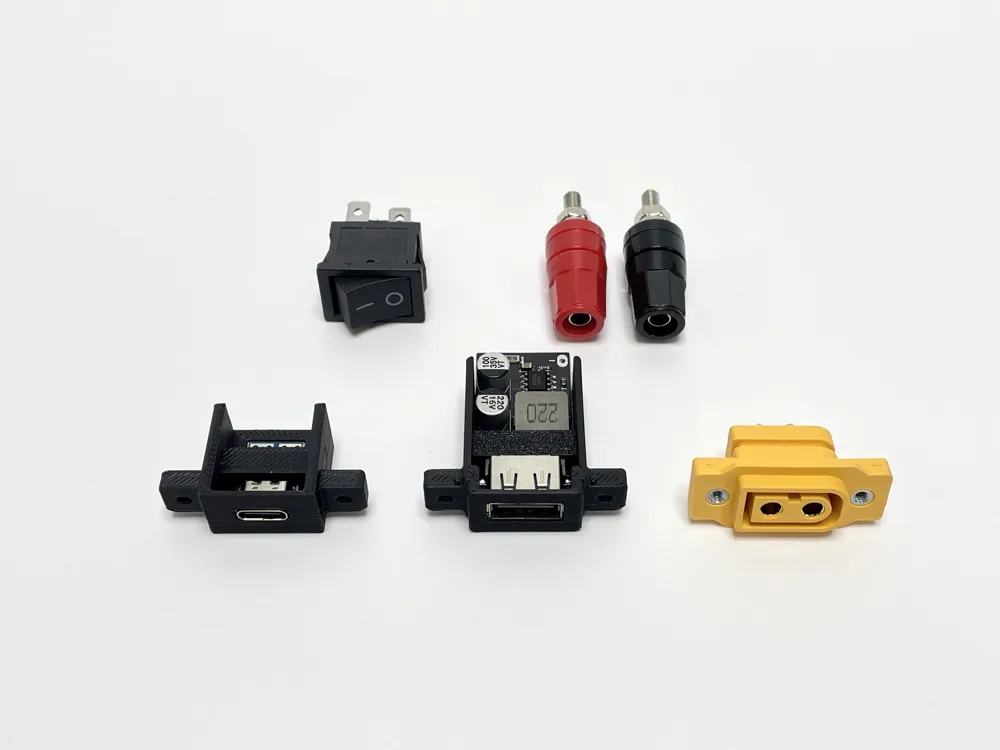
- Power supply module SK150C, SK90C
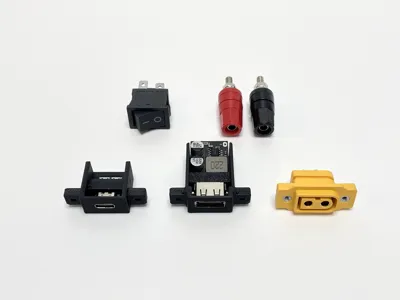
- USB PD Trigger Module 20V
- USB Charging Module
- On/Off rocker switch 21x15mm, I have used this one or you can use On/Off/On like this one in case you want to have both Parkside X20V Team battery and USB Power Delivery and switch between them.
- Red and Black 4mm banana socket, The holes in the enclosure are designed for this one.
- XT60 female connector for panel mount, I have used this one.
- 2x Male Faston connector 6.3x0.8mm (for Parkside battery connector)
- AWG18 silicon wires
- 4x M3x10 mm countersunk screw or M3x15 screw (for Parkside battery connector)
- 4x M3 nut
- 6x M2.5x8 mm screw (2 for XT60, 2 for USB charging module, 2 for USB-PD module)
- 4x M2.5 nut (2 for USB charging module, 2 for USB-PD module)
- 4x Rubber Feet 10mm diameter
Assembly instructions:
- Print all parts.
- Cover the unused holes with blank covers and secure them using two M2.5×8 screws.
- Optional – USB 5V output:
Insert the USB charging module into its holder and secure it with the printed key. - Optional – Parkside battery:
Solder two Faston connectors to 20 cm long wires and feed the wires through the battery connector block. - Press four M3 nuts into the bottom of the main body.
- Screw the banana plugs into the enclosure. Use only one nut per plug at this stage.
- Optional – USB PD:
Solder approximately 10 cm long wires to the USB PD trigger module outputs, positive (red wire) and ground (black wire). - Optional – USB PD:
Insert the USB PD trigger module into its holder and secure it with the printed key. - Optional – USB PD:
Attach the USB PD trigger holder to the main body and fasten it with two M2.5 mm screws and nuts. - Solder a 10 cm long red wire to one terminal of the rocker switch.
- Solder the positive output from the USB PD module or Parkside battery to the other terminal of the rocker switch.
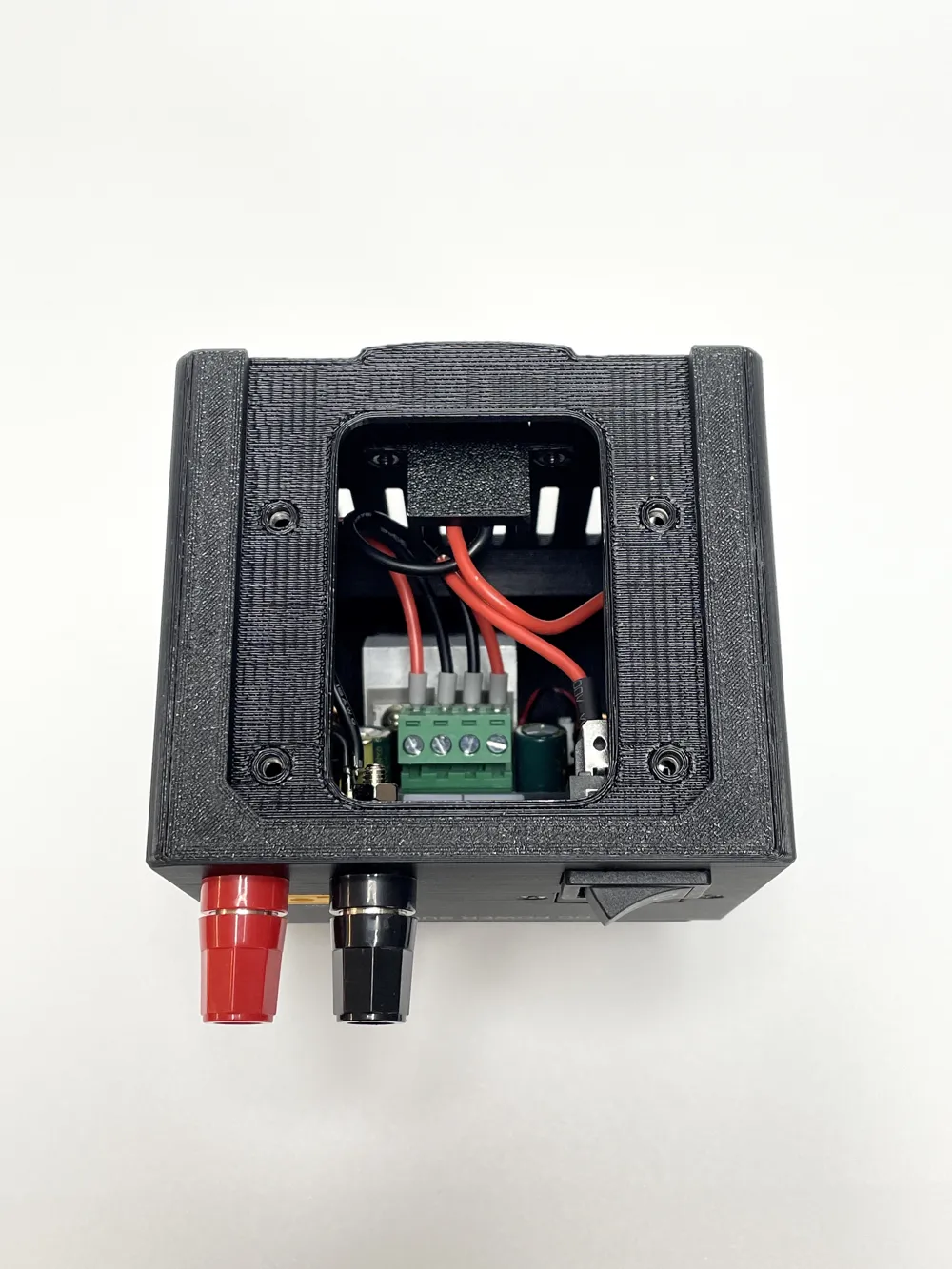
- Connect the red wire from the switch and the black wire from the USB PD module or Parkside battery to the power supply plug supplied with the power supply module.
- Optional – USB 5V ouptut
Connect the USB 5V output module to the input. Solder an additional red wire to the rocker switch, and split the ground wire into two: one going to the power supply module and the other to the USB 5V output module. - Press the rocker switch into the enclosure.
- Prepare two 18 cm long wires for connecting the banana plugs and XT60 connector to the power supply. Strip the insulation at one end, form a small loop, and secure it with solder.
- Optional – XT60:
Remove about 1 cm of insulation approximately 5 cm from the soldered loop on both wires. Solder these wires to the XT60 connector. Insert the XT60 connector into the enclosure and secure it with two M2.5 mm screws. - Connect the wires to the banana plugs, then lock them in place using the second pair of nuts.
- Connect the banana plug wires to the power supply module connector.
- Connect the module connector to the power supply module and press the module into the enclosure. it might be trick due to limited space, be patient.
- Ensure correct polarity for all connections.
- Optional – Parkside battery:
Secure the battery connector block to the main body using four M3×15 mm screws. - Close the bottom of the enclosure with the cover and fasten it using four M3x10 mm countersunk screws.
- Attach the rubber feet to the bottom cover.
Electronics:
Here is the schematic of the electronics:
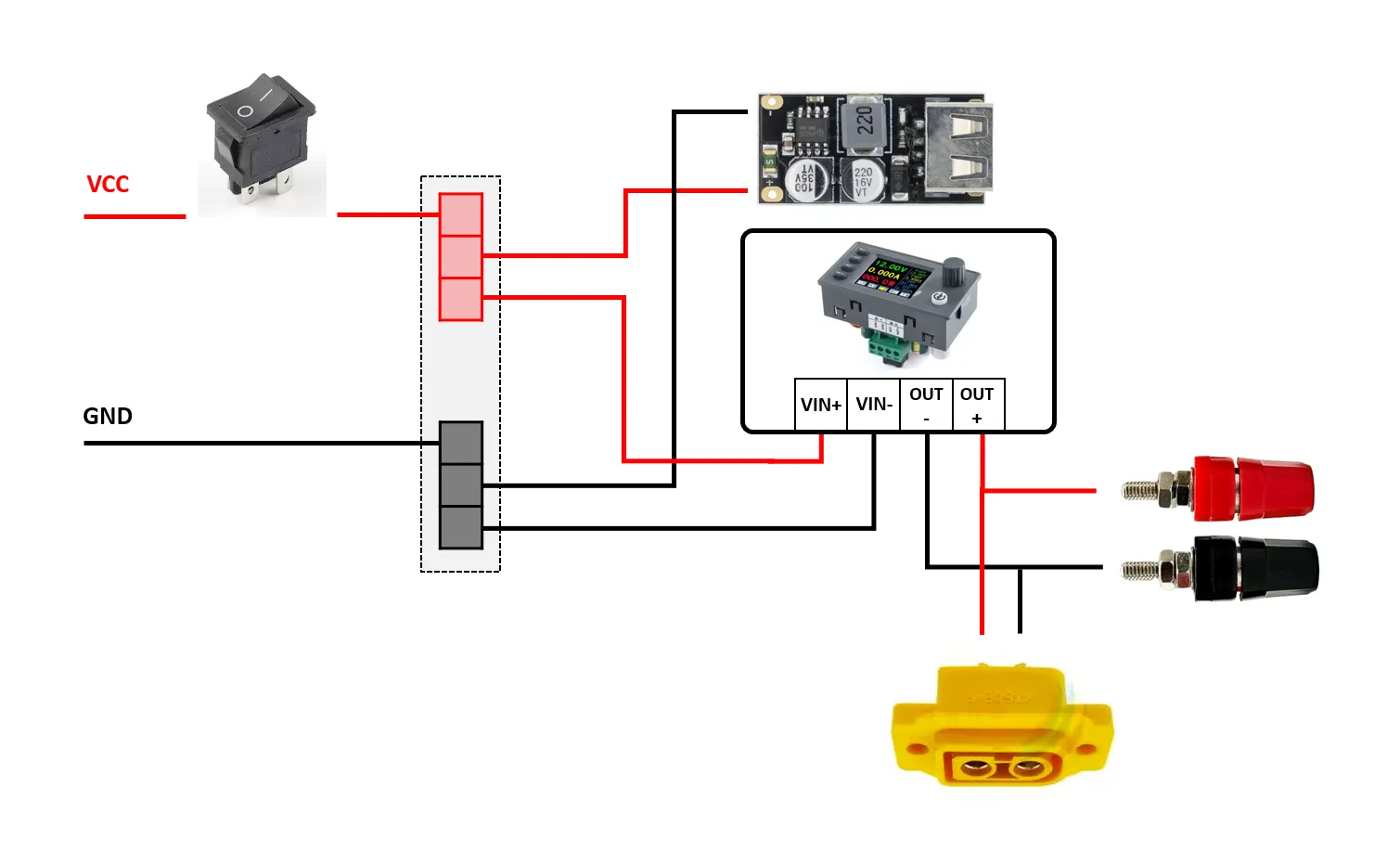
Note:
The labels on the power supply case were engraved using an xTool F2 Laser Engraver. The machine is equipped with a 5W infrared laser diode, which provides precise and clean engraving on selected plastic materials.
You can check also my other Power Supply based on DPS3005.
License



Comment & Rating (3)