
Sylvania Lightify Motion Sensor Cover Removal Tool
Print Profile(1)

Description
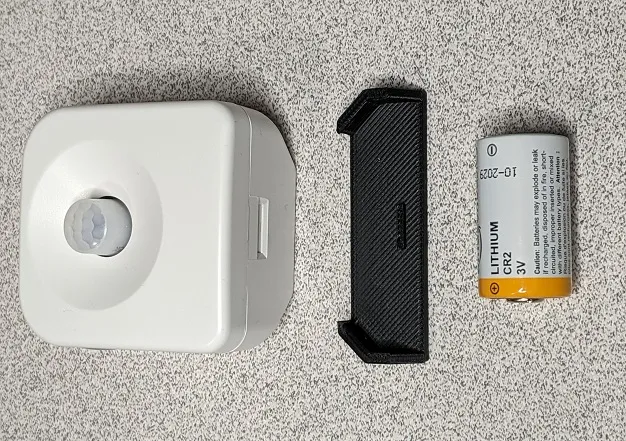
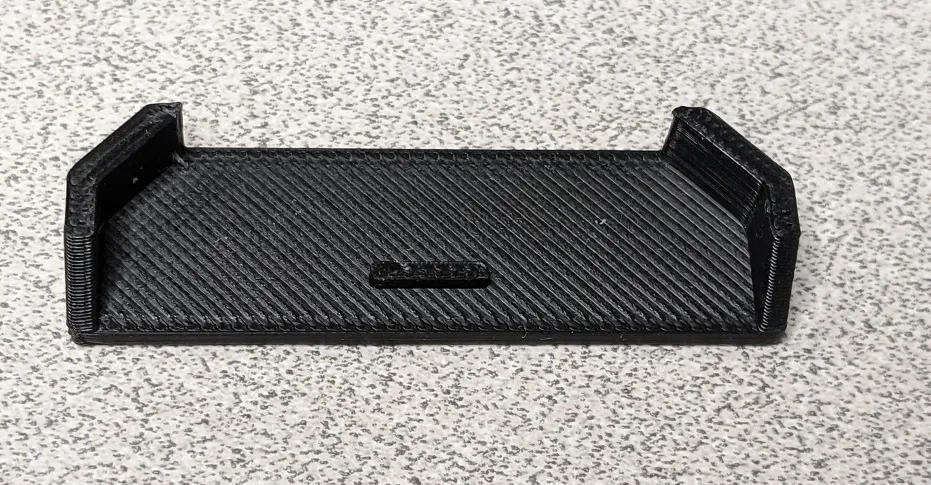
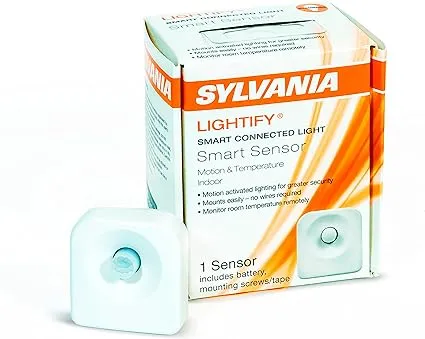
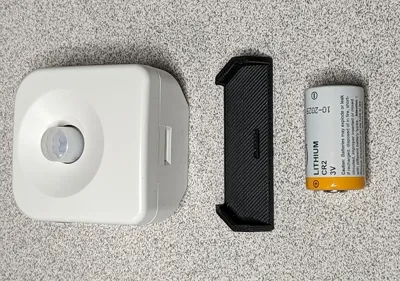
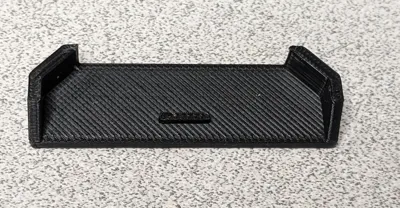
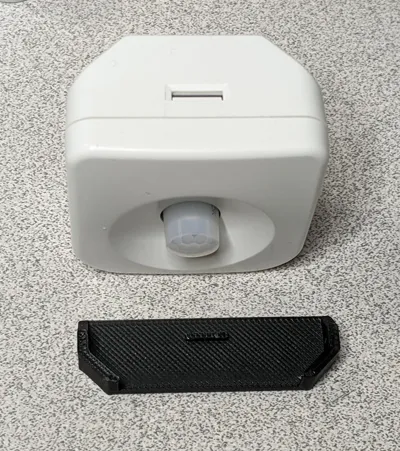
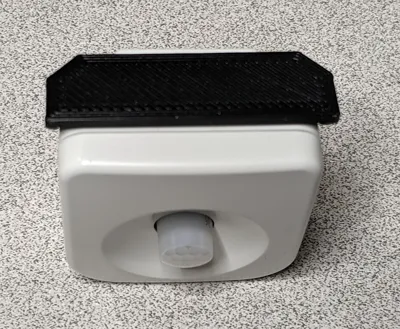
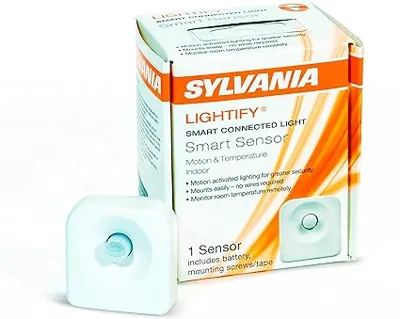
Something to help with the cover removal of Sylvania Lightify Smart Sensor Motion and Temperature Indoor when changing the battery.
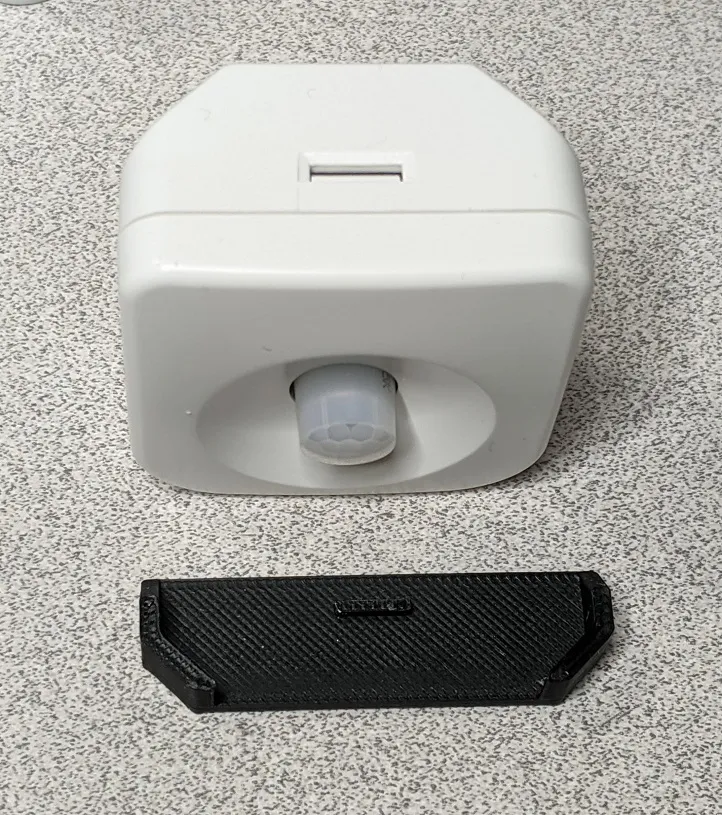
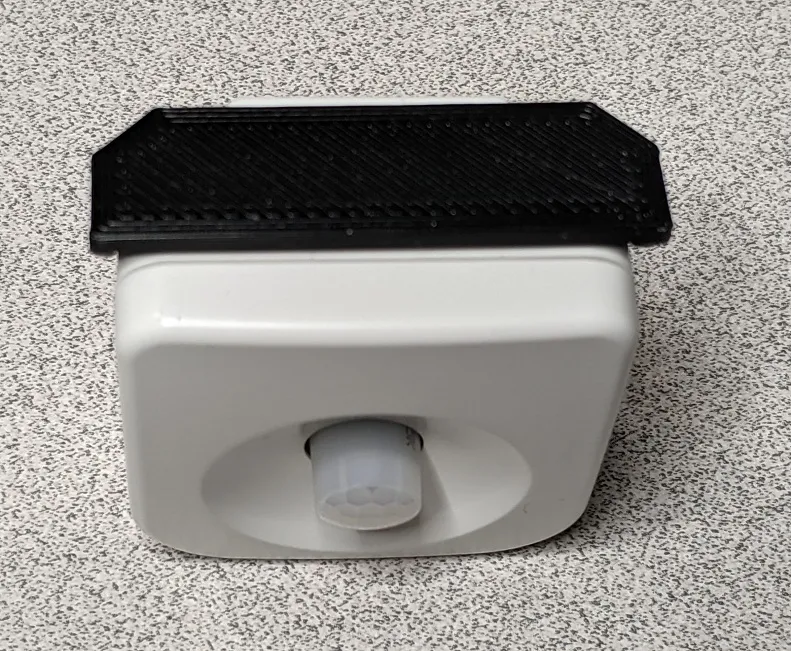
Place the tool over the slot hole for the latch, squeeze it against the sensor cover and pull the sensor slightly away from the cover. You should hear a popping sound and then be able to easily remove the sensor from the cover section.
License

You shall not share, sub-license, sell, rent, host, transfer, or distribute in any way the digital or 3D printed versions of this object, nor any other derivative work of this object in its digital or physical format (including - but not limited to - remixes of this object, and hosting on other digital platforms). The objects may not be used without permission in any way whatsoever in which you charge money, or collect fees.


Comment & Rating (0)