
Decklink Quad HDMI Noctua Frameless Fan Adapter
Print Profile(1)

Description
Description
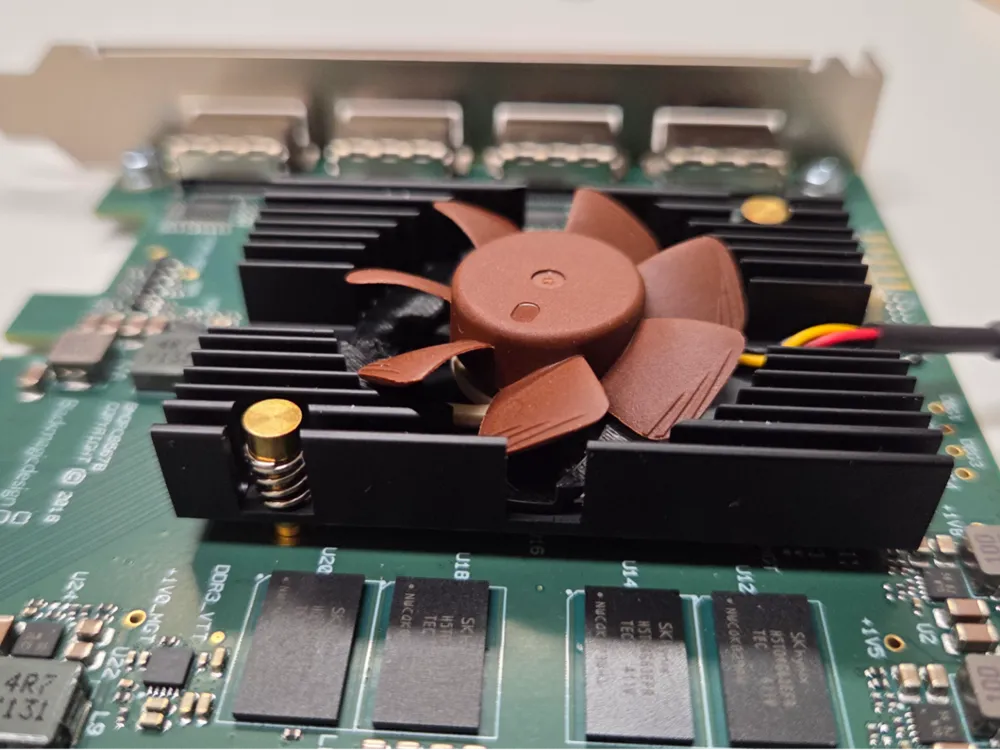
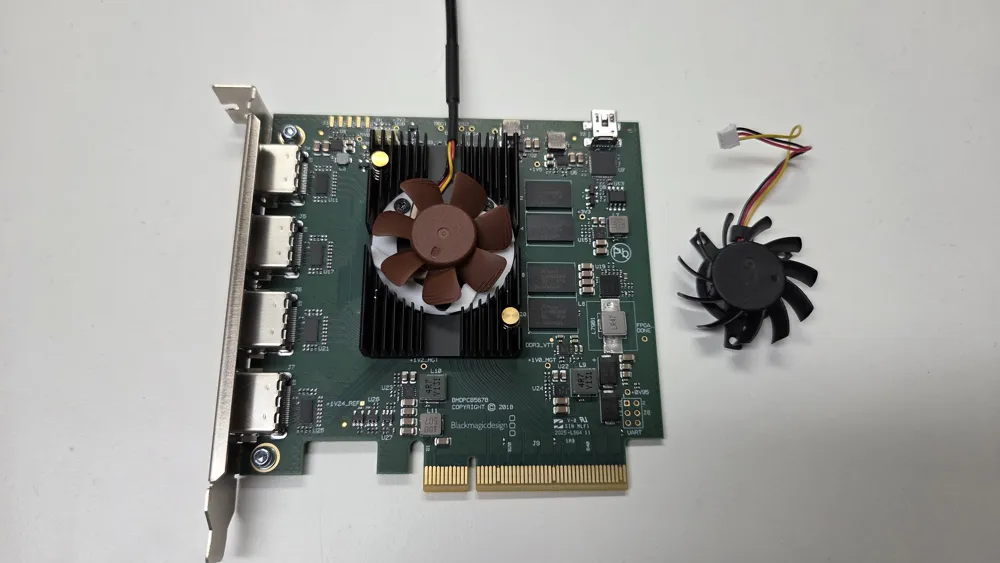
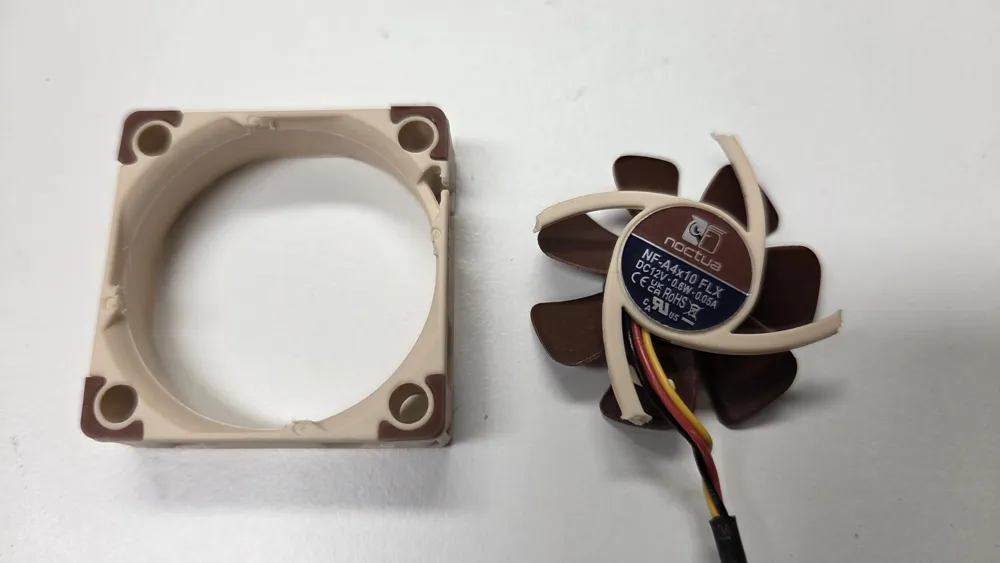
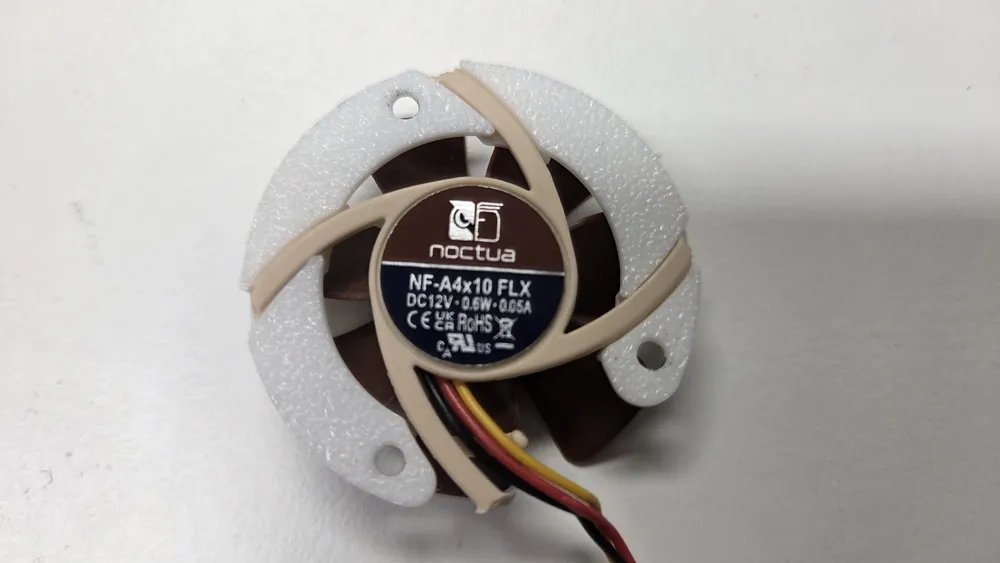
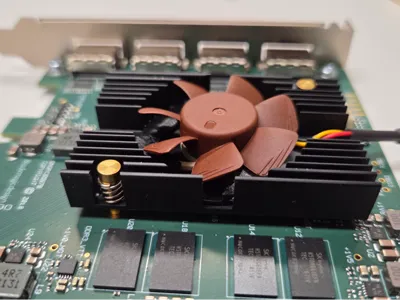
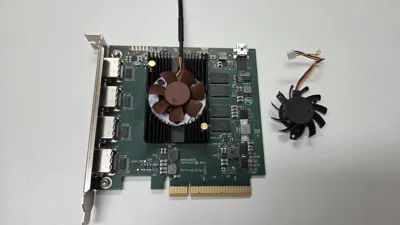
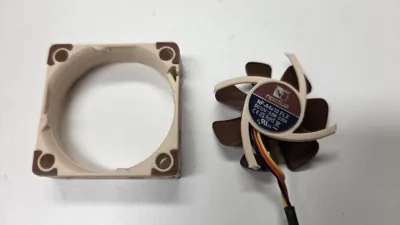
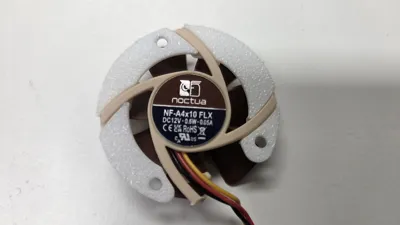
The fan on my brand new Blackmagic DeckLink Quad HDMI Recorder was very noisy. I spent a lot of time and money on making my PC quiet and adding this fan undid all that. So I replaced it with a quiet Noctua NF-A4x10 FLX, 3-pin (40x10 mm).
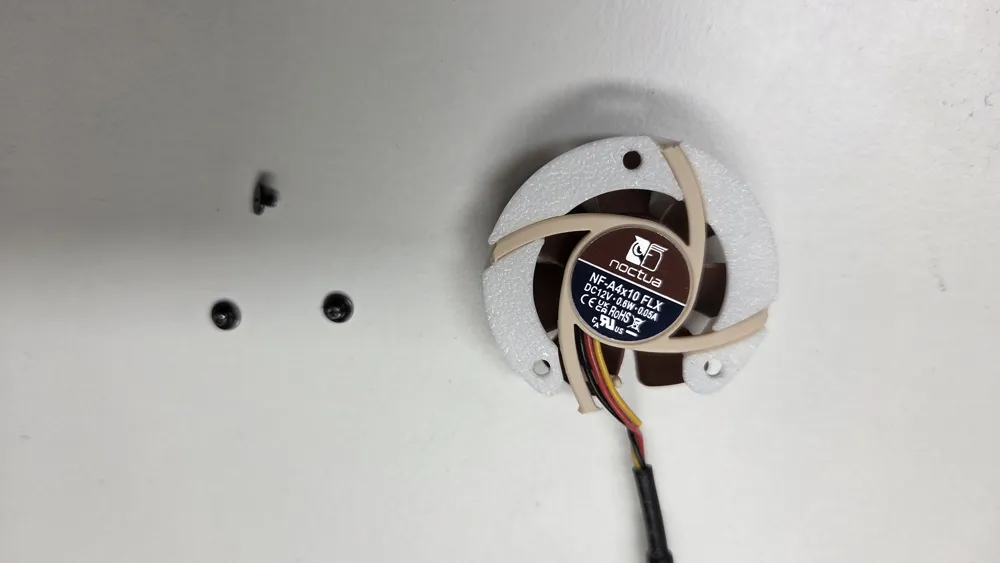
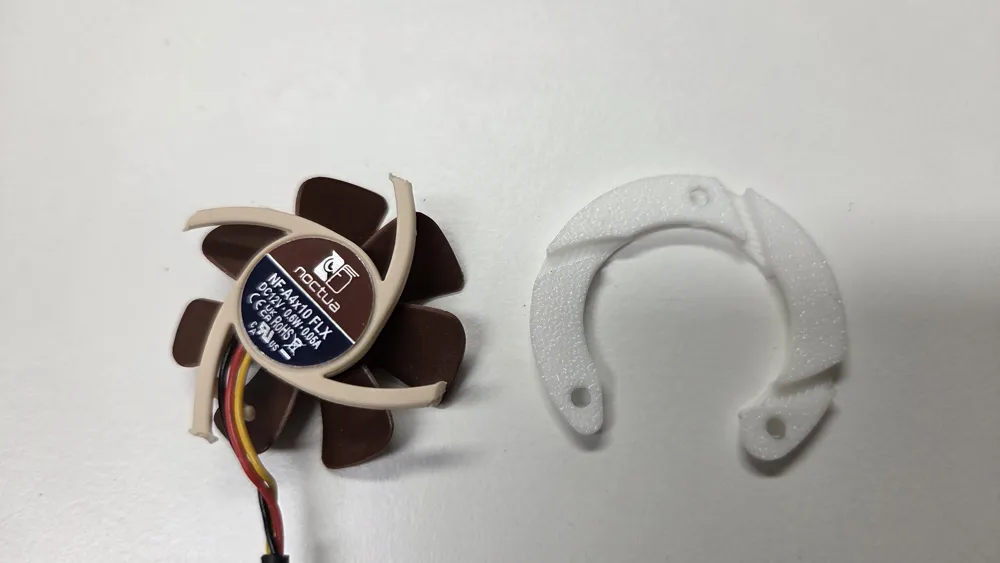
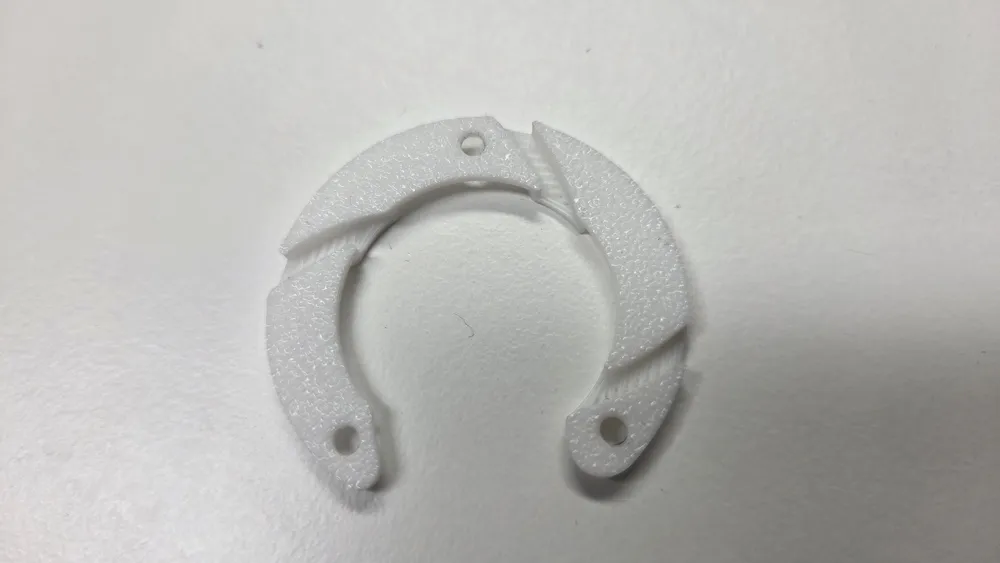
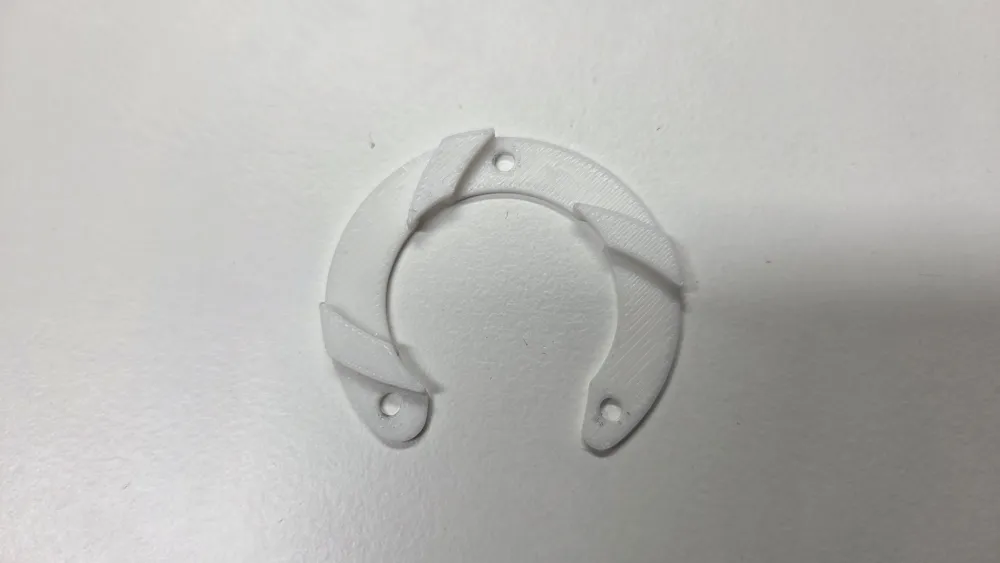
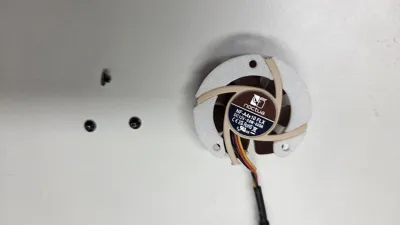
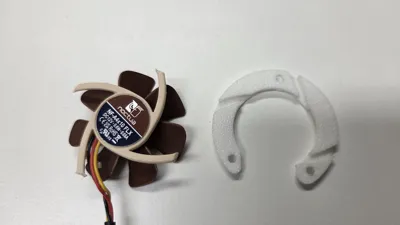
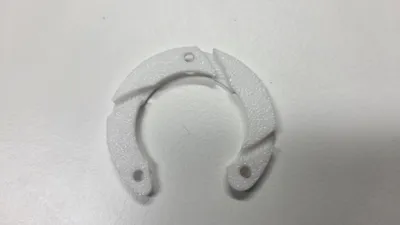
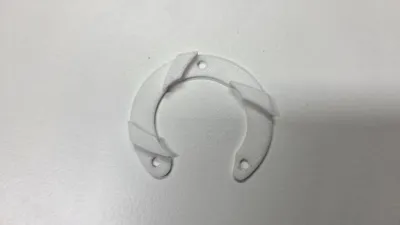
There was no room in my case to fit the fan on top of the heatsink so I snipped the frame off and designed this adapter to fasten the frameless fan to the original heatsink. The adapter connects to the heatsink using the original fan screws. When snipping the frame off, keep as much as possible of the plastic pins that attaches to the frame as the adapter uses these to hold the fan down.
When I tried the print in PLA it worked without support, but with ABS the slight sagging caused the pins of the fan to not fit properly so in that case I needed to use supports.
I replaced the Noctua connector with one that fit directly on the card's connector. This way I can keep the original fan intact in case I need to restore the card to its original state when returning it on warranty.
The original Fusion 360 file is included under CAD files if you need to modify it further.
Installation
1 - Remove original heatsink fan
2 - Attach adapter to heatsink (using original screws)
3 - Attach Noctua Fan to adapter (using M3x12mm bolts)
Components (affiliate links)
Connector: https://amzn.to/4rg02nx
License



Comment & Rating (0)