Search models, users, collections, and posts

SimRacing Laptimer / Dashboard / VoCore 4” Case
Print Profile(1)

All
A1
P1P
H2S
X1 Carbon
H2D
X1E
H2D Pro
P2S
X1
A1 mini
P1S
H2C
X2D
A2L

0.2mm layer, 5 walls, 30% infill
Designer
2.6 h
3 plates

Open in Bambu Studio
Boost
17
37
10
1
29
13
Released 

Bill of Materials

Maker's Supply Kits and Parts
Select all
M3x16 SHCS Machine Screw (10PCS) - AA039
Bambu Filaments
Select all
Cobalt Blue Metallic (13600) / Filament with spool / 1 kg
List other parts
  • Threaded Insert M5x6 x 2:
  • Threaded Insert M3x4 x 4:

Description

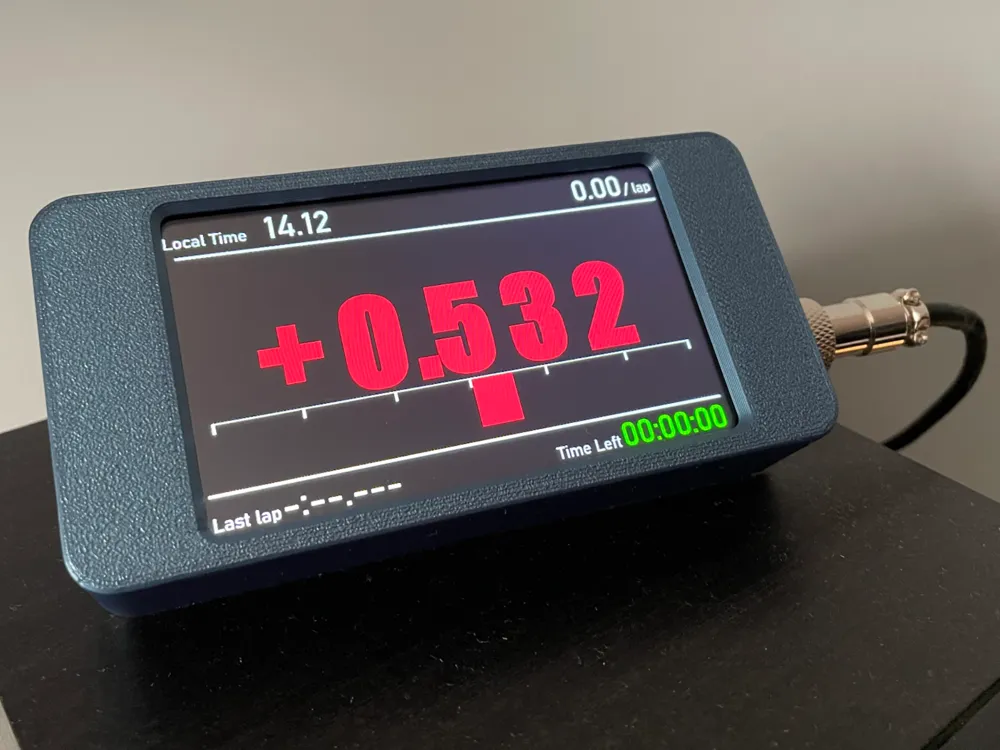
I decided to design a laptimer that was slightly different from the usual Racelogic replica laptimers and that allowed me to take advantage of the entire screen available.

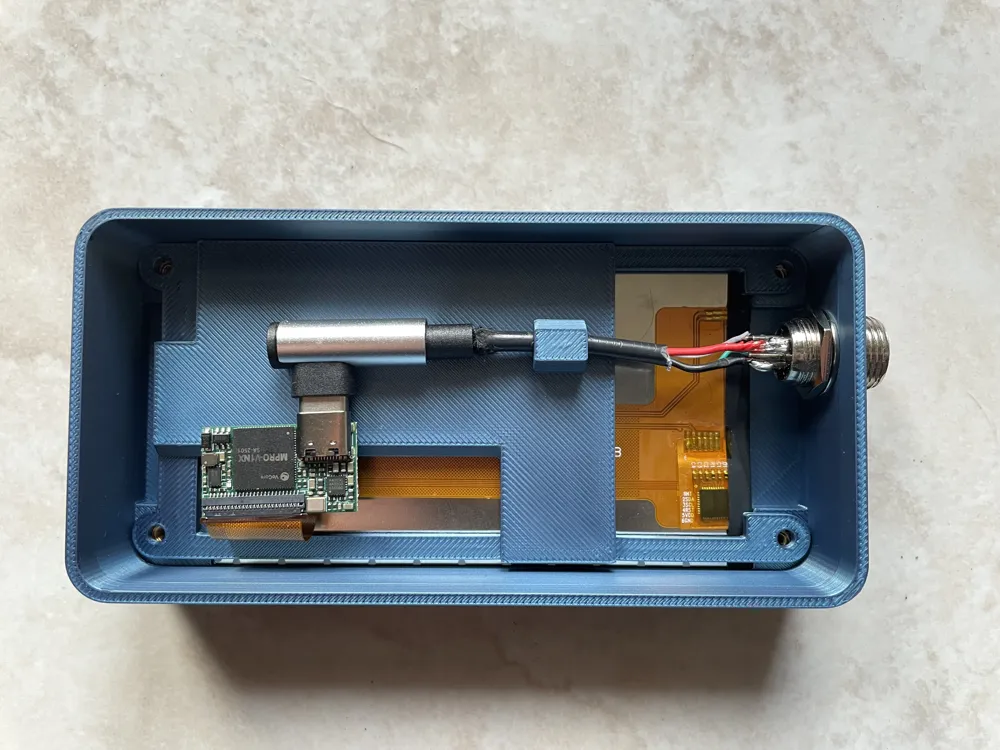
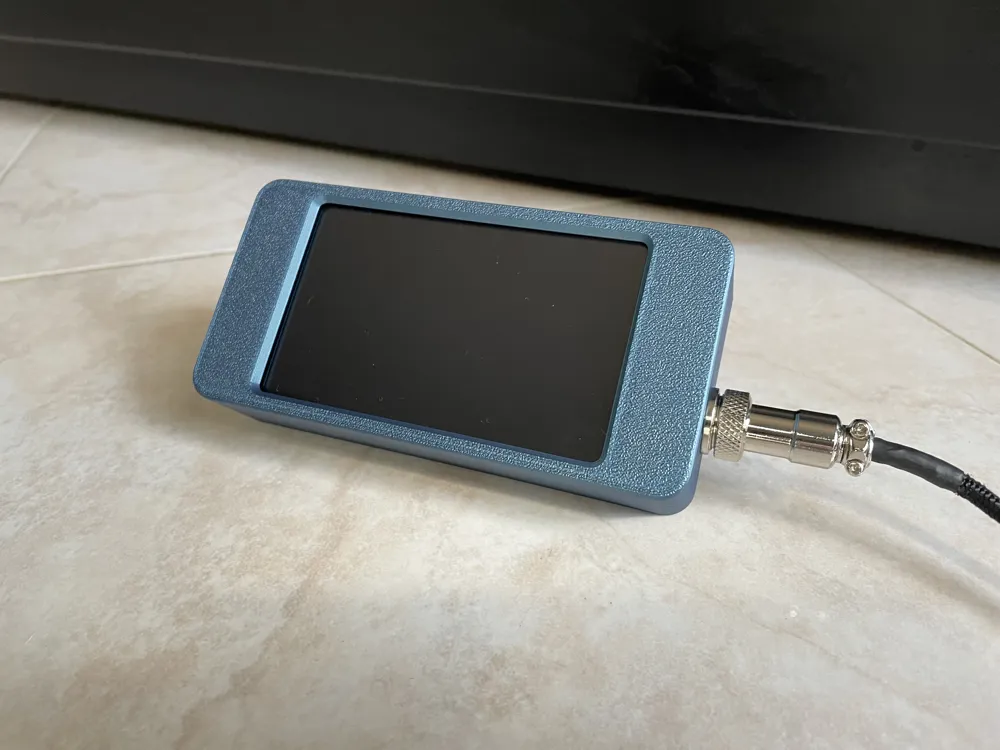
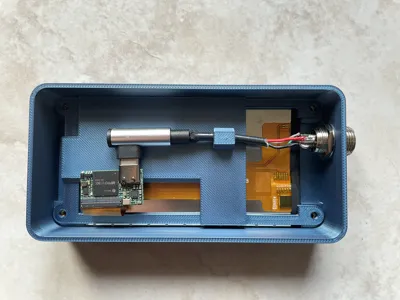
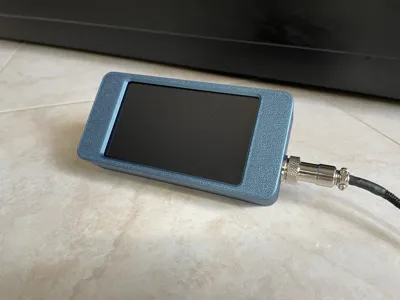
The screen is a 4-inch VoCore and works with Simhub and Dash Studio. For the cable, I used a 4-pin Gx12 aviation connector. 

I recommend a 90-degree USB Type-C cable. The disadvantage is that you have to insert it into the body before soldering it, or it probably won't fit through the hole in the Gx12 connector.

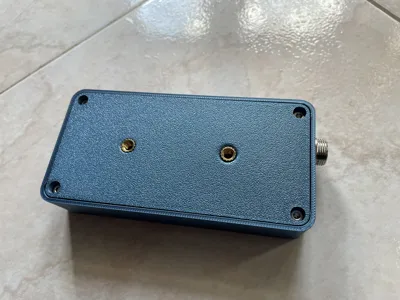
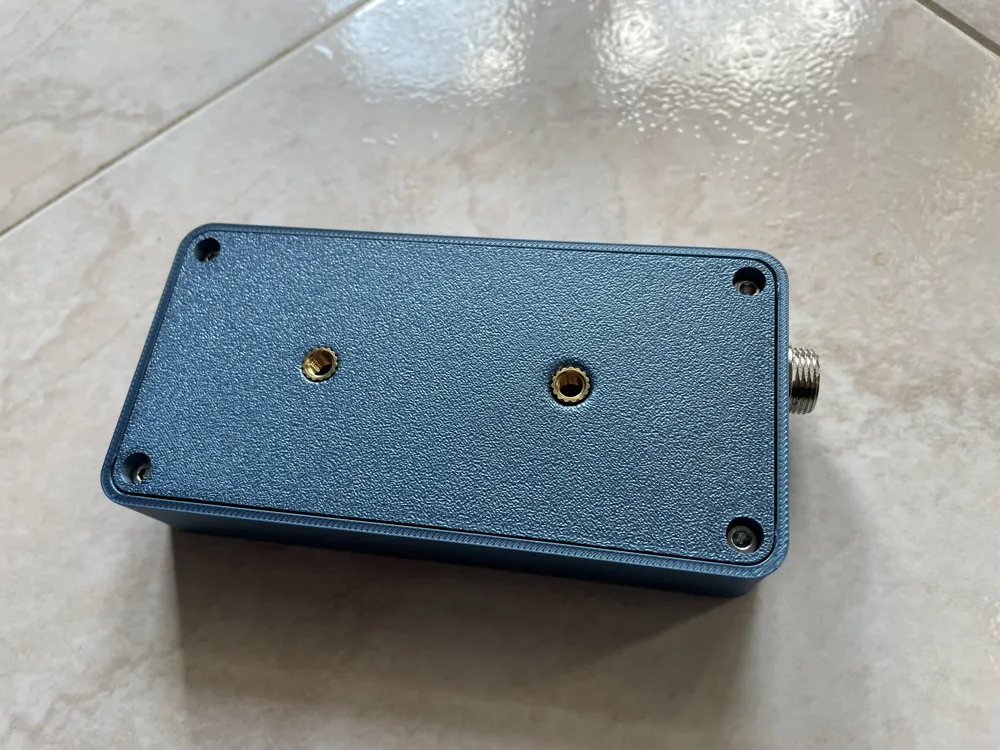
On the back, I put two M5 threaded inserts 48.5 mm apart, which are suitable for Ram mount.


Materials:

VoCore 4 inches 

4x Hexagon socket head cap screw M3x16

2x Threaded Insert M5x6

4x Threaded Insert M3x4

Boost Me (for free)

If you liked my work, consider boosting me.

Comment & Rating (10)

(0/1000)

Where can I find dashboards, and how do I install them in SimHub?
The designer has replied
0
Reply
Hi. Dash Studio dashboards can be installed with a double-click if you already have Simhub installed. Simhub already has some pre-installed dashboards you can try. You could also try the "Lovely Dashboard" or the free version of "Fullpace-simracing" available for download from their Discord. I also recommend watching some video tutorials. It's a bit difficult to explain all the steps in words. It may seem difficult and confusing at first, but it's less complicated than it seems.
1
Reply
Hello, I have been looking for quite a while now, and I am honestly finding it very difficult to identify the dashboard shown in your photos. In general, I am also having trouble finding ready-made dashboards that fit, as well as clear instructions on how to install and use them in SimHub. I have already installed SimHub and Dashboard Studio, but from what I can see, there only seems to be an option to create dashboards yourself, along with the default sections already included in SimHub. Unfortunately, there is no suitable dashboard among them. Could you please tell me where you got the dashboard shown in the pictures and how I can use it on my system? Thank you very much for your help.
0
Reply
Replying to @Sash024 :
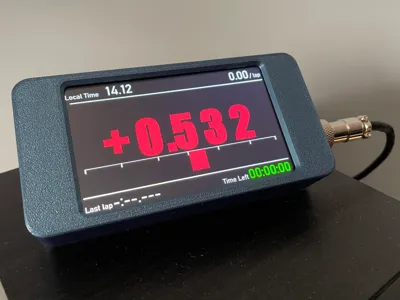
The dashboard shown in the images is just a static one. It's there purely as an example. There are no formulas linked to the numbers.My suggestion is to start by trying the “Full Pace Simracing” dashboard.
0
Reply
.
1
Reply
No more

License

This user content is licensed under a Standard Digital File License.

You shall not share, sub-license, sell, rent, host, transfer, or distribute in any way the digital or 3D printed versions of this object, nor any other derivative work of this object in its digital or physical format (including - but not limited to - remixes of this object, and hosting on other digital platforms). The objects may not be used without permission in any way whatsoever in which you charge money, or collect fees.