
Spool Clicker Keychain (Mechanical Switch)
Print Profile(3)


Bill of Materials

Description
Enjoying my models? If you're interested in selling them, just send me a private message!
Boost Me (for free)
Enjoy my models? Boost me to help me making more! ⭐
🧵 The Spool Clicker
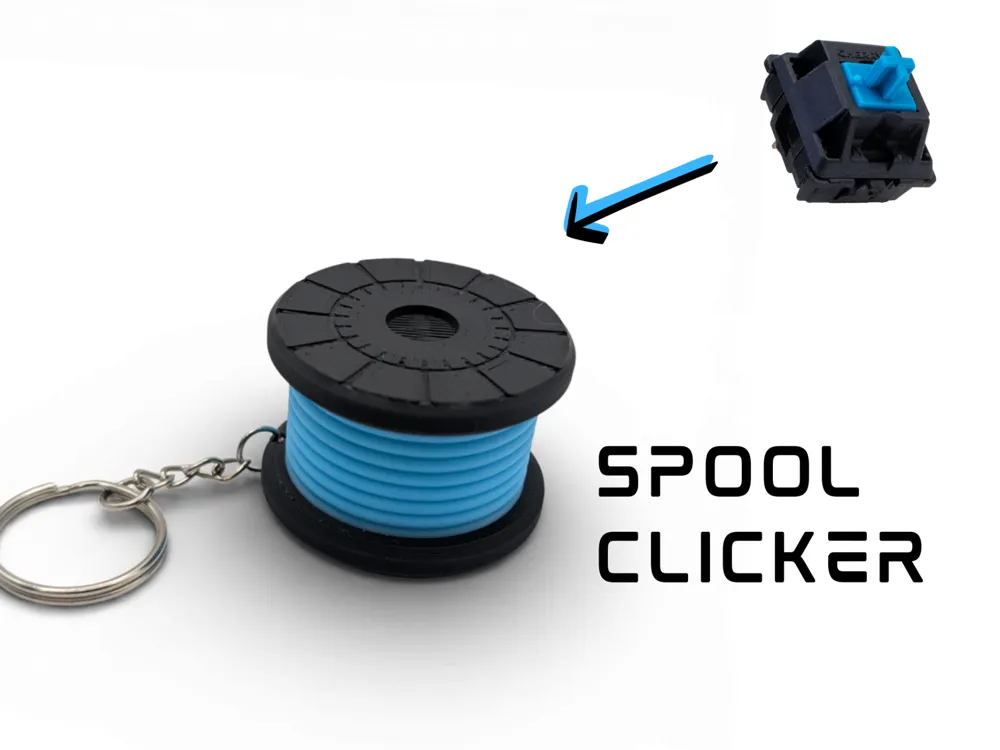

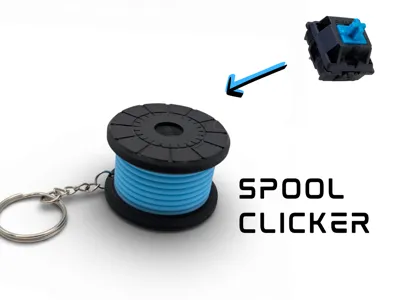
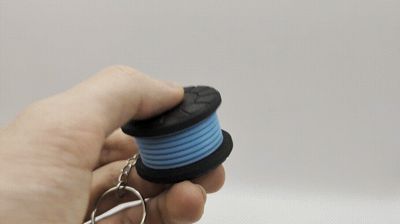
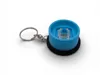
The ultimate fidget toy for 3D printing enthusiasts! This keychain is designed to look exactly like a miniature filament spool, but with a secret: it houses a mechanical keyboard switch inside for endless, satisfying clicking.
Whether you are waiting for a print to finish or just need to keep your hands busy, the Spool Clicker provides that crisp tactile feedback we all love. It mimics the look of a standard reusable spool (like Bambu Lab spools) with a "filament" load in the middle.
✨ Features
- Satisfying Click: Uses a standard mechanical keyboard switch (Cherry MX style).
- Realistic Design: Modeled to look like a tiny spool of filament.
- Pocket Friendly: Includes a loop for a keychain ring.
- Customizable: Use your AMS to print the "filament" part in any color you like!
3. Bill of Materials (BOM) / Hardware Needed
Bardzo ważna sekcja, bo model wymaga dodatkowych części:
🛠️ Hardware Required
To assemble this clicker, you will need:
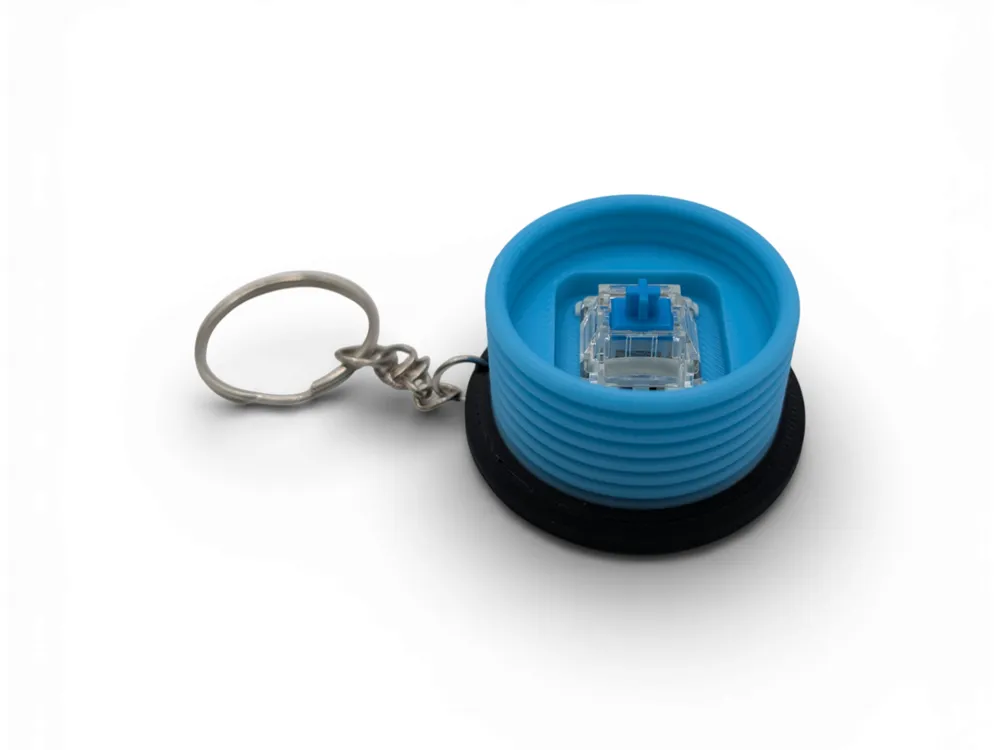
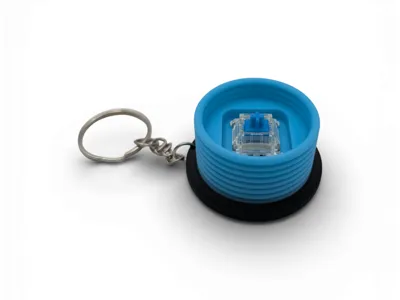
- 1x Mechanical Keyboard Switch: Cherry MX style (Blue switches are recommended for the best "clicky" sound, but Red or Brown work too).
- 1x Key Ring / Chain: Standard size.
- (Optional) Super glue: If the fit is loose, a tiny drop of glue helps secure the switch housing.
🔧 Assembly Guide
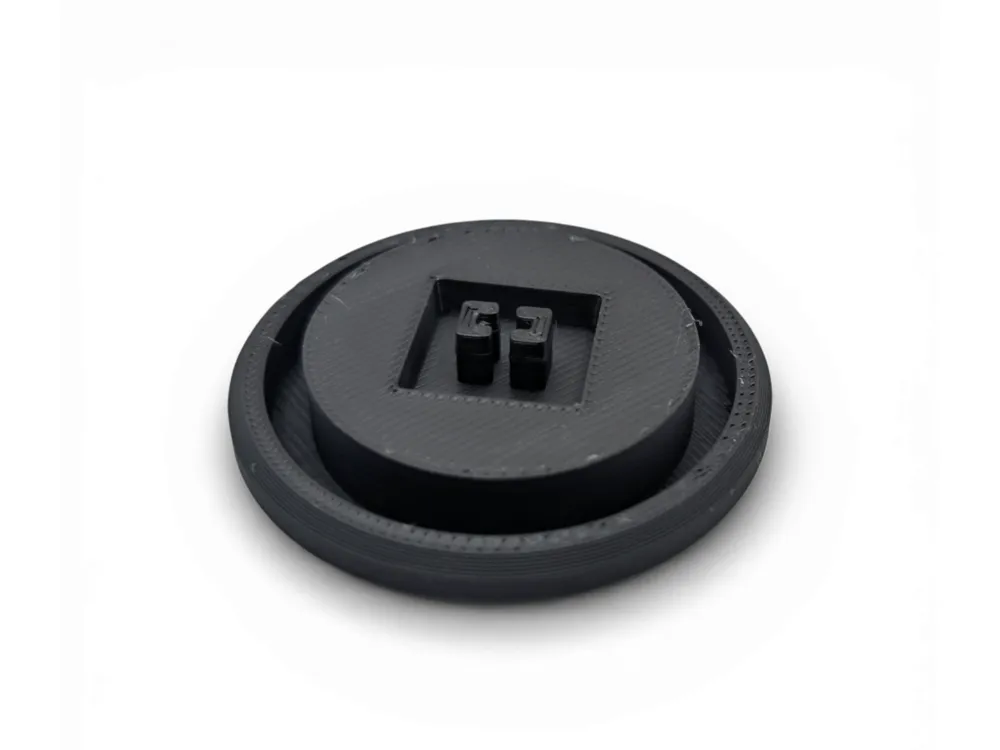
- Insert the mechanical switch into the bottom of the spool housing. It should be a snug press-fit.
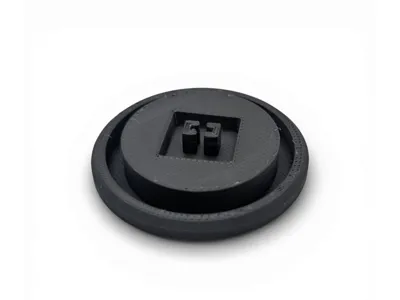
- Snap the top "cap" (the center hub of the spool) onto the stem of the switch (the cross-shaped part).
- Attach your keyring.
- Click away!
License

You shall not share, sub-license, sell, rent, host, transfer, or distribute in any way the digital or 3D printed versions of this object, nor any other derivative work of this object in its digital or physical format (including - but not limited to - remixes of this object, and hosting on other digital platforms). The objects may not be used without permission in any way whatsoever in which you charge money, or collect fees.


Comment & Rating (3)