
No Math Gridfinity Baseplate Generator w/ Stacking
Print Profile(1)

Bill of Materials



Description
Boost Me (for free)
If you love this tool leave me a like or consider boosting to help others find it!
🛑 STOP DOING GRID MATH!
The Ultimate Gridfinity Drawer-Filling Baseplate Generator
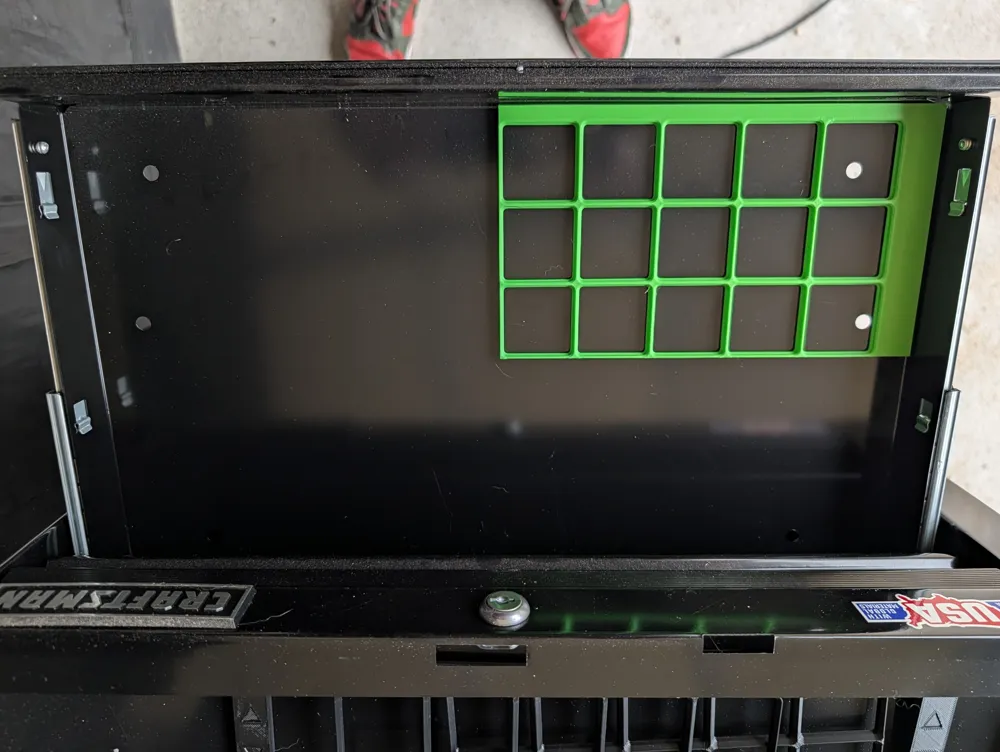
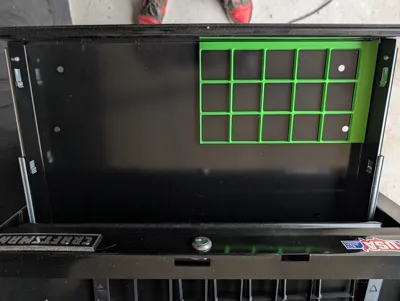
Put away the calculator. This generator creates perfectly sized Gridfinity Baseplates that fill your drawer edge-to-edge, automatically calculating the perfect grid size and margins for you.
🔥 Key Features
New: Grid Shifting
Choose to shift the grid to a side or corner
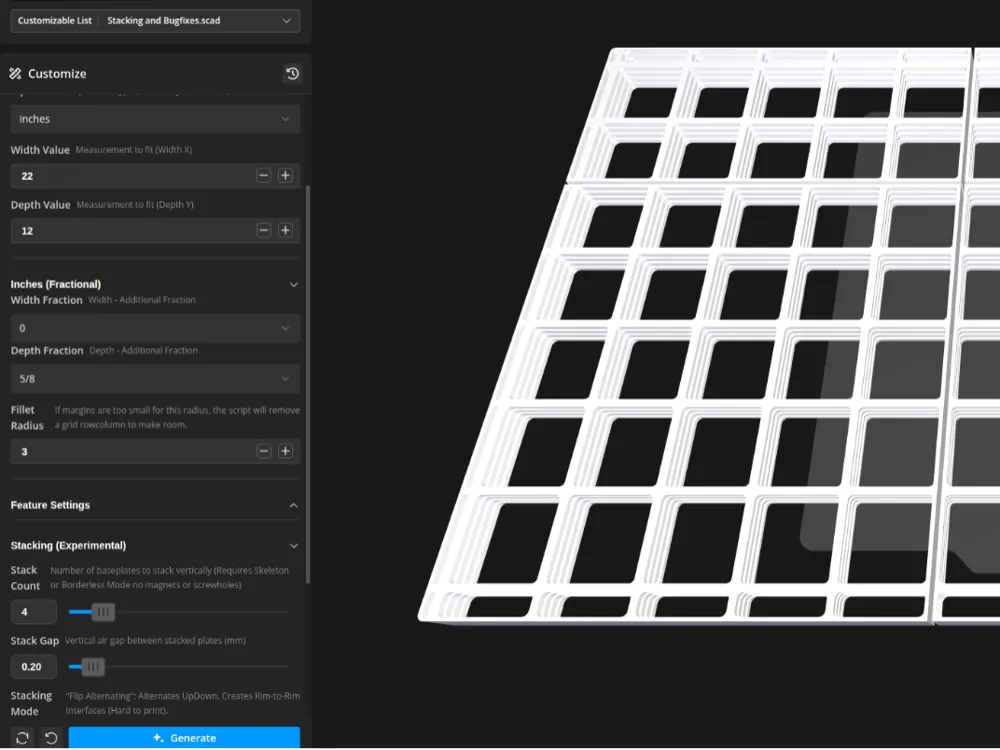
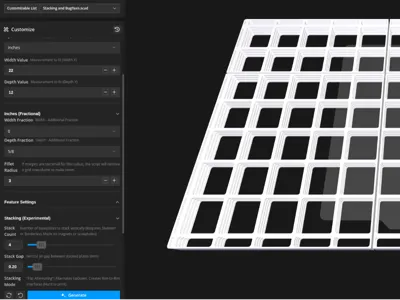
Vertical Stacking (Batch Printing)
Want to print multiple plates at once?
- Zero Supports Needed: Select "All Upside Down" mode to print perfectly bridging inverted stacks.
- Mass Production: Set Stack_Count to 5, 10, or more and wake up to a full drawer's worth of frames!
- Easy Separation: Designed with a tuned 0.2mm air gap—parts snap apart cleanly.
✨ Zero Math Required
Just enter your drawer dimensions (mm or inches). The script calculates the optimal row/column count and generates equal margins on all sides instantly.
🧱 Robust Frame Design
- Integrated Spacers: Margins are fused to the frame—no loose spacer sticks!
- 1.0mm Reinforced Webs: We optimized the geometry for maximum printability. Say goodbye to slicer errors on split edges.
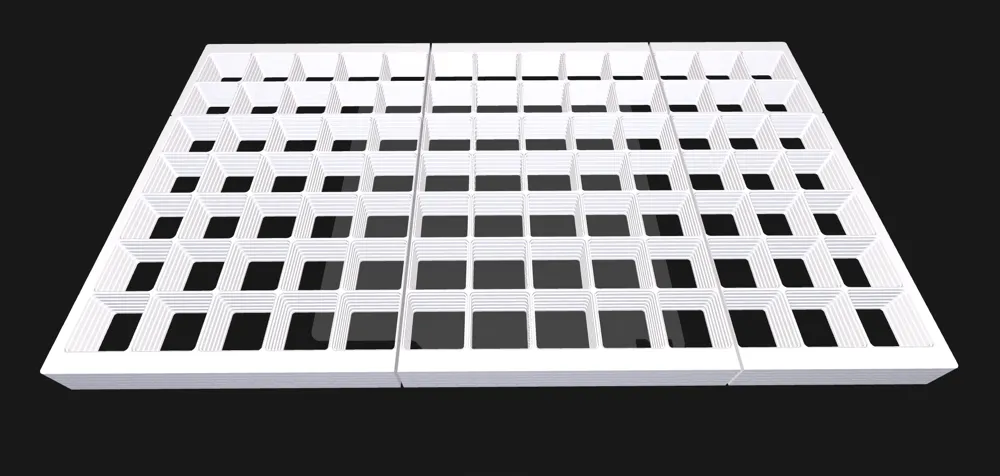
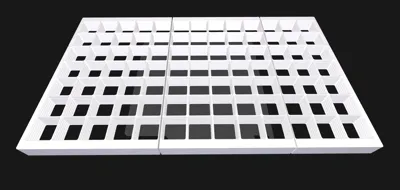
- Skeleton Mode: Save ~50% filament with the lightweight, rigid frame option.
✂️ Auto-Tiling
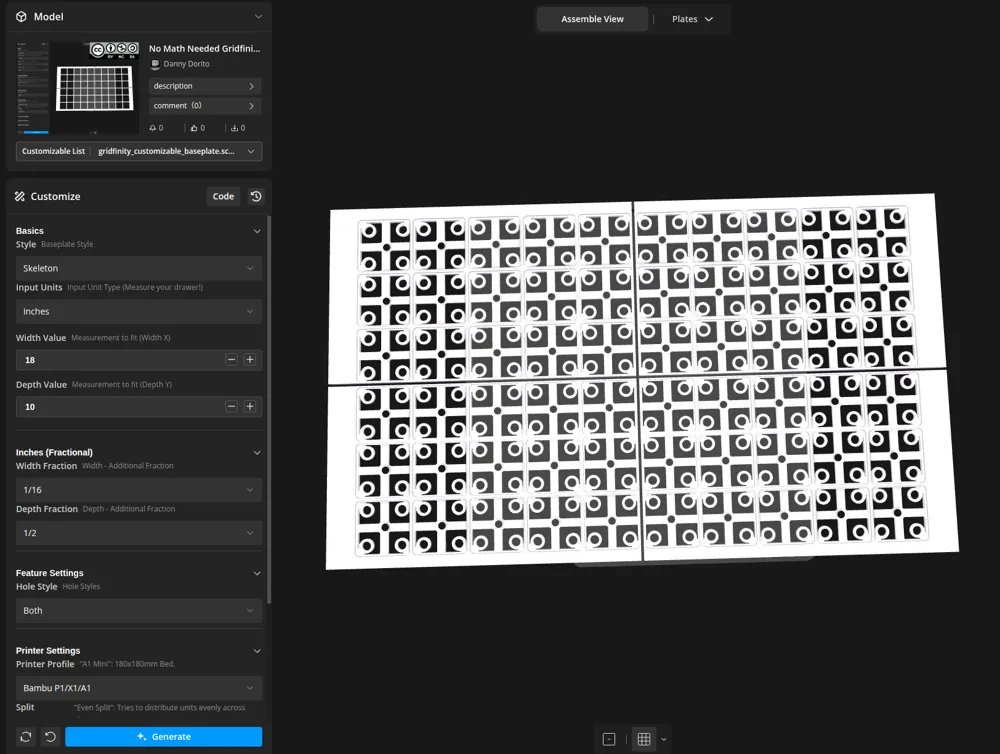
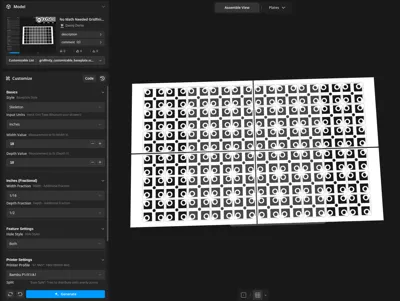
Drawer bigger than your printer? No problem. The script automatically splits giant baseplates into clean tiles that fit your specific bed (Bambu X1/P1/A1, A1 Mini, Prusa MK3/4, etc.).
🛠️ How to Use
Basic Usage (Single Plate)
- Measure: Input your drawer's internal Width and Depth.
- Profile: Select your printer model (e.g., "Bambu P1/X1") for correct auto-tiling.
- Style: Choose "Standard" (Solid) or "Skeleton" (Frame).
- Print: Slice and print!
🚀 Batch Printing (Stacking)
Print a drawer's worth of frames in one go!
- Set Style: Must use "Skeleton" or "Borderless" mode.
- Stack Count: Set how many plates you want (e.g., 5 or 10).
- Stacking Mode: Select "All Upside Down".
- Why? This orients all plates rims-down, creating perfect bridges without supports.
- Check Safety: The script automatically disables magnets/screws in this mode to prevent print failures.
- Print Settings:
- Layer Height: 0.2mm.
- Supports: None (Disabled).
- Brim: Recommended/Mouse Ears for stability.
📢 Support the Project
- Post Your Makes: I love seeing your organized drawers!
- Feedback: Have an idea? Leave a comment!
- Boost: Seriously, it helps a ton. Thank you!
Attribution
Based on the Gridfinity modular storage system designed by Zack Freedman.
- Original System: Thangs Profile
- Support Zack: YouTube Channel
Licensed under the MIT License. Created by DannyDorito
This remix is based on

License



Comment & Rating (27)