
Parametric Vacuum Cleaner Nozzle Adapter Generator
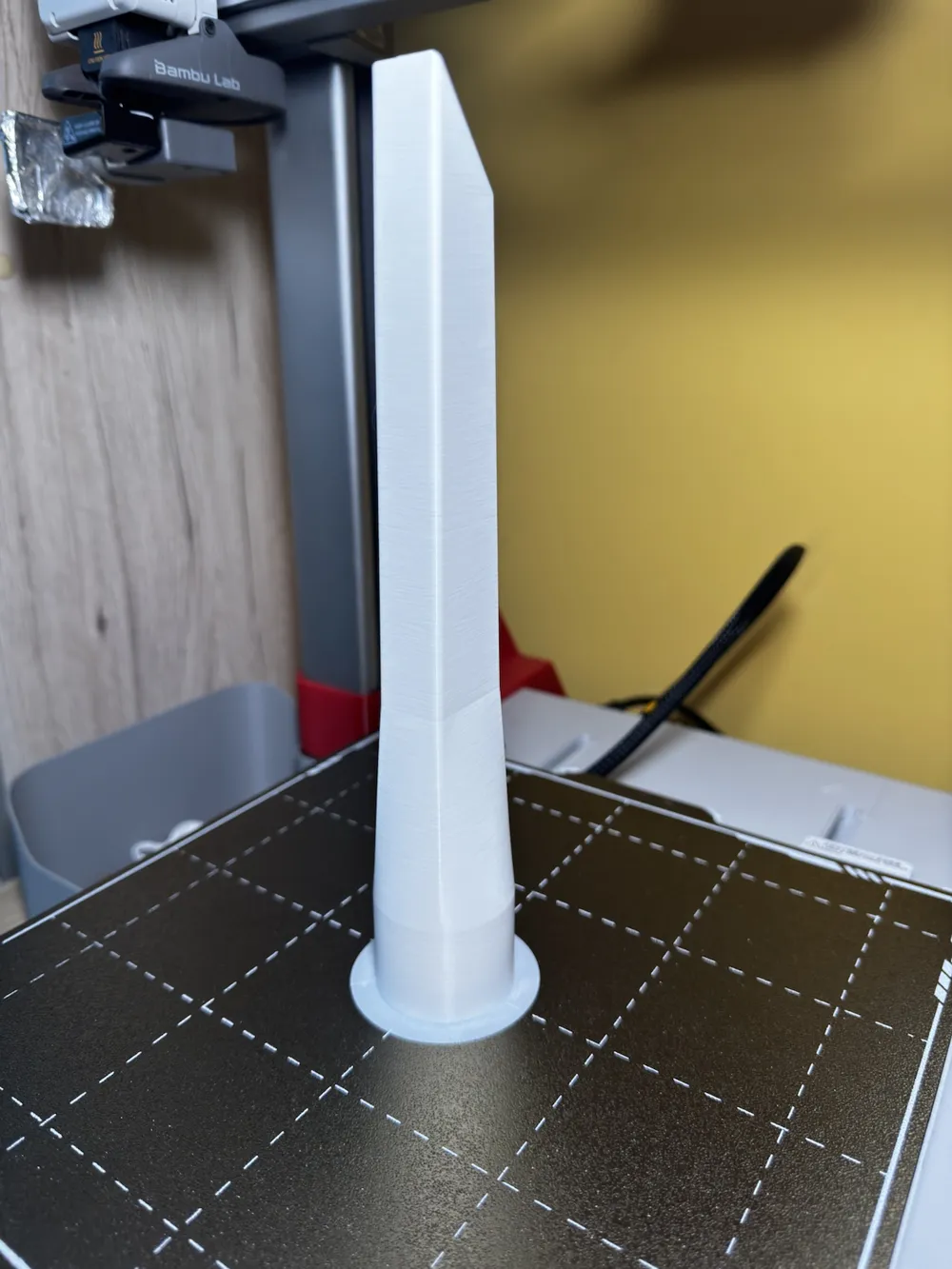
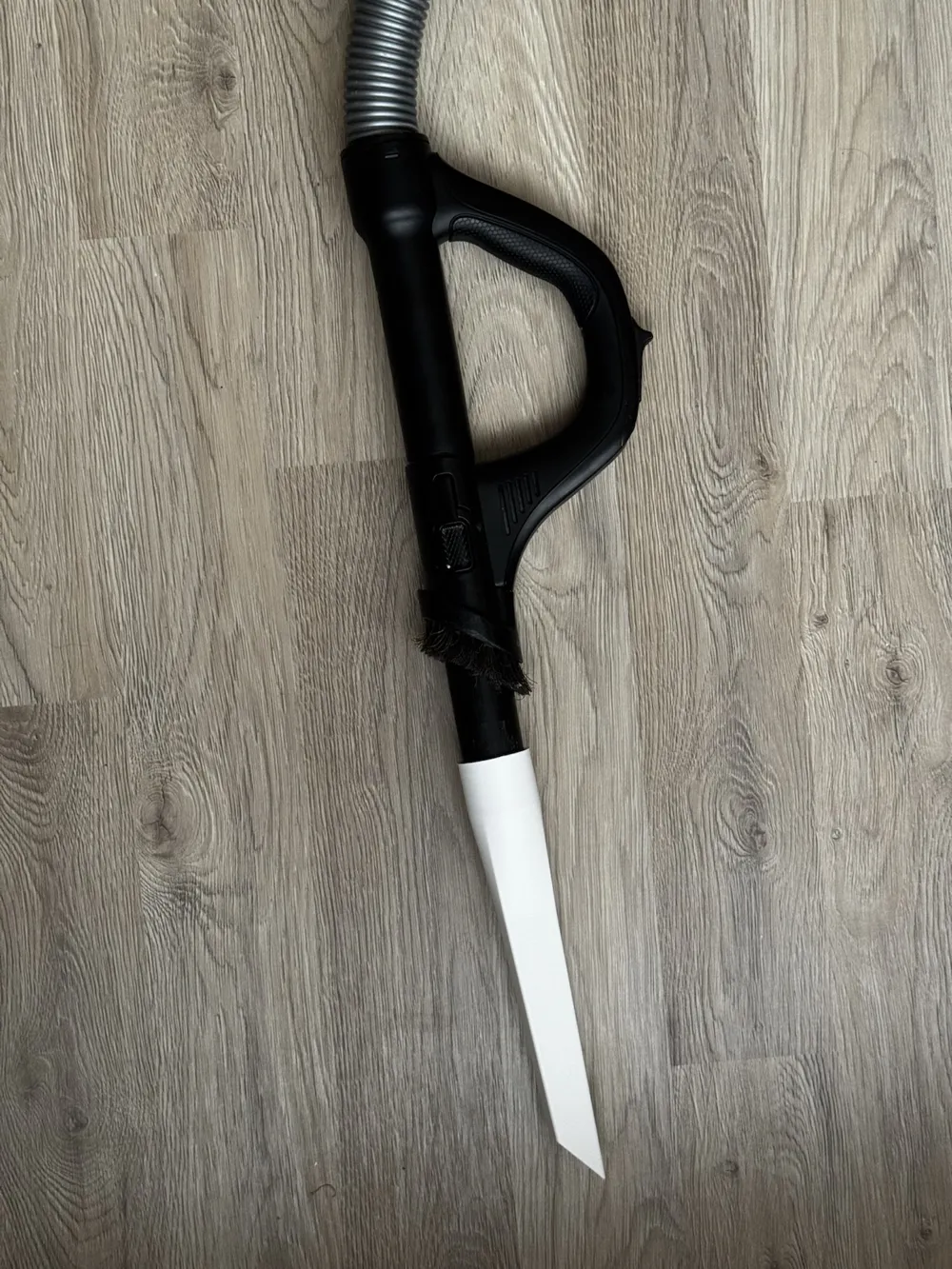
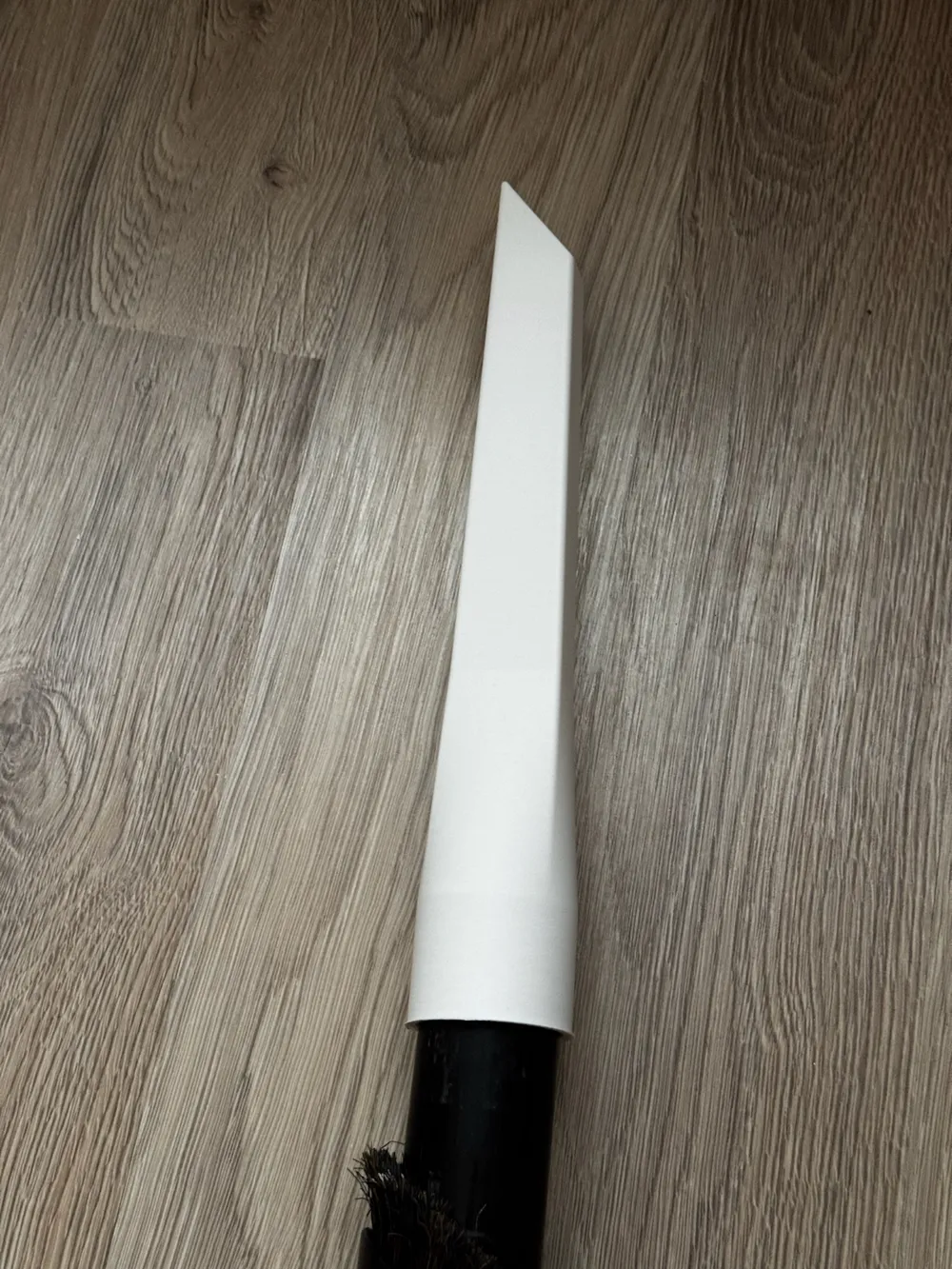
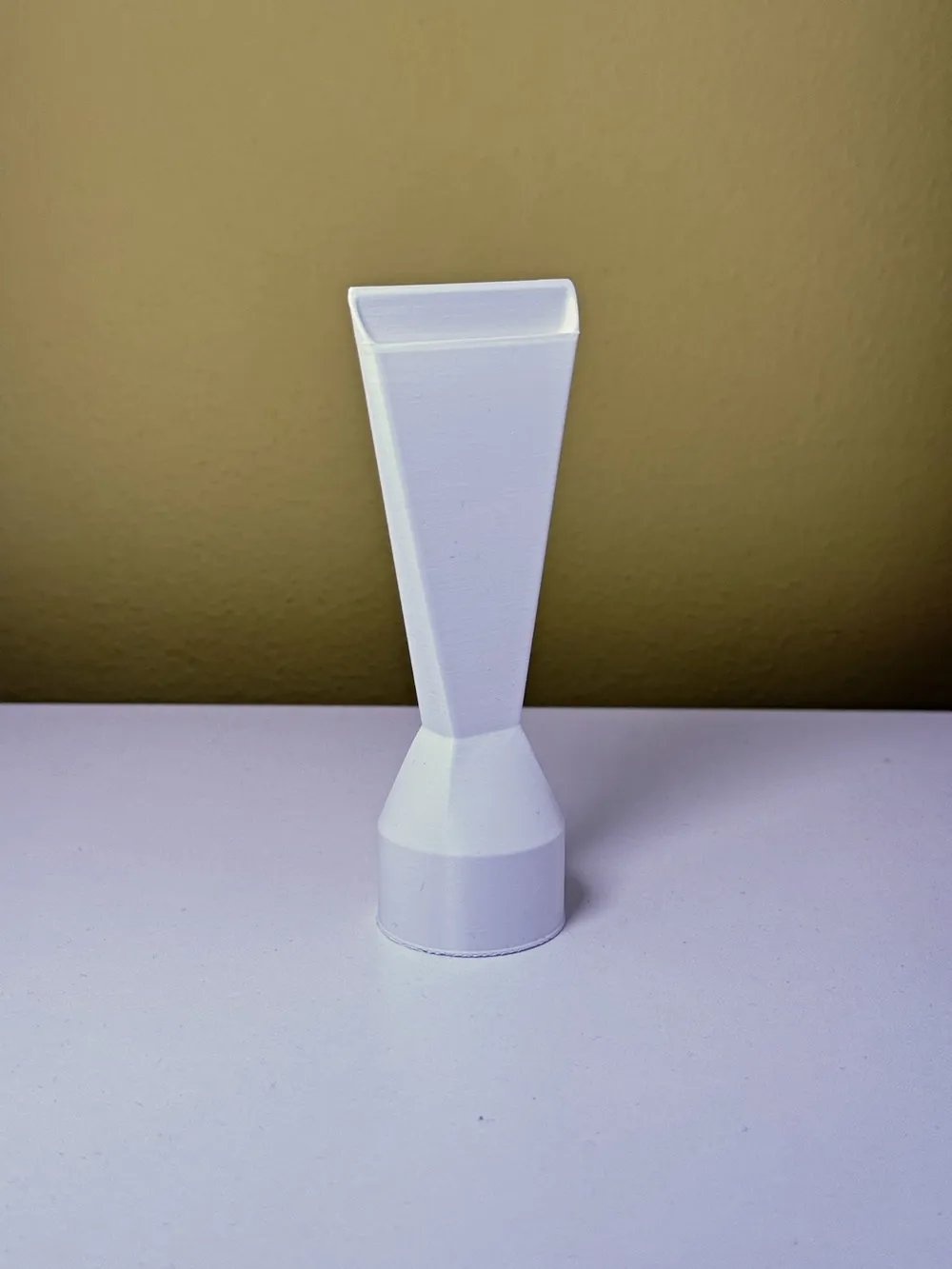
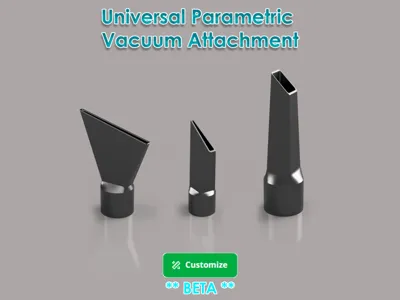
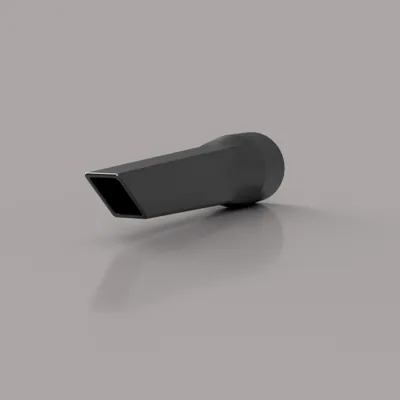
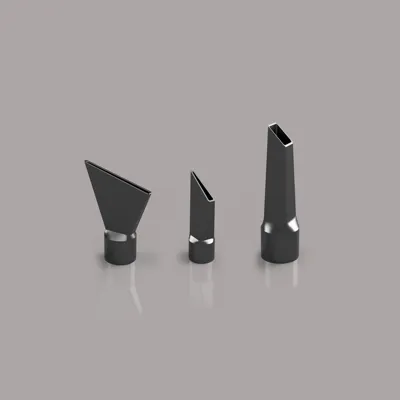
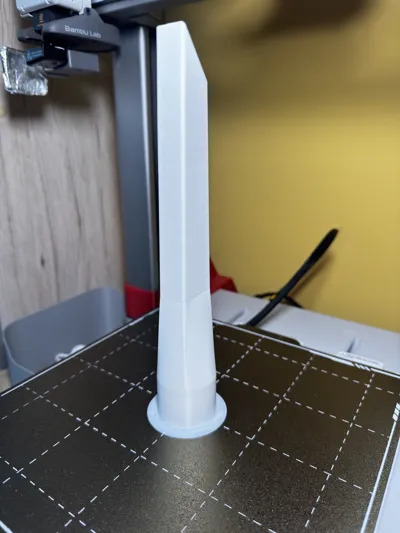
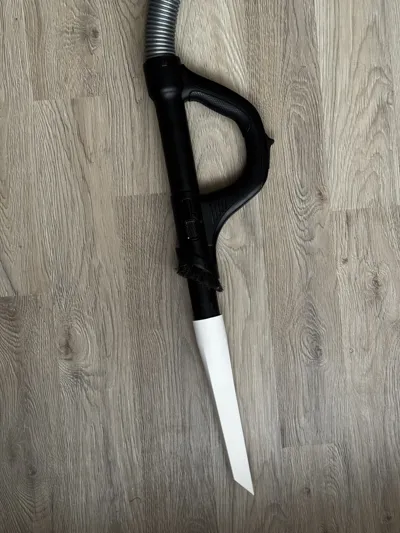
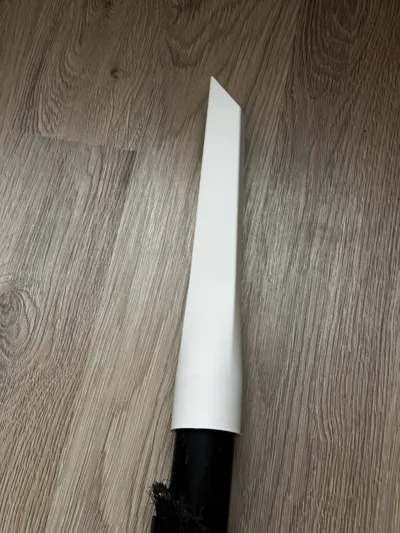
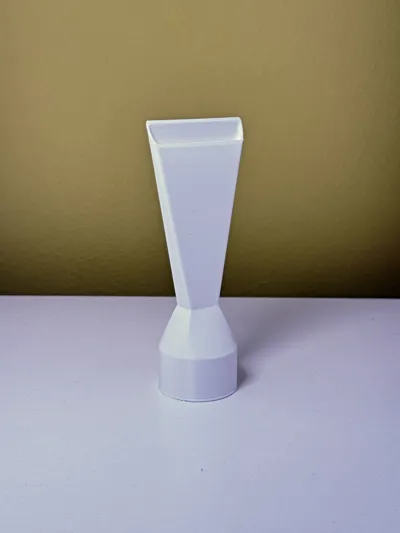
Print Profile(1)





Description
⬇️ Support my work ⬇️
Boost Me (for free)
If you found this useful, a like, comment, or boost is always appreciated. It helps me keep improving and creating more 🙌
Welcome
This project is still under active development, and I’m looking for help from the maker and 3D printing community to fine-tune the design, improve tolerances, and ensure reliable compatibility across different printers, materials, and vacuum hoses.
🧪 Why Beta?
Vacuum hoses and nozzles vary a lot in:
- actual diameters
- wall thickness
- material flexibility
While this model is fully parametric, real-world testing is essential to make it truly universal.
🤝 How You Can Help
If you decide to print and test this model, I would really appreciate:
- feedback on fit and sealing
- information about your printer, material, and hose diameter
- suggestions for improvements or missing parameters
Even a short comment helps a lot!
❤️ Thank You
Huge thanks to everyone who takes the time to test, comment, or share feedback.
Your input directly helps improve this model and makes it more useful for the entire community.
Happy printing! 🖨️✨
🔹 Parametric Design Notes
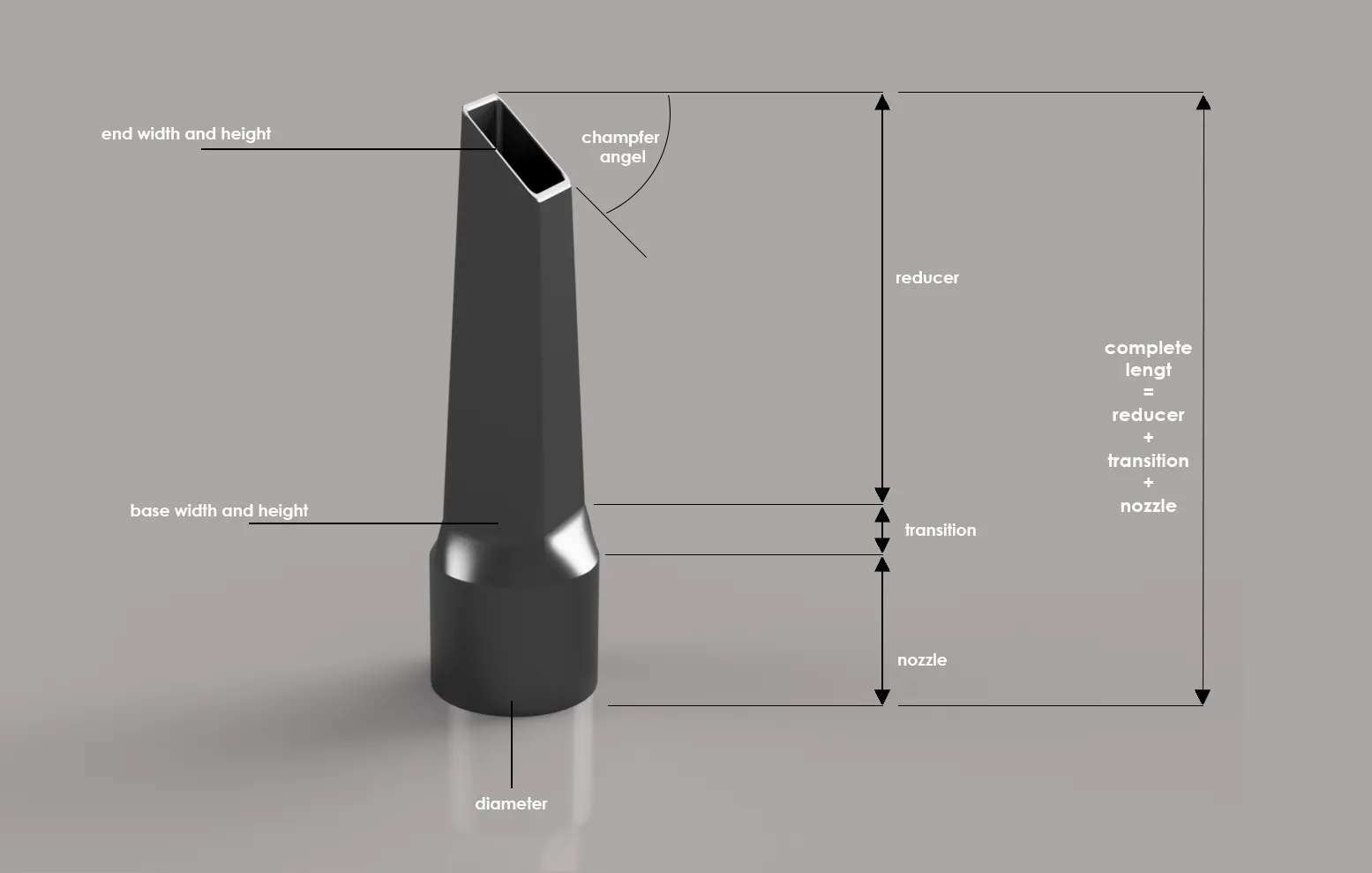
- All critical dimensions are fully parametric
- Inner dimensions are used where the part fits inside the hose
- Outer dimensions are used where the hose fits over the part
Wall thickness is applied automatically
🖨️ Printing Instructions
(You can use the provided print profile as a template with predefined settings.)
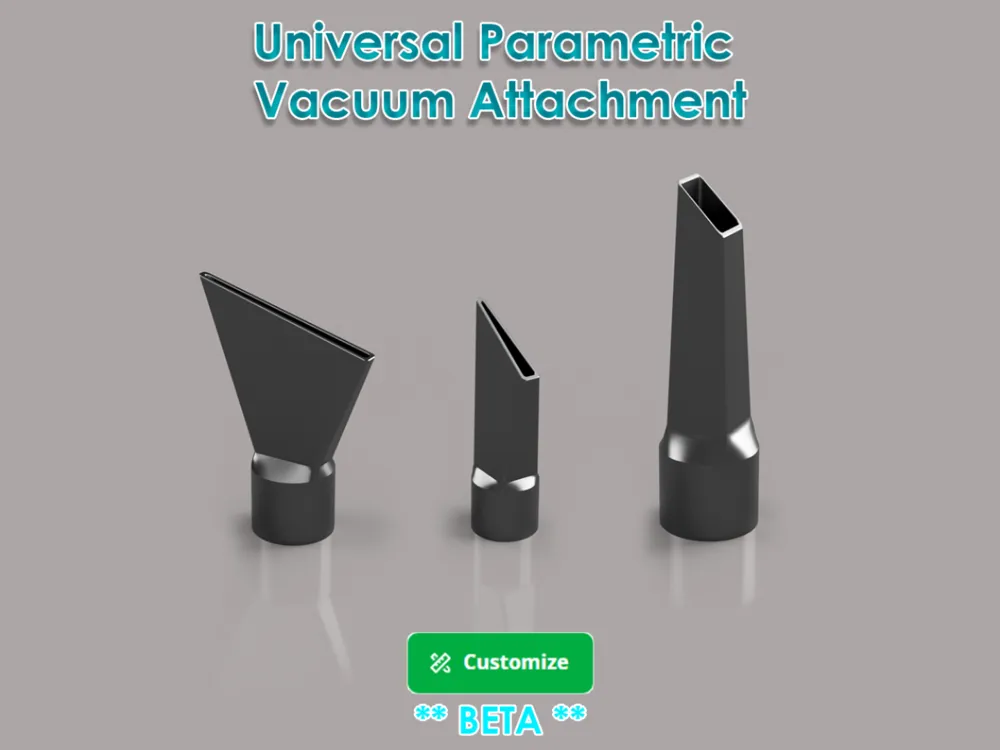
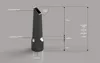
- Review the parameter list to understand what each value represents (Image 1.0 - Model description)
- Click “Customize”
- Set the desired values
Generate the file and continue in Bambu Studio
🧩 Bambu Studio Settings
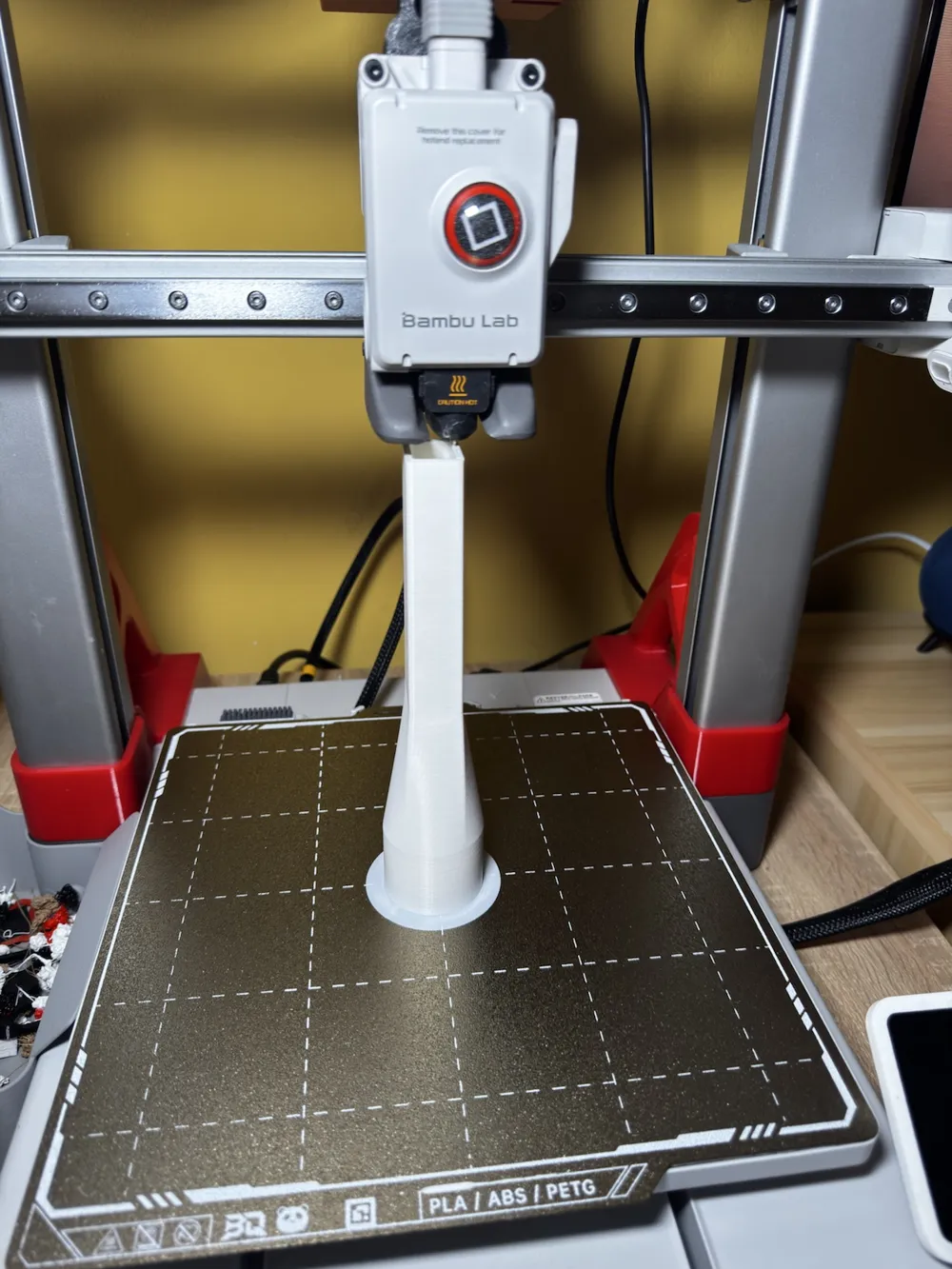
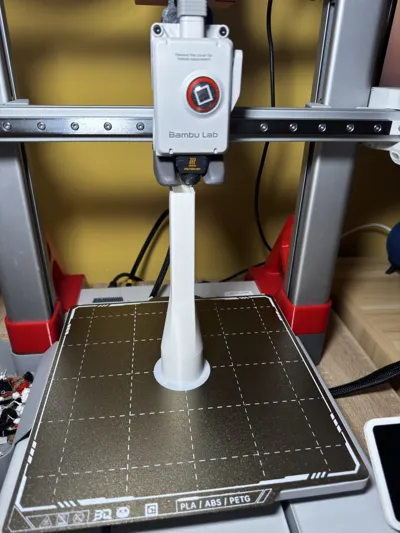
- Orient the model vertically
- Set Brim type to Outer Only
- Set Brim width to 5 mm
- Set Brim–Object Gap to 0.05 mm
- Ready for print without supports with optimal adhesion on build plate
After printing, carefully remove the brim (e.g. using a knife)
📷 Image Reference
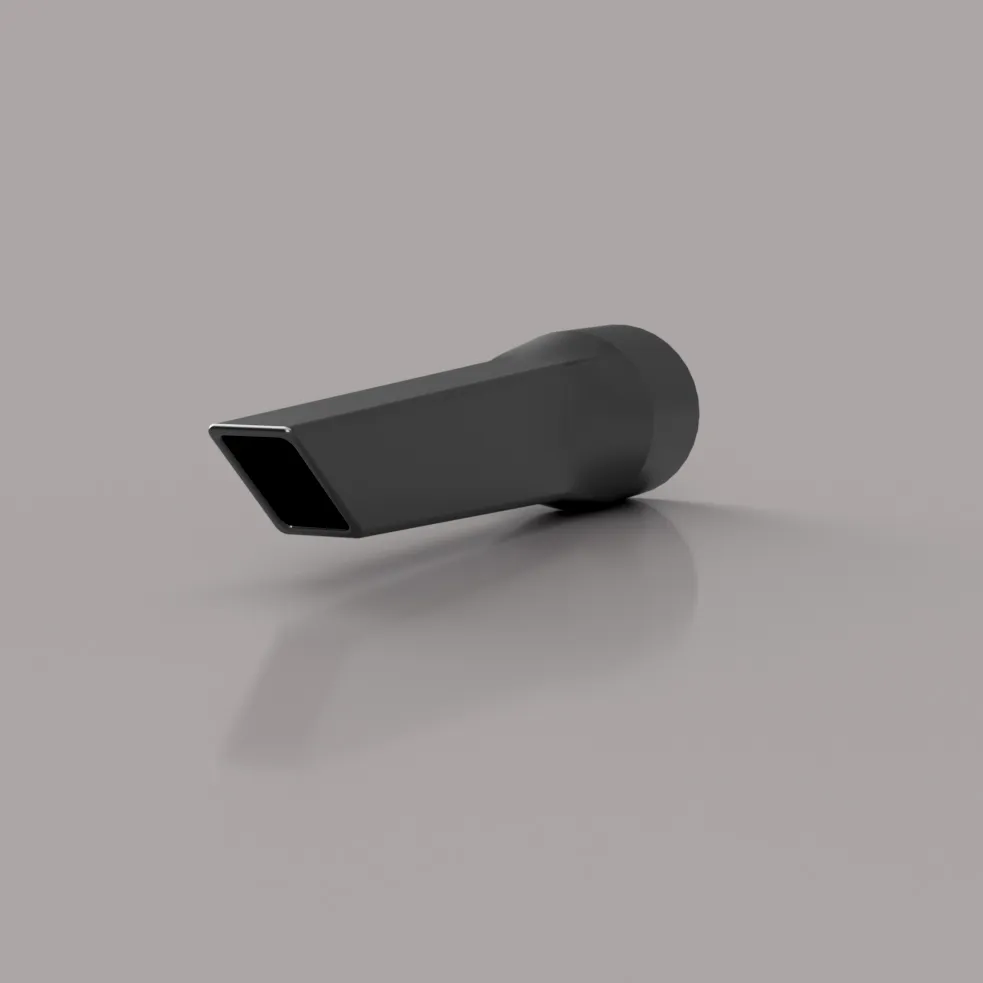
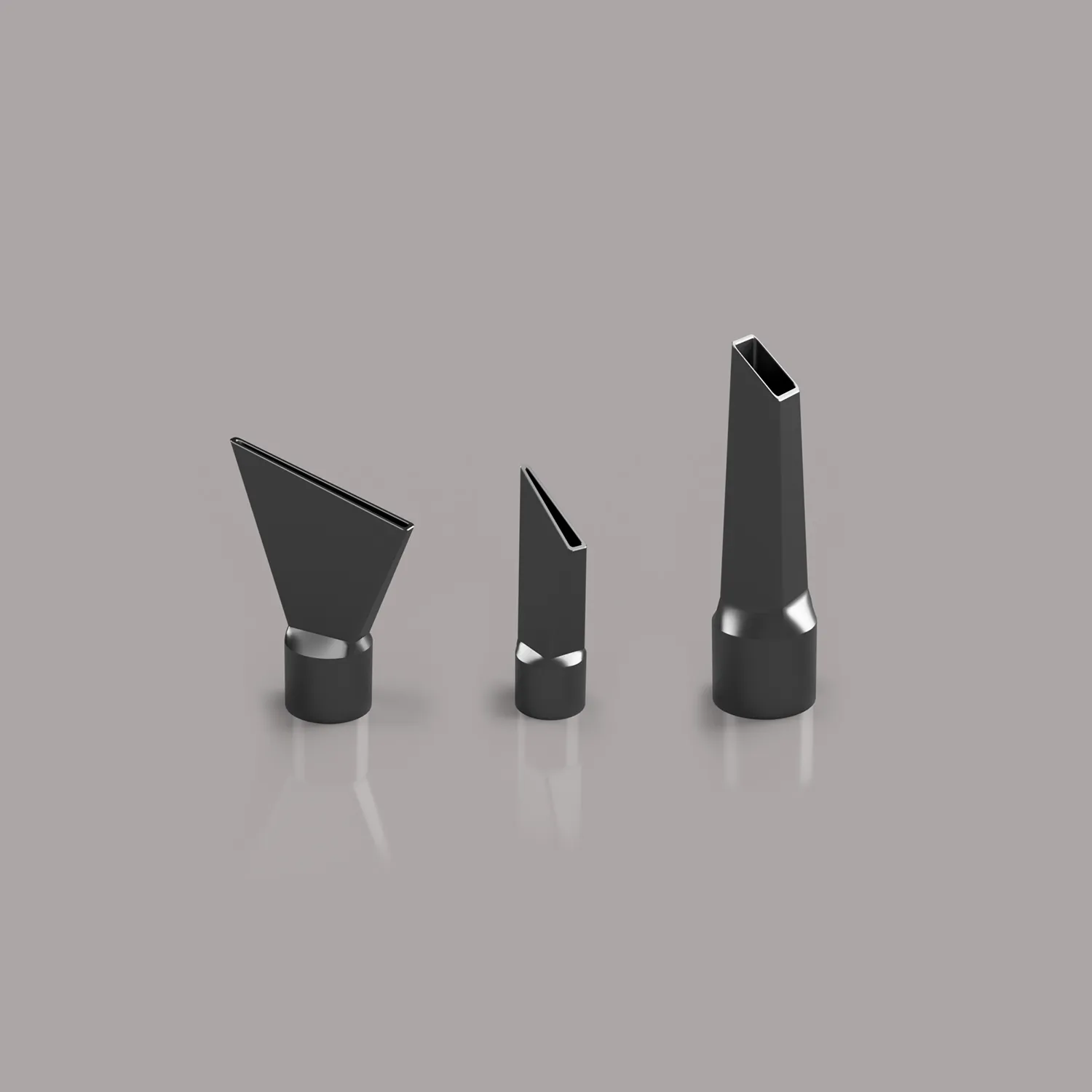
⬇️ Enjoying it? Show some love ⬇️
Boost Me (for free)
If this model was helpful or you liked it, you can leave a like, drop a comment, upload your print or boost it. Every bit of support keeps me motivated to improve and create more 🙌
⬇️ Don't forgot check my other models ⬇️
Documentation (1)
License

You may create derivative works based on this object, provided that all such derivative works are published exclusively on the MakerWorld platform and include proper attribution to the original creator. You may not share, upload, host, distribute, or publish this object—or any derivative work of this object—on any other digital platform, marketplace, or distribution channel. Commercial use of this object and any derivative works is strictly prohibited. This includes, but is not limited to, selling, renting, sublicensing, or using the object in any context in which you receive monetary compensation or other financial benefits.


Comment & Rating (3)