
Swivel Alphabet Chain: Snap-Fit (No Extra Parts)
Print Profile(1)

Description
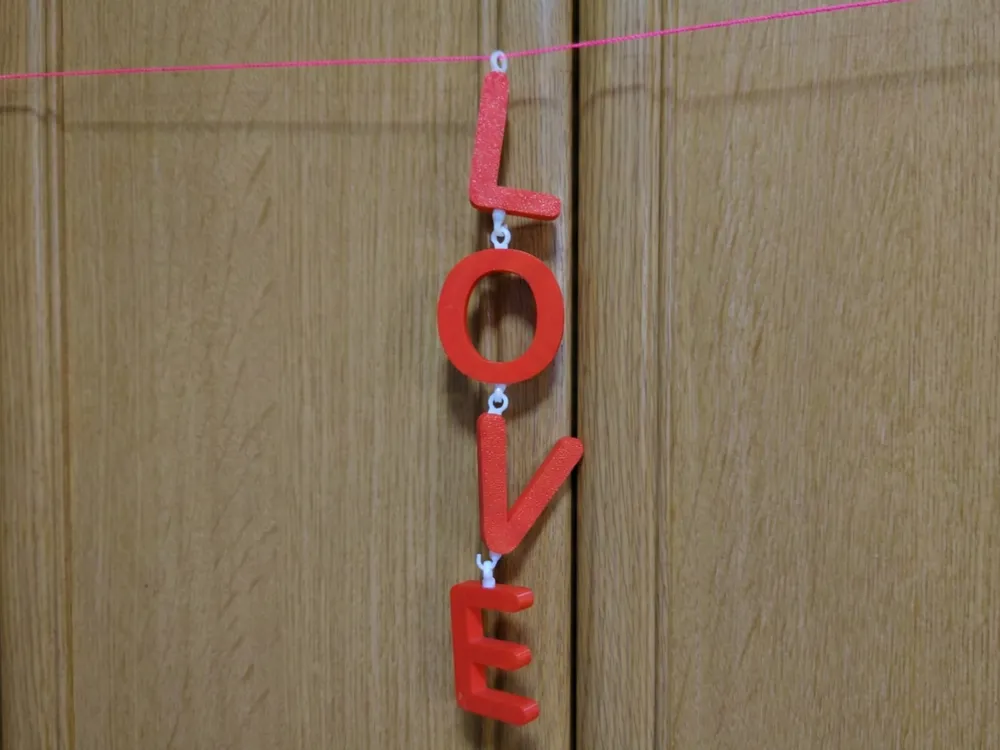
Summary: Create custom keychains and garlands with this snap-fit system! New LOVE & XOXO sets added for Valentine's Day. 100% 3D printed, no screws or glue needed.
Description: 💡 SMART PRINTING TIP (Read First!) You do NOT need to print the entire plate! You can select only the letters you want.
- Bambu Handy App: Tap "Print Parts" and uncheck the letters or parts you don't need.
- Bambu Studio (PC): Right-click the objects you don't need and delete them (or set to "Skip") before slicing.
- Example: To print "A", open Plate 4 (A-N) and uncheck everything except "A".
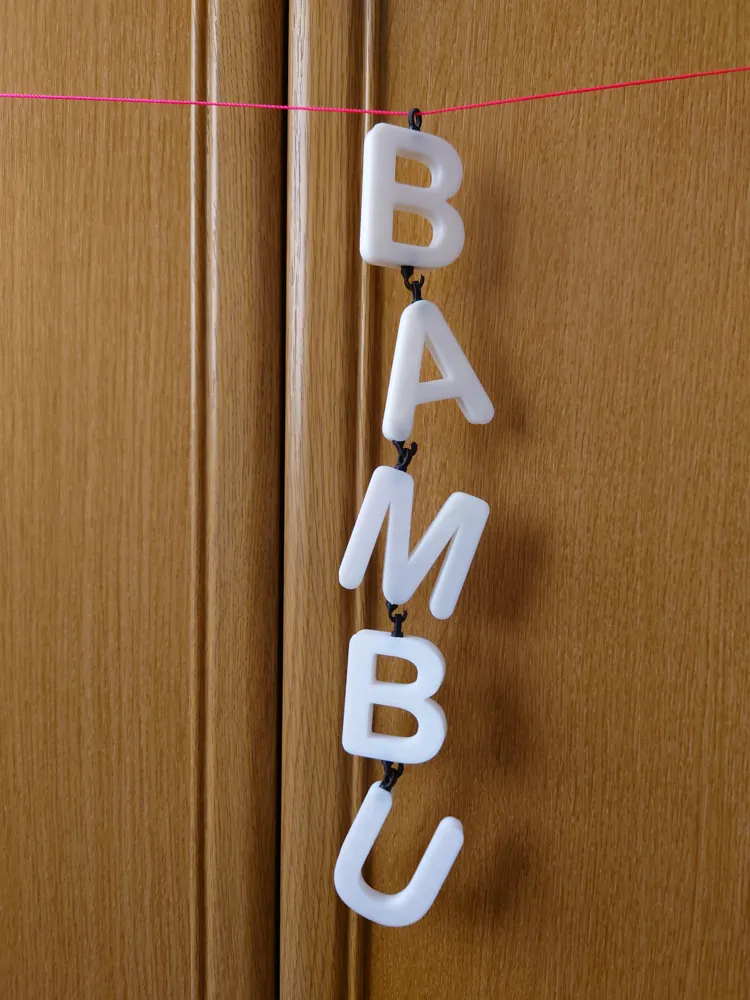
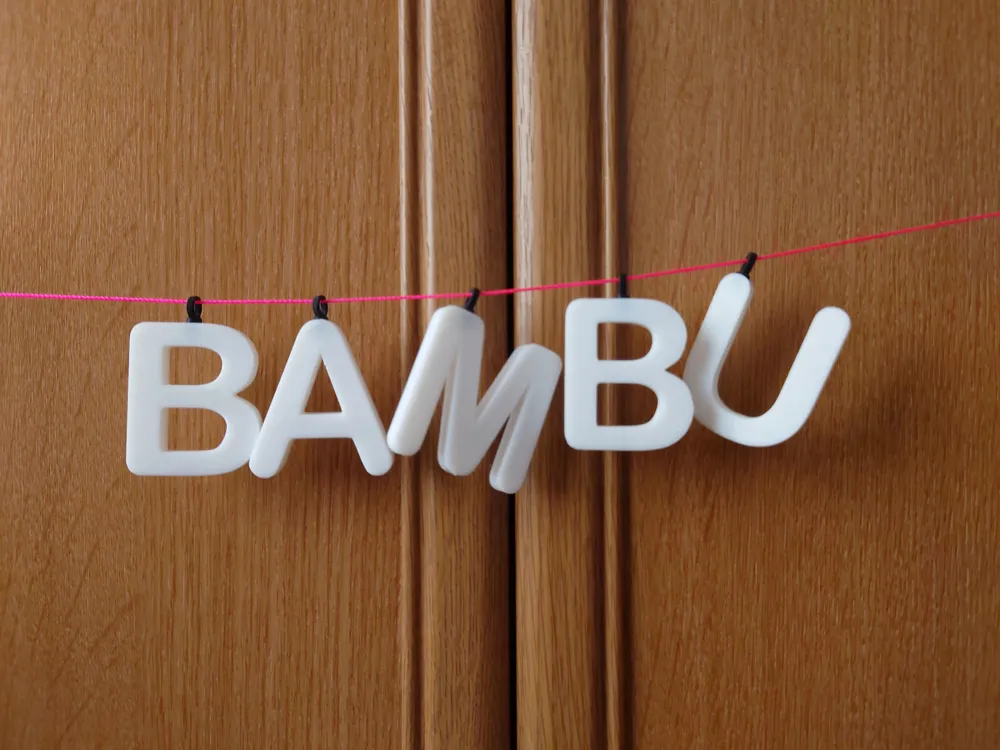
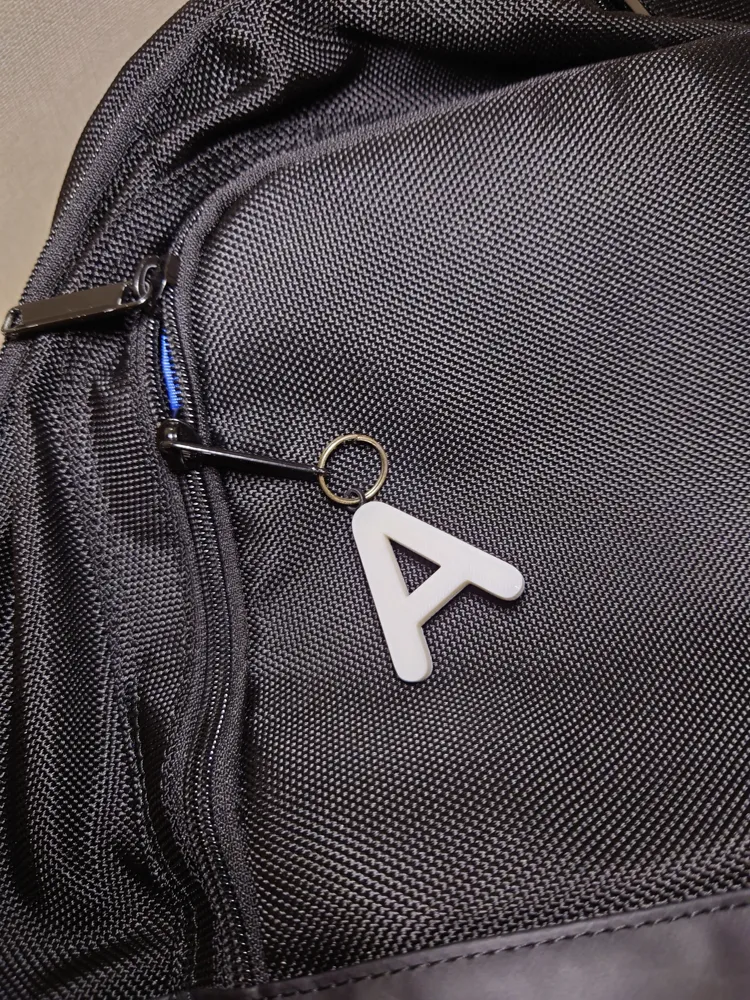
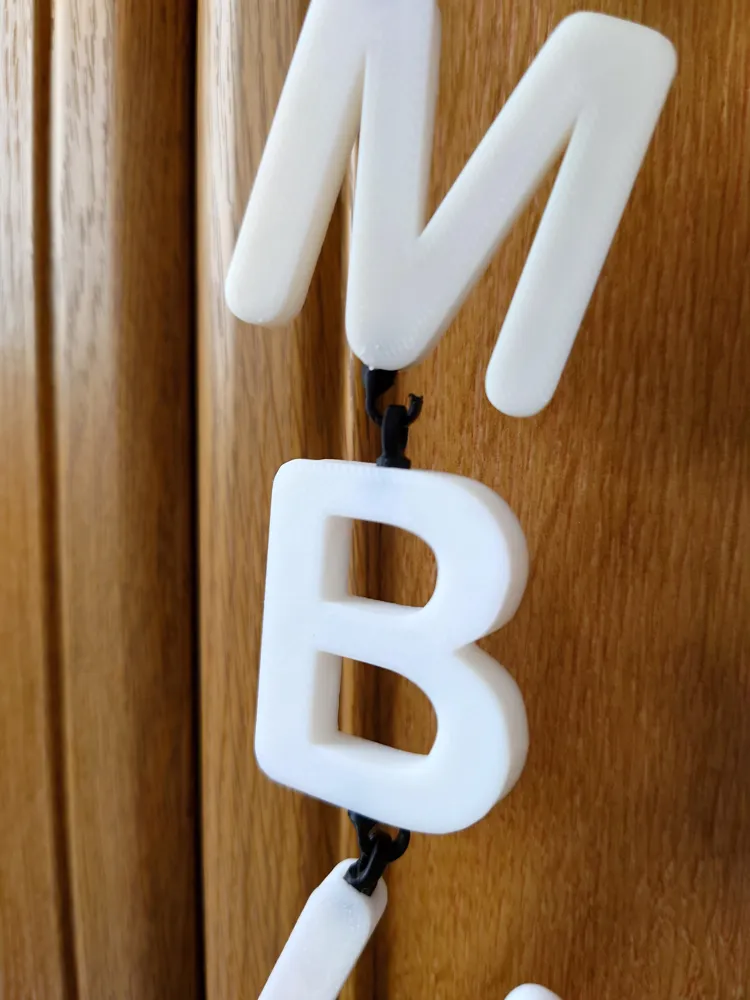
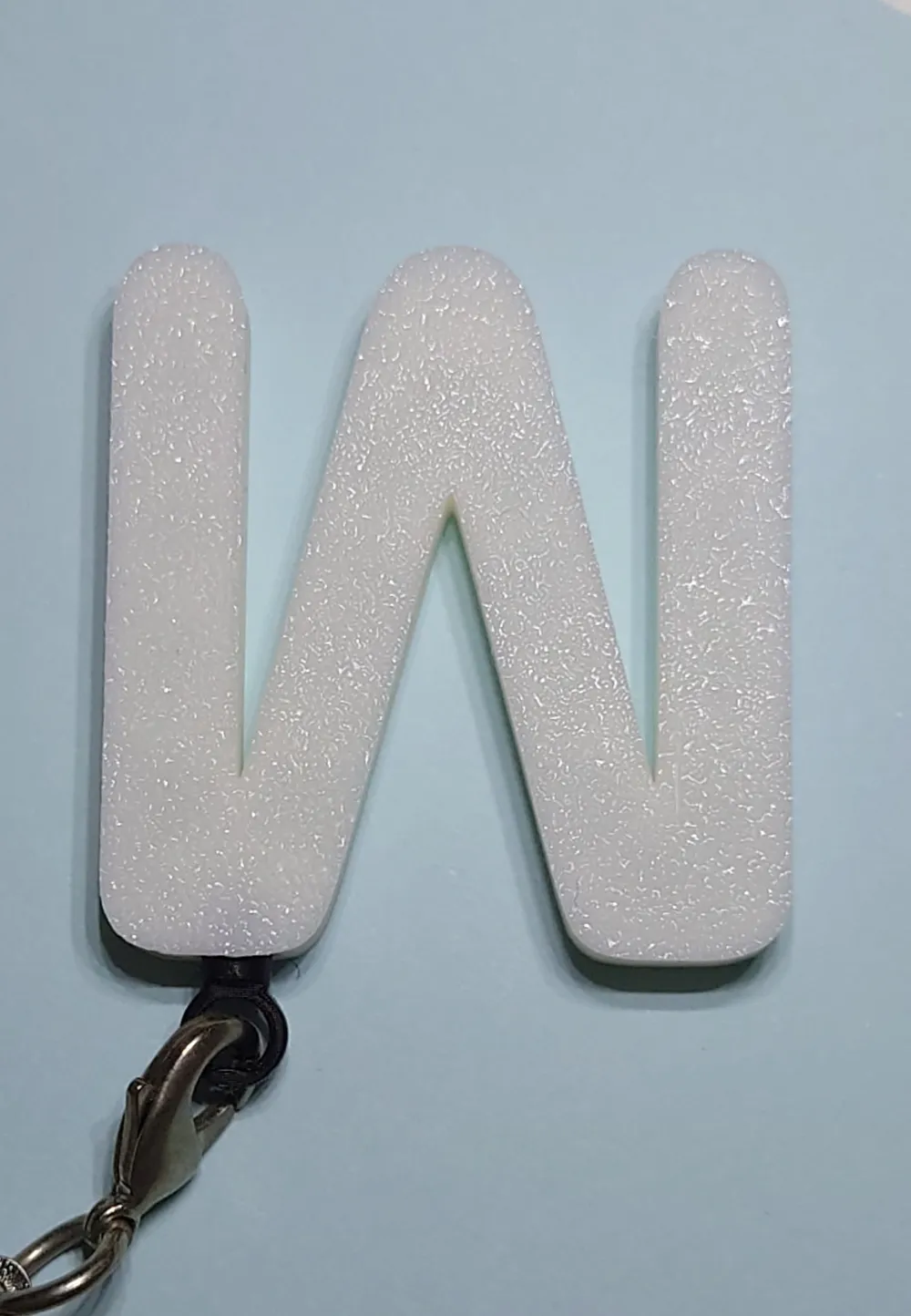
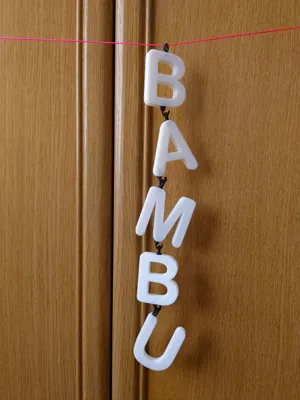
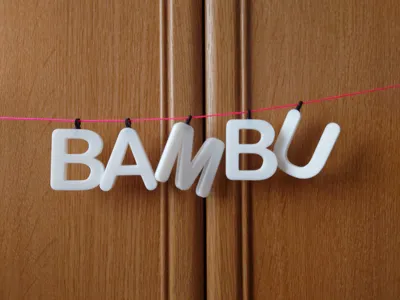
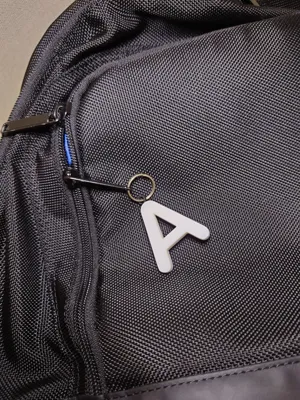
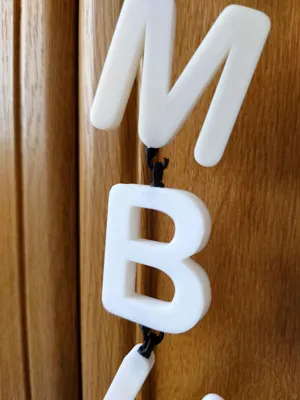
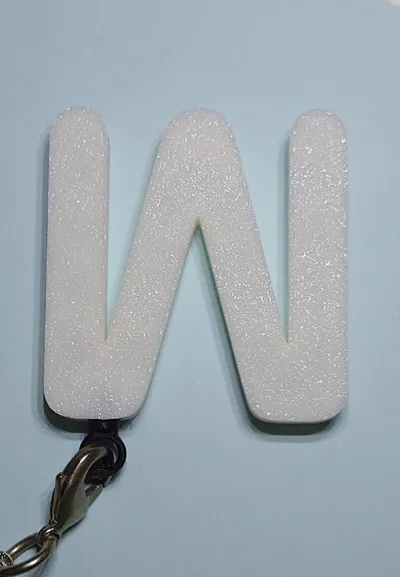
🔡 Swivel Alphabet Chain Create custom keychains, name tags, or garlands with this snap-fit alphabet system! Each letter is approx. 40mm tall. No AMS required to make it colorful—just print parts in different colors!
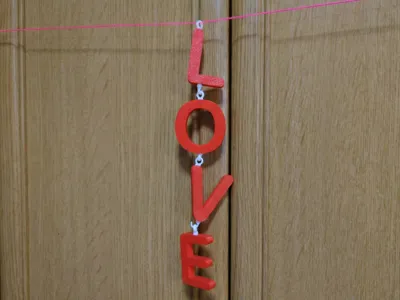
💘 Valentine's Update: Added LOVE Set and XOXO Set for easy, one-click printing!
📂 Plate Guide (What's Inside?) All files are organized into 5 plates. Please select the one you need.
- Plate 1: LOVE Set (Includes L, O, V, E + Hooks & Rings)
- Plate 2: XOXO Set (Includes X, O, X, O + Hooks & Rings)
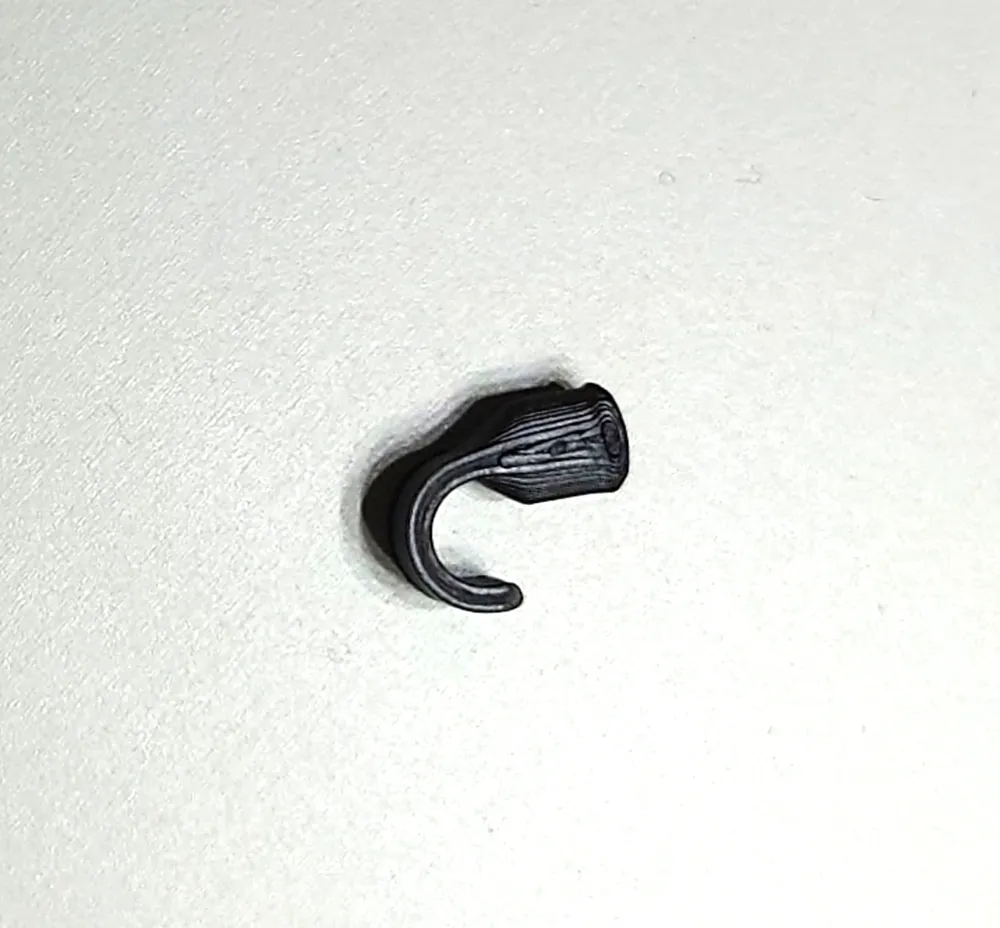
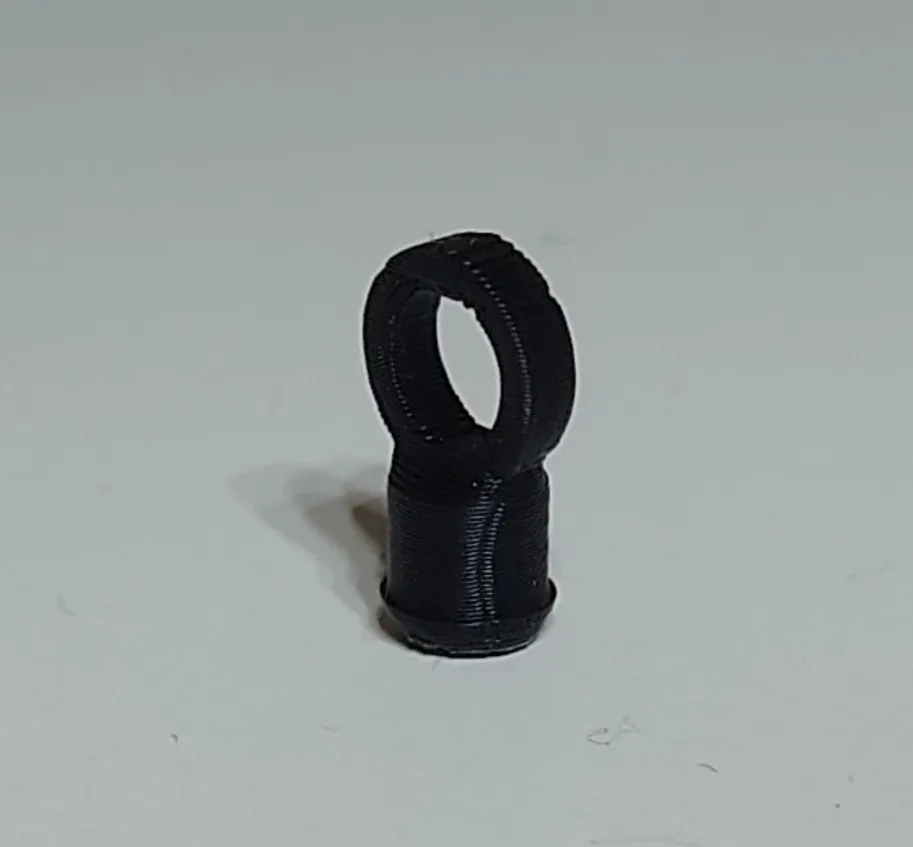
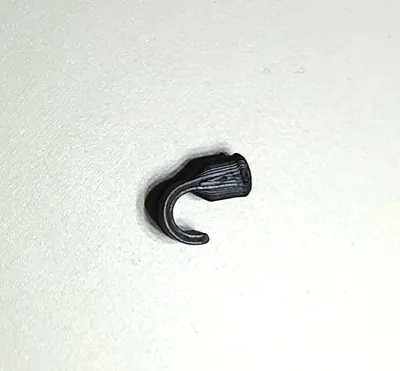
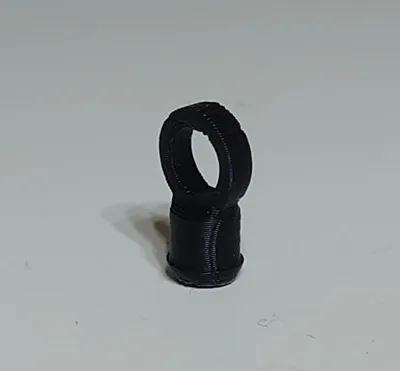
- Plate 3: Connection Kit (Hooks x10, Rings x10)
- Plate 4: Alphabet Group A - N (Half Set)
- Plate 5: Alphabet Group O - Z (Half Set)
✨ Key Features
- 100% 3D Printed: No metal rings, screws, or glue needed.
- Swivel Action: Letters can rotate and wiggle freely.
- No AMS Required: You can print letters and hooks on separate plates to change colors easily.
- Pre-Sliced: Wall loops and supports are already optimized.
🔗 How to Connect
- Vertical Chain: Use [Ring + Hook] to connect top-to-bottom.
- Horizontal / Tag: Use [Ring only] to attach to a bag or string.
⚠️ Troubleshooting
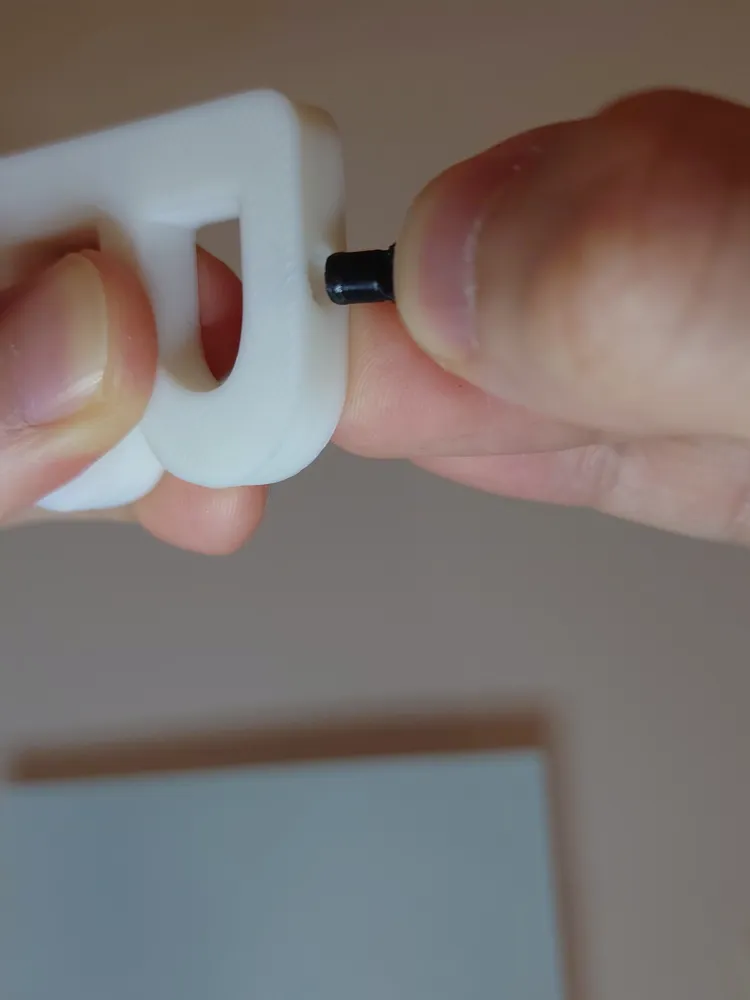
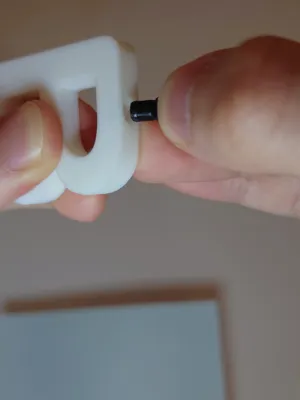

Tight Fit?: If the plug is hard to insert, do not force it. Gently squeeze the small bump on the plug with pliers to flatten it slightly. (See GIF below).
- Support Removal: Grab supports with pliers and twist to remove.
Resizing: Scale ALL parts uniformly in Bambu Studio.
※Disclaimer: I have not personally tested resizing this model. Please attempt this at your own risk, as it may affect the snap-fit tolerances.
Happy Printing! Please share your makes!
Boost Me (for free)
License

You shall not share, sub-license, sell, rent, host, transfer, or distribute in any way the digital or 3D printed versions of this object, nor any other derivative work of this object in its digital or physical format (including - but not limited to - remixes of this object, and hosting on other digital platforms). The objects may not be used without permission in any way whatsoever in which you charge money, or collect fees.


Comment & Rating (0)