
Toniebox v1 Insert
Print Profile(1)

Description
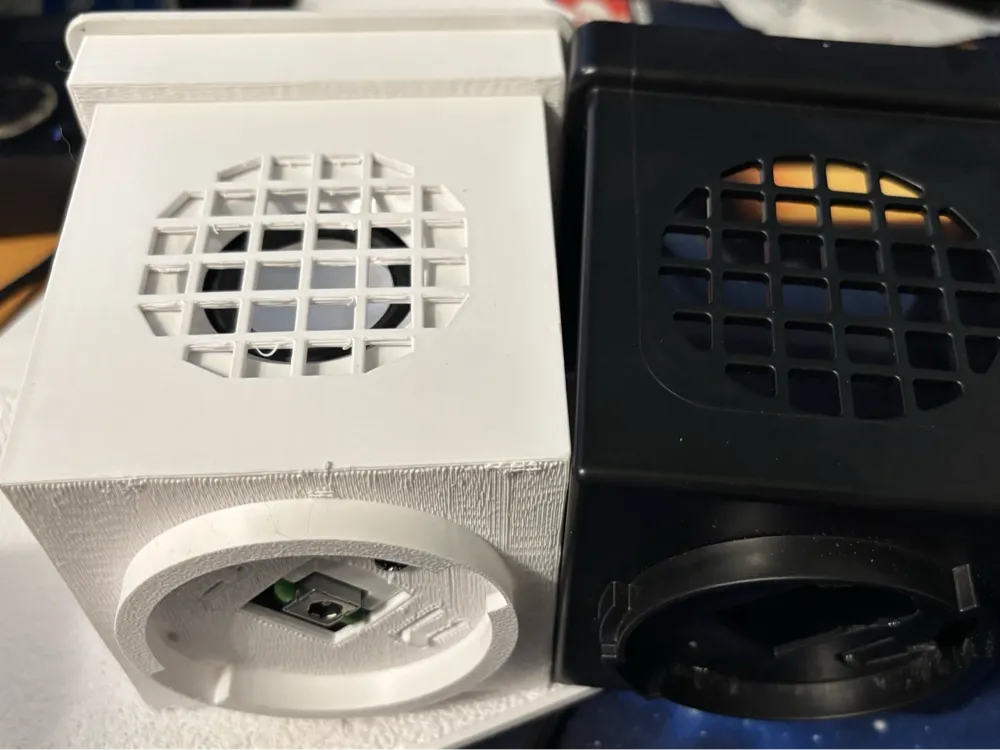
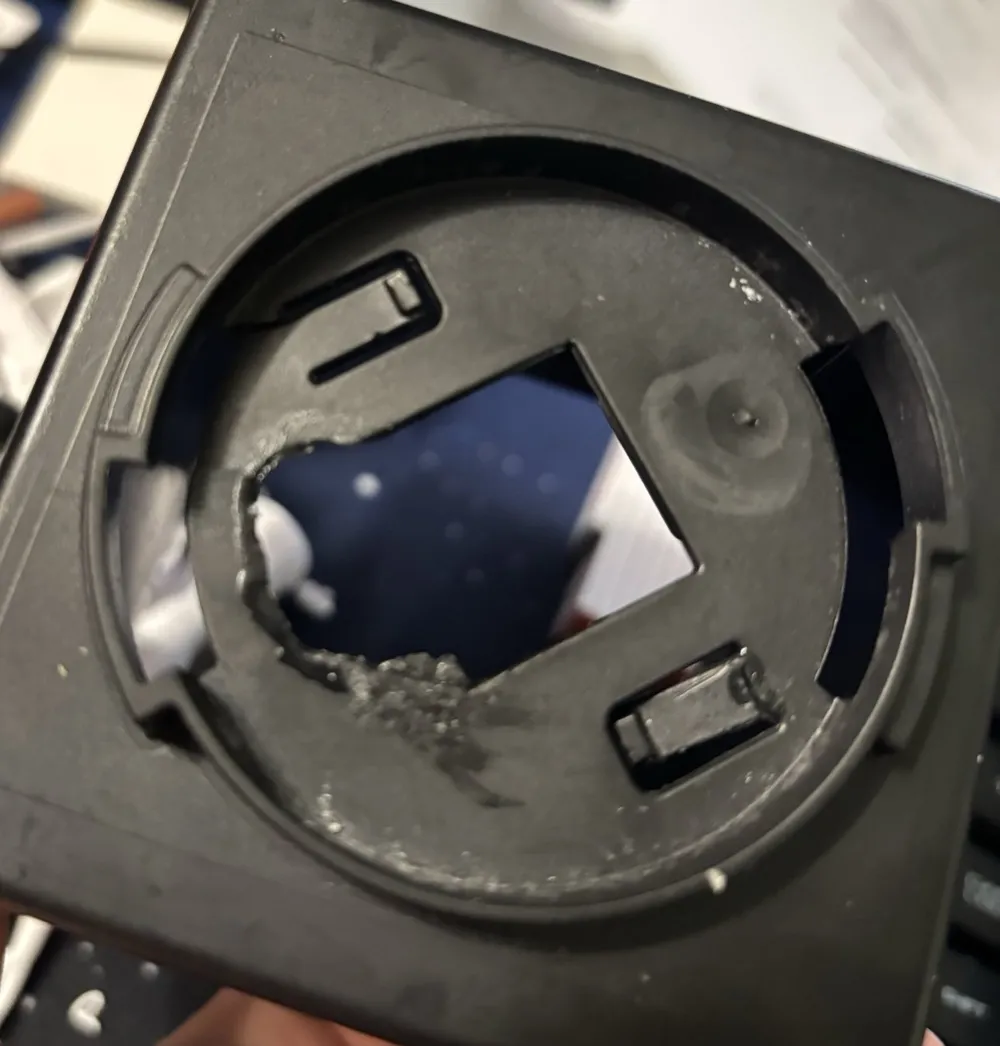
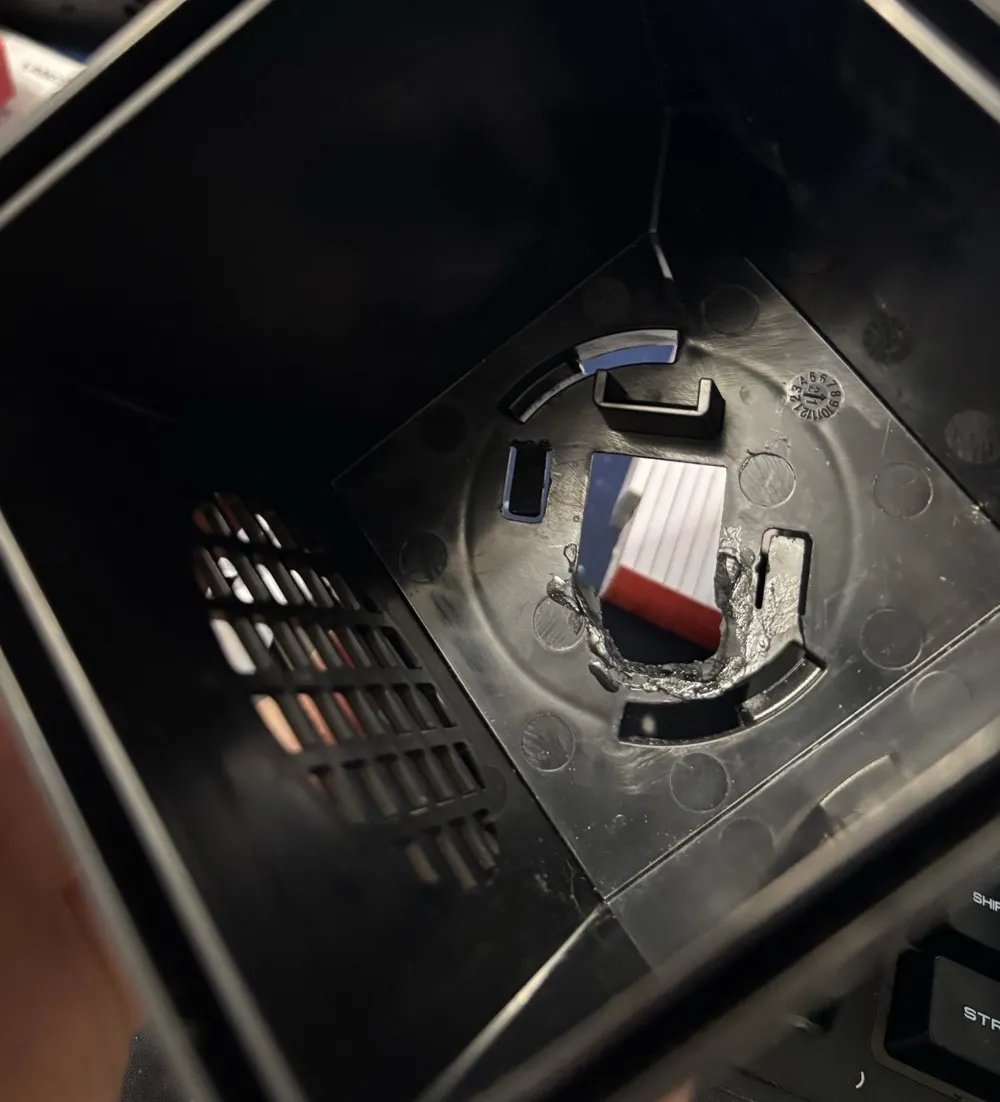
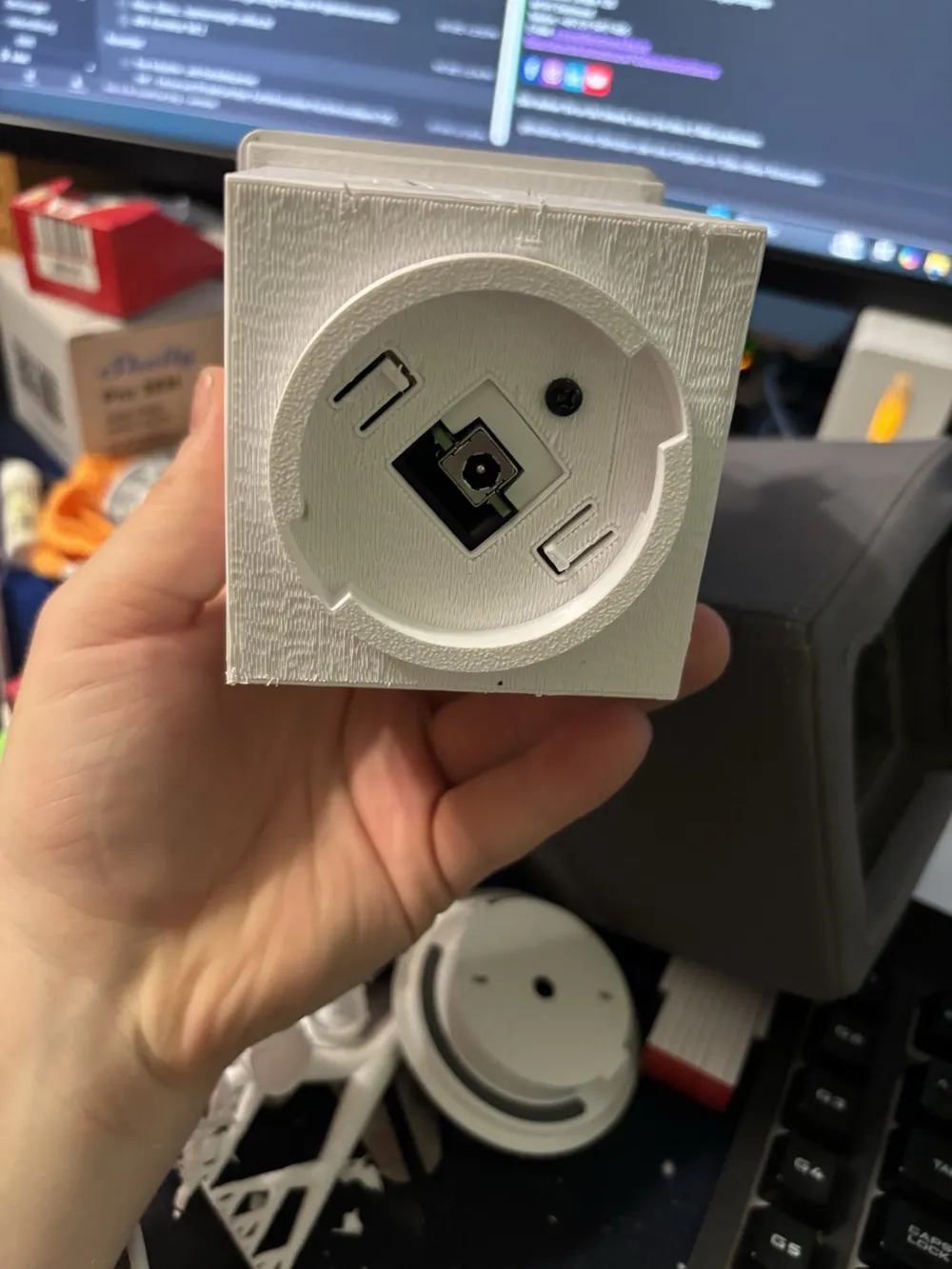
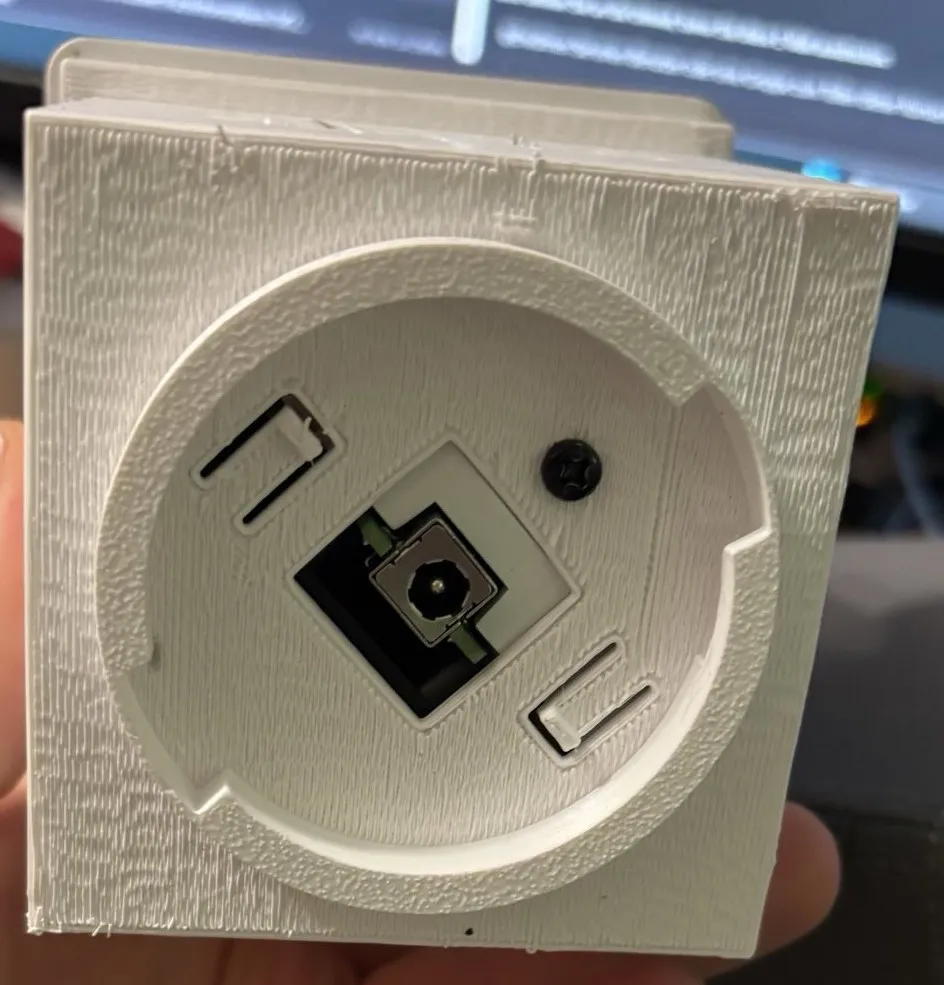
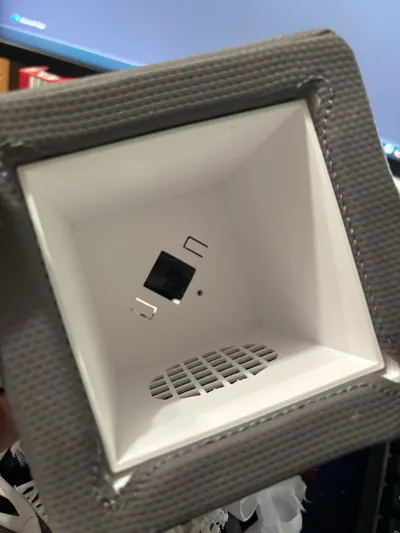
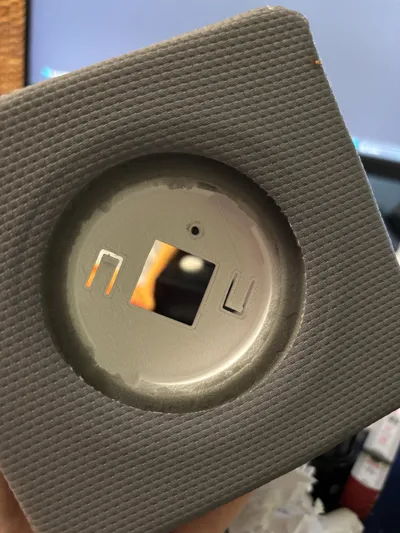
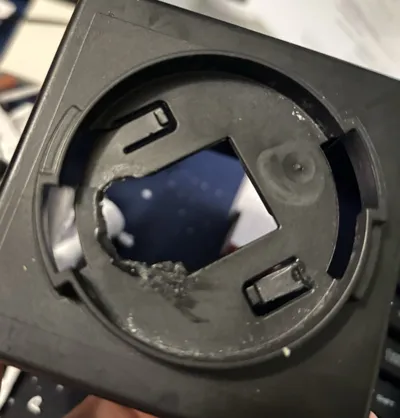
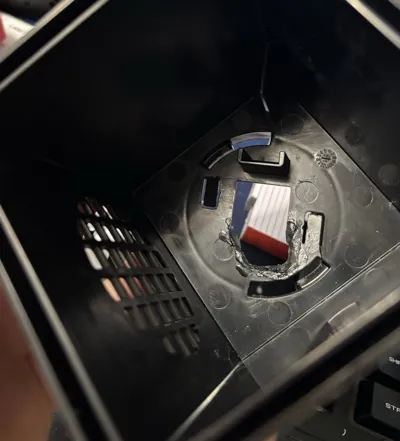
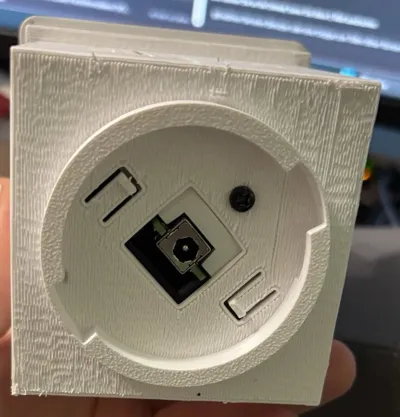
Our Toniebox survived a few falls well, but at some point, the screw connection between the part holding the electronics and the black insert in the foam cube broke off.
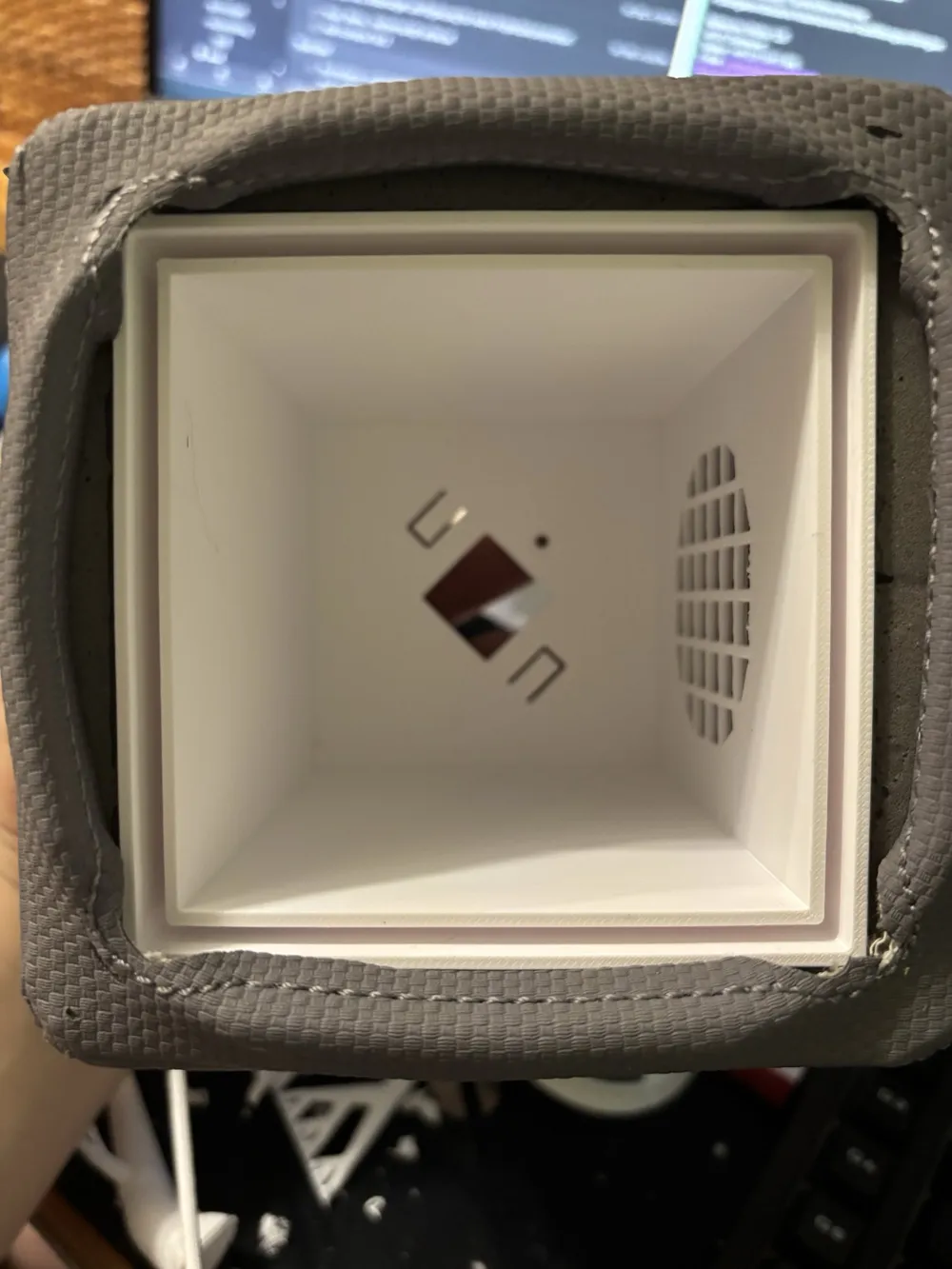
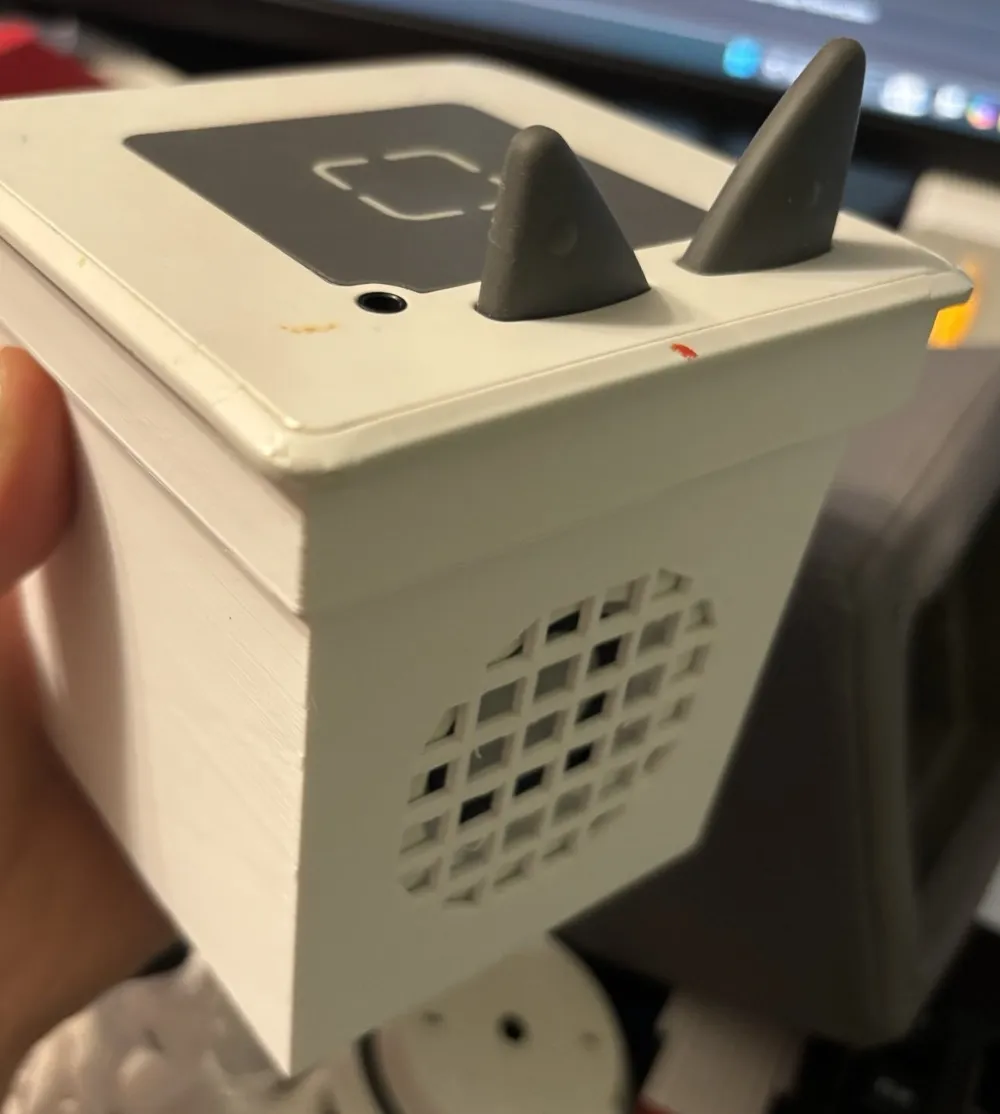
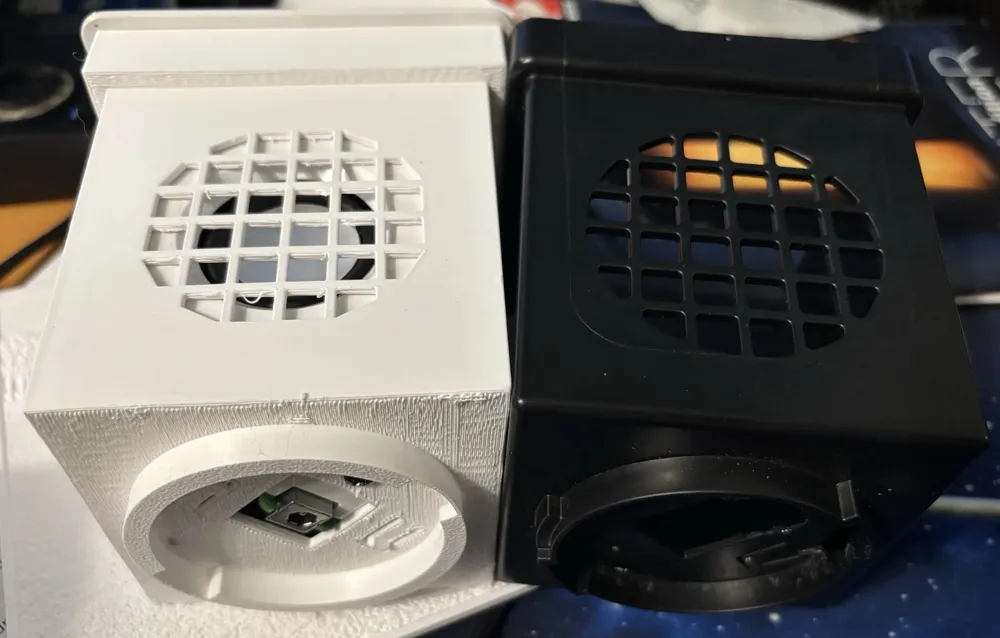
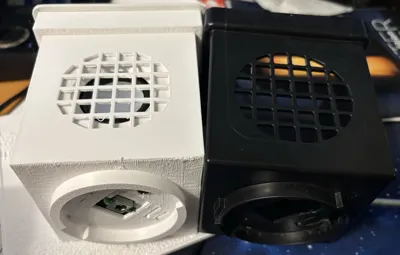
Since I couldn't find a model online, I designed one with FreeCad.
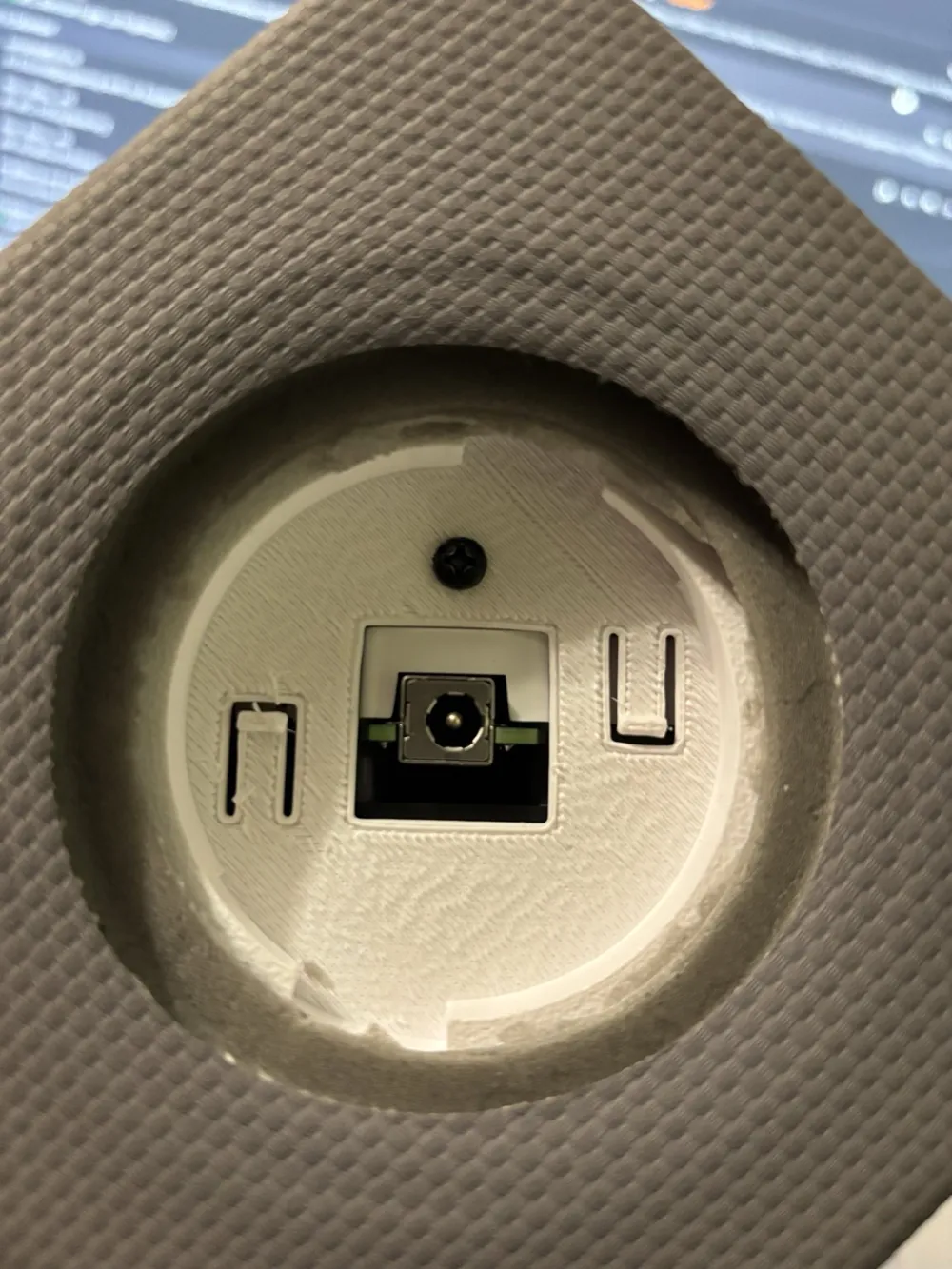
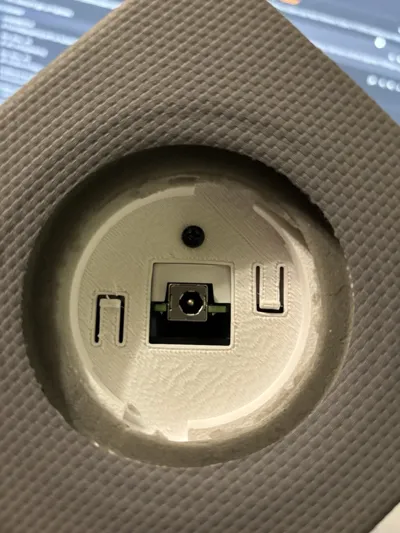
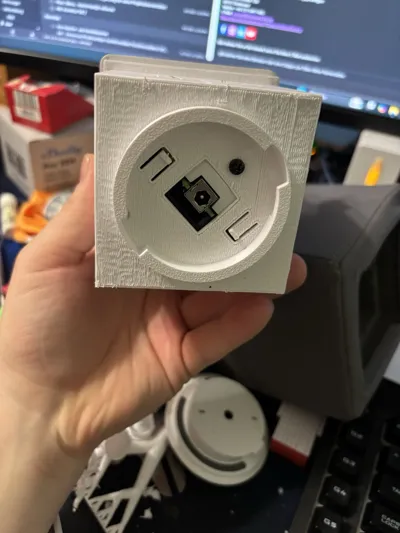
To remove the original core, the plastic part around the charging socket on the underside of the cube must be loosened.
This is locked in place with a bayonet fitting (turn a little counter-clockwise, then it comes out).
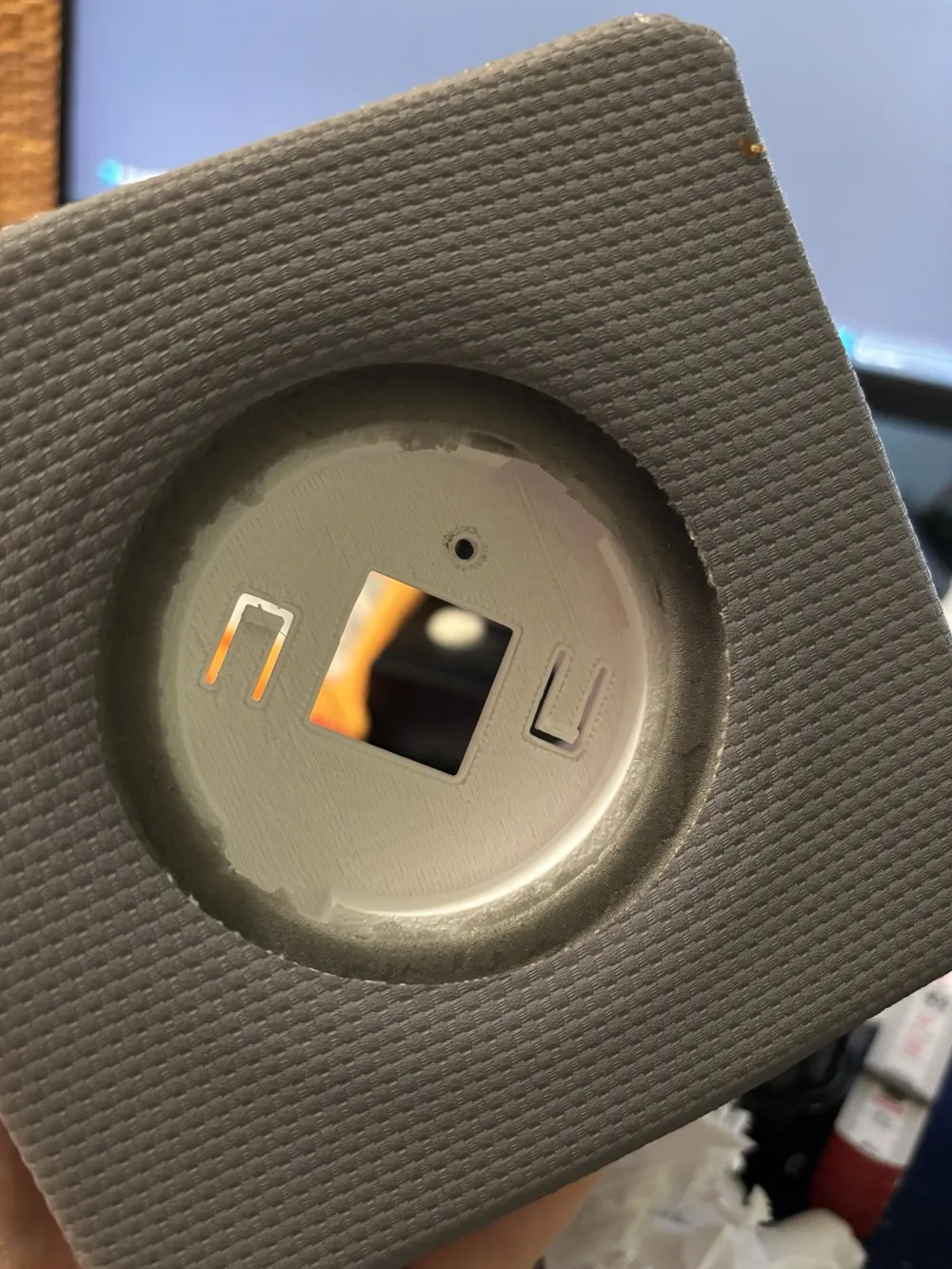
Then, from below, you can see the only screw holding the electronics in the cube. Loosen this (if it hasn't already broken off).
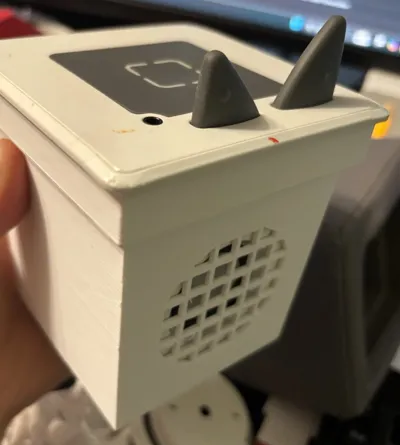
Then you can pull out the core by its 'ears'.
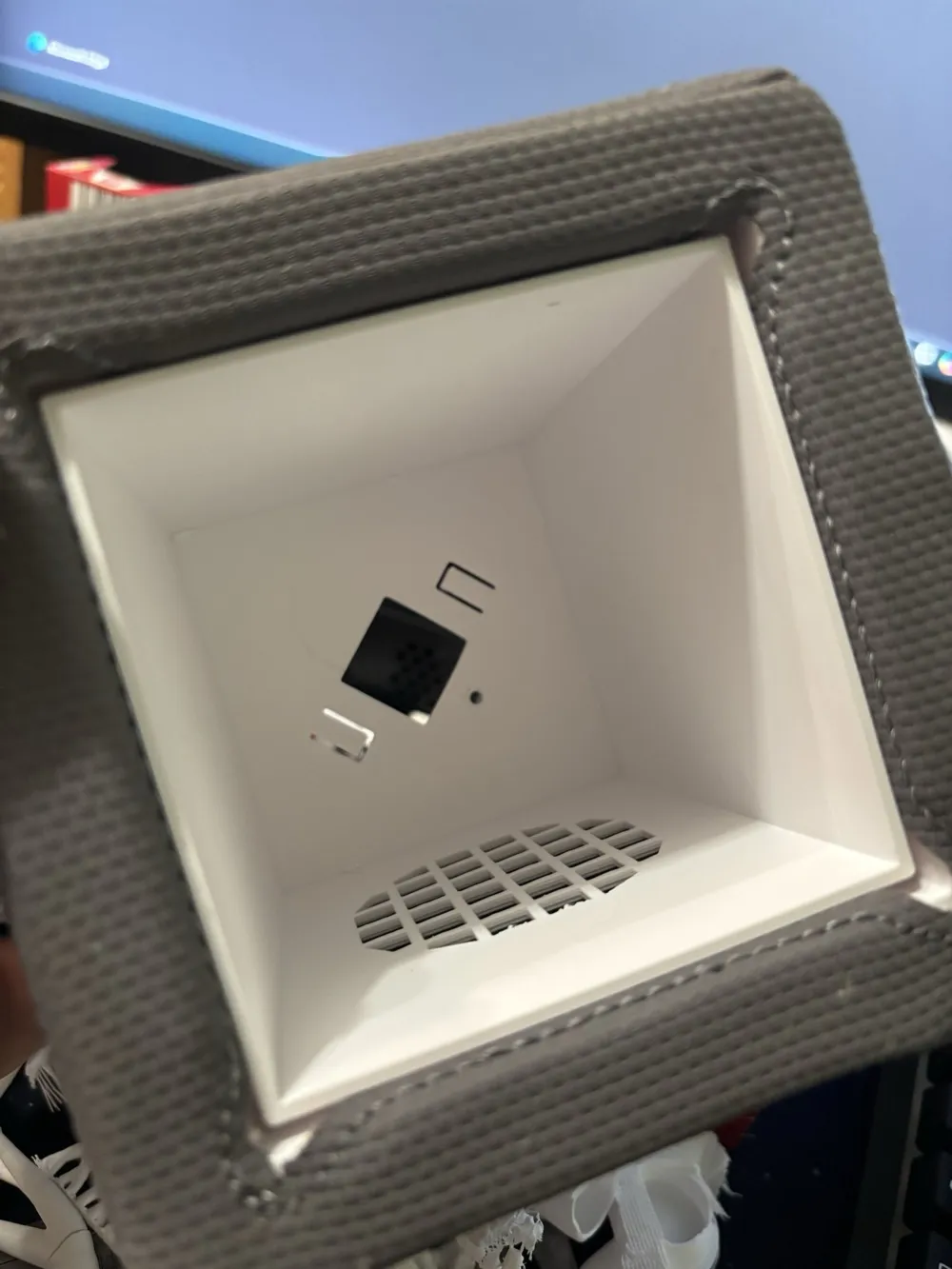
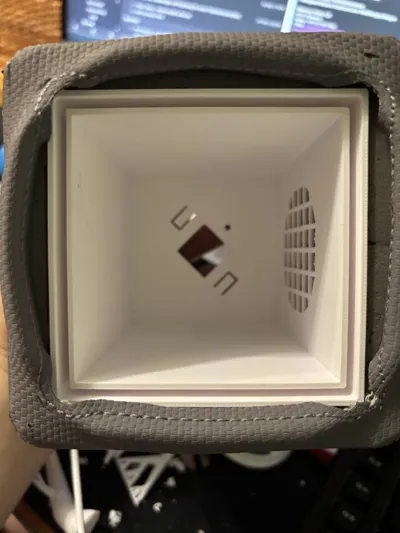
The faux leather cover is tucked into the gap of the inner casing, pull the ends upwards, then the inner casing can be pulled out upwards.
Assembly in reverse order.
Slide in the inner casing → Important: The speaker opening should face the speaker opening of the cube
Press the faux leather edges into the gap,
Insert the electronics core → Important: The speaker opening should face the speaker opening of the cube
Fix the electronics core with the screw on the underside
Attach the charging socket cover (bayonet fitting)
License



Comment & Rating (0)