
Generate your city map_2_FRAMES and Citys INCLUDED
Print Profile(1)

Description
Here is how to generate your 3D city map with FREE ONLINE tool.
This is not promoting me it's just how to help you make this. That is reason I designed 2 frames for you to easy it up. Thank you.
(Mby you think you saw this design and you probably did but they took it down (they said it's not original) so…
Thanks to everyone who supported the previous design, but it's harder for no one than me right now. I'm fighting to get the old design back but...I've already been rejected once.
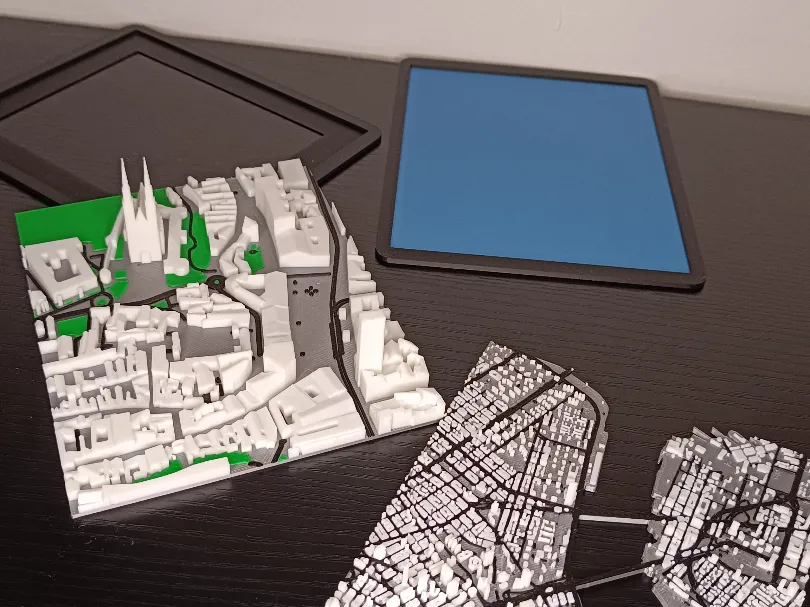
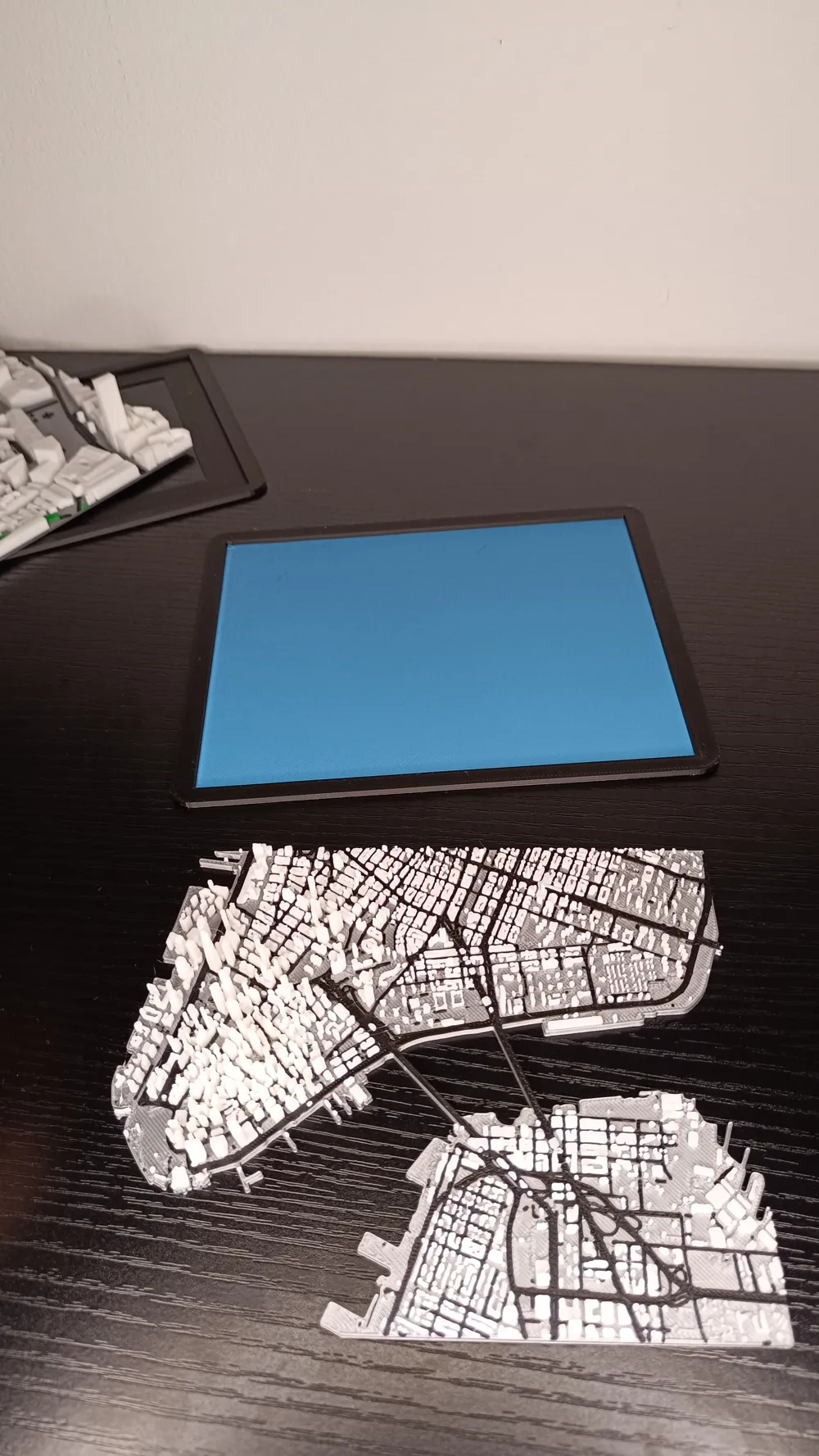
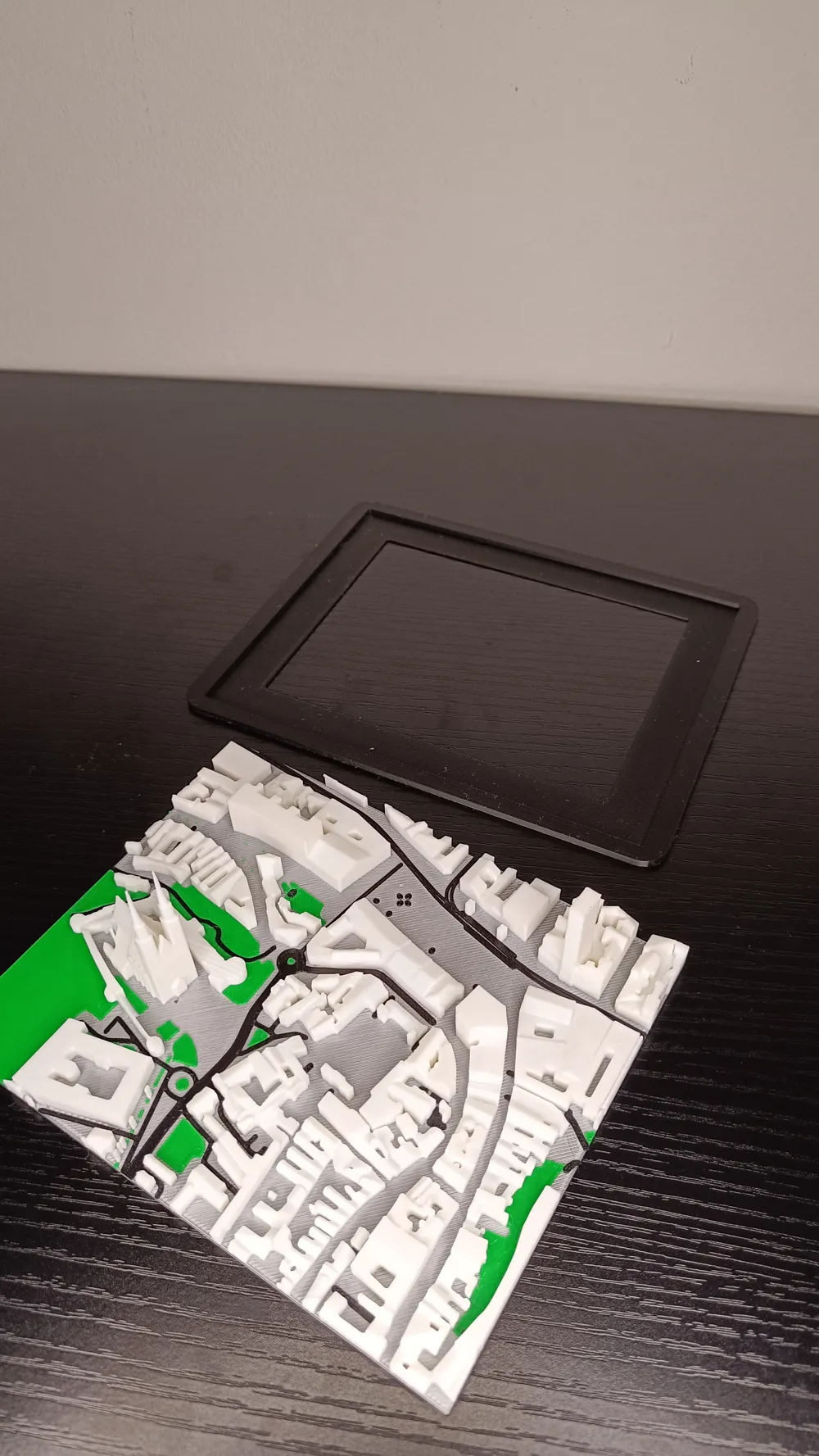
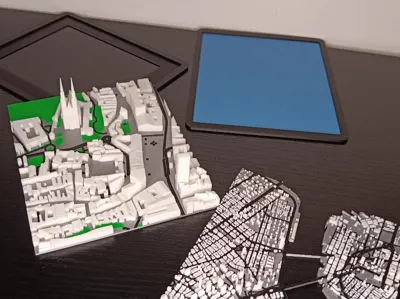
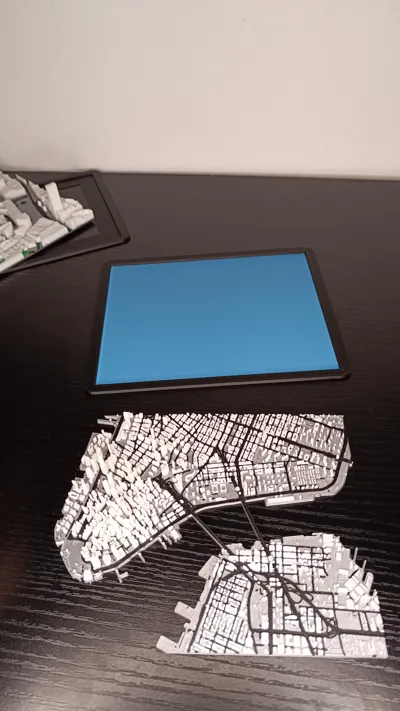
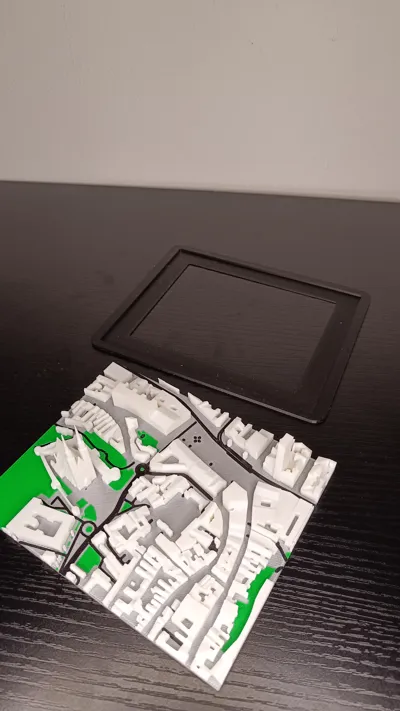
I already designed 2 tipes of frames in Blender for Zagreb square and New York that are waiting for you in this file :)
UPDATE_03.07.26.
Since original page is ‘’down'' i got informations that you can use the following page
And here is how to make your own CITY MAP :)
Try it here https://map2model.com/ (PAGE IS DOWN)
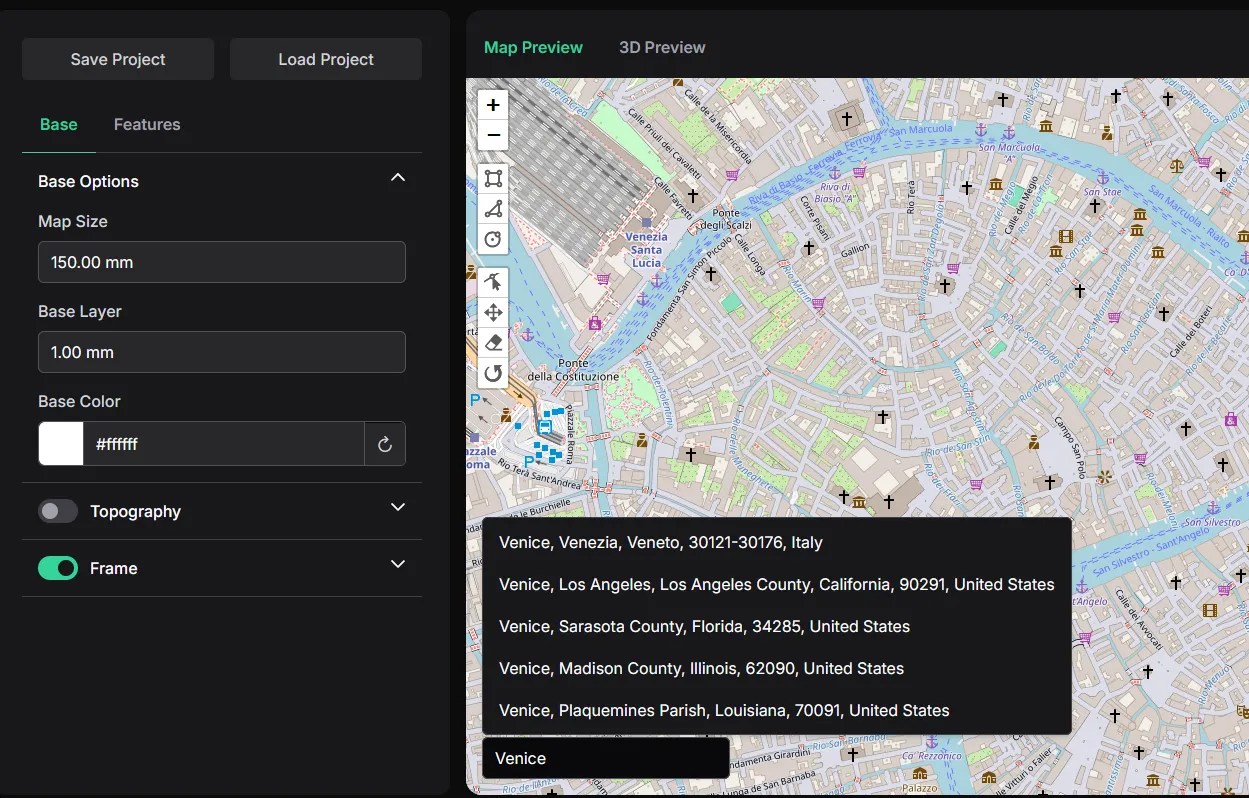
STEP_1
-search CITY you wan't to print
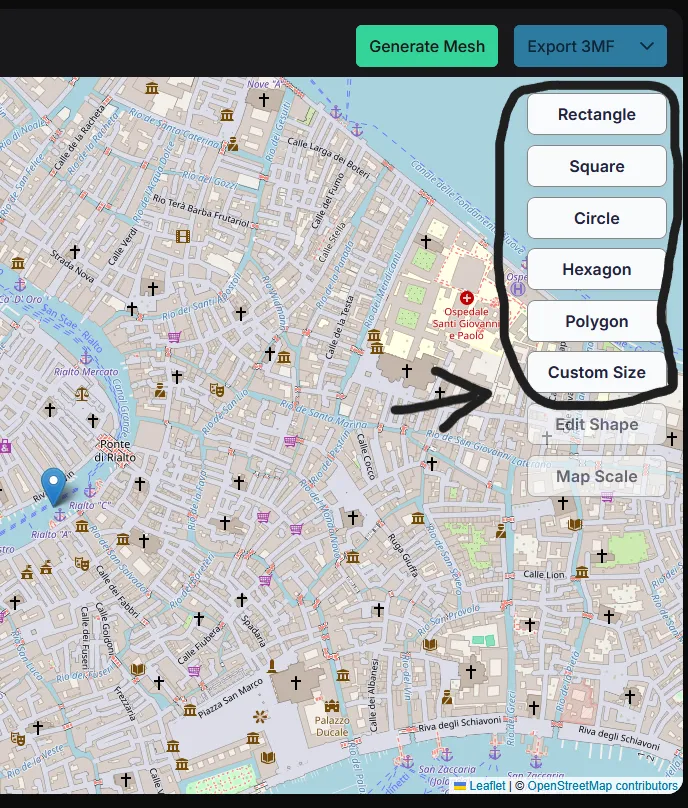
STEP_2
-choose shape of your city
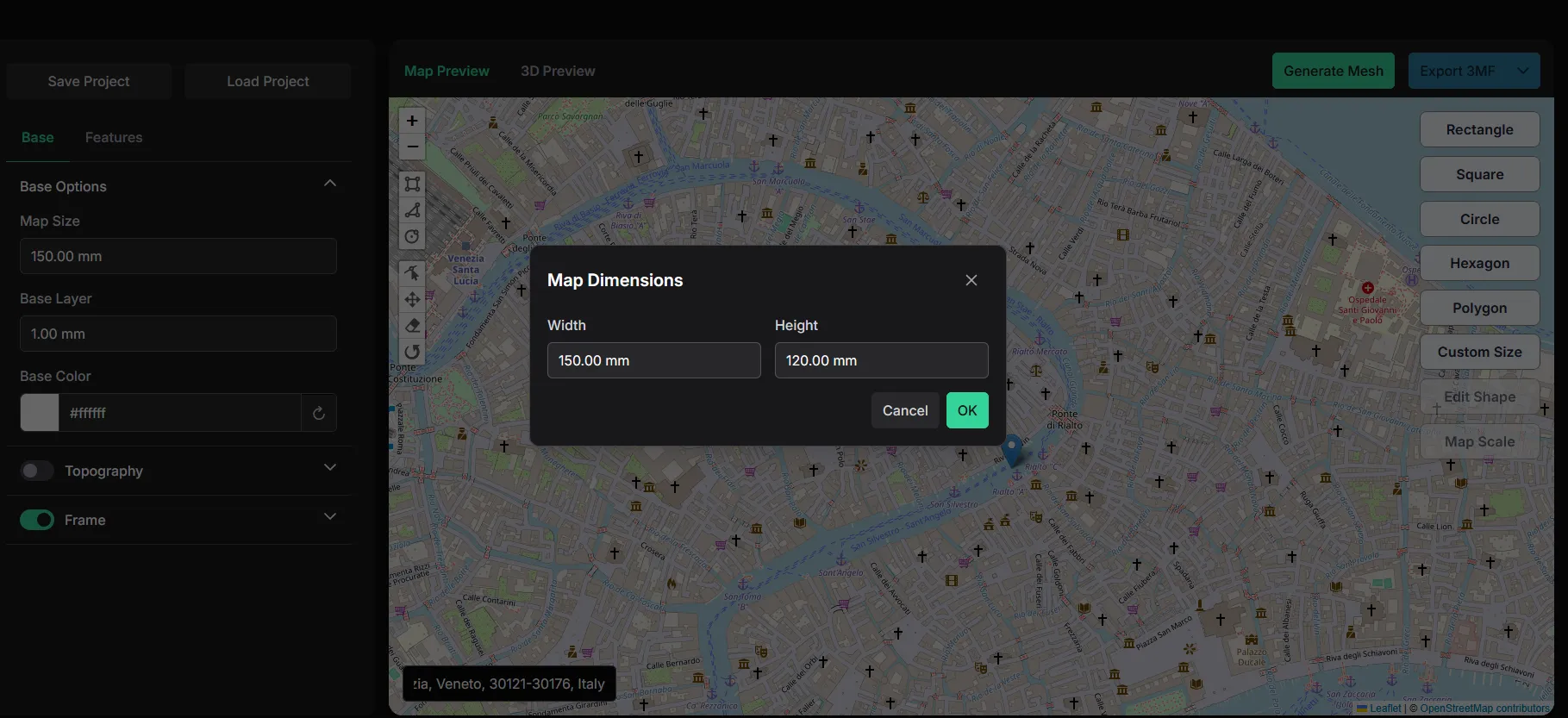
STEP_3
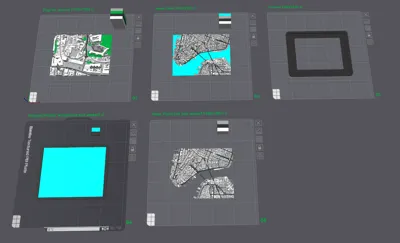
-I created city's in file with ‘’Custom size'' (150x120mm) and that is Frame size I DESIGNED
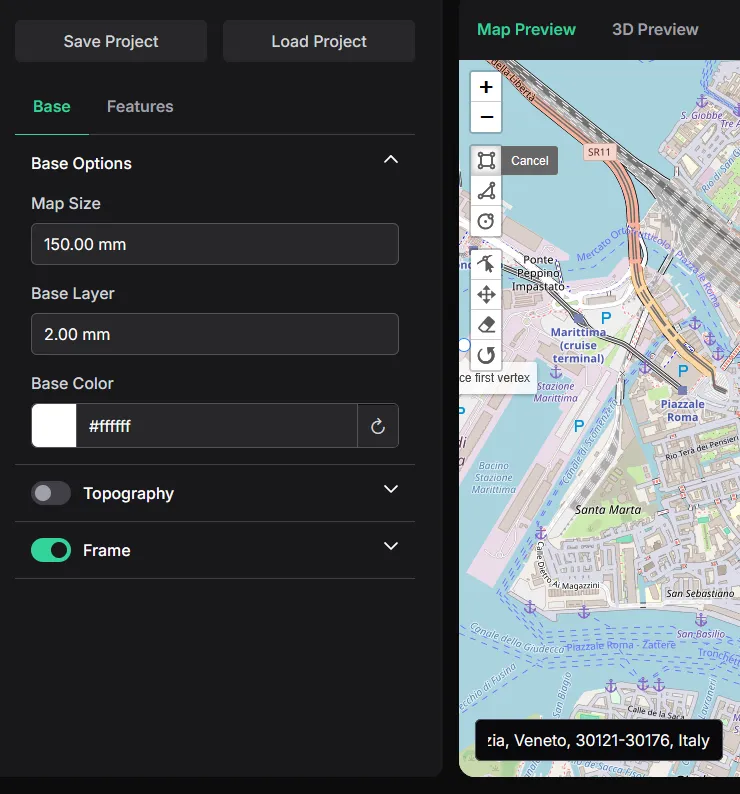
STEP_4
-set up Base layer ( I set them up 1.5mm or 2mm)
STEP_5
-adjust ROAD and WATER height
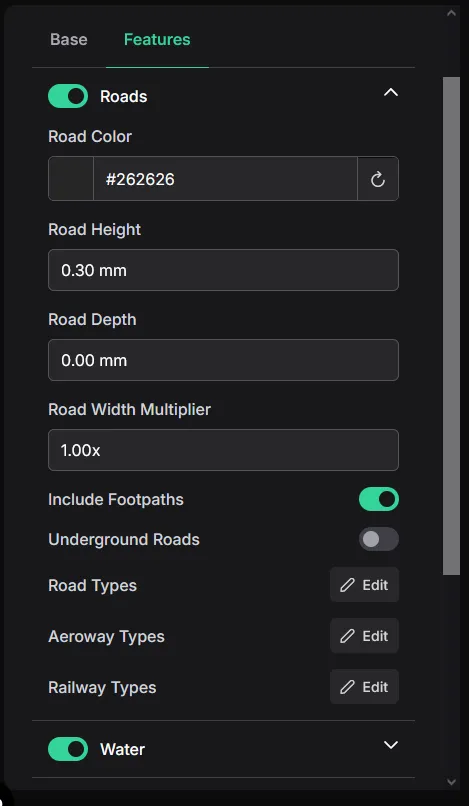
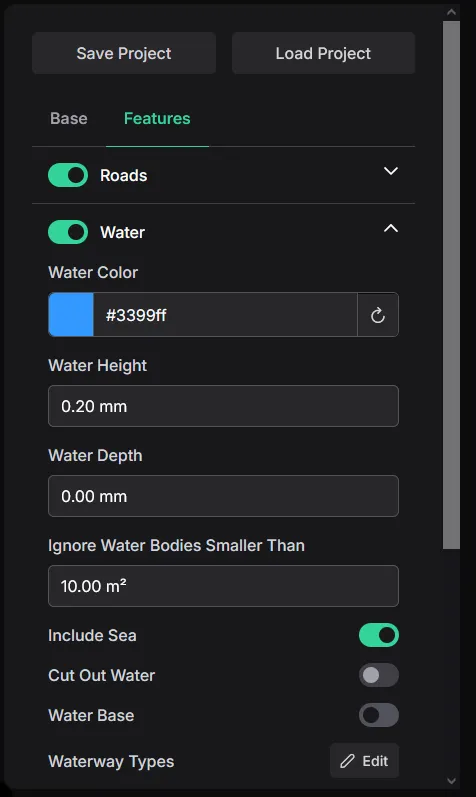
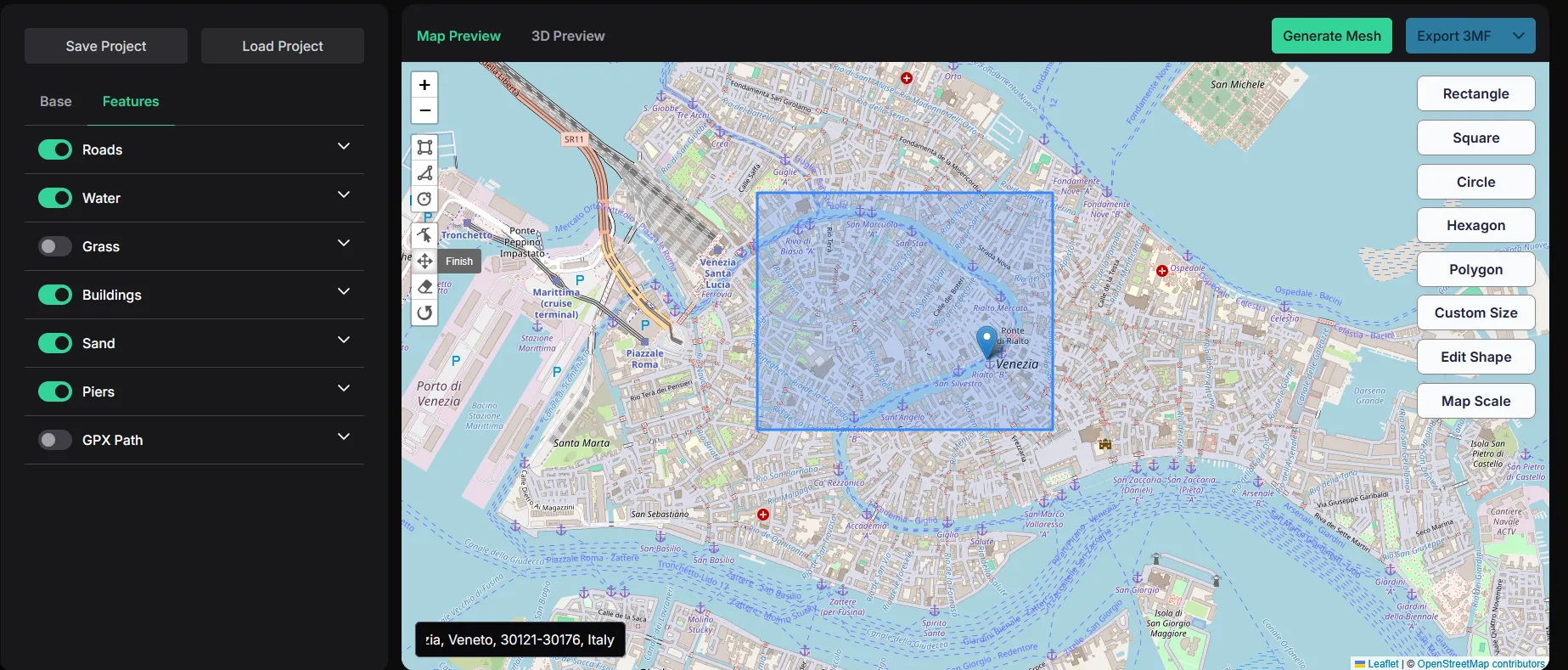
STEP_6
-place cursor where you want to start (if you use Custom size, it will automaticly make it in desired size)
-I disabled grass so I can have just 4 colors (sea) and in next step you will see why, and how to enable grass
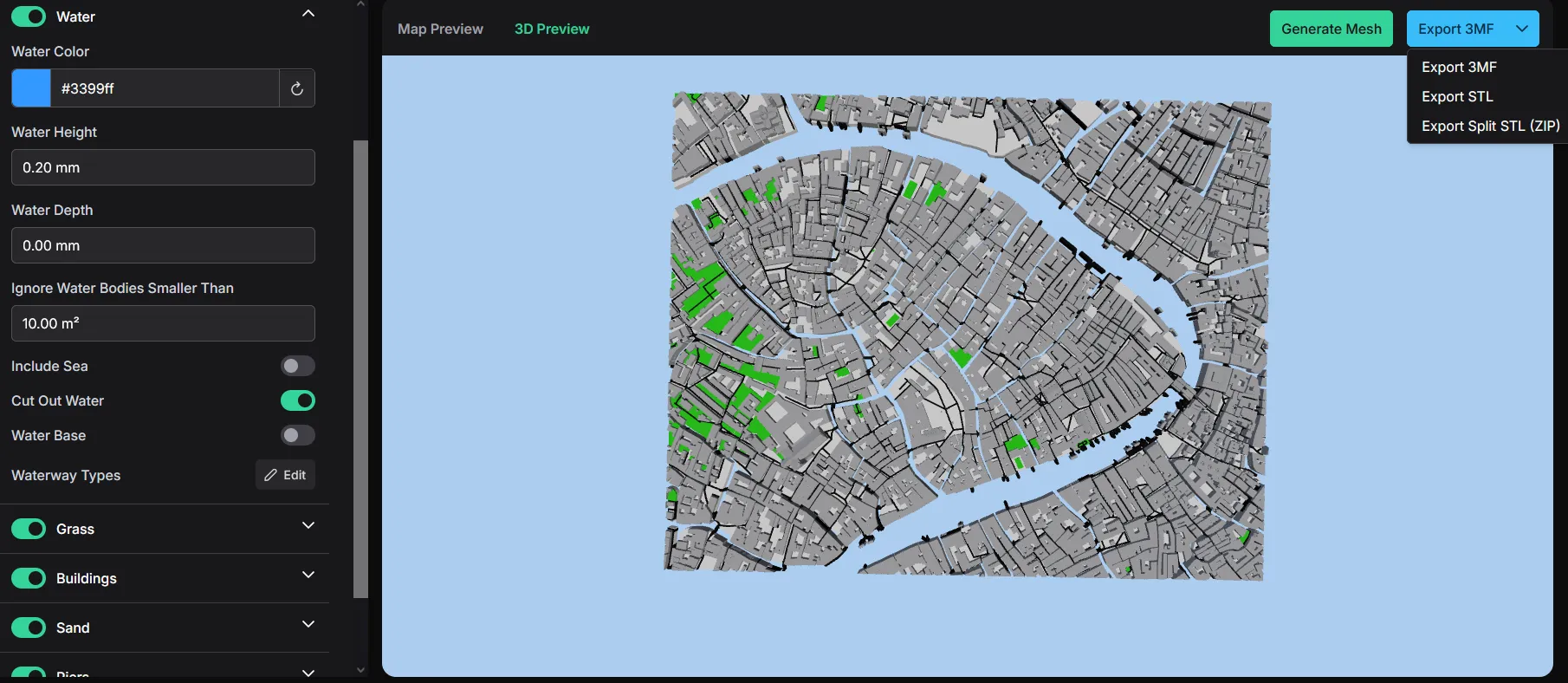
STEP_7
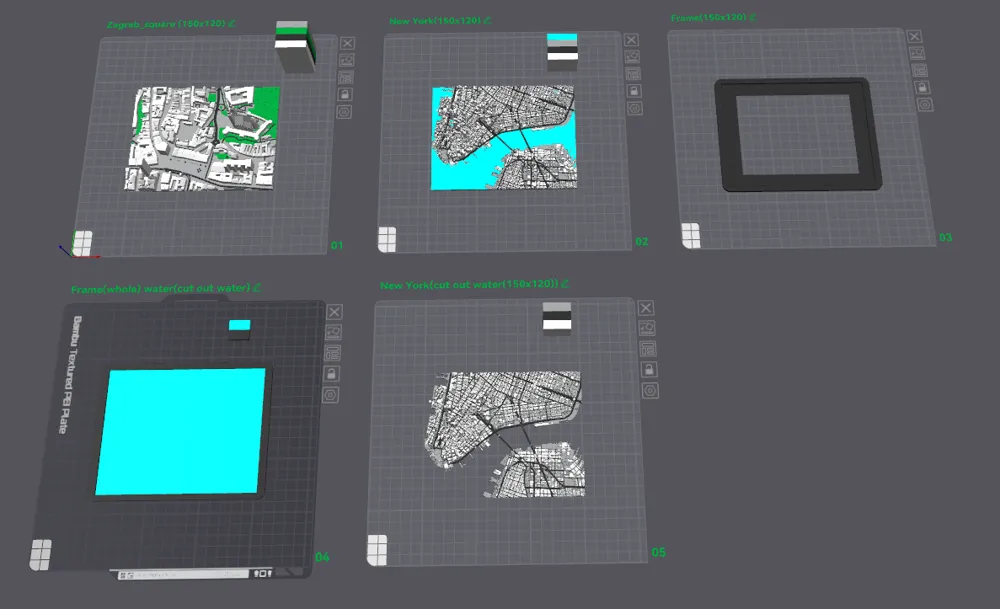
-here is how to Cut out water and disable sea (that is why I designed this Whole frame with blue to mimic sea and you can have 4 colors)
STEP_8
-now you can click on Generate Mesh on top right corner
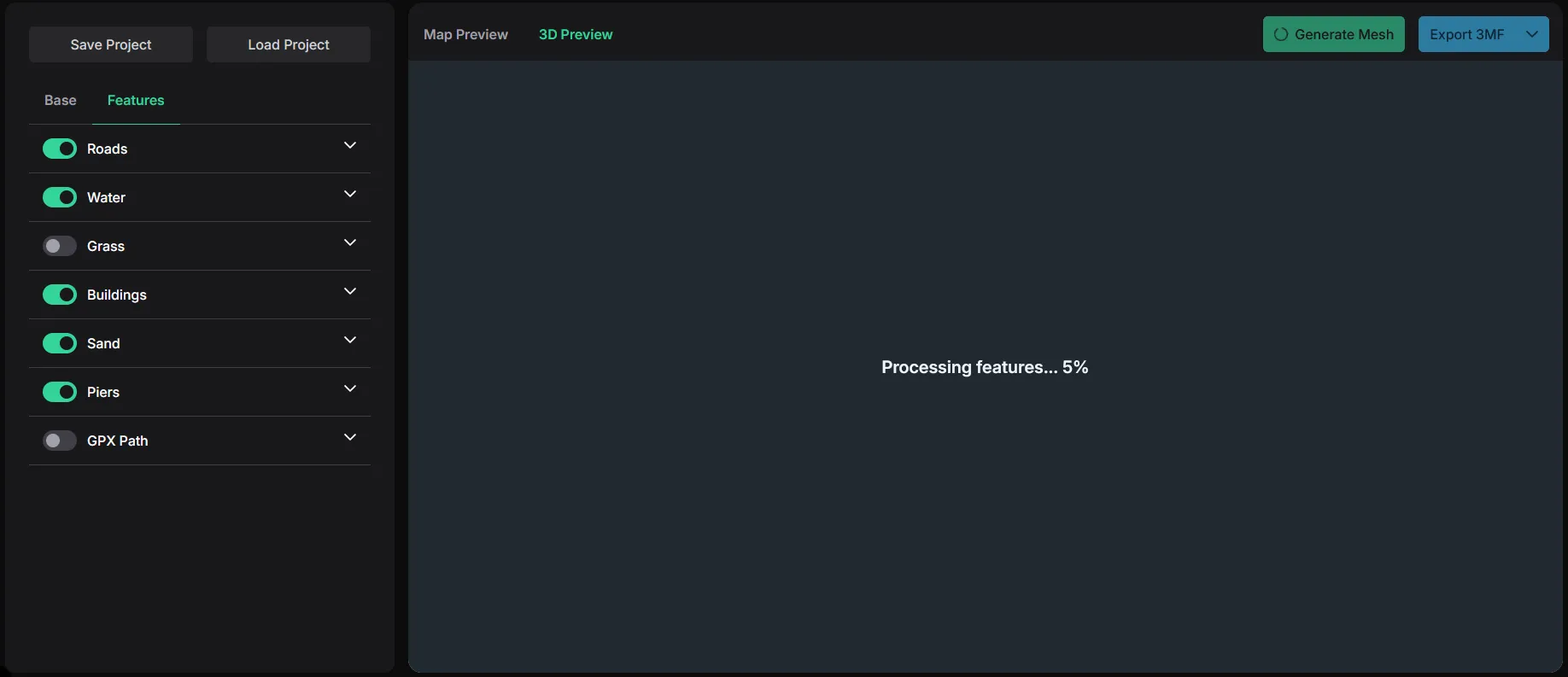
-every time you DISABLE or ENABLE something you need to Generate Mesh again
STEP_9
-export your Mesh in file you wan't (STL, or 3MF(for multicolor painting))
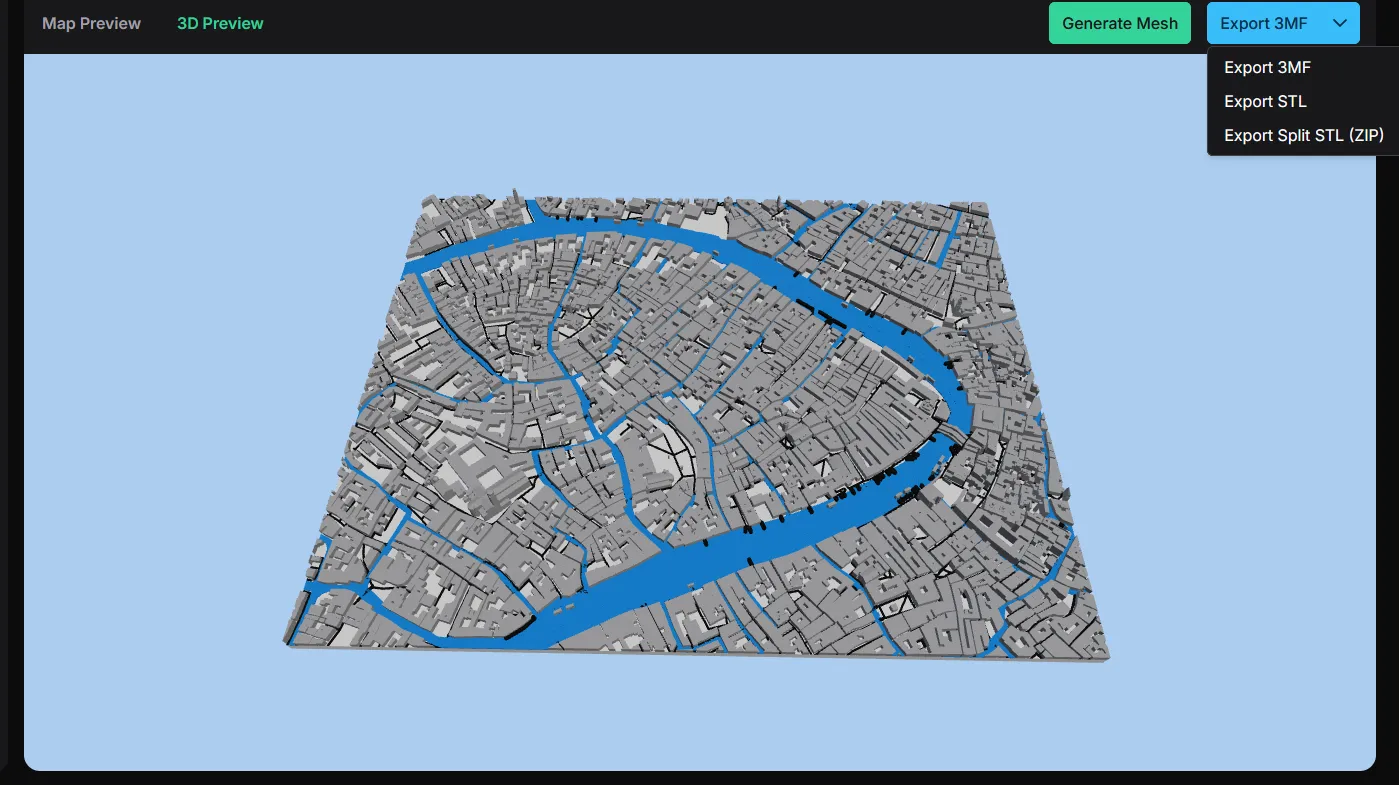
STEP_10
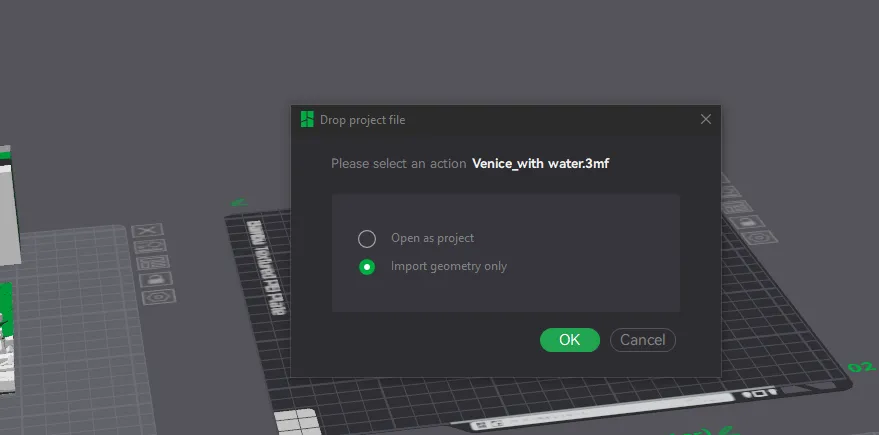
-import Mesh to Bambu Studio and you are done :)
I repeat I'm not designer of that page it's free online tool. I only help you to make your city map and I designed 2 maps in that tool for you and 2 frames in Blender for that towns and for future you will print :)
You just need to scale it (x,y)
If you find this helpfull support me here or buymeacoffee.com/Marvellous3D_Print
Boost Me (for free)
Thank you for your support :)
License



Comment & Rating (31)