
VaultQuest Home Terminal – ATM Edition
Print Profile(1)

Bill of Materials



Description
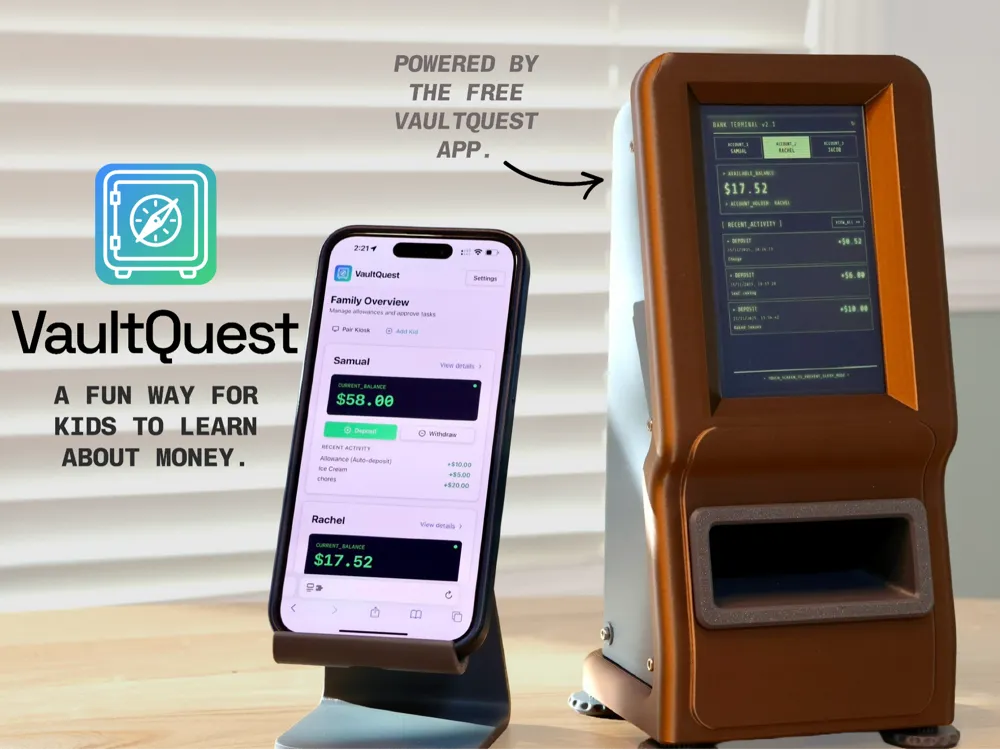
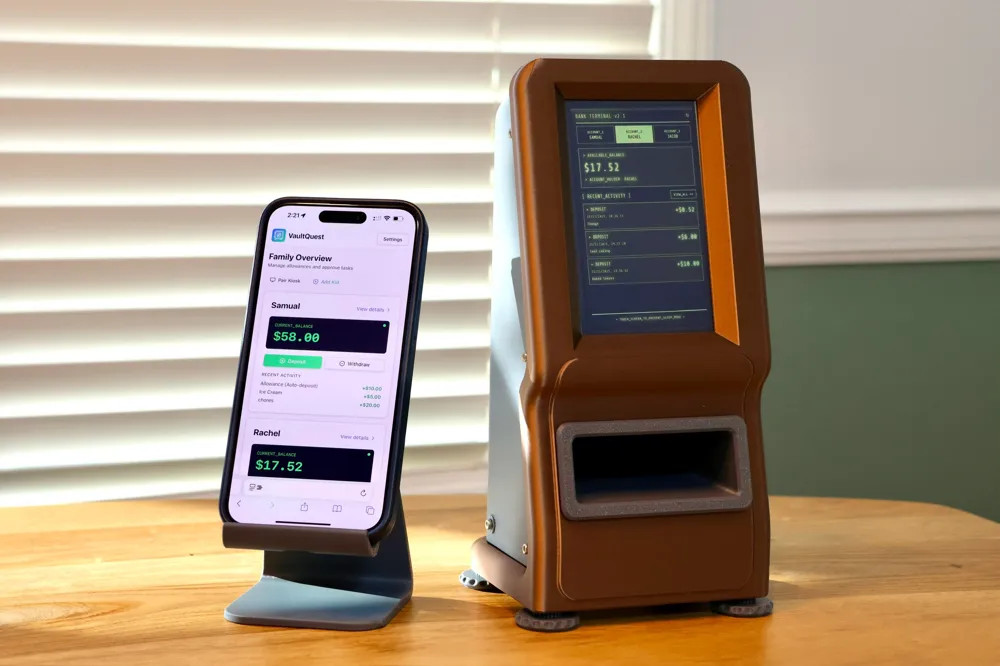
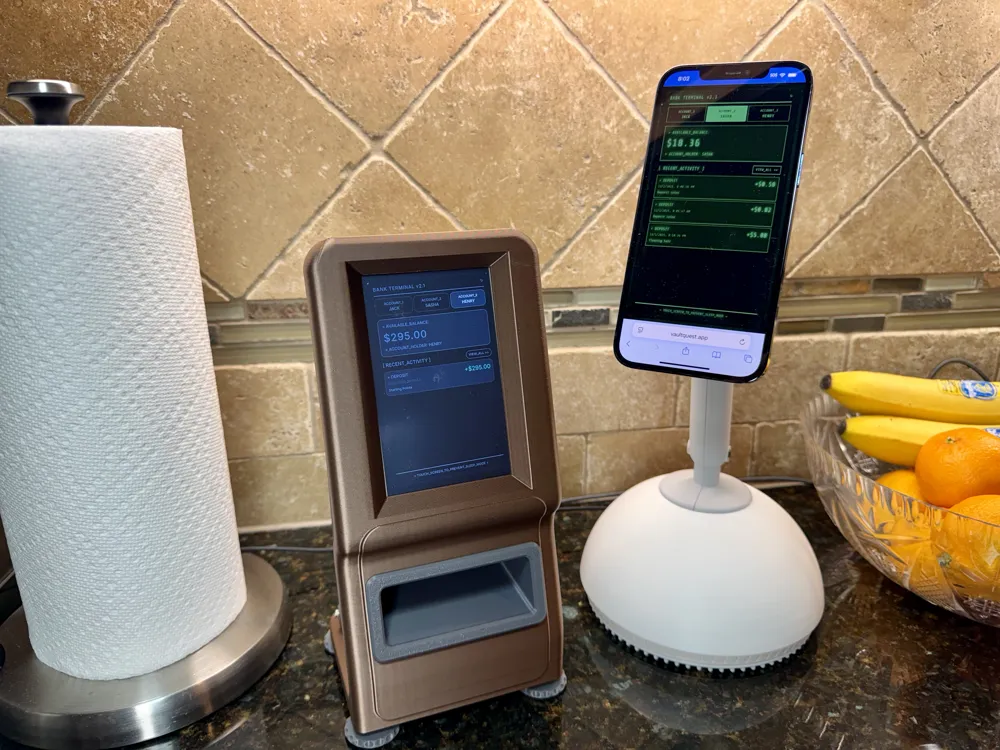
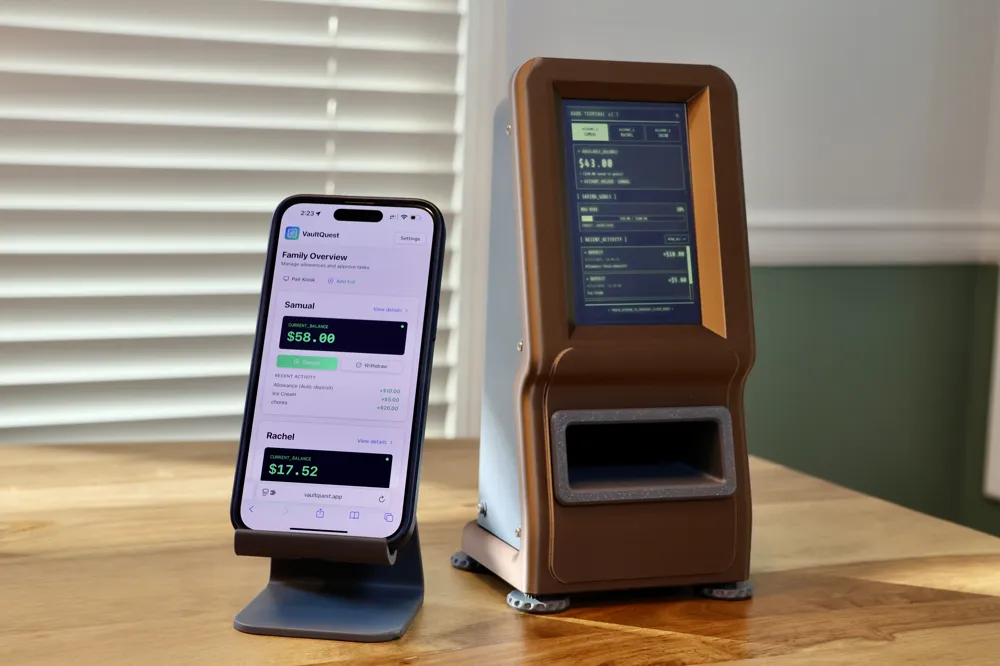
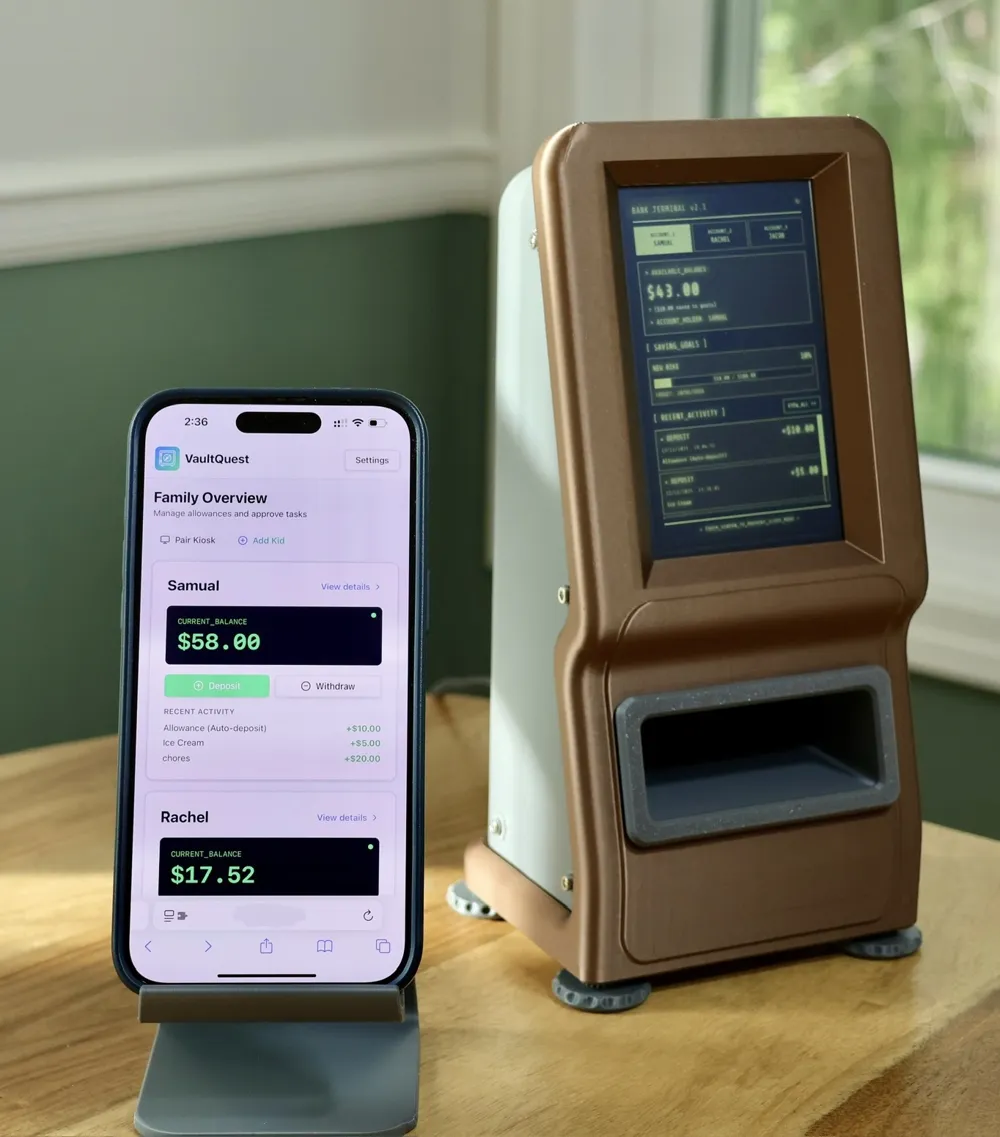
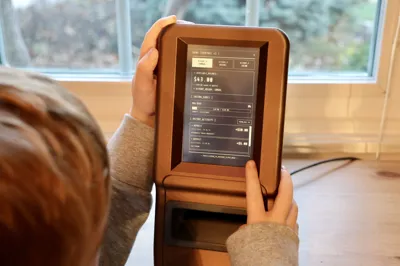
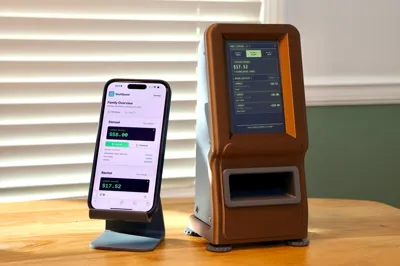
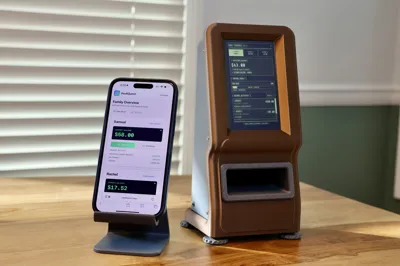
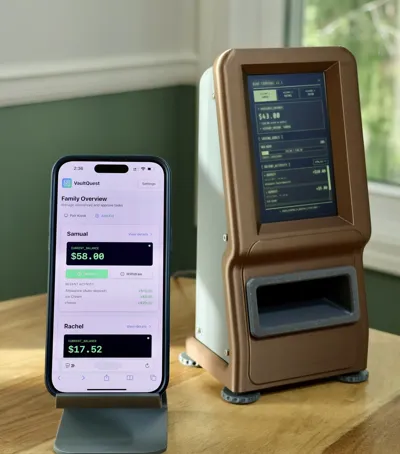
Take VaultQuest to the next level with the VaultQuest Home Terminal – ATM Edition, a fully DIY kiosk designed for makers who want a deeper, more rewarding build experience. Inspired by classic tabletop ATMs and early self-service terminals, this version feels like a real mini-ATM sitting on a desk or shelf.
Instead of repurposing a phone, this terminal uses a Raspberry Pi and a dedicated touch screen to create a standalone VaultQuest station. It is a more involved project, but the payoff is a purpose-built device that feels permanent, intentional, and uniquely yours.
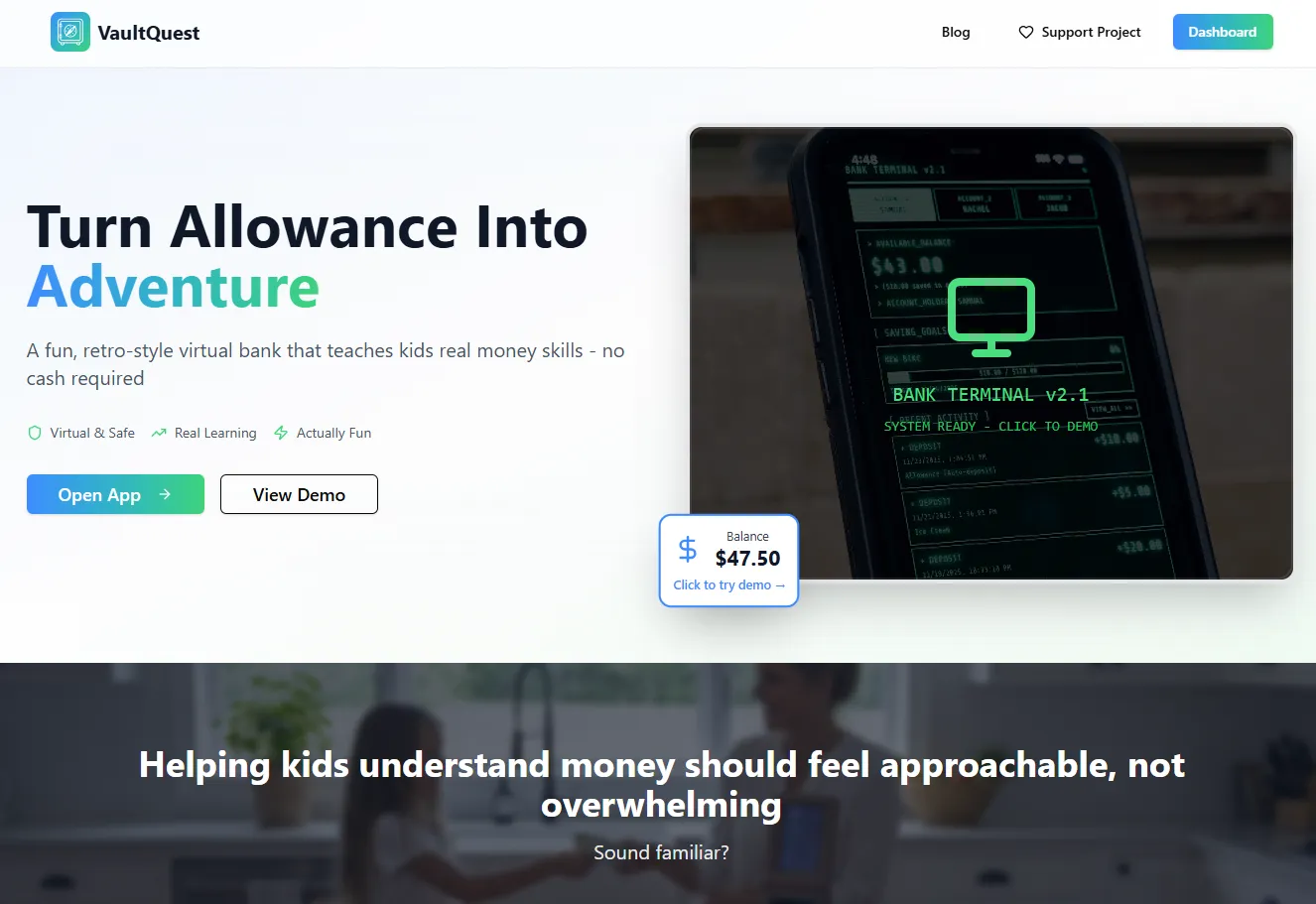
VaultQuest is free for families and is built to help kids understand money in a hands-on, age-appropriate way. If your family finds value in it, the app includes an optional donate button to support continued development. We intentionally avoided ads, subscriptions, or crowdfunding so families can just use it together.
You can learn more at: https://vaultquest.app/
What This Model Is
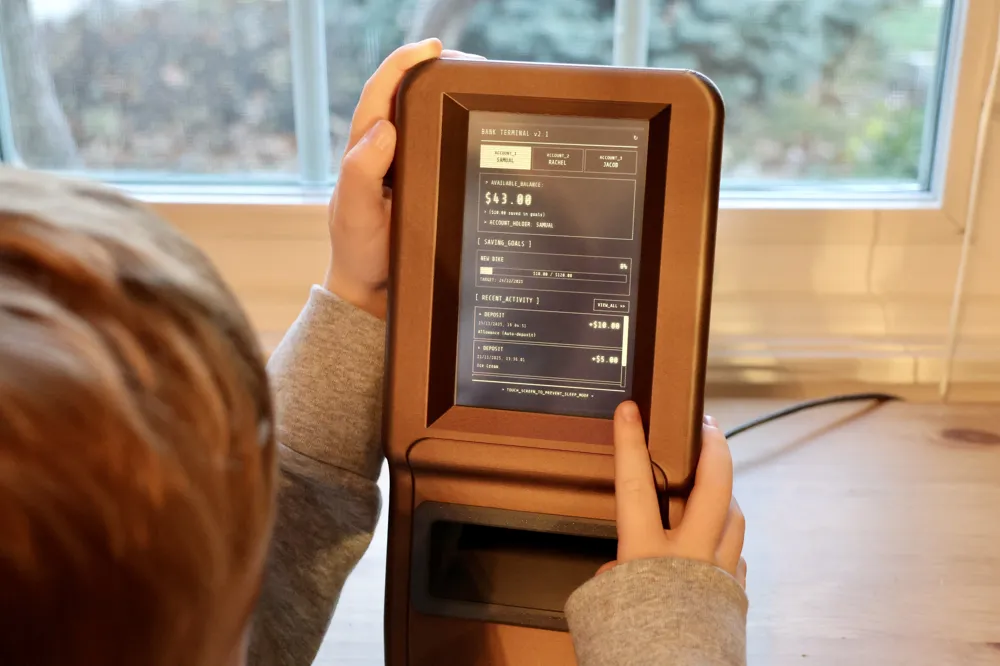
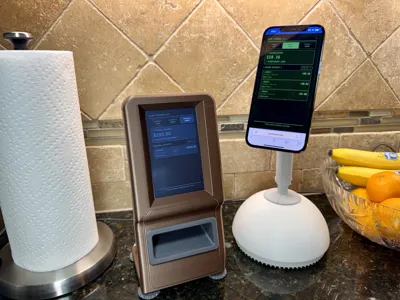
This print is for makers who enjoy building complete projects, not just mounting a screen. The ATM Edition is a Raspberry Pi-powered kiosk that runs VaultQuest in browser kiosk mode, giving kids a dedicated, always-ready terminal that feels like part of the house.
This is a more advanced build than the Dome Edition, but it offers more flexibility, expandability, and long-term durability.
The ATM Edition features:
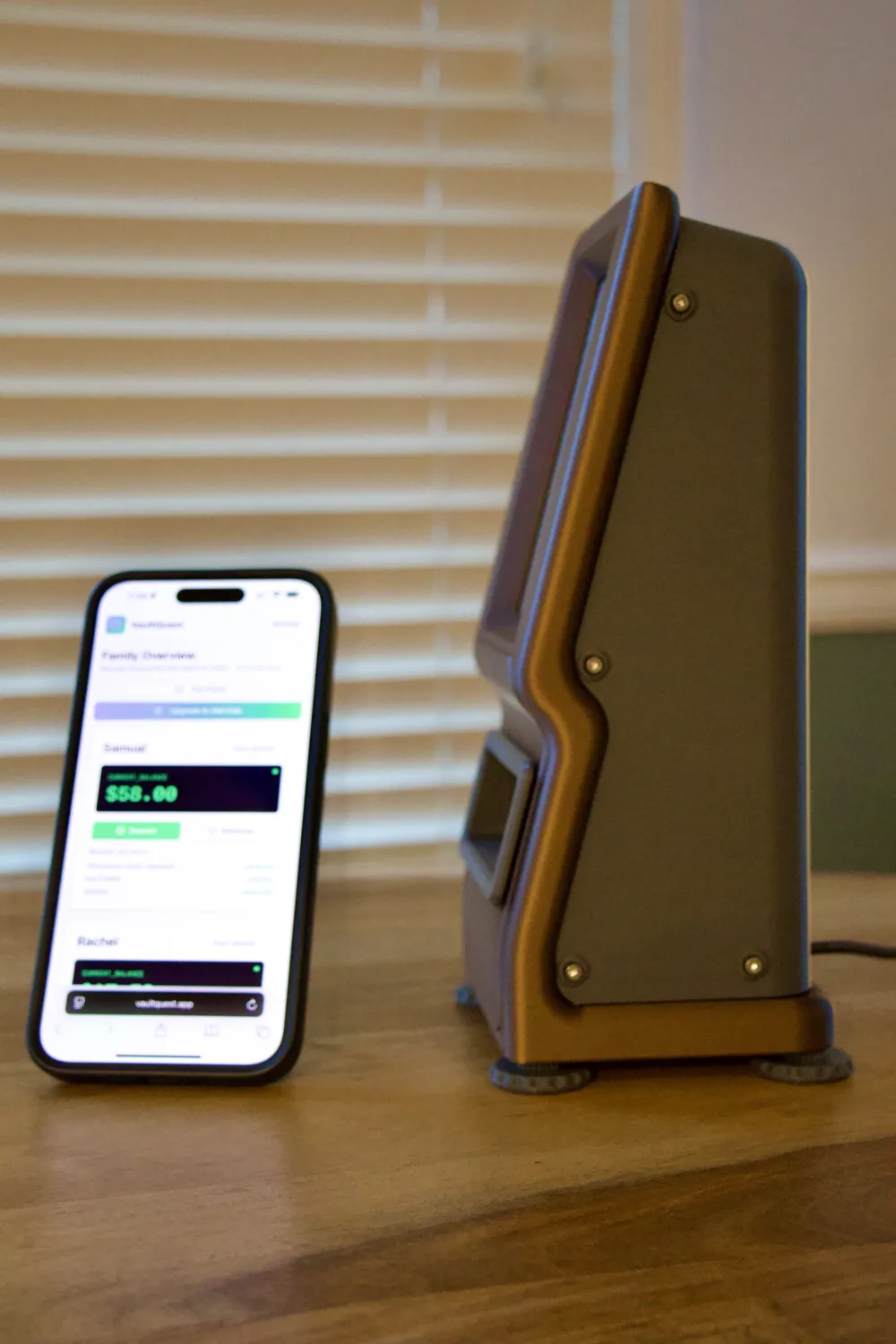
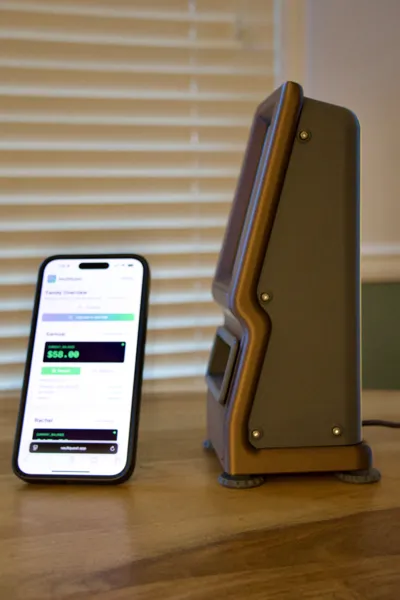
- A compact, vertical mini-ATM form factor
- Front-mounted 5-inch touch display with clean bezel framing
- Internal mounting for Raspberry Pi (Pi 4 or Pi 5)
- Rear cable routing for clean power management
- Enclosure volume designed to hide cables and components
- Stable base with room for added internal weight
Recommended Hardware
This model is designed around easy-to-source components. Exact brands can vary, but these are what we used for the build shown.
- Raspberry Pi 5 (Note: The photos show a Pi 4, both are supported)
- 5-inch Resistive Touch Screen (800x480) Compact size with a resolution that works well for VaultQuest’s kiosk layout
- Slim Right-Angle USB-C Cable (6ft, 60W) A low-profile right-angle connector is important for clearance inside the enclosure
- M3 Screw Assortment M3x8mm used throughout the enclosure for screen and Pi mounting
VaultQuest Features
- Share kids with co-parents, grandparents, or guardians
- Automated allowances, weekly or monthly
- Visual savings goals to make progress easy to understand
- Secure kiosk mode with Netflix-style pairing
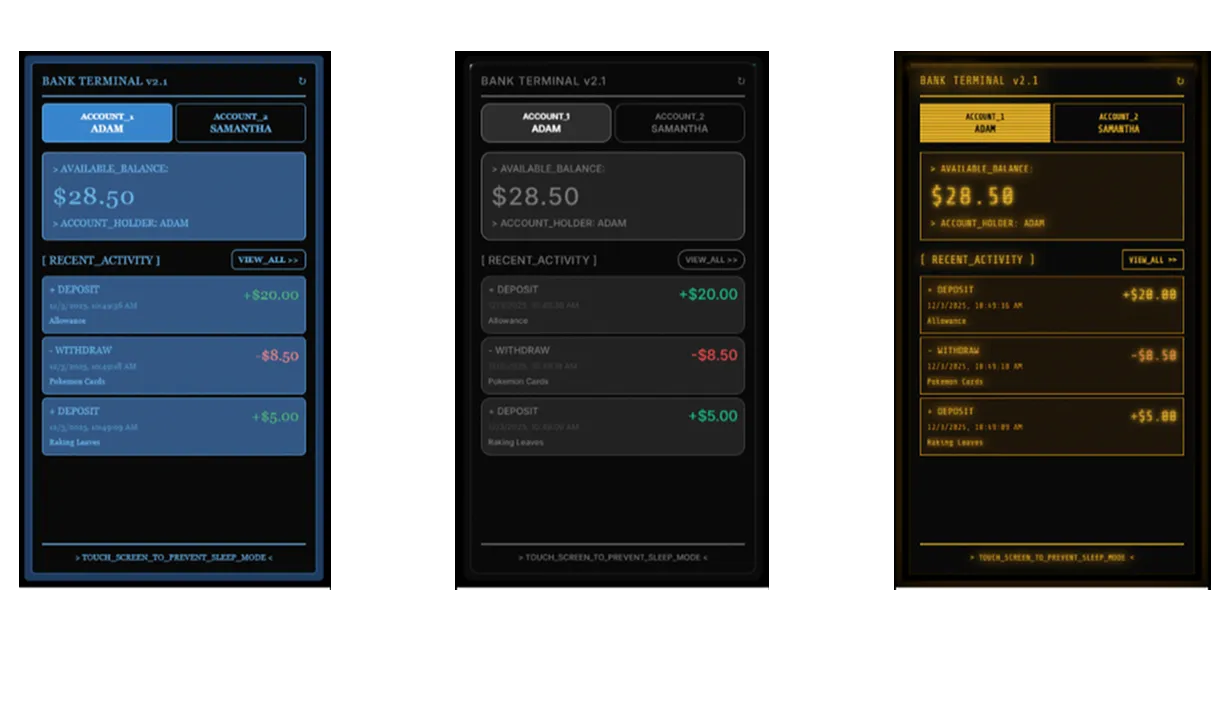
- 7 customizable themes, from retro CRT green to modern minimal
- Multi-currency support with 8 currencies
- Parent-focused educational resources built into the app
Configuring the Raspberry PI
Please note that we are assuming that you have some working knowledge of installing Pi OS and using the terminal to make changes to the autostart settings. If you have any questions or need help troubleshooting, please let us know.
- Download the latest version of Raspberry Pi OS.
- Follow the instructions provided with the touchscreen to configure the touchscreen driver if it does not automatically work after connecting it to the shield.
- Since we have the screen in portrat, we need to remap the touch screen coordinates.
- Create a new file using `nano ~/touch-rotate.sh` and then past in the following, save, and then run `chmod +x ~/touch-rotate.sh`
```
#!/bin/bash
# Wait a bit so X and the touchscreen are fully initialized
sleep 5
xinput set-prop "ADS7846 Touchscreen" \
"Coordinate Transformation Matrix" \
0 1 0 -1 0 1 0 0 1
```
- You will then need to open the auto start script file using `nano ~/.config/lxsession/rpd-x/autostart` command.
```
@xset s off
@xset -dpms
@xset s noblank
@unclutter -idle 0.1 -root
@xrandr --output HDMI-1 --rotate right
@/home/pi/touch-rotate.sh
@chromium --kiosk --no-first-run --noerrdialogs --disable-infobars --disable-session-crashed-bubble https://vaultquest.app/atm
```
- Then reboot the kiosk using `sudo reboot` and it should be ready to install in the 3D printed frame.
Pairing the Terminal
Once VaultQuest is running on your Pi, pairing the kiosk is simple.
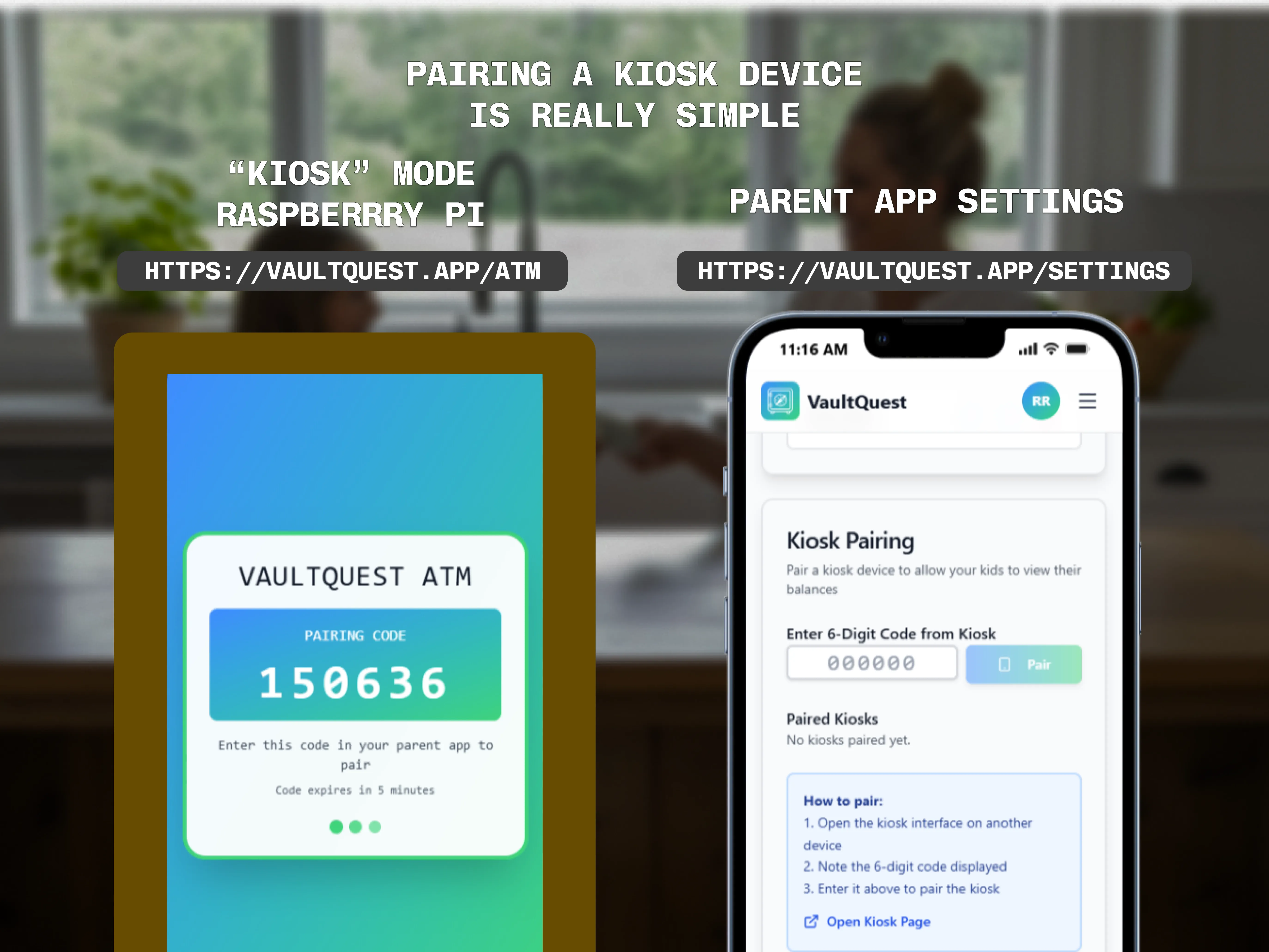
- Open https://vaultquest.app/atm on the terminal
- Sign in on the parent web app
- Click your avatar, go to Settings, and enter the 6-digit pairing code
The kiosk immediately switches into view-only mode for kids, giving peace of mind while still keeping it engaging.
Customization
Once paired, you can change the VaultQuest visual theme to match your printed enclosure. Whether you lean retro, playful, or clean and modern, the ATM Edition makes the terminal feel like a real object, not just a screen in a box.
Assembly Notes
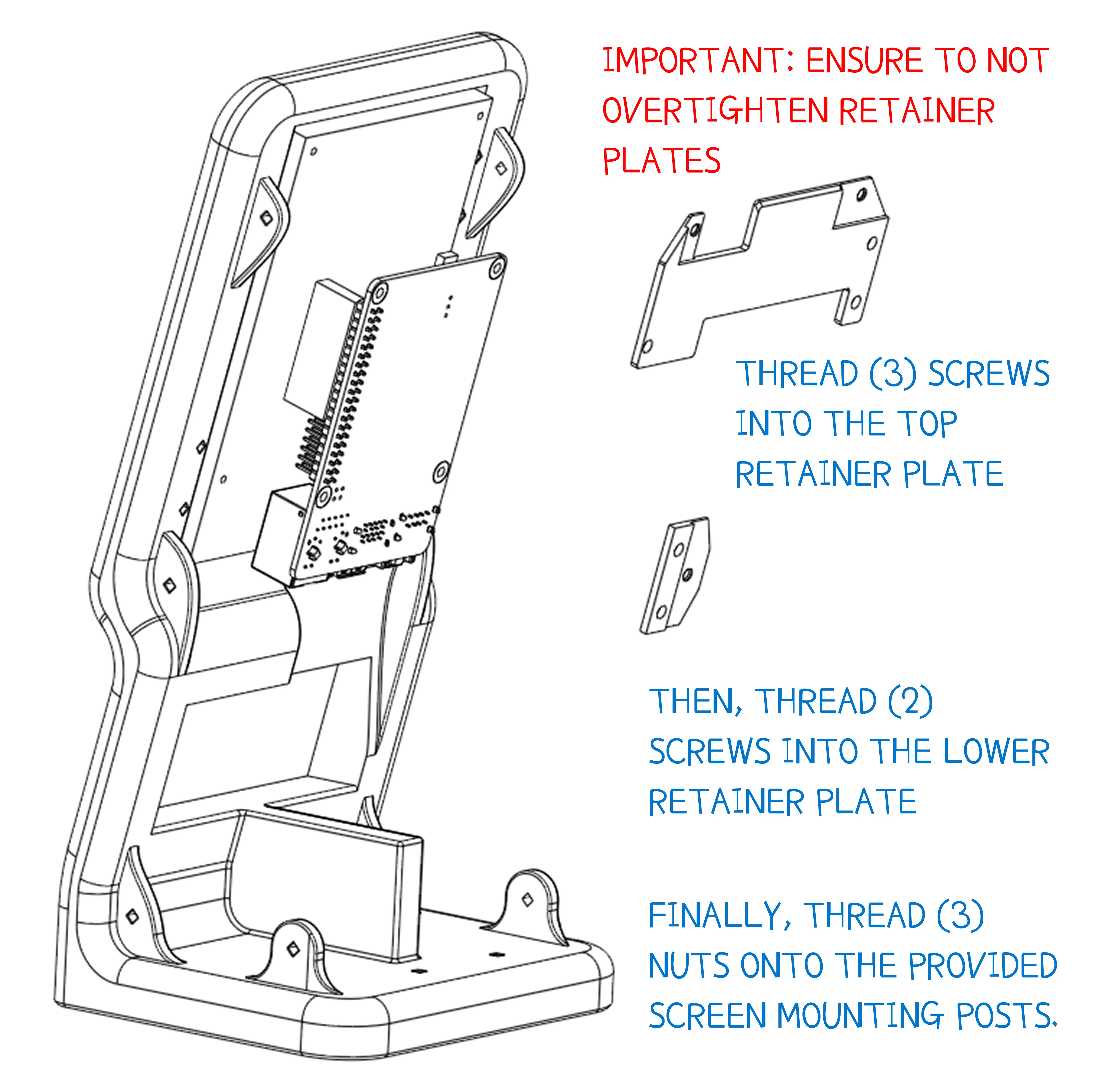
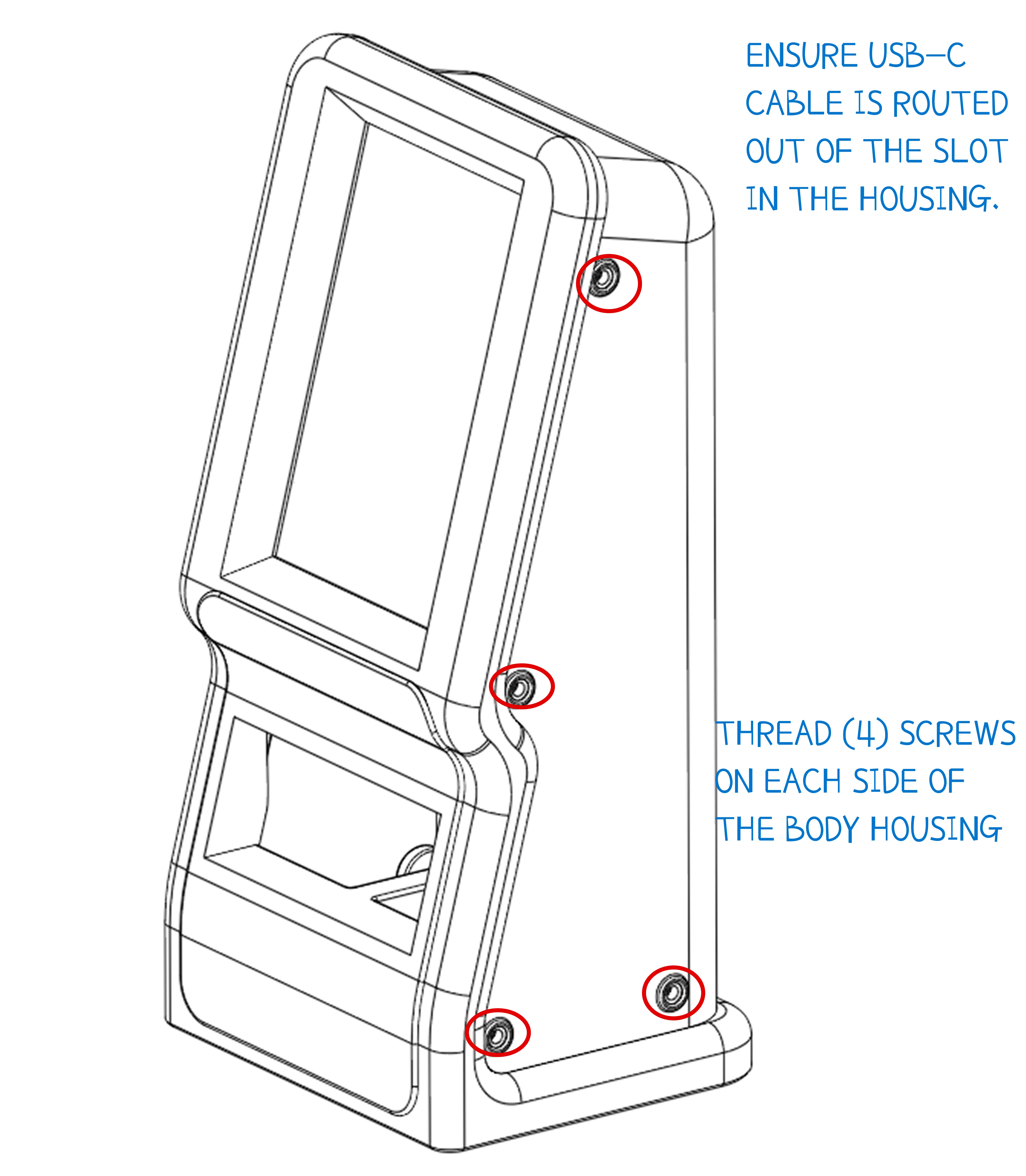
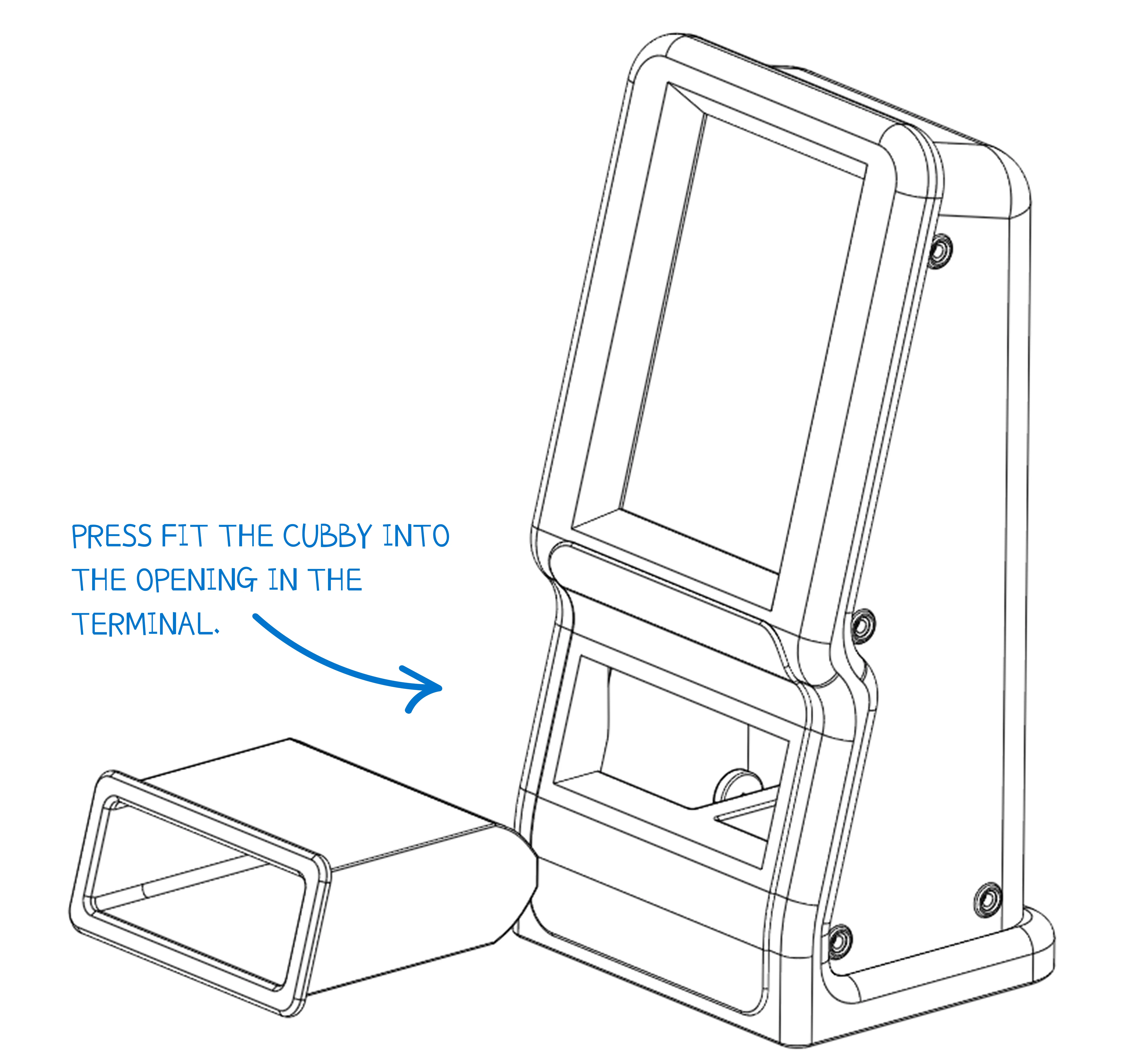
- Be mindful of cable routing before closing the enclosure
- A slim right-angle USB-C cable is strongly recommended for Pi power in the tight enclosure.
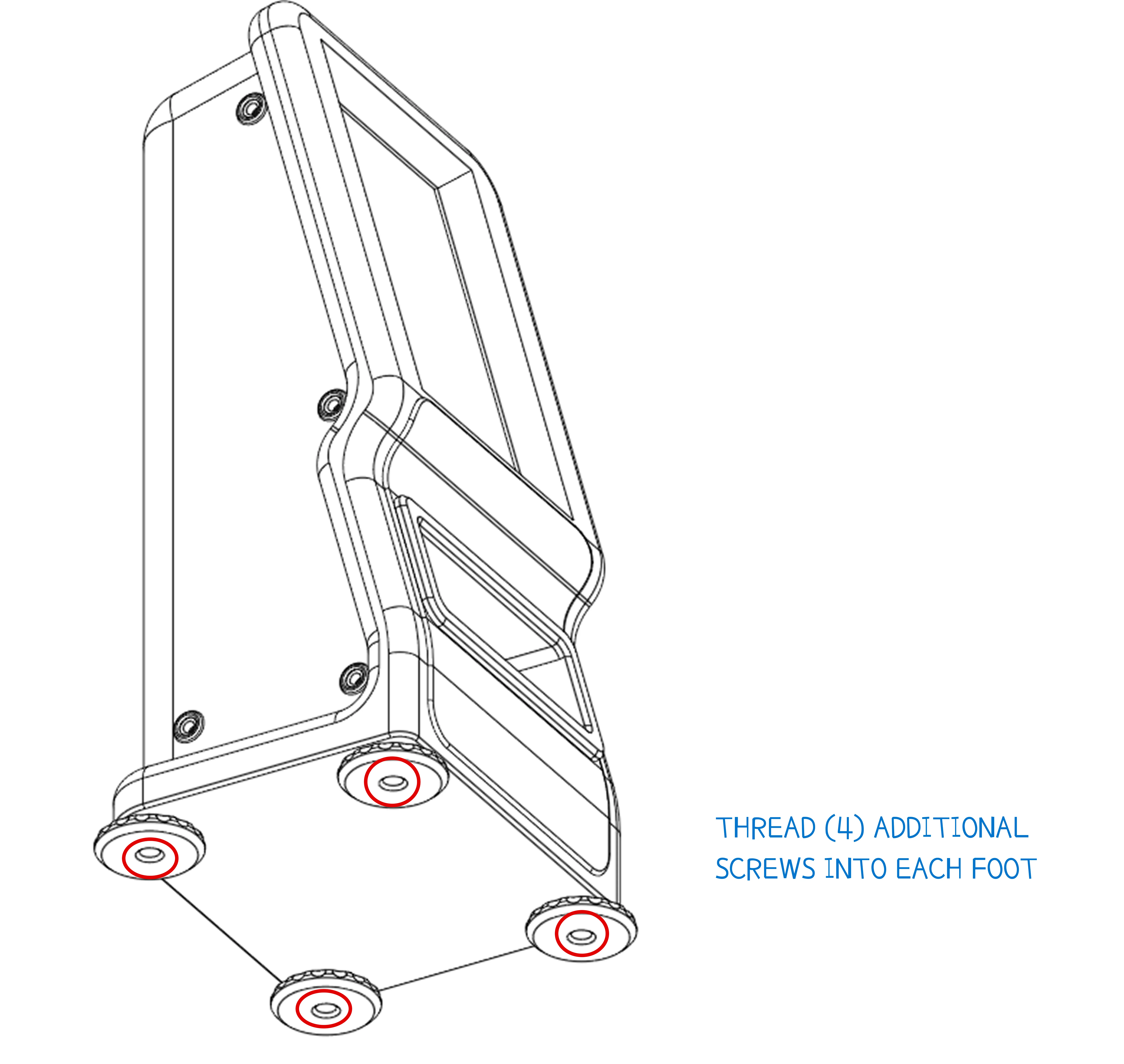
- For best stability, add weight inside the base using sand, BBs, bearings, or similar dense material. Do not block airflow to the vents.
Filament color choice can dramatically change the feel of the terminal. Matching the enclosure color to a VaultQuest theme creates a surprisingly polished result.
Feedback
Your feedback helps shape future models in the VaultQuest series. Share photos of your build, leave a like, and follow for upcoming designs, improvements, and new terminal concepts. 🚀
Thanks for supporting the mission of helping kids build confidence with money in a way that is simple, fun, and maker-friendly.
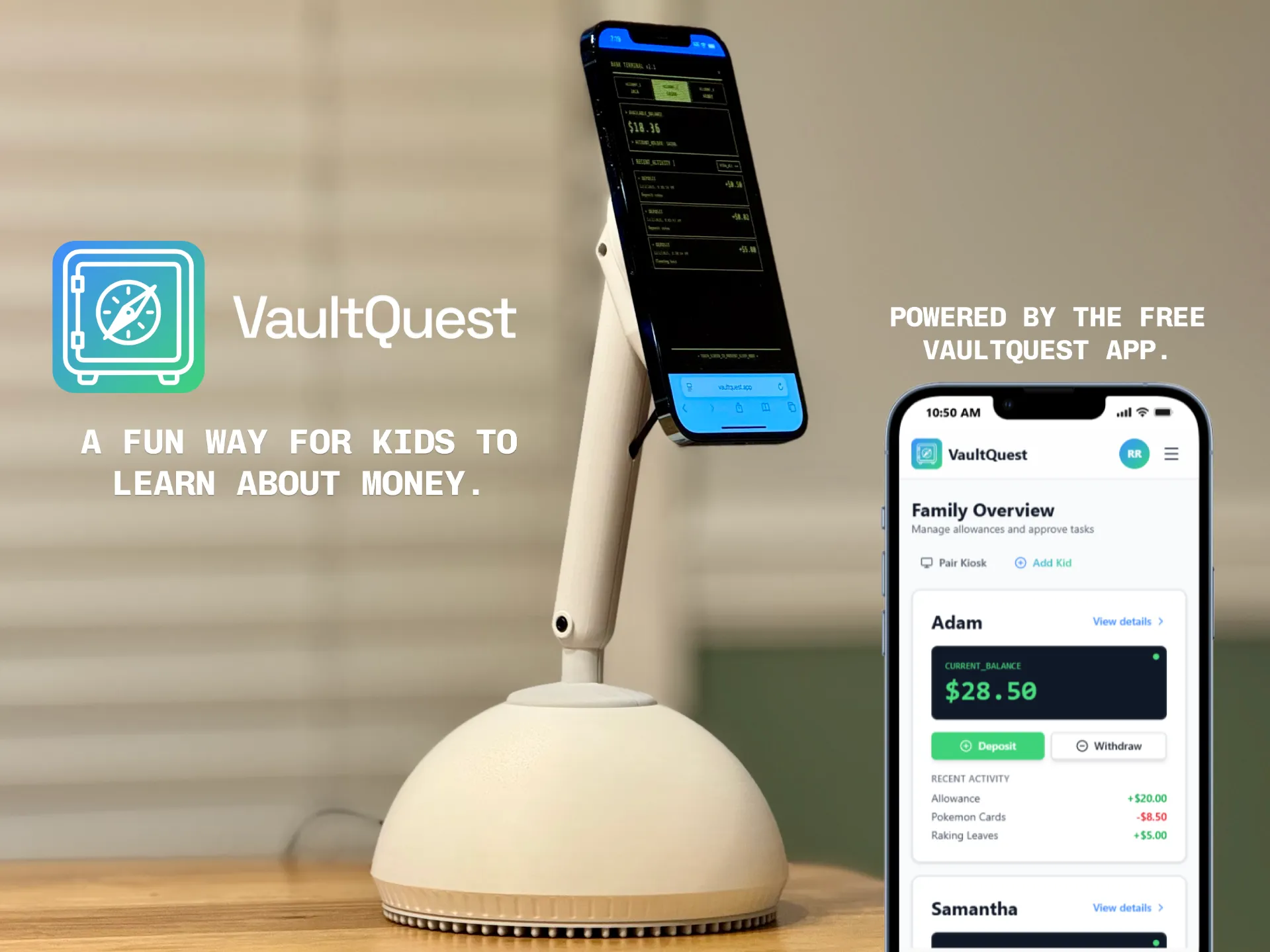
Looking for an easier kiosk? This one just uses an old phone.
Disclaimer
VaultQuest is a learning tool created for families. It is not a bank, does not hold real money, and does not provide financial services. All balances, rewards, and transactions are simply a way for parents and guardians to track allowance and teach kids about saving, spending, and setting goals. Any real-world money remains fully managed by the parent or guardian. Please review the terms and conditions on the VaultQuest site.

License

You shall not share, sub-license, sell, rent, host, transfer, or distribute in any way the digital or 3D printed versions of this object, nor any other derivative work of this object in its digital or physical format (including - but not limited to - remixes of this object, and hosting on other digital platforms). The objects may not be used without permission in any way whatsoever in which you charge money, or collect fees.


Comment & Rating (64)