
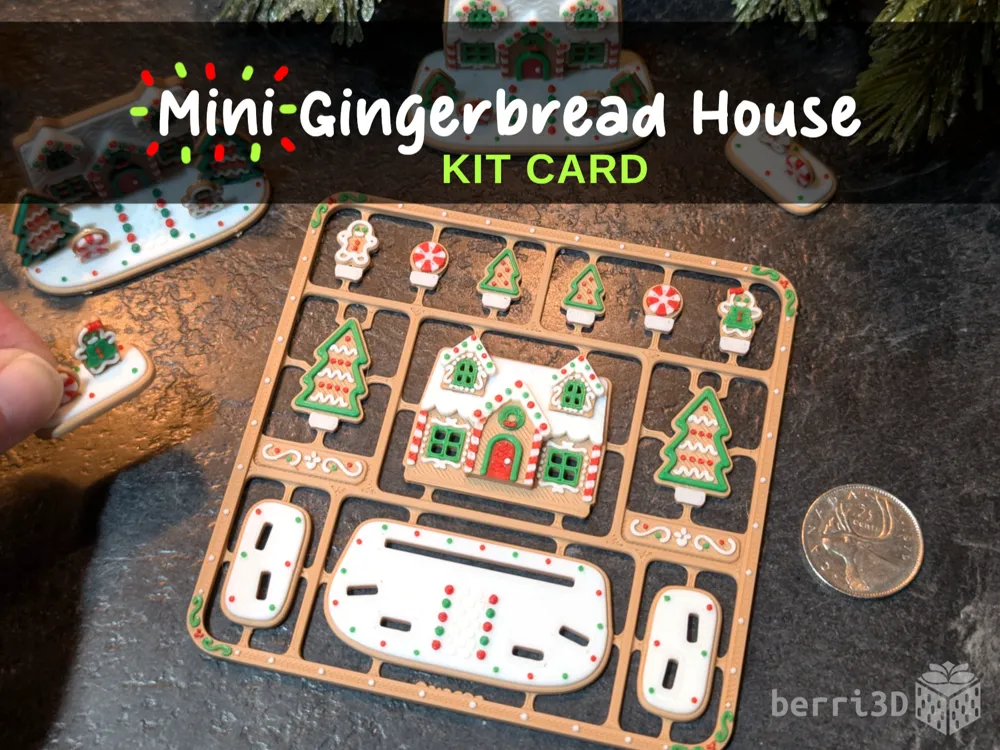
Mini Gingerbread House Kit Card


Print Profile(5)






Description

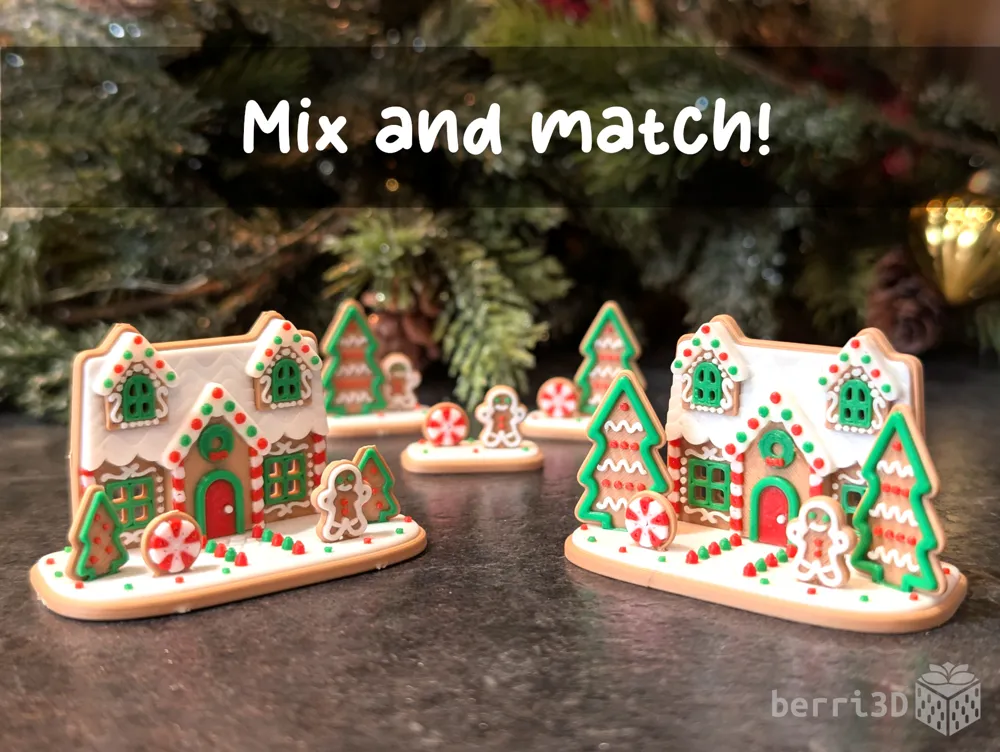
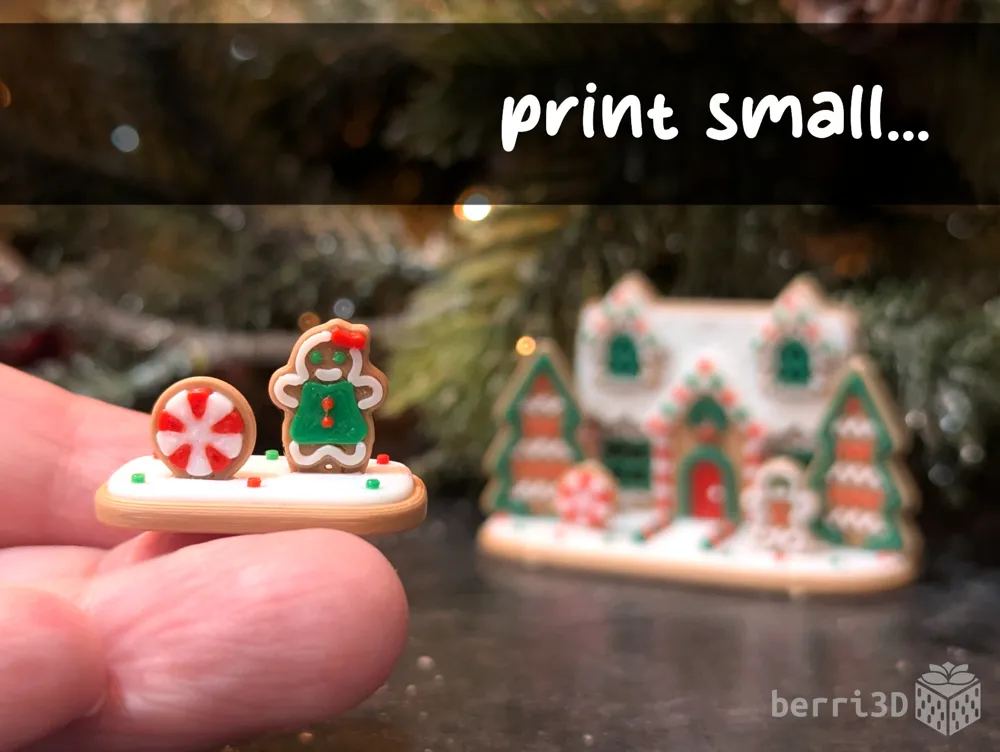
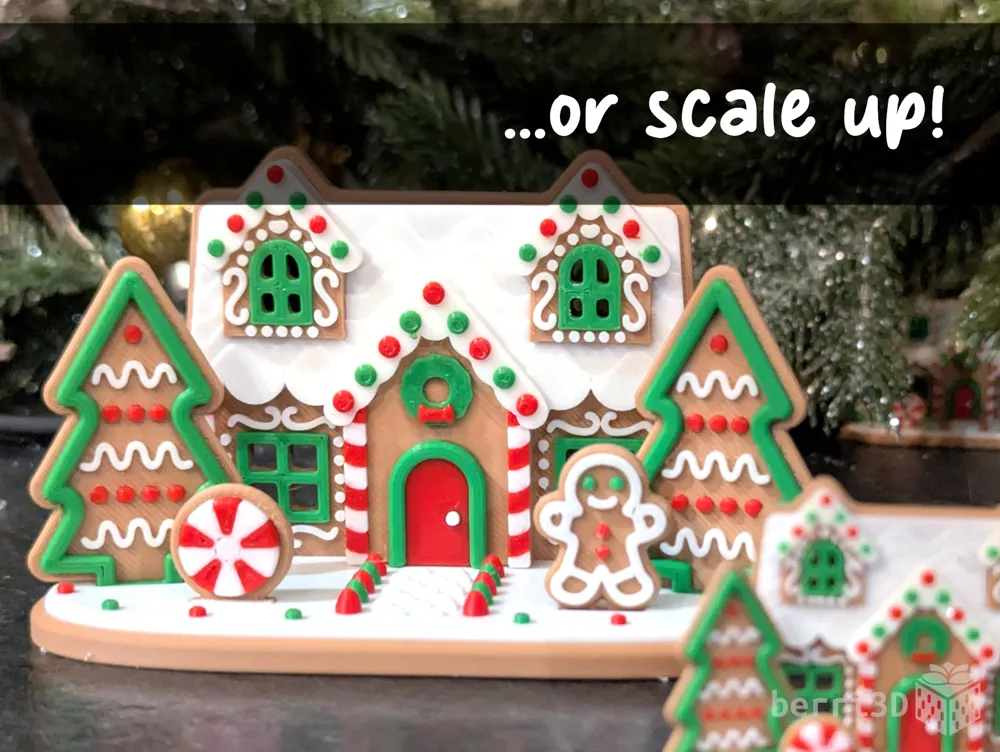
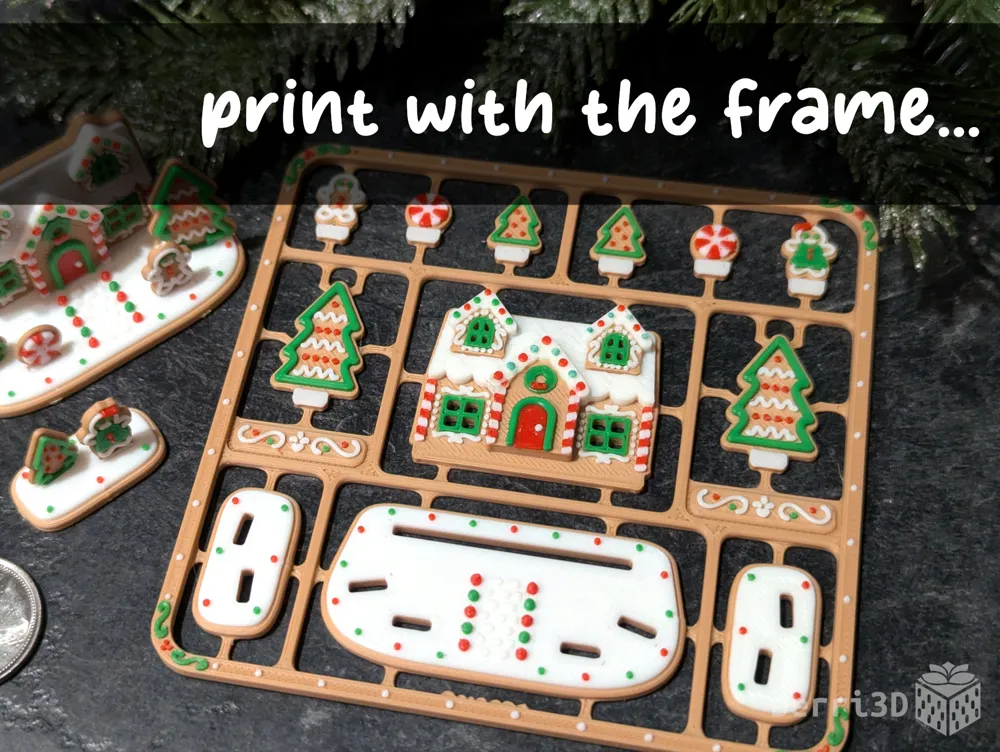
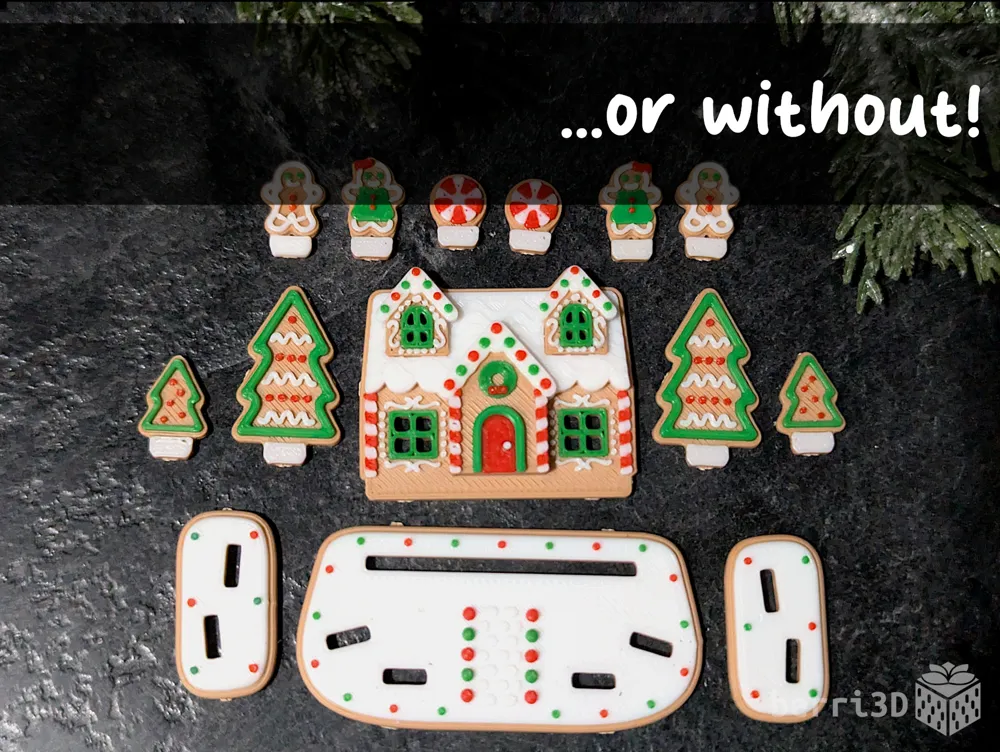
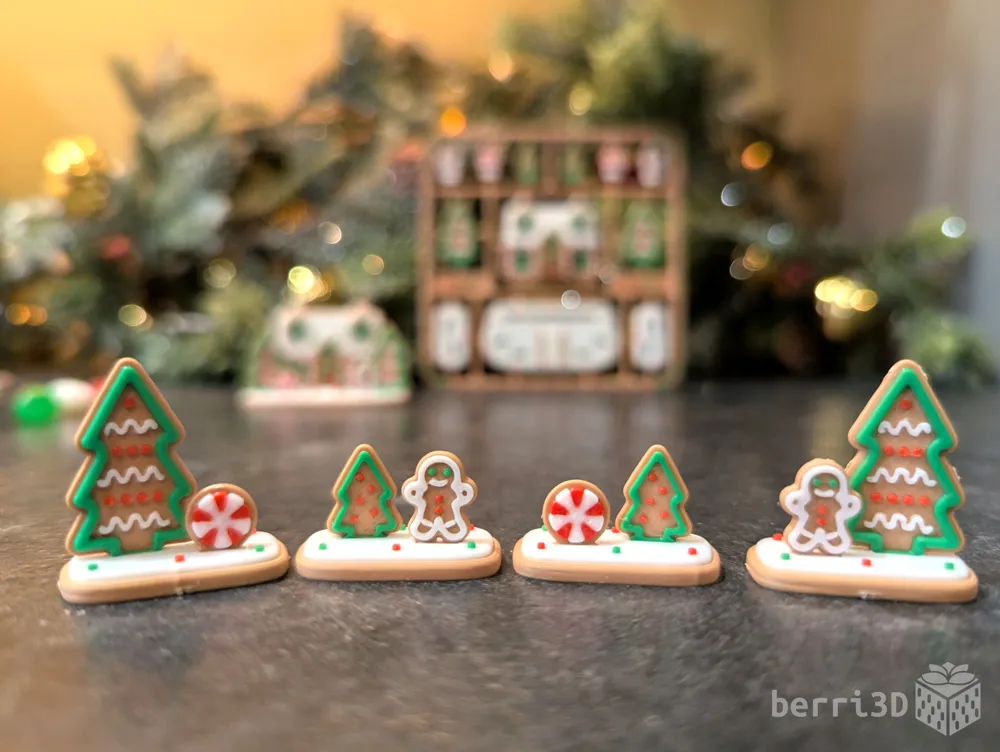
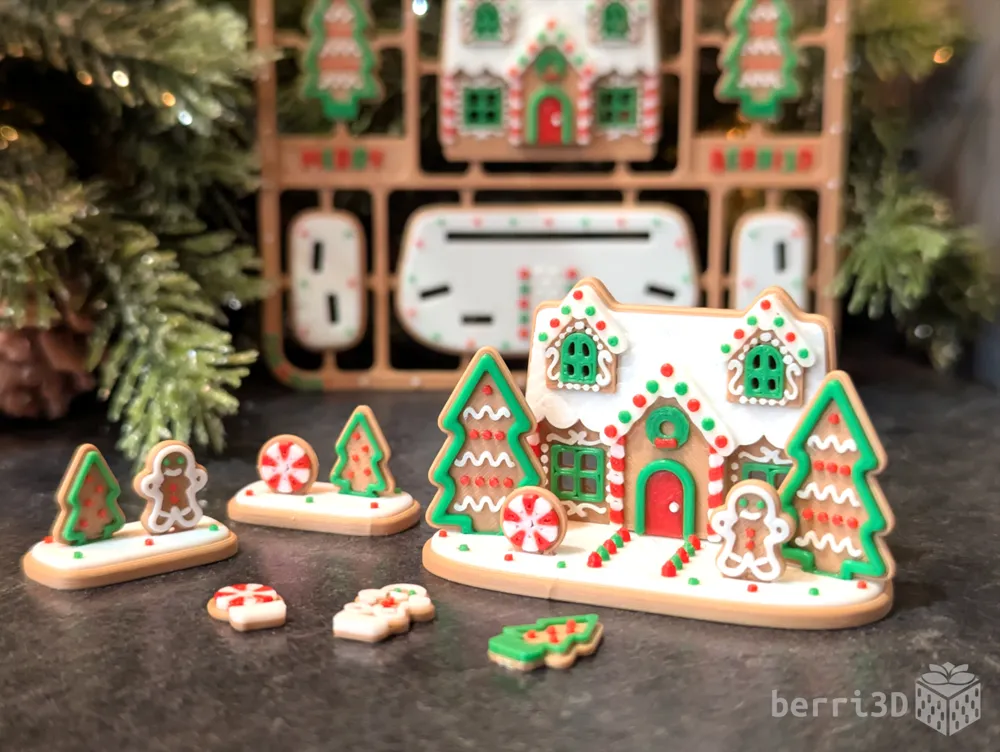
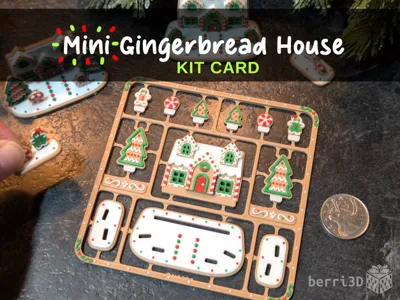
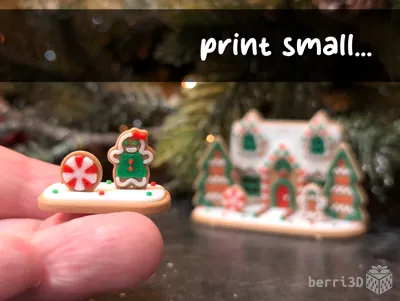
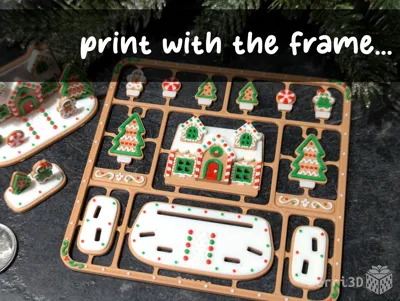
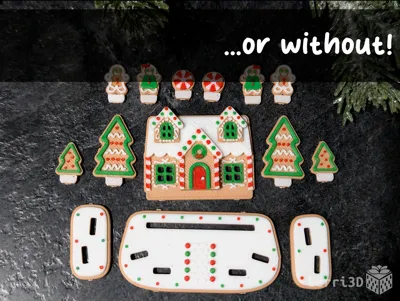
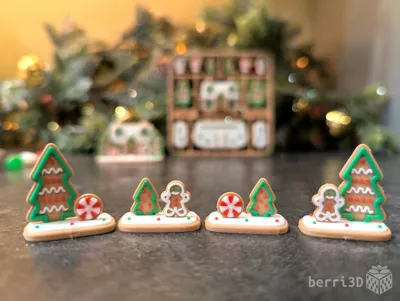
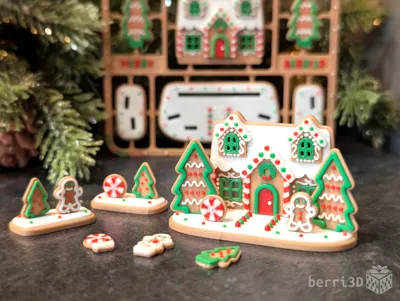
These pocket-sized gingerbread house kits make perfect party favours, stocking stuffers, or even as a small gift slipped into a greeting card or left on a coworker's desk.
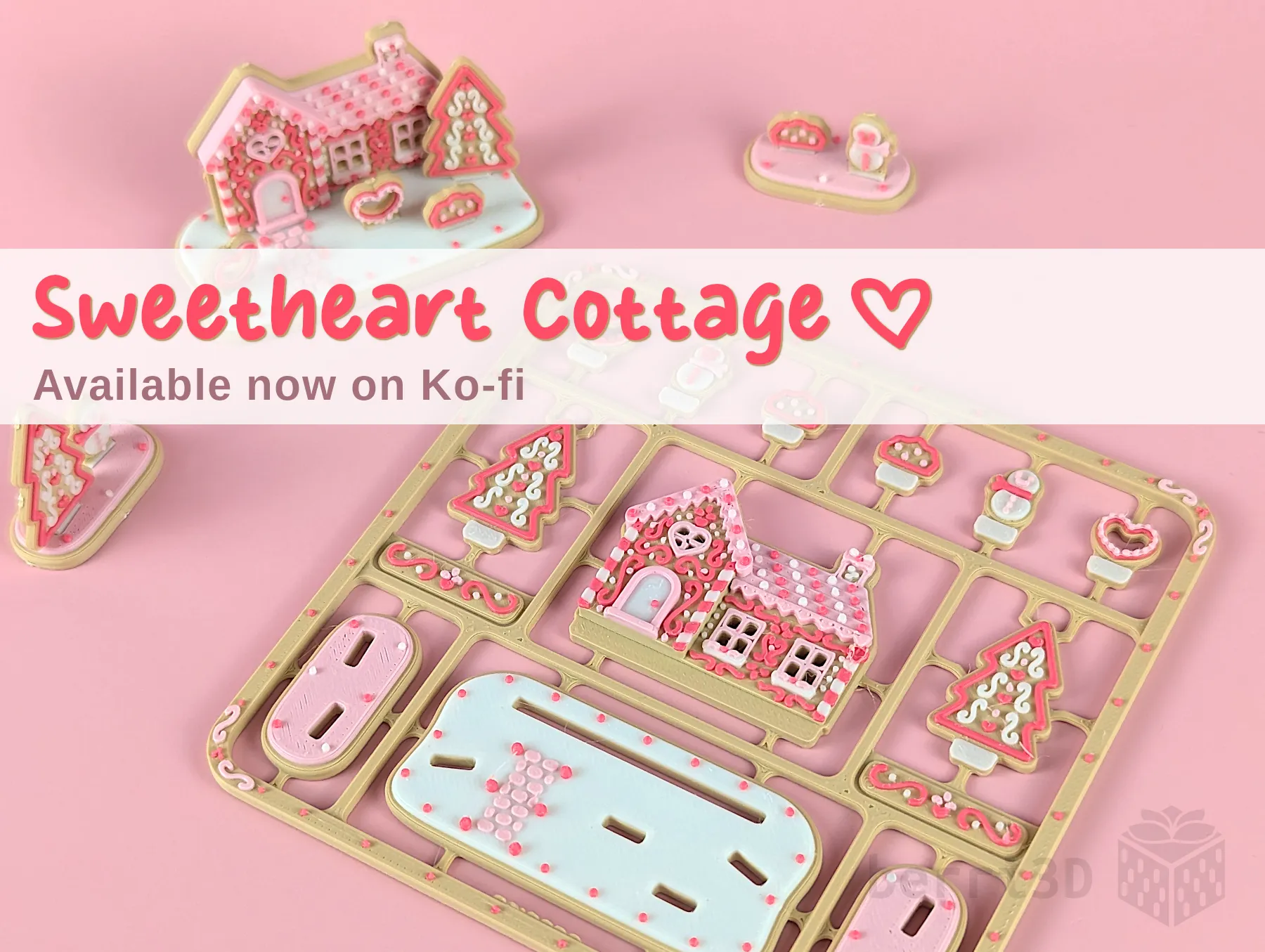
💖Sweetheart Cottage is now available on my Ko-fi store!
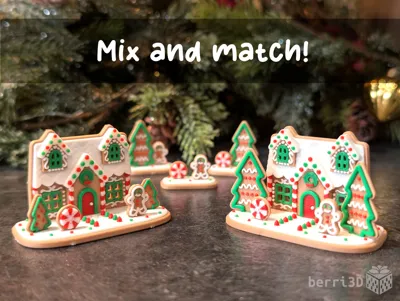
It includes pre-painted files for both Valentine’s Day 💝 and Christmas 🎄, and is fully compatible with this free kit card so you can mix and match even more pieces! Get it here!

⚠️ Before Printing
- Contains very small parts which can be a choking hazard or difficult for little fingers to assemble. Ages 7+ with supervision.
- Flush cutters or sharp pointed scissors required. The sprue is designed to not break when removed from the build plate. This means that parts should be removed with a cutting tool instead of twisting by hand.
- Please do NOT batch print unless you’ve done a test print FIRST. Differences in printers and filament choice may cause parts to be either too loose or too tight. The mini test print (included in all profiles) prints quickly and easily so you can check fit before committing to a full multi-colour plate.
🧰 Fit & calibration (Too tight or too loose)
💡 How well a kit card fits together depends heavily on your machine, filament brand, and filament type/colour. Together, these variables affect flow rate: too much and parts fit tightly, too little and they fit loosely.
Because there are endless combinations, no designer can guarantee a one-size-fits-all perfect fit. I do my best to make models that assemble smoothly across a range of filaments, but sometimes tuning by the end-user (that’s you) may be required. |
- Start with a baseline: Ensure your filament is calibrated. Dynamic Flow and Flow rate are both responsible for how much filament comes out of the nozzle. If they aren’t calibrated correctly, you will either have under-extrusion (not enough) over over extrusion (too much).
- Multi-colour Model (2+ colours printed at the same time): Adjust flow rate in small increments for any problematic colour. For example, if it’s just one colour that’s not fitting, increase or decrease the flow rate for just that filament.
🎨 Colour Bleedthrough
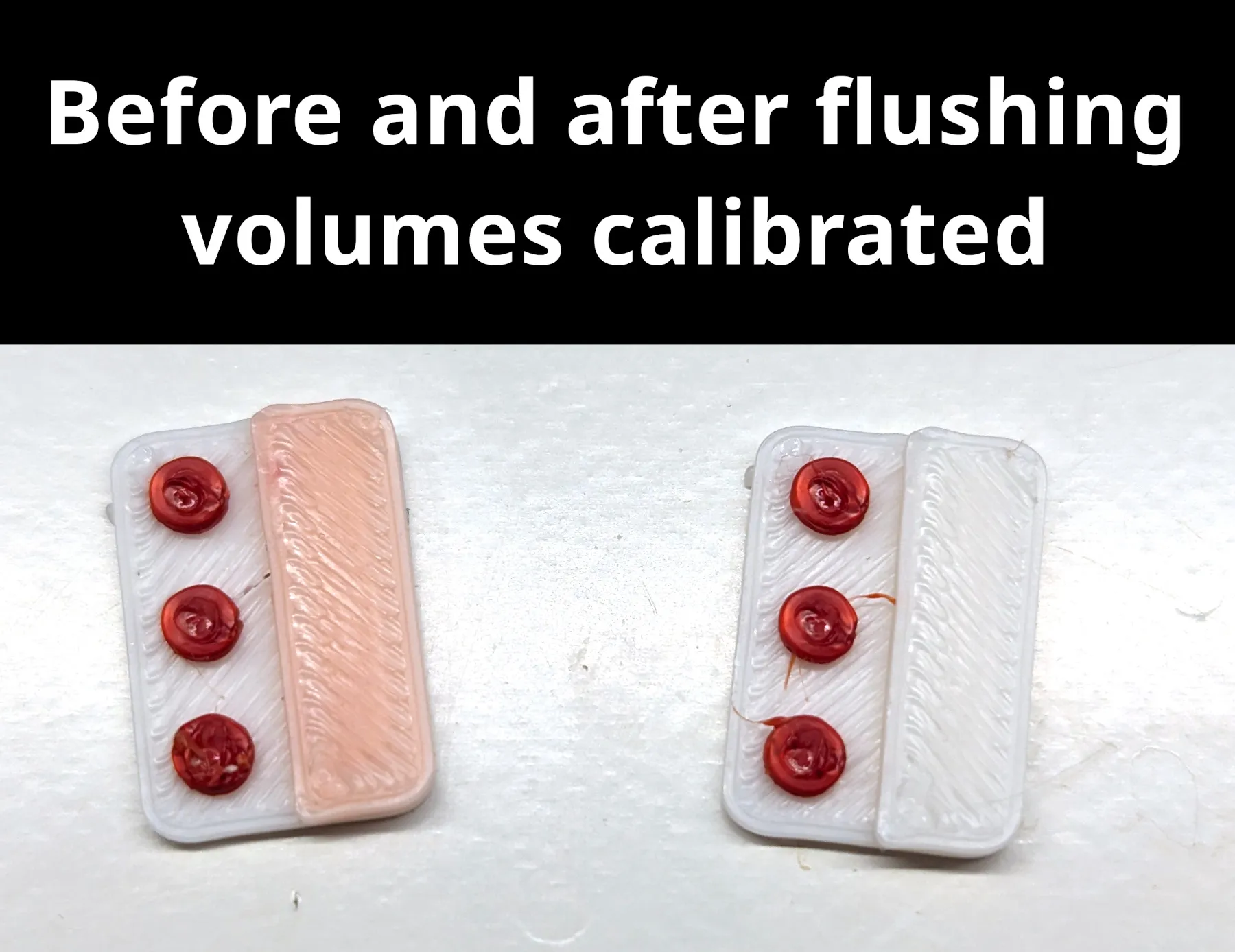
Insufficient flushing between high pigment filaments (such as red) and lighter coloured filaments (such as white) can cause undesired cross contamination of colours. Bambu auto-calculates flushing volumes but in some cases you may need to increase it manually if discolouration is present.
Instructions
- Download the print profile you wish to use and open in Bambu Studio (not Handy). You must do this before continuing. If you adjust flushing volumes before opening the file, Studio will overwrite your changes.
- Follow the procedures described in the Bambu Studio wiki. Look for “Managing Flushing Volumes.”
- Increase the flushing volume for the colour that is creating the tint to the colour being tinted. For example, if red is causing the white to look pink, increasing the flushing volume of red as it relates to white will help reduce this effect. How much to increase it will depend upon filament and printer. See below for an illustration of the value to change.
- Print the “Flush Volume Test” plate and assess results. If necessary, you may need to further increase the flushing volume. (If you do not see this plate, please re-download the most current version).
- Write down the flushing volume for future reference AND to double check that Studio hasn't automatically “fixed” your new values. While you can turn off auto-calculation in advanced settings, it's usually wise to leave it enabled unless you have a reason to adjust it or are comfortable adjusting it as part of your regular print workflow.
- Save the file and print plates as desired.
Please note that you will need to repeat this procedure for every unique print profile as flushing volumes are not carried over between files.
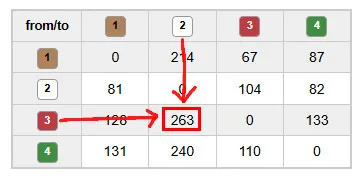 |
| Increase this flushing value if the white is coming out as pink. How much to increase it will be dependent on filament and printer. |
🎁 About This Model
This Gingerbread House has been “in the oven” for much longer than I had planned. Real life and ADHD conspired to keep me from publishing until now and boy have I missed it. Fortunately, this little cookie/gingerbread fusion project was the perfect way to get back into the swing of things. Not only do I love candy, but I also love building stuff out of plastic! Win win!
The only “downside” of the project has been the cost of supplies. I vastly under-estimated the number of candy canes and jelly beans that were needed as reference materials during the prototyping phase. It was the darndest thing because they kept disappearing. *cough*
🥰 How to Support me
If you appreciate the work I did to bring this model to you, please consider supporting me on Ko-fi. Even a small tip will help offset the cost of prototyping filaments. Alternatively, a like or a boost is another easy way to say “hey, you don't entirely suck.”

⭐ Licensing
If you wish to sell my models, you may purchase licensing rights through my official Ko-fi page.
This model is shared using my own Personal-Use License which supplements (but does not replace) MakerWorld’s Standard Digital License. My license is fundamentally the same (no public remixes, no file sharing, no selling) but includes specific exceptions and allowances not covered by the Standard Digital License.
Licenses offered through third-party websites (e.g. Cubee3D) are not authorized and are not valid.
Boost Me (for free)
🚀= 💪🐹 👍 = 🦵🐹 My models are created on a smoking hot Compy386 powered by Hunrod the Unusually Swole Hamster™. Every boost and like makes Hunrod stronger.
License

You shall not share, sub-license, sell, rent, host, transfer, or distribute in any way the digital or 3D printed versions of this object, nor any other derivative work of this object in its digital or physical format (including - but not limited to - remixes of this object, and hosting on other digital platforms). The objects may not be used without permission in any way whatsoever in which you charge money, or collect fees.


Comment & Rating (807)